



9 Best 32 Inch Gaming Monitor Picks for 2026

Eneba Hub contains affiliate links, which means we may earn a small commission if you make a purchase through them—at no extra cost to you. Learn more

The best 32-inch gaming monitor can transform your setup, giving you that perfect mix of immersion, screen space, and next-level clarity. If you’re chasing higher FPS, diving into open-world adventures, or upgrading from a smaller display, 32 inches delivers a great balance for both competitive and cinematic gameplay.
This guide highlights the strongest picks of 2025, from sharp 4K options to reliable mid-range choices, helping you lock in the best 32-inch 4K monitor that fits your playstyle and hardware.
Jump to:
Our Top Picks for 32 Inch Gaming Monitors
If you just want the best 32-inch gaming monitors, these three stand out for their performance, value, and overall gaming experience. They strike the perfect balance for gamers who want solid specs without overthinking every detail.
- LG 32GS60QC-B Ultragear – A fantastic all-rounder that nails smooth gameplay, great color accuracy, and competitive responsiveness, making it the safest pick for most gamers. It balances performance and price better than anything else in this size.
- AOC C32G2ZE – One of the best budget-friendly monitors you can get at 32 inches, offering a surprisingly fast panel and excellent motion handling for the price. If you want high refresh rates without breaking the bank, this is the one.
- ASUS ROG Strix – A premium option built for gamers who want top-tier visuals, fast response times, and a feature-rich design. It’s the kind of monitor that elevates any setup with its high-end performance and build quality.
These top three options give you a quick snapshot of what 32-inch monitors can do at different budgets and performance levels. Keep scrolling to dive into the full list and find the perfect match for your setup.
9 Best 32 Inch Gaming Monitors for Immersive Play
A 32-inch monitor can completely change how you play, giving more screen space, sharper visuals, and smoother gameplay. From competitive shooters to epic RPGs, these screens deliver next-level immersion. This guide covers the top options, including the best 32-inch 4K gaming monitor and other standout options for the best 32-inch gaming monitor.
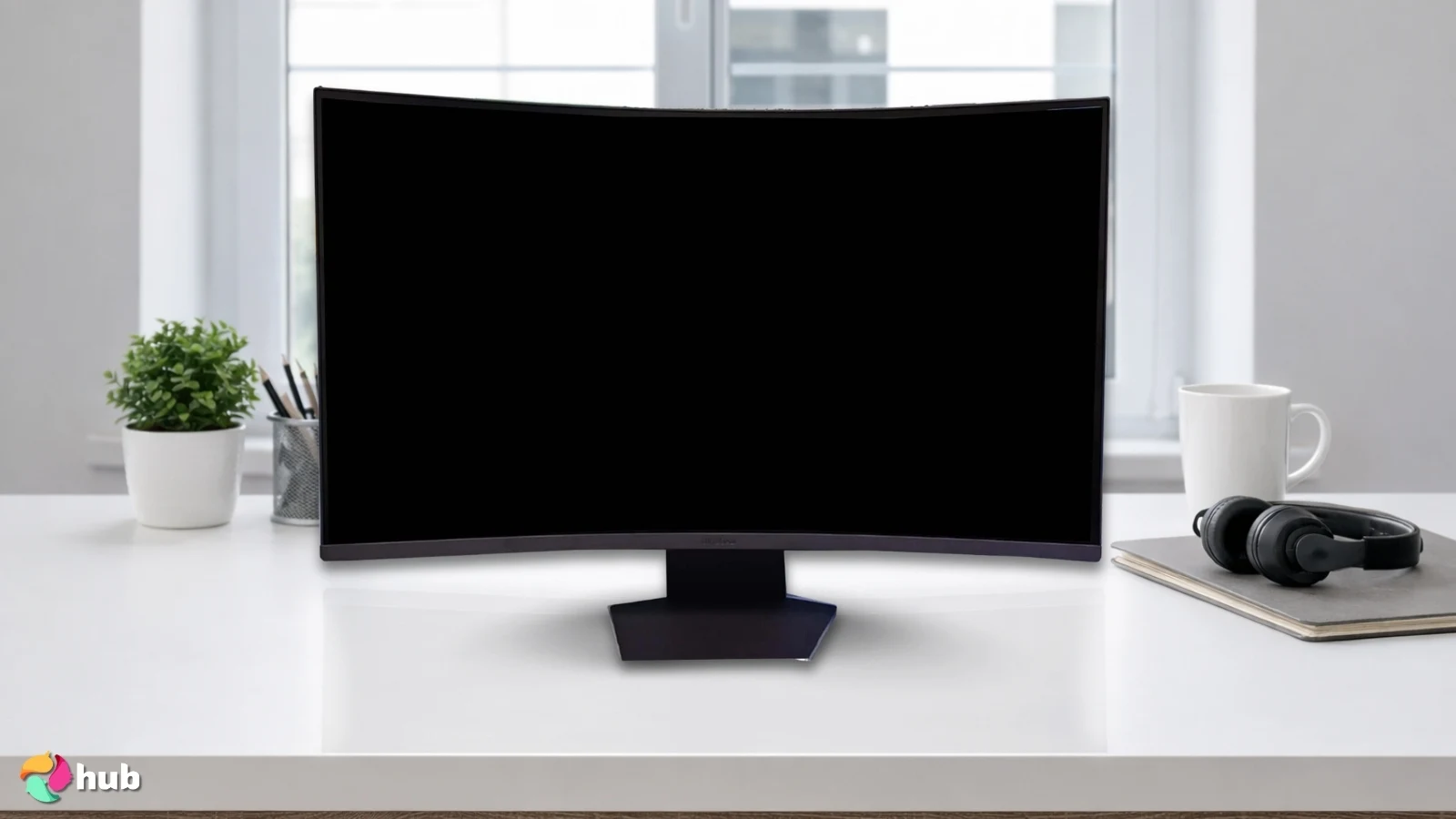
1. LG 32GS60QC-B Ultragear [Best Overall 32 Inch Gaming Monitor]
| Specs | Details |
|---|---|
| Screen Size | 31.5″ |
| Aspect Ratio | 16:9 |
| Panel Type | VA (curved 1000R) |
| Response Time | 1 ms (GtG) |
| Resolution | 2560 × 1440 (QHD) |
| Refresh Rate | 180 Hz |
| Brightness | 300 cd/m² |
The LG 32GS60QC‑B delivers a killer combo of immersion, speed, and visual punch that makes it a standout among 32″ gaming monitors. Its 1000R curvature wraps the screen around your field of view, giving you a much more immersive sense of being “inside” the game, especially on a large 32″ panel.
The 180 Hz refresh rate (plus 1 ms GtG response time) ensures motion feels fluid and responsive, which is a serious advantage in fast-paced FPS or competitive shooters. Meanwhile, the VA panel brings a strong contrast (approx. 3000:1), so blacks are deep and dark scenes pop: perfect for cinematic games or story-rich titles.
| PROS | CONS |
|---|---|
| ✅QHD 2560 × 1440, 180 Hz & 1 ms: buttery-smooth gameplay ✅VA panel with deep blacks & 3000:1 contrast: great for dark games ✅1000R curve wraps around you for extra immersion ✅FreeSync reduces tearing & stutter ✅sRGB 99% + HDR10 that make colors pop ✅HDMI + DisplayPort options to plug in PC or console easily ✅Sleek borderless look that is modern and clean | ❌ Some dark, fast scenes may show faint ghosting or smearing, not a dealbreaker but worth noting ❌ The stand only tilts, so you might want a VESA mount or monitor arm for better ergonomic positioning |
You also get HDR10 support, which enhances brightness and color depth in compatible games, and a wide color gamut (sRGB ~99%) for vibrant, accurate visuals. On top of that, LG includes gaming‑oriented extras: adaptive sync via AMD FreeSync, plus handy in‑game tools like Dynamic Action Sync (DAS), FPS counters, and a Crosshair overlay for shooters.
The VA panel and deep 1000R curve look amazing, but in really dark scenes, you might notice a bit of smearing or ghosting, a normal trade-off with VA panels. The stand only tilts, so if you like more flexibility, adding a VESA mount is a simple solution.
My Verdict: For most gamers, either competitive shooters, open-world RPGs, or cinematic single-player experiences, the LG 32GS60QC‑B offers the best balance of immersion, performance, and value. It’s an easy top pick if you want one go-to 32″ monitor that does almost everything right.
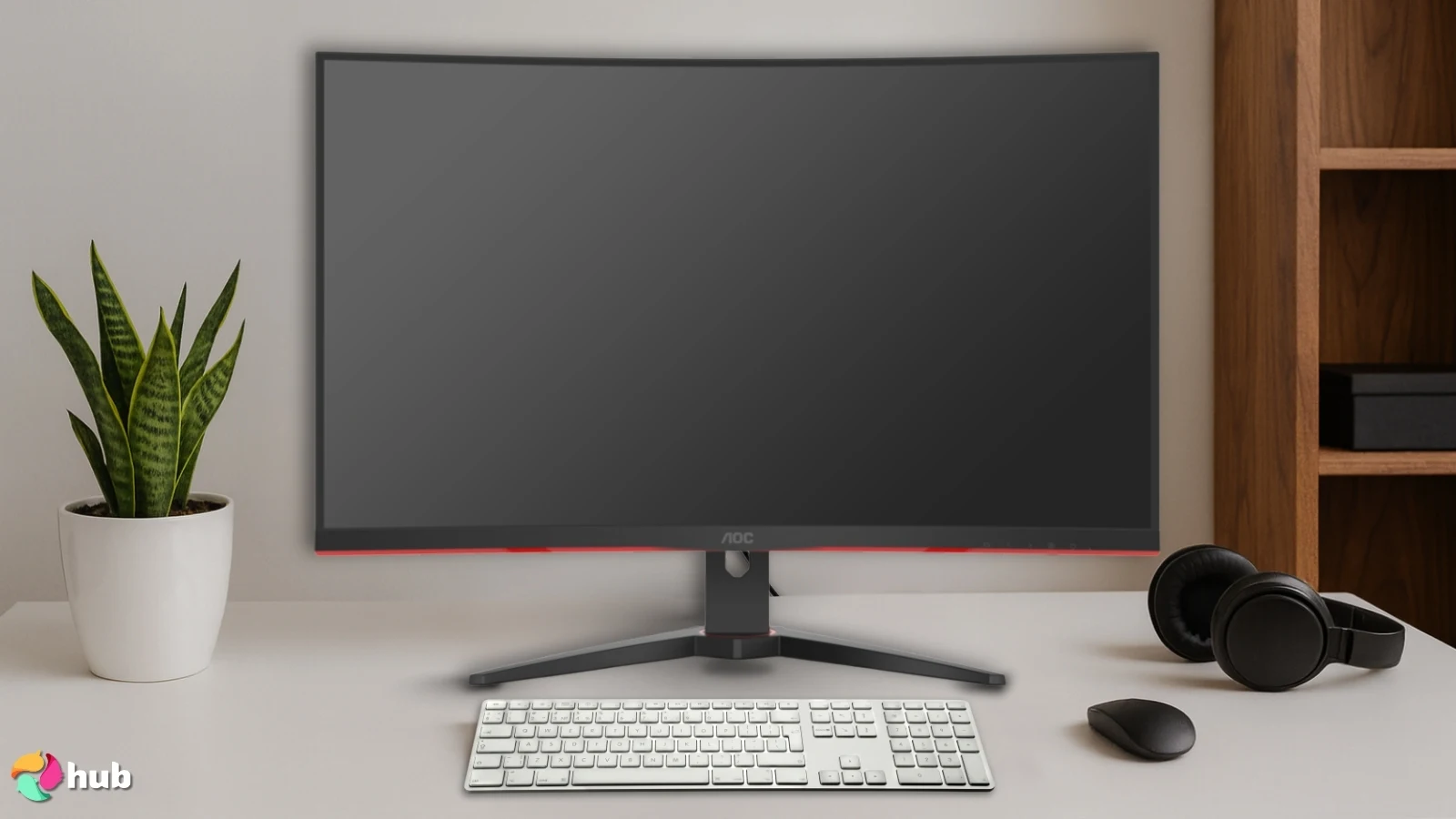
2. AOC C32G2ZE [Best Budget 32 Inch Gaming Monitor]
| Specs | Details |
|---|---|
| Screen Size | 31.5″ |
| Aspect Ratio | 16:9 |
| Panel Type | VA (curved 1500R) |
| Response Time | 1 ms (MPRT/0.5 ms) |
| Resolution | 1920 × 1080 (Full HD) |
| Refresh Rate | 240 Hz |
| Brightness | 300 cd/m² |
The AOC C32G2ZE delivers remarkable bang for your buck. It pairs a 31.5” VA panel with a blazing 240 Hz refresh rate and 1 ms MPRT response time, which is rare to see at this price point. That means motion stays clean and blur‑free even in fast shooters or high-speed competitive games.
Because it’s a VA panel, you get deep contrast and rich blacks, giving darker scenes real punch, perfect for cinematic games, horror titles, or moody RPGs. It also supports AMD FreeSync Premium to keep refresh rate and GPU output in sync, reducing tearing and stuttering while maintaining low input lag.
| PROS | CONS |
|---|---|
| ✅ 32-inch Full HD screen looks sharp and clear ✅ 240 Hz refresh rate and 1 ms response for smooth motion ✅ VA panel gives deep blacks and strong contrast ✅ FreeSync Premium keeps gameplay tear-free ✅ Frameless design looks sleek and fits multi-monitor setups ✅ Affordable price with solid community reviews | ❌ Full HD is not as detailed as QHD or 4K, but still great for competitive play |
A nice touch is that the monitor rocks a frameless / narrow‑bezel design; great if you want a clean look or plan a multi-monitor setup. Also worth noting: this model has earned a solid reputation as a value pick. Many users praise its reliability at a low price, and it’s frequently discounted which makes it even more attractive.
There are a few compromises. The 32″ Full HD screen won’t match the crispness of 1440p or 4K, and it lacks extras like USB hubs or built-in speakers. Even so, its performance, smooth motion, and value make it a fantastic pick for budget-conscious gamers.
My Verdict: If you want a smooth, big-screen gaming experience without blowing your budget, the AOC C32G2ZE hits harder than most: it offers crispy motion, deep blacks, and solid performance at a price that’s hard to beat.
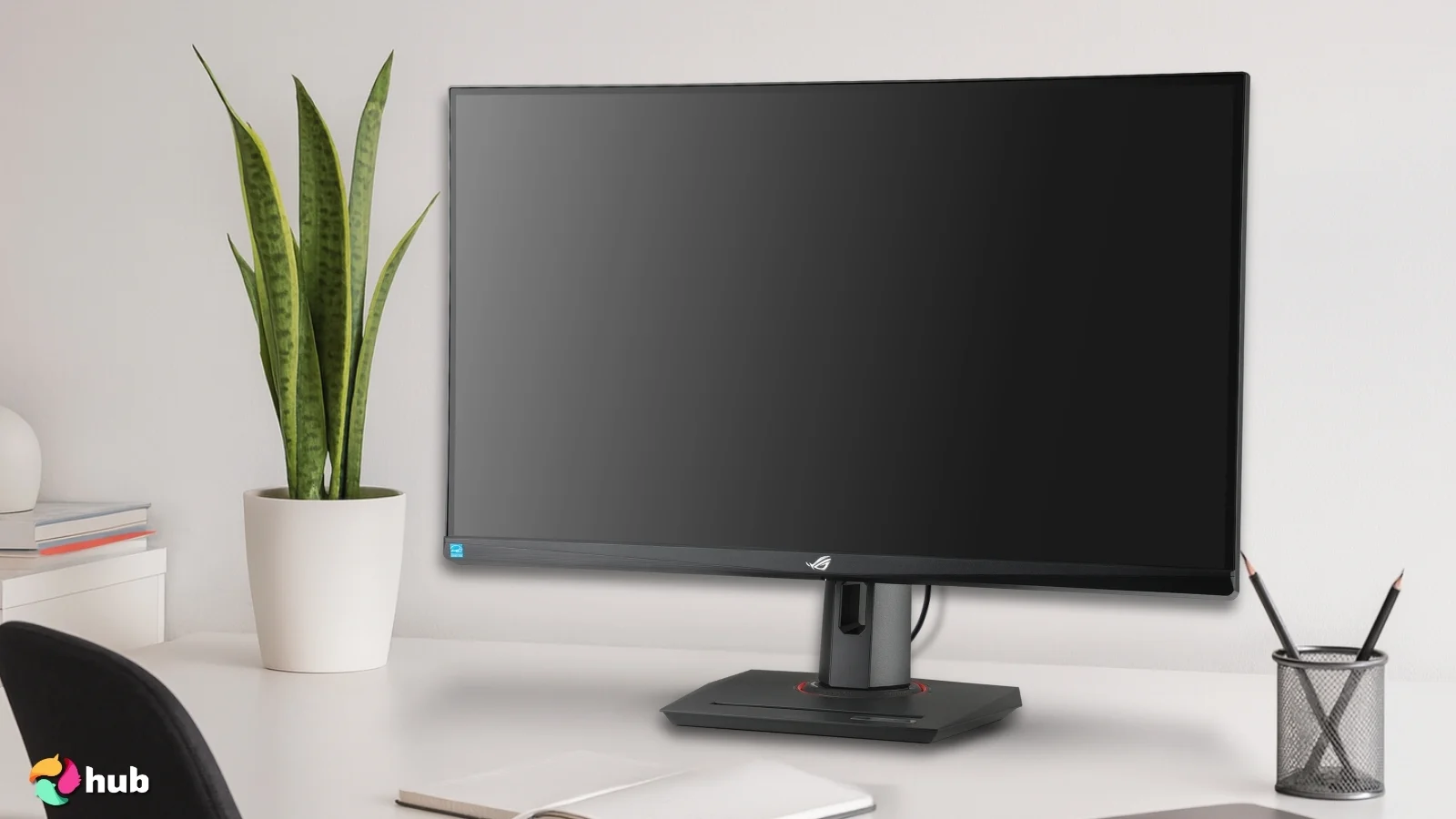
3. ASUS ROG Strix [Best Premium 32 Inch Gaming Monitor]
| Specs | Details |
|---|---|
| Screen Size | 31.5″ |
| Aspect Ratio | 16:9 |
| Panel Type | Fast IPS |
| Response Time | 1 ms (GtG) |
| Resolution | 3840 × 2160 (4K UHD) |
| Refresh Rate | 160 Hz |
| Brightness | 350 cd/m² typical, 400 cd/m² (HDR/peak) |
The ROG Strix XG32UCG brings true premium vibes with its sharp 4K panel, high refresh, and full console-ready setup. It’s built for gamers who want zero compromises on either PC or next-gen hardware.
You get a native 4K UHD (3840 × 2160) panel on a 31.5″ display, which makes everything from textures to UI crisp and gives you more desktop space for multitasking or detailed games. The Fast IPS panel lets the monitor push up to 160 Hz (overclocked) while remaining sharp, rare for a 4K display.
HDR gets proper attention too: the XG32UCG meets DisplayHDR standards, bringing stronger highlights, better color depth, and richer contrast. This makes it great for cinematic AAA games or vivid open-world titles.
| PROS | CONS |
|---|---|
| ✅ 4K UHD with Fast IPS gives crisp detail and punchy colors at 160 Hz, smooth and sharp ✅ 1 ms (GTG) + Adaptive‑Sync (G‑SYNC / FreeSync) keeps motion fluid with no tearing ✅ HDR10 + wide DCI‑P3 gamut pushes vibrant, cinematic visuals and strong contrast ✅ Dual‑mode (4K 160 Hz / 1080p 320 Hz) offers flexibility, whether you want detail or max FPS ✅ Great connectivity: DisplayPort, HDMI 2.1, USB‑C, headphone out, versatile for PC, consoles or hybrid set‑ups | ❌ IPS panel contrast is lower than VA; blacks are decent but not “deep‑VA” deep, though color and clarity stay top tier ❌ As a premium monitor, the price is steep, but you’re paying for high performance and future‑proofing |
On the connectivity front, it’s fully equipped. HDMI 2.1 and DisplayPort 1.4 let you run 4K at up to 160 Hz on modern consoles and high-end GPUs without workarounds. It supports both G-SYNC and FreeSync and includes ASUS extras like ELMB Sync, customizable OSD/game modes, and ergonomic stand adjustments, making it great for long gaming sessions.
Like most premium 32″ 4K monitors, this one really stands out when paired with strong hardware that can take full advantage of its high refresh at 4K. The HDR performance is solid too, and while its peak brightness isn’t on the level of high-end HDR-focused displays, it still delivers great contrast and vibrant highlights in most setups.
My Verdict: If you want a long-term, top-tier screen, whether for competitive shooters, rich single-player games, or high-res productivity, the XG32UCG packs the kind of punch that justifies its premium tag. You’re getting one of the most versatile 32″ 4K monitors out there right now.
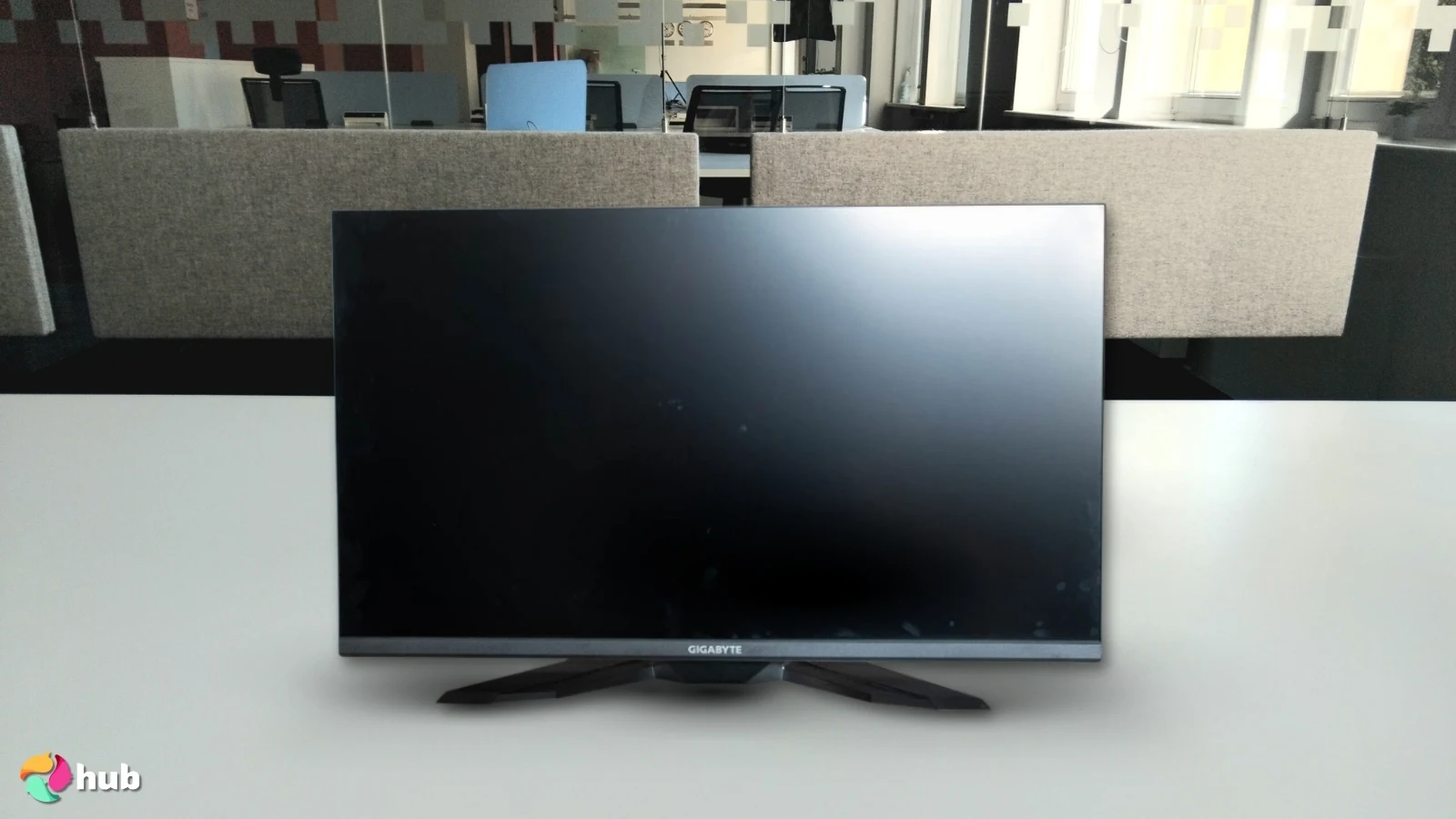
4. GIGABYTE M32U [Best 32 Inch 4K Gaming Monitor]
| Specs | Details |
|---|---|
| Screen Size | 31.5″ |
| Aspect Ratio | 16:9 |
| Panel Type | IPS (SS IPS/”Super speed” IPS) |
| Response Time | 1 ms (GtG) |
| Resolution | 3840 × 2160 (4K UHD) |
| Refresh Rate | 144 Hz |
| Brightness | ~350 cd/m² typical, 400 cd/m² (HDR/spec) |
The GIGABYTE M32U is one of those monitors that quietly flexes without making a big scene, and then absolutely melts your eyeballs (in a good way) once you boot up a game. With native 4K at 144Hz and full HDMI 2.1 support, it’s built to show off what your GPU or next-gen console can really do.
If you love crisp textures, sharp UI, and buttery-smooth motion, this screen pulls it off with ease: no wonder it’s considered a standout gaming monitor option.
Its 1ms GTG IPS panel is the star of the show. You get fast response times for competitive play, but without losing the rich color and wide viewing angles IPS is known for. Games look vibrant without drifting into the “neon oversaturated” territory some gaming panels fall into.
| PROS | CONS |
|---|---|
| ✅ 4K UHD + 144 Hz (1 ms GTG) gives sharp visuals and buttery-smooth motion ✅ Wide color gamut + HDR10 delivers vibrant, cinematic images ✅ IPS panel ensures consistent colors and wide viewing angles ✅ KVM switch (on AE/Arm SKUs) lets you control multiple PCs with one keyboard/mouse ✅ USB hub built in, perfect for peripherals or multi-device setups ✅ Flexible I/O: DisplayPort, HDMI 2.1 handles PC and next-gen consoles ✅ Great for both gaming and creative tasks like streaming or editing clips | ❌ Contrast and HDR performance are modest: blacks can look a bit washed-out in dark rooms, but colors stay accurate, and it still delivers crisp 4K detail ❌ 4K 144 Hz demands a strong GPU: lower-end rigs might need settings tweaks, though visuals stay crisp |
Another huge perk? The KVM switch (available on certain AE/Arm variants). If you juggle a gaming PC, a work laptop, or maybe even a streaming setup, you can swap control between devices with one button. Add the USB hub, and you’ve basically got a command center built into your monitor.
HDR performance is solid for the price, and the wide-gamut coverage makes it great for content creation, screenshots, or editing gameplay clips. The built-in speakers won’t replace a real audio setup, but they’re handy in a pinch. You’ll need good hardware to push 4K at high frame rates, but that’s true for any monitor in this category.
My Verdict: The M32U delivers incredible clarity, great motion, and next-gen connectivity in a package that works for gaming and productivity. It’s one of the most well-rounded 32-inch 4K options out there: no gimmicks, just great performance.
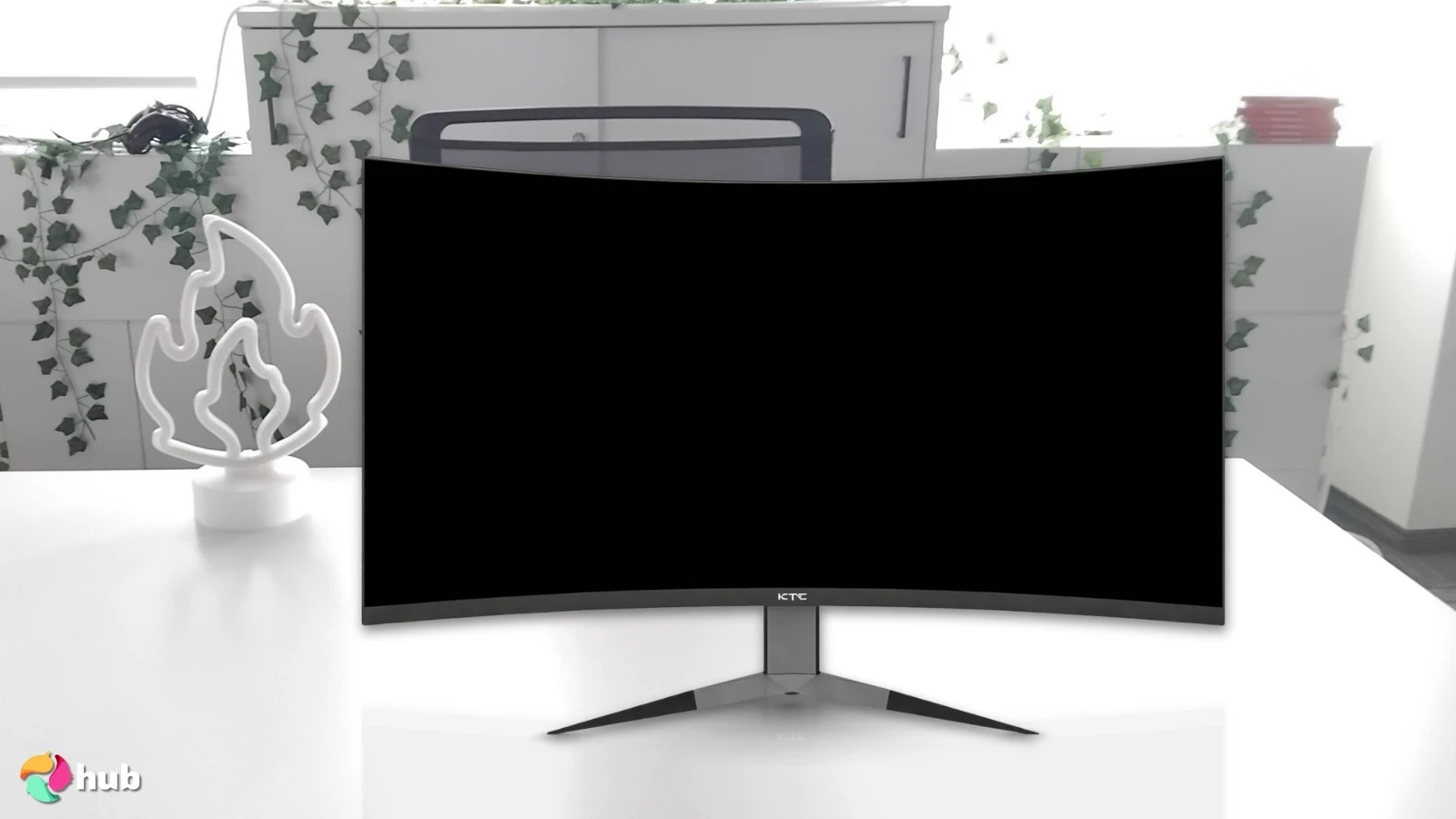
5. KTC 240Hz Curved Monitor [Best 240Hz 32 Inch Curved Gaming Monitor]
| Specs | Details |
|---|---|
| Screen Size | 32″ |
| Aspect Ratio | 16:9 |
| Panel Type | VA, curved (1000R) |
| Response Time | 1 ms (MPRT) |
| Resolution | 2560 × 1440 (QHD) |
| Refresh Rate | 240 Hz |
| Brightness | 350 cd/m² |
The KTC 240 Hz Curved Monitor earns its niche with lightning-fast refresh and a wraparound feel that pulls you right into the game. The 240 Hz refresh rate plus 1 ms response time ensures motion stays crisp and smooth, making it perfect for shooters, racers, or any fast-paced competitive titles.
Its 1000R curved VA panel follows your eyes’ natural curve, reducing scan across the 32″ screen. Colors pop with a wide gamut (~122% sRGB / 4000:1 contrast), giving dark scenes more depth. With Adaptive Sync / FreeSync (G-Sync on certain SKUs), gameplay stays tear-free and fluid.
| PROS | CONS |
|---|---|
| ✅240 Hz + fast response keeps fast-paced games smooth ✅1800R curved panel increases immersion and reduces eye scanning ✅VA panel gives high contrast and punchy colors ✅Adaptive Sync / G‑SYNC compatible reduces tearing and stuttering ✅Flexible inputs: DisplayPort for max refresh, HDMI for consoles ✅Frameless design looks clean and helps multi-monitor setups blend ✅Budget-friendly for a big, high-refresh curved display | ❌ Full HD limits pixel density: image isn’t as sharp as 1440p/4K, but gameplay feels fast and smooth ❌ Build quality is simple: sturdy enough, just not premium, but still very solid for the price |
Connectivity is solid with DisplayPort and HDMI inputs, allowing you to keep a gaming PC and console hooked up at the same time. The curve and smooth motion make this monitor feel more immersive than flat alternatives, and the panel’s vibrant colors bring both fast-action and cinematic games to life.
While it’s 1440p rather than 4K, the visuals still look sharp, and the curved design adds a real sense of depth. This impressive curved gaming monitor delivers punchy colors, buttery-smooth motion, and immersive gameplay without breaking the bank.
My Verdict: For anyone chasing a curved, large-screen monitor that prioritizes speed, fluidity, and immersion, the KTC 32″ 240 Hz offers an excellent balance of performance and value, making it one of the standout options for 32″ curved gaming monitors.
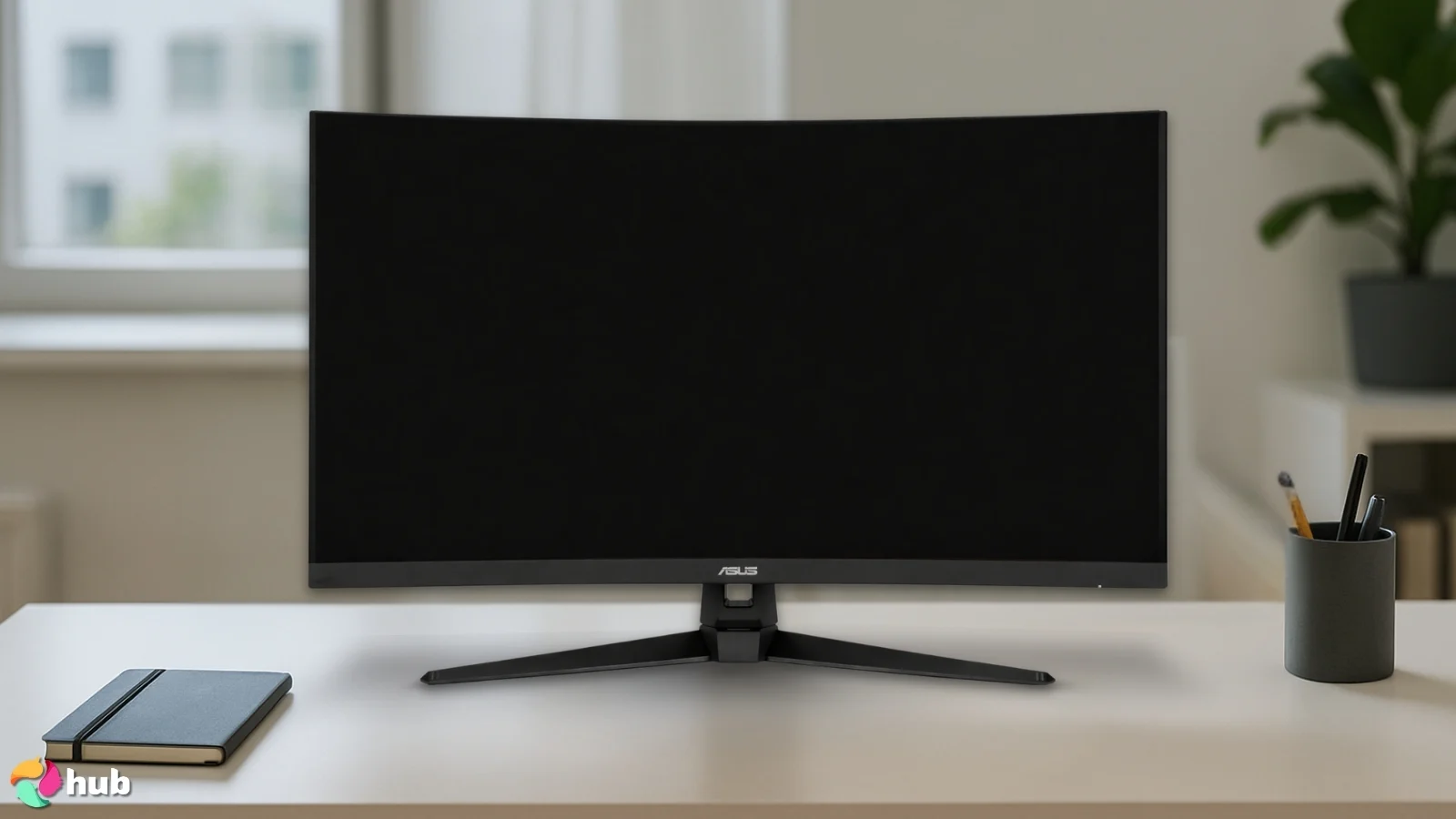
6. ASUS TUF Gaming [Best Mid-Range 32 Inch Gaming Monitor]
| Specs | Details |
|---|---|
| Screen Size | 31.5″ |
| Aspect Ratio | 16:9 |
| Panel Type | VA (curved) |
| Response Time | 1 ms (MPRT) |
| Resolution | 2560 × 1440 (QHD) |
| Refresh Rate | 165 Hz |
| Brightness | 250 cd/m² |
The VG32VQ1B hits a great balance between speed, visuals, and affordability: the kind of package that easily earns it a spot among the best ASUS monitor options in the mid-range bracket.
It uses a fast panel and 165 Hz refresh rate with a 1 ms MPRT response time, keeping motion crisp for shooters, action games, and anything that needs quick inputs. With ELMB SYNC, you can reduce motion blur while using adaptive sync, giving you smoother gameplay with less ghosting, even when frame rates fluctuate.
| PROS | CONS |
|---|---|
| ✅31.5″ 1440p curved panel yields immersive, large-screen gameplay and wide viewing angles ✅165 Hz refresh + 1 ms MPRT keeps motion smooth and responsive: solid for action games ✅ELMB + Adaptive-Sync reduces blur and avoids tearing, even with fluctuating FPS ✅Solid color coverage and HDR10 support give vibrant visuals for both gaming and media ✅ Sturdy ASUS build and reliable after-sales support: dependable long-term use ✅ Versatile I/O and VESA mount support make setup and connectivity hassle-free | ❌ Peak brightness is modest for HDR, but the overall image still looks vibrant in most games ❌ Menu navigation feels a bit dated, yet once set up, you rarely need to adjust it again |
Its curved 31.5″ panel delivers richer, more immersive visuals than a basic FHD screen. Wide color coverage and HDR10 support bring extra punch to highlights, cutscenes, and media, giving you better overall image quality without stepping into high-end pricing.
Build quality is classic ASUS: sturdy, reliable, and gamer-friendly. The stand offers solid ergonomics, it’s fully VESA-ready, and the OSD extras (GameVisual, Shadow Boost, GamePlus) genuinely help dial in the experience. It’s a practical monitor you can tweak to fit any game or workflow.
While QHD won’t look as razor-sharp as 4K at this size, the mix of speed, color, and comfort still makes it a strong everyday performer.
My Verdict: The VG32VQ1B gives you fast refresh, smooth motion, and vibrant visuals in a dependable, well-rounded package. It’s a great choice if you want a powerful 32″ gaming monitor without stretching your budget.
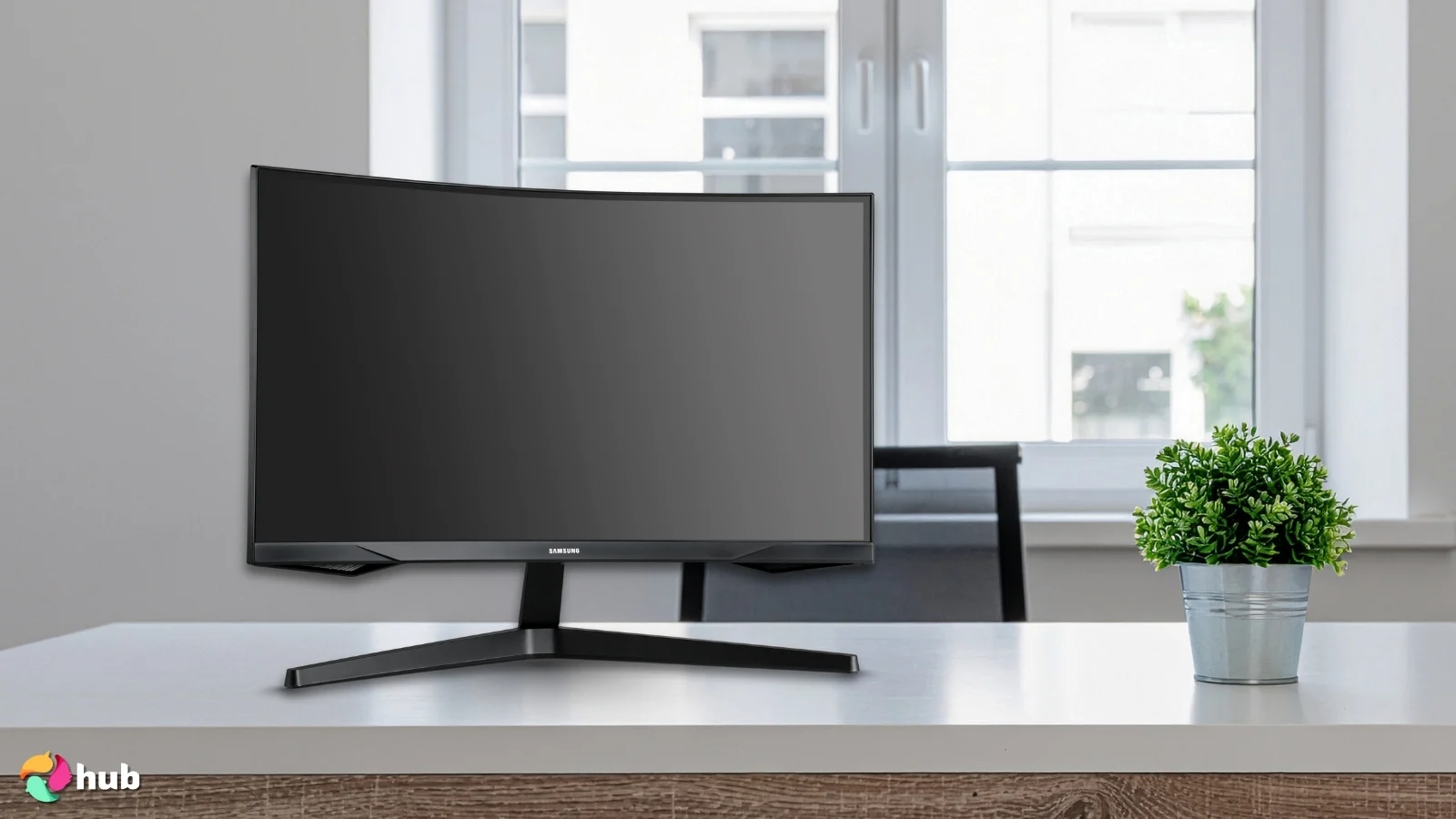
7. Samsung Odyssey G55C Series [Best 32 Inch 4K Gaming Monitor with USB-C]
| Specs | Details |
|---|---|
| Screen Size | 32″ |
| Aspect Ratio | 16:9 |
| Panel Type | VA curved (1000R) |
| Response Time | 1 ms (MPRT) |
| Resolution | 2560 × 1440 (QHD) |
| Refresh Rate | 165 Hz |
| Brightness | 300 cd/m² |
The Odyssey G55C stands out by giving you a big 32″ curved screen that’s well-suited for immersive gaming, easily making it a top gaming monitor for PS5 if you want strong visuals without overspending. The 1000R curvature wraps the image around your field of view, making open-world and cinematic games feel more atmospheric.
Its VA panel delivers strong contrast and deep blacks, making darker scenes look richer and more cinematic. The 165 Hz refresh rate and 1 ms MPRT response time keep motion smooth, while Adaptive Sync (FreeSync/G-Sync compatible) helps prevent tearing when frame rates fluctuate. It’s a solid pick for both console and PC setups.
| PROS | CONS |
|---|---|
| ✅ 32″ curved VA panel (1000R) gives immersive visuals and great viewing comfort for large-screen gaming ✅ 165 Hz refresh + 1 ms MPRT delivers smooth motion and minimal input lag, good for both competitive and casual games ✅ QHD resolution (2560×1440) balances sharpness and performance giving nice detail with manageable GPU load ✅ FreeSync support smooths out frames when GPU dips offering stable and tear-free play ✅ HDR10 support and vibrant colors: great for cinematic games and media nights | ❌ Colors and contrast aren’t as consistent as IPS alternatives, but overall image quality still looks great for gaming ❌ The ports are limited, but the essentials for gaming are still covered |
Connectivity is straightforward, giving you enough inputs to run a PC and console side by side, perfect if you bounce between devices. And since it’s a curved 32-inch display, it naturally expands your field of view without demanding the kind of GPU power that 4K requires.
The QHD resolution still looks sharp, but it’s easier to drive than full 4K, making it a practical choice for players who value smoothness and immersion. You won’t get the ultra-fine detail of true 4K panels, but for many gamers, the balance of contrast, curvature, refresh rate, and affordability lines up perfectly for everyday play.
My Verdict: If you’re after a large curved display that blends smooth performance, rich visuals, and easy setup across devices, the Odyssey G55C is a strong all-rounder with excellent value.
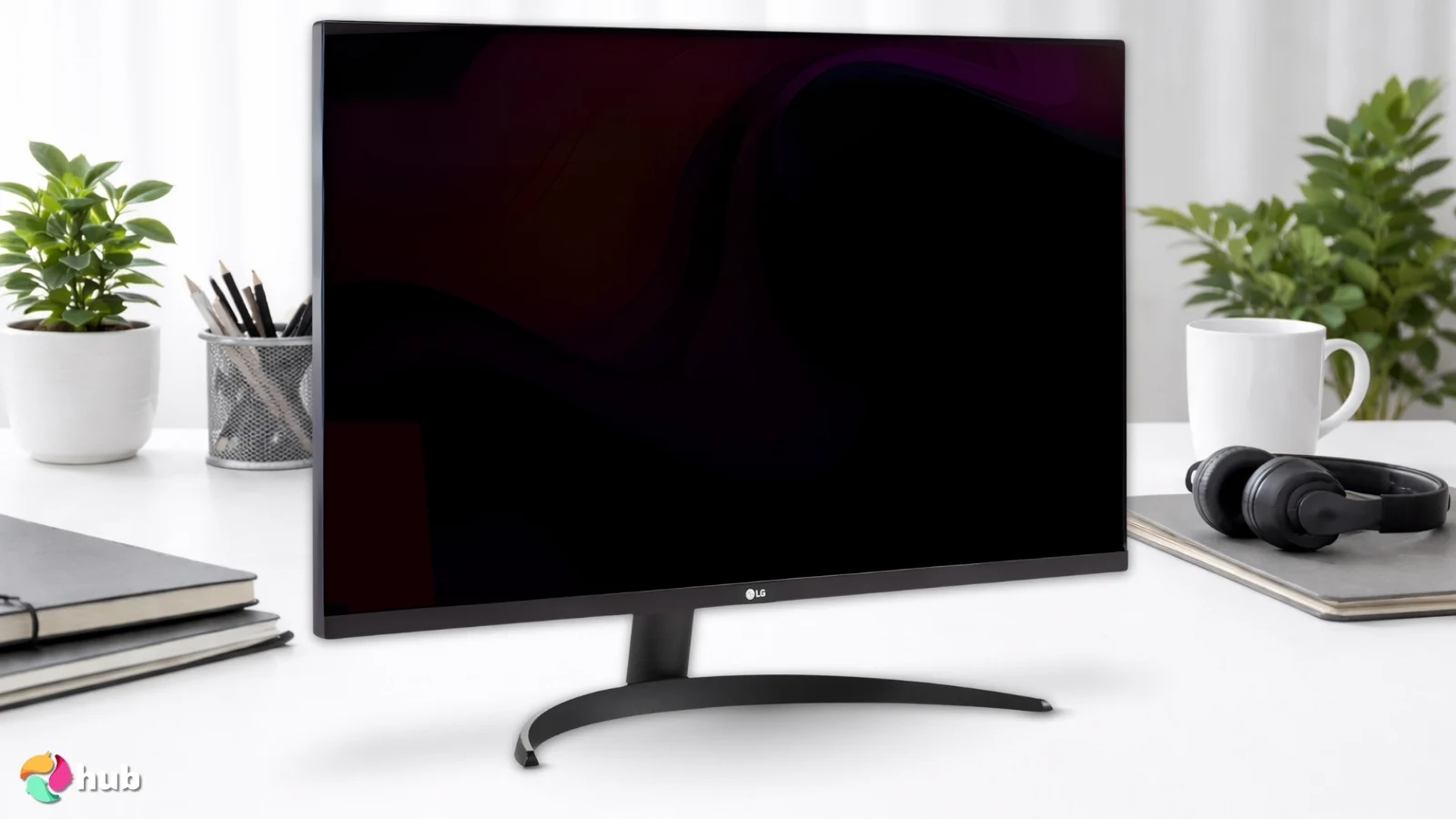
8. LG 32UR500K-B Ultrafine [Best 32 Inch 4K Monitor for Console Gaming]
| Specs | Details |
|---|---|
| Screen Size | 32″ |
| Aspect Ratio | 16:9 |
| Panel Type | VA |
| Response Time | 4 ms (GtG) |
| Resolution | 3840 × 2160 (4K UHD) |
| Refresh Rate | 60 Hz |
| Brightness | 250 cd/m² |
The LG 32UR500K-B delivers a big, detailed 32″ 4K UHD screen that punches way above its price. It’s a fantastic pick for a clean, simple setup that still looks gorgeous on your console, especially if you’re hunting for the best gaming monitor for Xbox without overspending.
With HDR10 support and a 90% DCI-P3 color gamut, colors pop, lighting feels more cinematic, and games get that extra bit of depth and richness. It’s great for relaxed single-player adventures, Netflix sessions, or even creative work like photo and video editing. The 4K resolution also means UI elements look sharp, and you get plenty of space for multitasking.
| PROS | CONS |
|---|---|
| ✅ The 32″ 4K UHD resolution delivers crisp detail and a spacious workspace that looks amazing in cinematic and open-world games ✅ The VA panel with HDR10 and strong contrast provides deeper blacks and more impactful visuals for gaming and media ✅ The wide DCI-P3 color coverage makes colors look richer and more accurate than basic 4K displays ✅ The built-in MaxxAudio speakers offer convenient audio for casual gaming and entertainment ✅ The clean, borderless design with anti-glare coating fits easily into both gaming and productivity setups ✅ Its visual quality makes it a great pick for players who enjoy detailed, atmospheric, and story-driven games | ❌ The 60 Hz refresh rate is not ideal for competitive shooters, but it works perfectly for slower, cinematic experiences ❌ Built-in speakers are basic, yet they’re convenient for quick sessions without setting up external audio |
The built-in MaxxAudio® speakers are surprisingly decent for casual gaming or quick YouTube breaks, so you don’t need external speakers right away. And thanks to the VA panel’s strong contrast, darker scenes feel atmospheric rather than washed out: great for story-heavy games or anything with moody environments.
Design-wise, it’s clean and almost borderless, giving you a premium look without taking up unnecessary desk space. Just keep in mind that this is a 60Hz display with a 4ms response time, so it’s not meant for competitive shooters or fast-paced esports. Also, while HDR looks good, it shines best in dim rooms; it’s not one of those retina-melting HDR panels.
My Verdict: If you want a sharp, vibrant, console-friendly 32″ 4K screen that nails color, contrast, and overall experience, the LG 32UR500K-B is a fantastic all-rounder. Great picture, great value, and zero fuss: perfect for Xbox, PlayStation, or PC gamers who prioritize clarity over high-refresh competitive play.
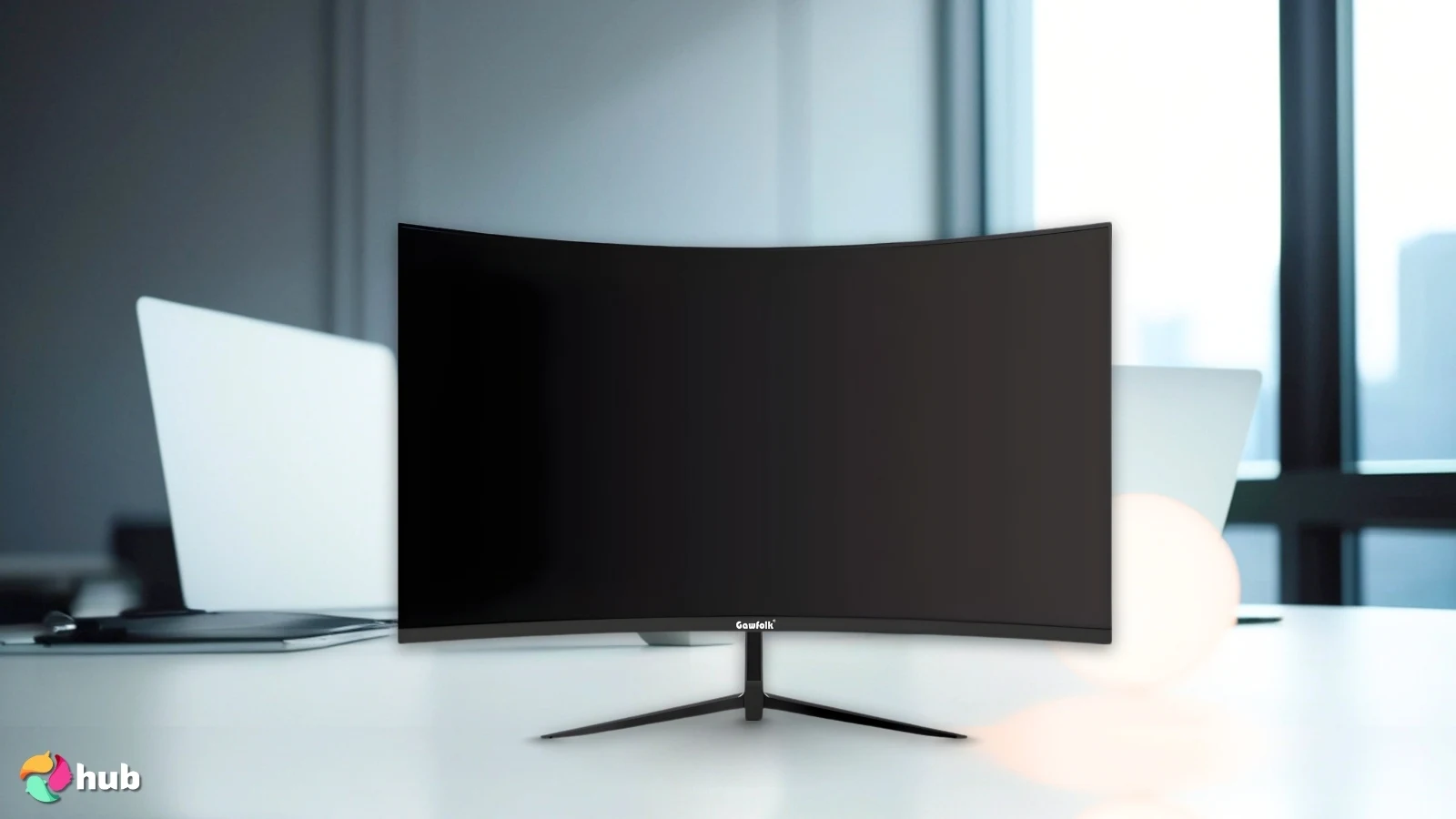
9. Gawfolk 240Hz [Best Affordable Curved 32 Inch Gaming Monitor]
| Specs | Details |
|---|---|
| Screen Size | 32″ |
| Aspect Ratio | 16:9 |
| Panel Type | VA, curved (~1800R) |
| Response Time | 2 ms (GtG) |
| Resolution | 1920 × 1080 (Full HD) |
| Refresh Rate | 240 Hz |
| Brightness | 4000:1 Dynamic contrast, full-sRGB gamut, vivid colors |
The Gawfolk 32″ curved monitor brings a simple but powerful formula: full wraparound immersion, blazing 240 Hz refresh, and seriously smooth gameplay on a budget. Its 1800R VA panel curves gently around you to pull you into the action: a nice touch for shooters or fast-paced games where immersion helps with focus and reaction.
The 240 Hz refresh rate paired with a 2 ms (GTG) response keeps motion sharp and responsive, giving competitive players the speed and clarity they need during hectic moments. The monitor also supports AMD FreeSync, so if your GPU output fluctuates, you still get fluid, tear-free frames.
| PROS | CONS |
|---|---|
| ✅ The 240 Hz refresh rate and 2 ms response time create fast, fluid motion that suits competitive and action-heavy games ✅ The 32″ curved VA panel adds immersion and keeps gameplay engaging across a wide field of view ✅ The high contrast and vivid color reproduction make games look lively and punchy on a larger screen ✅ Adaptive Sync keeps motion smooth and minimizes tearing during fast gameplay moments ✅ The monitor offers impressive speed and size at a budget-friendly price that makes high-refresh gaming more accessible ✅ The curved design helps keep long sessions more comfortable by keeping the screen edges within your natural view | ❌ The 1080p resolution is less sharp than 1440p or 4K, but the high refresh rate still delivers a fun, fast experience ❌ The overall build and features are basic, although the performance easily makes it worthwhile for the price |
On top of that, Gawfolk claims full sRGB coverage plus a 4000:1 contrast ratio, giving colors a bit more life than basic budget panels. Dark scenes get deeper blacks, and the overall look feels more vibrant: nice for atmospheric games or cinematic titles.
The I/O is flexible enough too: DisplayPort handles the full 240 Hz for PCs, and HDMI works just fine for consoles or alternate devices. It’s easy to plug a PC, laptop, or console and go.
This monitor isn’t chasing 1440p or 4K detail: it’s all about speed. At 1080p, you won’t get ultra-high pixel density, but for a modest rig or anyone wanting a great budget gaming monitor, the Gawfolk offers punchy performance, smooth motion, and wallet-friendly fun in one curved package.
My Verdict: If you want a curved, large-screen monitor that prioritizes smoothness, responsiveness, and immersion, especially on a budget, the Gawfolk 240 Hz curved monitor offers real value. It’s a smart pick for competitive gamers or anyone building a lean, high-speed setup.
How to Choose the Best 32 Inch Gaming Monitor
Choosing the right 32-inch gaming monitor can make a huge difference for your setup. The right screen not only boosts your performance in fast-paced PC games but also ensures compatibility with your hardware and keeps long gaming sessions comfortable.
Here are the key factors to consider when picking your ideal 32″ monitor:
- Resolution & Panel Type: Higher resolutions, like 1440p or 4K, make visuals sharper and more detailed, perfect for immersive open-world adventures or competitive PC games. IPS panels offer vibrant colors and wide viewing angles, while VA panels deliver stronger contrast and deeper blacks.
- Refresh Rate & Response Time: A high refresh rate (144Hz–240Hz) and low response time (1–5ms) keep fast action smooth and blur-free, especially if you’re chasing every advantage in esports titles or high-fps PC games.
- Adaptive Sync Support: Technologies like FreeSync or G-Sync reduce screen tearing and stutter when frame rates fluctuate. This is essential if you want fluid gameplay without compromising your monitor’s visual fidelity.
- Connectivity Options: Look for HDMI 2.1, DisplayPort 1.4, or USB-C ports to ensure compatibility with both your gaming PC and next-gen consoles. Some monitors even double as a hub, letting you connect multiple devices at once.
- Curvature & Size: A 32″ screen hits a sweet spot for immersion without overwhelming your desk. Curved monitors can reduce eye strain and make long sessions more comfortable, especially in large-screen setups.
- Ergonomics & Mounting: Adjustable stands or VESA mount support help you find the ideal viewing angle. Pairing your monitor with a good monitor arm can further improve desk space and flexibility.
- Budget & Hardware Requirements: Don’t forget to match the monitor with your system. A 4K 144Hz monitor demands a powerful machine, so make sure you have a top gaming PC that can handle it. At the same time, there are affordable options that still perform well for less demanding PC games.
By keeping these factors in mind, you can find a 32″ monitor that not only looks fantastic but also keeps up with your gaming style. Whether you’re diving into the best PC games, running a competitive setup, or just want a visually impressive screen for casual play, considering these points upfront will save you frustration later.
My Overall Verdict
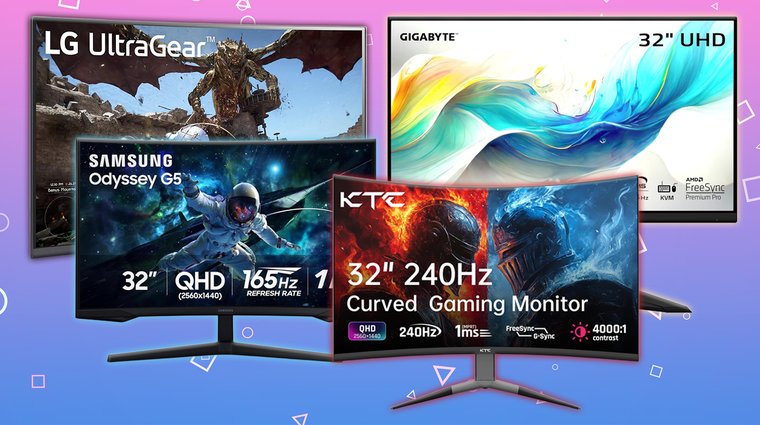
If you’re ready to upgrade your gaming setup, a 32-inch monitor is a fantastic way to boost immersion, clarity, and responsiveness. Whatever your playstyle, it makes visuals sharper, motion smoother, and every gaming session more enjoyable.
For competitive gamers, the LG 32GS60QC-B Ultragear or the AOC C32G2ZE are excellent choices. Their high refresh rates, low response times, and tear-free performance make fast-paced action smooth and responsive.
For those who want cinematic visuals and large-screen immersion, the ASUS ROG Strix, GIGABYTE M32U, or ASUS TUF Gaming deliver vibrant colors, deep contrast, and wide viewing angles.
For console or hybrid setups, the Samsung Odyssey G55C Series or LG 32UR500K-B Ultrafine stand out. Their 4K resolution and HDMI 2.1 connectivity allow smooth, high-fidelity visuals while remaining versatile for any system.
Budget-conscious players still have strong options: the KTC 240Hz Curved Monitor or Gawfolk 240Hz offer high refresh rates, curved panels, and smooth motion at an affordable price.
No matter your setup or budget, a 32″ monitor can elevate performance, immersion, and enjoyment across every gaming experience.
FAQs
The LG 32GS60QC-B Ultragear is the best 32-inch gaming monitor overall. It lines up fast response times, excellent color, a high refresh rate, and strong contrast, making it perfect for competitive players and immersion junkies alike, without the premium price tag.
Yes! A 32-inch screen is awesome for gaming. It gives you a bigger, more immersive view without feeling overwhelming. You get cleaner details, more screen real estate, and a nicer sense of “being in the game,” especially for RPGs, shooters, and open-world titles.
27-inch usually looks sharper because pixel density is higher, but 32-inch still looks great if you want a bigger, more cinematic view. If you prioritize clarity, pick 27. If you want immersion and don’t mind slightly softer edges, 32-inch 1440p is still a win.
Yes, mostly in immersion. Both sizes look insanely sharp thanks to the OLED, but 32-inch feels more “wow” because of the larger canvas and better visibility. The difference isn’t night and day in detail, but the bigger screen definitely enhances the experience.
Not necessarily. Some esports players prefer smaller screens for tighter focus, but plenty of FPS gamers love 32-inch screens. If you sit at a normal desk distance and use a high-refresh monitor, a 32-inch monitor can feel fast, responsive, and super immersive without hurting your performance.











