5 Best Gaming PCs Under $500 in 2026 – Affordable Performers

Eneba Hub contains affiliate links, which means we may earn a small commission if you make a purchase through them—at no extra cost to you. Learn more


Recent update
This list is regularly updated to match what’s trending and in-demand among gamers.
You don’t need a super pricey rig to game on PC; in fact, the best gaming PCs under $500 will be more than enough for the majority of gamers.
But the problem with ‘affordable’ gaming PCs is that you could very easily end up with a system that simply isn’t worth it. It might have an unoptimized processor for gaming or an underpowered GPU that isn’t enough to play modern games.
To avoid this unfortunate circumstance, I’ve narrowed it down to 5 of the best budget gaming PCs available in the market right now. Trust me, after some extensive research comparing countless gaming computer options, these will be the best bang for your buck.
Whether you’re a veteran looking for a more affordable setup or a newcomer to the gaming PC world on a tight budget, I’ve got what you need to get some decent gaming performance.
Jump to:
5 Best Gaming PCs Under $500 – Power & Performance on a Budget
1. MXZ R5 5600GT [The Best Overall Option]
| Specs | Details |
|---|---|
| CPU | AMD Ryzen 5 5600GT (6-core/12-thread, up to 4.6GHz) |
| GPU | AMD Radeon Vega 7 (integrated) |
| RAM | 16GB DDR4 |
| Storage | 1TB NVMe SSD |
| OS | Windows 11 Pro |
| Integrated/Discrete Graphics Card | Integrated |
| Weight | ~15lbs |
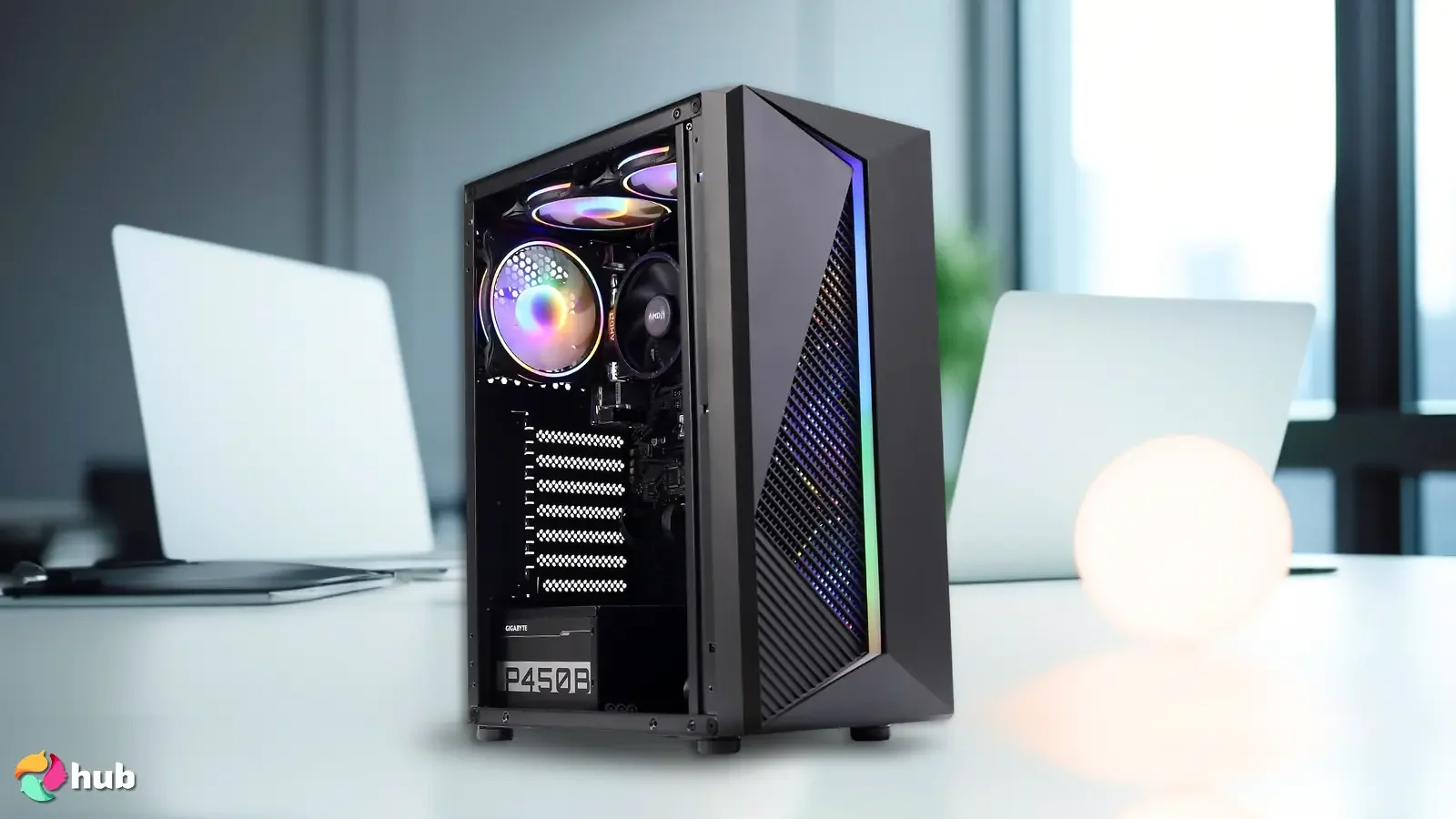
The MXZ R5 5600GT is my personal pick for the best overall gaming PC thanks to its excellent blend of performance, storage, and value at an affordable price. It’s built around the AMD Ryzen 5 5600GT, a modern 6-core, 12-thread processor with a 3.6GHz base clock and up to 4.6GHz boost, paired with a generous 16GB of DDR4 RAM. With this setup, everything you do on the PC feels responsive and fluid.
The 5600GT‘s integrated AMD Radeon RX Vega 7 graphics are a real strength for a budget build. While it’s an integrated GPU rather than a discrete card, the Vega 7 is one of the more capable integrated options around, letting you run popular esports and mainstream titles like Valorant, Fortnite, CS2, Rocket League, and GTA V smoothly at 1080p on medium settings. For gamers on a tight budget, that’s a lot of performance without needing a separate graphics card.
Storage is where the MXZ really pulls ahead of the pack: a full 1TB NVMe SSD gives you fast boot and load times plus plenty of room for a sizeable game library, where many budget builds cap out at 512GB. It also ships with Windows 11 Pro ready to go, and the tower comes dressed in RGB fans for a gamer-centric look.
Where the MXZ R5 5600GT shows its budget positioning is the reliance on integrated graphics. It handles esports and mainstream titles well, but it won’t max out demanding modern AAA releases the way a discrete card would. For the price, though, the combination of a modern CPU, 16GB of RAM, and a 1TB SSD makes it the most well-rounded pick on this list.
| Pros | Cons |
|---|---|
| ✅ Modern Ryzen 5 5600GT & 16GB RAM for fast, fluid performance ✅ Spacious 1TB NVMe SSD for a large game library ✅ Capable Vega 7 integrated graphics for 1080p esports gaming ✅ Comes with Windows 11 Pro pre-installed ✅ RGB fans for a clean gamer look | ❌ Uses integrated graphics, but Vega 7 is among the best in its class ❌ Not built to max out demanding AAA titles, though great for esports and mainstream games |
Final Verdict – The MXZ R5 5600GT is the perfect entry point for PC gaming newcomers who want a well-rounded, reliable system, thanks to its modern CPU, plentiful storage, and capable integrated graphics at a great price.
2. abytespark AOV590 [The Best Budget Option]
| Specs | Details |
|---|---|
| CPU | AMD Ryzen 5 5500 (6-core/12-thread, up to 4.2GHz) |
| GPU | AMD Radeon RX 590 8GB GDDR5 |
| RAM | 16GB DDR4 |
| Storage | 512GB NVMe SSD |
| OS | Windows 11 Home |
| Integrated/Discrete Graphics Card | Discrete |
| Weight | ~15.4lbs |
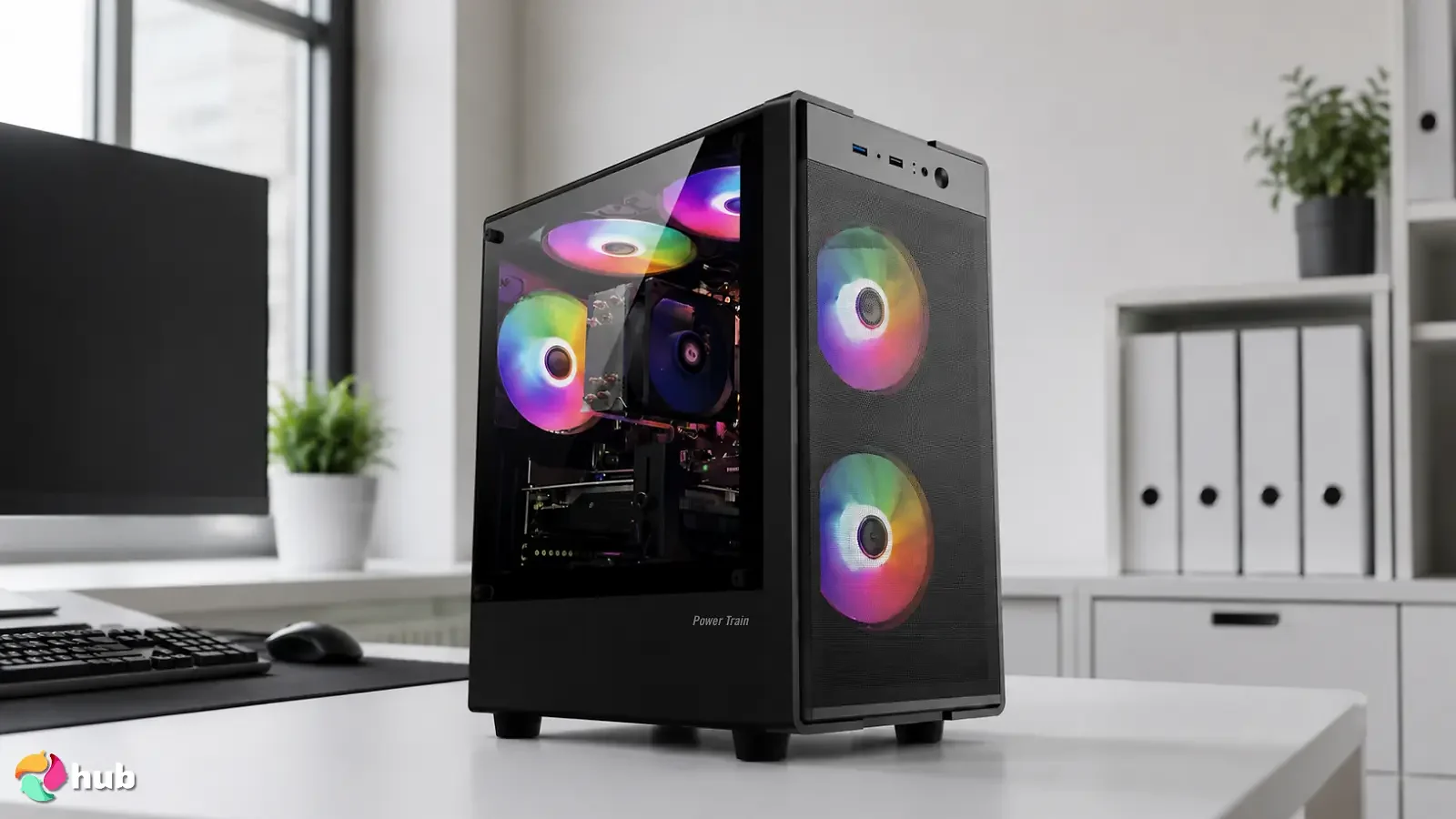
The abytespark AOV590 is my pick for the best budget option, and it earns that spot by packing a genuine discrete graphics card into a sub-$500 build. It runs an AMD Ryzen 5 5500, a 6-core, 12-thread processor with boost speeds up to 4.2GHz, paired with 16GB of DDR4 RAM, so multitasking and everyday responsiveness feel quick and reliable.
The standout here is the discrete AMD Radeon RX 590 with a full 8GB of GDDR5 video memory. That’s a real step up from the integrated graphics you’ll find in most budget builds, and it lets the AOV590 run popular titles like Fortnite, GTA V, Valorant, CS2, Apex Legends, and even Elden Ring at 1080p with 60+ FPS on medium settings. For the price, that’s a lot of gaming muscle.
Storage comes via a 512GB NVMe SSD for fast boot and load times, and the system ships with Windows 11 Home ready to go. The package also includes an RGB gaming keyboard, mouse, and mouse pad, plus RGB chassis lighting and four RGB fans, so it looks the part on a desk without extra spend.
Where the AOV590 shows its budget roots is the older RX 590 GPU architecture, which misses out on modern features like ray tracing and won’t max out the newest AAA releases. But for the money, the discrete card makes it a far better gaming performer than most integrated-GPU rivals at this price.
| Pros | Cons |
|---|---|
| ✅ Discrete RX 590 8GB GPU for real 1080p 60FPS+ gaming ✅ 6-core/12-thread Ryzen 5 5500 for smooth multitasking ✅ 512GB NVMe SSD for fast loads ✅ Comes with Windows 11 Home, RGB keyboard & mouse ✅ Four RGB fans and chassis lighting included | ❌ Older GPU architecture with no ray tracing, but strong value for the price ❌ 512GB fills up fast with large modern games, though easily upgraded |
Final Verdict – The abytespark AOV590 is the best budget pick for gamers who want a true discrete graphics card without breaking $500, delivering reliable 1080p gaming that integrated-GPU builds can’t match.
3. HP Victus 15L [The Best for Competitive Games]
| Specs | Details |
|---|---|
| CPU | AMD Ryzen 5 5600G (6-core/12-thread, up to 4.4GHz) |
| GPU | AMD Radeon RX 6400 4GB GDDR6 (discrete) |
| RAM | 8GB DDR4-3200 |
| Storage | 512GB PCIe NVMe SSD |
| OS | Windows 11 Home |
| Integrated/Discrete Graphics Card | Discrete |
| Weight | ~19.95lbs |
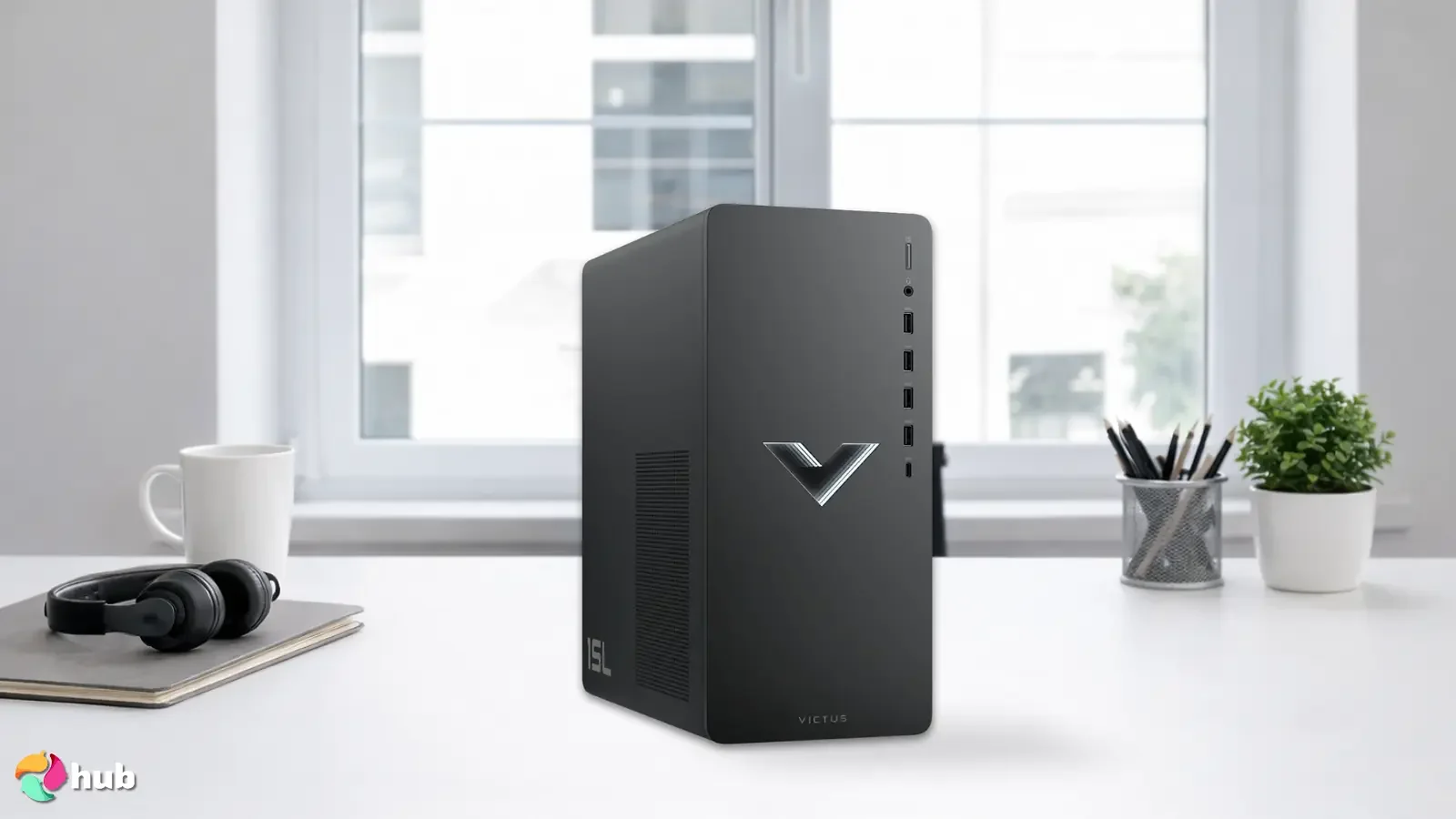
The HP Victus 15L is my pick for competitive gamers who want a recognized brand and reliable build quality on a budget. It’s built around the AMD Ryzen 5 5600G, a 6-core, 12-thread processor that boosts up to 4.4GHz, giving you the fast, consistent response that fast-paced competitive titles depend on.
For competitive shooters and esports games, the discrete AMD Radeon RX 6400 with 4GB of GDDR6 pushes high frame rates at 1080p in titles like Valorant, CS2, Fortnite, and Rocket League, where hitting a smooth, stable frame rate matters more than ultra visuals. Because it’s a modern RDNA 2 card, it also handles current games more efficiently than the older budget GPUs you’ll often find at this price.
The Victus ships with a 512GB PCIe NVMe SSD for quick load times and Windows 11 Home out of the box, plus HP‘s freshly designed case with front-panel RGB lighting, nine USB ports, and Wi-Fi 6 with Bluetooth 5. As a genuine HP prebuilt, it also comes with proper manufacturer support, something most no-name budget towers can’t offer.
The one clear compromise is the 8GB of RAM, which is on the light side for gaming in 2026. The good news is the Victus is easy to open up, and a jump to 16GB is a cheap, simple upgrade that noticeably improves performance.
| Pros | Cons |
|---|---|
| ✅ Modern RDNA 2 RX 6400 GPU for high-FPS competitive gaming ✅ Fast Ryzen 5 5600G, up to 4.4GHz boost ✅ Trusted HP brand with real manufacturer support ✅ Wi-Fi 6 & Bluetooth 5 built in ✅ Easy to open and upgrade | ❌ Only 8GB RAM out of the box, but cheap and simple to upgrade to 16GB ❌ RX 6400 is entry-level, best suited to esports titles over demanding AAA games |
Final Verdict – The HP Victus 15L is the best choice for competitive players who want brand-name reliability and modern GPU efficiency for high frame rates in esports titles, with an easy RAM upgrade path.
4. suevery SUV9B1 [The Best for Speed]
| Specs | Details |
|---|---|
| CPU | AMD Ryzen 5 (6-core, 3.6GHz / up to 4.1GHz boost) |
| GPU | AMD Radeon RX 560 4GB |
| RAM | 16GB DDR4-3200 |
| Storage | 512GB M.2 PCIe NVMe SSD |
| OS | Windows 11 |
| Integrated/Discrete Graphics Card | Discrete |
| Weight | ~14lbs |
If quick, responsive everyday performance is what you’re after, the suevery SUV9B1 is worth checking out. It’s driven by an AMD Ryzen 5 6-core processor with a 3.6GHz base and 4.1GHz boost clock, backed by a generous 32MB of L3 cache, so apps, games, and browser tabs launch fast and stay snappy.
The pairing of 16GB of DDR4-3200 RAM with a 512GB M.2 PCIe NVMe SSD is where the speed really shows. suevery rates the NVMe drive as up to 30x faster than a traditional hard drive, which translates to near-instant boot-ups and quick in-game loading. A discrete AMD Radeon RX 560 with 4GB of video memory handles the graphics side, running esports titles and older favorites comfortably at 1080p.
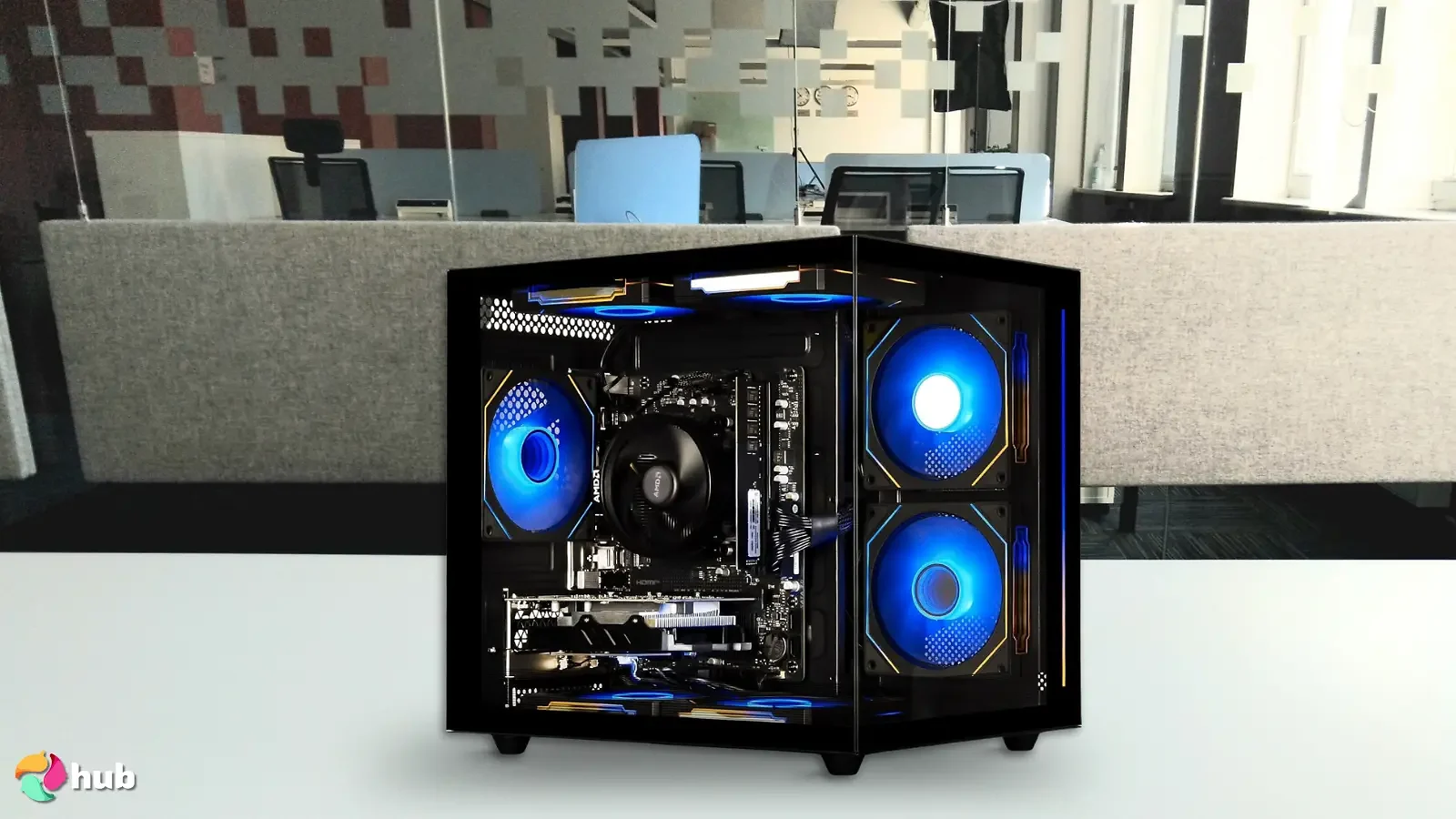
Connectivity is handled by built-in Wi-Fi 6 for lower latency and more stable wireless, and the tower comes dressed in RGB fans and chassis lighting. It’s a clean, fast-feeling build for casual gaming and productivity alike.
The RX 560 is the most modest GPU on this list, so this isn’t the machine for maxing out demanding modern AAA games. But for a system focused on speed and responsiveness in everyday use and lighter titles, it delivers exactly what it promises.
| Pros | Cons |
|---|---|
| ✅ Fast NVMe SSD for near-instant boot and load times ✅ 16GB DDR4-3200 for smooth multitasking ✅ Wi-Fi 6 for low-latency wireless ✅ Discrete RX 560 handles esports titles at 1080p ✅ RGB fans and chassis lighting included | ❌ RX 560 is entry-level, not built for demanding AAA games ❌ Confirm the operating system at purchase, as some suevery configs ship without Windows pre-installed |
Final Verdict – The suevery SUV9B1 is the best pick for speed-focused buyers who want fast boot times and responsive everyday performance for lighter gaming and productivity.
5. PELADN Mini PC WO4 [The Best Mini Gaming PC]
| Specs | Details |
|---|---|
| CPU | AMD Ryzen 5 5600H (6-core/12-thread, up to 4.2GHz) |
| GPU | AMD Radeon Vega 7 (integrated, 1800MHz) |
| RAM | 16GB DDR4 |
| Storage | 512GB NVMe SSD |
| OS | Windows 11 Pro |
| Integrated/Discrete Graphics Card | Integrated |
| Weight | ~1.21lbs |
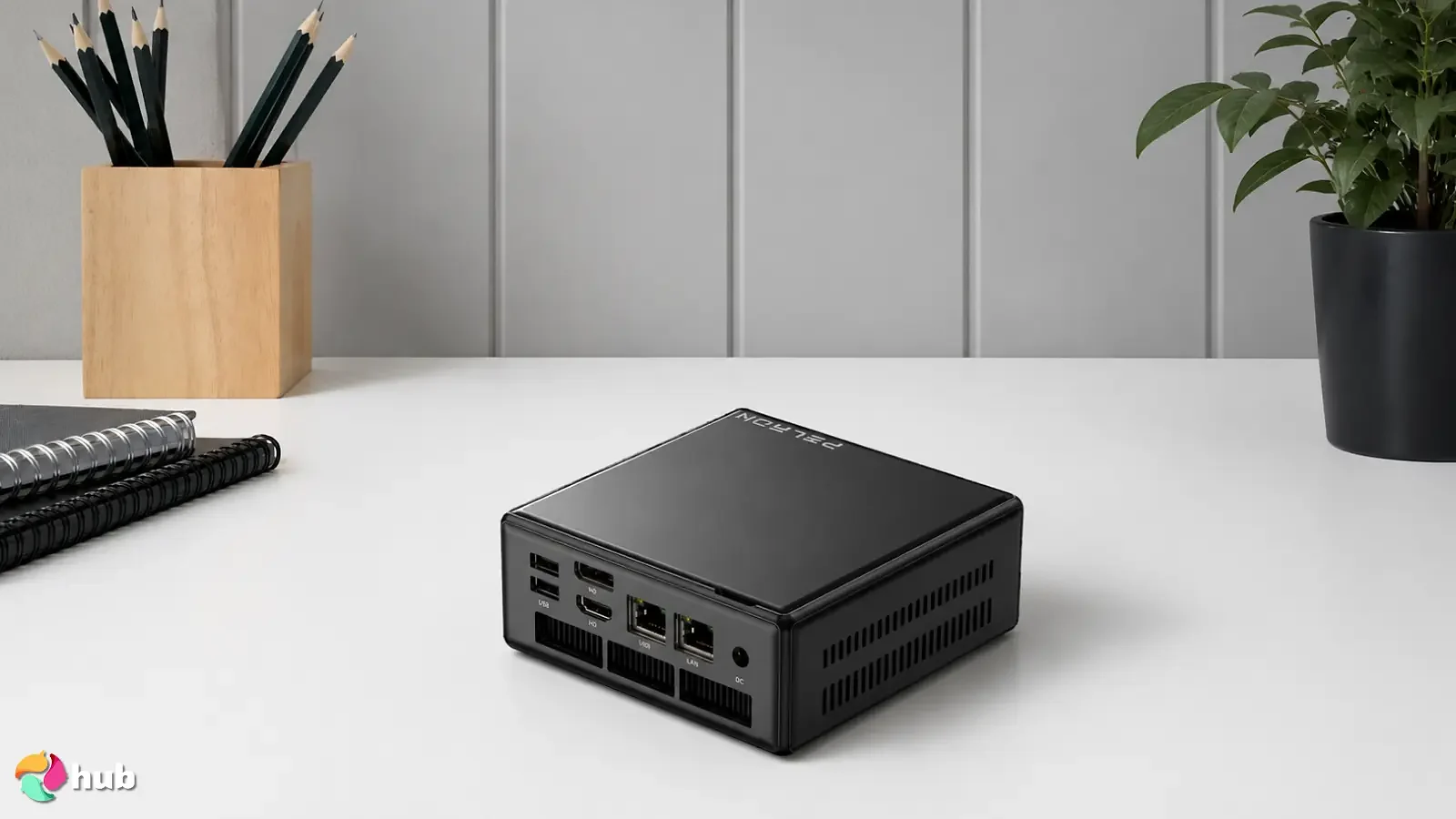
The last option on the list is a mini PC, the PELADN WO4, and it’s the most compact way to game on this roundup without giving up much performance. The whole system measures roughly 5 x 5 x 2 inches and weighs just 1.21 lbs, so it slips into a bag or mounts to the back of a monitor with the included VESA bracket.
Don’t let the size fool you: the WO4 runs an AMD Ryzen 5 5600H, a 6-core, 12-thread laptop-class chip that boosts up to 4.2GHz with 16MB of L3 cache. Paired with 16GB of DDR4 RAM and a 512GB NVMe SSD, it handles multitasking, media, and light gaming smoothly. The integrated Radeon Vega 7 graphics won’t rival a discrete card, but PELADN positions performance around GTX 1050 territory, which is enough for esports titles, indie games, and older releases at 1080p on medium settings.
Connectivity is a real strength for the size: Wi-Fi 6, Bluetooth 5.2, dual LAN (2.5G + 1000M), and triple 4K/60Hz display output via HDMI, DisplayPort, and USB-C. It ships with Windows 11 Pro pre-installed, and the magnetic quick-release top cover makes RAM and storage upgrades tool-free.
The trade-off is the integrated GPU, so this isn’t for demanding AAA gaming. But for a mini PC that games, streams, and works this well while fitting in your palm, the WO4 punches well above its size.
| Pros | Cons |
|---|---|
| ✅ Ultra-compact and light, palm-sized and VESA mountable ✅ Capable 6-core/12-thread Ryzen 5 5600H ✅ 16GB RAM & 512GB NVMe for the form factor ✅ Wi-Fi 6, BT 5.2, dual LAN, and triple 4K display output ✅ Tool-free upgrades via magnetic top cover | ❌ Integrated Vega 7 graphics, not for demanding AAA titles ❌ Laptop-class chip trades peak power for efficiency and size |
Final Verdict – If desk space is tight, the PELADN WO4 is a fantastic mini PC for casual and esports gaming, with standout connectivity and easy upgrades in a palm-sized body.
What to Consider Before Getting a Gaming PC Under $500?
That said, unfortunately, there are some clear limitations to a gaming PC under $500, and there are some things you need to know. Check out our breakdown below for more info.
1. Performance
GPU
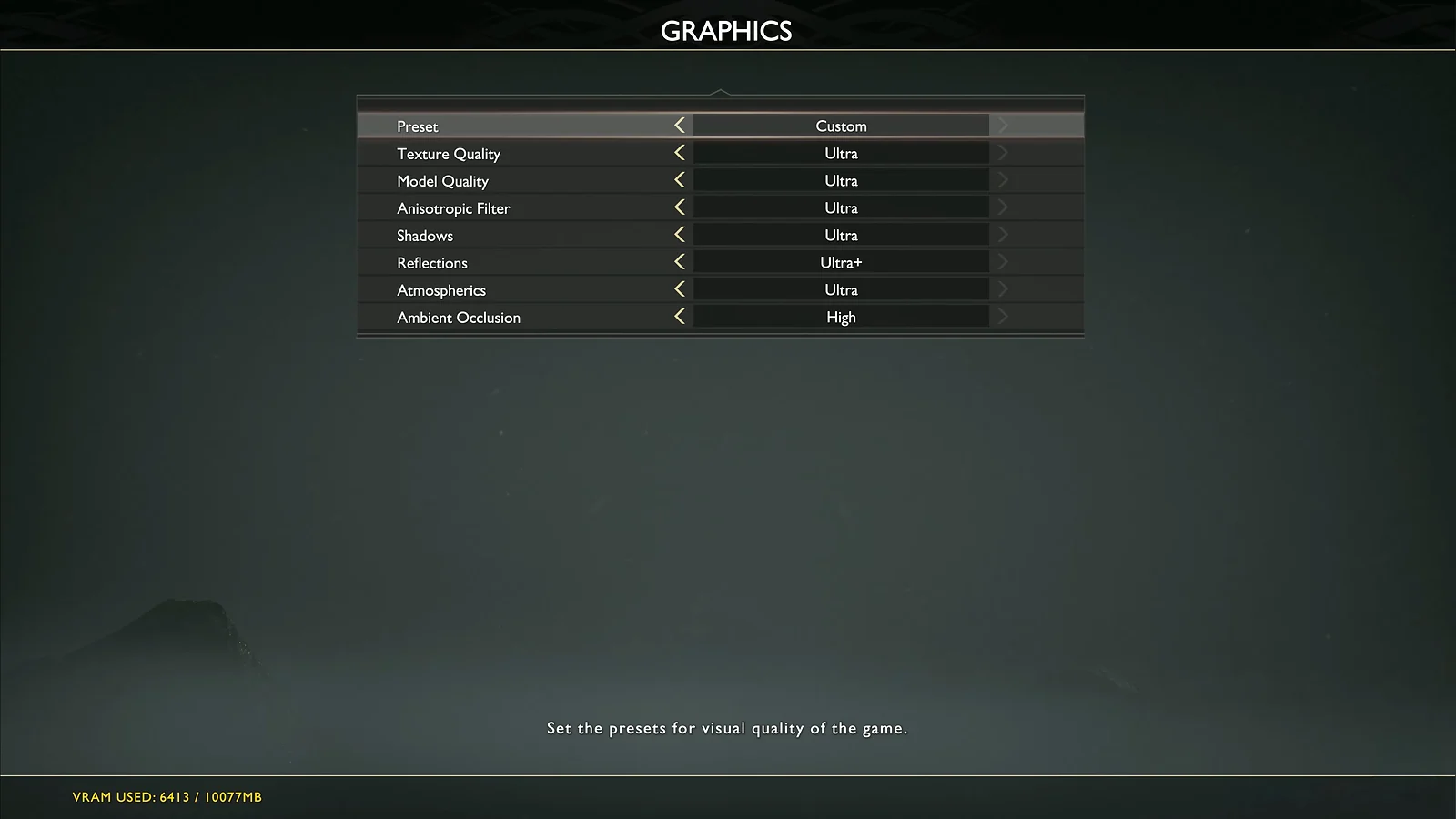
- Realistically speaking, you’re not running games at Ultra settings with a gaming computer under $500, however, your favorite games will still have playable frame rates reaching at least 30 FPS and up to 60 FPS if you use medium or low settings.
- While the latest games may not have an ideal gaming experience on budget gaming PCs, most eSports titles like tactical FPS games and MOBAs will still play great even on budget hardware, some even allowing high settings for graphics.
- Budget gaming PCs with a discrete GPU are better suited for gaming than those with an integrated GPU. This way, your PC hardware uses separate components, improving fluidity and performance.
CPU
- The good news is that a CPU for gaming doesn’t impact how games run quite as much as a GPU. Though for other tasks (browsing the internet, using other software), an upgrade to the processor is still important.
- Typically, CPUs are newer-gen versions and have higher clock speeds and will perform better, so consider the total possible clock speed (GHz) for better everyday performance.
RAM
- RAM impacts both everyday performance and gaming. With more RAM, the faster your gaming desktop can load things in the background. This also affects in-game loading and reduces lag, so more RAM is always better.
- Higher RAM capacities also have the potential to improve in-game frame rates, so if you’re struggling with lower frame rates, an upgrade to RAM can help remedy the problem.
Storage
- Higher storage is great not only for games but also for the rest of your files, so if possible, opt for upgraded storage capacities to ensure you can download and install modern games that might need over 100GB of space.
- Aside from capacity, the ‘type’ of storage is also important. Typically, you’ll see HDDs and SSDs, with the key difference being that SSDs can load things up faster, like in-gaming loading or boot times. When possible, always opt for PCs that utilize SSD components for storage.
2. Visual Quality and Immersion
Lower Resolutions
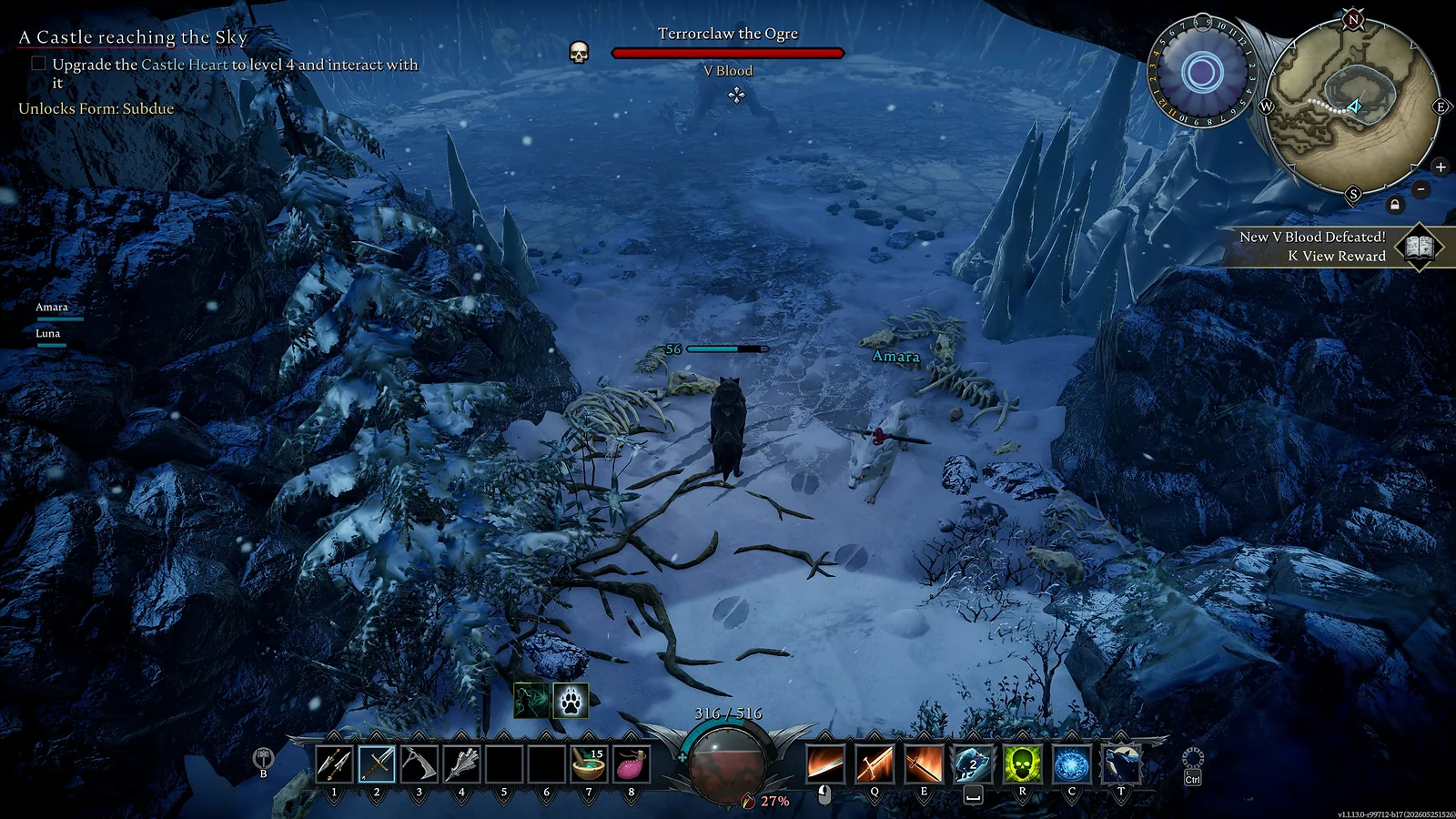
- In-game resolutions relate to how many pixels show up on a screen, which in turn allows for sharper, more detailed picture quality.
- The price you pay for a budget gaming desktop is almost always to the possible resolution of most games. This is especially true for modern AAA titles, in which case it would allow a max of medium to low settings for resolution and graphics.
- In most instances, we predict that a budget gaming desktop will allow for medium settings and resolutions, depending on the game you’re playing. This usually means a 1080p resolution, which is still very sharp and clear.
Limited Ray Tracing and Advanced Graphics
- Aside from the resolutions, budget gaming PCs also miss out on features like ray tracing. Ray tracing is state-of-the-art tech that allows light to be more accurately portrayed in video games, acting as it would naturally in the real world. This feature is typically intensive to run and only available on powerful gaming PCs.
- Budget gaming desktops also suffer from a lack of any ‘advanced graphics’ features. For example, features like real-time rendering GPU acceleration are available on a flagship graphics card, but older ‘budget’ GPUs often miss out.
3. Future-Proofing and Upgradability
Limited Upgradability
- A prebuilt budget gaming desktop may limit the potential for upgrades since you’re stuck with a motherboard, components, and power supply that may restrict adding in new components.
- If your budget gaming PC has a lower power supply, it may not support a higher-end graphics card if you choose to upgrade later on.
- To make up for the price, budget PCs usually use older components, which means they will lose software and driver support faster than newer hardware, making your setup obsolete earlier than expected.
FAQs
In terms of overall gaming performance, included hardware, and value for money, our best overall pick, the MXZ R5 5600GT, is the best gaming PC for most gamers under the $500 price range. Its modern Ryzen 5 5600GT CPU, 16GB of RAM, and spacious 1TB SSD make it the most well-rounded option on the list.
Yes, $500 is good for an entry-level gaming PC. This is enough to play most popular games at low-medium graphics at high resolutions. But for the very “best” performance, detailed graphical fidelity, and 120FPS+, you’ll need to invest more than $500 into your gaming PC.
Yes, a $500 gaming PC can run Fortnite. In most cases, budget gaming PCs will have capable enough hardware to run Fortnite with at least 1080p resolution at medium-high graphic settings at a consistent and smooth 60FPS+ frame rate. Picks with a discrete GPU, like the abytespark AOV590 and HP Victus 15L, will handle it especially well.
Yes, you can use a gaming PC for work since it has the same components as other computers. In fact, since gaming PCs prioritize performance with powerful CPUs and plentiful RAM & storage, they may work better than other ‘budget’ PCs. Compact options like the PELADN WO4 double as tidy work machines thanks to their triple-display support and strong connectivity.