


Best 7 Days to Die Server Hosting in 2026

Eneba Hub contains affiliate links, which means we may earn a small commission if you make a purchase through them—at no extra cost to you. Learn more


Recent update
This article receives frequent updates to ensure you get the most up-to-date information on the best 7 Days to Die server hosting.
Finding the best 7 Days to Die server hosting is the first step toward surviving Navezgane with friends. The game’s open-world survival horror, deep crafting, base-building, and procedural maps are demanding enough, but blood moon horde nights are the real stress test, pushing server performance to its limits.
Dedicated hosting beats running a session on your own PC: you get 24/7 uptime without tying up your machine, no port forwarding headaches, and no lag when running overhaul mods alongside the client.
This guide covers 11 confirmed 7D2D server hosting providers, evaluated on RAM allocation, hardware quality, and one-click support for modpacks like Darkness Falls, Undead Legacy, and War3zuk. It includes top picks by use case, our testing methodology, and a full feature comparison matrix – review each provider carefully to find the best 7 Days to Die server hosting for your community.
Jump to:
Our Top Picks for the Best 7 Days to Die Server Hosting
Horde night is not the time to be debugging server lag. To help you skip the trial and error, we’ve rounded up the best 7 Days to Die server hosting providers available right now, each picked for a specific need.
- Godlike.Host – Best overall 7 Days to Die server hosting
- Shockbyte – Best for high-performance 7 Days to Die server hosting
- GTX Gaming – Best for simple, fixed-tier 7 Days to Die hosting
- G-Portal – Best established 7 Days to Die server hosting
- Host Havoc – Best 7 Days to Die server hosting for reliability
- BisectHosting – Best-rated 7 Days to Die server hosting
- 7D2D.net – Best specialist 7 Days to Die server hosting
- SparkedHost – Best budget 7 Days to Die server hosting
- PingPerfect – Best 7 Days to Die server hosting for mods
- Indifferent Broccoli – Best 7 Days to Die server hosting for uncapped RAM
- Nitrado – Best 7 Days to Die server hosting for crossplay
How I Tested These 7 Days to Die Server Hosts
To find the best 7 Days to Die server hosting, I purchased plans across multiple tiers from various providers to test setup speed and performance. I specifically looked for one-click modpack support for Darkness Falls and Undead Legacy, as these are essential for the modern 7D2D server hosting experience. My testing monitored stability during blood moon horde events and the responsiveness of technical support teams. I excluded generic VPS providers that lack a dedicated game panel, focusing only on those with a confirmed 7 Days to Die hosting page.
My criteria emphasized hardware quality, such as NVMe SSDs and high single-core CPU speeds, which are necessary to handle 7D2D‘s memory-intensive nature. I verified that each host allows access to the serverconfig.xml file for deep customization. The best 7 Days to Die server hosting options on this list were chosen from a field of more than 15 providers, filtered by pricing transparency, Steam Workshop mod support, and overall community reputation. This mix includes budget specialists and established mid-tier brands to help you learn how to host a 7 Days to Die server effectively.
Best 7 Days to Die Server Hosting Platforms Reviewed
A great 7 Days to Die server host must offer sufficient RAM, low latency, and robust mod support. Below, I review the top providers in the industry to find the best 7 Days to Die server hosting for 2026 and provide guidance on how to host a 7 Days to Die server.
1. Godlike.Host [Best Overall 7 Days to Die Server Hosting]
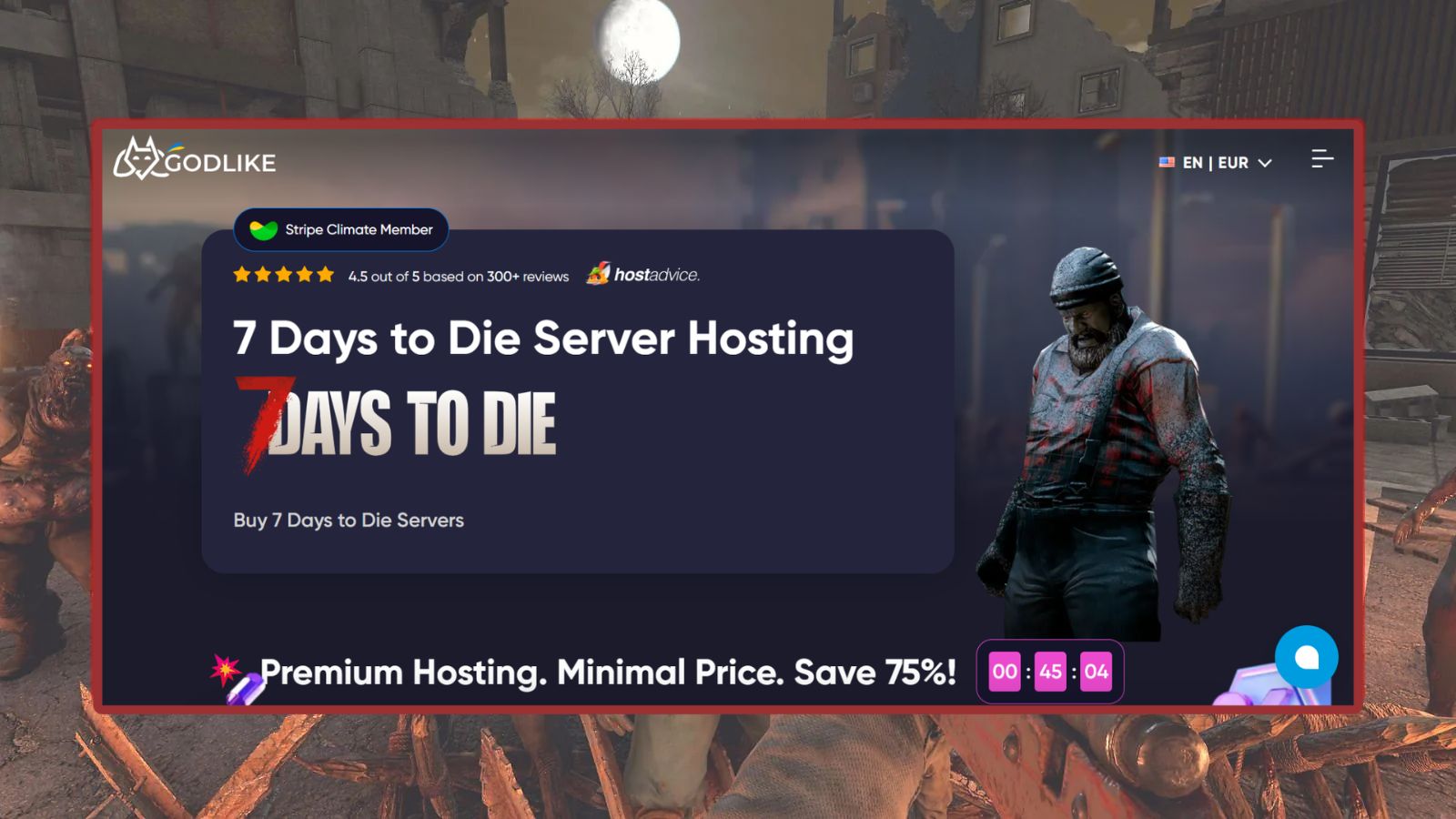
Godlike.Host is a strong 7 Days to Die hosting option built around high‑performance hardware, flexible server configurations, and straightforward management. Its 7 Days to Die plans are configurable by player slots and RAM, with example configurations including 10 slots with 8 GB RAM and 15 slots with 12 GB RAM, and pricing that varies by region, currency, and promotions.
All 7 Days to Die plans include scheduled tasks, instant setup, automatic backups (up to three per day), and DDoS protection. Godlike.Host also provides a personal firewall for IP filtering and blocking unwanted activity, a dedicated configuration editor with secure link sharing, full support for server mods and plugins (including overhaul mods), and full SFTP access for managing server files.
The platform uses a custom Pterodactyl‑based control panel designed for server management and offers expert support through live chat, tickets, email, and Discord. Godlike.Host operates infrastructure across multiple regions (including the US, EU, and Asia), emphasizing low‑latency connectivity and 24/7 monitoring.
| Plan Name | Price | Billing Cycle | Resources | Features |
|---|---|---|---|---|
| Ultra | $31.99/mo | Monthly | 10 slots / 8 GB RAM | Instant setup, backups, DDoS protection, scheduled tasks |
| Unstoppable | $47.99/mo | Monthly | 15 slots / 12 GB RAM | Most popular; instant setup, backups, DDoS protection |
| Rampage | $63.99/mo | Monthly | 20 slots / 16 GB RAM | Higher resources for larger servers |
| Custom | Custom | Monthly | 10–20 slots / 8–16 GB RAM | Configure your own server |
| Pros | Cons |
|---|---|
| ✅ 8–16 GB RAM across the standard 7 Days to Die plans ✅ Automatic backups, scheduled tasks, and DDoS protection included ✅ Personal firewall and IP filtering for additional server control ✅ 3-day money-back guarantee on the first purchase, subject to the terms | ❌ Standard plans top out at 20 player slots ❌ The advertised 75% discount applies to the first purchase, so renewal pricing is higher ❌ 7 Days to Die pricing is higher than some budget-focused competitors at the regular rate |

2. Shockbyte [Best High-Performance 7 Days to Die Server Hosting]
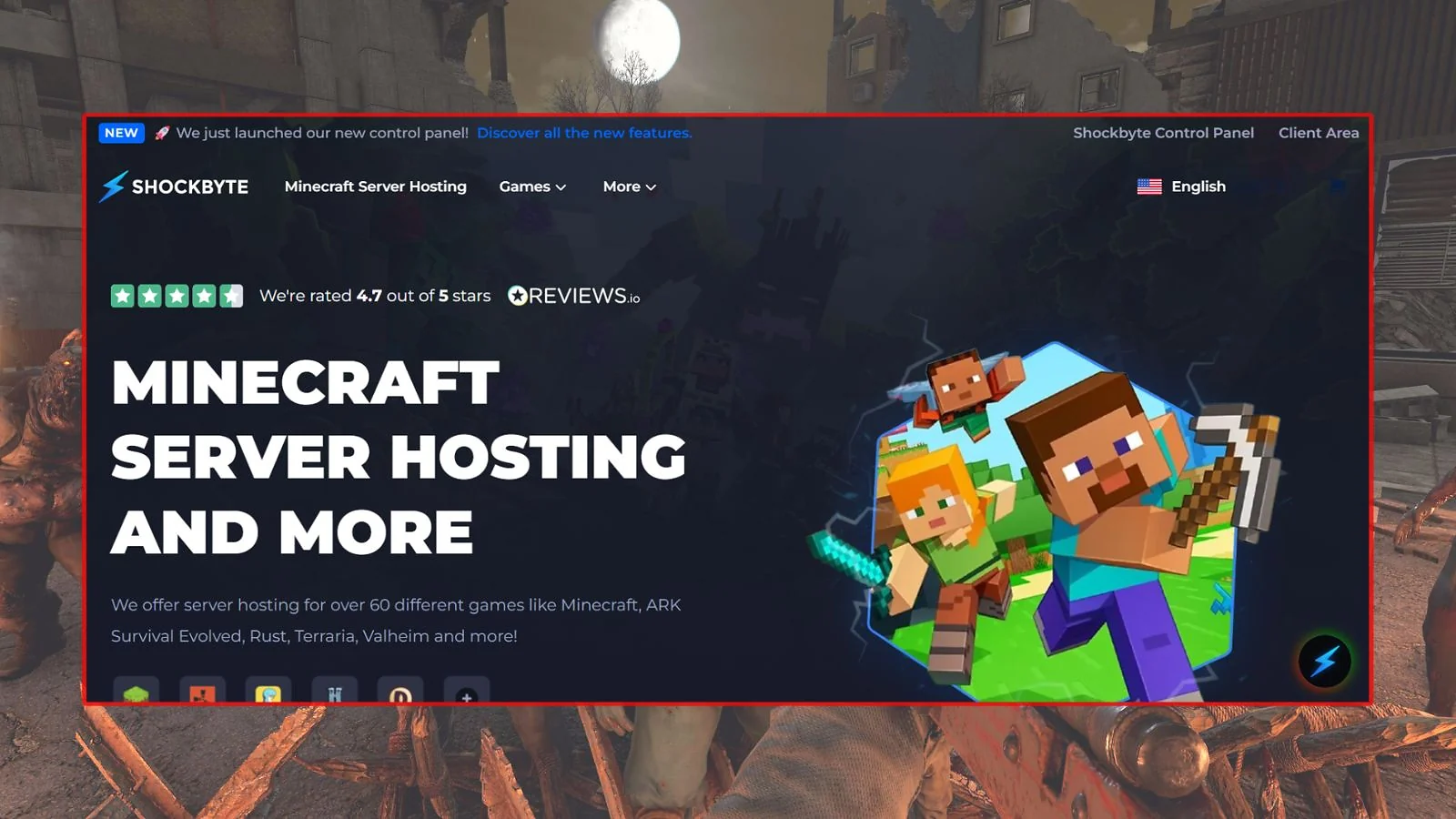
Shockbyte is one of the most widely used platforms for 7 Days to Die server hosting, boasting over 10,000 Trustpilot reviews. Their infrastructure uses AMD EPYC 4465P CPUs reaching up to 5.40 GHz on OVHcloud bare-metal hardware, ensuring your server can handle the most intense horde nights. They offer three clear tiers: Normal ($11.99/mo for 8 players), Radiated ($19.99/mo for 20 players), and Legendary ($24.90/mo for 30+ players).
All plans include NVMe SSDs, DDoS protection, and full mod support across 13 global locations, including India, Brazil, and Finland.
It’s a strong choice for new owners who want a simple setup experience with mod support ready to go out of the box. If you’re currently looking for the best Rust server hosting or best Minecraft server hosting you’ll find Shockbyte provides a similar level of reliability here. They offer a 72-hour self-serve refund policy and 24/7 live chat, though some community reports suggest ticket delays during peak periods.
| Plan Name | Price | Billing Cycle | Resources | Features |
|---|---|---|---|---|
| Normal | $11.99/mo | Monthly / Annual -25% | 8 slots / 5 GB RAM | 30% off first month; full mod support |
| Radiated | $19.99/mo | Monthly / Annual -25% | 20 slots / 6 GB RAM | Most popular for modded servers |
| Legendary | $24.90/mo | Monthly / Annual -25% | 30+ slots / 7 GB+ RAM | Customizable for large communities |
| Pros | Cons |
|---|---|
| ✅ High-performance AMD EPYC @ 5.40 GHz ✅ 13 global locations including India and Brazil ✅ 72-hour self-serve refund policy ✅ OVHcloud anti-DDoS protection | ❌ Trustpilot score of 3.8/5 is lower than some rivals ❌ Discount price reverts to standard on renewal ❌ No specific ticket response time SLA |

3. GTX Gaming [Best for Simple, Fixed-Tier 7 Days to Die Hosting]
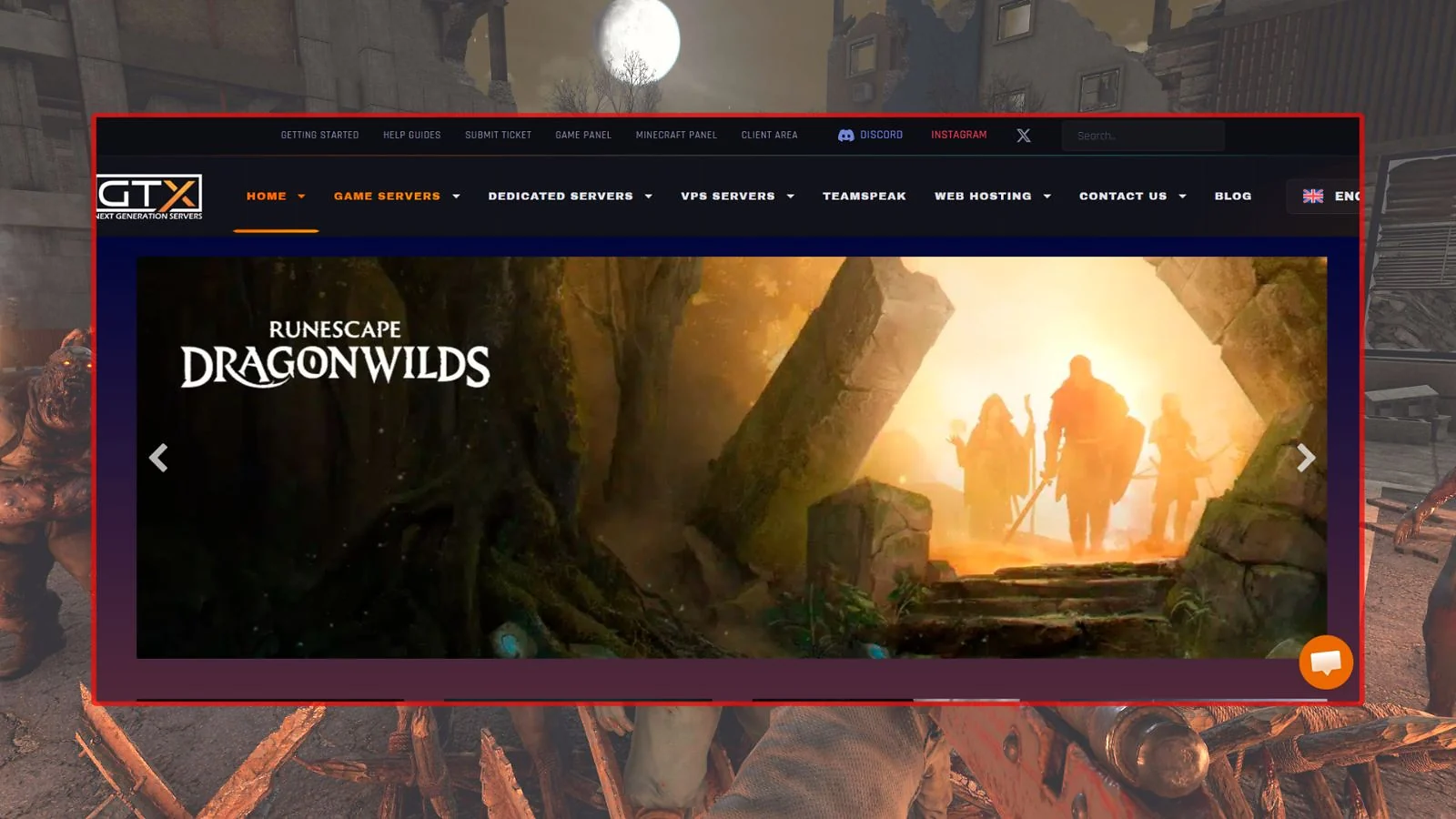
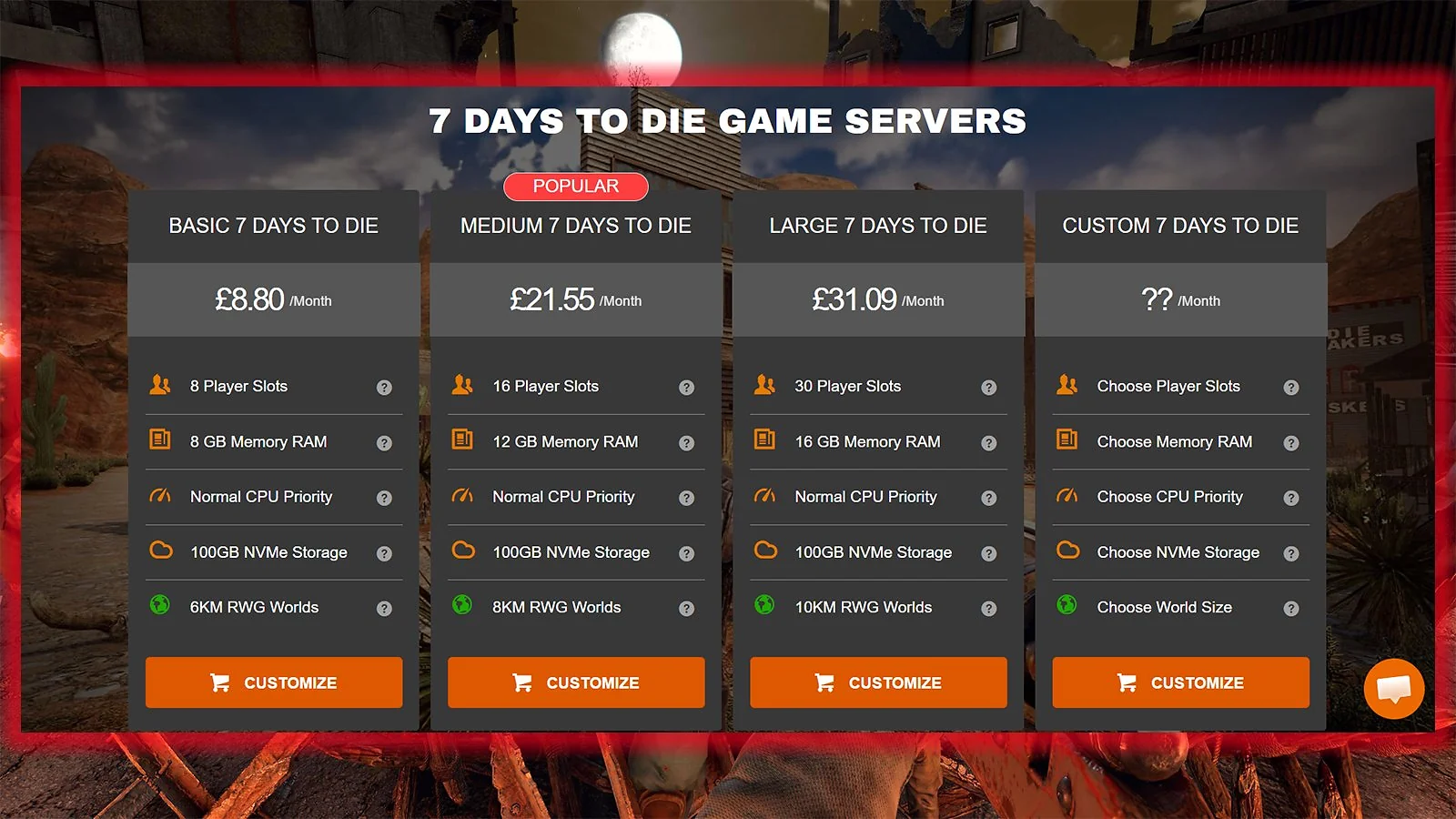
GTX Gaming offers a streamlined approach to 7 Days to Die server hosting with native USD fixed-tier plans. Their tiers – Basic ($11.15/mo), Medium ($27.31/mo), and Large ($39.41/mo) – all come with 100 GB of NVMe storage and no hidden conversion fees. They utilize premium hardware like Intel 13900K and AMD Ryzen 7950X3D CPUs to ensure your 7D2D server hosting remains lag-free.
They’re a great fit for players who want clear pricing without dynamic sliders. The control panel includes Web RCON, offsite backups, and automated tasks for Steam updates and server wipes. It’s worth noting that the same hardware and pricing transparency that makes GTX Gaming shine here also earned them a top spot in our best Valheim server hosting list. While they offer global coverage and a fast live chat response, be aware that their 24-hour refund window is the shortest on this list.
| Plan Name | Price | RAM / Slots | Storage | Features |
|---|---|---|---|---|
| Basic | $11.15/mo | 8 GB / 8 slots | 100 GB NVMe | Fixed USD pricing; 13900K CPU |
| Medium | $27.31/mo | 12 GB / 16 slots | 100 GB NVMe | Best for medium modded play |
| Large | $39.41/mo | 16 GB / 30 slots | 100 GB NVMe | Large community server |
| Pros | Cons |
|---|---|
| ✅ Native USD pricing for all plans ✅ Uses high-end Intel 13900K or Ryzen 7950X3D ✅ 100 GB NVMe SSD on every tier ✅ Extensive scheduled task automation | ❌ Shortest refund window (24 hours) ❌ Cancellation voids billing cycle discounts ❌ Uptime SLA is 99.7%, lower than some peers |
4. G-Portal [Best Established 7 Days to Die Server Hosting]
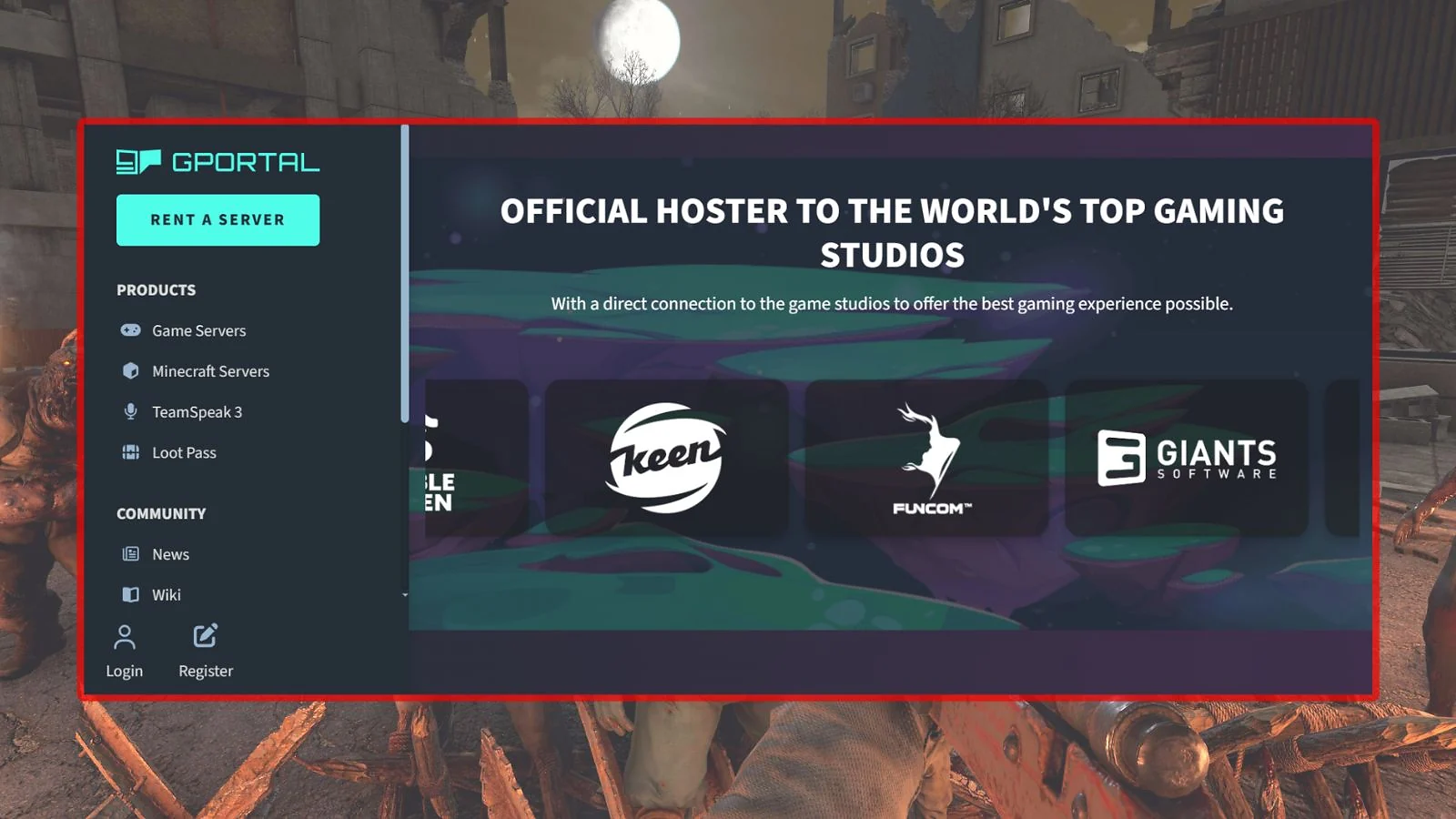
G-Portal is the world’s largest hoster for 7 Days to Die and has been since the game’s early days. They use a slot-based model starting at $10.38 for 30 days (6 slots), with the unique ability to rent servers for as little as 3 days starting at $3.38. Their Bulwark™ + Corero multi-layered DDoS protection and 50 GB of backup storage make them one of the most secure options for 7D2D server hosting.
Their “Gamecloud” feature allows you to switch between over 100 games instantly, which is perfect if you decide to try the best Palworld server hosting or even best games like 7 Days to Die instead. It’s important to note that Paysafecard payments are non-refundable and console slots are capped at 8 for PS5 and Xbox.
| Plan Name | Price | Resources | Features | Notes |
|---|---|---|---|---|
| 6 Slots | $10.38/30d | 6 slots / NVMe | Bulwark™ DDoS | Standard monthly rental |
| 6 Slots (90d) | $28.02/90d | 6 slots / NVMe | 50 GB backup | Top seller; crossplay ready |
| Custom | From $10.38 | 6–30 slots | Gamecloud | 3-day rentals available |
| Pros | Cons |
|---|---|
| ✅ World’s largest 7D2D host with a proven track record ✅ Bulwark™ + Corero layered DDoS protection ✅ Gamecloud allows switching between games ✅ Flexible 3-day short-term rentals | ❌ Uptime SLA varies between 99% and 99.9% ❌ Paysafecard payments are non-refundable ❌ Console slots are capped at 8 |

5. Host Havoc [Best 7 Days to Die Server Hosting for Reliability]
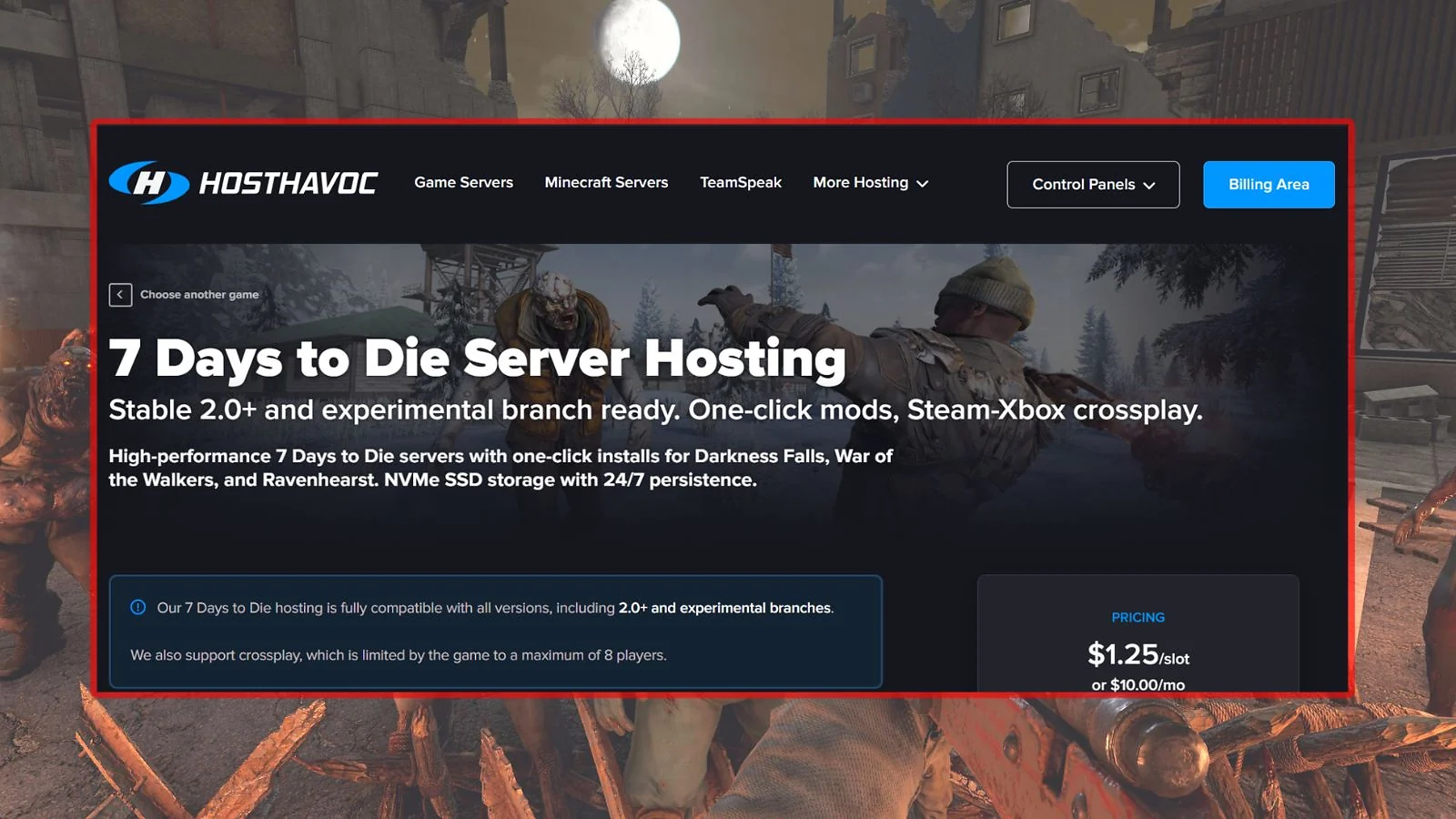
Host Havoc is the best 7 Days to Die server hosting for reliability due to its SLA credit policy, offering 5% of monthly fees back per hour of downtime. Their plans are slot-based, starting at $10.00/mo for 8 slots and scaling up to 64 slots for $32.00/mo. They guarantee an average support ticket response time of under 10 minutes, ensuring any issues you encounter are resolved quickly. Learning how to host a 7 Days to Die server effectively often relies on this level of support.
Running on Intel Xeon and AMD Ryzen CPUs with 10 Gbps uplinks, Host Havoc provides unlimited storage and support for all mods. If you’re interested in other titles, they also provide the best Ark server hosting. You’ll find their 72-hour money-back guarantee for new orders is helpful, though it does require “probable cause” through a support ticket.
| Slots | Price | Billing Cycle | Storage | Value |
|---|---|---|---|---|
| 8 Slots | $10.00/mo | Monthly / Annual -12% | Unlimited | $1.25/slot |
| 24 Slots | $17.00/mo | Monthly / Annual -12% | Unlimited | $0.71/slot |
| 64 Slots | $32.00/mo | Monthly / Annual -12% | Unlimited | $0.50/slot |
| Pros | Cons |
|---|---|
| ✅ SLA credit policy compensates for downtime ✅ Sub-10-minute average support response time ✅ Unlimited storage and mod support ✅ High-speed 10 Gbps network uplinks | ❌ No explicit uptime percentage stated in marketing ❌ Refund requires “probable cause” justification ❌ Non-monthly billing cycles are non-refundable |

6. BisectHosting [Best-Rated 7 Days to Die Server Hosting]
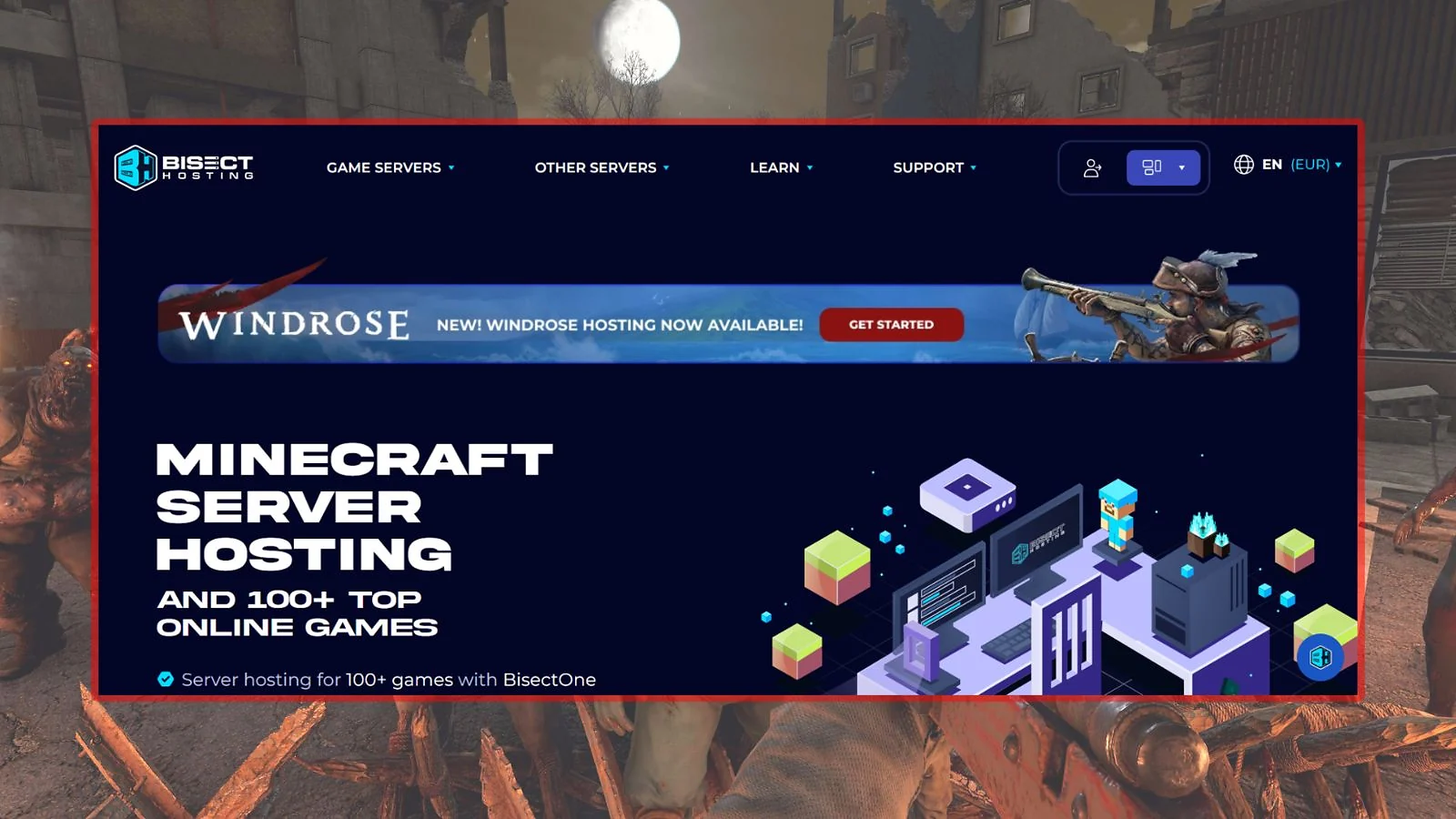
BisectHosting holds the highest Trustpilot rating on this list (4.8/5) and is the best-rated 7 Days to Die server hosting provider. Their 7D2D server hosting plans include one-click installation for Darkness Falls and Undead Legacy, making modding effortless. They offer a 99.97% uptime SLA and a 24/7/365 live chat support team that averages a 15-minute response time.
Plans are RAM-based, starting at $11.99/mo for 4 GB, though I recommend the 8 GB plan ($23.99/mo) for any server running overhaul mods. If you’re looking for the cheapest Minecraft server hosting, BisectHosting is often a top pick for its scalability and location breadth. They also earned a spot in our best Terraria server hosting list if you’re looking to branch out. It’s worth noting their refund policy only applies to first-time customers and renewals aren’t eligible.
| Plan | Price | RAM / Slots | Features | Notes |
|---|---|---|---|---|
| 4 GB | $11.99/mo | 4 GB / 1–5 slots | NVMe SSD | Vanilla or light mods |
| 8 GB | $23.99/mo | 8 GB / 6–11 slots | NVMe SSD | Popular for Darkness Falls |
| 10 GB | $29.99/mo | 10 GB / 12–16 slots | NVMe SSD | Best for overhaul mods |
| Pros | Cons |
|---|---|
| ✅ Highest Trustpilot rating (4.8/5) with 25K+ reviews ✅ One-click Darkness Falls & Undead Legacy install ✅ High 99.97% uptime SLA with extensions ✅ 22 global locations across all major regions | ❌ Refund policy only applies to first-time orders ❌ 4 GB plan is too small for overhaul mods ❌ SLA compensation is service-only, not cash |

7. 7D2D.net [Best Specialist 7 Days to Die Server Hosting]
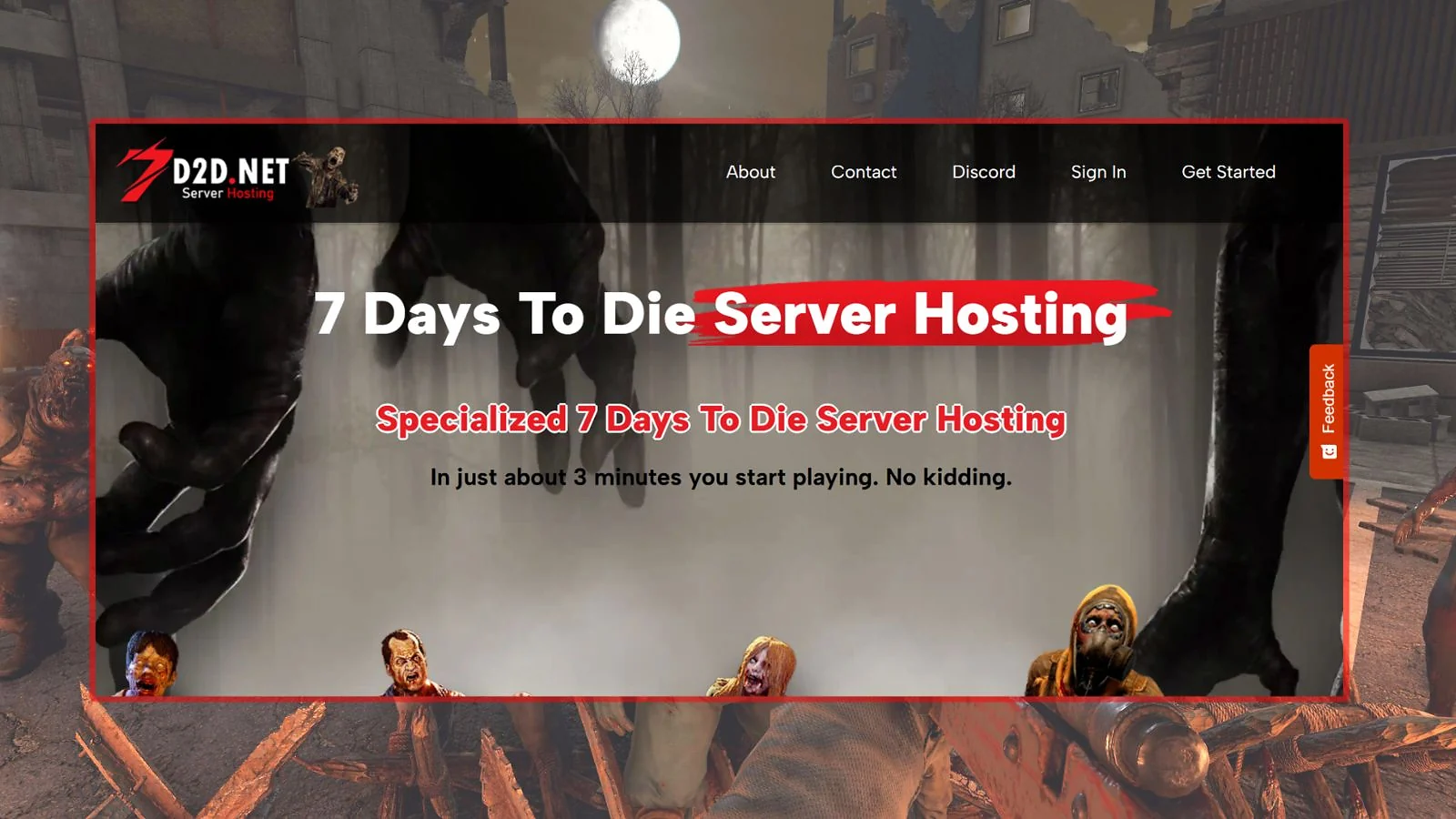
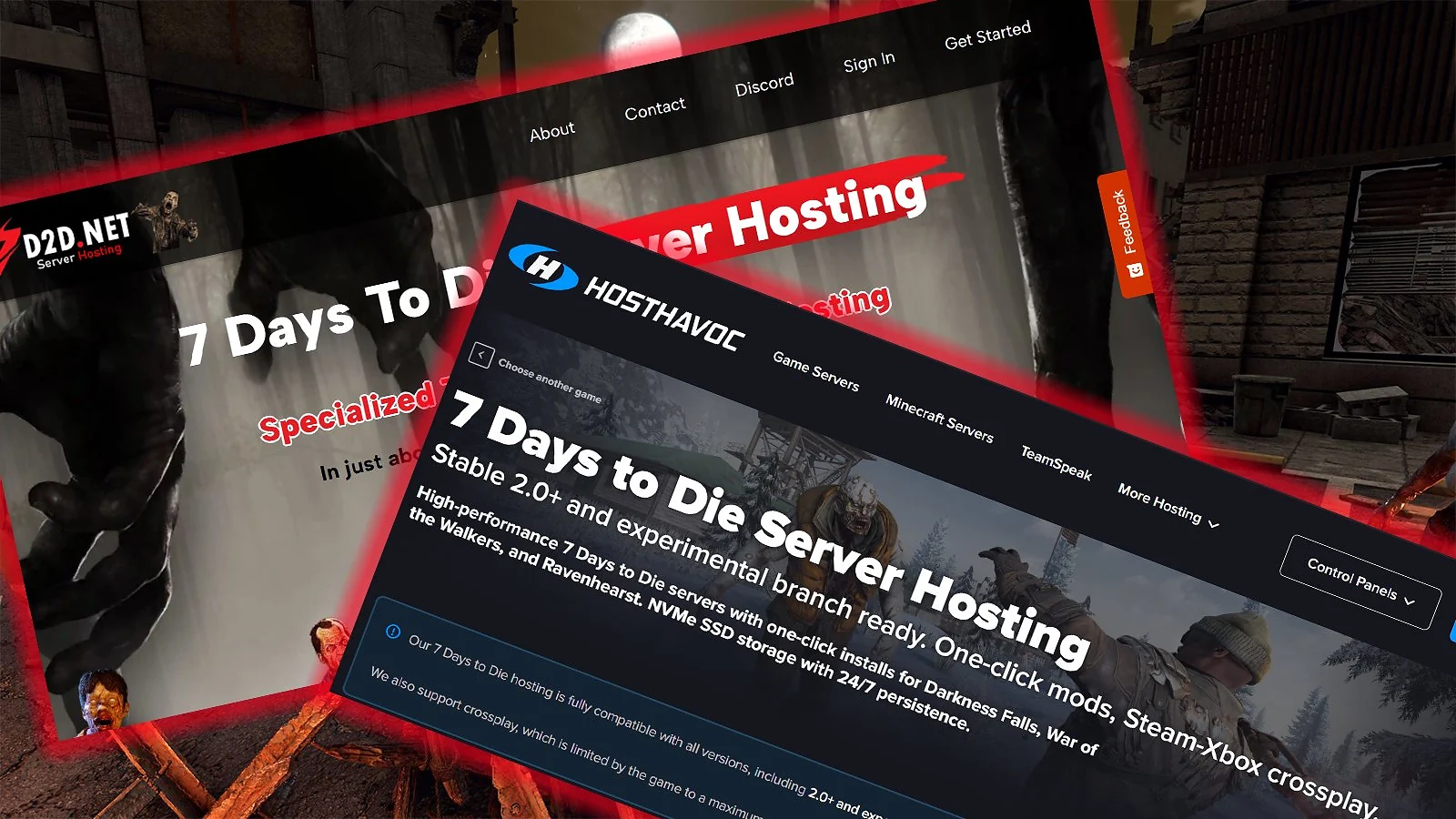
7D2D.net is the only host on this list dedicated entirely to a single game, making it the best specialist 7 Days to Die server hosting option. Their plans are tiered based on modpack capability: the M plan ($9.99/mo) unlocks Darkness Falls, while the XL plan ($29.99/mo) adds support for Undead Legacy and CSMM. Unlike shared VPS hosts, they use bare-metal Intel Xeon-E 2136 hardware with NVMe SSDs.
Their custom-built control panel features player management tools, a game settings editor, and Telnet access. For players who want the best 7 Days to Die server hosting built around a single game’s ecosystem, it’s a hard platform to beat. However, they only have 5 server locations, and the basic S plan lacks FTP access and mod support.
| Plan | Price | Slots | World Size | Features |
|---|---|---|---|---|
| S | $5.99/mo | 8 slots | 6K RWG | Vanilla only; no FTP/mods |
| M | $9.99/mo | 16 slots | 10K RWG | Supports Darkness Falls |
| XL | $29.99/mo | 64 slots | Unlimited | Undead Legacy + CSMM |
| Pros | Cons |
|---|---|
| ✅ Specialized platform built only for 7D2D ✅ Bare-metal hardware, not shared VPS ✅ Tiered plans based on modpack requirements ✅ Custom tools like Telnet, RAT, and CSMM | ❌ Limited to only 5 global server locations ❌ S plan cannot install mods or use FTP ❌ No stated uptime SLA percentage |
8. SparkedHost [Best Budget 7 Days to Die Server Hosting]
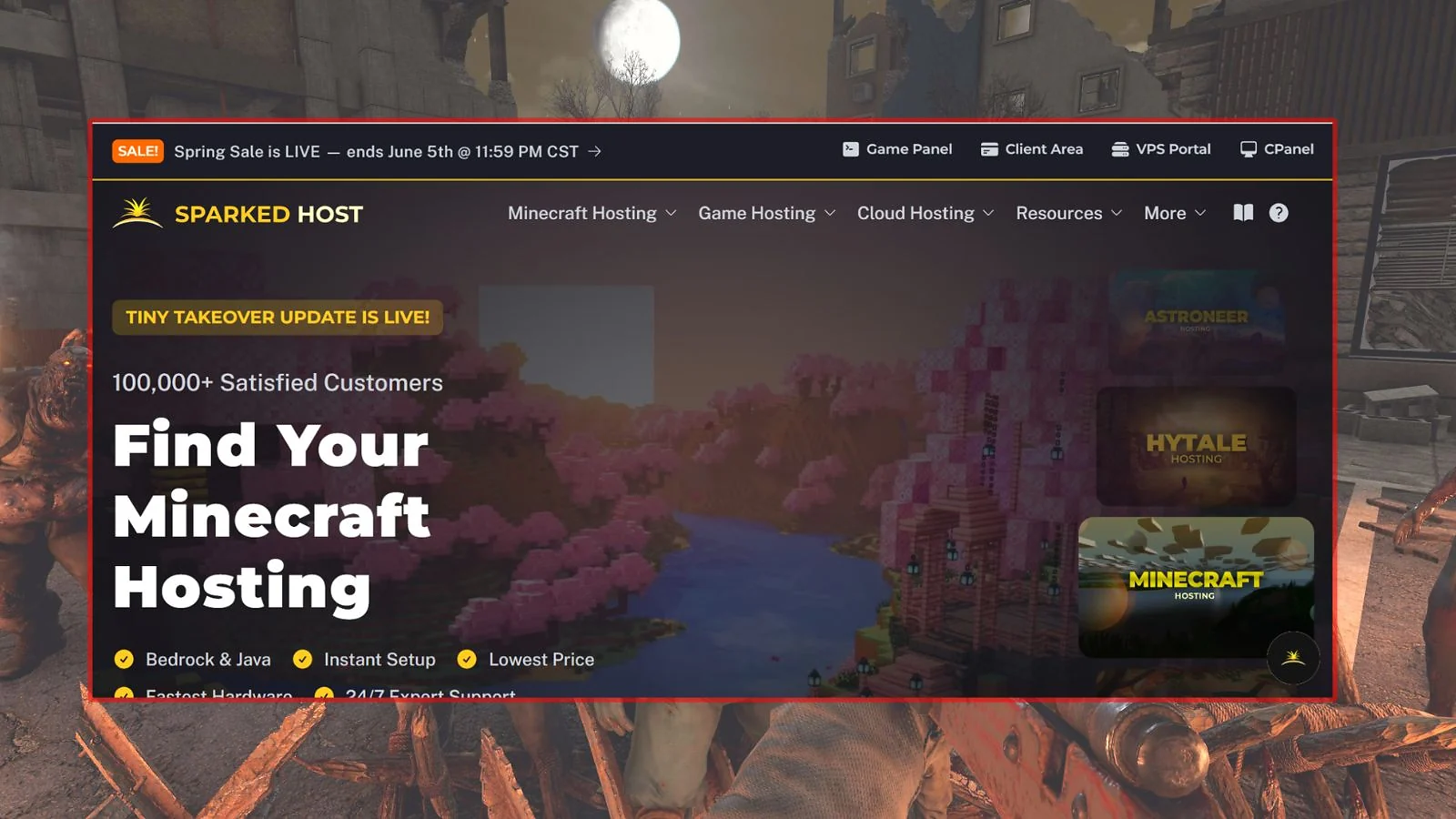
For those seeking the lowest entry price, SparkedHost is the best budget 7 Days to Die server hosting provider. Their Wood plan starts at just $4.50/mo for 4 players on Dual Xeon E5 hardware. You’re able to upgrade to their Enterprise tier (from $8.00/mo) for Ryzen 9 7900 hardware with DDR5 RAM and NVMe SSDs.
They offer a unique 1-day free trial with no credit card required, making it easy to test their proprietary Apollo Panel and learn how to host a 7 Days to Die server without commitment. While the budget tier is perfect for vanilla play, you’ll need the Enterprise plans for heavy mods like Darkness Falls. And if survival games are your thing, SparkedHost also features in our best Conan Exiles server hosting list, making it a solid pick across the genre.
Running a popular server can even open doors beyond gaming – our best online side hustles guide explores how people turn digital skills and communities into income.
| Plan | Price | RAM / Storage | CPU | Features |
|---|---|---|---|---|
| Wood | $4.50/mo | 4 GB / 50 GB SSD | Dual Xeon | Budget; vanilla only |
| Concrete | $12.00/mo | 6 GB / 100 GB NVMe | Ryzen 9 | Best mid-range option |
| Rebar | $24.00/mo | 12 GB / 100 GB NVMe | Ryzen 9 | Large modded server |
| Pros | Cons |
|---|---|
| ✅ Cheapest starting price ($4.50/mo) ✅ 1-day free trial (no credit card needed) ✅ Enterprise tier uses Ryzen 9 7900 & DDR5 ✅ High 99.99%+ uptime reliability | ❌ Wood plan hardware is older and slower ❌ Darkness Falls requires higher tiers ❌ 10 locations is moderate global coverage |

9. PingPerfect [Best 7 Days to Die Server Hosting for Mods]
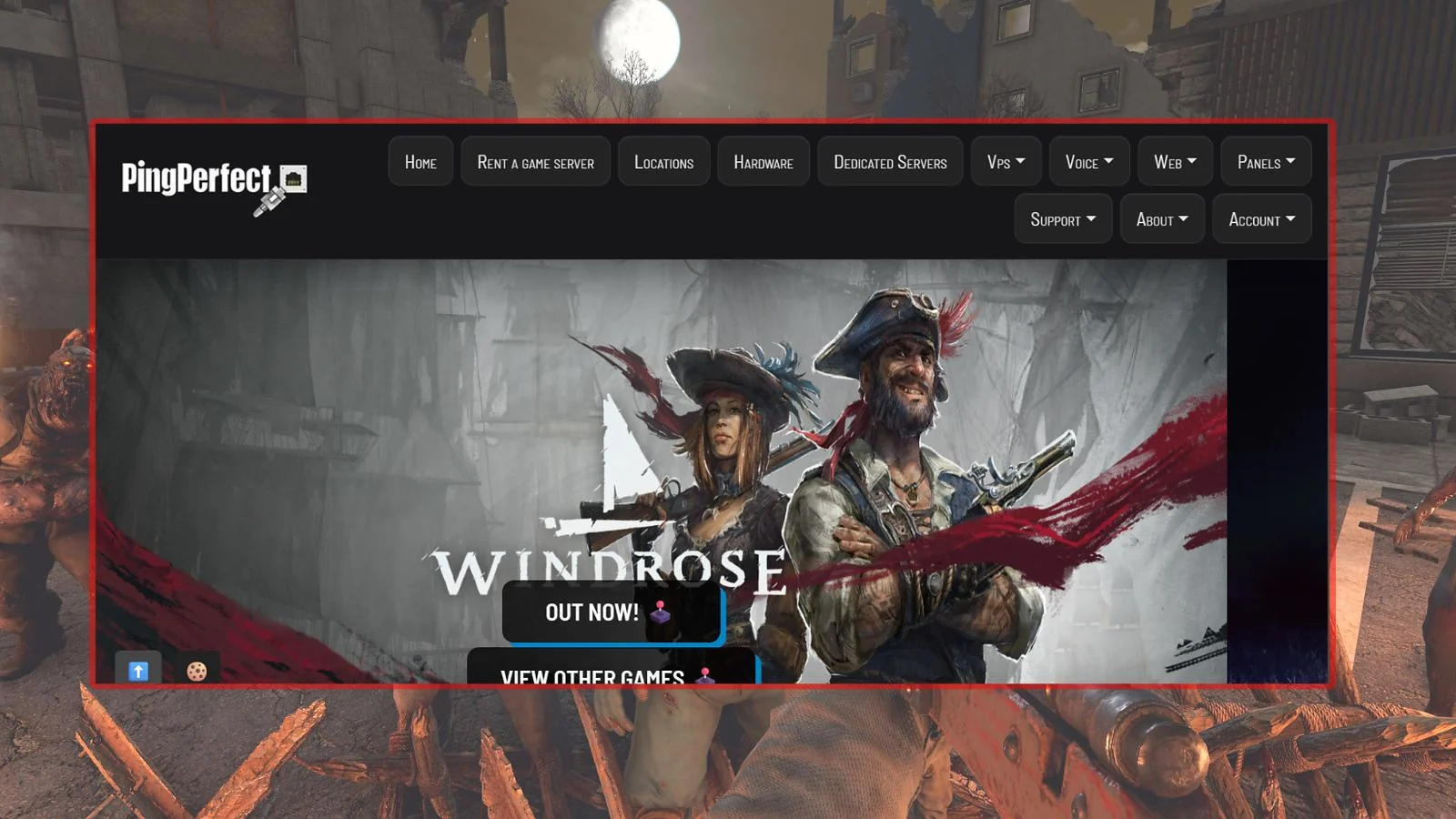
PingPerfect is the official server provider for 7 Days to Die (Storm’s Brewing Update), and they offer the best 7 Days to Die server hosting for mods. Their mod manager features one-click installation for over 10 major overhaul modpacks, including Darkness Falls, Ravenhearst, and War3zuk. They use high-end hardware up to 5.0 GHz+ and offer a massive 25 global datacenter locations.
They’re ideal for owners of mod-heavy servers who want the backing of an official provider. While their pricing is notably higher than competitors – starting at $15.26/mo for 8 slots – the value is found in the breadth of their mod support and global reach. You’re also able to switch your server to Minecraft if you follow their guide on how to host a Minecraft server.
| Plan | Price | RAM / Slots | CPU | Features |
|---|---|---|---|---|
| 8 Slots | $15.26/mo | 9 GB / 8 slots | 4.5 GHz | Official partner |
| 15 Slots | $34.46/mo | 12 GB / 15 slots | 4.5 GHz | Mid-size modded play |
| 30 Slots | $66.41/mo | 15 GB / 30 slots | 5.0 GHz+ | Extreme hardware |
| Pros | Cons |
|---|---|
| ✅ Official 7D2D server hosting partner ✅ One-click install for 10+ major modpacks ✅ Extreme tier offers 5.0 GHz+ CPU power ✅ 25 worldwide datacenter locations | ❌ Higher pricing than most competitors ❌ No stated uptime SLA percentage ❌ Wallet credits are non-refundable |
10. Indifferent Broccoli [Best 7 Days to Die Server Hosting for Uncapped RAM]
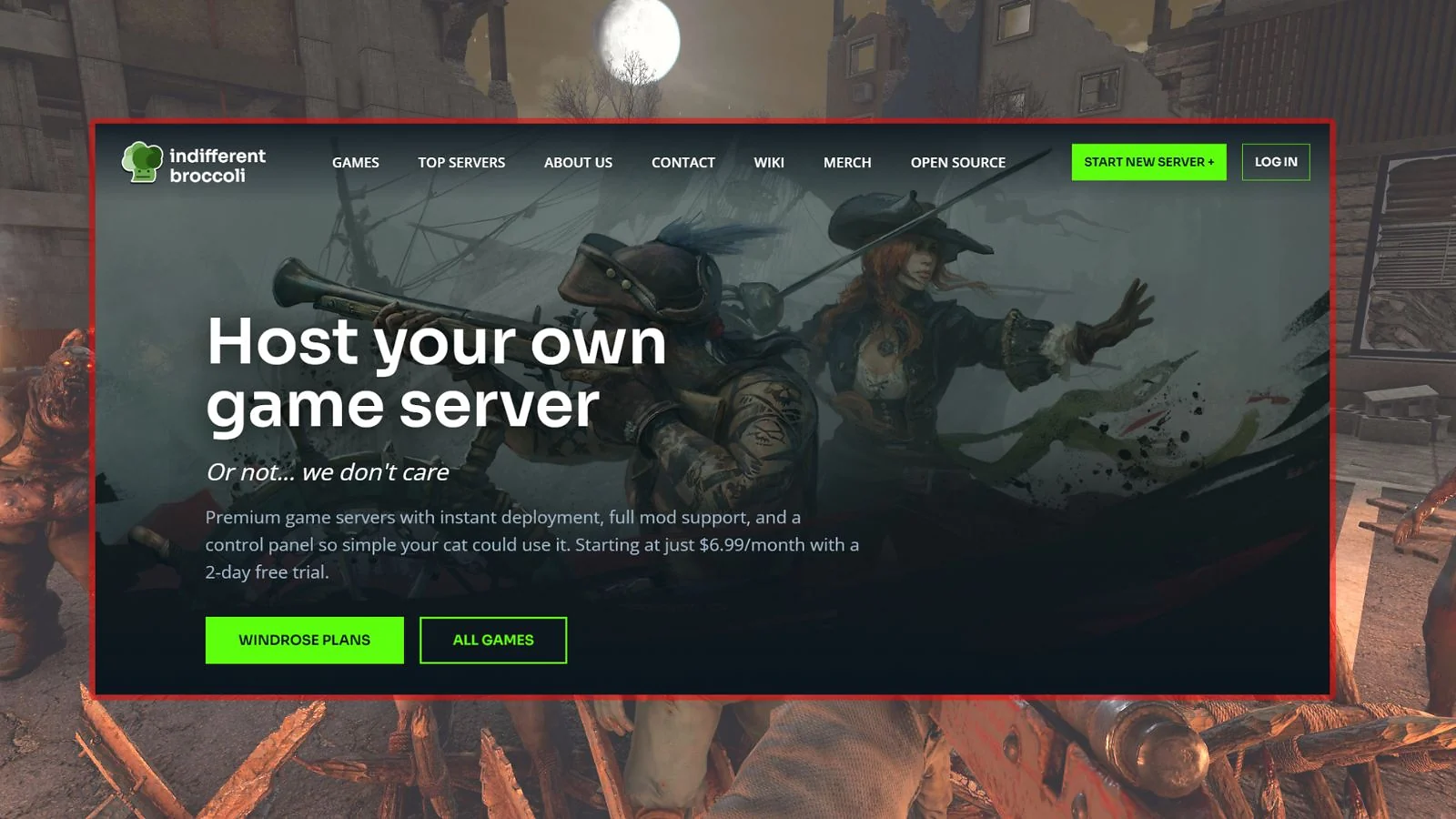
Indifferent Broccoli is the best 7 Days to Die server hosting for uncapped RAM, as all their plans pool 64–128 GB of server memory across instances. This means you’re only limited by player count, not RAM ceilings, which is perfect for overhaul mods that consume massive amounts of memory. They offer a 2-day free trial with no credit card required and a generous 7-day money-back guarantee for new customers.
Their plans start at $12.99/mo for 12 players and include Bulwark™ + Corero DDoS protection. While they offer 16 global locations, you’ll find their billing is monthly only with no long-term discounts available. It’s a great choice if you’re looking for simplicity and high resource availability.
| Plan | Price | Slots | Features | Notes |
|---|---|---|---|---|
| 12 Players | $12.99/mo | 12 slots | Uncapped RAM | 2-day free trial |
| 16 Players | $16.99/mo | 16 slots | Uncapped RAM | Most popular plan |
| 64 Players | $32.99/mo | 64 slots | Uncapped RAM | Best for heavy mods |
| Pros | Cons |
|---|---|
| ✅ Uncapped RAM on all plan tiers ✅ 2-day free trial (no credit card needed) ✅ 7-day money-back guarantee (new customers) ✅ High-quality Bulwark™ + Corero DDoS | ❌ No discounts for long-term billing cycles ❌ No stated uptime SLA percentage ❌ Support is primarily via Discord |

11. Nitrado [Best 7 Days to Die Server Hosting for Crossplay]
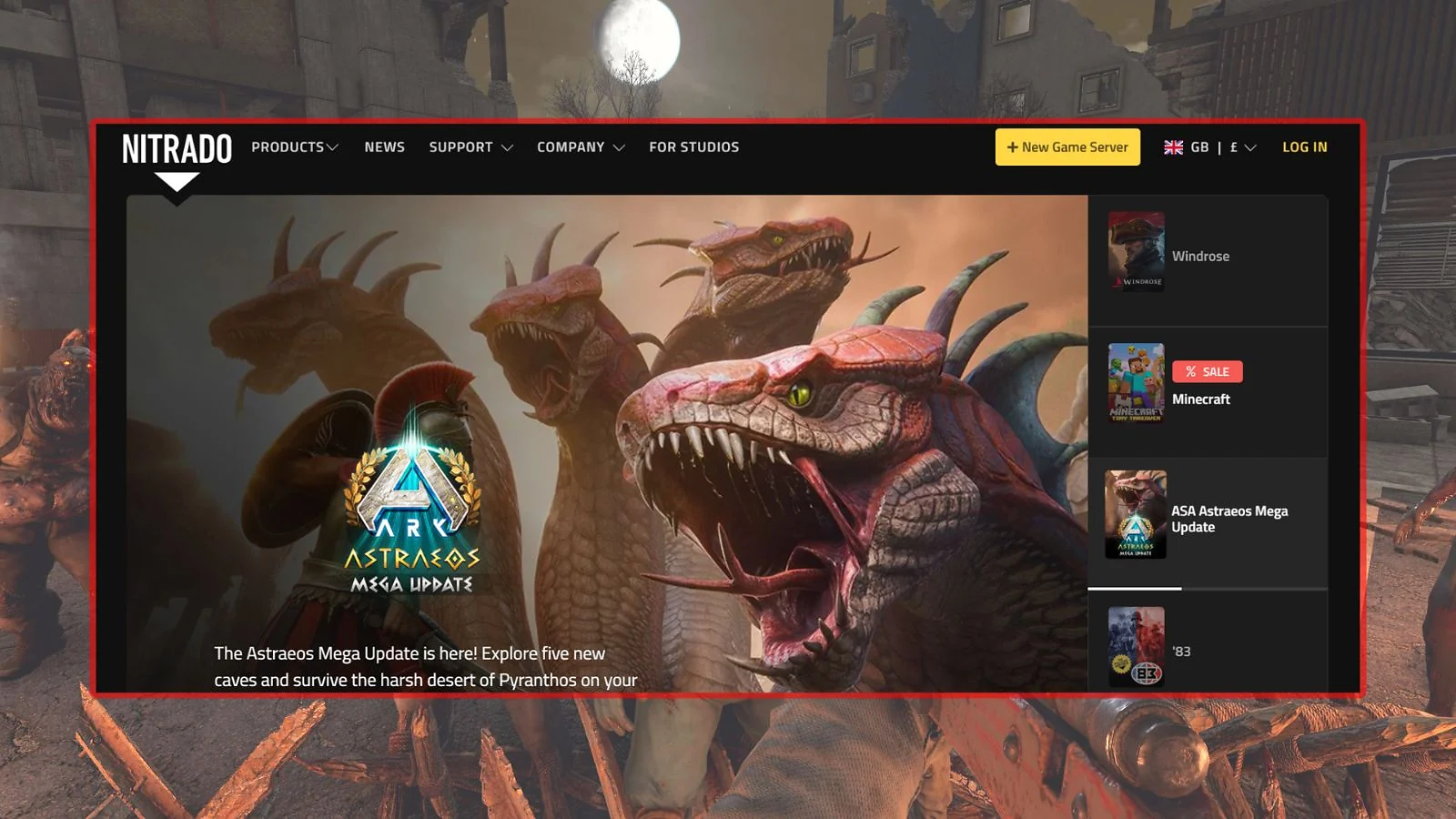
Nitrado is the premier choice for the best 7 Days to Die server hosting for crossplay, supporting groups on PC, Xbox, and PlayStation 5 simultaneously. They’re one of the most established platforms globally and offer both subscription and prepaid billing options, which means there’s no auto-renewal risk if you choose prepaid.
Plans start at $12.99 for 30 days and include 3+ months of server backups and DDoS protection. You’re able to switch between over 100 different games, giving you the flexibility to explore other survival titles at any time – and that flexibility is part of why Nitrado also secured it a place in our best Project Zomboid server hosting roundup. However, be aware that Nitrado does not offer a stated money-back guarantee and their Trustpilot score is lower than many competitors.
| Plan | Price | Slots | Features | Billing |
|---|---|---|---|---|
| 8 Slots | $12.99 / 30d | 8 slots | PC+Console Crossplay | Prepaid/Sub |
| 8 Slots (90d) | $35.49 / 90d | 8 slots | Best long-term value | Prepaid/Sub |
| Custom | From $3.29 | 8–200 slots | Fully configurable | 3–365 days |
| Pros | Cons |
|---|---|
| ✅ PC, Xbox, and PS5 crossplay support ✅ Prepaid billing option (no auto-renewal) ✅ Switch between 100+ different games ✅ 3+ months of automated server backups | ❌ No stated money-back guarantee ❌ Trustpilot score of 3.9/5 is below average ❌ No specific uptime SLA percentage |

Provider Comparison Table
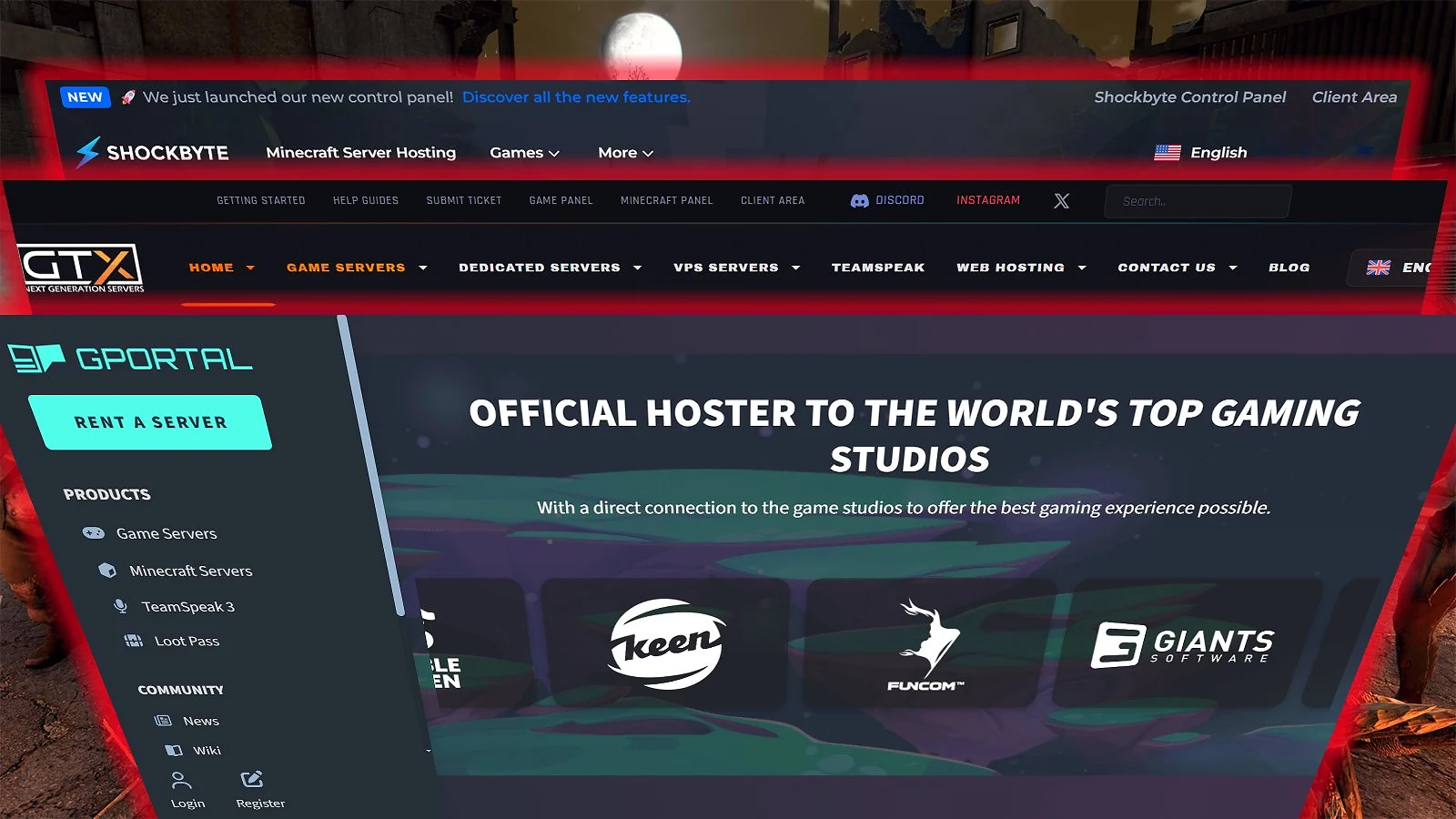
Picking the right 7D2D server hosting gets a lot easier when everything’s in one place. The best 7 Days to Die server hosting looks different depending on whether you’re running a small vanilla group or a fully modded community, so we’ve pulled the most important variables into a single view.
| Feature | Godlike.Host | Shockbyte | GTX Gaming | G-Portal | Host Havoc | BisectHosting | 7D2D.net | SparkedHost | PingPerfect | Indifferent Broccoli | Nitrado |
|---|---|---|---|---|---|---|---|---|---|---|---|
| Starting Price | $31.99/mo | $11.99/mo | $11.15/mo | $10.38/30d | $10.00/mo | $11.99/mo | $5.99/mo | $4.50/mo | $15.26/mo | $12.99/mo | $12.99/30d |
| Pricing Model | Plan-based RAM + slots | Per RAM | Per Slot | Per Slot | Per Slot | Per RAM | Flat | Per RAM | Per Slot | Per Player | Per Slot |
| Free Trial | ✓ | ✗ | ✗ | ✗ | ✗ | ✗ | ✗ | ✓ | ✓ | ✓ | ✗ |
| Locations | 10+ | 13 | 22 | 14 | 13 | 21 | 5 | 10 | 25 | 16 | 9 |
| Trustpilot | 4.5/5 | 3.8/5 | 4.7/5 | 4.5/5 | 4.7/5 | 4.8/5 | 4.3/5 | 4.8/5 | 4.6/5 | 4.4/5 | 3.9/5 |
| Best For | Performance & Features | Value | Simplicity | Security | Reliability | Ratings | Specialists | Budget | Mods | RAM | Crossplay |
* Starting prices sourced directly from each provider’s official website at time of writing. † Money-back guarantees typically apply to first orders only.
7 Days to Die Server Hosting Feature Comparison
Choosing the best 7 Days to Die server hosting requires looking at specific technical features that affect mod stability and server speed. NVMe SSD storage is critical for faster mod loading, while scheduled restarts are essential for managing the game’s known memory leaks. Below is a matrix showing how each provider stacks up across these key categories.
| Feature | Godlike.Host | Shockbyte | GTX Gaming | G-Portal | Host Havoc | Bisect | 7D2D.net | Sparked | PingPerfect | Broccoli | Nitrado |
|---|---|---|---|---|---|---|---|---|---|---|---|
| Workshop Support | ✓ | ✓ | ✓ | ✓ | ✓ | ✓ | ✓ | ✓ | ✓ | ✓ | ✓ |
| 1-Click Install | ✓ | ✓ | ✓ | ✓ | ✓ | ✓ | ✓ | ✓ | ✓ | ✓ | ✓ |
| NVMe SSD | ✓ | ✓ | ✓ | ✓ | ✓ | ✓ | ✓ | ✓ | ✓ | ✓ | ✓ |
| DDoS Protection | ✓ | ✓ | ✓ | ✓ | ✓ | ✓ | ✓ | ✓ | ✓ | ✓ | ✓ |
| Auto Backups | ✓ | ✗ | ✓ | ✓ | ✓ | ✗ | ✓ | ✓ | ✓ | ✓ | ✓ |
| Scheduled Tasks | ✓ | ✗ | ✓ | ✓ | ✓ | ✓ | ✓ | ✗ | ✓ | ✓ | ✗ |
| 24/7 Live Chat | ✓ | ✓ | ✓ | ✓ | ✓ | ✓ | ✗ | ✓ | ✓ | ✗ | ✗ |
| Game Switching | ✓ | ✗ | ✓ | ✓ | ✓ | ✗ | ✓ | ✓ | ✗ | ✓ | ✓ |
| Unlimited Slots | ✗ | ✗ | ✗ | ✗ | ✗ | ✗ | ✗ | ✗ | ✗ | ✗ | ✓ |
* Values reflect provider documentation at the time of writing – always verify before purchasing.
Minimum Server Requirements for 7 Days to Die
Understanding minimum server requirements is a key part of finding the best 7 Days to Die server hosting for your needs. Hardware demands shift considerably once you move beyond vanilla play, with overhaul modpacks like Darkness Falls routinely consuming 8 GB to 12 GB of RAM during active sessions. It’s also vital to remember that 7D2D develops memory leaks during long-running sessions, so scheduling auto-restarts every 6 to 12 hours is strongly advised.
Each major modpack can consume 1–5 GB of disk space, making NVMe SSD storage essential for reducing loading times at startup. Below is a table outlining the recommended specs for different use cases.
| Use Case | RAM | CPU | Storage | Notes |
|---|---|---|---|---|
| Vanilla (2–8) | 2–4 GB | Dual-core 3.0+ | 5–15 GB SSD | 2 GB is the absolute floor |
| Small Group + Mods | 4–6 GB | Quad-core 3.0+ | 15–30 GB SSD | NVMe recommended for mods |
| Community (15–30) | 6–10 GB | Quad-core 3.5+ | 30–60 GB NVMe | Scheduled restarts advised |
| Large Modded (30+) | 10–16 GB | Hexa-core 3.8+ | 60–100 GB NVMe | Auto-restarts required |
| Maximum (64+) | 16+ GB | Ryzen 9 / EPYC | 100+ GB NVMe | DDR5 and NVMe are critical |
How to Choose the Right Server Hosting for 7 Days to Die
Selecting the best 7 Days to Die server hosting requires prioritizing several key factors, including RAM allocation, mod support, and server location. Below is a breakdown of what to look for when learning how to host a 7 Days to Die server and making your choice.
RAM Requirements (7 Days to Die Is Memory-Intensive)
The best 7 Days to Die server hosting providers all have one thing in common: generous RAM allocations. This game is among the most memory hungry in the survival genre. While Minecraft can often run on 1–2 GB, you’ll need at least 4 GB of RAM for a modded 7D2D server. Overhaul mods significantly increase this demand, often consuming an additional 1–3 GB each. Because of the game’s tendency to develop memory leaks, it’s essential to use a host that supports scheduled restarts to keep your server stable over time.
Steam Workshop Mod Support
Modding is central to 7 Days to Die game server hosting, and providers should make installation effortless. Most of the best 7 Days to Die server hosting providers offer one-click Workshop ID installation or manual file uploads via FTP. Overhaul packs like Undead Legacy are massive, often requiring 2–10 GB of space. Ensure your provider offers NVMe SSD storage, as it drastically reduces the time it takes for these large maps to load.
Server Location and Latency
Finding the best 7 Days to Die game server hosting means considering more than price and RAM. Server location has a direct impact on your in-game ping, and while 7 Days to Die is far less demanding than a fast-paced shooter, anything above 200 ms will start to cause desync during combat. You should choose a datacenter geographically closest to the majority of your players.
- 25 Locations: PingPerfect (Global leader)
- 22 Locations: GTX Gaming
- 21 Locations: BisectHosting
- 16 Locations: Indifferent Broccoli
- 13 Locations: Shockbyte, Host Havoc (Strongest for AU/APAC)
Pricing Model: RAM-Based vs. Slot-Based
There are two common pricing models for 7 Days to Die server hosting, which is a critical part of understanding how to host a 7 Days to Die server.
- RAM-Based: You pay for guaranteed memory, which is strongly preferred for modded servers as it ensures you have the resources to handle high mod loads.
- Slot-Based: You pay per player slot. This is often cheaper for small, vanilla groups, but these plans will sometimes under-allocate RAM for modded sessions.
Scheduled Restarts and Memory Management
Any contender for the best 7 Days to Die server hosting should support scheduled restarts. Memory leaks accumulate over 12 to 24 hours and will degrade performance until the server is refreshed. Automated daily backups are just as essential, given that world corruption is a known hazard in 7D2D multiplayer that can result in permanent data loss.
Refund Policies and Money-Back Guarantees
Not all 7D2D server hosting providers are equally generous when things don’t work out. Before you hand over your card details, it’s worth knowing exactly how much runway you’ve got to test a host and bail if needed.
- 14-day MBG: 7D2D.net
- 7-day MBG: Indifferent Broccoli
- 72-hour MBG: Godlike.Host, Shockbyte, G-Portal, PingPerfect, Nitrado, Host Havoc (Probable cause required)
- 48-hour MBG: BisectHosting, SparkedHost
- 24-hour MBG: GTX Gaming (At manager discretion after 24 hours)
* Warning: Most guarantees apply only to first orders and often require a “probable cause” justification through support.
Final Verdict: Which 7 Days to Die Server Host Should You Choose?
Selecting the right server hosting for 7 Days to Die balances performance, mod support, and your budget.
- Best Overall 7 Days to Die Server Hosting: Godlike.Host
- Best High-Performance 7 Days to Die Server Hosting: Shockbyte
- Best for Simple, Fixed-Tier 7 Days to Die Hosting: GTX Gaming
- Best Established 7 Days to Die Server Hosting: G-Portal
- Best 7 Days to Die Server Hosting for Reliability: Host Havoc
- Best-Rated 7 Days to Die Server Hosting: BisectHosting
- Best Specialist 7 Days to Die Server Hosting: 7D2D.net
- Best Budget 7 Days to Die Server Hosting: SparkedHost
- Best 7 Days to Die Server Hosting for Mods: PingPerfect
- Best 7 Days to Die Server Hosting for Uncapped RAM: Indifferent Broccoli
- Best 7 Days to Die Server Hosting for Crossplay: Nitrado
It’s essential to confirm current pricing and RAM details on each provider’s official page before you’re subscribing to ensure you get the best 7 Days to Die server hosting for your needs.
FAQs
For most players, Godlike.Host is the best 7 Days to Die server hosting – it delivers reliable performance, global coverage, and one-click mod support out of the box. GTX Gaming and G-Portal are worth considering if you want simpler pricing or a more established provider.
Yes, you’re able to run mods on almost any dedicated 7D2D server. Most providers offer one-click installation for major packs like Darkness Falls, while others allow manual uploads via FTP.
A vanilla server for a small group needs at least 2–4 GB, but a modded server will require 8 GB to 12 GB of RAM to remain stable. Overhaul modpacks significantly increase memory demand.
The cheapest option is SparkedHost, which starts at $4.50/mo for a basic vanilla server. 7D2D.net is another strong budget contender with plans starting at $5.99/mo.