


Best Project Zomboid Server Hosting in 2026: Build 42 & Mod-Ready Picks

Eneba Hub contains affiliate links, which means we may earn a small commission if you make a purchase through them—at no extra cost to you. Learn more


Recent update
This article receives frequent updates to ensure our readers have the most current information on the best Project Zomboid server hosting available.
In Project Zomboid, the first step toward surviving the apocalypse with friends is finding the best Project Zomboid server hosting provider.
Built by The Indie Stone, Project Zomboid is no lightweight. Between its deep gameplay systems and the sheer weight of Steam Workshop mods, you’ll need decent hardware to keep a multiplayer session from turning into a slideshow.
Although you can self-host, dedicated hosting is more reliable. If you self-host, your PC must be on 24/7, and you have to deal with port forwarding. In addition, running the game client and Workshop mods simultaneously often causes performance issues and lag.
A dedicated server also keeps your persistent world running 24/7 – your base stays intact, loot respawns on schedule, and the apocalypse keeps ticking even when you’re offline.
Finding the best server hosting for Project Zomboid takes more than a quick price check, so this guide breaks down our testing method, top picks for different use cases, server requirements, and everything else you need to decide.
Jump to:
Our Top Picks for the Best Project Zomboid Server Hosting
There are many Project Zomboid dedicated server hosting services to choose from. But these top picks are the best options right now. Each one stands out for different use cases and offers excellent features and performance specifically for Project Zomboid hosting.
- Godlike.Host – Best Project Zomboid server hosting overall, with automatic backups, DDoS protection, mod support, scheduled tasks, instant setup, and 24/7 support.
- Shockbyte – Best for Global Project Zomboid server hosting overall, with a well-established reputation, top-tier hardware quality, and wide global coverage, including Asia-Pacific.
- ScalaCube – Best Project Zomboid server hosting for scalability, with RAM-based plans that range from 3 GB to 32 GB for accommodating fast-growing groups.
- Nitrado – Best for flexible Project Zomboid server billing with both prepaid and subscription billing options that make it suitable for casual players.
- GTXGaming – Best for customizable Project Zomboid hosting – clear plan options make it easy to find the right setup for your needs.
- Pine Hosting – Best-rated Project Zomboid server hosting that boasts an outstanding Trustpilot score for credibility, along with reliable customer support.
- DatHost – Best performance hardware for Project Zomboid, equipped with powerful hardware including AMD Ryzen 9 CPUs and 16 GB RAM per server.
- Apex Hosting – Best Project Zomboid server hosting for beginners, thanks to its easy setup, user-friendly control panel, and 7-day money-back guarantee.
- Host Havoc – Best Project Zomboid server hosting for reliability, with a 100 percent uptime guarantee and a very fast 10-minute average support response time.
- GPortal – Best specialist Project Zomboid server host, marketed as the world’s largest host for the game with multi-layered DDoS protection.
- Gravel Host – Best budget Project Zomboid server hosting with a $3.99 monthly plan that makes it an excellent choice for small groups with a very limited budget.
To learn more about these best Project Zomboid server hosting providers, check out the complete guide below, which also includes comprehensive tables for easy comparison.
How We Tested These Project Zomboid Server Hosts
To find the best Project Zomboid server hosting, we did hands-on testing. We bought various plans from different providers and measured setup times, Workshop mod installation, and memory stability. We also contacted customer support to test their responsiveness and helpfulness when things go wrong.
We only included companies with Project Zomboid dedicated server hosting pages. Generic VPS providers were excluded to make sure every host listed here is optimized for the unique needs of the resource-demanding survival game.
Our key criteria included one-click mod support and full access to configuration files. Since the game requires at least 4 GB RAM for modded gameplay, we prioritized the best Project Zomboid server hosting providers with high RAM allocation, along with NVMe SSD storage. We also verified that every host offers scheduled restarts to manage the game’s memory leak issue.
We tested over 15 providers to find what we consider the best server hosting for Project Zomboid – eleven options ranging from budget picks to premium tiers, each verified for clear pricing, reliable mod management, and active community presence. Players also searching for the best Unturned server hosting will find several of these providers capable of hosting both zombie survival titles, though our evaluation focused entirely on Project Zomboid performance.
Best Project Zomboid Server Hosting Platforms Reviewed
The best Project Zomboid server hosting must have sufficient RAM, easy Workshop mod support, and full access to server configuration files. High-performance hardware (like NVMe storage), clear pricing, and reliable customer support are also essential. Evaluated through our comprehensive hands-on testing, the 10 Project Zomboid dedicated server hosting providers below meet these standards and stand out with their performance, features, and value.
1. Godlike.Host [Best Project Zomboid Server Hosting Overall]
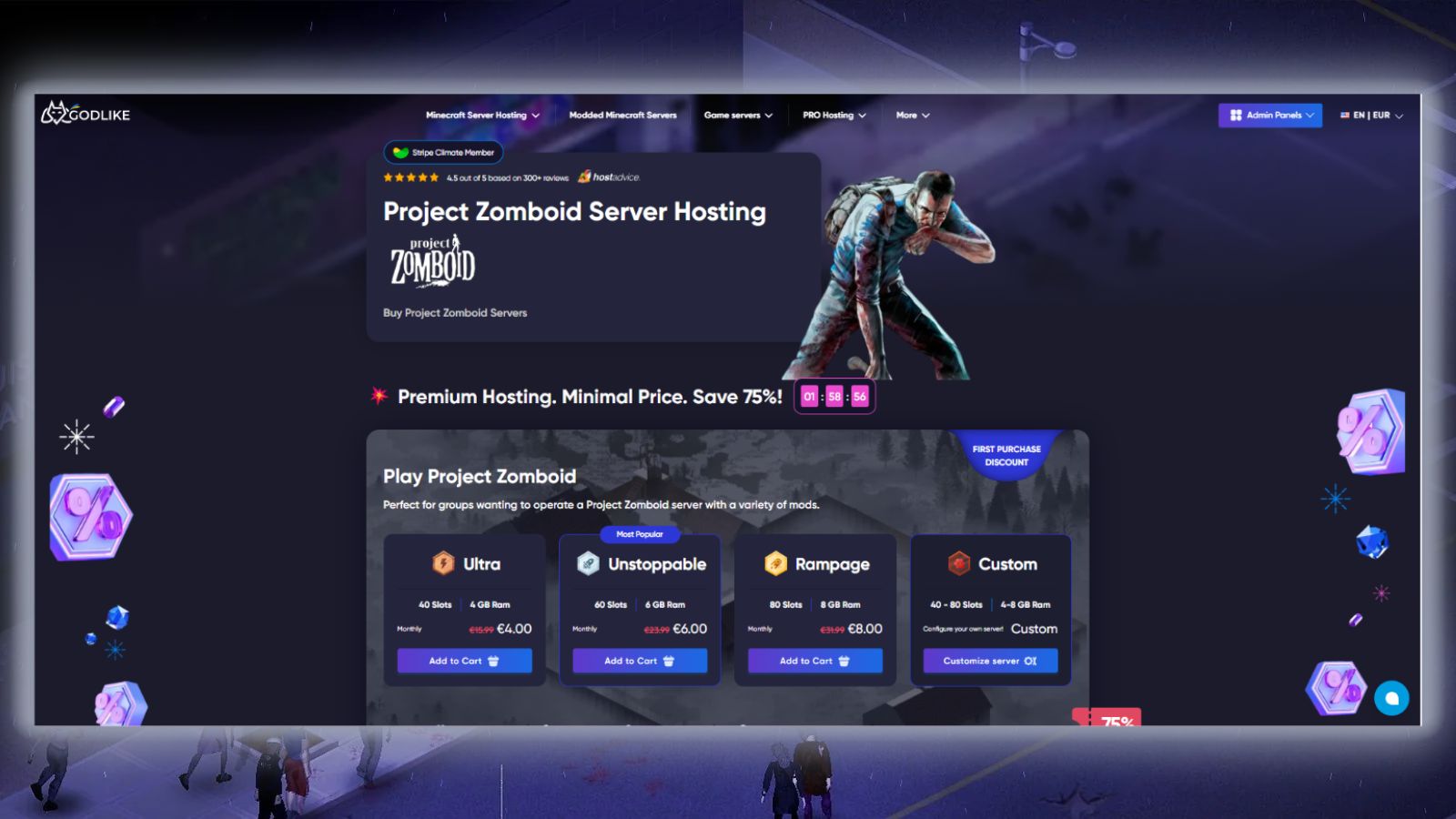
Godlike.Host is a strong overall choice for Project Zomboid server hosting, combining Ryzen-based hardware, SSD storage, DDoS protection, automatic backups, scheduled tasks, instant setup, and a custom game-server control panel. Its current Project Zomboid plans start at $15.99/month, with a first-purchase promotional price of $4.00/month, and range from 40 to 80 slots.
Plans include 4–8 GB of RAM and 40–80 player slots. Godlike.Host specifically advertises Project Zomboid mod and plugin support, including a built-in automated mod installer and updater, while full SFTP access provides direct control over server files. The panel also supports custom server configurations, launch options, and game-version management.
Godlike.Host also provides up to three free backups per day, free DDoS protection, and scheduled tasks. Its Project Zomboid hosting page says servers are available through 10 global data centers, while support is provided 24/7 through live chat and tickets, with an advertised average response time of around 20 minutes.
| Pros | Cons |
|---|---|
| ✅ Ryzen-based high-performance hardware ✅ SSD storage ✅ Up to three free backups per day ✅ Free DDoS protection ✅ Built-in automated mod installer and updater | ❌ Promotional $4.00 price applies only to the first purchase ❌ Standard plans top out at 80 slots ❌ Only 4–8 GB RAM on the listed Project Zomboid plans |

2. Shockbyte [Best for Global Project Zomboid server hosting]
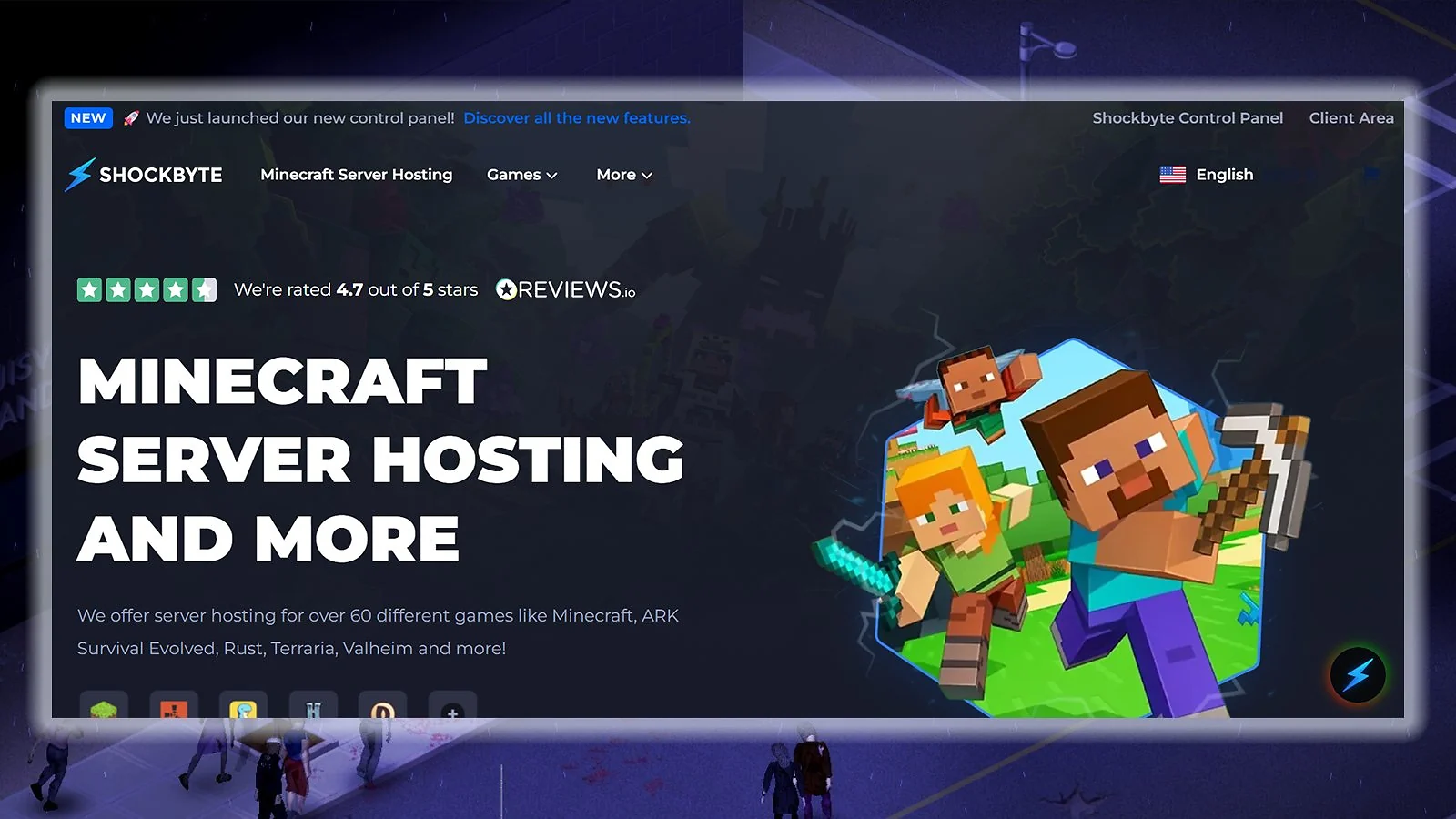
Shockbyte is the top choice for the best Project Zomboid server hosting, thanks in large part to its excellent hardware quality. Its servers use powerful AMD processors up to EPYC 4465P. Paired with NVMe SSDs, this makes them perfect for running heavy Workshop mods.
Plans start at $9.99 per month, with discounts for quarterly and annual billing. You also get a 72-hour money-back guarantee that you can initiate yourself without creating a ticket. This Project Zomboid dedicated server hosting provider has 99.9 percent uptime and a wide coverage, with multiple locations across North America, South America, Europe, and Asia-Pacific.
Shockbyte offers 24/7 support and also excels in providing security with DDoS protection and automatic backups. If you want the best server hosting for Project Zomboid with top-tier hardware and an established reputation, choose Shockbyte.
| Pros | Cons |
|---|---|
| ✅ Uses high-end hardware ✅ 10+ global locations ✅ Quarterly/annual billing discounts ✅ Convenient self-serve refund option ✅ Build 42 & Unstable branch support ✅ Strong single-core CPU performance for modded servers ✅ Hardware: AMD EPYC 4465P, NVMe SSD | ❌ Support helpfulness can be inconsistent ❌ Renewals excluded from money-back guarantee ❌ Low RAM for entry-level plan ❌ Slow support during peak hours |

3. ScalaCube [Best Project Zomboid Server Hosting for Scalability]
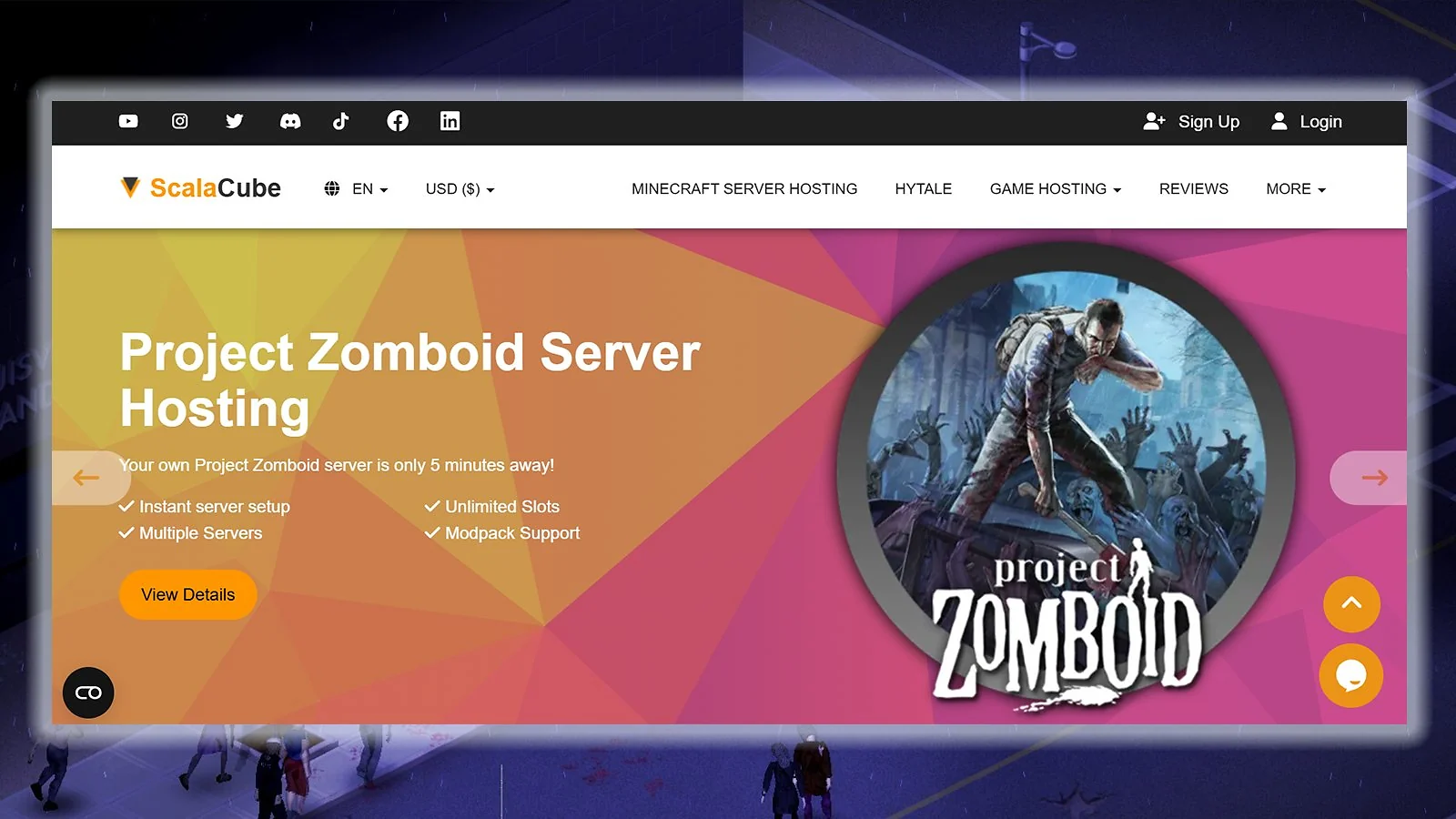
ScalaCube is the best server hosting for Project Zomboid that can keep up with your growing community. Starting at 3 GB, it offers a wide range of RAM options that go up to 32 GB for very large public servers.
Similar to the other top options you’ll find when exploring how to host Project Zomboid server, this Project Zomboid dedicated server hosting provider has plenty of useful features. The list includes full FTP access, easy mod support, reliable DDoS protection, and 24/7 ticket support.
While its entry-level plan is a bit expensive, ScalaCube is the best Project Zomboid server hosting for admins who expect their player base to rapidly grow. With over 10 global locations, you can find a server close to your players to keep latency low.
| Pros | Cons |
|---|---|
| ✅ Extensive RAM-based plans ✅ All plans include DDoS protection ✅ Easy mod support ✅ 10+ global server locations ✅ Unlimited player slots ✅ Fast 5-minute server setup ✅ Plan upgrades without losing files | ❌ Pricey entry-level plan ❌ Inconsistent support responsiveness ❌ Limited live chat option ❌ The control panel can feel lacking for advanced users ❌ Build 42 & Unstable branch support unverified ❌ CPU specs not publicly verified ❌ Hardware: Not publicly specified |
4. Nitrado [Best for Flexible Project Zomboid Server Billing]
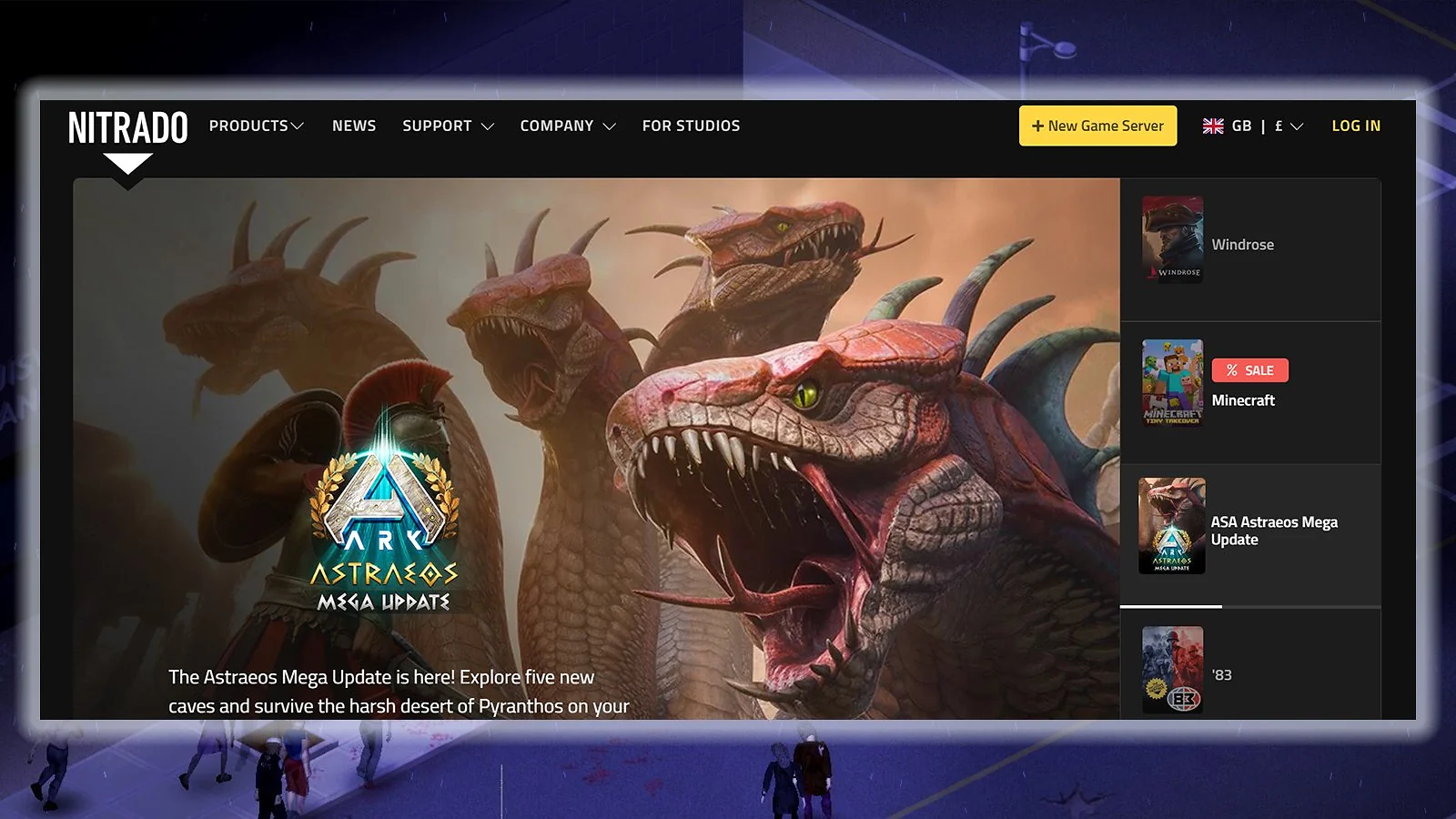
Nitrado is a highly reputable brand that distinguishes itself from other top options for the best Project Zomboid server hosting with its flexible billing methods. It offers both prepaid and subscription billing, which makes it perfect for casual players who want to rent a server without long-term commitments.
Plans start at $6.59 for 30 days with four slots. Even with just the entry-level plan, this Project Zomboid dedicated server hosting gives you perks like daily backups, strong DDoS protection, and wide service coverage for low-latency gaming. If you’re learning how to host Project Zomboid server and also play other games, you can install up to five different games on one server and switch between them anytime.
A strong pick for the best server hosting for Project Zomboid, Nitrado offers 99.9 percent uptime and customer support through email or chat. You also get a 14-day money-back guarantee on your first order, so you can test the performance and overall service without much risk.
| Pros | Cons |
|---|---|
| ✅ Prepaid and subscription billing options ✅ Daily backups ✅ Strong DDoS protection ✅ Easy game switching ✅ Build 42 & Unstable branch support ✅ AMD Ryzen 9 7950X & EPYC 9474F for strong single-core mod performance ✅ Hardware: AMD Ryzen 9 7950X & EPYC 9474F, Gen4 NVMe SSD | ❌ Refund policy limited to your first order ❌ Inconsistent customer support ❌ Limited hardware transparency ❌ The control panel can feel outdated |
5. GTXGaming [Best for Customizable Project Zomboid Hosting]
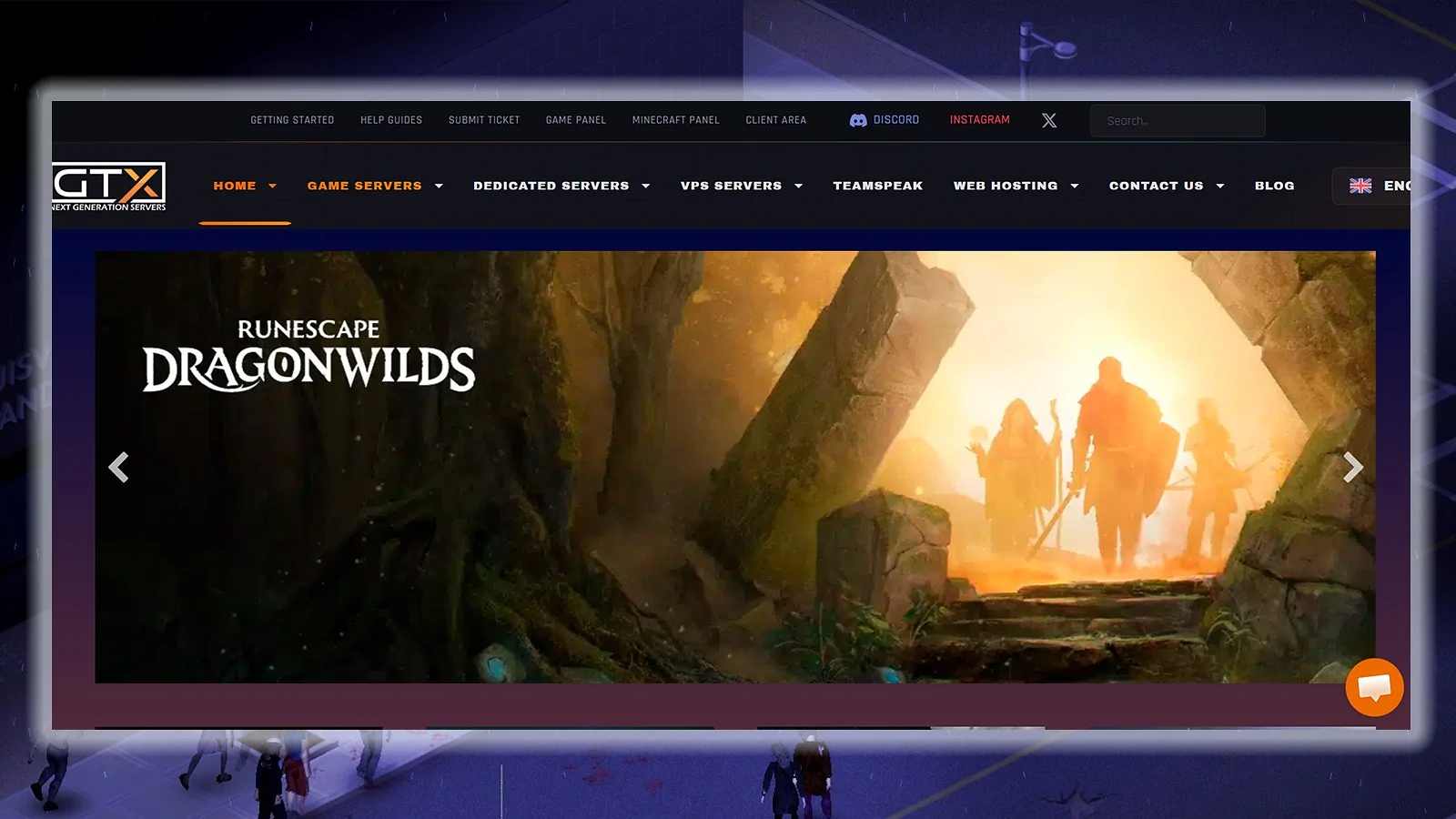
Known as the UK’s top Minecraft server host, GTXGaming offers customizable plans for Project Zomboid, with clear price modifiers, unlike some of the best Project Zomboid server hosting providers. All plans come with 100 GB of NVMe storage and over 10 global location options. If you pay for a full year upfront, you can save up to 15 percent on your total bill.
The entry-level plan already offers 8 GB RAM, so your server runs smoothly right from the start, even with a few mods. You also get access to a convenient task scheduler that allows you to set backups, restarts, and Steam updates, along with other benefits like DDoS protection and 99.7 percent uptime.
GTXGaming is a big name in Minecraft and easily one of the best Project Zomboid server hosting providers – but it also grabs the top spot for ARK server hosting, which is seriously impressive. That said, there’s a small catch: the refund window is super tight. You only get 24 hours, which might feel a bit restrictive, especially if you’re just getting started.
| Pros | Cons |
|---|---|
| ✅ Easily customizable plans ✅ Large NVMe storage on all plans ✅ 10+ global server locations ✅ Scheduled restarts/backups ✅ Build 42 & Unstable branch support ✅ High-frequency CPU optimized for modded servers ✅ Hardware: High-frequency CPU, NVMe SSD | ❌ Very limited refund policy ❌ Lower uptime than other top picks ❌ GBP currency rate fluctuations ❌ Support can be inconsistent |
6. Pine Hosting [Best-Rated Project Zomboid Server Hosting]
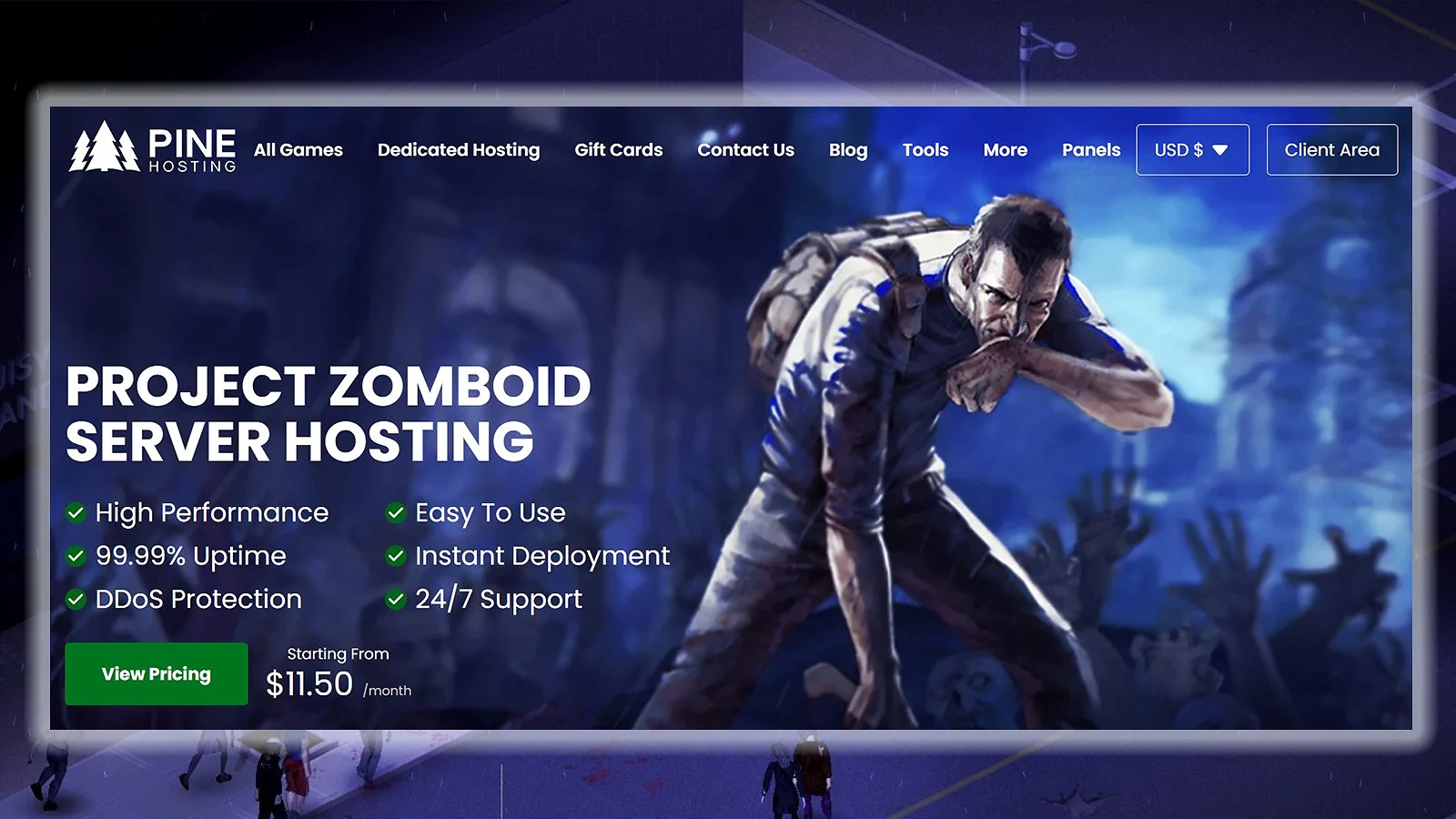
Among the best Project Zomboid server hosting providers listed here, Pine Hosting has the highest score on Trustpilot with 4.9 out of 5. With a 99.99 percent uptime guarantee and strong DDoS protection, it keeps your server safe and online around the clock.
Plans are slot-based with dedicated CPU allocation up to 300 percent, which makes it an ideal Project Zomboid dedicated server hosting for modded servers. You can get incredible discounts if you choose longer plans, with up to 30 percent off for annual payments.
Pine Hosting includes convenient tools for easy server management, including a Workshop mod installer and a task scheduler. It’s a strong candidate for best server hosting for Project Zomboid among support-conscious players, offering round-the-clock assistance that’s both speedy and genuinely helpful.
| Pros | Cons |
|---|---|
| ✅ Highly rated on Trustpilot ✅ Dedicated CPU allocation ✅ Very reliable 24/7 support ✅ Big discount for annual payment ✅ Build 42 & Unstable branch support ✅ AMD Ryzen 9 9950X for strong single-core mod performance ✅ Hardware: AMD Ryzen 9 9950X, NVMe SSD | ❌ Limited refund policy ❌ Fewer locations than other top picks ❌ Pricing model can limit flexibility ❌ Relatively small Trustpilot review sample size |

7. DatHost [Best Performance Hardware for Project Zomboid]
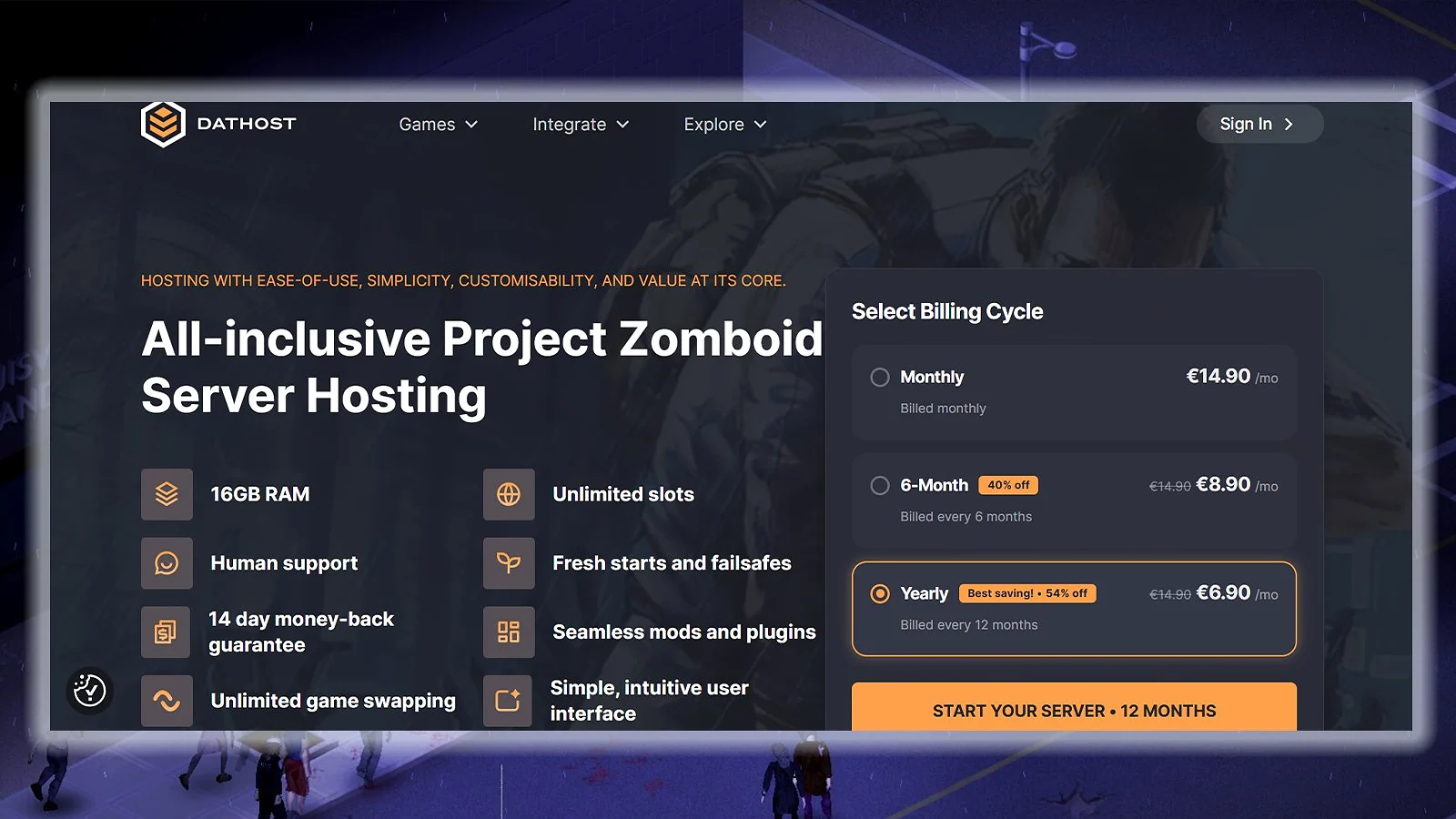
DatHost offers incredible hardware quality by using AMD Ryzen 9 7950X3D CPUs and DDR5 RAM, which makes it the best Project Zomboid server hosting for users who want top-tier performance and for players also looking for a great server host for Palworld.
Every Project Zomboid plan includes 16 GB RAM and unlimited player slots, with the annual plan offering a massive discount that cuts the monthly price by around half. You also get a 14-day money-back guarantee, which is much longer than what the other contenders for the best server hosting for Project Zomboid typically offer. This gives you a lot of time to test both the performance and the support reliability.
DatHost is also a solid pick if you need a more flexible Project Zomboid dedicated server hosting for global player groups. It offers instant server relocation, which allows you to easily move your server to different regions across the world, from North America to Asia-Pacific.
| Pros | Cons |
|---|---|
| ✅ Exceptional hardware quality ✅ Instant server relocation ✅ Unlimited player slots ✅ Massive annual payment discount ✅ Strong single-core CPU performance for modded servers ✅ AMD Ryzen 9 7950X3D for strong single-core mod performance ✅ Hardware: AMD Ryzen 9 7950X3D, DDR5 RAM, NVMe SSD | ❌ The control panel can be confusing initially ❌ Limited RAM scaling options ❌ No live chat ❌ EUR currency rate fluctuations ❌ Build 42 & Unstable branch support unverified |

8. Apex Hosting [Best Project Zomboid Server Hosting for Beginners]
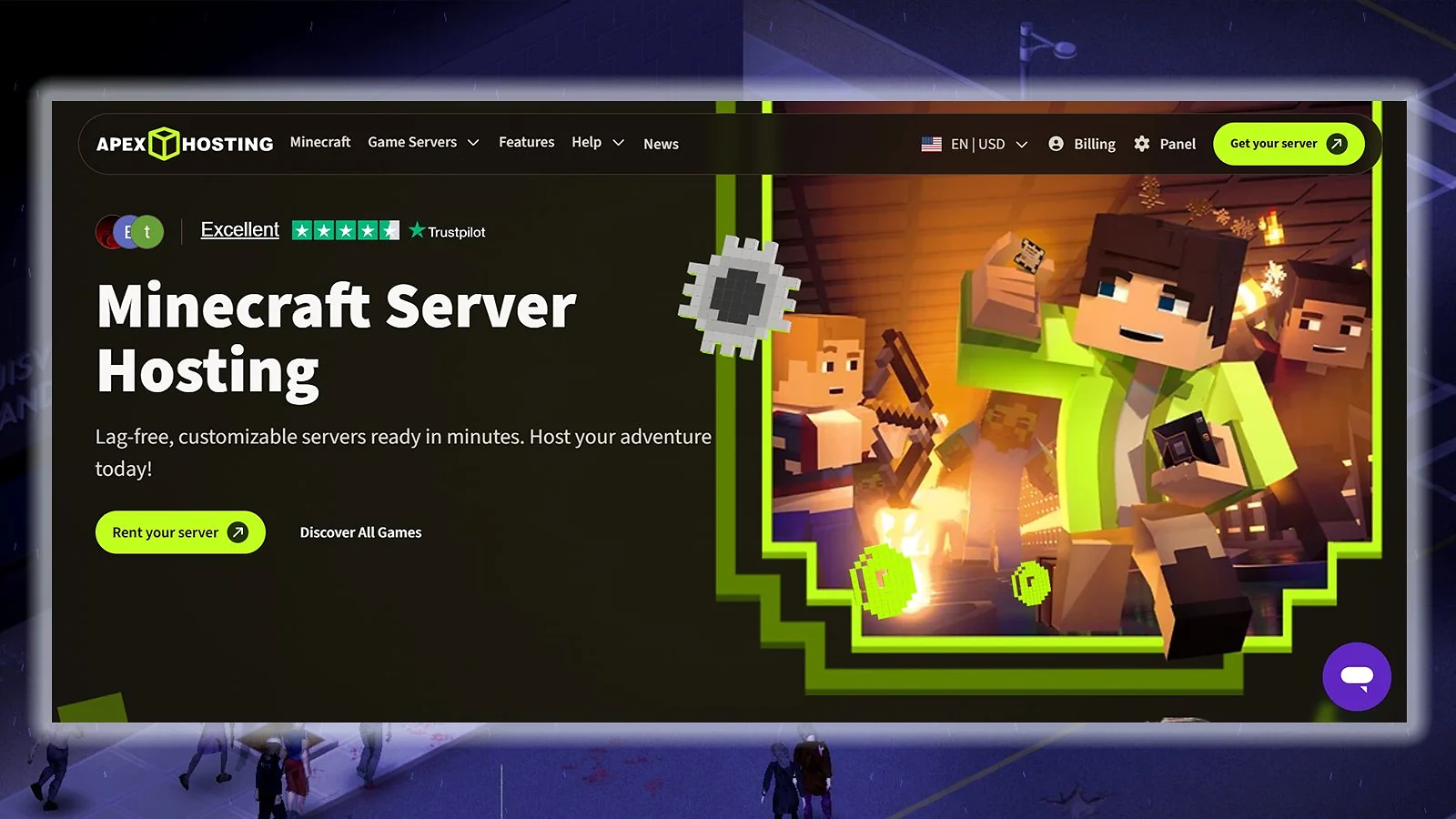
For beginners researching how to make a Project Zomboid server, Apex Hosting is the best option. It makes the entire setup easy and offers more than 10 global locations, including Tokyo and Mumbai. In addition, it has a 7-day money-back guarantee, which gives server hosting newbies more confidence before committing to a regular subscription.
If you need more power for your Project Zomboid dedicated server hosting, you can check out the EX Series, which starts at $53.99 for the first month. This plan includes 16 GB of RAM, four dedicated vCores, and a dedicated IP, which makes it ideal for a large modded community with over 40 players.
Apex Hosting also offers 24/7 support. For beginners looking for the best Project Zomboid server hosting, this is a big plus, as they are more likely to encounter issues and ask questions than more experienced users.
Also worth mentioning – if you’ve ever looked into the best Terraria server hosting, Apex Hosting pops up there too, which says a lot about how versatile and reliable it is across different games.
| Pros | Cons |
|---|---|
| ✅ Easy setup process ✅ Reliable 24/7 customer support ✅ Fast NVMe storage ✅ Automated backups ✅ Build 42 & Unstable branch support ✅ Ryzen 9 5900X (US/EU) & Ryzen 7 5800X (APAC) for strong single-core mod performance ✅ Hardware: Ryzen 9 5900X (US/EU), Ryzen 7 5800X (APAC), NVMe SSD | ❌ Higher rates after the first month ❌ Limited 7-day refund policy ❌ Standard plans use shared CPU ❌ Low RAM for entry-level plan |

9. Host Havoc [Best Project Zomboid Server Hosting for Reliability]
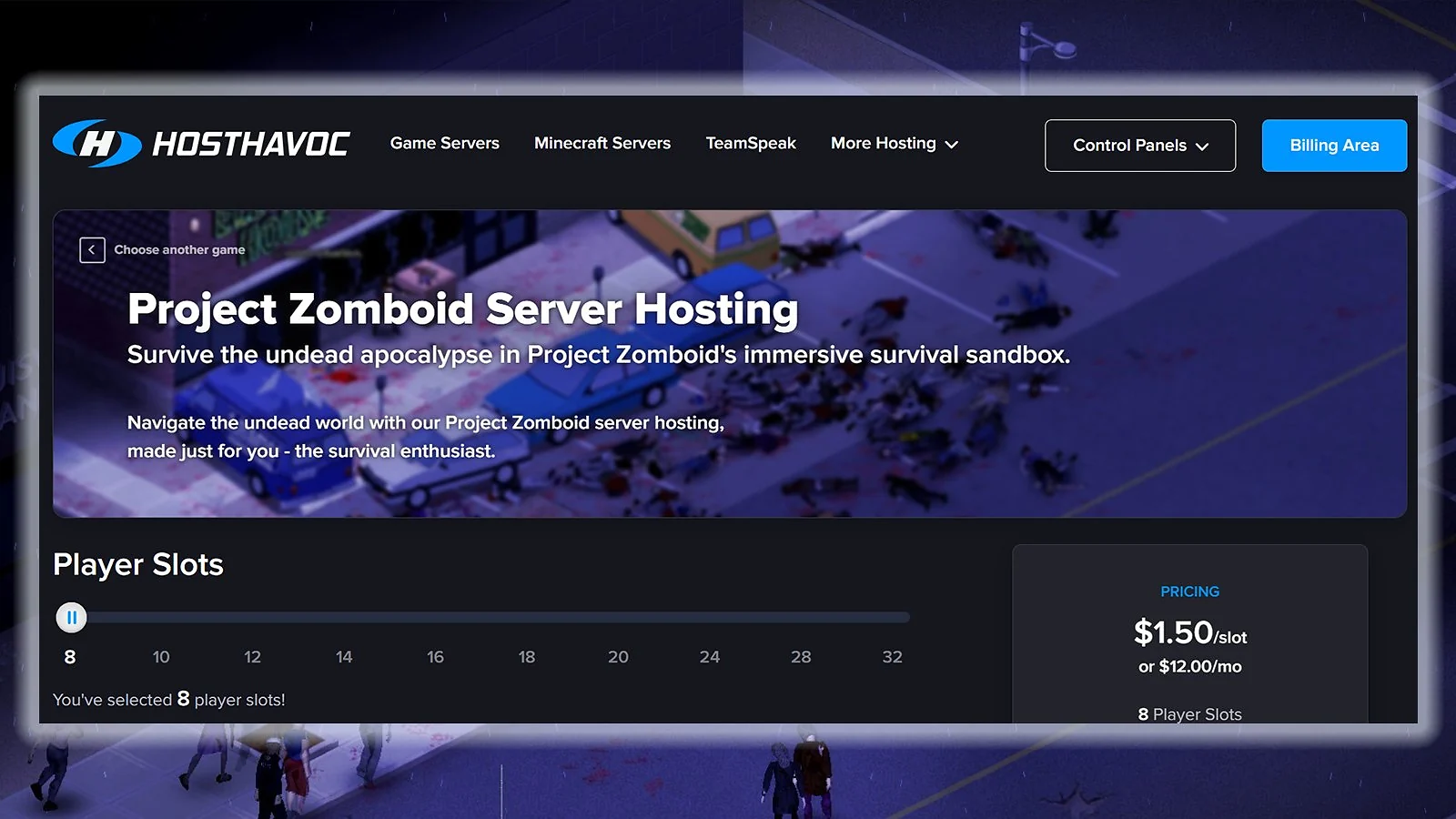
If reliability and customer support are your priorities, Host Havoc is the best Project Zomboid server hosting that excels in those areas. It offers 100 percent uptime, backed by a credit policy of 5 percent of monthly fees per hour of downtime (up to 100 percent). In addition, it has fast support, with an average ticket response time of 10 minutes or less, and is a reliable Rust server host as well.
Host Havoc offers slot-based plans starting at $12 per month for eight slots. There are 10 plans to choose from, with the higher tiers offering lower prices per slot. With your first purchase from this Project Zomboid dedicated server hosting, you get a 72-hour money-back guarantee.
For admins who need guaranteed uptime and fast ticket resolution, Host Havoc is an easy choice for the best server hosting for Project Zomboid. It provides useful tools for server management, including Workshop one-click install, file manager, offsite backups, and log viewer.
On top of that, Host Havoc is also featured in the top three of our best Valheim server hosting picks, which just reinforces how dependable it is across different survival games.
| Pros | Cons |
|---|---|
| ✅ Fast support response time ✅ 100 percent uptime guarantee ✅ 10+ global locations ✅ Easy mod installation tools ✅ Build 42 & Unstable branch support ✅ High-frequency CPU optimized for modded servers ✅ Hardware: Enterprise-grade high-frequency CPU, NVMe SSD | ❌ No guaranteed RAM per slot ❌ Limited refund policy ❌ No live chat ❌ Limited Asia-Pacific locations |

10. GPortal [Best Specialist Project Zomboid Server Host]
Marketed as the world’s largest Project Zomboid host, GPortal offers a platform optimized specifically for the game. It features multi-layered DDoS protection through Bulwark and Corero, along with a 99.9 percent uptime guarantee and 24/7 ticket support. Setup is nearly instant, which allows you to jump into the zombie apocalypse right away.
RAM-based plans start at around $10.09 for 30 days. GPortal is also the best Project Zomboid server hosting for casual players who want a professional server for a short weekend session without a monthly commitment, thanks to the cheap 3-day rental option.
Every GPortal plan includes 50 GB of backup storage and access to more than 10 locations across North America, Europe, and Asia-Pacific. At just 72 hours, the refund window is a bit short compared to other top picks for the best server hosting for Project Zomboid.
For those branching out into other survival games and looking for the best Conan Exiles server hosting, keep in mind that GPortal also lands in our top three picks, so it’s definitely worth checking out.
| Pros | Cons |
|---|---|
| ✅ Outstanding DDoS protection ✅ Cheap 3-day rentals ✅ Quick initial setup ✅ 10+ global server locations ✅ Short 3-day rental option ✅ 50 GB backup storage ✅ Flexible game switching | ❌ PZ server capped at 32 player slots ❌ Support quality can be inconsistent ❌ Build 42 & Unstable branch support unverified ❌ CPU specs not publicly verified ❌ Hardware: Not publicly specified |

11. Gravel Host [Best Budget Project Zomboid Server Hosting]
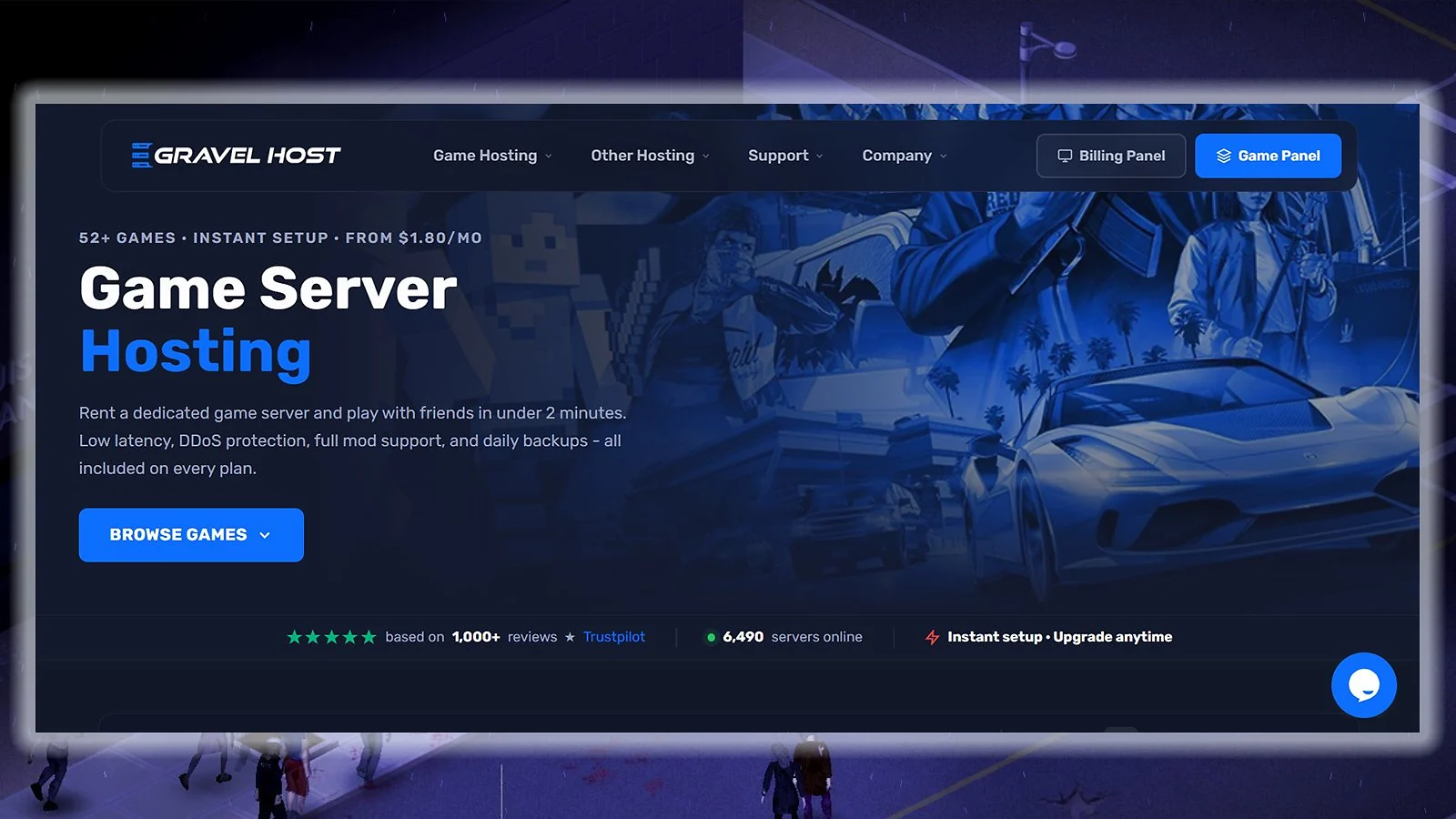
Gravel Host is the best Project Zomboid server hosting option for budget-conscious players and is also notable as a cheap Minecraft server host. Named after Project Zomboid items like Crowbar and Katana, the plans start at just $3.99 per month. This entry-level deal already gets you 4 GB RAM and 25 GB NVMe storage, which allows you to run a functional server for a small group.
Even with the affordable prices, all plans include great features like unlimited player slots, a built-in firewall manager, and over three months of backups. You also get a 72-hour money-back guarantee, but only on your first purchase, similar to the refund policies of many other providers.
Gravel Host has servers located in North America, Europe, Asia, and Australia. As one of the best Project Zomboid server hosting providers, it also offers full file access for customizing your game and strong DDoS protection to keep attackers away.
| Pros | Cons |
|---|---|
| ✅ Very low entry price ✅ Reliable DDoS protection ✅ Unlimited player slots ✅ Built-in firewall manager ✅ 3+ months of backups ✅ Full file access ✅ Free MySQL database included | ❌ Uses DDR4 instead of DDR5 ❌ Restrictive refund policy ❌ Build 42 & Unstable branch support unverified ❌ CPU specs not publicly verified ❌ Hardware: Not publicly specified (DDR4 RAM confirmed) |
How To Host a Project Zomboid Dedicated Server: 3-Step Setup
Not sure where to begin with Project Zomboid dedicated server vs in-game hosting? The short answer: dedicated hosting keeps your world running 24/7 without tying up your PC. Here’s how to get started in three steps.
Step 1: Choose Your Plan
Pick a provider and a plan with enough RAM for your group size and mod load. For a small vanilla group, 4–6 GB is a solid starting point. For a modded server, aim for at least 8–10 GB. If you’re on a tight budget, Gravel Host offers the cheapest Project Zomboid server hosting under $5 per month, making it an excellent entry point. For the best server locations for low latency in Asia-Pacific, Apex Hosting and Shockbyte both offer strong regional coverage.
Step 2: Install and Configure
Once your server is live, head to the control panel and install Project Zomboid via one-click setup. From there, edit your server configuration files to set player limits, passwords, and mod lists. If you’re running Build 42, switch to the Unstable branch via the Steam beta flag in your panel. If you prefer manual control, SteamCMD is the command-line tool used to install and update Project Zomboid dedicated server files directly. Enable auto-backup and DDoS protection for your Project Zomboid server from the start – most providers include both by default.
Step 3: Invite Your Group and Monitor Performance
Share your server IP with friends and schedule automatic restarts every 6–12 hours to manage Project Zomboid‘s known memory leak. If you run into storage issues after installing large mod packs, the most common culprit is a full disk – to fix the “No Space Left on Device” Project Zomboid server error, clear old backups or upgrade to a higher storage plan.
Provider Comparison Table
All prices and features are sourced directly from each provider’s official website and are accurate at the time of writing. Prices are in USD unless noted otherwise. The money-back guarantees of some of the best Project Zomboid server hosting providers are usually limited to the first order only.
| Hosting Service | Godlike.Host | Shockbyte | ScalaCube | Nitrado | GTXGaming | Pine Hosting | DatHost | Apex Hosting | Host Havoc | GPortal | Gravel Host |
|---|---|---|---|---|---|---|---|---|---|---|---|
| Starting Price | $15.99 per month | $9.99 per month | $16 per month | $6.59 per month | $12.82 per month | $11.50 per month | $17.37 per month | $5.99 first month | $12 per month | $10.09 per month | $3.99 per month |
| Pricing Model | RAM / slot plans | Per GB RAM | Per GB RAM | Per Slot | Per Slot | Hybrid | Flat rate | Per GB RAM | Per Slot | Per GB RAM | Per GB RAM |
| Refund Window | 72 hours | 72 hours | 7 days | 14 days | 24 hours | 48 hours | 14 days | 7 days | 72 hours | 72 hours | 72 hours |
| Trustpilot Score | 4.5/5 (300+ reviews) | 3.8/5 (10,000+) | 4.5/5 (4,700+) | 3.9/5 (7,400+) | 4.7/5 (1,300+) | 4.9/5 (700+) | 4.6/5 (300+) | 4.6/5 (8,000+) | 4.7/5 (1,500+) | 4.5/5 (2,800+) | 4.6/5 (900+) |
| Server Locations | 10 global data centers | 10+ global | 10+ global | 8+ global | 20+ global | 8 global | 20+ global | 10+ global | 10+ global | 10+ global | 10+ global |
| Support Hours | 24/7 | 24/7 | 24/7 | 24/7 | 24/7 | 24/7 | Not specified | 24/7 | 24/7 | 24/7 | 24/7 |
| Best For | Overall Project Zomboid hosting | Global hosting | Scalability | Flexible billing | Customizable plans | Highest-rated | Best hardware | Beginners | Reliability | PZ specialist | Best budget |
Project Zomboid Server Hosting Feature Comparison
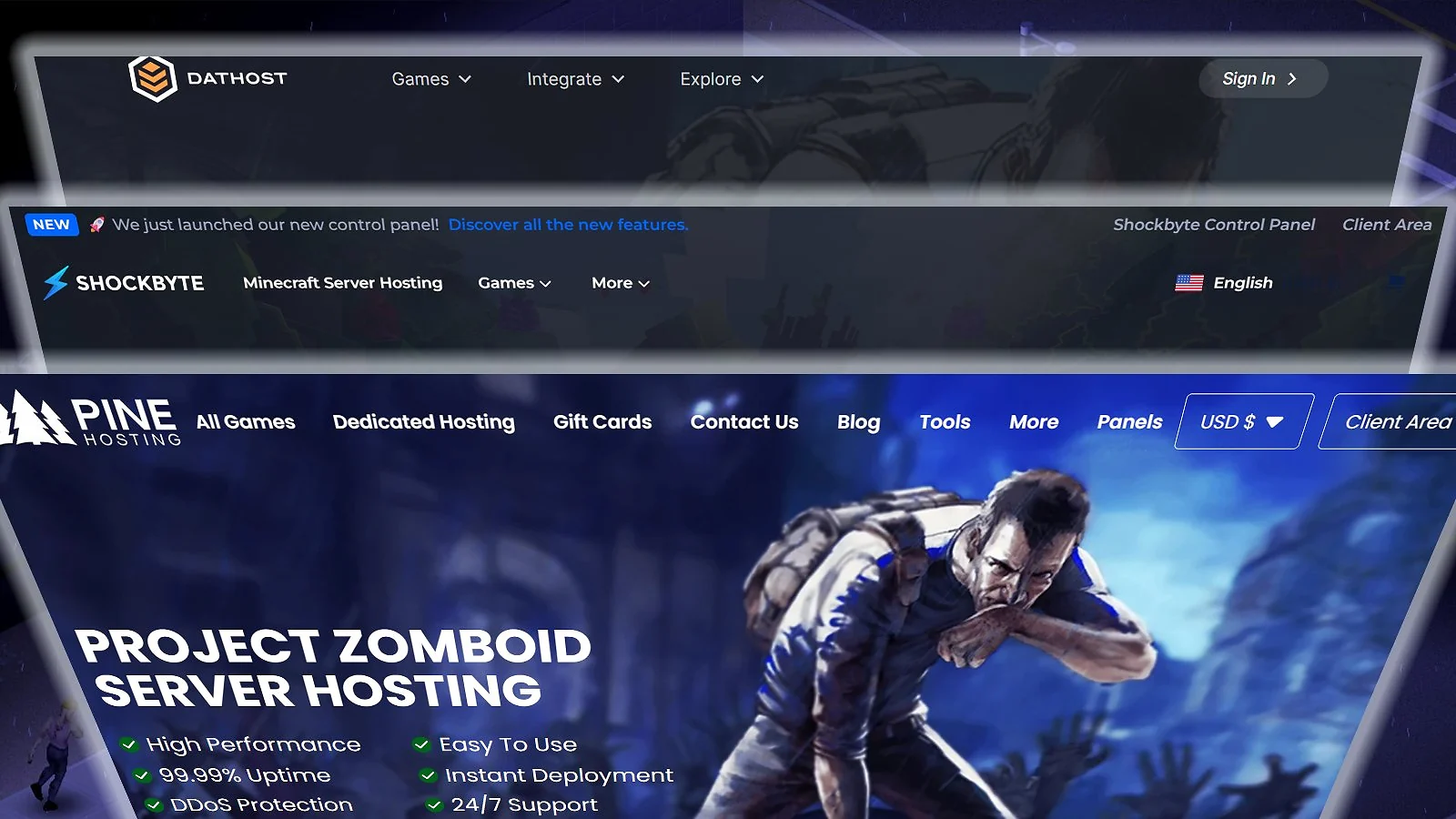
Game server hosting services often have a long list of features. But for Project Zomboid dedicated server hosting, these features are more important than others: RAM allocation (mod stability), scheduled restarts (memory leak management), NVMe storage (faster mod loading at startup), and Workshop one-click installs. Look for them first when checking how to host Project Zomboid server.
| Feature | Godlike.Host | Shockbyte | ScalaCube | Nitrado | GTXGaming | Pine Hosting | DatHost | Apex Hosting | Host Havoc | GPortal | Gravel Host |
|---|---|---|---|---|---|---|---|---|---|---|---|
| Workshop Mod Support | ✅ | ✅ | ✅ | ✅ | ✅ | ✅ | ✅ | ✅ | ✅ | ✅ | ✅ |
| One-Click Workshop Install | ✅ | ✅ | ✅ | ✅ | ✅ | ✅ | ✅ | ✅ | ✅ | ✅ | ✅ |
| Custom Server Config Access | ✅ | ✅ | ✅ | ✅ | ✅ | ✅ | ✅ | ✅ | ✅ | ✅ | ✅ |
| NVMe SSD Storage | ❌ | ✅ | ❌ | ❌ | ✅ | ✅ | ✅ | ✅ | ✅ | ✅ | ✅ |
| DDoS Protection | ✅ | ✅ | ✅ | ✅ | ✅ | ✅ | ✅ | ✅ | ✅ | ✅ | ✅ |
| Automated Backups | ✅ | ✅ | ✅ | ✅ | ✅ | ✅ | ✅ | ✅ | ✅ | ✅ | ✅ |
| Scheduled Restarts / Tasks | ✅ | ✅ | ✅ | ✅ | ✅ | ✅ | ✅ | ✅ | ✅ | ✅ | ✅ |
| Free Subdomain | ❌ | ✅ | ✅ | ❌ | ❌ | ❌ | ❌ | ✅ | ❌ | ❌ | ❌ |
| 24/7 Live Chat Support | ✅ | ✅ | ✅ | ✅ | ✅ | ✅ | ❌ | ✅ | ❌ | ❌ | ❌ |
| Game Switching | ✅ | ✅ | ❌ | ✅ | ✅ | ❌ | ✅ | ✅ | ❌ | ✅ | ❌ |
| Dedicated PZ Hosting Page | ✅ | ✅ | ✅ | ✅ | ✅ | ✅ | ✅ | ✅ | ✅ | ✅ | ✅ |
| Prepaid (No Subscription) | ❌ | ❌ | ❌ | ✅ | ❌ | ❌ | ❌ | ❌ | ❌ | ✅ | ❌ |
| Money-Back Guarantee | ✅ | ✅ | ✅ | ✅ | ✅ | ✅ | ✅ | ✅ | ✅ | ✅ | ✅ |
| Free Server Migration | ❌ | ❌ | ❌ | ❌ | ❌ | ✅ | ❌ | ❌ | ❌ | ❌ | ❌ |
| Unlimited Player Slots | ❌ | ❌ | ❌ | ❌ | ❌ | ❌ | ✅ | ❌ | ❌ | ❌ | ✅ |
Feature availability is based on official websites and documentation of the best Project Zomboid server hosting. All info is accurate as of this writing.
Minimum Server Requirements for Project Zomboid
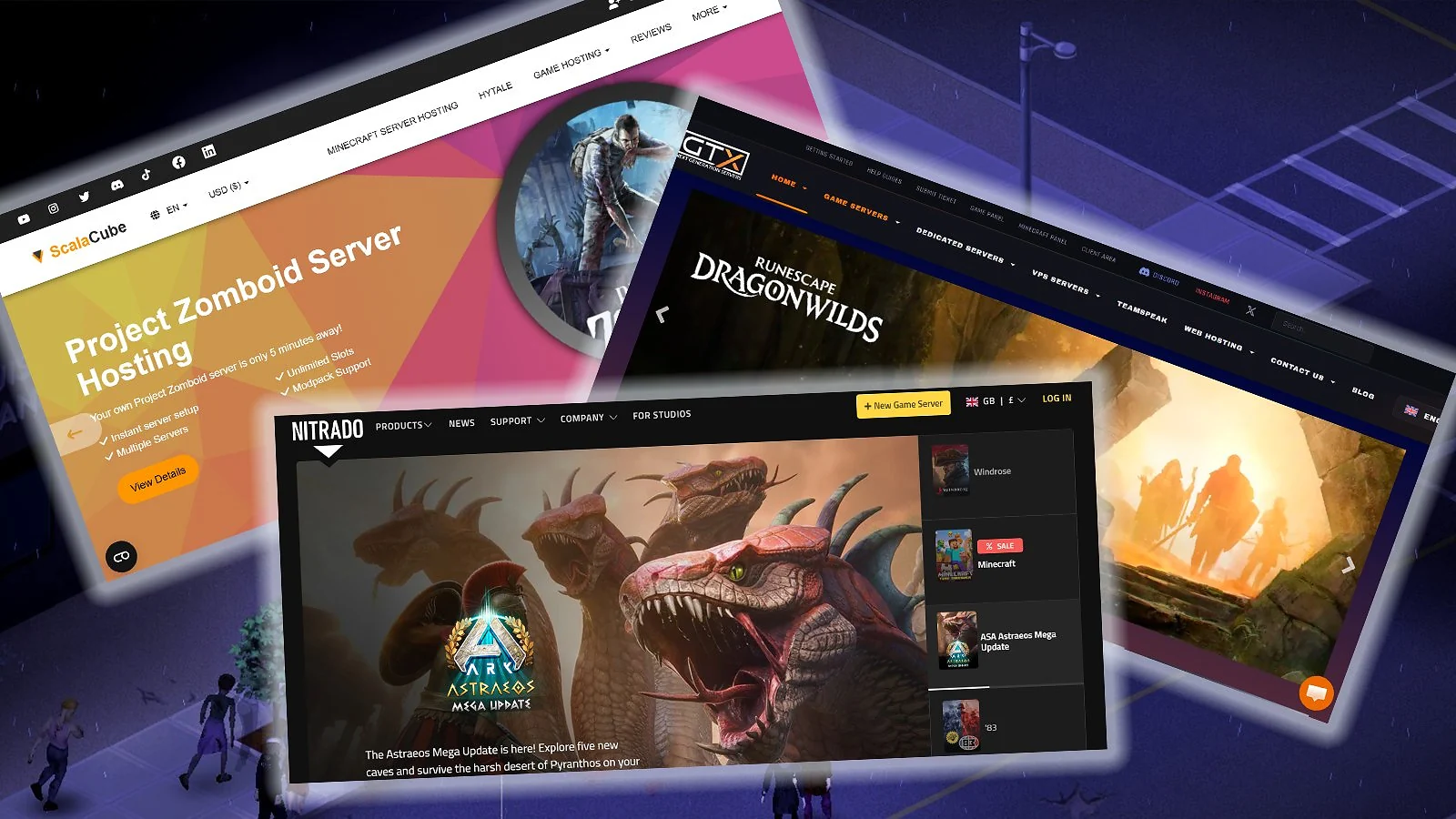
Although you can get Project Zomboid for free, it still has server requirements, which depend on how you play and increase significantly when running multiple mod packs at the same time. Large mod collections, in particular, can push RAM usage to over 16 GB on a busy server even if you have the best Project Zomboid server hosting.
Project Zomboid servers are prone to memory leaks during long sessions. To maintain stability on a modded server, you should schedule auto-restarts every six to 12 hours. This simple step prevents performance issues and crashes caused by running the game for too long.
Storage is also important for the best server hosting for Project Zomboid, as major mod packs can consume over 10 GB of space. NVMe SSD is highly recommended over standard SSD or HDD for smoother performance.
It’s also worth noting that Project Zomboid has limited multi-core support – most of the server load runs on a single thread, which is why single-core CPU speed matters far more than core count. V-Sync should also be disabled server-side to avoid unnecessary frame-rate caps affecting performance.
| Setup / Use Case | RAM | CPU | Storage | Notes |
|---|---|---|---|---|
| Vanilla (2-8 players) | 4-8 GB | Quad-core (2.5+ GHz) | 10-15 GB | Significantly lower RAM can cause instability |
| Small group + mods (2-15 players) | 6-10 GB | Quad-core (3.0+ GHz) | 15-30 GB | NVMe SSD recommended for fast mod loading |
| Community server (15-30 players) | 10-16 GB | Quad-core (3.5+ GHz) | 20-40 GB | Multiple mod packs + large map areas; scheduled restarts every 6-12 hrs advised |
| Large modded server (30-64 players) | 16-24 GB | Hexa-core | 30-80 GB | Heavy Workshop mod stack; PZ memory leaks worsen with uptime, auto-restart required |
| Maximum (64+ players with mods) | 20-32 GB | Ryzen 9 / EPYC | 50-100 GB | DDR5 and NVMe are important at this scale |
The listed minimum requirements are for the current version of the game (Build 42) at the time of writing. When considering the best Project Zomboid server hosting, always choose a plan with enough headroom for future mods and expansions.
How To Choose the Right Server Hosting for Project Zomboid
There are many factors to consider for the best Project Zomboid server hosting. But the most important things to look into are RAM allocation, Workshop mod support, server locations, pricing model, auto-restart settings, and refund policy. Check these first when exploring how to make a Project Zomboid server before going through the entire list of features.
RAM Requirements
Project Zomboid is one of the most RAM-intensive survival games – even a basic setup on the best Project Zomboid server hosting needs at least 4–8 GB to run without issues. For comparison, a Minecraft server can run on just 1-2 GB of RAM, which is one of the first things you’ll learn when researching how to host a Minecraft server.
An important thing to keep in mind when reviewing how to host Project Zomboid server is that Workshop mod packs are particularly demanding. This high usage means your Project Zomboid dedicated server hosting needs plenty of headroom to keep up as your survivor group grows and explores.
Keep in mind that the game also has known memory leak issues. Servers running for over 12 hours can become unstable. This is why it’s important to find the best server hosting for Project Zomboid that includes scheduled auto-restarts.
For large public servers, make sure your host gives you full access to admin tools – features like Invisible Mode and God Mode are essential for moderating players and managing your world without disruption.
Steam Workshop Mod Support
When it comes to mods, the best Project Zomboid server hosting providers give you two installation routes depending on how much control you want. Most hosts offer easy installation using Workshop IDs. For more control, you can also manually upload files via FTP or a file manager.
Storage is an important aspect if you’re digging into how to host Project Zomboid server, as large mod collections can consume 5-15 GB of space. Using a Project Zomboid dedicated server hosting service like Shockbyte or Apex Hosting is ideal because they use NVMe storage. These faster drives help reduce the time it takes for custom maps to load.
Server Location and Latency
Server location is a big factor for a smooth experience. While Project Zomboid is not as fast-paced as first-person shooters, high latency of over 200 milliseconds causes desync. High-density areas like Louisville in the Kentucky map are particularly demanding – servers with poor hardware or high latency will struggle significantly when multiple players explore the city simultaneously.
As a rule of thumb, when researching how to make a Project Zomboid server, always choose the best Project Zomboid server hosting with server locations close to most players. A shorter distance means lower latency and smoother gameplay.
Not all providers offer the same wide coverage. When searching for the best server hosting for Project Zomboid, you’ll find that some providers have over 10 locations (like GPortal and GTXGaming), while others focus on fewer but higher-quality nodes. Pine Hosting is an example of the latter and also stands out as one of the best options for players in AU/APAC, along with Apex Hosting.
Pricing Model: RAM-Based vs. Slot-Based
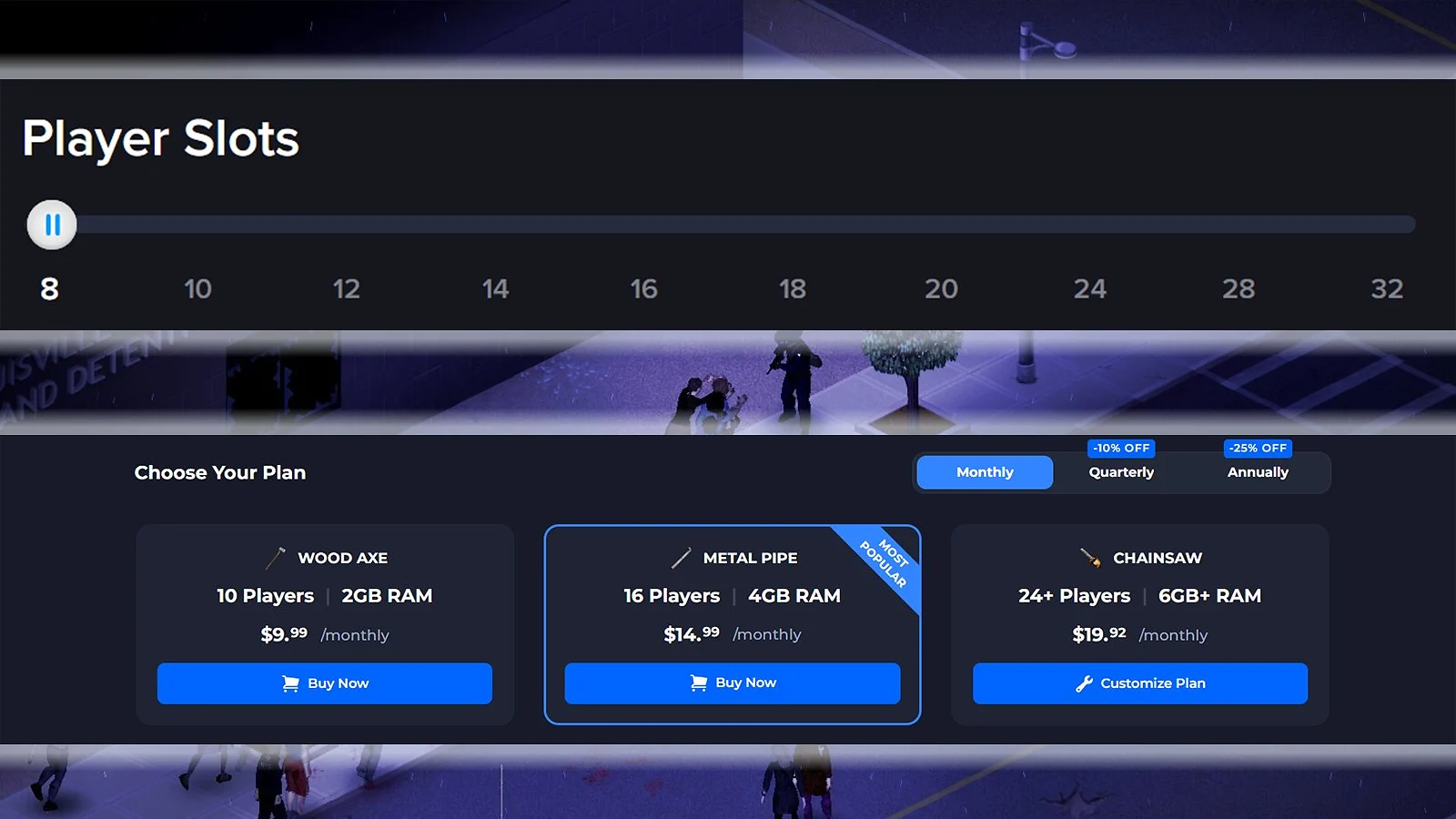
Choosing the best Project Zomboid server hosting involves picking between two common pricing models: RAM-based and slot-based.
RAM-based hosting gives you a guaranteed amount of memory and is ideal for modded servers. Hosts that price servers per GB of RAM make it easy to scale as needed.
In contrast, slot-based hosting charges per player. While cheaper for small vanilla groups, the RAM is sometimes shared among many customers. This can lead to lag if the best Project Zomboid server hosting provider under-allocates resources for the game’s heavy requirements.
For Project Zomboid dedicated server hosting, we recommend RAM-based plans if you’re just learning how to make a Project Zomboid server. These give you enough power to run multiple Workshop mods without the performance bottlenecks often found in slot-based options. If you’re just starting and have a limited budget, doing legit online side hustles can help with your monthly payments.
Scheduled Restarts and Memory Management
Project Zomboid servers often develop memory leaks during long sessions. If a server runs for 12-24 hours without a reboot, it may lag or crash. Most of the best Project Zomboid server hosting providers have easy tools in the game panel to schedule automatic restarts for keeping your world fresh and stable.
Some hosts also include automated backups. This feature is a lifesaver for players, as it protects your progress from world corruption or mod errors. The best server hosting for Project Zomboid should include both scheduled restarts and automatic backups, like DatHost and Host Havoc.
Refund Policies and Money-Back Guarantees
Refund policies vary between the best Project Zomboid server hosting providers. Most hosts offer a money-back guarantee, but it usually applies to your first order only. Renewals are almost always excluded from refunds.
Be aware that, when analyzing how to make a Project Zomboid server, some hosts are very strict and require a valid reason before a refund. Even the best Project Zomboid server hosting won’t refund your money just because you changed your mind. You often need to show a technical issue that they can’t fix.
Before choosing a Project Zomboid dedicated server hosting, use the refund window to test mod installations and support responsiveness. If you encounter issues or find the support too unreliable, request your refund before the window closes.
Note that the refund window isn’t the same for all the best Project Zomboid server hosting providers. Some offer a 7-day money-back guarantee, while others are limited to just 24 or 48 hours.
Final Verdict: Which Project Zomboid Server Host Should You Choose?
Pricing model, RAM, hardware quality, mod support, and refund policy are some of the most important things you need to evaluate when looking for the best Project Zomboid server hosting provider. Ultimately, the best one for you depends on your budget and preferences. These are the best options for different situations:
- For best overall: Godlike.Host
- For the best global hosting: Shockbyte
- For the best scalability: ScalaCube
- For flexible billing options: Nitrado
- For customizable plans: GTXGaming
- For the best-rated service: Pine Hosting
- For the best performance hardware: DatHost
- For beginners: Apex Hosting
- For the best reliability: Host Havoc
- For the best specialist hosting: GPortal
- For budget hosting: Gravel Host
Before committing to a subscription, make sure to check the official websites of the best Project Zomboid server hosting providers to confirm the current pricing and plans.
And if you’re still on the fence, our full best game server hosting guide is a great place to start. It breaks down the top providers in a simple way, so you can quickly figure out what works best for your needs, whether it’s Project Zomboid or something else entirely.
FAQs
The best Project Zomboid server hosting provider is Godlike.Host. Founded in 2013, it’s one of the most established names in game server hosting. It offers Project Zomboid plans starting at $9.99 per month, with full mod support, DDoS protection, 24/7 support, and a 72-hour self-serve refund option.
Yes, you can host a Project Zomboid Build 42 server either via dedicated providers or by self-hosting. Pine Hosting, Nitrado, and Host Havoc are some of the most popular Project Zomboid dedicated server hosting services for Build 42, which is much more RAM-intensive than Build 41.
The RAM needed for a Project Zomboid server depends on the players and mods. For vanilla with less than 10 players, at least 4-8 GB is required. For a medium group with multiple mods, 10-12 GB is ideal, while 16+ GB is needed for heavy mods with a large group.
A Project Zomboid server generally costs between $5 and $15 per month for small to medium groups. Prices scale with RAM and player slots. Budget plans usually start at $4-7 per month, while higher-tier plans of the best Project Zomboid server hosting for larger groups can cost over $30 per month.
Open UDP ports 16261 and 16262 on your router or firewall. Most dedicated hosts handle this automatically – check your control panel’s network settings to confirm.
Clear old backups and oversized Steam Workshop mod folders via FTP or your host’s file manager. If the issue persists, upgrading to a higher storage plan is the most reliable fix.