Is Battlefield 6 Cross Platform? Cross‑Play, Cross‑Save, and Progression Explained


The launch of Battlefield 6 has sparked a common question among shooter fans: Is Battlefield 6 cross-platform? With friends spread across PC, PlayStation 5, and Xbox Series X/S, the ability to squad up regardless of hardware makes or breaks a multiplayer game. In this guide, I’ll share my experience testing cross‑play, cross‑save, and cross‑progression so you know exactly how flexible Battlefield 6 really is.
Jump to:
Is Battlefield 6 Cross Platform?
Yes, Battlefield 6 fully supports cross‑platform play across PlayStation 5, Xbox Series X/S and PC. From day one, the game’s matchmaking pools all current‑generation users into the same ecosystem, so your squad can include players on Steam, Epic, the EA app or consoles. I appreciate how simple it is to hop between platforms. When I played on my PlayStation 5 and later switched to PC via Steam, I had no problem joining the same friends list or party chat.
Even better, cross‑platform functionality is adjustable. Battlefield 6 uses a console‑preferred system by default. If you’re on PS5 or Xbox Series X/S, matchmaking tries to fill lobbies with other console players first. Only when there aren’t enough controller users does it expand the search to PC players. This balances lobby sizes and keeps aim‑assisted controller gameplay on an even footing. Should you prefer to avoid PC entirely, you can disable cross‑play. More details on how that works are in the next section.
Platform Availability
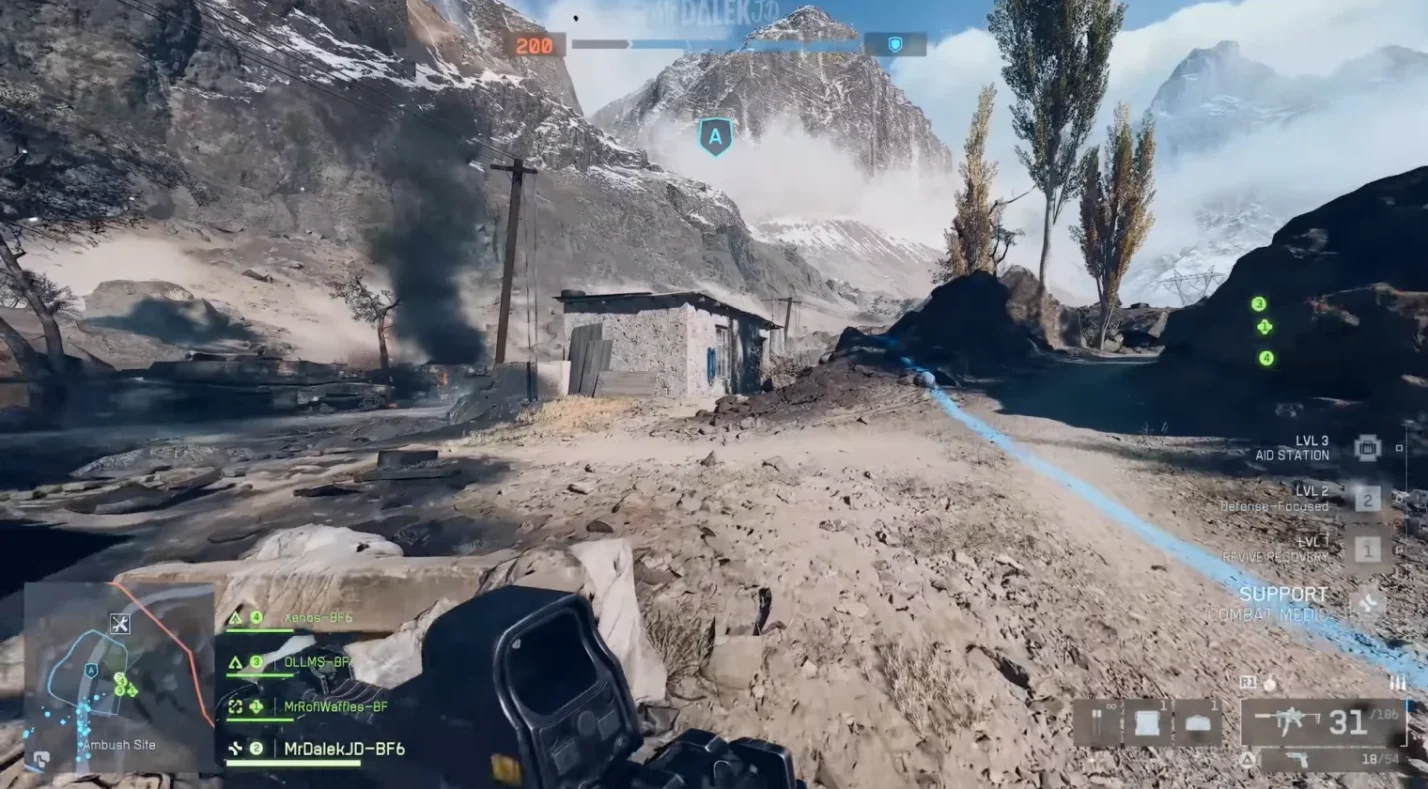
Battlefield 6 is a current‑generation only release. You can play it on:
- PlayStation 5: The game takes advantage of the PS5’s SSD and DualSense features. There is no PlayStation 4 version, so last‑gen players must upgrade if they want to join the fight.
- Xbox Series X/S: Both Series X and the budget‑friendly Series S support the full 64‑player experience, with dynamic weather and destruction. There is no Xbox One version.
- PC: Available via Steam, Epic Games, and the EA app. PC players can toggle between keyboard/mouse or controller input. I’ve found the PC version runs smoothly, even when cross‑play is disabled.
As a result, cross‑play is limited to these three platforms. Legacy systems like PS4 and Xbox One are not supported, and there’s no Nintendo Switch release.
Cross‑Platform Play (Crossplay)
Cross‑play is enabled automatically when you launch Battlefield 6. The game uses three matchmaking modes:
- Full cross‑play: This is the default. PS5, Xbox Series X/S, and PC players all join the same matchmaking pool. To respect input differences, the system still leans toward console‑only lobbies, adding PC players only when necessary.
- Console‑only cross‑play: If you’re on console and disable cross‑play in the settings, you’ll still match with players on the other console brand. For example, turning off cross‑play on PS5 will keep you away from PC users but still pair you with Xbox Series players. This mode preserves large lobbies without exposing controller users to mouse precision.
- Same‑platform only: PC players who disable cross‑play are matched exclusively with other PC users. On console, you can also force same‑platform matchmaking by inviting friends manually and closing the lobby.
I appreciate the flexibility. On nights when my PC squad is on, I’ll leave full cross‑play enabled. If I’m in the mood for a controller‑only match, console‑only cross‑play works beautifully.
How to Toggle Cross‑Play
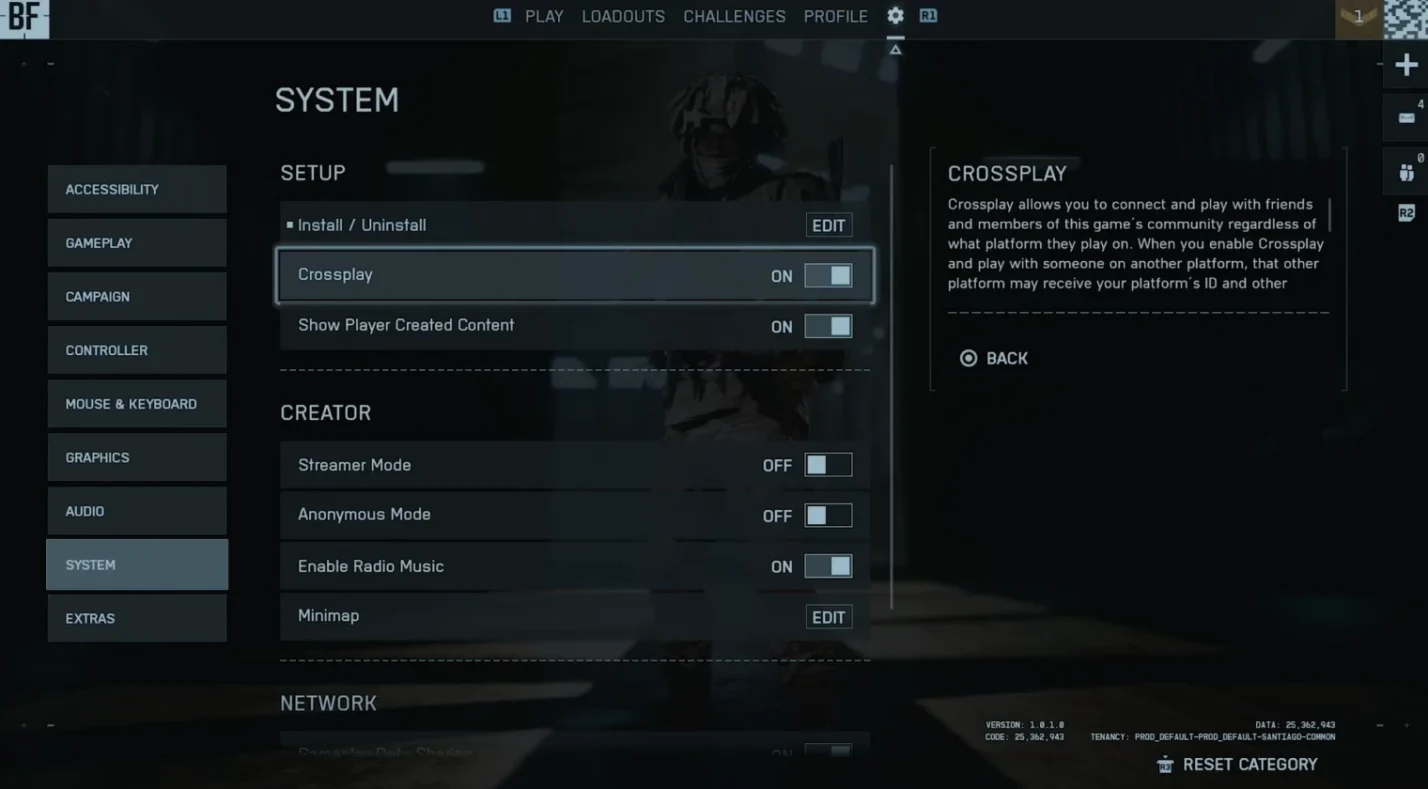
Turning cross‑play on or off is simple:
- From the main menu, open Settings.
- Navigate to the System tab.
- Locate the Cross‑Play option. If you’re in a party or matchmaking queue, back out first; the option is locked during matchmaking.
- Switch the setting to On (default) for full cross‑play or Off for console‑only or same‑platform lobbies.
Once you toggle the setting, your next match will respect your choice. Just remember that disabling cross‑play may increase queue times on less‑populated modes.
Crossplay Support by Platform
Each platform handles cross‑play slightly differently. Here’s a breakdown:
PC (Steam, Epic Games, EA App)
- Default state: Full cross‑play enabled. PC players can match with PS5 and Xbox Series users.
- Input‑based matchmaking: Even in full cross‑play, the game tries to group keyboard/mouse users together. You can still team up with controller friends by joining their squad.
- Cross‑play toggle: When off, matchmaking is restricted to PC players. This is useful if you’re worried about aim assist or want purely mouse‑and‑keyboard opponents.
PlayStation 5
- Default state: Full cross‑play enabled but console‑preferred. Lobbies will prioritize PS5 and Xbox Series players before adding PC.
- Console‑only mode: Turning cross‑play off keeps you within the console ecosystem. You can still match with Xbox Series players, making lobbies robust without mouse users.
- Friends list: If your friends are on PC, they’ll appear in the in‑game friends list as long as cross‑play is on.
Xbox Series X/S
- Default state: Same as PS5. Full cross‑play enabled with console‑preferred matchmaking.
- Console‑only mode: Disable cross‑play to avoid PC players. You will still match with PS5 users.
- Input options: You can use a controller or keyboard/mouse on Xbox Series X/S. The matchmaking algorithm considers your chosen input when filling lobbies.
Overall, I’ve found cross‑play across all three platforms to be seamless. The only hiccup occurs when someone toggles cross‑play off while in a party; you must back out to apply the change.
Platform‑Specific Limitations and Partial Compatibility
While Battlefield 6 offers robust cross‑play, it’s important to be aware of the limitations:
- No cross‑purchase: Owning a copy on one platform does not grant you access on another. To use cross‑progression, you must buy a separate copy on each platform you intend to play on.
- No cross‑gen support: PS4 and Xbox One players cannot join or play with current‑gen users. The Frostbite engine’s new destruction and weather systems require modern hardware.
- Toggling restrictions: You cannot change the cross‑play setting while matchmaking or while in a party. If you forget to toggle before queuing, you need to leave the queue to adjust the option.
- Voice chat differences: In‑game voice chat supports cross‑play, but some players prefer external apps like Discord. I’ve used both without issue, though console users should note that PS5 party chat cannot include PC players unless cross‑play is enabled.
- Regional matchmaking: Matchmaking attempts to find players in your region to reduce latency. Cross‑play doesn’t override this, so pairing across continents may still lead to high ping.
Understanding these nuances helps you control your multiplayer experience. In my sessions, the absence of last‑gen consoles means lobbies are consistently full and the destructive weather effects run smoothly.
Cross‑Save and Cross‑Progression
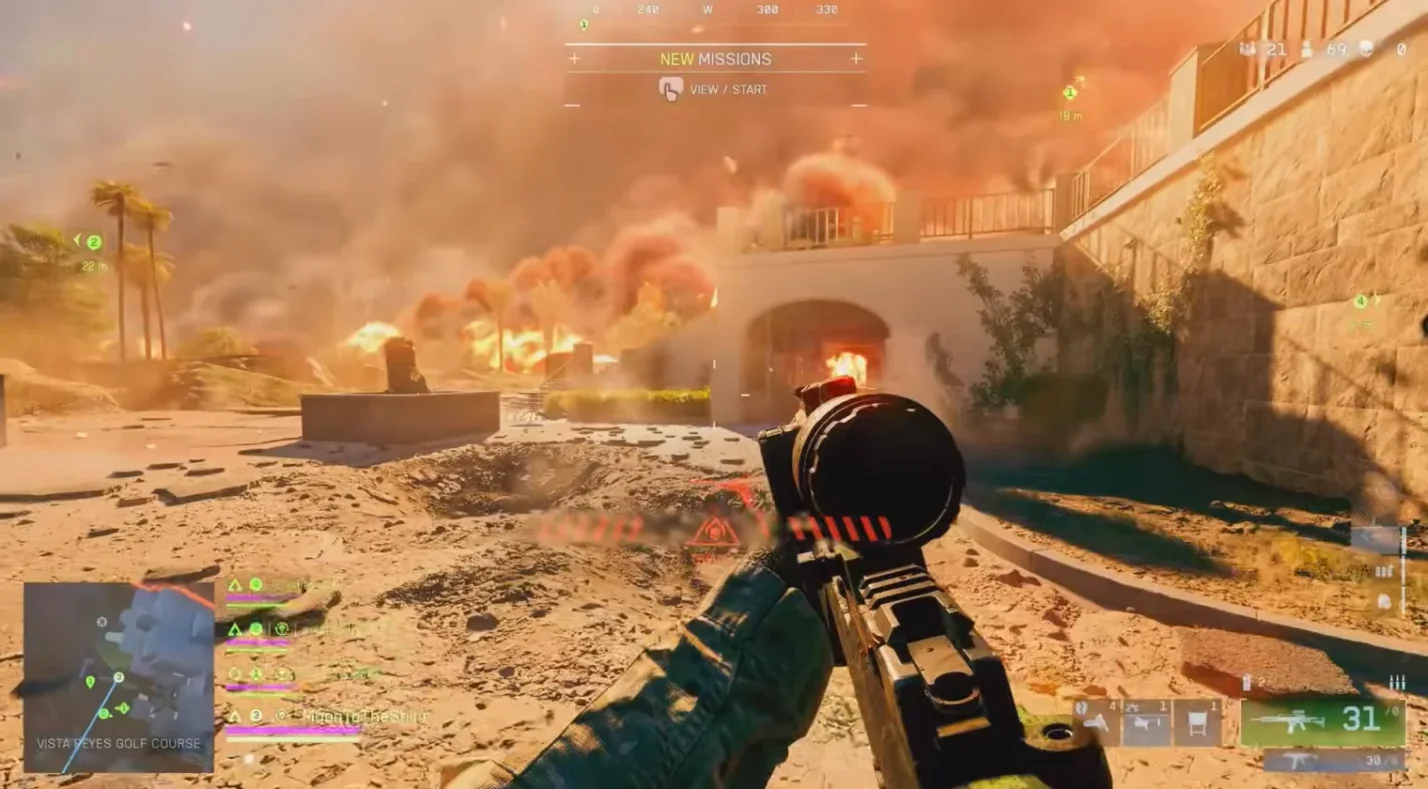
It’s easy to confuse cross‑save and cross‑progression, yet they serve distinct purposes:
- Cross‑save refers to transferring your save file, typically single‑player progress, between platforms. Many games use cloud saves so you can pick up where you left off, regardless of hardware.
- Cross‑progression ties your multiplayer rank, unlocks, cosmetics, and statistics to an account rather than a device. Logging into that account on any platform syncs your data automatically.
Cross‑Save Support
Battlefield 6 is a multiplayer‑focused title without a traditional offline campaign. Therefore, there is no separate campaign save file to transfer. Everything you unlock or progress in the game exists on EA’s servers. When you play on PS5, your experience, weapon setups, and cosmetics are stored in your EA account.
Switching to PC loads the same profile instantly. From a practical standpoint, this functions like cross‑save: your loadouts and soldier customization are identical across devices. However, you still need to own the game on the new platform to access this data.
Cross‑Progression Support
Cross‑progression is fully supported. Here’s what carries over between platforms:
- Rank and XP: Your soldier level, class rank, and battle pass tier are linked to your EA account.
- Weapon unlocks: Weapons, attachments, and gadgets you unlock on one platform remain available on others.
- Cosmetics: Skins, emblems, charms, and other customization items persist across systems.
- Statistics: Kill/death ratio, win/loss record, and other stats update in real time, regardless of where you play.
I tested cross‑progression by grinding a sniper rifle on PC and then switching to my Xbox Series X. My new attachments and level were waiting for me. It makes experimentation easy because you can fine‑tune a loadout on one platform and carry it over to another without repeating the grind.
Account Linking
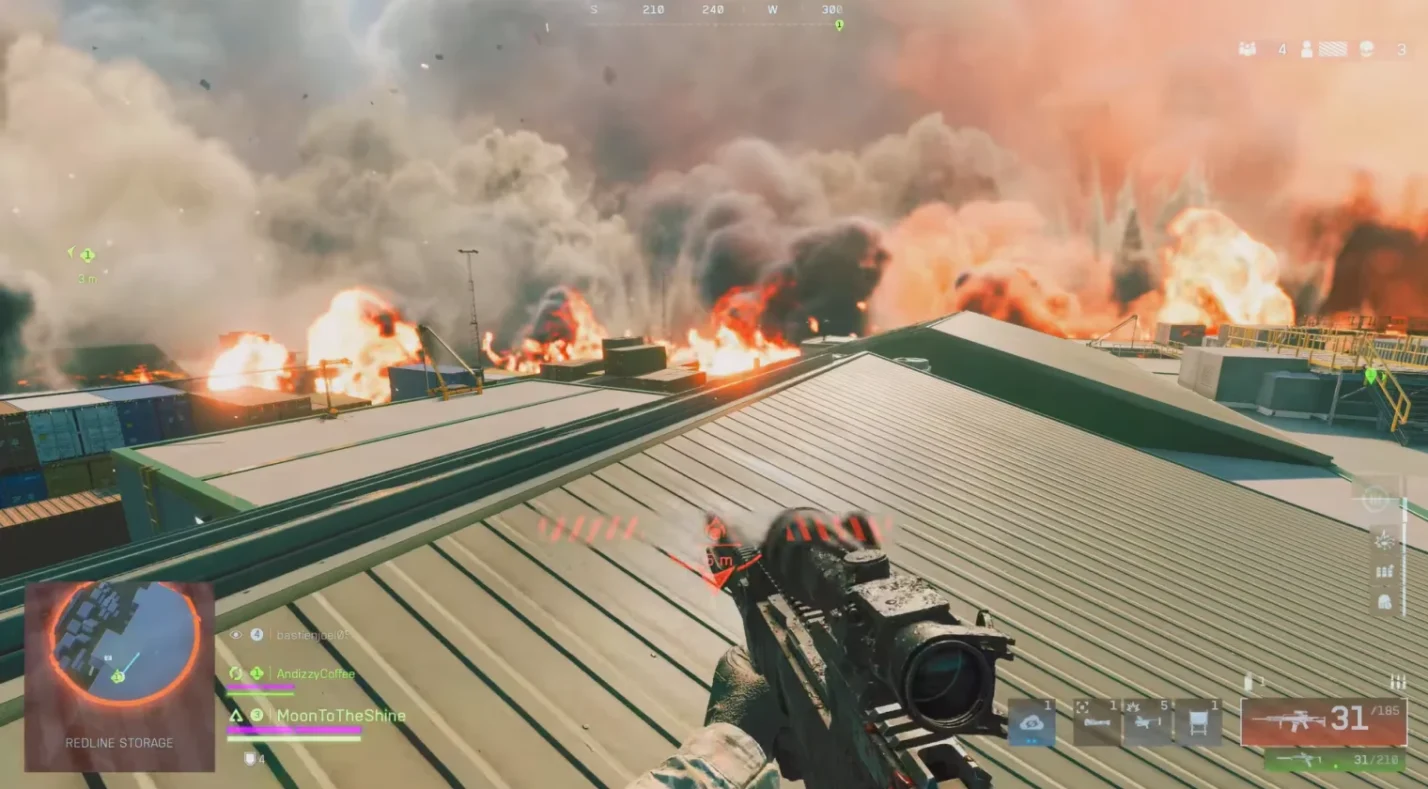
To take advantage of cross‑progression, you must link all platform accounts to a single EA account. Here’s how to set it up:
- Create or sign in to your EA account: You’ll be prompted to log in when launching the game. If you already play other EA titles, use the same credentials.
- Link your PlayStation Network ID or Xbox gamertag: On the EA website, navigate to Account Settings > Connections. Choose Connect next to PlayStation Network or Xbox Live and follow the prompts. Make sure you’re signed into the correct platform profile.
- Link your Steam or Epic Games account: Follow the same steps for PC storefronts. If you’re using the EA app, your EA account is already linked.
- Verify ownership on each platform: Cross‑progression requires you to own a copy of the game on every platform you wish to play on. Once linked, your progress syncs automatically.
Once all accounts are connected, you can freely swap systems without losing progress. In my experience, linking accounts took only a few minutes. Just be sure to use the same EA account everywhere; creating multiple EA accounts will fragment your progression.
Developer/Publisher Comments and Future Plans
The developers at DICE have publicly emphasized that Battlefield 6 is “secretly console first.” Technical director Christian Buhl explained that optimizing for the Xbox Series S and PS5 improved performance across all systems. Senior console combat designer Matthew Nickerson even joked that the team refers to the game that way internally. This philosophy translates into gameplay features:
- Enhanced aim assist: Controller players benefit from improved aim assist tuned specifically for cross‑play. It helps track moving targets without making them overpowered. From my tests, it feels sticky enough to compete with mouse precision but still rewards skill.
- Input‑based matchmaking: When cross‑play is enabled, the system tries to fill your lobby with players using the same input device. Only if there aren’t enough matches does it broaden the search. This keeps controller lobbies fair while maintaining queue times.
- Anti‑cheat technology: Battlefield 6 launches with Javelin, a kernel‑level anti‑cheat similar to Riot’s Vanguard. It monitors for unauthorized software and bans accounts attempting to cheat. Having been plagued by cheaters in previous Battlefield entries, I welcome this proactive approach.
DICE and Electronic Arts have also stated that cross‑play will continue to evolve. Future updates may include more granular filters, for example, letting console players exclude Series S if they want purely Series X/PS5 performance. There are also hints that cross‑commerce (sharing premium currency across platforms) could arrive post‑launch.
For now, currency is tied to individual storefronts, so premium points purchased on PlayStation cannot be spent on PC. Keep an eye on our news section for updates; we regularly cover changes in the Battlefield series. If you’d like to explore the series’ history, our roundup of the best Battlefield Games offers a nostalgic dive through 17 must‑play titles. The list ranks entries like Battlefield 2 and Battlefield: Bad Company 2, and it’s a great companion for newcomers.
Summary
Battlefield 6 succeeds in making cross‑platform play accessible while giving players control. Full cross‑play, console‑only matchmaking, and same‑platform lobbies let you tailor your matches to your comfort level. Cross‑progression guarantees you never lose progress when switching between PC, PS5, and Xbox Series X/S. Just link your accounts, and everything from rank to cosmetics syncs instantly. There are limitations, such as the need to purchase separate copies and the absence of last‑gen support, but these trade‑offs allow the game to deliver large, stable lobbies and impressive destruction.
If you’re ready to jump into the warzone, grab your copy of Battlefield 6 through our marketplace and join the fight across any platform. Our digital keys for PC, PlayStation 5, and Xbox Series X/S offer competitive prices and instant delivery, so you can start ranking up today. Forge cross-platform friendships around the titles listed as best cross platform games!
For more on shooters beyond Battlefield, check out our guide on the 15 best PS5 FPS Games, available on the Hub. We’re passionate gamers ourselves, and our recommendations are built on countless hours spent testing games just like Battlefield 6.
FAQs
Is Battlefield 6 cross-platform between PC, PS5, and Xbox Series X/S?
Yes, Battlefield 6 is cross-platform between PC, PS5, and Xbox Series X/S. The default matchmaking uses console‑preferred cross‑play that fills lobbies with console players first, then adds PC users only if needed.
Can you turn off cross‑play in Battlefield 6?
Yes, you can turn off cross‑play in Battlefield 6 by going to Settings > System and switching the Cross‑Play option to Off. When disabled, PS5 and Xbox Series players still match together, but PC players are excluded.
Does Battlefield 6 have cross‑progression across platforms?
Yes, Battlefield 6 has cross‑progression across platforms. Your rank, weapon unlocks, and cosmetics are tied to your EA account, so they carry over to any system you own once your accounts are linked.
Does Battlefield 6 support cross‑save?
Essentially, yes. Battlefield 6 supports cross‑save through its always‑online progression system. Because progress lives on EA’s servers, switching between platforms loads the same soldier profile without transferring local save files.
Do you need the same EA account for cross‑play and cross‑progression?
Yes, you need the same EA account for cross‑play and cross‑progression. Linking your PlayStation, Xbox, and PC profiles to a single EA account ensures your friends list and progression sync across platforms. Using different EA accounts will fragment your progress.