Best VPN for PS5: The Practical Guide, Not the Fantasy Version

Eneba Hub contains affiliate links, which means we may earn a small commission if you make a purchase through them—at no extra cost to you. Learn more



Recent update
This list is regularly updated to match what’s trending and in-demand among gamers.
Disclaimer: VPN or Smart DNS use to bypass regional restrictions may violate PlayStation’s Terms of Service. We don’t endorse rule circumvention, and you assume all related risks, including account or payment limitations.
Best VPN for PS5 can help – but it won’t magically fix your console. Too much marketing blurs the line between PC performance and PS5 reality, and that’s where expectations get wrecked.
On PlayStation, you’re dealing with workarounds: router setup, connection sharing, or Smart DNS. If you’ve ever wondered “can I use VPN on PS5?”, the answer is yes – but only through one of these workarounds. Your results depend more on your ISP, location, and game servers than any homepage promise.
A reliable VPN for PlayStation 5 has to work within these constraints from the start. Before you spend anything, know what you’re actually getting. I’ll break down what a VPN can realistically do on PS5 – and where the limits are.
Jump to:
Our Top Picks for the Best VPN for PS5
I tested dozens of tools to find the best VPN for PS5. These three finished the circuit with the best marks based on real gaming needs.
- NordVPN – The clear #1 VPN for PS5. It’s the fastest and most reliable choice I tested, with rock-solid router performance and steady latency.
- Surfshark – The best value pick for PS5. It’s fast on WireGuard, handles busy households well with unlimited device support, and stays steady on router setups that cover your whole network.
- ExpressVPN – A premium pick for speed and reliability. It’s consistently fast, streams smoothly, and works well with router setups that don’t need constant tweaking.
The full five are below, with notes from my own PS5 testing. Keep going to see how they behaved in real gaming conditions.
Best VPN for PS5: 5 Picks That Won’t Potato-Fy Your Console
Anyone asking “can I use VPN on PS5” for gaming, streaming, or privacy will find a reliable answer in this list. These are the VPNs that actually behave in real setups – routers, messy Wi-Fi, crowded networks, and all. One of them will match how you play. Keep reading to find your pick.
1. NordVPN [Overall Best VPN for PS5]
| Feature | Details |
|---|---|
| Servers | 9,000+ servers in 100+ countries |
| Speed | 850-950 Mbps average on nearby servers on a 1 Gbps connection (600-800 Mbps on faraway locations) |
| Simultaneous connections | Up to 10 devices |
| Protocols | NordLynx (WireGuard-based), OpenVPN, IKEv2/IPSec, NordWhisper (restricted network protocol) |
| Security | AES-256/ChaCha20 encryption, kill switch, Threat Protection Pro, dark web monitoring, MFA, Double VPN |
| Privacy | 5x audited no-logs policy, RAM-only servers, based in Panama |
| Gaming speed performance | Near-gigabit regional speeds, 10 Gbps servers, minimal throttling |
| Router support | Native support for Asus routers and routers running DD-WRT, Tomato, OpenWRT, or Merlin firmware; pre-configured routers available via FlashRouters |
| Starting price | $2.99/mo (2-year plan) |
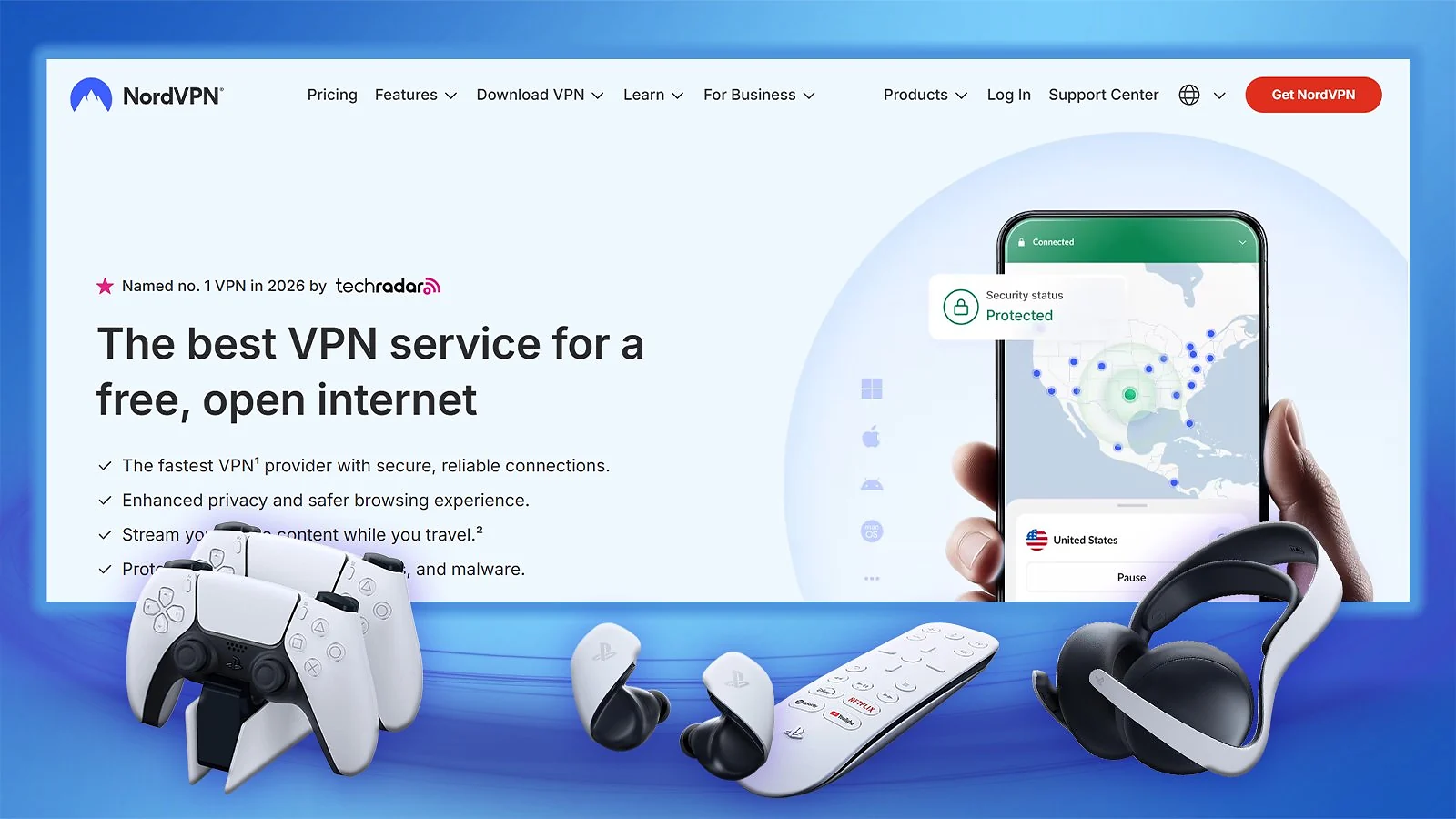
NordVPN is my best VPN for PS5, and the best VPN on the market. Speeds on nearby servers consistently hit 850–950 Mbps on my 1 Gbps line, and even long-distance servers stayed in the 600–800 Mbps range. That’s more than enough for large downloads and online play without feeling capped.
I installed it on my Asus router running Merlin in about 15 minutes using Nord’s guide. Once it was live, the PS5 just worked through the VPN automatically. No console tweaks needed.
I also tested SmartDNS directly on the PS5. Setup took a few minutes and unlocked US streaming without routing everything through encryption. SmartDNS is the cleanest, lowest-friction answer. Just note: it doesn’t hide your IP or protect against DDoS – it’s streaming-only.
For a real-world test, I pulled down a 98 GB Call of Duty update in under 25 minutes on a nearby server. Apex Legends and Fortnite sessions felt normal – no input lag spikes or weird routing issues. Meshnet is there if you want to route traffic through another device, but realistically, most PS5 users won’t need it.
Overall, this is the PlayStation VPN I’d recommend to anyone who wants a no-fuss, high-performance solution.
| Pros | Cons |
|---|---|
| ✅ Near-gigabit speeds in testing, even during peak hours ✅ Wide router firmware support ✅ Pre-configured routers available ✅ 10 Gbps server infrastructure handles peak traffic well | ❌ SmartDNS has limited regional coverage (primarily US streaming services) |
Final Verdict: NordVPN was the most reliable option I tested on PS5. Fast, stable, strong router support, and no weird surprises. If you’re still on the fence about which is the best VPN for PS5, this is it.
2. Surfshark [Best-Value VPN for PS5]
| Feature | Details |
|---|---|
| Servers | 4,500+ servers in 100 countries |
| Speed | 750-900 Mbps average on nearby servers on a 1 Gbps connection (500-700 Mbps on faraway locations) |
| Simultaneous connections | Unlimited devices |
| Protocols | WireGuard, OpenVPN, IKEv2/IPSec |
| Security | AES-256/ChaCha20 encryption, kill switch, CleanWeb ad blocker, Dynamic MultiHop, Camouflage Mode |
| Privacy | 2x Deloitte audited no-logs policy, RAM-only servers, based in the Netherlands |
| Gaming speed performance | Excellent speeds with 10 Gbps servers, 100 Gbps experimental servers in Amsterdam |
| Router support | AsusWRT, DD-WRT, Tomato, OpenWRT, GL.iNet, OPNsense, TP-Link (select models), Keenetic |
| Starting price | $1.99/mo (2-year plan) |
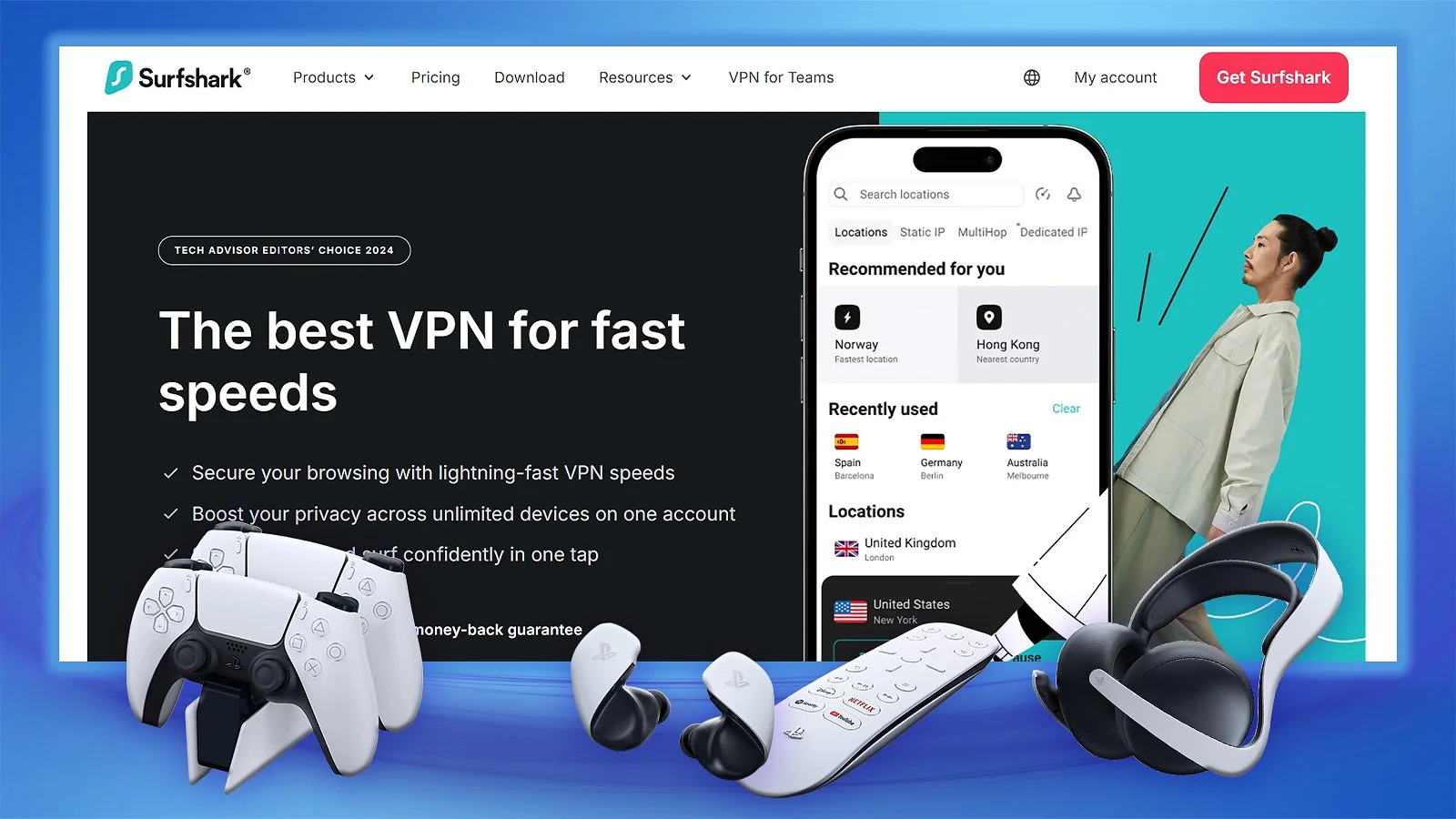
Surfshark is the best VPN for PS5 if you’re looking for sheer value. It’s lightning-fast on nearby servers and more than solid on distant locations. That makes it a top-tier VPN for streaming and gaming in large households.
WireGuard was a blast when I ran it through my router. Multiplayer was stable, voice chat didn’t cut out, and my latency felt predictable. I value that consistency more than raw peak speed in a PlayStation VPN.
You can set up Surfshark with all popular routers without any complicated tweaks. Once the router handles it, the PS5 doesn’t need anything installed.
Smart DNS is available if you only want streaming access without full encryption. It takes just a few minutes to set up in the PS5 network settings – though it’s limited to US libraries and doesn’t hide your IP.
For anyone asking “can I use VPN on PS5?” with a household full of devices in mind, Surfshark‘s combination of Smart DNS and unlimited connections makes it the most practical answer on this list.
| Pros | Cons |
|---|---|
| ✅ Supports unlimited connections (ideal for large households) ✅ Strong WireGuard speeds ✅ 100 Gbps servers in Amsterdam for congestion-heavy routes ✅ Broad router firmware support | ❌ Smart DNS limited to US-based services |
Final Verdict: Surfshark is an excellent choice for multi-device households that want reliable PS5 performance and strong value from high-capacity servers.
3. ExpressVPN [Best VPN for PS5 With a Proprietary Router]
| Feature | Details |
|---|---|
| Servers | 3,000+ servers in 100+ countries |
| Speed | 800-900 Mbps average on nearby servers on a 1 Gbps connection (550-750 Mbps on faraway locations) |
| Simultaneous connections | Up to 14 devices, depending on the plan |
| Protocols | Lightway (proprietary), OpenVPN, IKEv2/IPSec |
| Security | AES-256 encryption, Network Lock kill switch, Threat Manager, split tunneling |
| Privacy | Audited no-logs policy, TrustedServer RAM-only technology, based in the British Virgin Islands |
| Gaming speed performance | Excellent with Lightway protocol, sub-2-second connection times |
| Router support | Custom firmware for select Asus, Linksys, and Netgear routers; Aircove plug-and-play router; manual setup guides for DD-WRT, Tomato, Merlin, and more |
| Starting price | $3.49/mo (28-month plan) |
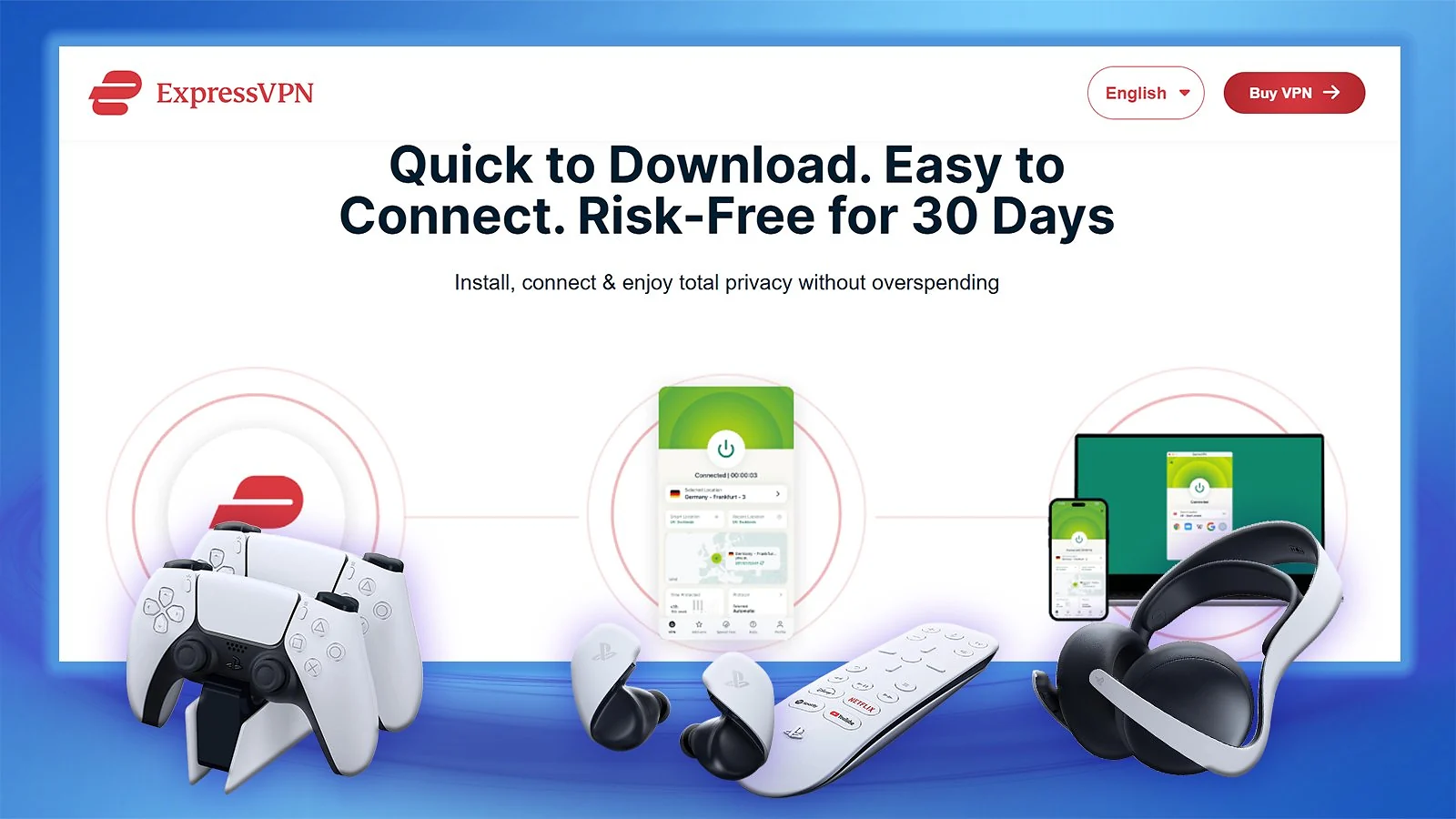
For anyone wondering, can I use VPN on PS5 without touching router settings, ExpressVPN‘s Aircove is the closest thing to a genuine plug-and-play answer. If you don’t want to mess with firmware, config files, or router dashboards, this is the smoothest PS5 setup I tested. Plug it in, log in, and your console routes through the VPN in minutes.
Lightway keeps connections stable, which is why Express still competes as one of the best VPNs for gaming. During my multiplayer sessions, routing was consistent, and I didn’t run into random drops.
ExpressVPN earns its spot as a top VPN for PlayStation 5 through convenience rather than value. If you want a PlayStation VPN that just works without touching firmware or dashboards, Aircove is the easiest option on this list. Compatible Asus, Linksys, and Netgear routers work too via custom firmware – not as effortless, but still a tidy alternative.
MediaStreamer works for US streaming apps, but like all DNS tools, it doesn’t encrypt traffic or change your IP. For full protection, stick with router mode.
| Pros | Cons |
|---|---|
| ✅ Aircove router offers genuine plug-and-play VPN setup ✅ Stable Lightway connections ✅ Custom router firmware with usable interface ✅ Sub-2-second connection times | ❌ Higher price than NordVPN and Surfshark |
Final Verdict: ExpressVPN is built around convenience above all else. If you want a frictionless router experience, it’s the best VPN for PS5 – though if you don’t mind configuring routers manually, cheaper alternatives can deliver similar results.
4. Proton VPN [Best PlayStation VPN for Advanced Privacy]
| Feature | Details |
|---|---|
| Servers | 15,000+ servers in 100+ countries |
| Speed | 700-850 Mbps average on nearby servers on a 1 Gbps connection (450-650 Mbps on faraway locations) |
| Simultaneous connections | Up to 10 devices |
| Protocols | WireGuard, OpenVPN, IKEv2/IPSec, Stealth (obfuscation protocol) |
| Security | AES-256/ChaCha20 encryption, kill switch, NetShield ad/malware blocker, Secure Core, Tor over VPN |
| Privacy | Court-tested no-logs policy, open-source apps, based in Switzerland |
| Gaming speed performance | Good regional speeds with VPN Accelerator optimization technology |
| Router support | Setup guides available for OpenWrt and AsusWRT-Merlin routers; Proton VPN can be configured on most routers that support WireGuard/OpenVPN clients |
| Starting price | $2.99/mo (2-year plan) |
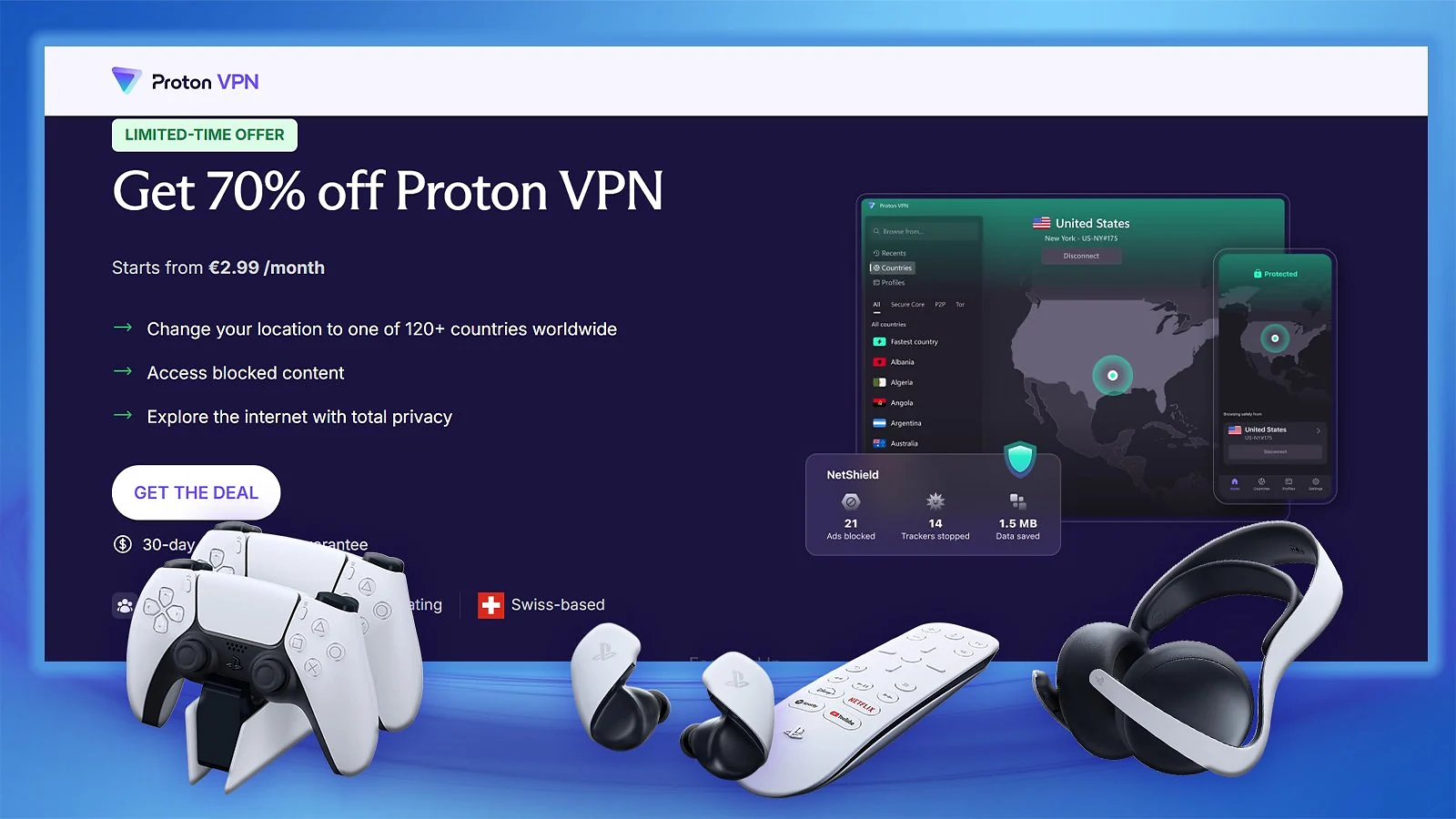
Proton VPN is the most privacy-focused option I tested for PS5, which makes it a serious choice as a VPN for PlayStation 5. It’s not the easiest setup on this list, but if you care about control, transparency, and audited infrastructure, this is your tool. If you want to learn more about this, check my full “Is Proton VPN Safe” guide.
I configured it on an OpenWrt router using WireGuard. The documentation is detailed but assumes you know what you’re doing. Once it’s running, it’s stable, but this is clearly built for users comfortable with router-level configuration.
VPN Accelerator helps stabilize distant routes, which matters if you’re tunneling traffic internationally. NetShield can also be enabled at the DNS level when generating your config, giving your entire network basic domain filtering (including your PS5).
There’s no Smart DNS option here. If you want streaming-only access without full tunneling, this isn’t the most convenient choice. Proton is about full-router routing, not shortcuts.
| Pros | Cons |
|---|---|
| ✅ Detailed router documentation for advanced firmware ✅ NetShield DNS filtering at network level ✅ Open-source apps with regular independent audits ✅ Swiss jurisdiction and strong transparenc | ❌ No Smart DNS, but router tunneling works well for PS5 |
Final Verdict: Proton is the best VPN for PS5 if you want complete transparency and control. Overall, this is the PlayStation VPN that rewards technical knowledge – the more comfortable you are with router configuration, the more you get out of it.
5. VeePN [Best VPN for PS5 on a Budget]
| Feature | Specification |
|---|---|
| Servers | 2,500+ servers in 60+ countries |
| Speed | 300-450 Mbps on nearby servers on a 1 Gbps connection (80-200 Mbps on distant locations) |
| Simultaneous connections | Up to 10 devices (Pro plan) |
| Protocols | WireGuard, OpenVPN, IKEv2/IPSec, Shadowsocks |
| Security | AES-256 encryption, kill switch, NetGuard ad blocker, Double VPN |
| Privacy | No-logs policy, based in Panama |
| Gaming speed performance | Acceptable on nearby servers, inconsistent on distant connections |
| Router support | Setup guides available for DD-WRT, OpenWRT, Tomato, and AsusWRT routers |
| Starting price | $1.99/mo (2-year plan) |
For anyone asking can I use VPN on PS5 without spending much, VeePN is the most accessible entry point on this list. It works on PS5, but only through router setup or connection sharing – there’s no Smart DNS shortcut.
On nearby servers, performance was fine for multiplayer and downloads. Distant routes were inconsistent, so this is very much a “stick to local servers” setup. As a VPN for PlayStation 5, VeePN is adequate for basic needs but falls short for anyone who games across international servers regularly.
Double VPN is available if you want extra routing layers for privacy or DDoS protection, but it adds noticeable overhead. I wouldn’t use it during competitive matches unless necessary.
Router setup takes more manual effort compared to Nord or Surfshark. Config generation isn’t as polished, and features like NetGuard don’t apply at the router level.
| Pros | Cons |
|---|---|
| ✅ Very affordable long-term pricing ✅ Double VPN option for added privacy ✅ 10 simultaneous connections ✅ Panama jurisdiction (privacy-friendly) | ❌ No Smart DNS – router setup is the only option ❌ Smaller server network than competitors |
Final Verdict: VeePN makes sense as a PlayStation VPN if price is your main priority and you’re comfortable configuring a router. It handles the basics, but it’s clearly a value pick rather than a performance leader.
What the Best VPN for PS5 Can and Cannot Do: Setting Realistic Expectations

Before you buy the best VPN for PS5, you need realistic expectations. A PlayStation VPN can help in specific situations – but it won’t rewrite how Sony’s systems work. Understanding what a VPN for PlayStation 5 actually delivers is what separates informed buyers from disappointed ones.
What a VPN can do on PS5
- Change your IP address. Websites and streaming apps see the VPN server’s location instead of yours.
- Encrypt your traffic. Your ISP can’t see specific activity, which can help if your connection is being throttled.
- Reduce throttling (sometimes). If your ISP slows gaming or streaming traffic, encryption can level things out. If speeds improve with a VPN, throttling was likely the issue.
- Add basic DDoS shielding. Your real IP stays hidden behind the VPN server. That matters more for competitive players and streamers than casual users.
- Unlock some streaming libraries. If you use your PS5 for Netflix or Disney+, a VPN or Smart DNS can change what library you see. (Always check platform terms before doing this.)
What a VPN cannot do on PS5
- Change your PSN region. Your PlayStation Network region is tied to your account, not your IP. A VPN for PlayStation 5 won’t switch stores or pricing.
- Unlock early game releases. Release times follow your PSN account region. Connecting to another country won’t change that.
- Guarantee lower ping. A VPN adds an extra routing step. In most cases, latency goes up slightly, even with the best VPN for PS5. It only helps if your ISP routing is inefficient.
- Bring full ad/malware blocking through router setups. Most filtering features only work in device apps. Router-based VPN setups usually provide encryption and IP masking – nothing more. (Proton’s NetShield and ExpressVPN’s Aircove are exceptions.)
- Bypass every multiplayer region lock. Some games rely on account-level restrictions or detect VPN traffic. Results vary.
- Replace basic security hygiene. A VPN hides your IP. It doesn’t protect against phishing, weak passwords, or compromised accounts.
Smart DNS vs. Full VPN: Understanding the Difference
This is one of the most important decisions when picking a VPN for PlayStation 5 – and the one that confuses most people. If you’re setting up the best VPN for PS5, you’ll usually choose between Smart DNS and a full router VPN. They solve different problems.
| Feature | Smart DNS | Full VPN (Router Setup) |
|---|---|---|
| Changes IP address | ❌ No | ✅ Yes |
| Encrypts traffic | ❌ No | ✅ Yes |
| Works for streaming apps | ✅ Yes | ✅ Yes |
| Bypasses ISP throttling | ❌ No | ✅ Sometimes |
| Adds latency | Minimal | Slight increase |
| DDoS protection | ❌ No | ✅ Yes (IP hidden) |
| Setup difficulty | Easy (DNS entry on PS5) | Moderate (router config required) |
| Best for | Streaming-only access | Gaming + privacy + full routing |
For streaming-only access, Smart DNS is faster and easier to set up. For everything else – IP masking, encryption, or DDoS protection – a full router VPN is what you actually need. So if the reason behind your “can I use VPN on PS5?” question is privacy, skip Smart DNS entirely and go straight to the router route.
Top Things to Check When Choosing the Best VPN for PS5
Picking the best VPN for PS5 is all about whether it fits your setup. It has to work with your router, your ISP, and the games you actually play. Since PS5 can’t run VPN apps directly, everything goes through a router or shared connection – and that changes the equation.
Every VPN for PlayStation 5 on this list was evaluated against these exact criteria:
| Factor | What to Look For | Why It Matters |
|---|---|---|
| Protocol & Routing | WireGuard-based protocols or modern equivalents | Lower overhead and more stable routing. See my guide on the best VPN protocol for gaming for details. |
| Server Location | Servers close to your physical location | Distance impacts latency more than protocol choice. |
| Router Performance | Strong CPU/proper firmware support | Weak routers choke under encryption and kill speeds. |
| Server Capacity | Multiple servers near your region | Lets you switch if one route feels unstable. |
| Testing Window | Free trial or money-back guarantee | You need to test with your own ISP and setup. |
| Remote Play Use | Stable ping over lowest ping | Remote Play exaggerates small delays. Consistency wins. |
| Free vs Paid | Avoid “free” VPNs | Free VPNs often throttle or overload servers, and some of them are actively malicious. |
How to Test a VPN on PS5 (Step by Step)
The question “can I use VPN on PS5?” is only half of it. Knowing how to test it properly is what separates a good result from a frustrating one.
- Set a baseline first. Play 10–15 minutes with the VPN off on your usual server/region.
- Turn the VPN on and change nothing else. Same time of day, same connection (wired vs Wi-Fi), same game mode.
- Test 2–3 nearby VPN locations. Don’t judge it off one server. Pick the closest routes first.
- Play real matches, not menus. Queue up and pay attention to how it feels mid-fight, not in the lobby.
- Watch for spikes, not just averages. A small ping increase is fine. Random spikes and packet loss ruin games.
- Repeat during your normal play hours. Peak-time congestion is where weak services fall apart.
- Decide based on consistency. Keep the VPN if it’s stable. Refund it if it’s making sessions worse.
Most VPNs come with a money-back guarantee, so you have nothing to lose by running through this process. If a PlayStation VPN can’t pass these basic tests, it’s not worth keeping.
My Overall Verdict
The best VPN for PS5 depends on your needs – speed, server reach, console compatibility, or multi-device access. Each VPN on this list brings a distinct advantage to the table. Gaming, streaming, or privacy – whatever your goal, the right VPN for PlayStation 5 is in the list below.
- Best VPN for PS5 > NordVPN. The most balanced option overall. Fast, stable, strong router support, and reliable under load. If you want the safest all-around choice for gaming and streaming, this is it.
- Best Value VPN for PS5 > Surfshark. Unlimited devices, strong WireGuard performance, and solid router compatibility at a lower price. Great for households running multiple connections.
- Best Plug-and-Play Setup > ExpressVPN. The smoothest router experience, especially with Aircove. You’re paying for convenience and polish, not raw speed advantages.
- Best Privacy-Focused VPN for PS5 > Proton VPN. Open-source apps, Swiss jurisdiction, and detailed router control. Best suited for users who care about transparency and don’t mind configuring things manually.
- Best Budget PlayStation VPN > VeePN. Low-cost entry point that handles nearby servers well. Not a great performer on distant locations, though.
All five are solid choices. Pick a reliable PlayStation VPN that fits how you actually play, what your router supports, and how much friction you’re willing to tolerate.ree – and build your setup around it.
FAQs
NordVPN is the best VPN for PlayStation 5. It consistently delivers the lowest latency over routers, the most reliable speeds, broad Smart DNS support for streaming apps, and the strongest all-around performance across gaming, downloads, and home-network setups.
Yes, but not directly since there’s no native VPN for PlayStation 5. PS5 can’t run VPN apps, so you must use a workaround: a VPN-enabled router, a shared VPN connection from a PC/phone, or Smart DNS (for streaming only).
No. You can’t install any VPN app on PS5. You can still use a VPN on PS5 by running it on your router, sharing a VPN connection from your PC, or using Smart DNS for streaming apps. Anyone asking can I use VPN on PS5 through a direct install will need to use one of these three workarounds instead.
Rarely. A free VPN for PlayStation 5 usually struggles with bandwidth caps and poor routing, which makes it a weak choice for multiplayer or fast downloads. Some of them will sell your data for profit and some are actively malicious. The question isn’t just can I use VPN on PS5 for free – it’s whether a free option will actually hold up. In most cases, it won’t.
Yes. In most cases, a VPN for PlayStation 5 adds a small amount of latency because your traffic takes an extra hop through a VPN server. However, with a nearby VPN server, the impact is often minimal, and in situations where your ISP routes traffic badly or throttles gaming, a PlayStation VPN can even improve stability.
You can’t install a VPN app directly on a PS5, so you have to use a workaround: either configure the VPN for PlayStation 5 on your router or share a VPN connection from a PC or phone to your console. Some providers also offer Smart DNS for streaming apps, which isn’t a full VPN but can still come in handy. If the question “can I use VPN on PS5?” is really about finding the easiest possible method, Smart DNS is your best bet.
No, not on your existing account. A VPN for PlayStation 5 doesn’t change your PSN account region, which is permanently locked when the account is created. If a game or add-on isn’t available in your country, a PlayStation VPN won’t make it appear in your PlayStation Store. The only way to access another region’s catalog is to create a separate PSN account registered to that region, which can be inconvenient and may have Terms-of-Service implications. A VPN can still help with streaming apps or privacy, but it won’t unlock storefronts for your main account.
Yes, using a VPN for PlayStation 5 is generally safe from a technical standpoint because routing traffic through a router or shared PC encrypts your connection and hides your home IP address. However, a VPN doesn’t protect you from account bans, service restrictions, or other consequences if you violate platform terms, and it won’t stop phishing, scams, or weak passwords. It’s a privacy tool, not a complete security shield.