




Best VPN for Minecraft in 2026: My 6 Picks for DDoS-Free, Lag-Free Gameplay

Eneba Hub contains affiliate links, which means we may earn a small commission if you make a purchase through them—at no extra cost to you. Learn more



The best VPN for Minecraft can fix a few annoying problems players run into online. Things like unstable connections, random IP bans, or someone deciding to DDoS the server during PvP. That’s why more players are using a Minecraft VPN before jumping into multiplayer worlds.
The problem is, not every VPN handles gaming well. Some add latency, others struggle with routing, and a few can even make Minecraft feel worse instead of better.
So I tested a bunch of providers and picked six that actually work. These VPNs keep connections stable, protect your IP, and won’t ruin your next mining trip, PvP fight, or late-night building session.
Jump to:
Our Top 3 Picks for the Best VPN for Minecraft
These are the three providers that performed the best during testing. Fast connections, stable routing, and simple setup. If you just want the best VPN for Minecraft without digging through dozens of options, start here.
- NordVPN – The most reliable Minecraft VPN I tested. Connections stay stable, speeds are high, and the server network gives you plenty of routes if your ISP path to a VPN Minecraft server isn’t great.
- ExpressVPN – A great pick if you want something simple that works right away. Install it, connect, and jump back into mining, building, or PvP without messing with settings.
- Proton VPN – The strongest privacy option on the list. It keeps your IP hidden on public servers and even offers a rare usable free VPN for Minecraft plan if you want to test things first.
That’s the quick overview. Below, I’ll go through all six picks and explain which Minecraft VPN works best depending on how you play.
Best VPN for Minecraft: 6 Picks for Mining, Building, and Smooth Multiplayer
The top three gave you a quick snapshot. Now, let’s dig into the full list and see why these six providers made the cut for the best VPN for Minecraft.
1. NordVPN [Overall Best VPN for Minecraft]
| Feature | Details |
|---|---|
| Servers | 9,000+ servers in 100+ countries |
| Speed | 850–950 Mbps average on nearby servers on a 1 Gbps connection (600–800 Mbps on faraway locations) |
| Simultaneous connections | Up to 10 devices |
| Protocols | NordLynx (WireGuard-based), OpenVPN, IKEv2/IPSec, NordWhisper (restricted network protocol) |
| Security | AES-256/ChaCha20 encryption, kill switch, Threat Protection Pro, dark web monitoring, MFA, Double VPN |
| Privacy | 5x audited no-logs policy, RAM-only servers, based in Panama |
| Minecraft performance | Near-gigabit regional speeds, 10 Gbps servers, minimal throttling |
| Starting price | $2.99/mo (2-year plan) |
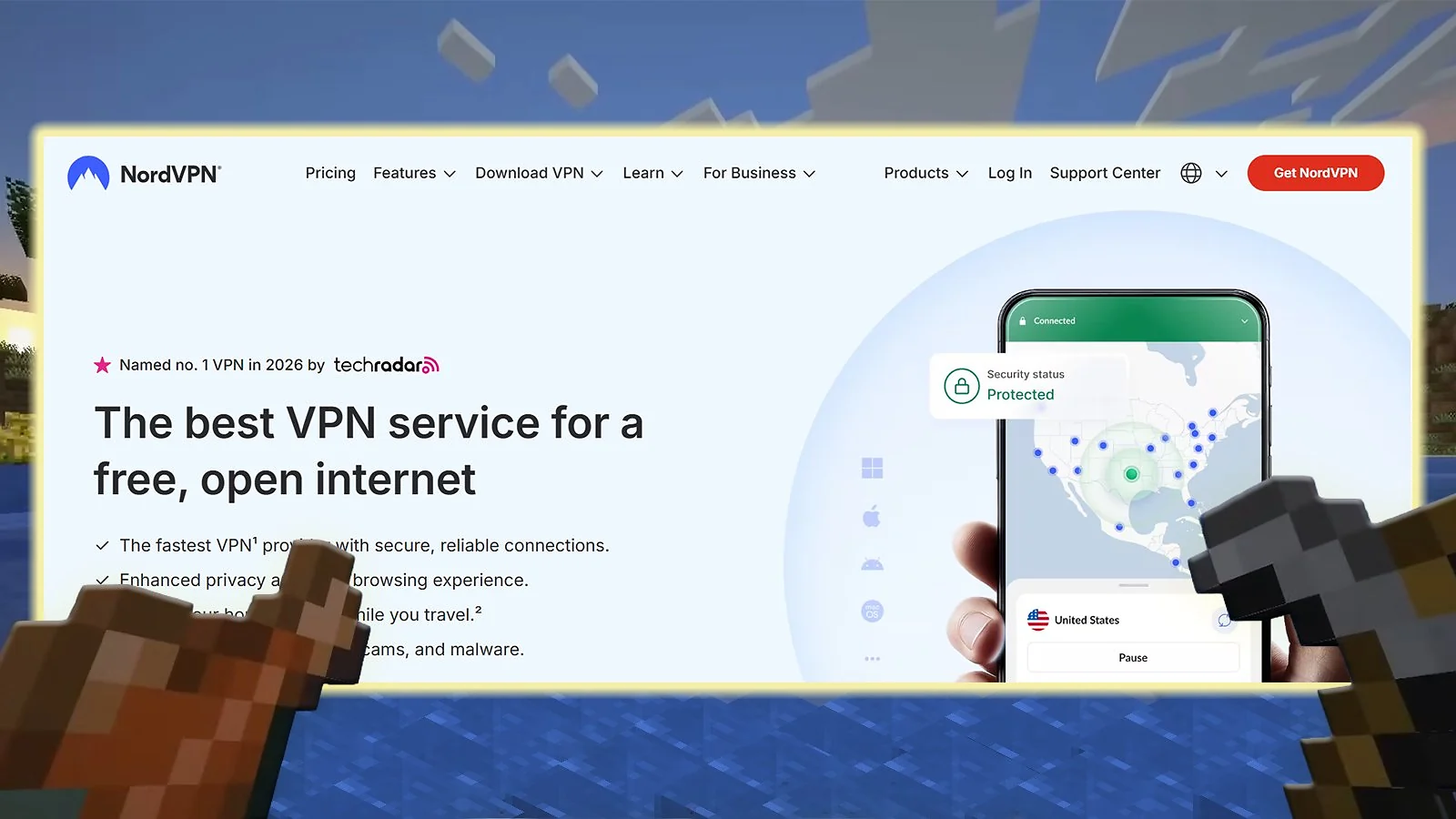
Get NordVPN, and you’re settled for life. When I first tried it, I said I wouldn’t use other VPNs because I didn’t need to, except for reviewing purposes. NordVPN is the best VPN for Minecraft and the best VPN out there, hands down.
NordLynx + 10 Gbps infrastructure were the highlights during my testing. I also like Meshnet, which lets you host private LAN parties and play with friends – all without exposing your real IP address.
If you host a Minecraft world from home, avoid sharing your real IP in public server lists or Discord invites. Running the server through a VPN keeps your home address hidden and reduces the risk of DDoS attacks.
NordVPN also lets you pick servers in specific cities, which helps if you’re trying to connect closer to a particular Minecraft region. More routing options usually means fewer weird connection issues.
Privacy is another strong point. The service runs RAM-only servers, and its no-logs policy has been audited several times.
Apps are available for all major platforms, and there are clear guides for routers and consoles if you want to run a Minecraft VPN across your whole network.
| Pros | Cons |
|---|---|
| ✅ Fast connections with NordLynx ✅ Huge server network ✅ Meshnet works well for private sessions ✅ Easy apps for all platforms ✅ Strong privacy and security | ❌ Browser login gets tedious after a while |
Final Verdict: If you want the best VPN for Minecraft without overthinking the setup, NordVPN is an easy choice. Connect and get back to mining.
2. ExpressVPN [Best for Ease of Use and Powerful Performance]
| Feature | Details |
|---|---|
| Servers | 3,000+ servers in 100+ countries |
| Speed | 800–900 Mbps average on nearby servers on a 1 Gbps connection (550–750 Mbps on faraway locations) |
| Simultaneous connections | Up to 14 devices |
| Protocols | Lightway (proprietary), OpenVPN, IKEv2/IPSec |
| Security | AES-256 encryption, Network Lock kill switch, Threat Manager, split tunneling |
| Privacy | Audited no-logs policy, TrustedServer RAM-only technology, based in the British Virgin Islands |
| Minecraft performance | Excellent with Lightway protocol, sub-2-second connection times |
| Starting price | $3.49/mo (28-month plan) |
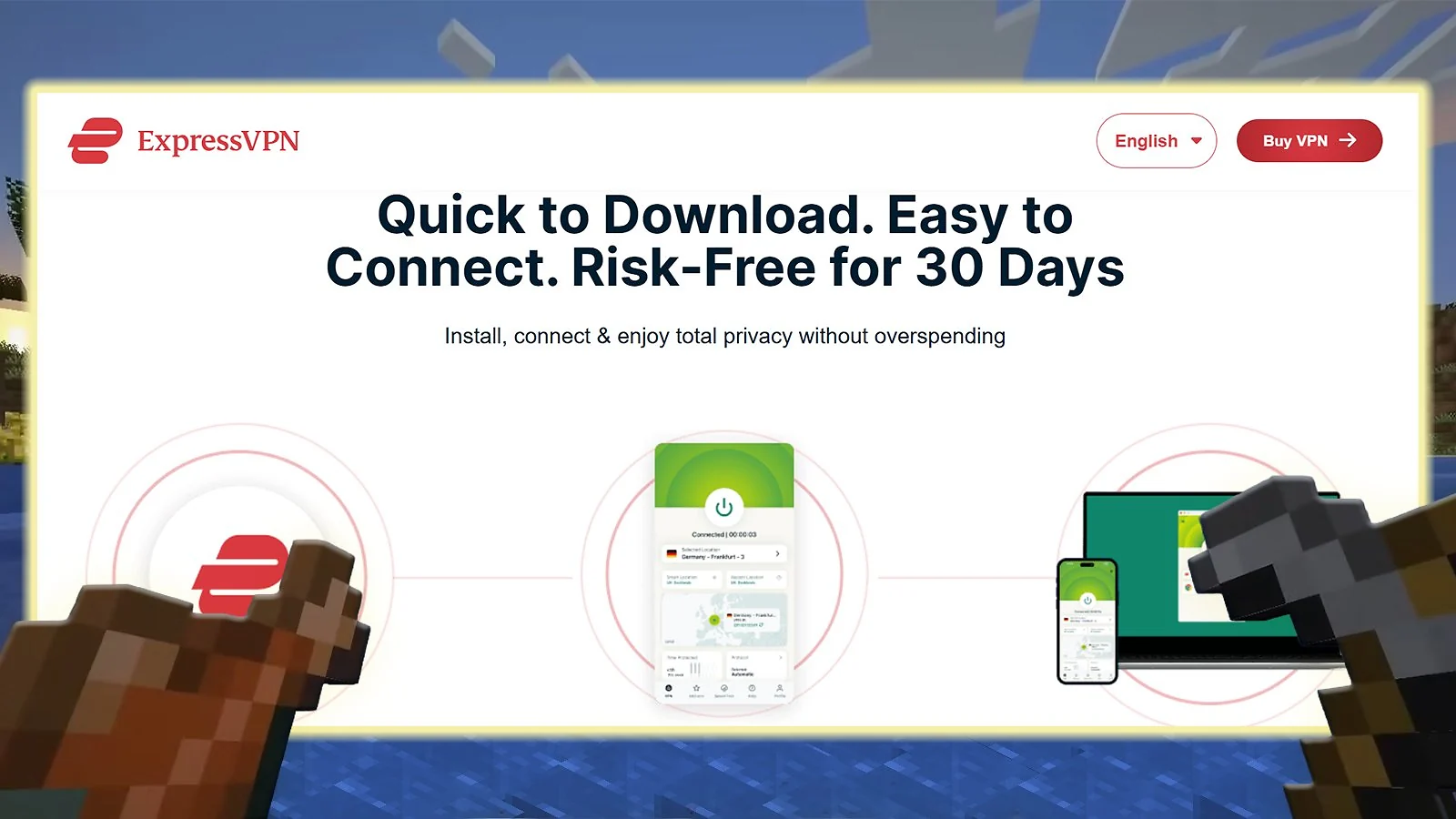
ExpressVPN is one of the easiest ways to run a Minecraft VPN without fiddling with settings. Install it, hit connect, and jump back into your world. That simplicity is the main reason many players stick with it.
Performance comes from Lightway, ExpressVPN’s custom protocol. It connects almost instantly and keeps speeds high, which helps when exploring large worlds or jumping between busy servers. It’s also ideal for many other games, and my personal favorite VPN for Fortnite.
Another thing I like is how polished the apps are. Everything is clear and easy to find, even if you’ve never used a VPN before. If you plan to run a VPN Minecraft server, the guides for router setup are also straightforward.
If you’re joining crowded public worlds, connect to a VPN server in the same region as the Minecraft server. Shorter routes usually mean more stable multiplayer sessions.
ExpressVPN also takes privacy seriously. Its TrustedServer technology runs entirely on RAM, so data isn’t stored long term. The company’s no-logs policy has also been independently audited.
It works on pretty much every platform, and setup usually takes only a few minutes. That makes it a solid choice if you want a Minecraft VPN that just works without troubleshooting.
| Pros | Cons |
|---|---|
| ✅ Fast connections with Lightway ✅ Very simple apps ✅ Stable connections for multiplayer worlds ✅ Good setup guides for routers and consoles ✅ Strong privacy protections | ❌ Smaller server network than some competitors |
Final Verdict: ExpressVPN is a great pick if you want a Minecraft VPN that’s fast and extremely easy to use. Turn it on and get back to building.
3. Proton VPN [Best Minecraft VPN for Privacy]
| Feature | Details |
|---|---|
| Servers | 15,000+ servers in 100+ countries |
| Speed | 700–850 Mbps average on nearby servers on a 1 Gbps connection (450–650 Mbps on faraway locations) |
| Simultaneous connections | Up to 10 devices |
| Protocols | WireGuard, OpenVPN, IKEv2/IPSec, Stealth (obfuscation protocol) |
| Security | AES-256/ChaCha20 encryption, kill switch, NetShield ad/malware blocker, Secure Core, Tor over VPN |
| Privacy | Court-tested no-logs policy, open-source apps, based in Switzerland |
| Minecraft performance | Good regional speeds with VPN Accelerator optimization technology |
| Starting price | $2.99/mo (2-year plan) |
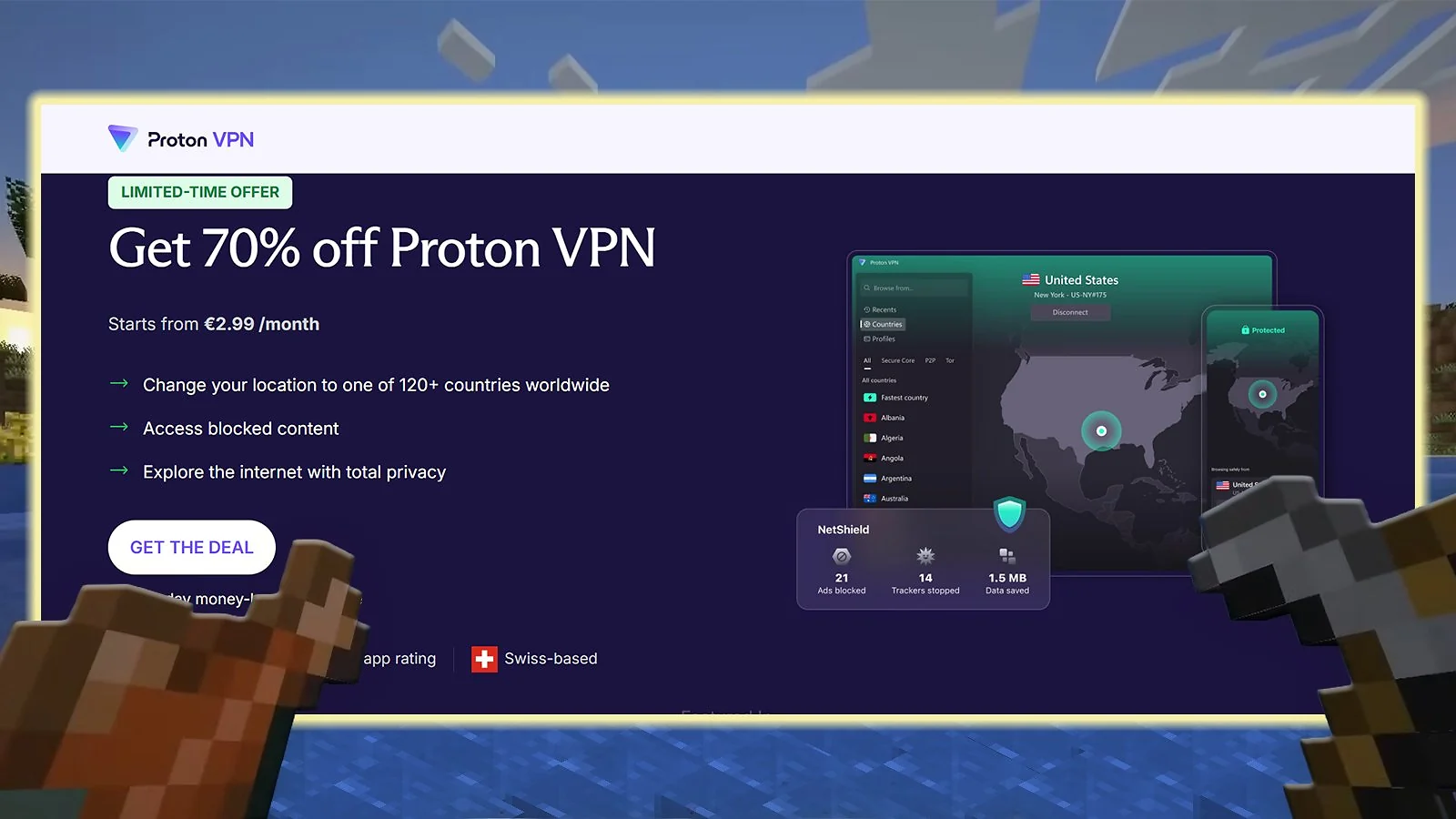
Proton VPN is a good choice if privacy matters to you while playing online. It’s one of the few services with a free VPN for Minecraft that’s usable for casual multiplayer sessions. If you just want to test a Minecraft VPN, the free tier is a decent starting point.
The paid version is where things get more interesting. Proton runs a massive network of servers and adds a feature called VPN Accelerator, which speeds up your connection up to 400%.
Another useful option is port forwarding, available on paid plans. If you host a VPN Minecraft server or run small worlds for friends, it can help with connectivity. It also makes it one of the best VPNs for torrenting, if you want faster seeding.
If you only want to protect your IP while playing, enable split tunneling and route only Minecraft through the VPN. Everything else on your system will use the normal connection.
Proton is also one of the most transparent VPN providers out there. The apps are open source, the no-logs policy has been audited, and the company operates from Switzerland. You can learn more about it in my full “Is Proton VPN Safe” guide.
Apps exist for all major platforms and support up to ten simultaneous connections, which is enough for most players running a Minecraft VPN across several devices.
| Pros | Cons |
|---|---|
| ✅ Best privacy ✅ Large global server network ✅ VPN Accelerator ✅ Free and paid plans ✅ Open-source apps | ❌ You can’t pick servers on the free plan |
Final Verdict: Proton VPN is a solid pick if you want a privacy-focused Minecraft VPN with a usable free tier and strong transparency.
4. CyberGhost [Best Minecraft VPN With Gaming-Optimized Servers]
| Feature | Details |
|---|---|
| Servers | 11,000+ servers in 100 countries |
| Speed | 650–800 Mbps average on nearby servers on a 1 Gbps connection (400–600 Mbps on faraway locations) |
| Simultaneous connections | Up to 7 devices |
| Protocols | WireGuard, OpenVPN, IKEv2/IPSec |
| Security | AES-256/ChaCha20 encryption, kill switch, NoSpy servers, ad blocker |
| Privacy | Audited no-logs policy, RAM-only servers, based in Romania |
| Minecraft performance | Dedicated gaming servers optimized for low latency |
| Starting price | $2.19/mo (26-month plan) |
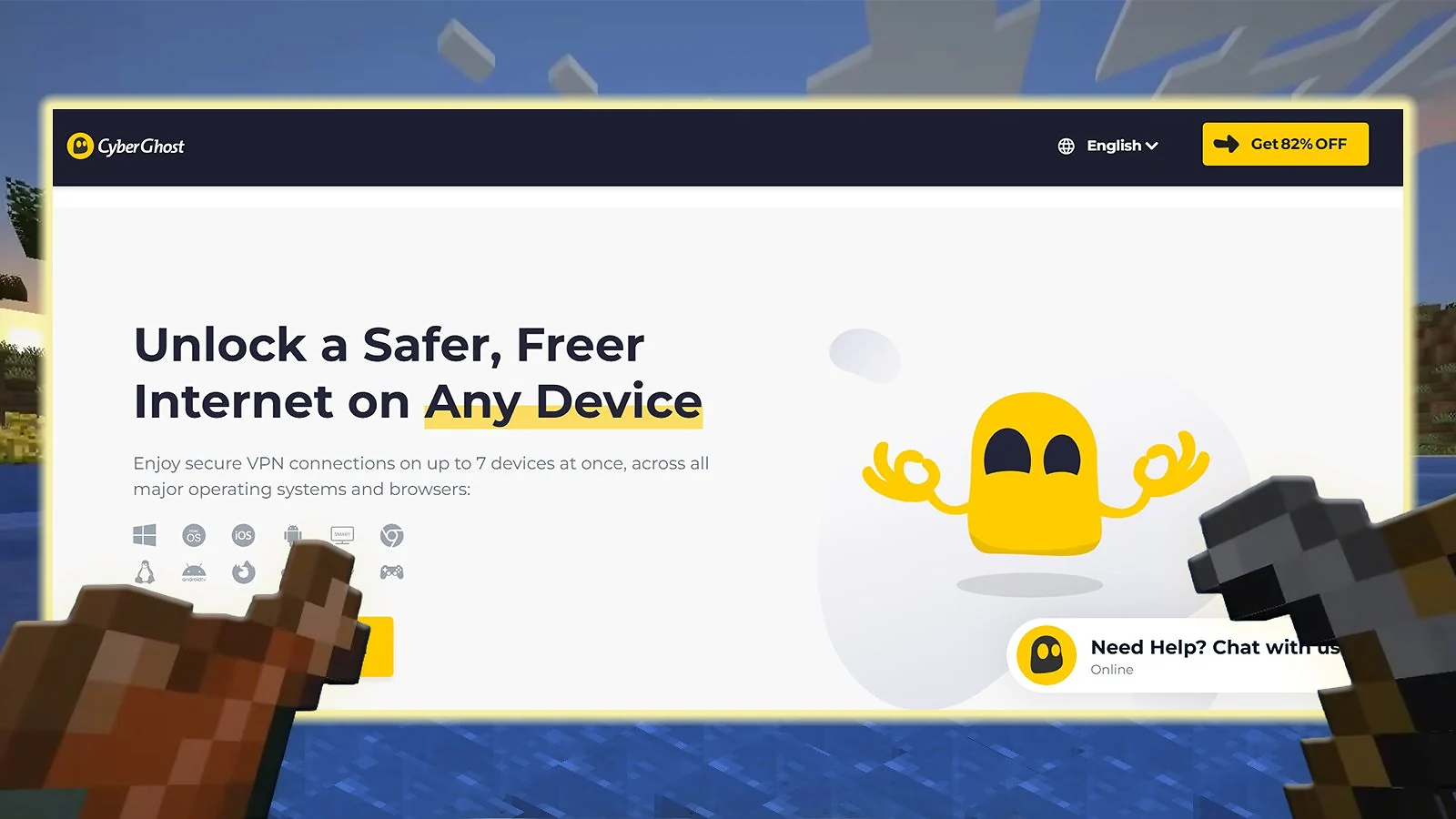
CyberGhost is one of the easiest VPNs to run with Minecraft. The apps are simple, the servers are well organized, and you don’t have to dig through settings just to start playing.
One thing I like is the gaming-optimized servers. They’re meant to keep latency low when connecting to popular game regions. That helps when a Minecraft VPN is running in the background, and you still want smooth multiplayer. It also makes CyberGhost one of the best low-ping gaming VPNs out there.
If you’re hosting a Minecraft world for friends, a dedicated IP can save a lot of headaches. Players can bookmark the address instead of chasing a new IP every time the server restarts.
Console players can run CyberGhost through a router. That way, the Minecraft VPN covers every device on the network.
| Pros | Cons |
|---|---|
| ✅ Gaming-optimized servers ✅ Easy apps for beginners ✅ Dedicated IP option for hosting ✅ Smart DNS support ✅ Affordable long-term plans | ❌ 7 simultaneous connections is on the low side |
Final Verdict: CyberGhost is a good pick if you want a Minecraft VPN that’s easy to run and doesn’t cost much. Turn it on and go back to mining.
5. Private Internet Access (PIA) [Best for Unlimited Simultaneous Connections]
| Feature | Details |
|---|---|
| Servers | 35,000+ servers in 90+ countries (all 50 US states) |
| Speed | 600–750 Mbps average on nearby servers on a 1 Gbps connection (400–550 Mbps on faraway locations) |
| Simultaneous connections | Unlimited devices |
| Protocols | WireGuard, OpenVPN, IKEv2/IPSec |
| Security | AES-256/AES-128/ChaCha20 encryption (configurable), kill switch, MACE ad blocker, Multi-hop, port forwarding |
| Privacy | Court-proven no-logs policy, open-source apps, based in the United States |
| Minecraft performance | Servers in all 50 US states for optimal regional routing |
| Starting price | $2.03/mo (3-year plan) |
Private Internet Access is a good Minecraft VPN if you want the absolute best VPN for multiple devices. One subscription supports unlimited connections, so you can keep it running on your PC, laptop, phone, or even a router without worrying about device limits.
PIA also supports port forwarding, which can help if you host a VPN Minecraft server and want better connectivity for players joining your world.
Another thing I like is the level of control. The apps let you tweak encryption, choose protocols like WireGuard, and enable features like MACE, PIA’s built-in blocker.
If you host a Minecraft server for friends, enable PIA‘s port forwarding to make it easier for players to connect to your world. It reduces the chance of blocked or failed connections when people join from different networks.
Even if you’re unfamiliar with how to use a VPN, PIA VPN’s setup is straightforward. It also has one of the largest server networks around, including servers across all US states. That gives you plenty of routing options if a connection starts acting weird.
The apps work on most platforms, and the interface stays simple enough even with all the extra configuration options.
| Pros | Cons |
|---|---|
| ✅ Unlimited device connections ✅ Port forwarding for server hosting ✅ Huge server network ✅ Plenty of customization options ✅ Very affordable long-term plans | ❌ Interface can feel busy at first |
Final Verdict: PIA is a great pick if you want a flexible Minecraft VPN that works across many devices and still keeps costs low.
6. Surfshark [Best-Value VPN for Minecraft]
| Feature | Details |
|---|---|
| Servers | 4,500+ servers in 100 countries |
| Speed | 750–900 Mbps average on nearby servers on a 1 Gbps connection (500–700 Mbps on faraway locations) |
| Simultaneous connections | Unlimited devices |
| Protocols | WireGuard, OpenVPN, IKEv2/IPSec |
| Security | AES-256/ChaCha20 encryption, kill switch, CleanWeb ad blocker, Dynamic MultiHop, Camouflage Mode |
| Privacy | 2x Deloitte audited no-logs policy, RAM-only servers, based in the Netherlands |
| Minecraft performance | Excellent speeds with 10 Gbps servers, 100 Gbps experimental servers in Amsterdam |
| Starting price | $1.99/mo (2-year plan) |
Surfshark is a solid Minecraft VPN if you want something cheap that still runs well. It’s one of the most affordable options long term, but it doesn’t feel like a budget service when you’re actually playing.
One big advantage is unlimited connections. You can run Surfshark on every device in the house, and it won’t complain. Handy if several people are jumping into the same Minecraft world.
Speeds are solid too. Surfshark supports WireGuard, and the connection stays stable even when servers get crowded. Great speeds also make it an excellent VPN for streaming when you’re not breaking cubes.
If you play on stricter public servers, a dedicated IP can help. Some servers flag shared VPN addresses, and a personal IP avoids that problem.
Surfshark also includes a few extras like an ad blocker and optional antivirus in some plans. They’re not Minecraft features, but they’re nice to have running in the background. Setup is quick on most platforms. Install it, connect, and get back to mining.
| Pros | Cons |
|---|---|
| ✅ Unlimited device connections ✅ Affordable long-term plans ✅ Stable speeds with WireGuard ✅ Built-in ad blocking ✅ Optional antivirus features | ❌ Connection sometimes takes a moment |
Final Verdict: Surfshark is an easy pick if you want a Minecraft VPN that’s cheap, fast, and simple to run across multiple devices.
What Makes the Best VPN for Minecraft: Key Factors Every Player Should Know

Not every VPN plays nicely with games. I learned that the hard way while testing different services in Minecraft. Some slowed the connection down, others caused weird routing issues. A good Minecraft VPN should stay fast, stable, and invisible while you play. Here’s what to look for.
Speed and Low Latency
Latency ruins multiplayer. Nobody wants rubber-banding mobs or delayed PvP hits. That’s why the best VPN for Minecraft needs modern VPN protocols built for speed.
Most good services rely on a few proven options:
- NordLynx – NordVPN’s version of WireGuard. Same idea, but optimized further for speed and privacy.
- Lightway – ExpressVPN’s custom protocol designed to connect quickly and keep the connection stable.
- WireGuard – lightweight and very fast. Most modern VPNs use it because it keeps latency low and works well on every platform.
Protocols aren’t the only factor. Server quality matters too. Many of the better VPNs run 10 Gbps infrastructure, which helps keep performance consistent when networks get busy.
In my experience, NordVPN and Surfshark tend to be the fastest options, but several others work well as long as you connect to a nearby server.
Large Server Network
Server coverage matters more than people realize. A large network gives you more routing options, which can help avoid congested paths when connecting to multiplayer worlds. It also makes it easier to find a nearby location, which usually means lower latency.
This becomes especially relevant if you run your own world or want to use a good Minecraft hosting service and want a stable route between players.
It also helps in regions where access to certain games or services is restricted. With enough server locations, you can usually connect through a nearby country and keep playing normally.
Free vs. Paid VPNs: Understanding the Trade-Offs
Free VPNs sound great on paper. No cost, quick download, and you’re ready to go.
In practice, most of them struggle with gaming. Limited servers, slower speeds, and crowded networks often lead to unstable connections. They can also log your data and sell it for profit or infuse your system with malware.
That’s why all reliable gaming VPNs for Minecraft are paid services. They offer better infrastructure, more server locations, and fewer restrictions overall.
If you just want to test a VPN with Minecraft, a free plan can work for a quick trial. For regular multiplayer sessions, a paid service always delivers a smoother experience.
My Overall Verdict: The Best VPN for Minecraft – Which One Fits How You Play?
The best VPN for Minecraft should stay out of the way while you play and still give you all the benefits we talked about.
If you’re still not sure where to start, here’s how to decide based on what you need most:
- Best VPN for Minecraft > NordVPN. Fast, stable, and easy to run in the background. It’s the safest pick if you just want a Minecraft VPN that works without tweaking settings.
- Best for simplicity > ExpressVPN. Polished apps and quick connections. Install it, connect, and jump straight back into your world.
- Best for privacy > Proton VPN. Open-source apps, audited no-logs policy, and a usable free VPN for Minecraft plan if you want to test things first.
- Best gaming servers > CyberGhost. Dedicated gaming servers make it easy to find stable routes for multiplayer sessions.
Pick the one that fits how you play, connect, and get back to building.
FAQs
The best VPN for Minecraft is NordVPN, offering an all-around capable service with fast speeds, DDoS protection, dedicated IP addresses, and apps for all devices, for a relatively low price.
Yes, it can reduce lag in Minecraft by sidestepping ISP throttling and using fast, gaming-optimized servers. Some VPNs may increase your lag if you pick a too distant server or settle for one with slower connections.
No, free VPNs are not good for Minecraft or any game, for that matter. They limit your speed, data, and security, so you’re not guaranteed lower latency and other perks you’d get in paid VPNs.
Yes, a VPN will affect your Minecraft ping to a degree. Connecting to a nearby server may also reduce it if the ISP is throttling your native internet connection. The more distant the chosen server is, the higher the probability of a higher ping.
Yes, you can play Minecraft with VPN and not get banned, but only if you use it according to its terms of use. Changing IPs frequently or even bypassing IP bans can lead to this outcome, with some servers natively implementing anti-VPN plugins that block VPN-associated IPs.
The best Minecraft server location is the one physically closest to you. It’s the one with the lowest ping and best connection speeds. VPNs usually automatically pick the best location for you, so you don’t have to brainstorm it.
Yes, you can use a VPN to play Minecraft. A solid service will allow you to experience countless security, privacy, and performance benefits that would otherwise be impossible.
Yes, Minecraft may block VPNs if suspicious activities are detected. This is facilitated through IP blocks and server-side plugins that detect VPN IP addresses and block them. Most of the time, VPNs work well with Minecraft, and blocks are rare, more so with quality, undetectable VPNs.