How to Create Your Website and Get Paid in 2026

Eneba Hub contains affiliate links, which means we may earn a small commission if you make a purchase through them—at no extra cost to you. Learn more


QUICK LOOK
Shopify, Etsy and Wix all changed a plan price or fee tier within the past year. Every figure below was checked directly against each platform in September 2026. If you just want the fastest way to get a real store live, start with Shopify’s 3-day free trial, which rolls into $1/month for 3 months, the top pick below.
How to create your website depends on what you want to sell and how you plan to make money from it. The platform you choose affects your startup costs, earning potential, and how quickly you can get your first sale.
Website platforms generally fall into three groups:
- Online store builders (Shopify, WooCommerce) help you sell physical products or digital goods.
- Content platforms (Substack, Patreon) let you earn from paid writing, memberships, or your expertise.
- Website builders (Wix, WooCommerce) help you create a site for services, portfolios, or other online projects.
Some platforms let you start for free, while others charge monthly fees or take a cut of your sales. Shopify suits people who want to run an online store, while Substack may be a better fit for writers who want paid subscribers. The best choice depends on your business model and budget.
This guide compares 15 platforms by startup cost, monetization options, earning potential, and the main catch each one carries, so you can decide how to create your website with a realistic plan to make money.
Jump to:
So, Is Creating a Website to Make Money Worth It?
Yes, if you choose a platform that fits what you want to sell. A website can generate income through several business models, but each comes with different costs, earning potential, and time commitments. Before you start, it helps to know which approach matches your situation.
- Online stores (Shopify, WooCommerce) – let you sell physical products or digital goods, though product costs and platform fees can cut into your profits.
- Marketplaces (Etsy) – give you access to shoppers who already browse the platform, but listing fees and transaction fees affect your margins.
- Paid content (Substack, Patreon) – help writers and creators earn through subscriptions, though income depends on building an audience willing to pay.
- Digital product platforms (Gumroad, Payhip) – let you sell downloads such as templates and ebooks without managing physical inventory.
- Website builders (Wix, Squarespace) – help you create a professional site for services or other business ideas, though monetization may require extra tools or a paid plan.
The biggest mistake is expecting every website to earn money in the same way. A store needs paying customers, a newsletter needs subscribers, and a service website needs clients. The right choice depends on what you can sell and how much you can spend before revenue starts to come in.
If you’re figuring out how to create your website with a limited budget, start with the platform that has the lowest practical cost for your business model. Then check its fees and payout rules before you commit. This guide to how to create your website compares 15 platforms by startup costs, monetization options, and the main catch each one carries.
Play games and get paid with Snakzy.

How to Create Your Website: 15 Best Platforms
Each entry below covers what it costs to start, what it actually pays once it works, and the one mistake that trips up most beginners.
1. Shopify [Best Overall for a Real Online Store]
|
Best for |
Building a dedicated online store for physical or digital products |
|---|---|
|
Startup cost |
From $19/month with annual billing, plus any product or fulfillment costs |
|
How you make money |
Sell products directly to customers through your own storefront |
|
Time to first earnings |
Depends on product demand, marketing, and how quickly you attract buyers |
|
Main catch |
Monthly fees and transaction costs apply before you know how consistently your store will sell |
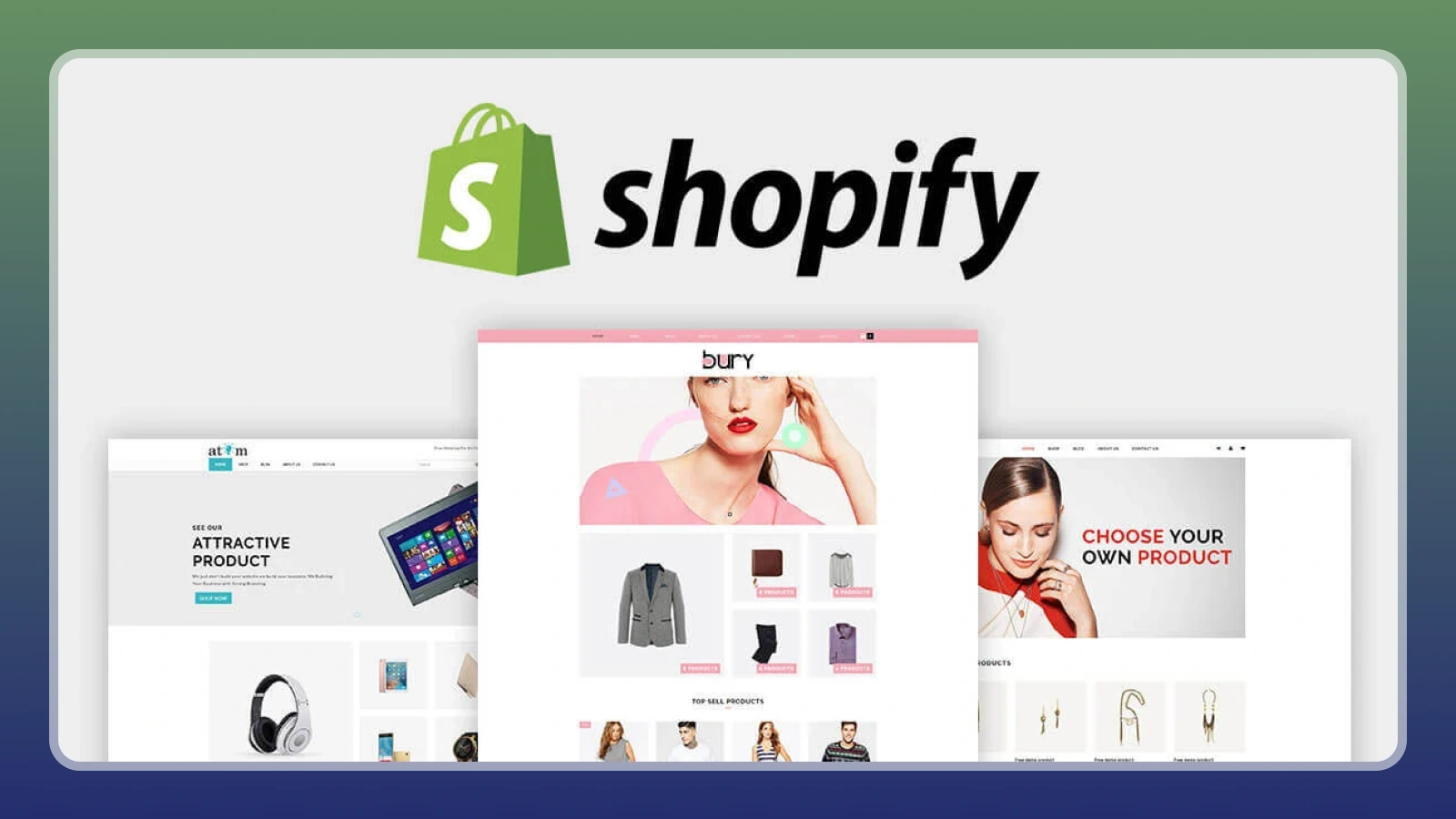
Shopify is a strong choice for anyone who wants to build a dedicated online store with control over products, branding, and checkout. It provides the tools to manage sales in one place, although attracting customers is still up to you.
If you’re learning how to create your website for ecommerce, these steps can help you get started:
- Choose a product niche: Focus on a specific category and check demand before building a large catalogue.
- Set up fulfillment: Connect a print-on-demand service such as Printify or Printful to sell products without holding inventory.
- Launch with a small selection: Start with a few products, track which ones attract buyers, and expand based on demand.
- Review your costs: Account for subscription fees, payment processing, and marketing before setting your prices.
The main challenge is generating consistent sales while keeping expenses under control. Start with a focused product range and test demand before investing heavily in inventory or advertising.
2. Etsy [Fastest Way to Your First Real Sale]
|
Best for |
Selling handmade goods, vintage items, and craft supplies |
|---|---|
|
Startup cost |
$0.20 per listing, plus applicable setup fees |
|
How you make money |
Sell products through Etsy’s existing marketplace |
|
Time to first earnings |
Depends on product demand, listing quality, and competition |
|
Main catch |
Transaction and payment fees reduce your profit on every sale |
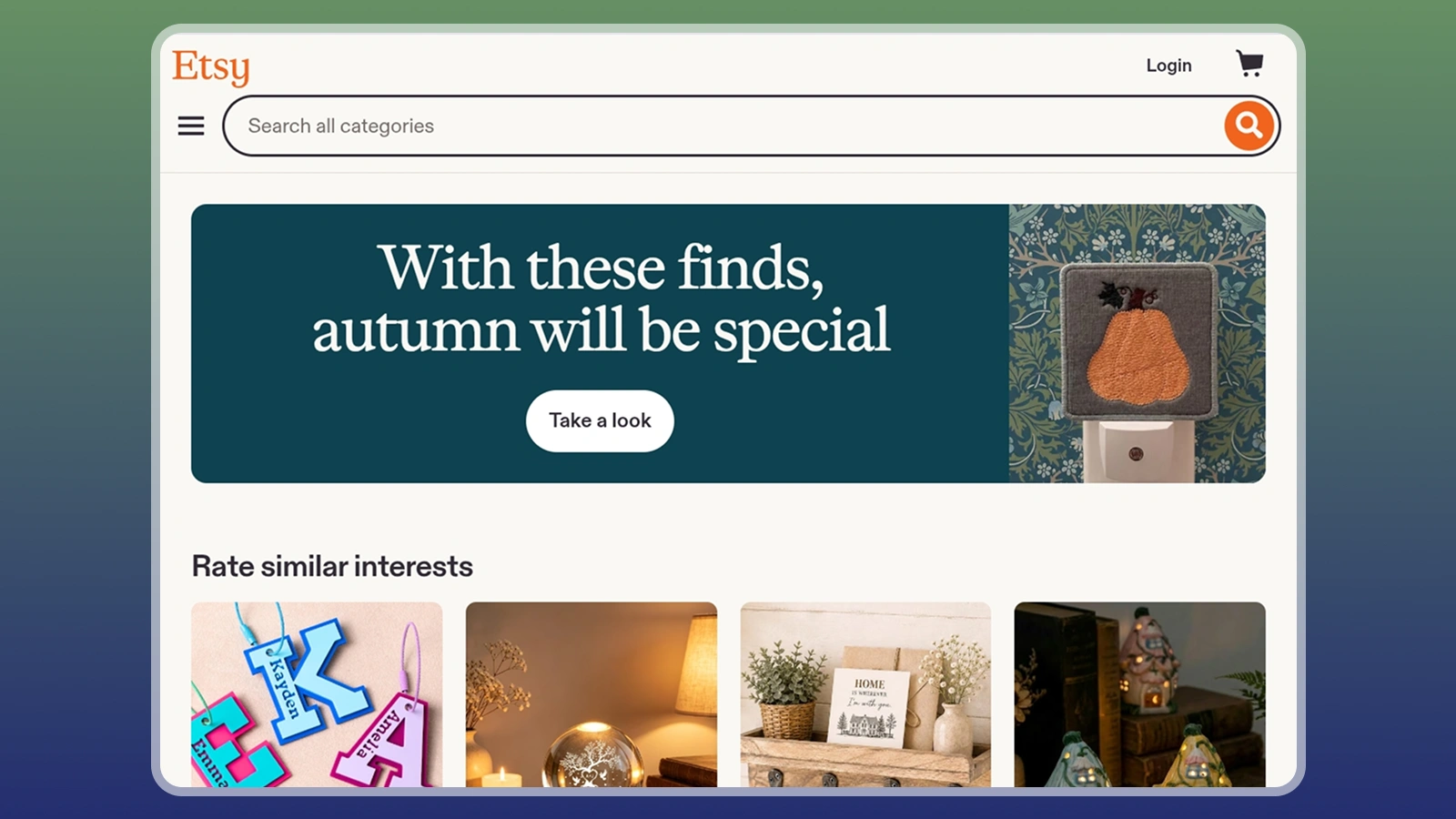
Etsy gives sellers access to shoppers who already browse the marketplace, so you can start selling without building an audience from scratch. It’s especially useful for handmade products and crafts, though competition can make consistent sales harder to achieve.
If you’re learning how to create your website for a product-based business, Etsy provides a simpler starting point:
- Open your shop: Set up an account and enable Etsy Payments where available.
- Create strong listings: Start with at least 10 products and use relevant search terms in your titles.
- Price for profit: Account for the $0.20 listing fee, 6.5% transaction fee, and US processing fee of 3% + $0.25.
- Improve your catalogue: Use early sales data to decide which products deserve more attention.
For example, a $100 US order incurs about $9.95 in these basic fees, before production and shipping costs. Median seller revenue is around $574 per month, but your actual profit depends on your expenses and sales volume.
3. WooCommerce [Best If You Want to Own Everything]
|
Best for |
Sellers who want control over their online store |
|---|---|
|
Startup cost |
Free plugin, plus hosting, domain, and optional extensions |
|
How you make money |
Sell products through a self-hosted ecommerce store |
|
Time to first earnings |
Depends on setup, product demand, and customer traffic |
|
Main catch |
You manage hosting, maintenance, security, and extra software costs |
WooCommerce is a strong choice for sellers who want more control over their store and fewer platform-imposed restrictions. The core plugin is free and charges no platform transaction fee, so you can choose the tools and payment providers that suit your business.
If you’re exploring how to create your website with WooCommerce, here’s how to get started:
- Choose a host: Look for WordPress hosting that supports WooCommerce. Budget around 100 per month.
- Register a domain: Expect to pay roughly $12 per year for a standard domain.
- Build your store: Install WordPress and WooCommerce, then select a theme that fits your products.
- Add essential tools: Connect Stripe or PayPal, and install paid extensions only when you need them.
The main trade-off is maintenance. Premium extensions can cost 299 per year each, so expenses add up as your store grows. WooCommerce suits sellers who value long-term control and are comfortable managing the technical side of their business.
4. Kajabi [Best for Turning Expertise Into a Full Business]
|
Best for |
Creators selling online courses, coaching, and memberships |
|---|---|
|
Startup cost |
From $143/month with annual billing |
|
How you make money |
Sell courses, coaching programs, and paid memberships |
|
Time to first earnings |
Depends on your audience, offer, and launch strategy |
|
Main catch |
High monthly costs can eat into revenue before you make consistent sales |
Kajabi brings your website, email marketing, and online course tools together in one platform. It’s a good fit for creators who already have expertise to teach and an audience they can reach. However, its starting price makes it a costly choice for anyone who hasn’t tested their idea yet.
If you want to create a website for a course or membership business, start with these steps:
- Choose your topic: Focus on a skill or subject people are willing to pay to learn.
- Validate demand: Talk to potential customers or test interest before paying for a subscription.
- Build your first product: Create a focused course or coaching program instead of a large library.
- Plan your pricing: The Basic plan starts at $143/month with annual billing, so account for that cost before setting your price.
Kajabi shows you how to create your website around paid courses, coaching, and memberships with built-in business tools.
5. Teachable [Best Low-Cost Way to Sell a Course]
|
Best for |
Creators who want to sell online courses |
|---|---|
|
Startup cost |
From $29/month with annual billing |
|
How you make money |
Sell courses and educational products |
|
Time to first earnings |
Depends on course demand and your ability to attract buyers |
|
Main catch |
The Starter plan takes a 7.5% transaction fee on every sale |
Teachable is a more affordable starting point than Kajabi, with a Starter plan at $29/month when billed annually. If you’re learning how to create your website for an online course, it gives you a way to start selling without the higher upfront subscription cost. However, the 7.5% transaction fee can become expensive as sales grow.
Here’s how to get started:
- Pick a specific topic: Build a course around one clear problem your audience wants to solve.
- Create your first course: Focus on practical lessons rather than trying to cover everything you know.
- Set your price: Include payment processing fees of 2.9% + $0.30 per US transaction in your calculations.
- Review your plan: The Builder plan costs $69/month with annual billing and removes the platform transaction fee.
The Builder plan becomes cheaper than Starter at around $533 in monthly course sales, based on the listed annual-billing prices. Teachable is worth considering if you want to start small, but keep an eye on fees as your revenue grows.
6. Gumroad [Simplest Way to Sell a Digital Product]
|
Best for |
Selling digital products such as ebooks, templates, and presets |
|---|---|
|
Startup cost |
No monthly fee |
|
How you make money |
Sell digital products through direct links or Gumroad Discover |
|
Time to first earnings |
You can publish a product in minutes, but sales depend on demand and traffic |
|
Main catch |
Transaction fees are high, and direct sales require your own traffic |
Gumroad lets you start selling digital products without paying a monthly subscription. Its standard fee is 10% + $0.50 per direct sale, so you can test a product idea before committing to a full ecommerce platform. Sales through Gumroad Discover carry a higher 30% fee.
Here’s a simple way to start:
- Choose one product: Create a useful digital item, such as a template pack or ebook.
- Set up your page: Add a clear description, preview images, and a price.
- Share your link: Promote the product through your existing audience or social channels.
- Check your margins: Account for platform fees and separate payment processing costs.
Gumroad works best when you already have a way to reach potential buyers. Unlike a marketplace with built-in shopping traffic, it relies heavily on your own promotion. If you want to learn how to create your website and make your first digital sale, start with one useful product and a clear plan to reach the people who need it.
7. Patreon [Best for Recurring Income From an Audience]

|
Best for |
Creators with an audience willing to pay for exclusive content |
|---|---|
|
Startup cost |
No upfront monthly subscription fee, but platform and payment fees apply |
|
How you make money |
Earn recurring income through paid memberships |
|
Time to first earnings |
Depends on audience size and how quickly followers become paying members |
|
Main catch |
Fees reduce earnings, and building a paying audience takes time |
Patreon helps creators turn an existing following into recurring income through monthly memberships. If you’re exploring how to create your website for paid content, it can be a useful starting point without the need to build a membership system from scratch. Many creators earn only a few hundred dollars per month, so set realistic expectations before you begin.
Here’s how to get started:
- Choose your membership value: Decide what paying members will receive, such as exclusive posts or bonus content.
- Set affordable tiers: Keep the benefits clear and the monthly price easy for followers to understand.
- Create a posting schedule: Plan content you can maintain consistently over time.
- Promote your page: Direct followers from your existing channels to your membership page.
New creators who join Patreon pay a 10% platform fee, plus payment processing and other applicable charges. On a $5 pledge, these costs can take a noticeable share of your earnings. You can also learn how to create a passive income if you want to explore other ways to build recurring revenue alongside your memberships.
The biggest challenge is attracting paying members. Patreon has limited discovery, so build an audience before launching several membership tiers. A low number of pledges at the start may reflect limited reach rather than the quality of your content.
8. Substack [Best for a Newsletter You Can Charge For]
|
Best for |
Writers who want to monetize newsletters and articles |
|---|---|
|
Startup cost |
No monthly platform fee |
|
How you make money |
Earn recurring revenue from paid subscriptions |
|
Time to first earnings |
Depends on audience growth and subscriber conversion |
|
Main catch |
Substack takes 10% of subscription revenue, plus payment processing fees |
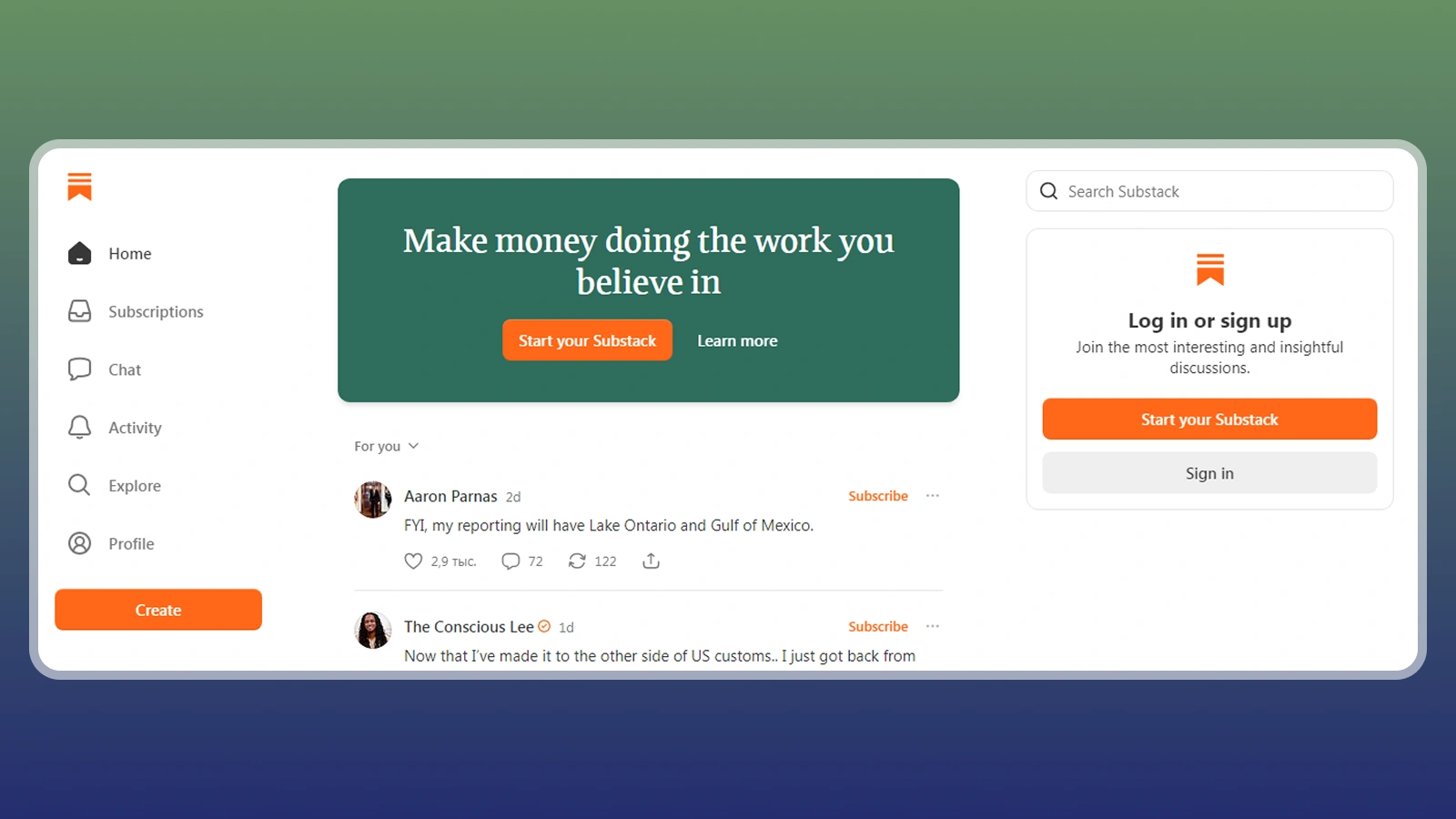
Substack lets writers publish for free and introduce paid subscriptions once readers see value in their work. It provides a simple way to monetize a newsletter without paying a monthly platform fee.
Substack takes 10% of subscription revenue, while Stripe processing adds roughly 2.9% + $0.30 per transaction. Earnings vary widely, and many writers with paid subscriptions make less than $500 per year.
Here’s how to get started:
- Choose your focus: Write about a topic readers want to follow regularly.
- Publish free posts: Build trust before asking readers to pay.
- Set a paid tier: Give subscribers a clear reason to upgrade.
- Promote your newsletter: Use existing channels to attract readers.
The key is to build a loyal readership before adding a paywall. If you’re learning how to create your website for paid writing, start with useful free content and introduce subscriptions once readers have a reason to support your work.
9. Podia [Best All-in-One for Courses, Downloads and Memberships]
|
Best for |
Creators selling courses, downloads, and paid communities |
|---|---|
|
Startup cost |
From $42/month with annual billing |
|
How you make money |
Sell digital products and memberships from one site |
|
Time to first earnings |
Depends on product demand and audience reach |
|
Main catch |
The entry plan charges a 5% transaction fee |
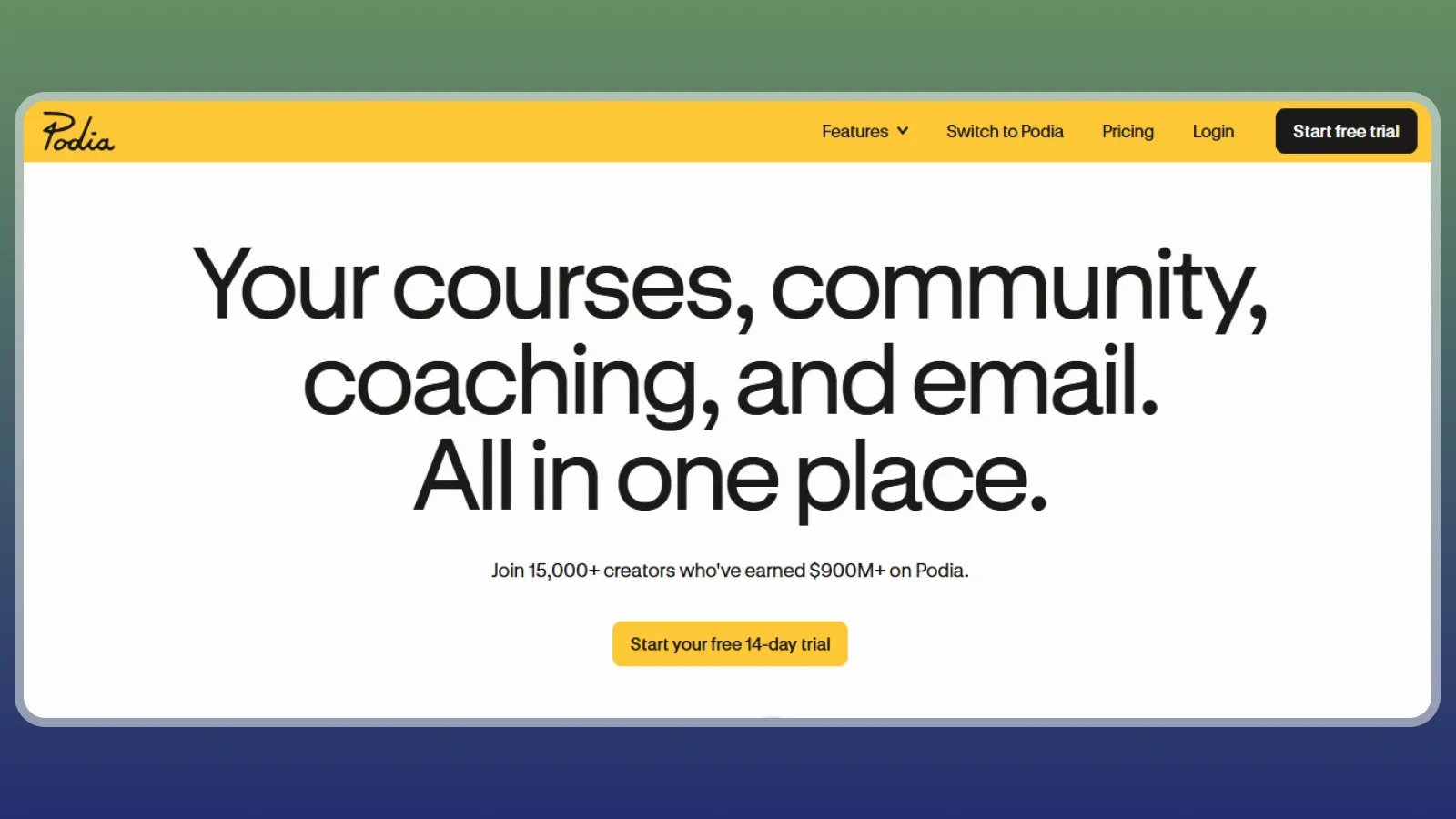
Podia gives creators one place to sell courses, digital downloads, and paid communities. If you’re learning how to create your website for a digital business, its bundled tools can help you manage several product types without paying for separate platforms.
Here’s how to get started:
- Choose your products: Start with two related products, such as a course and a downloadable workbook.
- Build your site: Set up product pages and explain what buyers receive.
- Pick a plan: Mover costs $42/month annually with a 5% transaction fee, while Shaker costs $84/month with no platform transaction fee.
- Test your setup: Use the 30-day trial to check your store before committing.
The annual plans break even at around $840 in monthly revenue, so Mover is usually cheaper below that point. Podia makes the most sense when you plan to sell several product types. For a single ebook, a tool such as Gumroad may cost less at the start.
10. Wix [Easiest General-Purpose Builder With a Store Built In]
|
Best for |
Small businesses that need a website with store and booking tools |
|---|---|
|
Startup cost |
Free for a basic site, or $29/month for eCommerce |
|
How you make money |
Sell products or services through your website |
|
Time to first earnings |
Depends on setup, customer demand, and traffic |
|
Main catch |
The free and Light plans don’t support eCommerce |
Wix makes it easy to build a professional-looking business website without coding. If you’re learning how to create your website for a small business, its visual editor, store tools, and booking features help you get online with less technical work.
Here’s how to get started:
- Choose a template: Pick a design that suits your business and customize its pages.
- Add your products or services: Set up clear descriptions and pricing.
- Choose the right plan: Core starts at $29/month and unlocks eCommerce features.
- Prepare your brand: Use the built-in logo maker if you don’t have one yet.
Wix charges no additional platform transaction fee, though payment processors still charge their own fees. Higher plans include extra business features, but most beginners can start with Core if they need a store.
The main thing to watch is your plan choice. The free and Light tiers cannot process store sales, so check your needs before committing to a subscription.
11. Squarespace [Best for a Design-Led Site That Also Sells]
|
Best for |
Service businesses, portfolios, and brands that prioritize design |
|---|---|
|
Startup cost |
From $19/month with annual billing |
|
How you make money |
Sell products, digital downloads, or memberships |
|
Time to first earnings |
Depends on your products, audience, and marketing |
|
Main catch |
Basic charges transaction fees that can add up as sales grow |
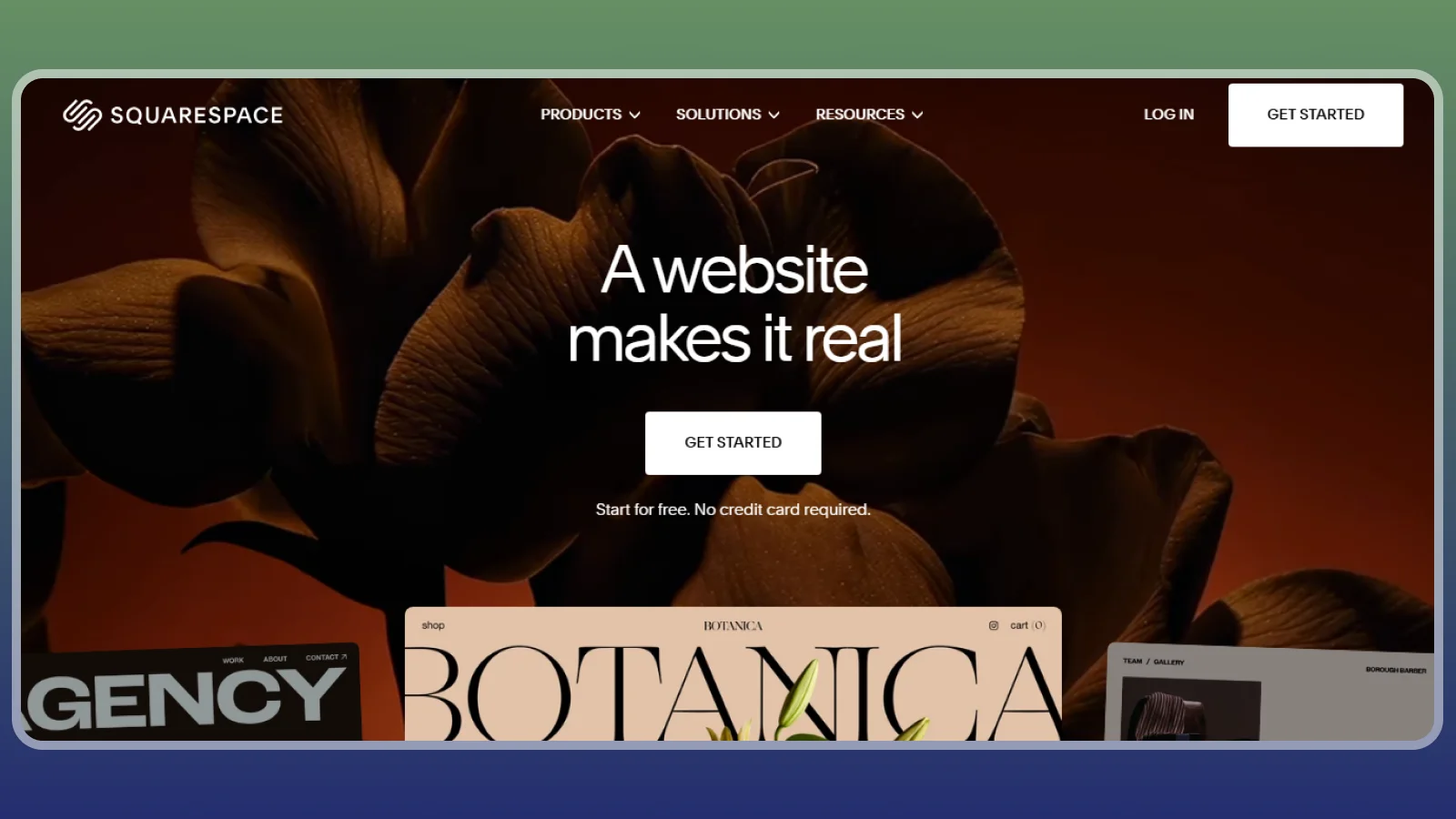
Squarespace combines polished templates with tools for selling products and services. It’s a practical choice for anyone learning how to create your website for a business where presentation matters as much as sales. You can start with a professional-looking site and expand its selling features as your business grows.
Here’s how to get started:
- Choose a template: Pick a design that fits your brand and customize the key pages.
- Add your products: Set up product listings or service pages with clear pricing.
- Compare plans: Basic costs $19/month annually and charges a 2% fee on physical product sales. Core starts at $29/month annually and removes that fee.
- Check digital sales fees: Basic charges a 7% fee on digital content and memberships.
The Core plan becomes more cost-effective at around $500 in monthly physical product sales, based on the annual prices and listed transaction fee. Squarespace suits businesses that value design, but check the fees for your specific products before choosing a plan.
12. Webflow [Best for a Custom-Designed Site That Still Sells]
|
Best for |
Designers and creative businesses that need a custom-looking website |
|---|---|
|
Startup cost |
From $44/month combined for the site and Standard eCommerce plans, billed annually |
|
How you make money |
Sell products or promote creative services through your own site |
|
Time to first earnings |
Depends on setup, audience reach, and customer demand |
|
Main catch |
Higher learning curve and separate site and eCommerce plan costs |
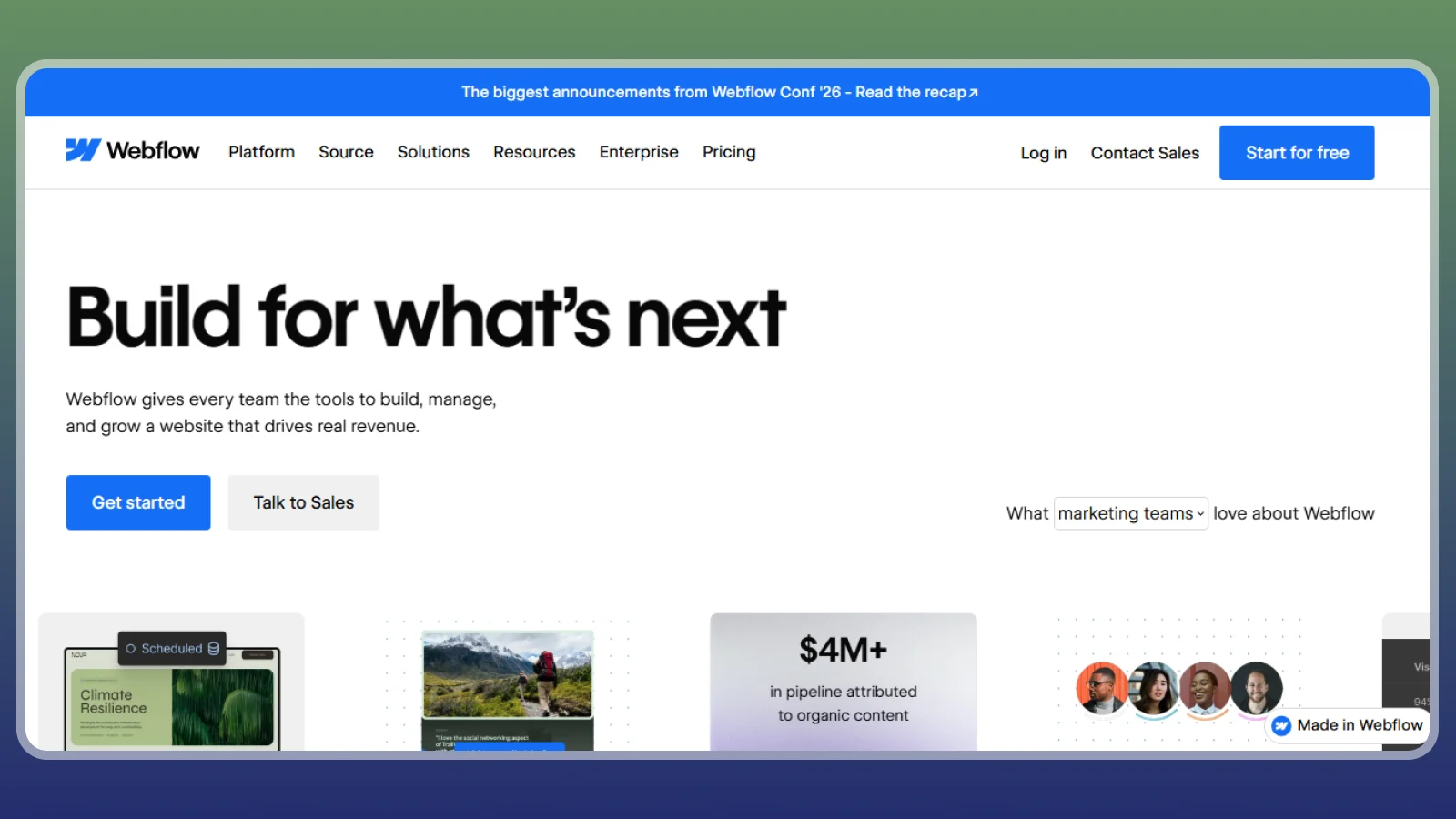
Webflow gives you more control over your site’s layout than many template-based builders. It’s a strong option if you’re learning how to create your website as a portfolio or custom online store, though the visual editor takes time to master.
Here’s how to get started:
- Plan your site: Map out the pages and features your business needs.
- Choose your plans: Standard eCommerce costs $29/month annually, plus a separate site plan that starts at $15/month.
- Build your design: Customize layouts, typography, and product pages in the visual editor.
- Check transaction fees: Standard charges 2% per sale, while Plus starts at $74/month annually and removes that fee.
The Standard fee becomes more expensive than upgrading at around $2,250 in monthly sales. Webflow suits businesses that value custom design, but high-volume sellers should compare the full cost with simpler ecommerce platforms.
13. Systeme.io [Best for Starting With No Budget]
|
Best for |
Beginners building a course, email list, or sales funnel |
|---|---|
|
Startup cost |
Free plan available indefinitely |
|
How you make money |
Sell courses, services, and digital products |
|
Time to first earnings |
Depends on your product, audience, and promotion |
|
Main catch |
Free plan has limits on contacts and sales funnels |
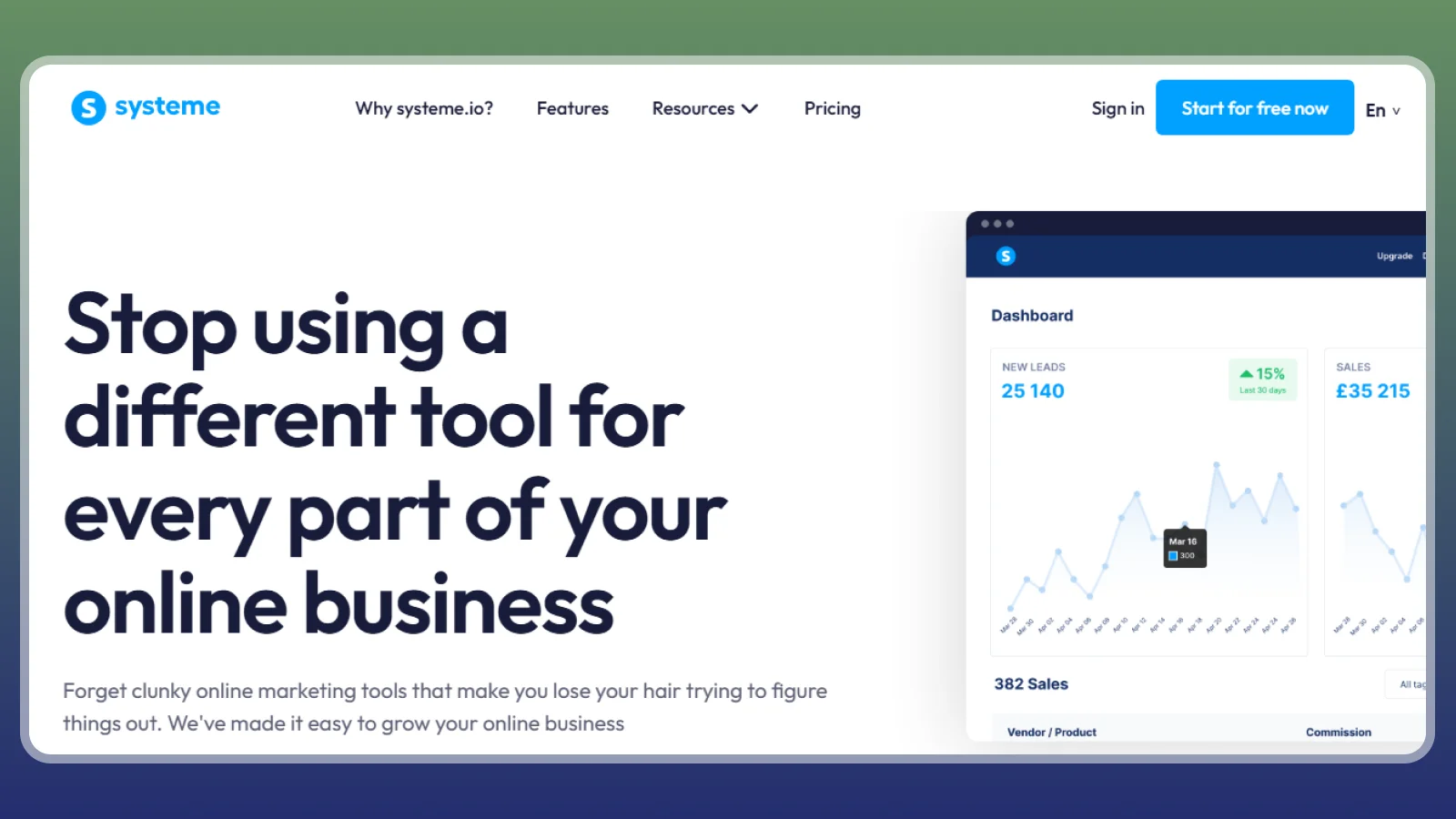
Systeme.io gives beginners a way to build an online business without an upfront subscription. Its free plan includes up to 2,000 contacts, three sales funnels, course hosting, and unlimited emails. You don’t need a credit card to sign up, and the plan has no time limit.
Here’s how to get started:
- Choose your business model: Decide if you’ll sell a course, promote a service, or build an email list.
- Create a funnel: Use a template to build a landing page and guide visitors toward a purchase.
- Set up your product: Add your course or digital product and connect Stripe or PayPal.
- Track your limits: Upgrade only when your contact list or funnel needs exceed the free plan.
Systeme.io charges no platform transaction fee, though payment processors still charge their standard fees. Paid plans start at $17/month for more capacity.
If you’re learning how to create your website on a tight budget, start with the free plan and use its existing features before paying for a larger package.
14. Big Cartel [Best for Small Product Catalogues]
|
Best for |
Artists and makers selling a small range of products |
|---|---|
|
Startup cost |
Free for up to five products |
|
How you make money |
Sell physical products through your own online store |
|
Time to first earnings |
Depends on product demand and customer traffic |
|
Main catch |
The free plan limits your catalogue to five products |
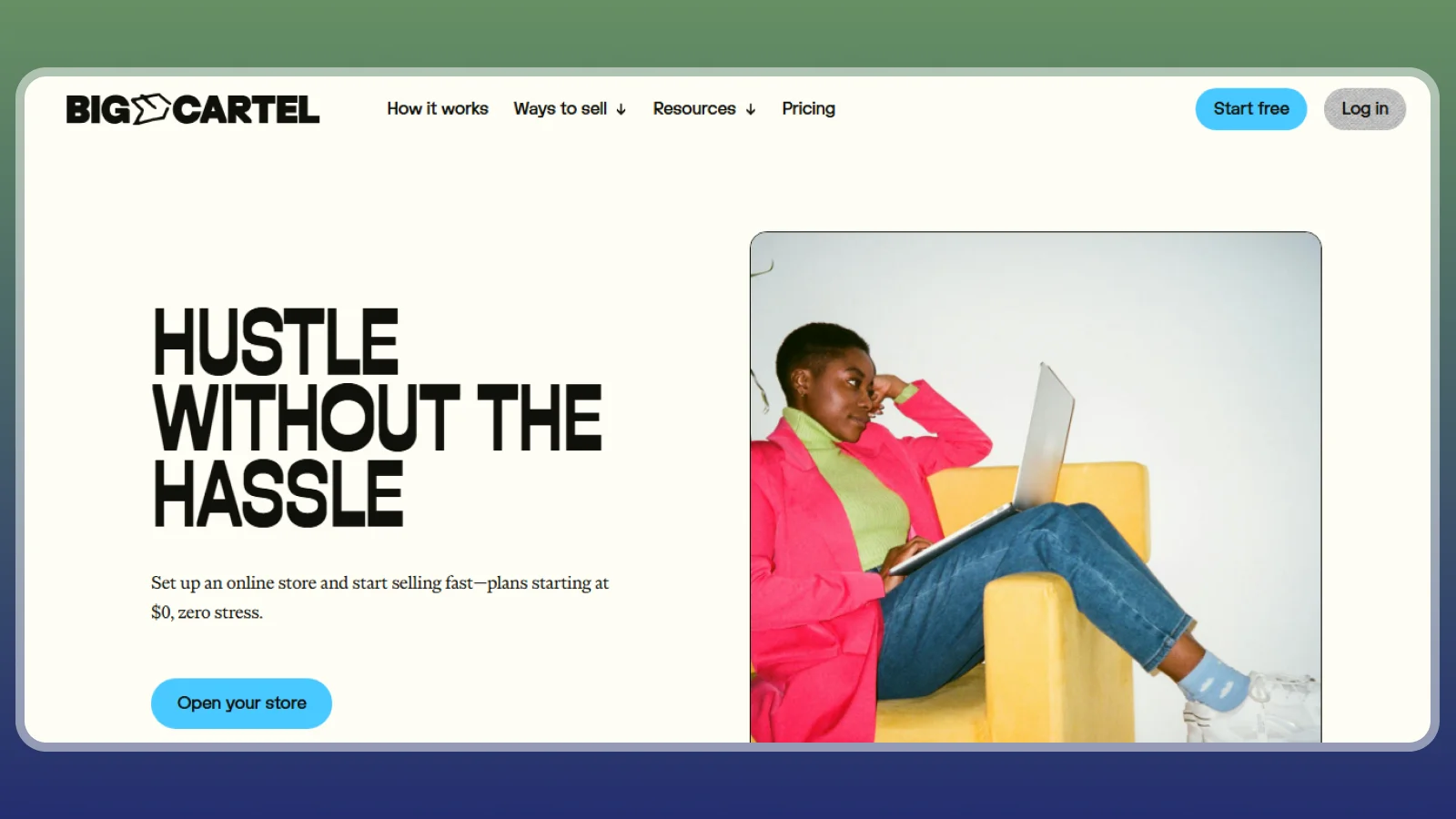
Big Cartel is a useful starting point if you’re learning how to create your website without paying a monthly subscription. Its free Gold plan supports up to five products and charges no platform transaction fee, so you only pay payment processing costs when customers buy something.
Here’s how to get started:
- Choose your products: Pick up to five items for your initial catalogue.
- Set up your store: Add product photos, descriptions, and prices.
- Connect payments: Use Stripe or PayPal to accept customer payments.
- Expand when needed: Upgrade to Platinum for up to 50 products at $12/month with annual billing.
Payment processing typically costs 2.9% + $0.30 through Stripe or 3.49% + $0.49 through PayPal. A custom domain also requires a separate purchase, and you’ll need Platinum or a higher plan to connect it.
Big Cartel works best for sellers with a small, focused catalogue. If you expect to add more than five products soon, factor the cost of upgrading into your budget.
15. Carrd [Best for Simple Landing Pages]
|
Best for |
Creators who need a landing page, portfolio, or link-in-bio site |
|---|---|
|
Startup cost |
Free plan available, with paid plans from $9/year |
|
How you make money |
Direct visitors to products, affiliate links, or paid memberships |
|
Time to first earnings |
Depends on the linked product and your existing audience |
|
Main catch |
It isn’t a full online store, so sales usually happen through another platform |
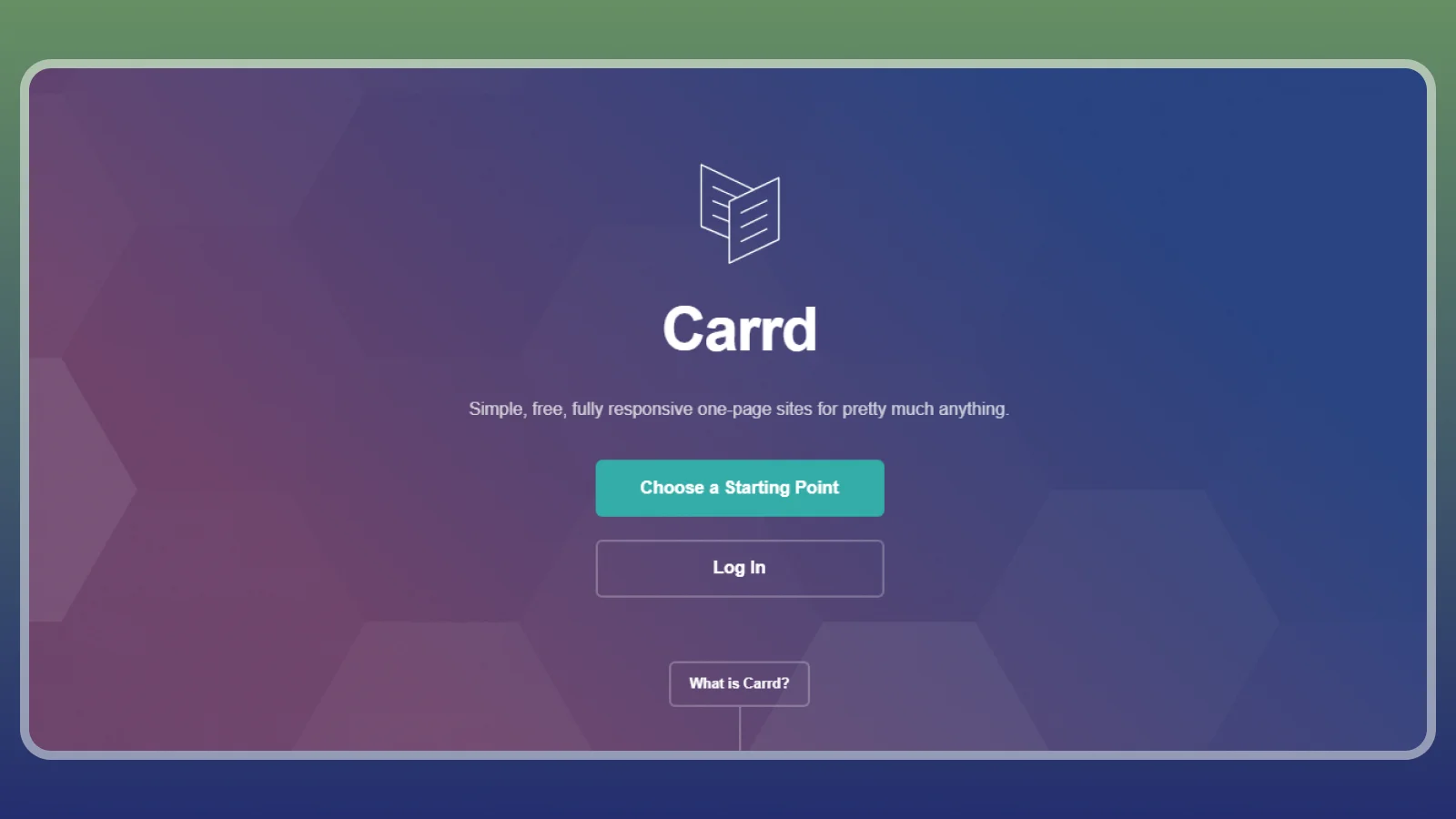
Carrd lets you create a simple, fast landing page for a low annual cost. If you’re learning how to create your website to promote an existing business, it can serve as a central page that directs visitors to your products or services without the expense of a full website builder.
Here’s how to get started:
- Choose your goal: Build a page for your portfolio, waitlist, or product links.
- Pick a template: Add your key details and customize the design.
- Connect your links: Direct visitors to a store such as Shopify or Gumroad, or to your Patreon page.
- Choose a plan: Pro Lite costs $9/year, while Pro Standard costs $19/year and includes custom domains, forms, and analytics.
All paid plans require annual payment upfront. Carrd works best as a simple front page for a business that already has a way to make sales. For a full store with product listings and checkout tools, use a dedicated ecommerce platform instead.
How These 15 Compare
These 15 span genuinely different business models, from marketplace to self-hosted store to course platform to newsletter. The table below lines up starting cost, platform fee, and how passive each option really is, so a quick side-by-side is worth scanning before you commit to one.
|
Platform |
Starting Cost |
Platform Fee |
Best For |
How Passive |
|---|---|---|---|---|
 |
$19/month |
2.9% + $0.30 card processing (Basic) |
A real product store |
Active (fulfillment and marketing) |
 |
Free to open |
~10% combined (listing + transaction + processing) |
Fastest first sale |
Active (listings and orders) |
 |
Free plugin + hosting |
0% platform fee |
Owning the whole stack |
Active (self-managed) |
 |
$143/month |
0% (plan-based, no per-sale cut) |
A full expertise business |
Semi-passive after launch |
 |
$29/month |
7.5% on Starter, 0% above |
A low-cost course |
Semi-passive after launch |
 |
Free |
10% + $0.50 per sale |
One digital product, fast |
Semi-passive after upload |
 |
Free |
10% + processing |
Recurring fan income |
Active (ongoing content) |
 |
Free |
10% + processing |
A paid newsletter |
Active (ongoing writing) |
 |
$42/month |
5% on Mover, 0% above |
Courses plus downloads plus community |
Semi-passive after launch |
 |
$29/month (Core) |
0% platform (processor fee only) |
An easy all-purpose site |
Active (store upkeep) |
 |
$19/month |
2% on Basic, 0% above |
A design-led site that sells |
Active (store upkeep) |
 |
$29/month + site plan |
2% on Standard, 0% above |
Custom-designed sites |
Active (store upkeep) |
 |
Free |
0% on every tier |
A free funnel or course |
Semi-passive after setup |
 |
Free (5 products) |
0% platform fee |
A tiny indie shop |
Active (small-batch upkeep) |
 |
Free / $9 a year |
None (no built-in sales) |
A landing page front door |
Mostly passive once built |
These platforms differ in how much work they require to maintain income. Shopify, Etsy, and WooCommerce suit sellers who can manage products and attract customers. Kajabi, Teachable, and Gumroad can support more passive income once your products are ready, though sales still depend on demand.
The best platform depends on your business idea and budget, so start with a free or low-cost option to test demand before committing to a subscription. You can also find some easy remote jobs if you prefer earning online without building a website.
Turn Extra Time Into Extra Cash While Your Site Grows
Reward apps can help cover small website expenses while you work toward your first sales. You can also explore ways to make money work for you for more ideas to supplement your income. Here are three options to consider alongside your website project.
|
App |
Minimum Payout |
Payout methods |
Platform Availability |
|---|---|---|---|
|
$35 |
PayPal + gift cards |
Web, Android, iOS |
|
|
$1 |
PayPal, Venmo, Bitcoin + gift cards |
Web, Android, iOS |
|
|
Typically $5 |
PayPal, bank, crypto + gift cards |
Web, Android, iOS |
|
|
$10 |
PayPal, gift cards + prepaid cards |
Web, Android, iOS |
|
|
$2.50 |
PayPal, Bitcoin, Ethereum + gift cards |
Web, Android |
Reward apps are not predictable hourly work. Task availability, tracking issues, and eligibility rules affect your earnings, so advertised rewards are never guaranteed income. They work best as a small side activity while your website grows, rather than a replacement for sales.
Reward apps also differ from cashback platforms. Cashback apps return part of an eligible purchase, while reward apps pay for activities such as reaching game milestones or completing surveys. You can also explore ways to make side money from home while your website grows.
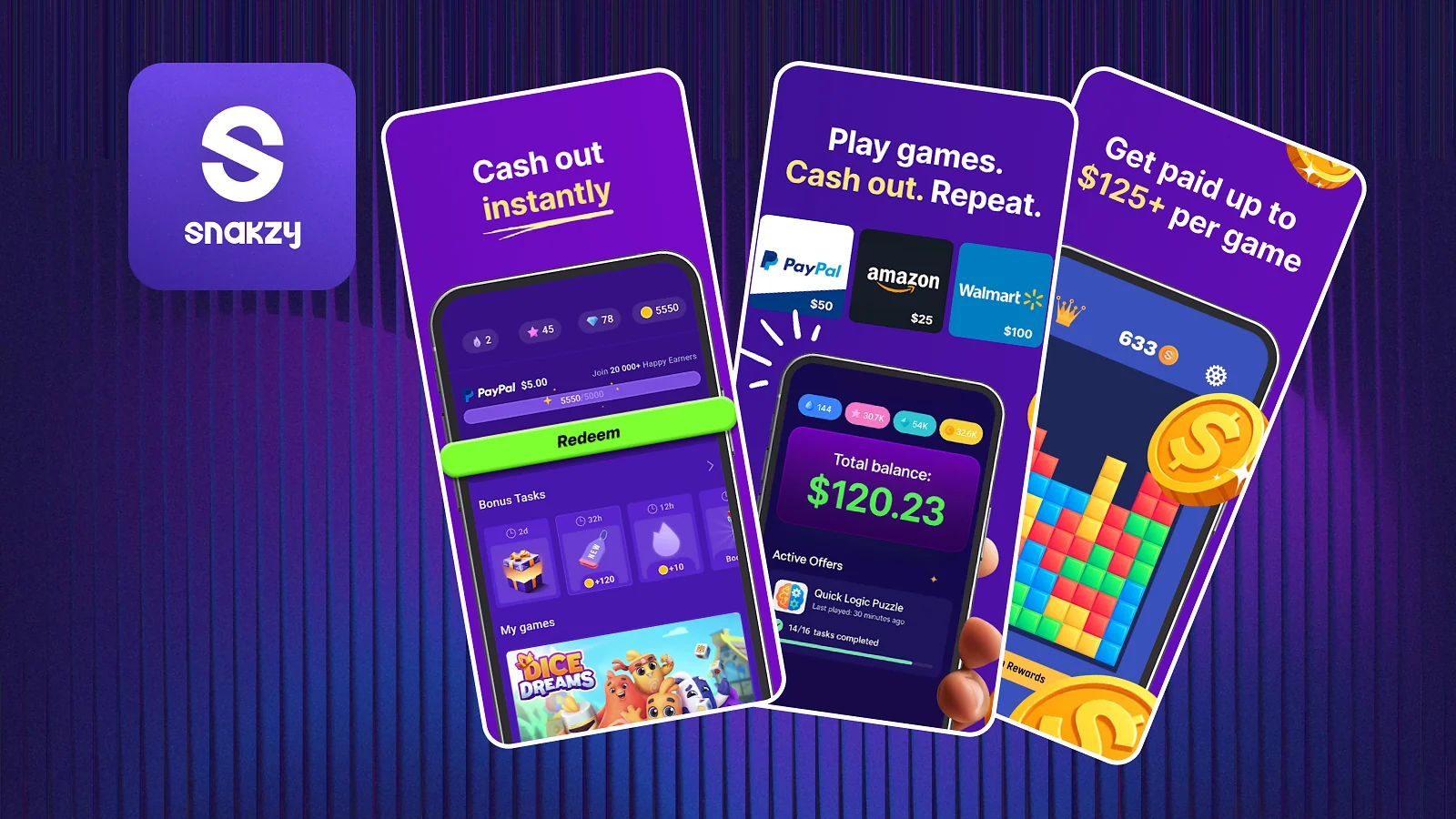
Snakzy, Eneba’s own play-to-earn app, is another way to earn rewards through mobile games. It is free to join, with a first cashout threshold of around $35. You can use it as a small side activity while you focus on building your website and attracting your first customers.
Play to earn cash today
Build the site with one of the 15 platforms above, and stack a reward app on the side while it grows. Snakzy, Eneba’s own play-to-earn app, pays out from a $35 minimum and costs nothing to join.
How to Calculate Your Website’s Break-Even Point
A website can start earning money before it becomes profitable. Monthly subscriptions, hosting, domain renewals, and transaction fees all eat into your revenue. Calculate your break-even point before committing to paid tools, so you know how much your website needs to earn to cover its costs.
Break-even sales = Monthly website costs ÷ Profit per sale
For example, if your website costs $30 per month and you earn $10 per sale after expenses, you need three sales each month to break even.
Your break-even point depends on your business model and running costs. Review your expenses regularly and start with a setup that fits your budget.
Taxes: What Website Owners Need to Know
Income from online sales, paid memberships, digital products, and website services may be taxable. Keep records of your earnings and business expenses from the start, including platform fees, hosting costs, and domain renewals. These records help you calculate your profit and prepare your tax return.
In the US, self-employed website owners generally must file a tax return if their net self-employment earnings reach $400. You may also need to make estimated tax payments throughout the year. Payment platforms do not have to issue a tax form for every transaction, but that does not automatically make your income tax-free.
Tax rules vary by country, so check the requirements where you live. Review current guidance from your local tax authority or consult a tax professional if you’re unsure how to report your website income.
What Doesn’t Work
Not every shortcut to building a profitable website is worth the money. Some services rely on unrealistic sales promises or charge beginners for tools they don’t need yet.
- Paying for guaranteed sales: No legitimate website platform can promise traffic or revenue just because you buy a package.
- Buying overpriced store templates: A prebuilt Shopify or WooCommerce store still needs products, customers, and marketing to generate sales.
- Falling for fake discounts: Check upgrade prices carefully before committing to a plan on Wix, Squarespace, or Carrd.
- Buying unnecessary courses: Be cautious of expensive programs that promise easy income without a clear business model.
- Paying for unofficial seller badges: Third-party badges do not automatically improve your standing with platforms such as Etsy or Big Cartel.
Focus on building a useful website and testing demand before spending heavily on upgrades or services. If a company promises guaranteed income, check its claims carefully before paying.
Final Verdict on How to Create Your Website
How to create your website depends on what you want to sell and how much you can spend. Shopify suits physical products, while Gumroad works well for digital files, and Substack or Patreon suit writers and creators. If you want more control over your store, WooCommerce is worth the extra setup.
On a tight budget, Systeme.io and Big Cartel have free plans to help you test demand. Carrd is a low-cost choice if you already have an audience and need a simple landing page.
You can also use Snakzy, Eneba’s play-to-earn app, to earn small rewards while your website grows. Focus on a platform that fits your business model and budget, and learning how to create your website becomes much easier.
Play to earn cash today
FAQs
The cheapest way to create your website is Systeme.io or Big Cartel, both of which offer genuinely free plans with no time limit and no platform transaction fee. Carrd starts at $9 a year if you only need a single page instead of a full store.
Yes. Systeme.io’s free plan includes course hosting and funnels, Big Cartel’s free tier supports 5 products, and Gumroad and Patreon both charge nothing until you make a sale, so you can start earning before paying a cent.
It typically takes three to six months of consistent listings or posts to make money from a new website. Median Etsy sellers earn about $574 a month, and most new Shopify stores stay under $1,000 a month in year one.
No. Wix and several other builders include a free logo maker inside the site editor, so you can design one while building instead of sourcing it separately first.
The platforms with the lowest fees per sale are WooCommerce and Systeme.io, which both charge a 0% platform transaction fee on every plan. You only ever pay standard card-processing fees on top.
Yes, Etsy is usually better for a first store because it already has shoppers searching. Shopify pays off more once you have your own traffic, since it charges no marketplace fee on top of card processing.
Before you create your website, match the platform to what you are actually selling, a product, a course, or your own writing. Check the fee structure at the sales volume you expect, and knowing how to create your website stops being a guessing game.