10 Best Sites to Find a Job in 2026: Find the Right Fit

Eneba Hub contains affiliate links, which means we may earn a small commission if you make a purchase through them—at no extra cost to you. Learn more



Best Sites To Find a Job
Indeed now offers Career Scout for job matching, resume help, and interview prep, while LinkedIn is rolling out AI-powered job search that lets you describe the role you want in plain language.
The best sites to find a job should make it easier to reach real openings that fit what you are actually looking for, not just give you another place to scroll. A broad job board can help when your search is still open, while a specialist site becomes more useful once you know you want remote work, startup roles, government jobs, or a specific industry.
This list covers ten of the best sites to find a job, with a clear reason to use each one. Indeed gives you broad job-search coverage, while LinkedIn adds recruiter visibility and professional networking. The rest narrow the search around specific needs such as employer research, staffing support, early-career roles, and tech hiring.
Jump to:
Do Job Search Sites Actually Help You Get Hired?
Yes, but no platform can replace a focused application strategy. The best sites to find a job are useful because they cut down the time it takes to find relevant openings, but the value still depends on choosing sites that fit the kind of work you want.
A practical search can look like this:
- Broad coverage. Use Indeed when you want a large pool of openings across industries and experience levels.
- Networking and recruiter visibility. Use LinkedIn when professional connections or recruiter outreach could help.
- Specialist searches. Use Wellfound, Remotive, or Handshake when you already know the type of employer or role you want.
- Recruiter-led placement. Use Robert Half when you want help getting matched with contract, temp, or permanent openings.
The best sites to find a job also differ in how much of the search they handle for you. Alerts on Indeed and LinkedIn can surface new listings automatically, while Robert Half adds a recruiter to the process. Specialist boards reduce noise by narrowing the employer or job type before you search.
Using several of the best sites to find a job only helps when each one has a clear purpose. The mistake is opening every board and sending the same application everywhere. Tailor fewer applications to roles that genuinely match your experience.
Complete game offers while you wait on replies and build toward a Snakzy reward.

10 Best Sites to Find a Job for Different Career Goals
The best sites to find a job do different things well. A broad board can give you more openings to work through, while a specialist platform can save time once your target is clearer. The ten picks below are ranked by how useful they are for a specific type of job search, so each one has a clear reason to be here.
1. Indeed [Best for a Broad Job Search]
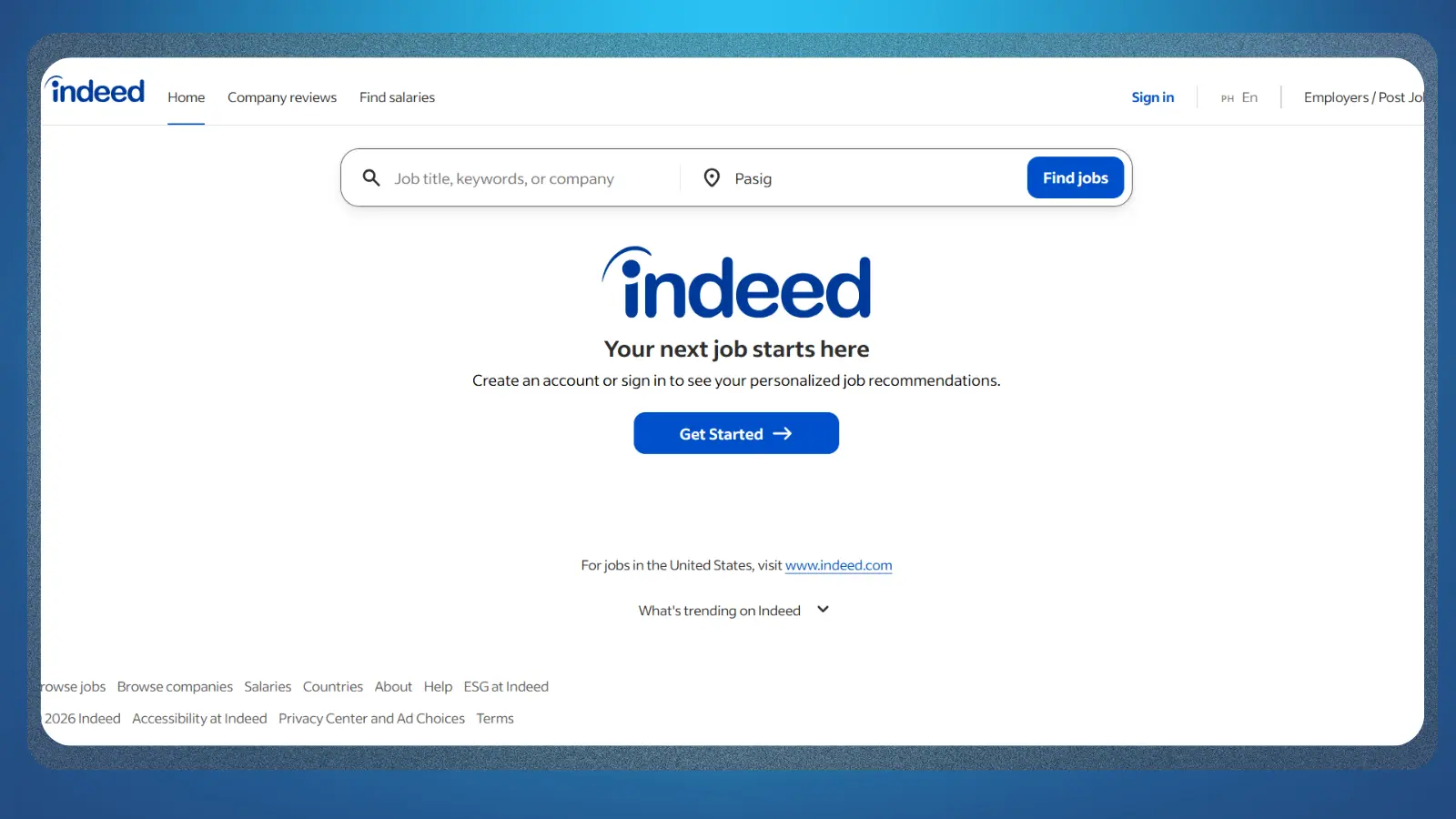
Indeed is a practical starting point if your search is still fairly open. You can search by job title, company, keyword, and location, then save roles or apply directly through Indeed when the employer supports it. Its biggest advantage is keeping a large part of the search and application process in one place.
Among the best sites to find a job, Indeed also gives you useful ways to narrow a broad results page before you start applying. Your resume, job preferences, and previous activity can shape recommendations, while saved searches help you return to roles worth another look.
A few features are worth setting up early:
- Job alerts. Set daily or weekly alerts around focused searches and employers you care about.
- Saved jobs. Keep promising roles together while you research the employer or tailor your application.
- Resume support. Upload an existing resume so eligible applications can stay inside Indeed.
- Direct applications. Listings marked for Indeed applications let you submit without moving to another site.
That selectivity is what keeps Indeed useful among the best sites to find a job. Keep the search broad enough to uncover opportunities, then narrow your applications to roles that genuinely fit. If you are still deciding what kind of online work suits you, our guide to easy online jobs covers more starting points.

2. LinkedIn [Best for Networking Into a Job]
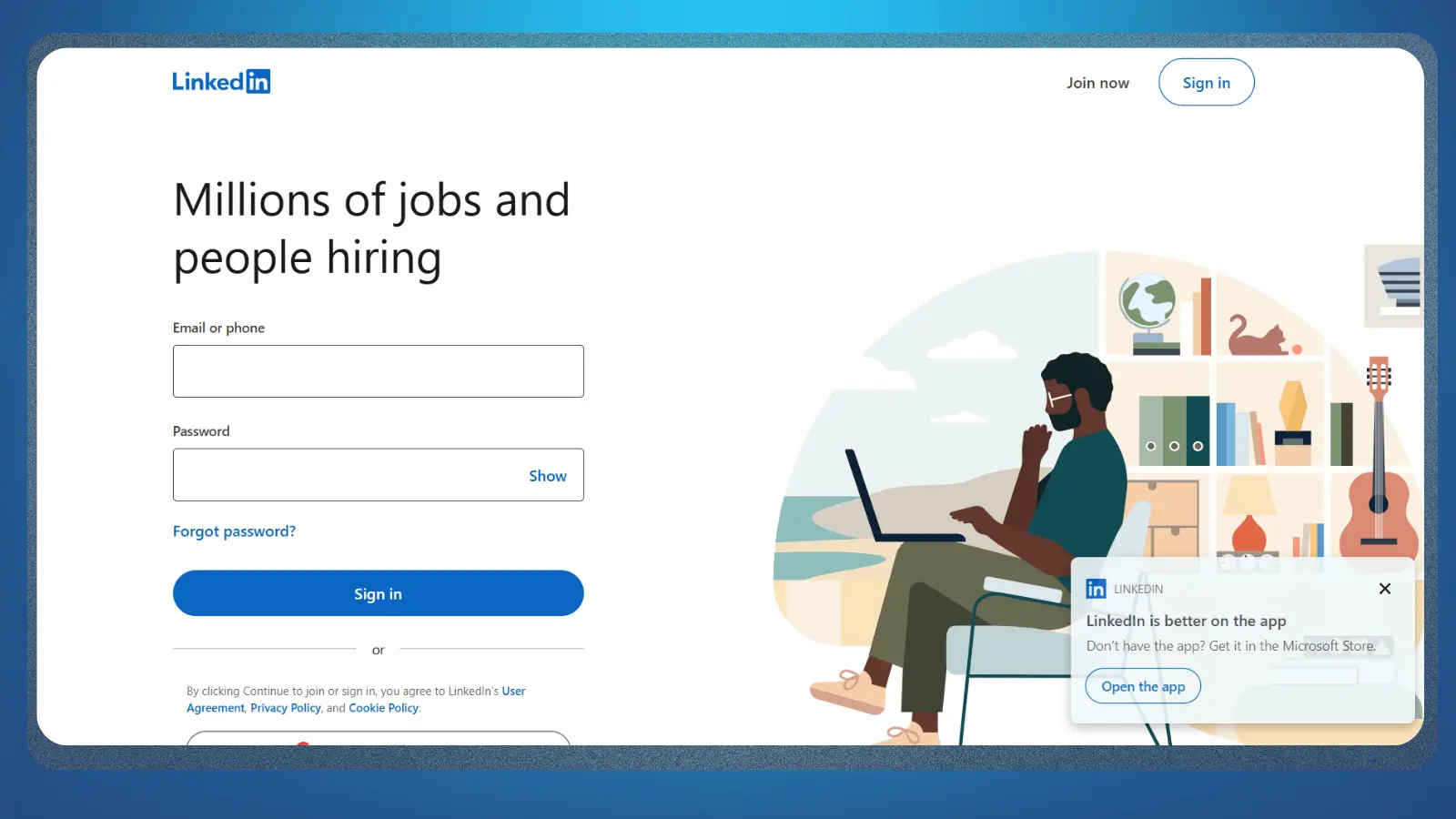
LinkedIn combines a job board with a professional network, which gives it a different role from a standard listings site. You can search openings, refine them with filters, save roles, and create alerts. Eligible listings also support Easy Apply, while other applications send you to the employer’s own site.
Among the best sites to find a job, LinkedIn becomes especially useful when your profile is strong enough to support the search. Recruiters can find candidates through their experience and preferences, while connections can give you more context around a company or opening.
I would focus on four parts of the platform:
- Open to Work. Keep your target roles and locations current so recruiter searches reflect what you actually want.
- Job alerts. LinkedIn supports daily or weekly alerts and currently allows up to 20 active alerts at once.
- Easy Apply. Use it for suitable roles where a shorter application process saves time.
- Your network. Check whether you already know someone connected to the company before applying.
The network is the reason to use LinkedIn alongside a broader board. Easy Apply alone is not much of an advantage if your profile is outdated or your applications are unfocused. LinkedIn also limits rapid Easy Apply submissions to discourage automated mass applying.

3. Glassdoor [Best for Researching Employers Before Applying]
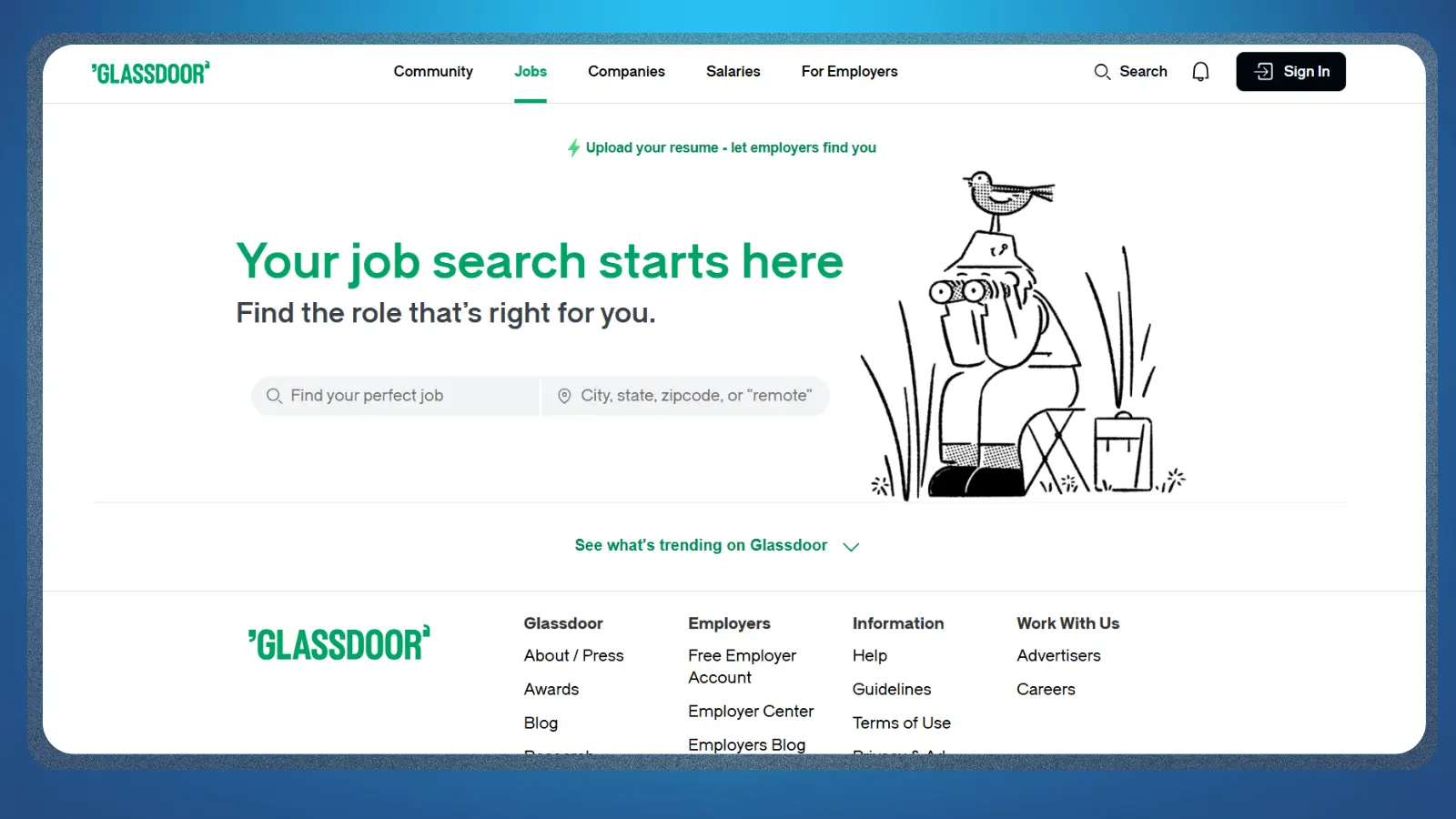
Glassdoor earns its place because finding an opening is only one part of deciding where to work. The platform combines job matching with employee reviews, salary information, company ratings, and workplace discussions. Its core job-seeker features are free.
That research layer gives Glassdoor a clear role among the best sites to find a job. You can investigate the company behind an opening before committing to its interview process. Workplace ratings cover areas such as work-life balance, compensation and benefits, career opportunities, and senior management.
A useful company check can include:
- Recent employee reviews. Give newer feedback more weight when company conditions may have changed.
- Workplace ratings. Compare categories that affect the day-to-day experience you care about.
- Salary information. Use available pay data to build context around an advertised range.
- Open roles. Check whether the company has other positions that fit your experience better.
I would treat Glassdoor as a research companion to your main job search. Its current experience pairs company information with job listings powered through Indeed, so its strongest value comes from helping you judge the employer behind the listing.
4. ZipRecruiter [Best for Fast Job Matching]
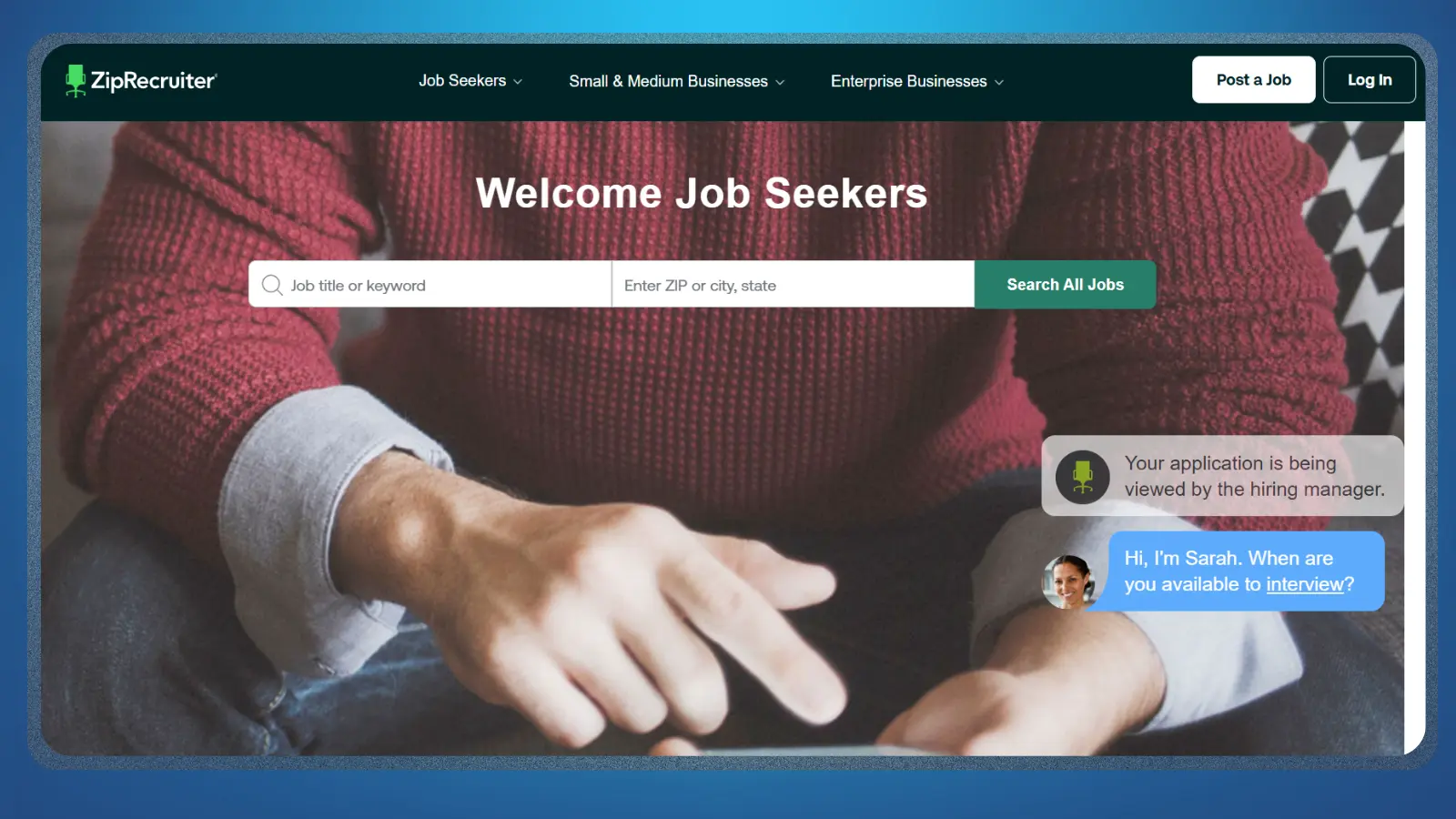
ZipRecruiter puts more emphasis on matching you with openings than making you rebuild searches manually every time. You can upload a resume, apply to eligible jobs with a shorter one-tap process, and use its matching tools to surface roles around your profile and search activity,
Among the best sites to find a job, ZipRecruiter stands out for the feedback around your applications. You can upload a resume, apply with one tap where supported, and receive notifications when an employer views your application. That makes the search feel a little less like sending applications into a black box.
I would use the platform around these features:
- Job matching. Let your profile and search activity surface openings that fit your target.
- One-tap applications. Use the faster flow when your saved resume already fits the role.
- Application updates. Watch for employer-view notifications after you submit.
- Broad coverage. Use the large listings pool when you want more options around a common role.
The convenience is also the main thing to keep under control. A one-tap application is only useful when the resume attached to it actually fits the opening. I would still read the requirements and check the employer before sending anything.

5. Robert Half [Best for Recruiter-Led Job Placement]
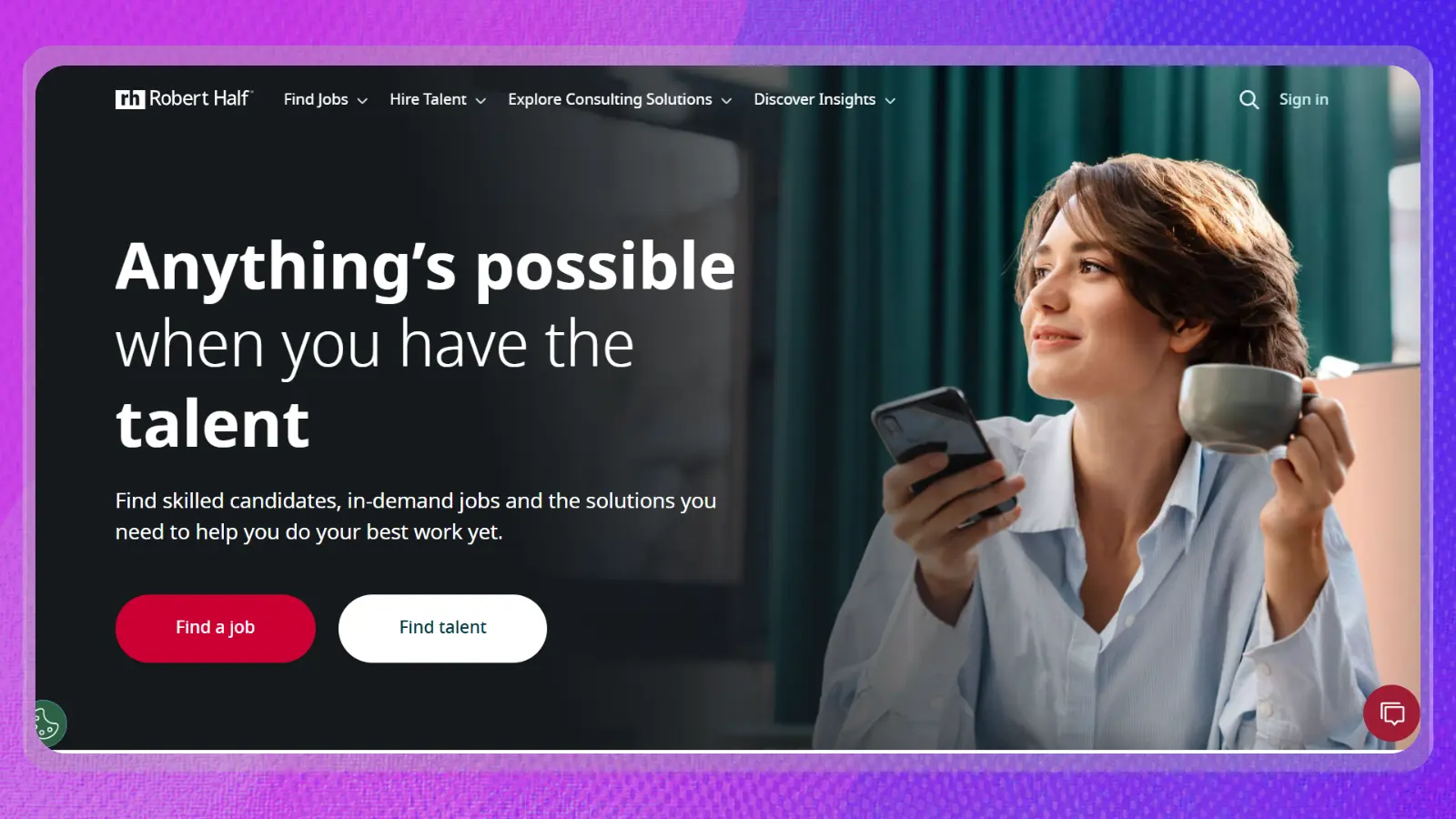
Robert Half is different from the first four picks because you are not limited to searching listings on your own. Its recruiters work with employers across finance and accounting, technology, marketing and creative, legal, and administrative and customer support. Openings can be on-site, hybrid, or fully remote, with contract and full-time roles available.
That recruiter support gives Robert Half a useful place among the best sites to find a job. You can still search openings directly, but uploading your resume also allows the platform to recommend jobs based on your skills and preferences. A recruiter can then advocate for you with employers where your experience fits the role.
The process gives you several ways to approach the search:
- Search directly. Browse available roles by title, job type, and specialization.
- Upload your resume. Let Robert Half match your experience against available openings.
- Work with a recruiter. Use recruiter support when a suitable client role appears.
- Compare work types. Check contract, contract-to-hire, and full-time opportunities before committing to one route.
The trade-off is that recruiter involvement does not guarantee a placement. Your options still depend on current client demand and whether your background fits the openings available. I would use Robert Half when you want another person involved in the search, especially if contract work is acceptable.

6. Wellfound [Best for Startup Jobs]
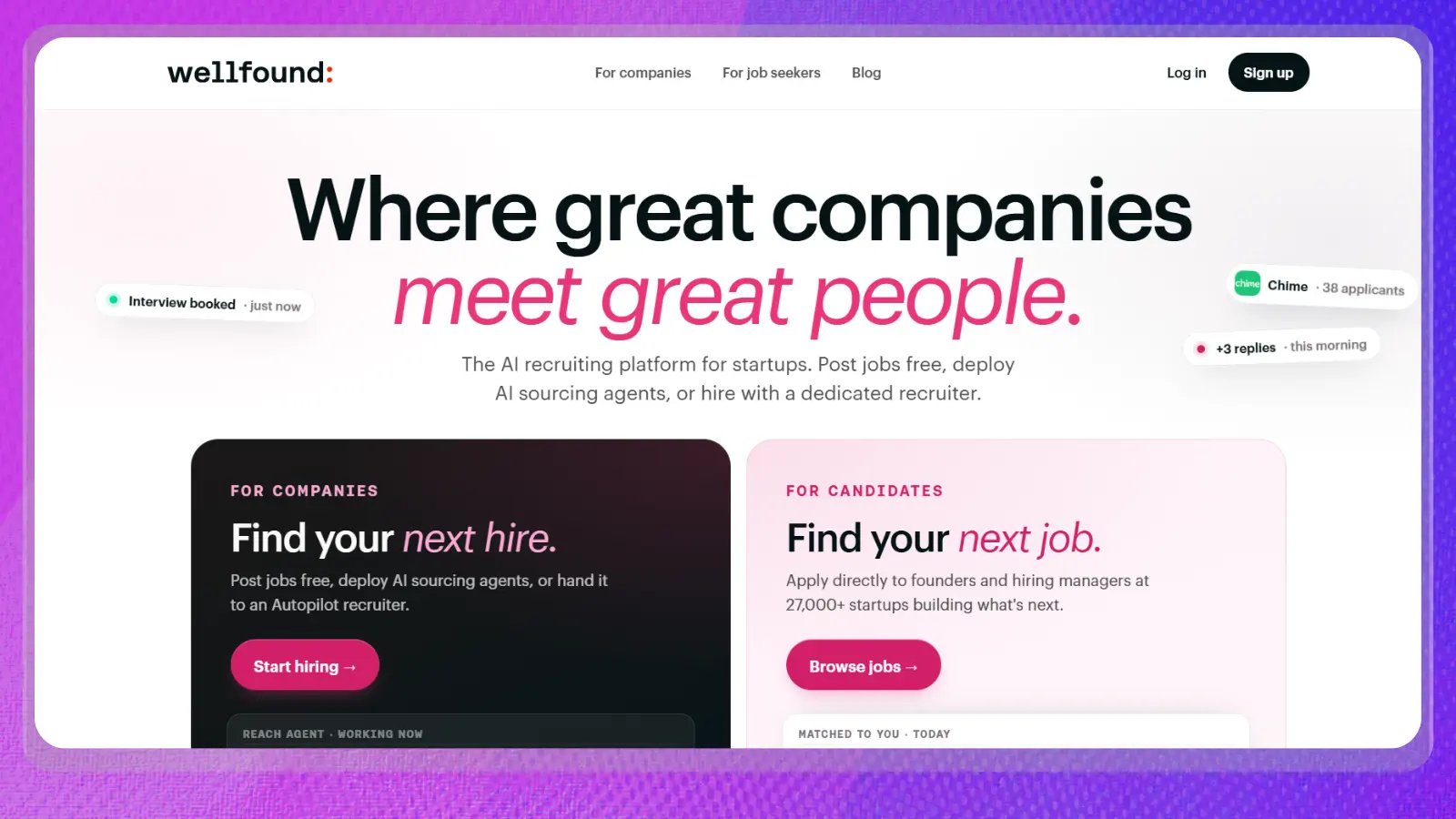
Wellfound is built specifically around startup and tech hiring, so it fits readers who already know they want that environment. Candidates can create a profile, browse startup openings, and apply for free. Its value comes from keeping the search focused on companies where company stage, compensation, and equity can affect the decision.
Among the best sites to find a job, Wellfound is particularly useful because compensation is much less hidden than on many general boards. Listings commonly show salary and equity before you apply, while your profile can include projects, links, skills, and the type of startup work you want.
A few features make the search easier:
- Salary and equity filters. Set the compensation range you want before digging through listings.
- One-click applications. Your Wellfound profile acts as the application for supported roles.
- Direct hiring contact. Founders and hiring managers can reach candidates through the platform.
- Startup-focused filters. Narrow roles by job type, location, compensation, and the kind of company you want.
The narrower focus is also the limitation. If you want established corporate employers across every industry, another board will give you more range. Use Wellfound when startup size, equity, and direct access to the hiring team are part of what you care about.

7. Remotive [Best for Fully Remote Jobs]
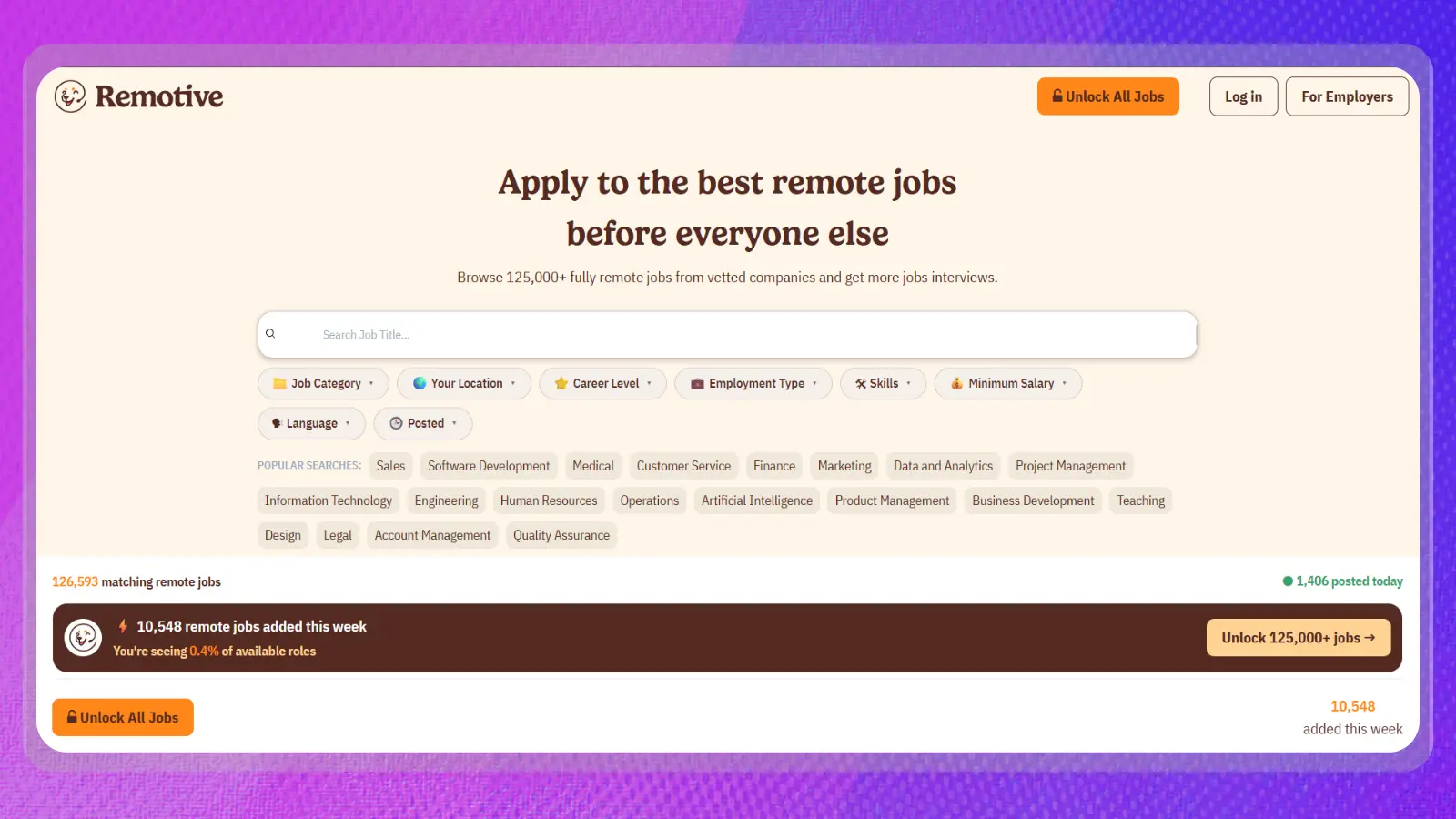
Remotive removes one major piece of filtering by concentrating on remote openings. Companies post remote vacancies directly to the platform, while job seekers can search across categories and narrow the results before applying.
Its place among the best sites to find a job comes from that focus. You can filter remote roles by location, category, language, skills, employment type, seniority, and salary, then save a search or create a custom job alert. That is useful when “remote” is a requirement instead of a preference.
I would make use of these tools:
- Location filters. Check the geographic restrictions attached to remote openings.
- Employment filters. Separate full-time roles from other work arrangements.
- Saved searches. Keep a narrow remote search ready instead of rebuilding it.
- Custom alerts. Let new matching jobs come to you by email.
Remotive earns its place among the best sites to find a job when remote work is non-negotiable. Its job-seeker membership comes in several subscription periods, with the exact price shown during onboarding and potentially varying by country.
For a wider look at roles worth targeting, see our guide to the best remote jobs. Do not assume a remote listing can be worked from anywhere.

8. Handshake [Best for Students and Recent Graduates]
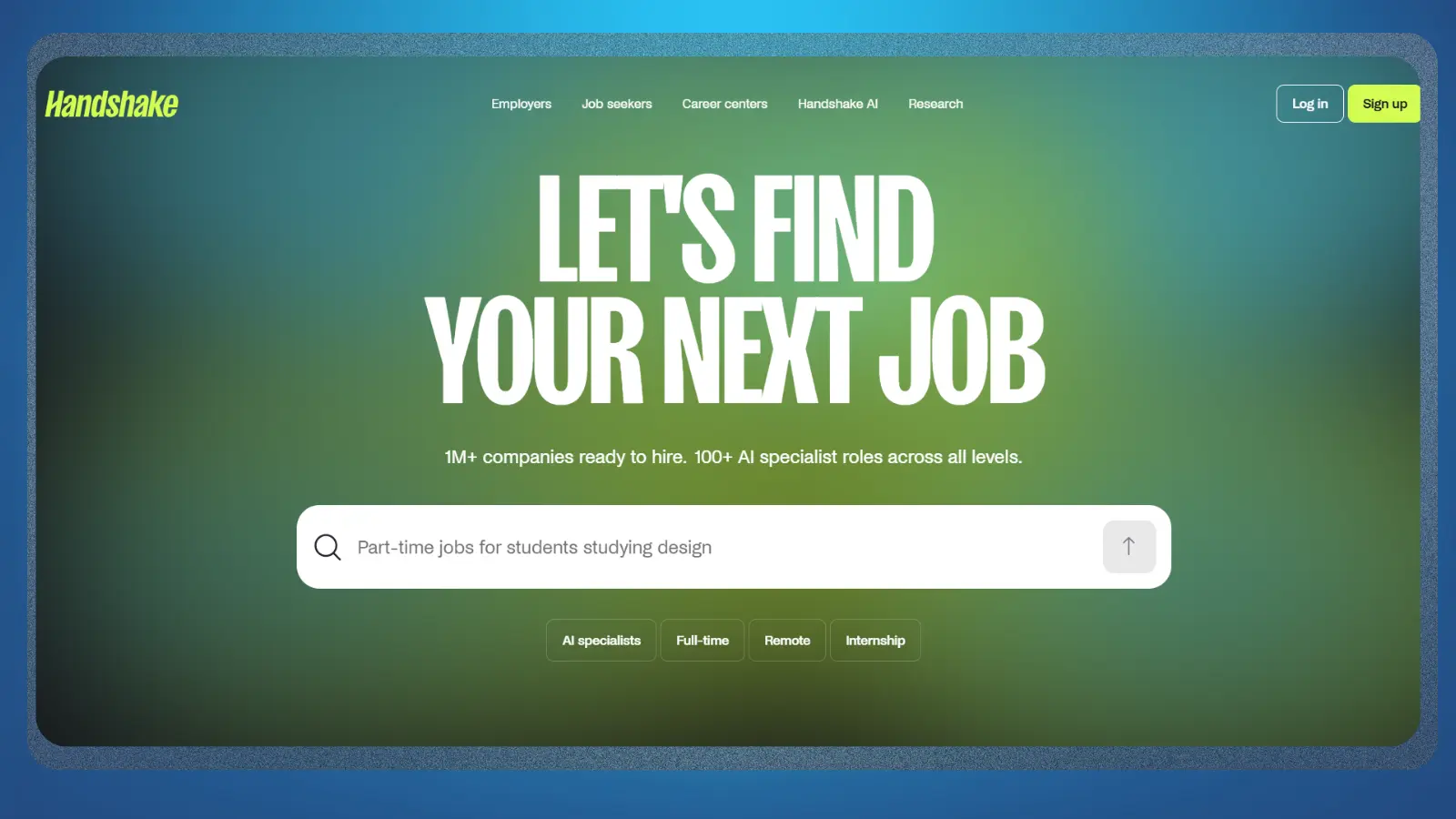
Handshake has a much clearer audience than a general job board. It is built around students, recent graduates, and early-career job seekers, with access to jobs alongside employer information and career resources. Students at partner schools can also connect the platform with services offered by their own career center.
That makes Handshake one of the best sites to find a job when you are still building professional experience. The platform supports job and internship searches, while participating schools can surface career fairs, employer events, and on-campus opportunities through the same account.
Useful parts of the platform include:
- Jobs and internships. Search opportunities aimed at students and early-career applicants.
- Saved searches. Bookmark searches you want to return to as new positions appear.
- Employer follows. Get updates around employers and application windows you care about.
- Campus opportunities. Students at participating institutions can search on-campus employment directly.
Graduation does not necessarily end its usefulness either. Handshake says alumni can continue searching and applying through their existing accounts, although what you can access may depend on your school. Its biggest advantage is serving people whose resume is still at the beginning of the career ladder.

9. USAJOBS [Best for Federal Government Jobs]
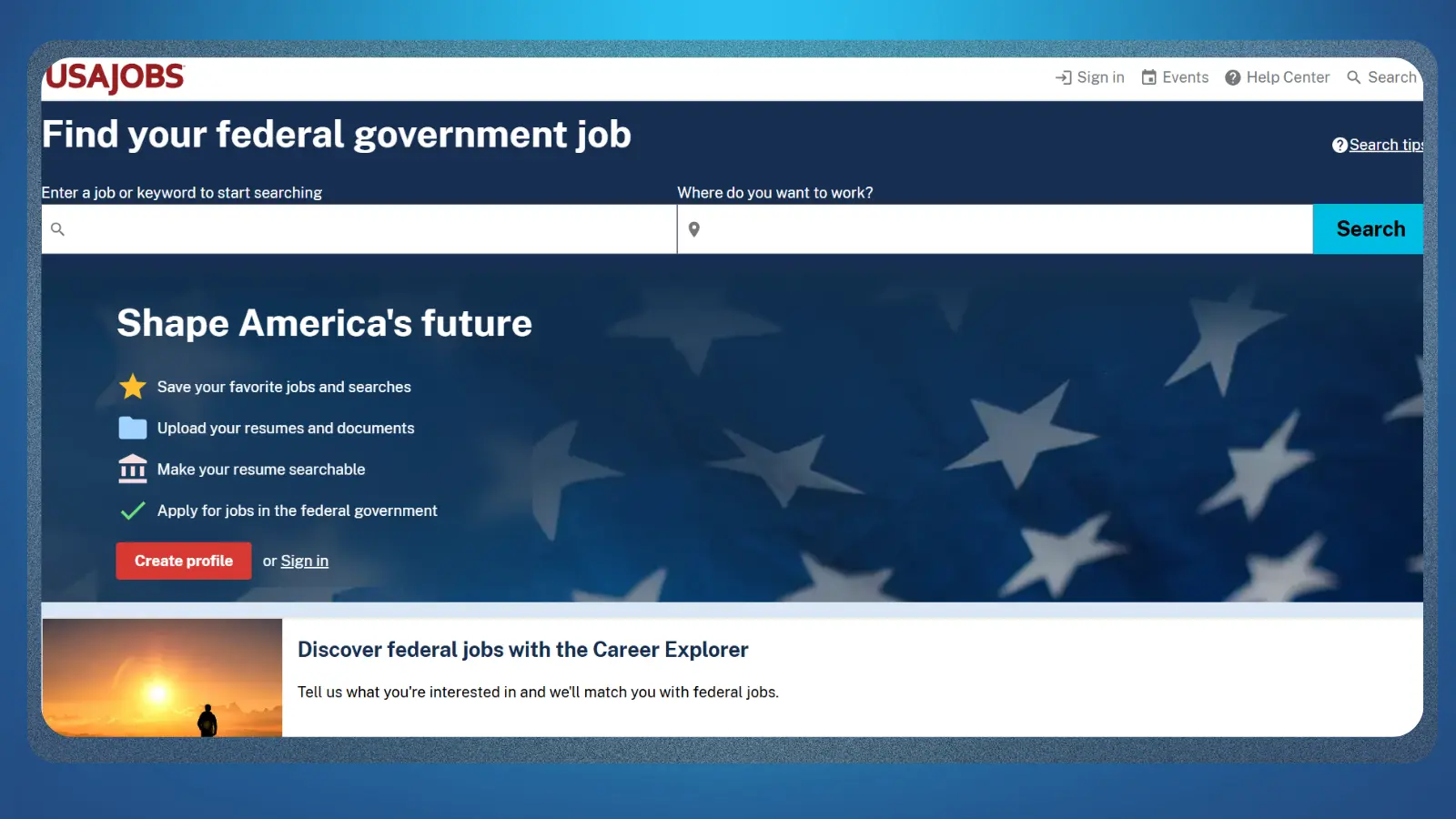
USAJOBS is the dedicated search platform for federal employment, making it the obvious specialist option when government work is the goal. Its search filters go beyond job title and location by letting you narrow openings according to who can apply, salary or federal grade, and different hiring paths.
Among the best sites to find a job, USAJOBS is narrower than the general boards but much more useful for this specific search. You create a profile through Login.gov, then use that account to apply for positions, save jobs, and build saved searches that can send alerts when new openings appear.
A few tools are especially useful:
- Hiring-path filters. Check whether an opening is available to the public or tied to a specific eligibility group.
- Salary and grade filters. Narrow federal listings around the compensation or experience level you want.
- Saved searches. Create alerts for federal openings that match a repeated search.
- Searchable resume. Make your profile and resume visible so agency recruiters can find relevant experience.
Federal hiring has its own terminology and eligibility rules, so this is one site where reading the entire announcement pays off. A promising title does not matter if you do not fall under the listed hiring path or meet the stated requirements.
10. Built In [Best for Tech Jobs]
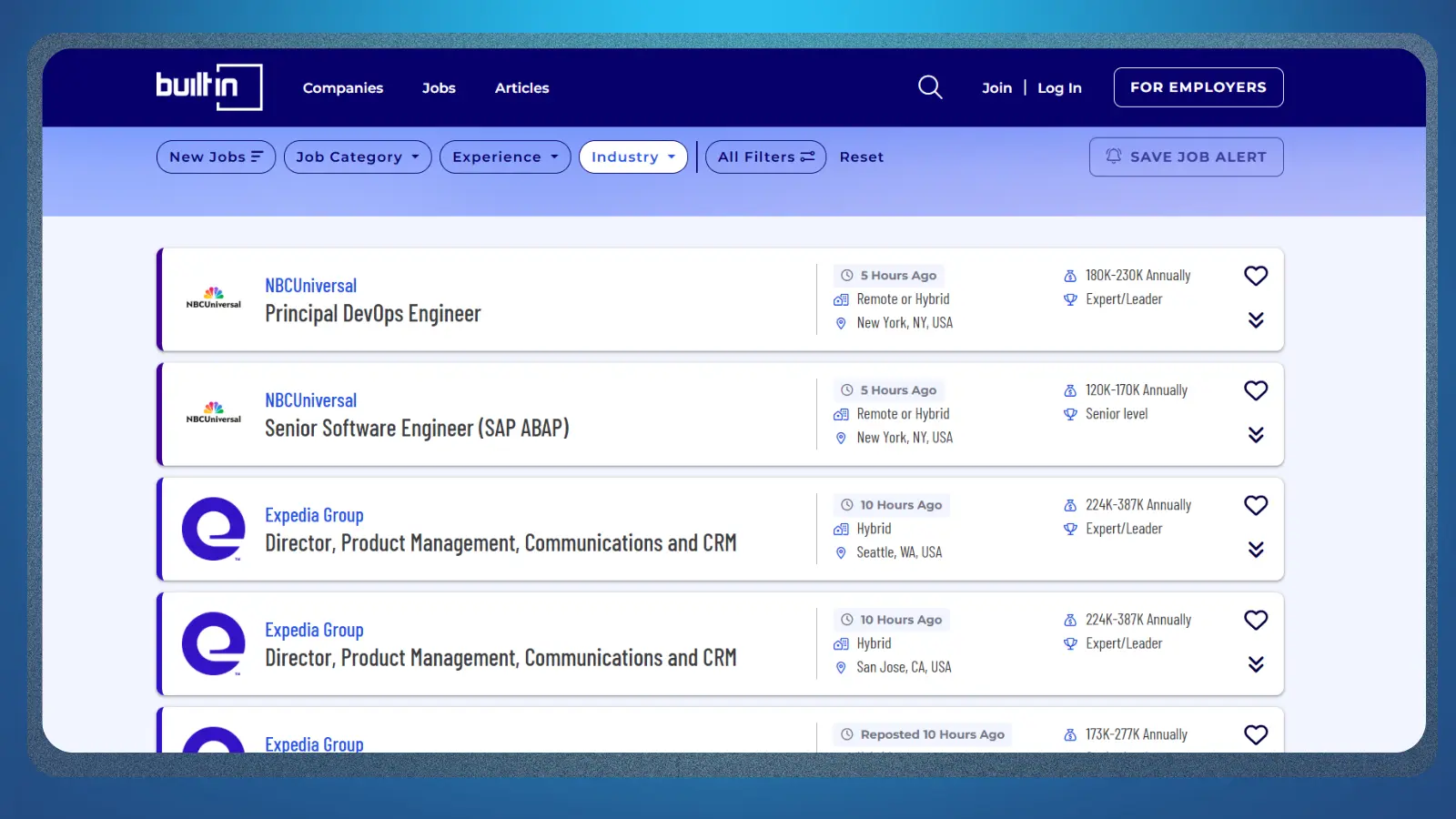
Built In narrows the search around technology companies and tech-focused roles. It offers dedicated searches for remote work and different technical specialties, alongside company profiles that can help you research an employer before applying.
That gives Built In a useful place among the best sites to find a job because the focus goes beyond software engineering. Listings can cover engineering alongside product, sales, design, finance, and other functions inside technology-driven companies. You can also filter by work setting, experience level, salary, company category, and relevant skills.
I would use it for four things:
- Tech-focused listings. Skip much of the unrelated inventory that comes with a general board.
- Company research. Look at the employer alongside the vacancy before you apply.
- Remote tech searches. Browse companies and openings built around remote work.
- Specialist role pages. Narrow your search around areas such as engineering or other tech functions.
Built In stays one of the best sites to find a job when your target is a technology company, even if the role itself is not technical. The narrower pool can save time compared with digging through a general board. If project-based tech work interests you too, our guide to freelance IT platforms covers the client-work side.
How the 10 Job Sites Compare
The best sites to find a job become easier to choose once you compare what each platform is actually built to do. A broad board gives you reach, while a specialist site can cut out a lot of irrelevant searching once your target is clearer.
| Site | Best For | Search Style | Main Limitation |
|---|---|---|---|
| Indeed | Broad job searches | Large general job board | High listing volume can require more filtering |
| Networking into a role | Job board plus professional network | Works best with a complete, active profile | |
| Glassdoor | Employer research | Jobs plus company and salary research | Better as a research companion than your only board |
| ZipRecruiter | Fast job matching | Profile-based matching and quick applications | Fast applications still need a relevant resume |
| Robert Half | Recruiter-led placement | Staffing and direct job search | Opportunities depend on current client demand |
| Wellfound | Startup jobs | Startup-focused job marketplace | Much narrower outside startups and tech |
| Remotive | Fully remote jobs | Remote-only job board | Remote roles can still have location restrictions |
| Handshake | Students and recent graduates | Early-career job platform | Access and features can depend on your school |
| USAJOBS | Federal government jobs | Government employment portal | Federal eligibility and hiring rules add complexity |
| Built In | Tech jobs | Tech-focused job board | Less useful outside technology companies |
How We Picked These Sites

Each of the best sites to find a job had to be actively operating, give job seekers a clear way to search or get matched with openings, and offer a distinct reason to use it over the other picks. Broad boards, specialist platforms, staffing services, and career-focused networks all qualify when they lead readers toward actual employment opportunities.
When comparing the best sites to find a job, I also looked at how useful each platform is for a specific search goal, including broad hiring, remote work, startups, early-career roles, government jobs, and tech positions. Freelance marketplaces were kept outside the main ranking because finding clients is a different process from finding a job.
What About Freelance Sites Like Upwork and Fiverr?
Upwork, Fiverr, and Toptal can still help you find paid work, but they serve a different goal from the ten sites above. Upwork revolves around proposals for freelance contracts, Fiverr is built around packaged services, and Toptal uses a screening process before freelancers enter its talent network.
The best sites to find a job make more sense when your priority is an employer relationship with established working terms and an internal career path. Freelance platforms fit better when you want project-based client work.
If freelance work is the goal, these freelancing tips focus on building a more sustainable client workflow. Language skills can open a more specific route too. Our guide on how to make money translating covers that type of freelance work separately.
Play-to-Earn and Reward Apps: A Quick Side Income While You Search
Reward apps sit outside the main list because they are small side-income tools, not job-search platforms. They can still be useful during the downtime between applications, especially when you want something flexible that does not interfere with interviews or a more serious search.
Snakzy, Bigcash, and KashKick all start free, but the cash-out thresholds differ quite a bit. Bigcash has the lowest minimum at $1, KashKick requires $10, and Snakzy requires $35. That gap matters if you only plan to use a reward app occasionally because a higher minimum can leave a small balance sitting in the account longer.
If you are already using the best sites to find a job and want something to fill quieter stretches, these apps can add a smaller earning route alongside the search. If you are also trying to work while moving between locations, our guide on how you can travel and earn money covers more flexible options.
Complete game offers while you wait on replies and build toward a Snakzy reward.
What Doesn’t Work
Even the best sites to find a job can waste your time if the search itself is unfocused. The biggest problems usually come from applying too broadly or trusting a listing before checking what sits behind it.
- Sending the same resume everywhere. A fast application tool saves clicks, but it does not make a generic resume fit ten different roles.
- Ignoring location restrictions. Remote listings can still require a specific country, state, or working time zone.
- Paying for guaranteed placement. The Federal Trade Commission warns about job scams that ask you to pay upfront for promised work. A legitimate staffing process should be clear before you hand over personal information.
- Skipping employer research. Check the company, job requirements, compensation details, and application destination before giving away personal information.
The best sites to find a job give you access to openings. They cannot make a weak match strong.
Final Verdict on Best Sites to Find a Job
The best sites to find a job are the ones that match the way you are actually searching. I would start with Indeed for a broad search, then add a specialist platform once your target becomes clearer.
Among the best sites to find a job, LinkedIn fits especially well when networking or recruiter visibility could help. Robert Half makes more sense when you want recruiter-led placement, while Wellfound, Remotive, Handshake, USAJOBS, and Built In become more useful when your search already has a specific direction.
Do not open ten accounts and treat all of them as equally important. Pick one broad platform and one specialist option, set focused alerts, and spend your time on openings that genuinely fit your experience. A smaller, better-targeted search gives each application a stronger chance of turning into an interview.
Complete game offers while you wait on replies and build toward a Snakzy reward.
FAQs
For a broad search, the best sites to find a job include Indeed and LinkedIn. Indeed works well for general searching, while LinkedIn adds professional networking and recruiter visibility.
Remotive focuses on remote openings and provides filters for location and work requirements. Always check whether a remote role still limits where applicants can live.
Handshake is designed around students and early-career job seekers. Access to certain campus features can depend on your school or institution.
Most platforms in this list let job seekers search and apply for free. Optional services or premium features may cost extra, so check what is included before paying.
Yes. One broad platform plus one specialist site is usually enough to start. This keeps your search focused while still giving you access to different employers.
Usually not as a first choice. Upwork, Fiverr, and Toptal focus on freelance or client-based work, so traditional job boards are a better fit when you want regular employment.