Logitech MX Keys S review 2026

Eneba Hub contains affiliate links, which means we may earn a small commission if you make a purchase through them—at no extra cost to you. Learn more


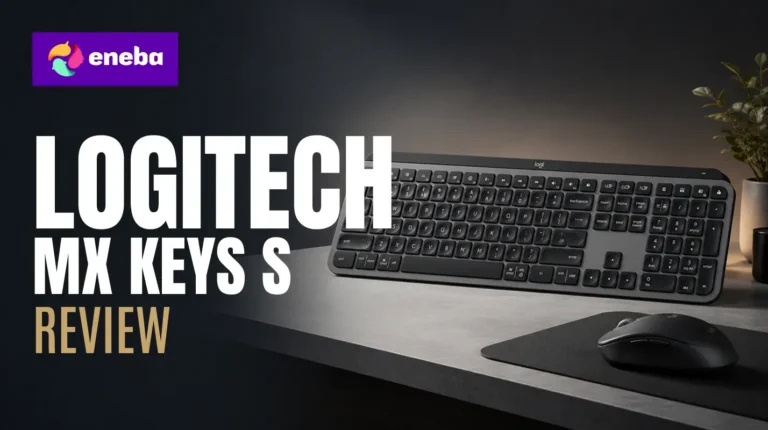
This Logitech MX Keys S review covers the wireless productivity keyboard that currently holds the #1 spot in Computer Keyboards on Amazon. If your workday involves switching between a laptop, a desktop, and a tablet – and you are tired of re-entering Bluetooth pairing mode every time you shift devices – this keyboard was built for that exact frustration. I looked at the MX Keys S because reconnection delays had become real friction in my own multi-device workflow.
The low-profile spherically-dished keys, Smart Actions programmability through Logi Options+, and a proximity-sensing backlight that responds to your hands combine into a keyboard that actively reduces the friction of long typing workdays. The MX Keys S narrows its pitch to those three features and executes each one well.
This is a keyboard built for content creators, remote workers, and multi-device power users who prioritize typing comfort over gaming performance. Readers expecting RGB or hot-swappable switches should look elsewhere – the MX Keys S is a fixed-desk productivity tool at $104, not a gaming peripheral.
Jump to:
MX Keys S at a Glance
Here is what you are working with.
| Spec | Detail |
| Switch Type | Low-profile linear (PerfectStroke key mechanism) |
| Key Count | 104 keys, full-size QWERTY layout |
| Connectivity | Bluetooth LE 5.1 + Logi Bolt USB receiver (included) |
| Multi-Device | Up to 3 devices via Easy-Switch button |
| Battery Life | Up to 10 days (backlight on) / 5 months (backlight off) |
| Charging | USB-C (use while charging) |
| Backlighting | Single-color white, 5-level brightness, proximity-sensing |
| Compatibility | Windows, macOS, Linux, Chrome OS, iPadOS, Android |
| Layout | Full-size QWERTY, ambidextrous |
| Dimensions | 18″ x 6″ x 1.5″ (457 x 152 x 38mm) |
| Price | $104.48 |
| Best Sellers Rank | #1 in Computer Keyboards on Amazon |
Key Features and Benefits
The MX Keys S packs a lot of functionality into a low-profile frame. Here is what each key feature means for your day-to-day workflow.
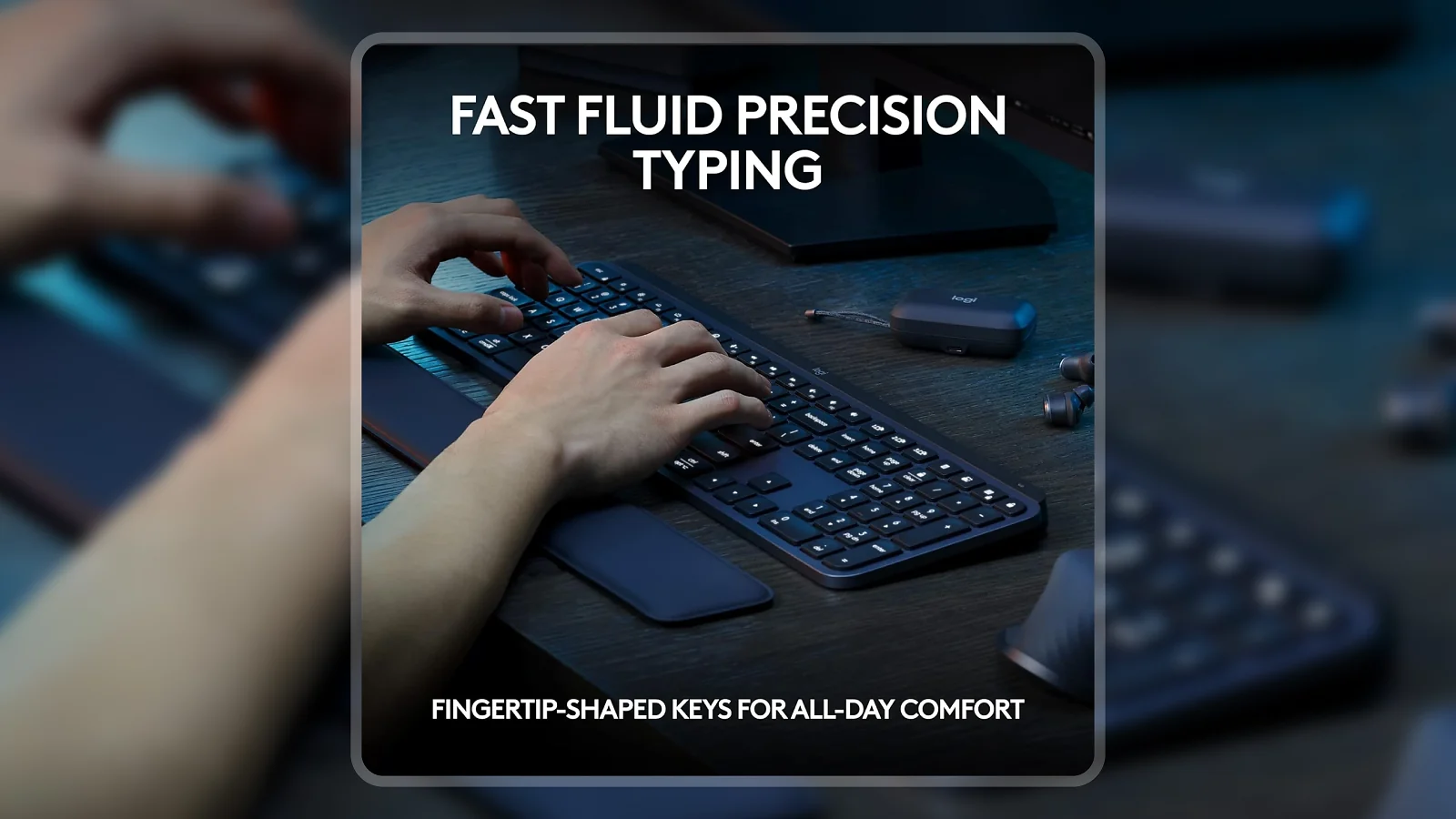
- Spherically-dished key caps – Each key has a concave dish that centers your fingertip naturally, reducing conscious effort per keystroke. Over a long writing session, that adds up to noticeably less fatigue than flat-key keyboards.
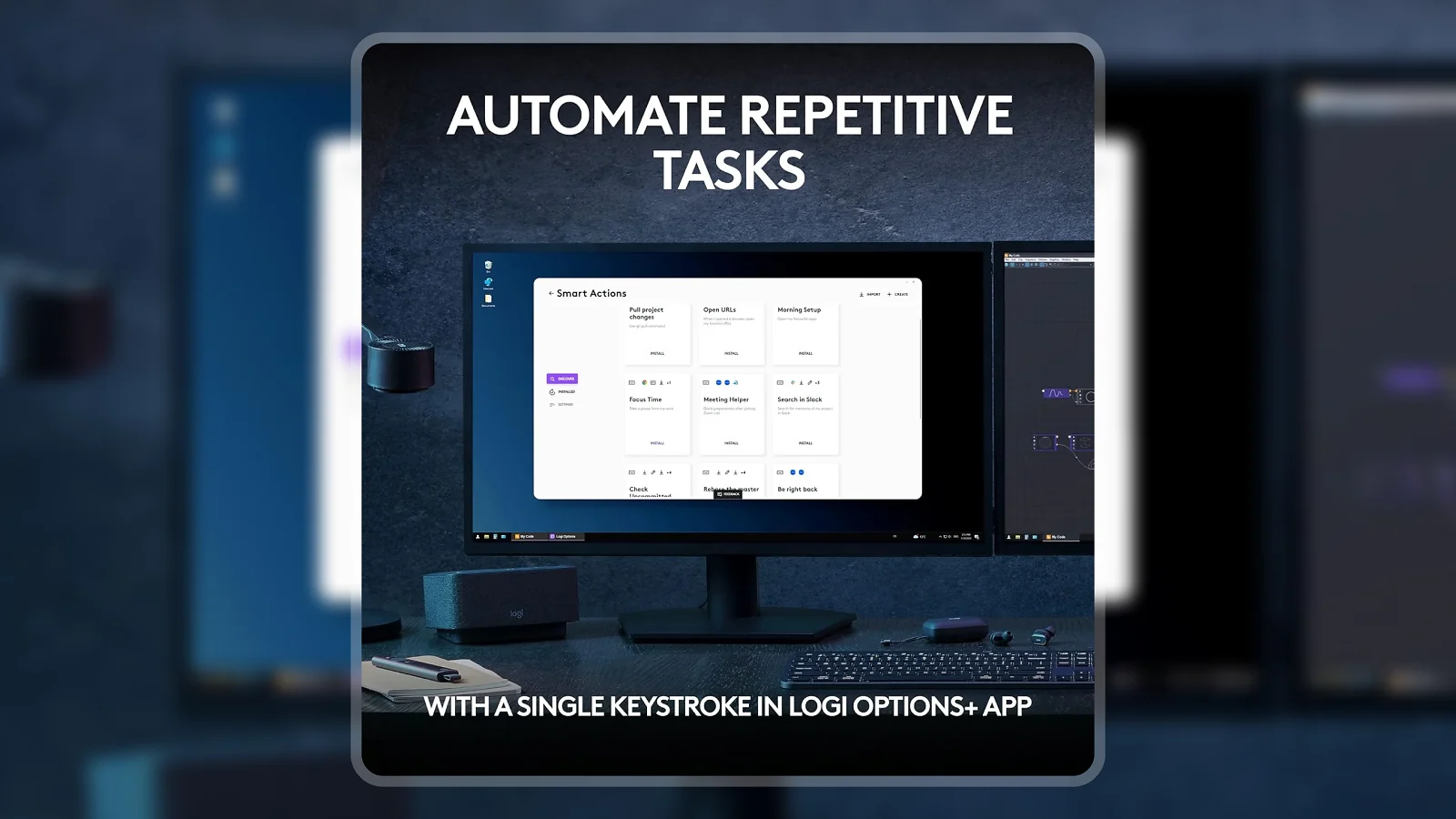
- Smart Actions via Logi Options+ – Programmable keys let you chain multiple actions – open an app, paste a template, trigger a shortcut – into a single keystroke. For repetitive workflows, this shaves real time off routine tasks.
- Multi-device Easy-Switch – A button on the top-right cycles between three paired devices with no re-pairing required and under a two-second switch time. The Logitech MX Keys S multi-device review case is clear: the Easy-Switch performs consistently across all three device slots with no pairing delays.
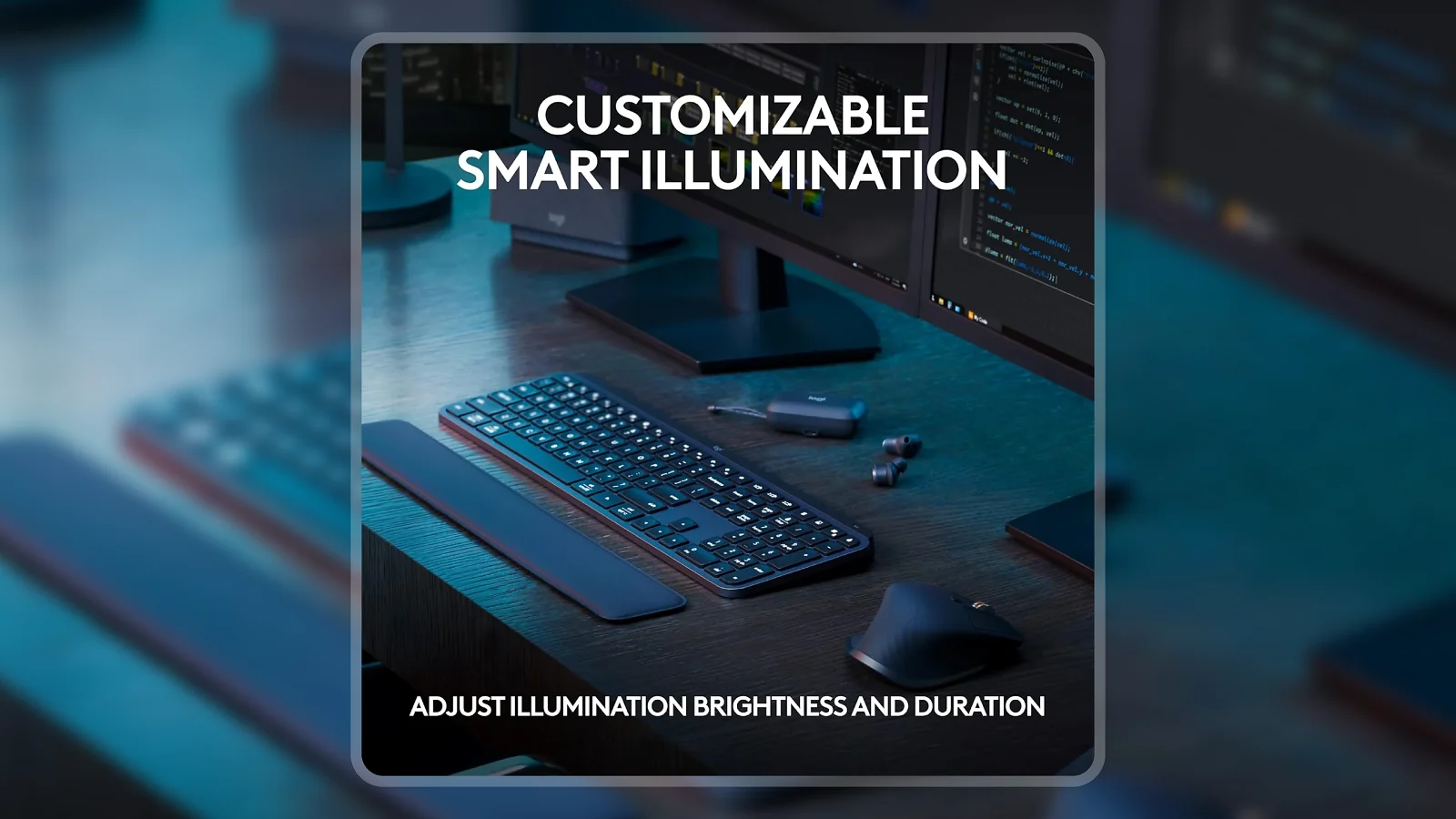
- Proximity-sensing backlight – Keys light up when your hands approach and dim when you look away. Single-color white keeps it professional, and five brightness levels handle dim meeting rooms and bright offices.
- USB-C rechargeable with pass-through – Plugging in the USB-C cable keeps the keyboard fully functional while charging, so a flat battery never forces a stop.
- Logi Bolt USB receiver – The included 2.4GHz receiver holds a stable signal up to 10 meters in dense Wi-Fi environments where Bluetooth can drop – the better option for shared offices and conference rooms.
Performance and Real-World Experience
The MX Keys S is built for people who spend six to ten hours at a keyboard, not for LAN party performance. The evaluation lens here is productivity endurance – how the keyboard holds up across back-to-back writing, spreadsheet, and communication tasks.
The Logitech MX Keys S wireless review starts with connection quality. The Logi Bolt connection holds without dropouts in dense Wi-Fi environments, and the Easy-Switch handles device-switching in a single press with no re-pairing and no delay over two seconds – that reliability is what separates the MX Keys S from cheaper wireless options.
What stands out is the 1.8mm key travel: less vertical movement per keystroke means a higher sustainable typing speed during long documents. Touch typists take two to three days to recalibrate without tactile feedback, after which the speed advantage becomes clear. Battery life runs approximately a week of full-day use with backlight on; USB-C pass-through means charging never interrupts a session. The one limitation: no water resistance.
| Pros | Cons |
|---|---|
| ✅ Spherically-dished keys reduce finger fatigue across long typing sessions ✅ Multi-device Easy-Switch connects up to 3 devices in under 2 seconds ✅ Proximity-sensing backlight activates automatically and dims when not in use ✅ USB-C pass-through charging keeps the keyboard running while plugged in ✅ Logi Options+ Smart Actions cut repetitive keystrokes to a single button ✅ #1 Best Seller in Computer Keyboards – 4.4/5 from 3,500+ verified ratings | ❌ At $104, it costs more than most wireless keyboards – the premium reflects build quality and multi-device reliability, but capable alternatives exist for less. |
The MX Keys S holds the #1 Best Seller rank in Computer Keyboards because it combines low-profile comfort, Smart Actions programmability, and three-device Bluetooth switching in a single package – solving real daily-use friction, not spec-sheet claims.
The MX Keys S stands apart from competing wireless keyboards in the $50-80 range through the spherically-dished keys – which change how long you can type before fatigue sets in – and the Smart Actions programmability through Logi Options+, the kind of upgrade that makes returning to a standard keyboard feel like a step backward. For a price-sensitive option, a highly rated budget gaming keyboard is worth comparing first.
“Typing on this keyboard feels natural right out of the box. The shaped keys fit my fingertips in a way flat keyboards don’t, and the backlight dims when I look away and brightens when my hands come back – a small thing I now can’t live without.” – Kindle Customer
The proximity backlight detail this reviewer describes is consistent across long-term accounts. The feature sounds minor on the spec sheet, but it changes daily behavior – you stop adjusting brightness manually and just work.
“The build feels genuinely premium – solid and weighty without being awkward to move. Multi-device switching between my work computer and personal devices takes one button press, and plugging in the USB-C when the battery runs low keeps the keyboard working without missing a keystroke.” – Scott Cross
The weight observation here is worth addressing. At roughly 1.8 lbs, the MX Keys S is heavier than ultralight travel keyboards – for a fixed desk setup that weight translates to stability and premium feel. If you need something for a backpack, this is not the right tool.
Switch Feel and Actuation
The MX Keys S uses Logitech‘s PerfectStroke key mechanism: low-profile linear, 1.8mm travel, 45g actuation force. That is roughly half the travel of a Cherry MX or Gateron switch – light enough to register keystrokes with minimal effort and fast enough to reward typists with solid technique.
The Logitech MX Keys S typing review trade-off versus full-mechanical keyboards is clear. There is no audible click and no tactile bump – the keys bottom out with a soft, muted thud that is close to a laptop keyboard feel. Anyone coming from a clicky or tactile board will need two to three days to recalibrate, after which long paragraphs flow quickly and the reduced travel cuts down on the total physical work per word.
The switch mechanism is not hot-swappable. For those who want hot-swap capability or different switch options, a top-rated magnetic switch keyboard or a popular mechanical keyboard are the better fits.
Build Quality and Customization
The MX Keys S is built from APS plastic with a graphite matte finish that resists fingerprints reasonably well. The frame is rigid – no flex in the middle, no creak when typing from a corner. For a keyboard at this price point, the build quality matches the cost.
The Logitech MX Keys S backlighting review tells a single-design story: white only, five brightness levels, proximity-sensing. The proximity sensor activates lighting when your hands approach and fades within about 30 seconds of inactivity – this auto-dimming is central to the Logitech MX Keys S battery life review picture, pushing the keyboard toward its five-month figure when set to auto or off.
Logi Options+ is where customization depth lives. The app runs on Windows and macOS, letting you remap keys to app-specific shortcuts, build multi-step Smart Actions triggered by a single keystroke, and set per-application profiles. For a Logitech MX Keys S Mac review: macOS users get full Logi Options+ support with Mac-specific keycap labels and automatic key mapping when switching paired devices. For Linux users, Logi Options+ is not natively available, though the keyboard functions with default mapping across all Linux distros.
The build sits at a fixed angle with no tilt adjustment – anyone who prefers a raised back will need an aftermarket stand.
My Overall Verdict on Logitech MX Keys S
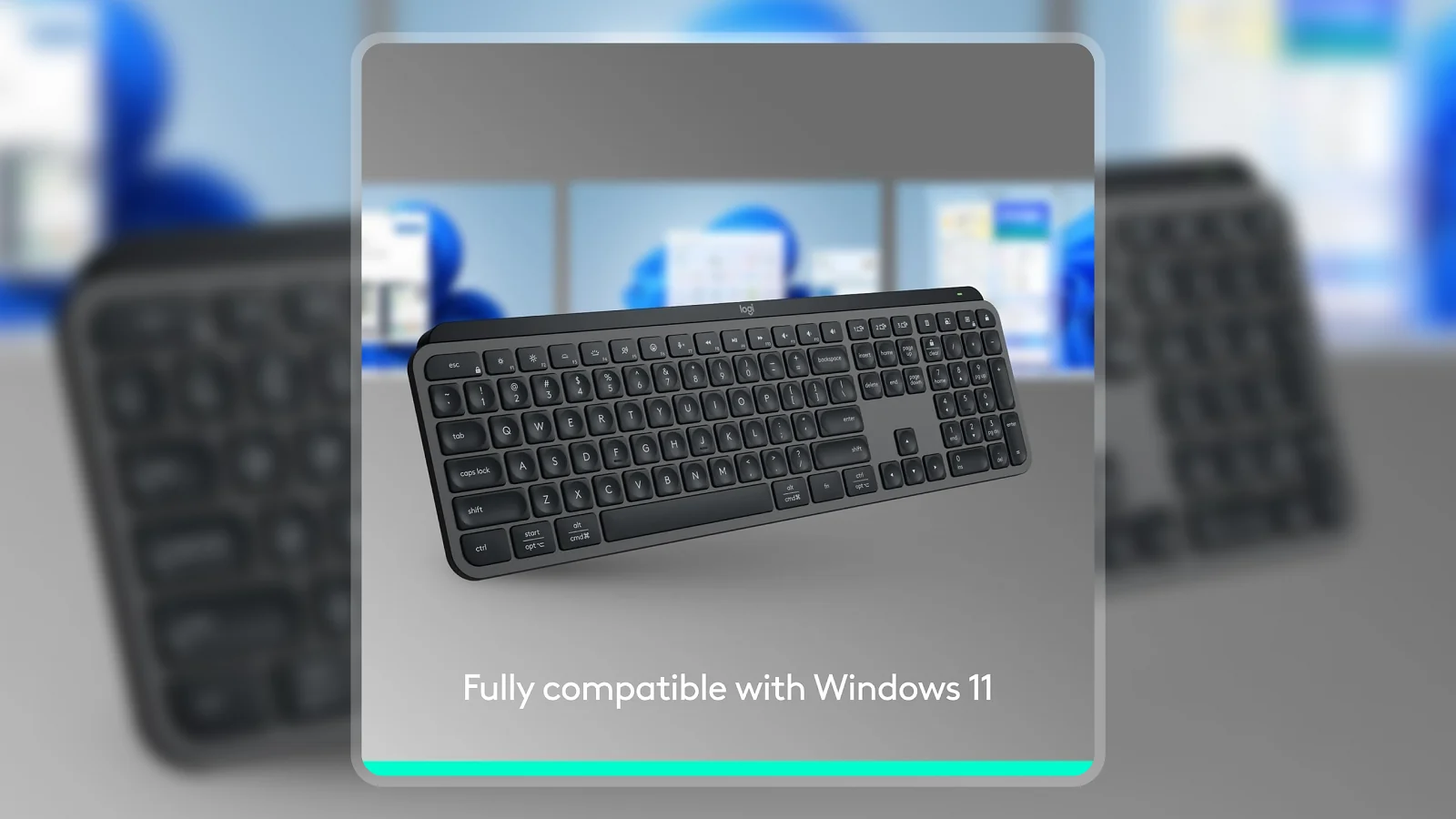
The Logitech MX Keys S review verdict is clear: this is the right keyboard for anyone who types heavily across multiple devices and wants a fixed-desk productivity setup that lasts. The low-profile PerfectStroke switches balance speed and comfort, the multi-device Easy-Switch removes a stubborn daily-use frustration, and Smart Actions through Logi Options+ add efficiency that compounds over time.
The $104 price is the only real barrier. For anyone who primarily needs single-device connectivity or gaming performance, cheaper options exist. The 8.8/10 Enebameter score reflects white-only backlighting and no water resistance – both minor but real limitations that are worth knowing before you commit.
If you spend long hours at a desk and switch between more than one device, the Logitech MX Keys S review recommendation is straightforward: buy it and don’t look back.
Budget Alternative
The R87Pro Gaming Keyboard is the budget pick for anyone who wants wireless keyboard functionality at a lower price. It covers wireless connectivity, mechanical switches, and RGB backlighting without the MX Keys S‘s premium build or multi-device Smart Actions. The R87Pro suits gamers and first-time mechanical keyboard shoppers – if budget allows, the Logitech MX Keys S remains the better choice for long-session typing and multi-device workflows.
Complete Your Setup
The right peripherals alongside the MX Keys S can round out a productivity desk setup. A wireless mouse and a quality mouse pad are the two most natural companions.
MO1 Wireless Gaming Mouse
A reliable wireless mouse pairs naturally with the MX Keys S for a cable-free desk. The MO1 covers wireless connectivity and programmable buttons without adding bulk to a clean setup.
Charge and Play – XXL RGB Gaming Mouse Pad
A large mouse pad gives the MX Keys S and mouse a unified surface that keeps both stable. The XXL format covers the full desk area, eliminating the pad-shifting that plagues narrower options.
FAQs
Yes, the Logitech MX Keys S is worth the $104 price for anyone who types heavily across two or more devices daily. The combination of low-profile comfort, multi-device Bluetooth switching, and Smart Actions programmability makes it a meaningful upgrade over standard wireless keyboards that cost less but give noticeably less value.
The Logitech MX Keys S battery lasts up to 10 days with the backlight on at typical brightness, and up to 5 months with the backlight fully off. USB-C charging lets you continue typing while the battery recovers, so a flat battery never forces a stop.
Yes, the Logitech MX Keys S works natively with macOS and includes Mac-specific key labels on the keycaps. Logi Options+ is fully available on macOS, giving Mac users access to Smart Actions, per-app key remapping, and multi-device flow – the same feature set as Windows.
The MX Keys S adds programmable Smart Actions support via Logi Options+, improved backlighting with more customization options, and USB-C charging instead of Micro-USB. The physical typing feel and multi-device connectivity are similar between the two models, but the S generation is the current production version.
Every Logitech MX Keys S review highlights the same strengths: the low-profile PerfectStroke switches reduce finger travel without sacrificing feedback, and the Smart Actions programmability saves real time on repetitive tasks. It is a premium productivity tool built for long work sessions and multi-device workflows.