Best VPN in 2026: 6 Picks That Survived Speed, Stress, and Security Testing

Eneba Hub contains affiliate links, which means we may earn a small commission if you make a purchase through them—at no extra cost to you. Learn more


Best VPN lists are full of providers that look great on paper and feel annoying five minutes after install. In this guide, I rank only the ones that were fast, stable, and practical across all my checks.
I tested performance across nearby and long-distance servers, checked kill switch behavior during forced drops, and pushed streaming as far as I could. Then I weighed the real deciding factors: privacy stance, protocol options, device limits, torrenting support, and which “bonus features” are genuinely useful instead of checkbox filler.
Here are the 6 picks that made sense after testing, with the trade-offs spelled out.
Jump to:
Quick Comparison: Best VPN Services – Six Real Contenders Compared Side by Side
| VPN Provider | Top Selling Point | Servers | Devices | Lowest Price | My Favorite Feature |
|---|---|---|---|---|---|
| NordVPN | Best overall | 9,000+ in 100+ countries | 10 | $2.99/mo (2-year plan) | NordLynx protocol + Threat Protection |
| ExpressVPN | Best premium experience | 3,000+ in 100+ countries | 14 | $3.49/mo (28-month plan) | Lightway protocol + TrustedServer |
| Proton VPN | Best for privacy | 14,000+ in 100+ countries | 10 | $2.99/mo (2-year plan) | Swiss jurisdiction + Secure Core |
| CyberGhost | Excellent streaming servers | 11,000+ in 100 countries | 7 | $2.19/mo (26-month plan) | Streaming-optimized servers |
| PIA | Largest server network | 35,000+ in 90+ countries | Unlimited | $2.03/mo (3-year plan) | Port forwarding + SOCKS5 proxy |
| Surfshark | Best price-to-value ratio | 4,500+ in 100 countries | Unlimited | $1.99/mo (2-year plan) | Unlimited connections |
Top 6 Best VPN Services Reviewed
After three months of testing, my team and I picked 6 VPNs that aced most of the tests we threw their way. No VPN is perfect, but the likes of Nord and Express come pretty close. Keep reading to check our final results and learn why each pick made the final list.
1. NordVPN [Overall Best VPN]
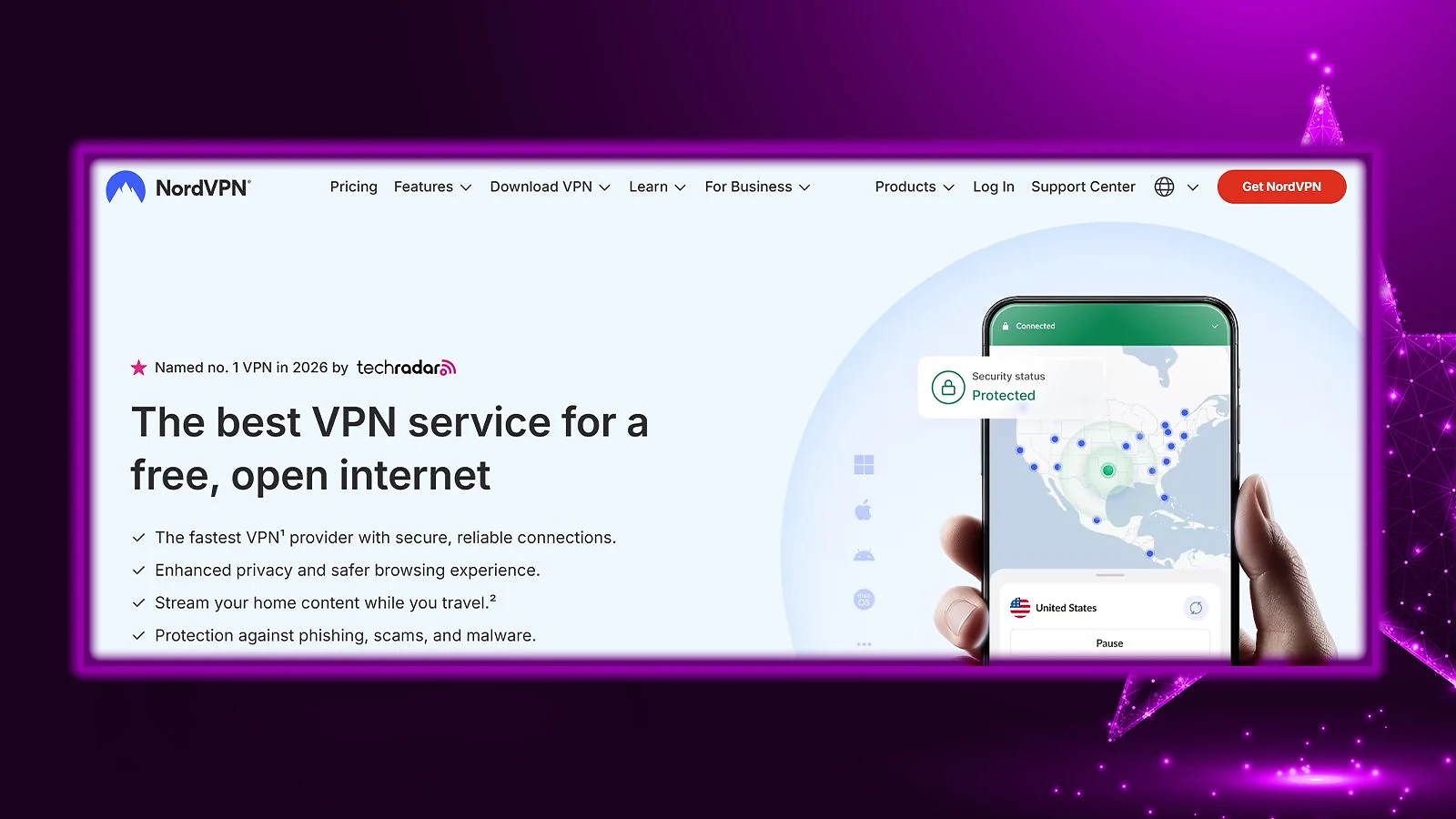
NordVPN takes the top spot because it gets everything right. Fast protocols, massive server spread, verified no-logs policy, and no weird compromises.
| Feature | Details |
|---|---|
| Servers | 9,000+ servers in 100+ countries |
| Speed | 850-950 Mbps average on nearby servers on a 1 Gbps connection (600-800 Mbps on faraway locations) |
| Simultaneous connections | Up to 10 devices |
| Protocols | NordLynx (WireGuard-based), OpenVPN, IKEv2/IPSec, NordWhisper (restricted network protocol) |
| Security | AES-256/ChaCha20 encryption, kill switch, Threat Protection Pro, dark web monitoring, MFA, Double VPN |
| Privacy | 5x audited no-logs policy, RAM-only servers, based in Panama |
| Gaming speed performance | Near-gigabit regional speeds, 10 Gbps servers, minimal throttling |
| Starting price | $2.99/mo (2-year plan) |
Performance and Speed
NordLynx is the reason this one leads. On a gigabit line, I consistently saw 850–950 Mbps on nearby servers. Cross-continent stayed in the 600–800 Mbps range. That’s 85–95% retention locally, which is about as good as it gets.
The 10 Gbps infrastructure helps during peak hours. Latency was controlled across major hubs like New York, London, and Tokyo. No dramatic dips or random congestion spikes. The sheer quality of Nord’s server network and protocols also made it my #1 pick for the best VPN app for China.
Security and Privacy
Five independent audits (PwC and Deloitte between 2018–2024) verified the no-logs policy. No browsing history, connection timestamps, or IP storage.
Panama jurisdiction means no mandatory data retention laws. RAM-only servers add another layer of practical protection.
Useful extras like Threat Protection Pro, Double VPN, Onion Over VPN, and NordWhisper are also there if you need them.
Streaming and Torrenting
Streaming worked without drama. Netflix US, BBC iPlayer, Prime Video, Disney+, Hulu – all accessible in my testing.
P2P works on most servers, with SOCKS5 proxy support if you want more control. SmartPlay DNS also helps on devices that don’t support native VPN apps.
| Pros | Cons |
|---|---|
| ✅ 5 independent audits ✅ Fastest WireGuard implementation ✅ Panama jurisdiction outside surveillance alliances ✅ 9,000+ servers with 10 Gbps infrastructure ✅ Excellent streaming and geo-unblocking ✅ Comprehensive threat protection suite | ❌ Split tunneling not available on iOS/macOS |
Final Verdict: Nord is the best VPN out there, period. Strong speeds, clean privacy record, reliable streaming, and enough advanced features without turning into a science project. Whether you’re on Windows or looking for the best VPN for Mac, it delivers a polished experience on every platform. If you want one VPN that does almost everything well, this is it.
2. ExpressVPN [Best Premium VPN Experience]
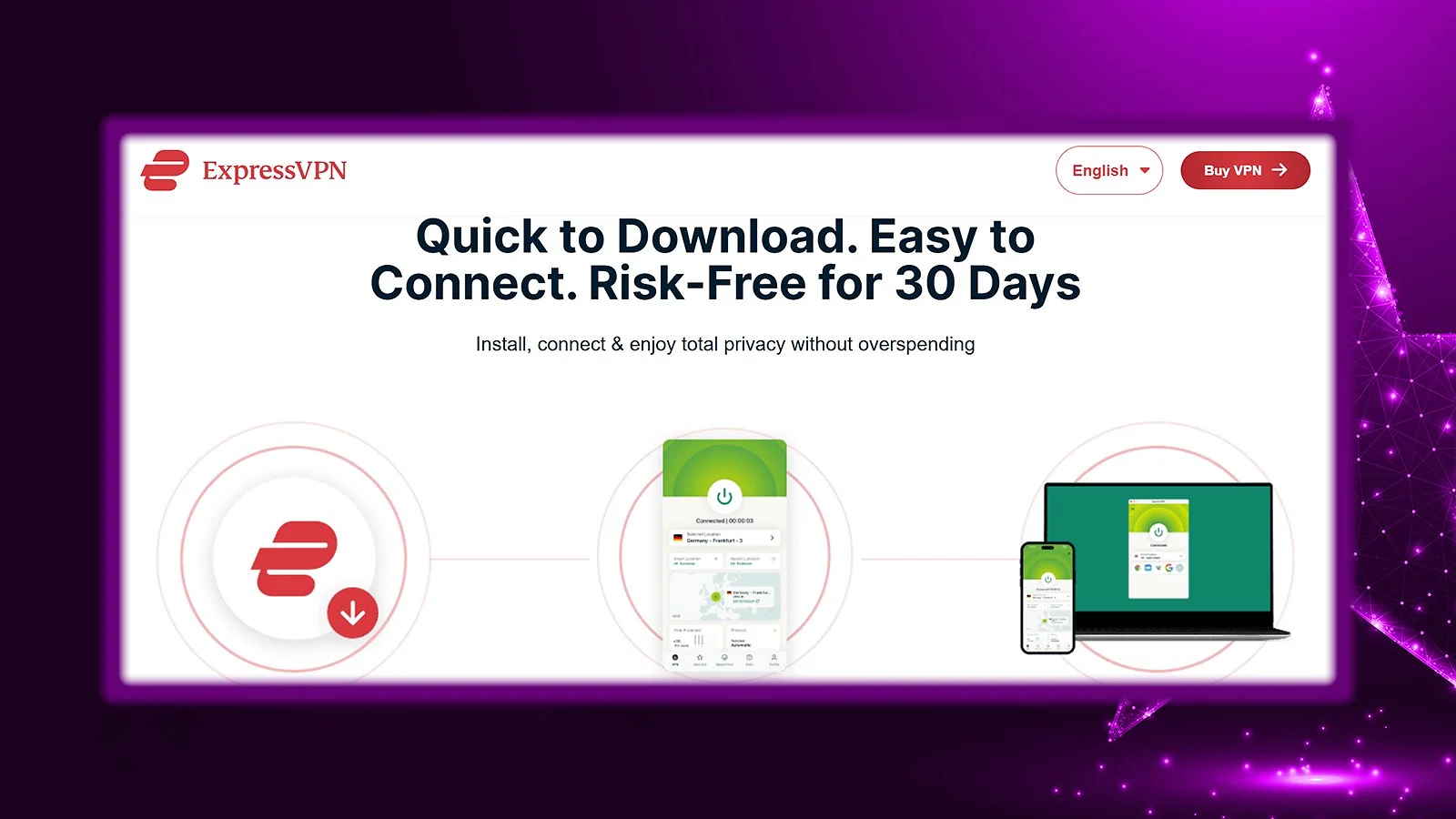
ExpressVPN sits at the premium end for a reason. It’s fast, stable, and polished across platforms, without turning setup into a project.
| Feature | Details |
|---|---|
| Servers | 3,000+ servers in 100+ countries |
| Speed | 800-900 Mbps average on nearby servers on a 1 Gbps connection (550-750 Mbps on faraway locations) |
| Simultaneous connections | Up to 14 devices |
| Protocols | Lightway (proprietary), OpenVPN, IKEv2/IPSec |
| Security | AES-256 encryption, Network Lock kill switch, Threat Manager, split tunneling |
| Privacy | Audited no-logs policy, TrustedServer RAM-only technology, based in the British Virgin Islands |
| Gaming speed performance | Excellent with Lightway protocol, sub-2-second connection times |
| Starting price | $3.49/mo (28-month plan) |
Performance and Speed
Lightway is the main advantage here. Connection times were under two seconds in testing, and nearby servers delivered 800–900 Mbps on a gigabit line. Cross-continent performance landed between 550–750 Mbps, depending on routing.
It’s not always the absolute fastest on paper, but the stability stands out. That makes it the best VPN for gaming, especially for competitive players.
Security and Privacy
TrustedServer infrastructure runs entirely on RAM and reloads from read-only images. Nothing sits on disk. Independent audits have verified the no-logs policy.
ExpressVPN is based in the British Virgin Islands, outside major surveillance alliances. When a server was seized in Turkey in 2017, authorities found no usable data. That wasn’t pure luck.
Threat Manager blocks known malicious domains, Network Lock handles kill switch duties properly, and split tunneling works well on supported platforms.
Streaming and Torrenting
Streaming worked consistently. Netflix (multiple regions), Disney+, Prime Video, BBC iPlayer, and Hulu all loaded without manual server hunting.
P2P is allowed on all servers. There’s no native port forwarding in the apps (router setup only), but standard torrenting worked without issues.
| Pros | Cons |
|---|---|
| ✅ Industry-leading app polish ✅ Lightway protocol with fast connections ✅ TrustedServer RAM-only infrastructure ✅ GPS spoofing for Android ✅ Excellent streaming reliability ✅ 24/7 responsive customer support | ❌ Most expensive major VPN |
Final Verdict: ExpressVPN isn’t the cheapest, and it doesn’t try to be. What you get is consistency, fast connection times, and one of the cleanest user experiences. If you want polish and predictability, this is your tool.
3. Proton VPN [Best VPN for Privacy]
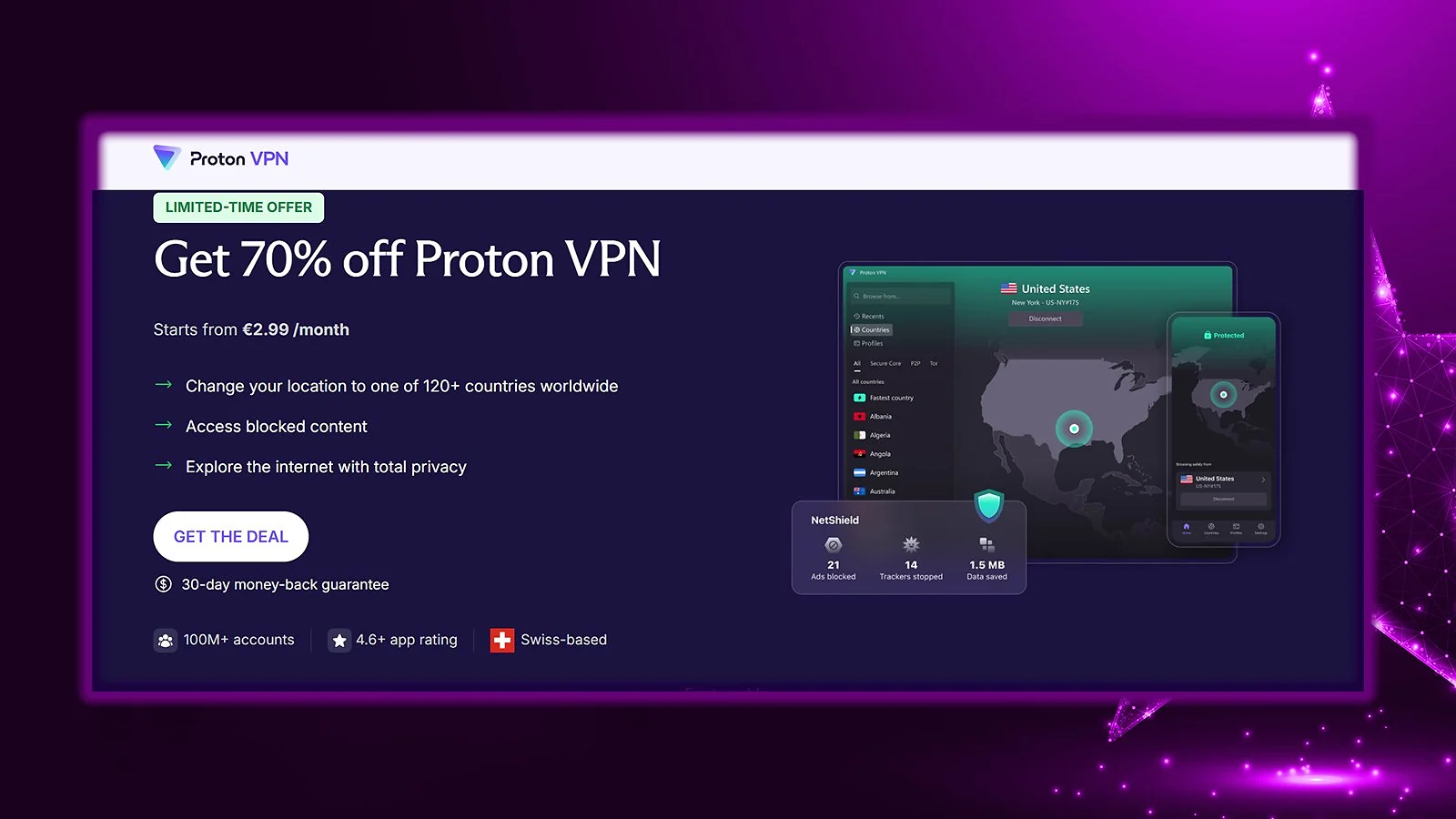
Proton VPN is all about ironclad privacy. Swiss jurisdiction, open-source apps, and court-tested no-logs policy. It’s built for users who care about legal and technical safeguards, not just speed charts.
| Feature | Details |
|---|---|
| Servers | 15,000+ servers in 100+ countries |
| Speed | 700-850 Mbps average on nearby servers on a 1 Gbps connection (450-650 Mbps on faraway locations) |
| Simultaneous connections | Up to 10 devices |
| Protocols | WireGuard, OpenVPN, IKEv2/IPSec, Stealth (obfuscation protocol) |
| Security | AES-256/ChaCha20 encryption, kill switch, NetShield ad/malware blocker, Secure Core, Tor over VPN |
| Privacy | Court-tested no-logs policy, open-source apps, based in Switzerland |
| Gaming speed performance | Good regional speeds with VPN Accelerator optimization technology |
| Starting price | $2.99/mo (2-year plan) |
Performance and Speed
Proton isn’t the fastest on this list, but it’s stable. In my testing, I kept 70–85% of my speeds on nearby servers, and 55–70% on long-distance connections. On a gigabit line, that translates to 700–850 Mbps locally.
VPN Accelerator boosts long-distance routing, but Secure Core (multi-hop through Switzerland, Iceland, or Sweden) will drop your speeds. I’d keep it for high-risk scenarios, not everyday browsing.
Security and Privacy
This is where Proton stands out. It operates under Swiss law, outside surveillance alliances, and without mandatory data retention. Its no-logs policy has been independently audited and tested in real legal cases, with no user data handed over.
All apps are open-source, and Proton publishes transparency reports detailing government requests. If you care about verifiability, Proton checks that box.
For anyone planning travel to restrictive countries, Proton is hard to overlook as the best VPN for travel – its Stealth protocol is built precisely for networks that block standard VPN traffic. That same capability is why it’s consistently recommended as one of the go-to VPNs for China travel. Tor over VPN is also there, if you need it.
Streaming and TorrentingStreaming worked in my testing with Netflix, Prime Video, Disney+, and BBC iPlayer, though it’s not as aggressively optimized as Nord or Express. P2P is supported on designated servers, with port forwarding available on select locations.
| Pros | Cons |
|---|---|
| ✅ Swiss jurisdiction ✅ Court-tested no-logs policy ✅ Open-source apps ✅ Secure Core multi-hop option ✅ Strong privacy-first design | ❌ Customer support response times vary |
Final Verdict: Proton VPN is the privacy-focused choice. It won’t win every speed test, but it offers a strong legal footing, transparent apps, and practical privacy tools. If jurisdiction and verifiability matter more than squeezing out the last 50 Mbps, this is the one.
4. CyberGhost [Best VPN for Streaming]

CyberGhost is one of the best streaming VPNs out there. It labels servers by platform, keeps them updated, and removes the guesswork. If your main goal is unblocking content without trial and error, it does the job.
| Feature | Details |
|---|---|
| Servers | 11,000+ servers in 100 countries |
| Speed | 650-800 Mbps average on nearby servers on a 1 Gbps connection (400-600 Mbps on faraway locations) |
| Simultaneous connections | Up to 7 devices |
| Protocols | WireGuard, OpenVPN, IKEv2/IPSec |
| Security | AES-256/ChaCha20 encryption, kill switch, NoSpy servers, ad blocker |
| Privacy | Audited no-logs policy, RAM-only servers, based in Romania |
| Gaming speed performance | Dedicated gaming servers optimized for low latency |
| Starting price | $2.19/mo (26-month plan) |
Performance and Speed
Speed retention landed around 65–80% on nearby servers in my testing. Streaming-optimized servers performed slightly better during peak hours, likely due to lighter congestion and routing tweaks.
It’s not the fastest provider on this list, but it’s consistent enough for 4K streaming and everyday use. WireGuard delivers the best results.
Security and Privacy
CyberGhost operates out of Romania, which has no mandatory data retention laws. The no-logs policy has been independently audited, and the company publishes transparency reports.
NoSpy servers run from CyberGhost’s own data center, reducing reliance on third-party hosting. That’s a practical privacy advantage.
Streaming and Torrenting
This is where CyberGhost stands out. Instead of hunting for a working server, you select “Netflix US” or “BBC iPlayer” directly in the app. In testing, it delivered one of the highest streaming success rates across major platforms.P2P traffic is supported on designated servers. No port forwarding, but torrenting worked reliably. When I think of the best cheap VPNs for torrenting, CyberGhost is always in the mix.
| Pros | Cons |
|---|---|
| ✅ Platform-labeled streaming servers ✅ Large global server network ✅ 45-day refund window ✅ NoSpy self-operated servers ✅ Strong streaming reliability | ❌ Limited to 7 simultaneous devices ❌ Occasional inconsistency outside streaming |
Final Verdict: CyberGhost is one of the best VPN apps for streaming-focused users. The platform-specific server approach eliminates trial and error, and the 45-day guarantee provides ample time for testing.
5. Private Internet Access (PIA) [Best VPN for Torrenting]
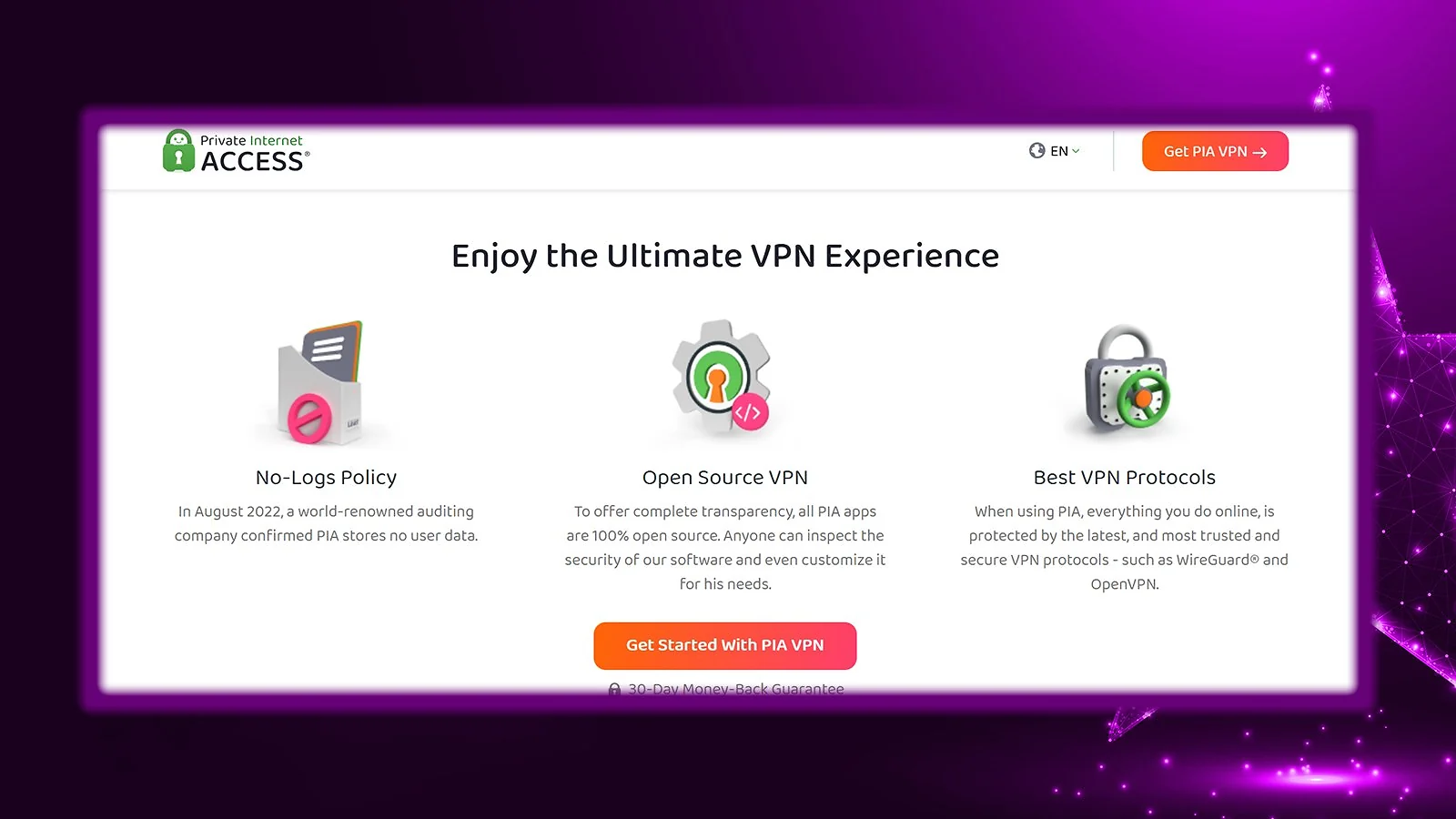
PIA has served torrenting communities for over a decade. The combination of 35,000+ servers, port forwarding support, SOCKS5 proxy, and proven privacy protection makes PIA one of the top VPNs for torrenting and P2P in general.
| Feature | Details |
|---|---|
| Servers | 35,000+ servers in 90+ countries (all 50 US states) |
| Speed | 600-750 Mbps average on nearby servers on a 1 Gbps connection (400-550 Mbps on faraway locations) |
| Simultaneous connections | Unlimited devices |
| Protocols | WireGuard, OpenVPN, IKEv2/IPSec |
| Security | AES-256/AES-128/ChaCha20 encryption (configurable), kill switch, MACE ad blocker, Multi-hop, port forwarding |
| Privacy | Court-proven no-logs policy, open-source apps, based in the United States |
| Gaming speed performance | Servers in all 50 US states for optimal regional routing |
| Starting price | $2.03/mo (3-year plan) |
Performance and Speed
With 35,000+ servers, congestion is rarely an issue. In my testing, nearby servers kept around 60–75% of base speeds. That’s not record-breaking, but stable enough for heavy downloads.
WireGuard delivered the best results, and it’s by far the best VPN protocol for torrenting. PIA also lets you tweak encryption levels and protocol settings if you want more control than most VPNs allow.
Security and Privacy
PIA’s no-logs policy has been tested in real legal cases. When courts requested data, there was nothing to hand over. That’s stronger proof than any marketing claims.
Yes, it’s US-based. But the US has no mandatory data retention for VPNs, and PIA’s track record shows its logging policy holds up.
All apps are open-source, and servers run on RAM-only infrastructure.
Streaming and Torrenting
Torrenting is where PIA shines. Port forwarding improves peer connectivity and download speeds. The built-in SOCKS5 proxy gives advanced users more flexibility.
Streaming works, but it’s not the main focus. Major platforms unblock, though consistency isn’t as strong as with CyberGhost or ExpressVPN.
| Pros | Cons |
|---|---|
| ✅ Massive server network ✅ Built-in port forwarding ✅ Court-proven no-logs policy ✅ Unlimited device connections ✅ Open-source apps | ❌ US jurisdiction concerns some users ❌ Interface can overwhelm beginners |
Final Verdict: It’s one of the best VPNs for torrenting and P2P file sharing. Port forwarding support, SOCKS5 proxy, and unlimited connections make it ideal for heavy download users.
6. Surfshark [Best VPN for Large Households]
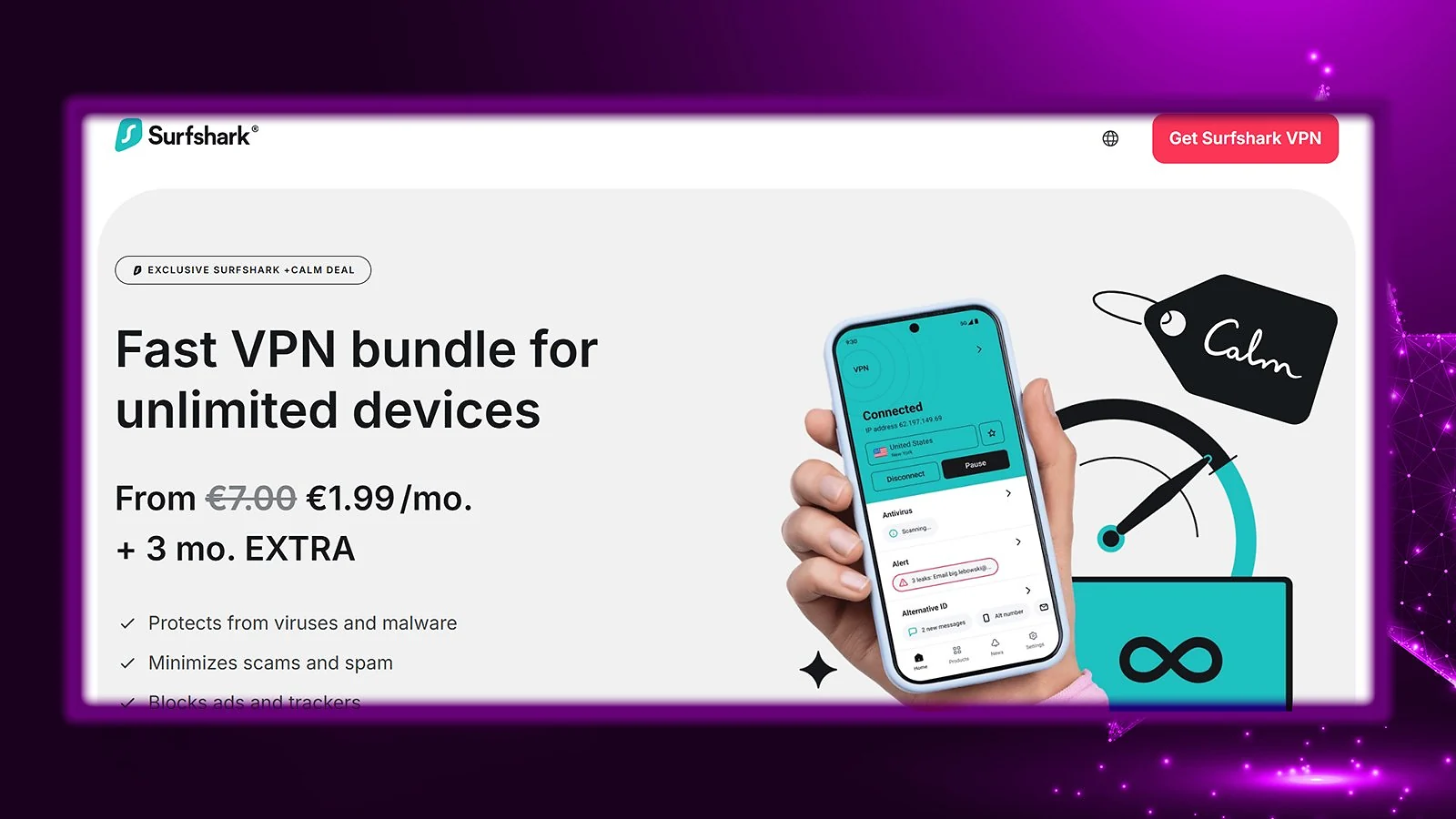
Surfshark is the budget-friendly pick that doesn’t feel cheap. Unlimited device connections, strong speeds, and a solid privacy record make it the best VPN for multiple devices in your household – and the best mobile VPN for anyone juggling multiple phones and tablets on the go.
| Feature | Details |
|---|---|
| Servers | 4,500+ servers in 100 countries |
| Speed | 750-900 Mbps average on nearby servers on a 1 Gbps connection (500-700 Mbps on faraway locations) |
| Simultaneous connections | Unlimited devices |
| Protocols | WireGuard, OpenVPN, IKEv2/IPSec |
| Security | AES-256/ChaCha20 encryption, kill switch, CleanWeb ad blocker, Dynamic MultiHop, Camouflage Mode |
| Privacy | 2x Deloitte audited no-logs policy, RAM-only servers, based in the Netherlands |
| Gaming speed performance | Excellent speeds with 10 Gbps servers, 100 Gbps experimental servers in Amsterdam |
| Starting price | $1.99/mo (2-year plan) |
Performance and Speed
Surfshark runs on a 10 Gbps network, with experimental 100 Gbps servers in Amsterdam. In testing, nearby servers kept 75–90% of my speeds. On a gigabit line, that meant 750–900 Mbps locally.
Long-distance speeds landed between 500–700 Mbps depending on routing. Not quite Nord-level retention, but very close. WireGuard delivered the best results. For most households with fast Wi-Fi, that slowdown is barely noticeable.
Security and Privacy
Surfshark’s no-logs policy has been audited twice by Deloitte (2023 and 2025). The service runs on RAM-only servers, and there’s no storage of browsing history, IP addresses, or session logs.
It’s based in the Netherlands, which is part of the Nine Eyes alliance. However, there are no mandatory logging requirements, and audits confirm there’s nothing meaningful to request.
Tools like CleanWeb, Camouflage Mode, Dynamic MultiHop, and NoBorders Mode add serious flexibility without overloading the interface, which is exactly why many consider Surfshark the best VPN for PC users who want advanced functionality without visual chaos.
Streaming and TorrentingStreaming worked reliably in my testing. Netflix (multiple regions), Disney+, Prime Video, BBC iPlayer, and Hulu all loaded without manual tweaking. All servers support P2P. There’s no built-in port forwarding, but standard torrenting runs smoothly.
| Pros | Cons |
|---|---|
| ✅ Unlimited device connections ✅ Strong speeds ✅ Two independent audits ✅ CleanWeb ad blocking ✅ Excellent long-term value | ❌ Customer support response times vary |
Final Verdict: Surfshark offers the best VPN value for families, households with many devices, or anyone wanting premium features without premium pricing. The unlimited connections policy alone justifies consideration.
How to Choose the Best VPN Service: A No-Nonsense Guide to What Matters Most
When browsing the best VPN providers, you should differentiate between the essentials and nice-to-haves.
The nonnegotiables include things like solid security, good privacy, a reliable kill switch, etc. The extras depend on what you want to use it for. So, if you want to find the best regions for cheap Steam games, for example, you’ll want a VPN with a solid server network, fast servers, good obfuscation if you’re in a restricted region, etc.
Speed Considerations
VPN speed depends on protocol, server distance, server load, and base connection speed. Modern protocols like WireGuard and proprietary variants (NordLynx, Lightway) deliver the fastest connections. Expect 70-90% of your original speed on nearby servers with quality providers.
Users with gigabit connections should prioritize VPNs with 10 Gbps server infrastructure. Those with slower connections (under 100 Mbps) will barely notice speed differences between top providers.
Security Features to Look For
Non-negotiable features:
- AES-256 or ChaCha20 encryption
- Kill switch (system-level, not just app-level)
- DNS leak protection
- No-logs policy (preferably audited)
Valuable additions:
- Multi-hop/Double VPN
- Split tunneling
- Obfuscation for restrictive networks
- Ad/malware blocking
Privacy and Jurisdiction
Jurisdiction matters, but implementation matters more. A US-based VPN with court-proven no-logs provides better privacy than a Switzerland-based VPN that logs everything.
Places like the US might sound scary to a privacy-focused user, but the question you should ask here is, “Does that risky country have mandatory data retention laws?” If it does, your VPN can never be truly private because it has to log your data and hand it over when pressed by the government. However, if it doesn’t, your VPN can keep you safe if it maintains a strict no-logging policy.
Look for independent audits from reputable firms (Deloitte, PwC). Transparency reports showing how providers handle legal requests provide insight into real-world privacy protection.
Streaming and Geo-Unblocking
Streaming VPN effectiveness fluctuates as platforms update detection. Choose providers that actively maintain streaming access rather than treating it as secondary. VPNs like Nord and Surfshark can always unblock the best catalogs and have superior server networks to back it up.
Value for Money
Monthly pricing tells one story. Long-term value tells another. Consider:
- Device limits vs. household needs
- Features included vs. paid add-ons
- Money-back guarantee length
- Renewal pricing (often higher than initial purchase)
For large families, Surfshark‘s unlimited connections at $1.99/month offer better value than NordVPN‘s 10-device cap at $2.99/month. Single users or power users, on the other hand, may find NordVPN‘s deeper feature set worth the extra dollar per month.
My Overall Verdict: What Is the Best VPN for Privacy, Value, and Everyday Use?
NordVPN consistently ranks as the best VPN service based on comprehensive testing across speed, security, streaming capability, and overall value.
- It delivers 85-95% speed retention on nearby servers
- Maintains one of the most transparent privacy track records with five independent audits
- Reliably unblocks every major streaming platform we tested
But “best” depends entirely on what you need:
- ExpressVPN delivers the most polished user experience.
- Proton VPN provides stronger privacy guarantees through Swiss jurisdiction.
- CyberGhost excels specifically at streaming with dedicated servers for individual platforms.
- Surfshark offers better value for families needing unlimited device connections.
The best VPN providers share certain non-negotiable qualities, but they differ enough to cater to different tastes. So, first of all, you have to make sure you’ve got a good VPN for your cybersecurity needs. Everything beyond that becomes a matter of matching features to your specific requirements.
FAQs
NordVPN is the best VPN to use right now based on comprehensive testing. It delivers 85-95% speed retention with the NordLynx protocol, operates 9,000+ servers across 100+ countries, and has verified its no-logs policy through five independent audits. NordVPN reliably unblocks all major streaming platforms, supports P2P on most servers, and includes Threat Protection for ad and malware blocking.
Surfshark is the best cheap VPN at $1.99/month for two-year plans. Despite the low price, Surfshark offers unlimited simultaneous device connections (unique among major providers), 4,500+ servers across 100 countries, two independent Deloitte audits verifying its no-logs policy, and features like NoBorders mode and CleanWeb ad blocking.
Yes, paid VPNs are worth it for most users who value privacy, security, or accessing geo-restricted content. Free VPNs either limit data severely (TunnelBear’s 2GB/month), restrict speeds and server access (Proton VPN Free), or monetize through data harvesting (most “free” VPNs).
Yes, VPNs are legal in most countries, including the United States, Canada, the United Kingdom, the European Union, Australia, Japan, and most of the world. Some countries restrict or ban VPN usage: China, Russia, Iran, Iraq, North Korea, Turkmenistan, Belarus, and the UAE have various restrictions ranging from requiring government-approved VPNs to outright bans.
Your ISP sees you’re connected to a VPN but can’t see your actual traffic. The VPN provider can theoretically see your traffic, which is why no-logs policies and audits matter. Websites see the VPN server’s IP address, not yours. However, browser fingerprinting, cookies, logged-in accounts, and payment methods can still identify you. For maximum protection, combine a no-logs VPN with private browsing, tracker blocking, and avoiding account logins.