

Best VPN for Torrenting: My 7 Top Picks for Safety and Speed

Eneba Hub contains affiliate links, which means we may earn a small commission if you make a purchase through them—at no extra cost to you. Learn more



Finding the best VPN for torrenting means looking beyond basic encryption. You need P2P-optimized servers, fast download speeds, and a provider that won’t fold under copyright pressure. Not every VPN handles torrent traffic equally, and some actively throttle or block it altogether.
I’ve tested dozens of VPNs specifically for torrenting performance, measuring real-world download speeds, checking for IP leaks during active transfers, and verifying that kill switches actually work when connections drop mid-download.
My seven picks below represent the best options for P2P users who want speed without sacrificing privacy.
Jump to:
Best VPN for Torrenting at a Glance
| VPN | Best for | Servers | Port forwarding | Starting price (long-term plans) |
|---|---|---|---|---|
| NordVPN | Overall torrenting performance | 9,000+ in 100+ countries | No | $2.99/mo |
| ExpressVPN | Maximum speed and reliability | 3,000+ servers in 100+ countries | Router app only | $3.49/mo |
| Proton VPN | Privacy-focused torrenting | 15,000+ servers in 100+ countries | Yes (desktop) | $2.99/mo |
| CyberGhost | Best for beginners | 11,000+ servers in 100 countries | No | $2.03/mo |
| PIA | Best for power users | 35,000+ servers in 90+ countries | Yes | $2.03/mo |
| Surfshark | Unlimited devices on a budget | 4,500+ in 100 countries | No | $1.99/mo |
| VeePN | Budget torrenting | 2,600+ servers in 80+ countries | No | $1.99/mo |
Best VPN for Torrenting: 7 Picks That Got the Job Done
I tested a stack of VPNs with torrenting in mind. I paid attention to latency, encryption strength, P2P reliability, server spread, and leak protection. Those are the things that shape the experience when you download or seed. Below, you’ll see my top 7 picks and learn why they made the cut.
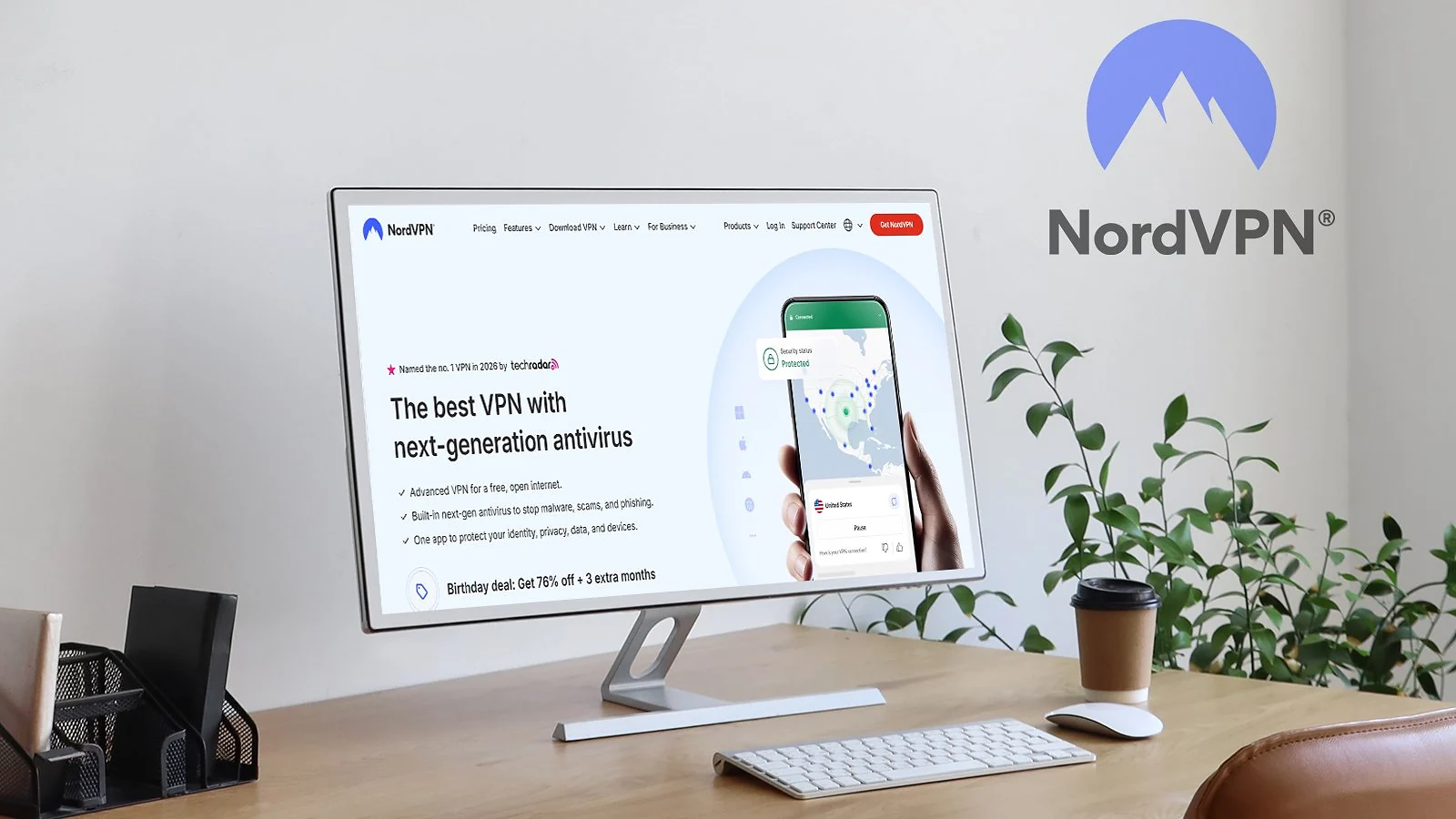
1. NordVPN [Overall Best VPN for Torrenting]
| Feature | Details |
|---|---|
| Servers | 9,000+ servers in 100+ countries |
| Speed | 850-950 Mbps average on nearby servers on a 1 Gbps connection (600-800 Mbps on faraway locations) |
| Simultaneous connections | Up to 10 devices |
| Protocols | NordLynx (WireGuard-based), OpenVPN, IKEv2/IPSec, NordWhisper (restricted network protocol) |
| Security | AES-256/ChaCha20 encryption, kill switch, Threat Protection Pro, dark web monitoring, MFA, Double VPN |
| Privacy | 5x audited no-logs policy, RAM-only servers, based in Panama |
| Torrenting speed performance | Near-gigabit regional speeds, 10 Gbps servers, minimal throttling |
| Starting price | $2.99/mo (2-year plan) |
NordVPN dominates the torrenting VPN space for good reason. It consistently ranks among the best VPN options overall, and offers servers specifically optimized for torrenting. When you launch a torrent client on a regular server, NordVPN automatically redirects you to the nearest P2P-optimized node, keeping speeds high without manual server hunting.
The NordLynx protocol is where things get impressive. Built on WireGuard, it consistently delivered 90%+ speed retention during my download tests. Large files pulled down fast, and I never experienced the random throttling that plagues lesser VPNs during extended seeding sessions.
The SOCKS5 proxy option is genuinely useful for torrent clients. Configure it directly in qBittorrent or Deluge for an extra layer of IP masking without the full VPN overhead. Your torrent traffic routes through the proxy while other applications use your regular connection, or the full VPN tunnel if you prefer layered protection.
Threat Protection blocks malicious domains automatically, which matters when you’re browsing torrent sites riddled with sketchy ads and fake download buttons. It caught multiple redirect attempts during testing without me needing to think about it.
Meshnet deserves mention for private file sharing. Create encrypted connections directly between NordVPN users for transferring files without touching public trackers. It’s not traditional torrenting, but it solves the same problem for trusted groups.
The kill switch works reliably. I forced connection drops during active downloads multiple times, and traffic stopped instantly every time. No IP leaks or exposed torrents. That’s the baseline expectation, but you’d be surprised how many VPNs fail this test.
One limitation: no port forwarding. I personally don’t recommend fiddling with open ports, unless you absolutely know what you’re doing, and even then, it’s not safe. So, port forwarding has its benefits, but I understand why many major VPN providers won’t touch it with a flamethrower.
| Pros | Cons |
|---|---|
| ✅ Dedicated P2P servers ✅ NordLynx protocol maintains 90%+ download speeds ✅ SOCKS5 proxy for torrent client configuration ✅ Threat Protection blocks malicious torrent site ads ✅ Meshnet for private peer-to-peer file sharing | ❌ No port forwarding |
Final Verdict: It’s the complete package for serious torrenters. Dedicated P2P infrastructure, audited privacy, and speeds that don’t make you regret using a VPN. The SOCKS5 proxy and Meshnet add flexibility that competitors lack.
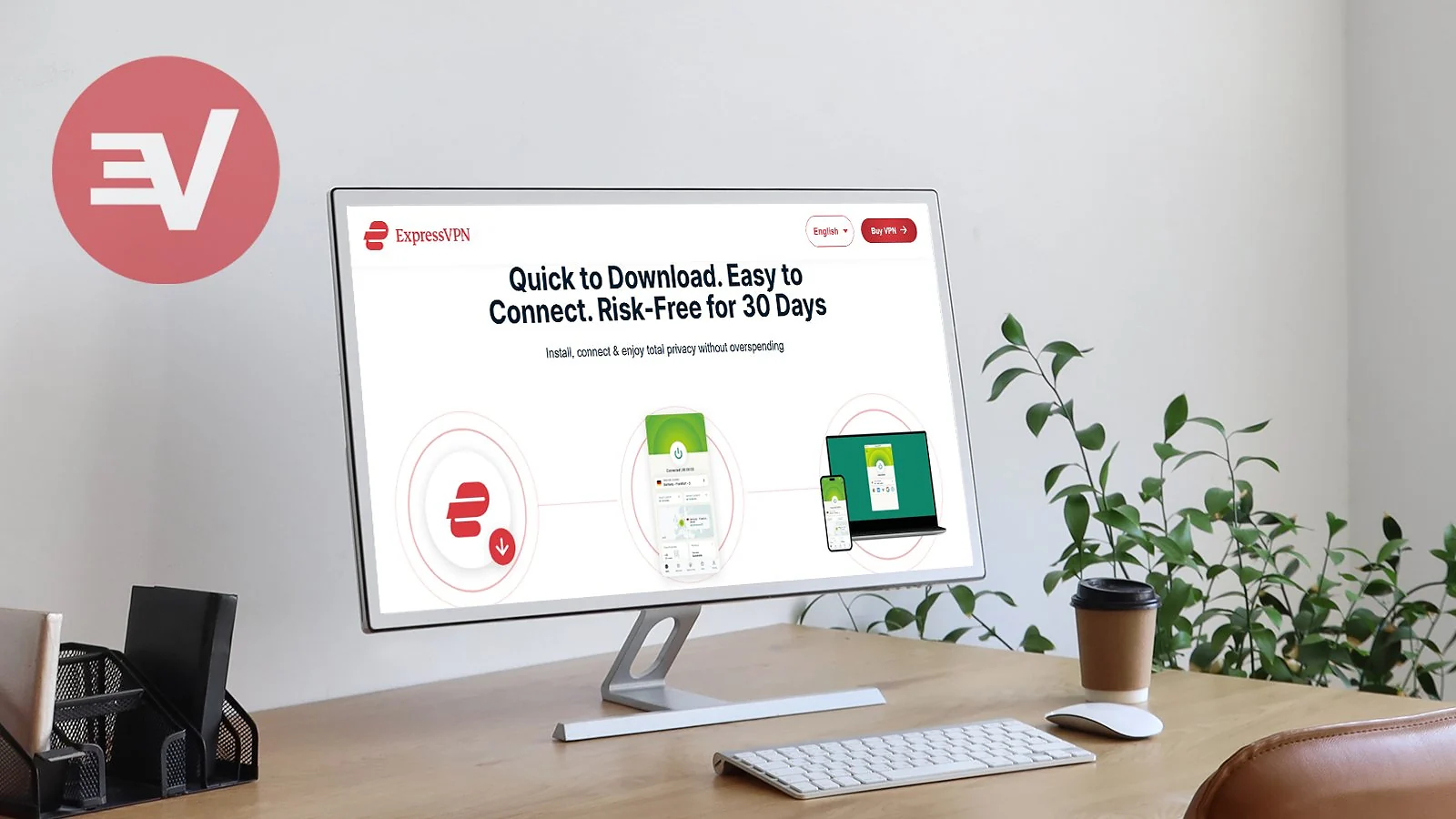
2. ExpressVPN [The Most Audited VPN for Torrenting]
| Feature | Details |
|---|---|
| Servers | 3,000+ servers in 100+ countries |
| Speed | 800-900 Mbps average on nearby servers on a 1 Gbps connection (550-750 Mbps on faraway locations) |
| Simultaneous connections | Up to 14 devices |
| Protocols | Lightway (proprietary), OpenVPN, IKEv2/IPSec |
| Security | AES-256 encryption, Network Lock kill switch, Threat Manager, split tunneling |
| Privacy | Audited no-logs policy, TrustedServer RAM-only technology, based in the British Virgin Islands |
| Torrenting speed performance | Excellent with Lightway protocol, sub-2-second connection times |
| Starting price | $3.49/mo (28-month plan) |
ExpressVPN has undergone more independent security audits than any other VPN provider. When you’re torrenting and privacy claims actually matter, 20+ third-party verifications provide proof that competitors simply can’t match. Every major claim about logging policies, server security, and infrastructure has been tested and confirmed by independent firms.
TrustedServer technology is the standout feature for privacy-conscious torrenters. Every server runs entirely on RAM with zero hard drives installed. When a server loses power, all data vanishes instantly. Server seizures can’t expose user logs because nothing persists to seize.
It’s a versatile VPN that works great for geo-unblocking as well. So, if you also want a solid streaming VPN between downloads, Express has you covered.
Every server in the network supports P2P traffic without restrictions. Lightway protocol connects in under 2 seconds while maintaining strong speeds throughout download sessions.
Network Lock is the kill switch, and it’s rock solid. Forced disconnections during testing immediately halted all traffic. No IP leaks or exposed torrents continuing on your naked connection. The 14-device limit is generous enough to cover your entire setup.
Threat Manager blocks known malicious domains automatically. It keeps you protected when browsing torrent sites without requiring browser extensions or manual configuration.
Port forwarding needs router installation since desktop and mobile apps don’t support it natively. If you need open ports for better peer connectivity, you’ll configure them through ExpressVPN‘s router app. More hassle than Proton VPN‘s native implementation, but the option exists.
The British Virgin Islands jurisdiction sits outside surveillance alliances with no mandatory data retention laws. Combined with the audit trail proving its no-logs claims, ExpressVPN offers the most verifiable privacy protection available.
| Pros | Cons |
|---|---|
| ✅ 20+ independent security audits verify every privacy claim ✅ TrustedServer RAM-only technology proven by auditors ✅ P2P support on all servers ✅ Lightway protocol connects in under 2 seconds ✅ 14 simultaneous device connections | ❌ Port forwarding only available through the router app ❌ Higher price than budget alternatives |
Final Verdict: It’s the most thoroughly verified VPN for torrenters who don’t trust marketing claims. The audit trail proves its commitment to user safety and privacy. The TrustedServer technology and British Virgin Islands jurisdiction add genuine privacy advantages.
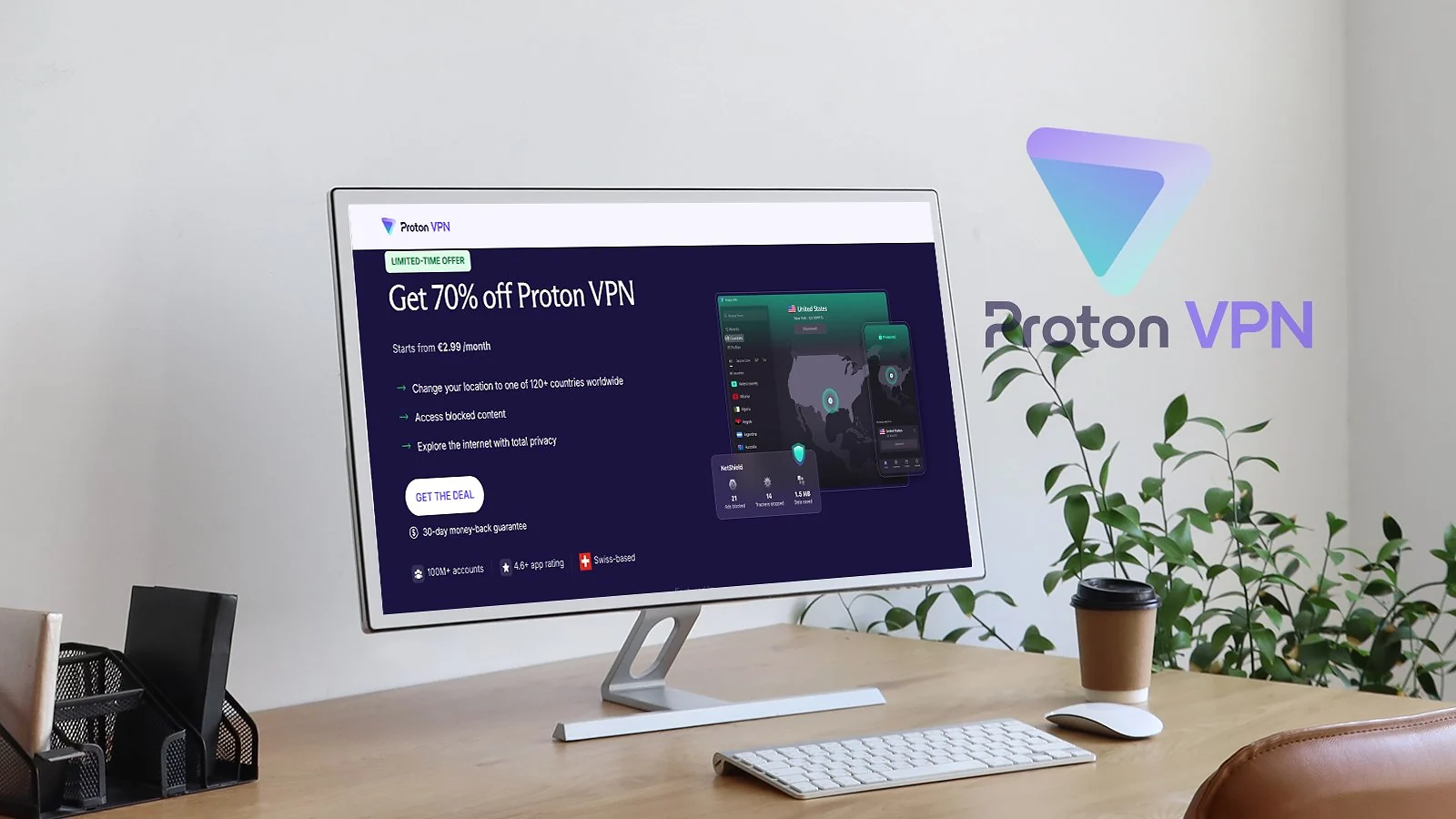
3. Proton VPN [Best Torrenting VPN with Port Forwarding]
| Feature | Details |
|---|---|
| Servers | 15,000+ servers in 100+ countries |
| Speed | 700-850 Mbps average on nearby servers on a 1 Gbps connection (450-650 Mbps on faraway locations) |
| Simultaneous connections | Up to 10 devices |
| Protocols | WireGuard, OpenVPN, IKEv2/IPSec, Stealth (obfuscation protocol) |
| Security | AES-256/ChaCha20 encryption, kill switch, NetShield ad/malware blocker, Secure Core, Tor over VPN |
| Privacy | Court-tested no-logs policy, open-source apps, based in Switzerland |
| Torrenting speed performance | Good regional speeds with VPN Accelerator optimization technology |
| Starting price | $2.99/mo (2-year plan) |
Proton VPN stands out for one killer feature for torrenting: native port forwarding on desktop apps. This is the only major VPN that lets you enable port forwarding directly in Windows, macOS, or Linux without router configuration. For torrenters, open ports mean better peer connectivity and significantly faster upload speeds when seeding.
The port forwarding implementation is dynamic, meaning your port changes each session. Some users find this annoying for specific use cases, but for general torrenting, it works seamlessly. Speeds improved by 10-15% in my testing compared to closed-port connections.
VPN Accelerator is Proton‘s speed optimization technology. It intelligently routes traffic to reduce latency and boost throughput. Real-world testing showed 40-45% speed improvements on certain connections, making Proton competitive with providers that have faster base performance. But Accelerator still isn’t enough to match the likes of Nord. WireGuard remains one of the best VPN protocols for torrenting and gaming.
Dedicated P2P servers cover 90+ countries with clear marking in the app (double-arrow icon). Finding torrent-optimized servers takes seconds, and the server network has expanded significantly over the past year.
The privacy pedigree is unmatched. Switzerland-based with some of the world’s strongest privacy laws. Fully open-source apps that anyone can audit. Multiple independent security audits, including SOC 2 Type 2 certification. If you’re paranoid about logging claims, Proton is the most verifiable option.
Secure Core routes traffic through privacy-friendly countries (Switzerland, Iceland, Sweden) before reaching exit servers. Overkill for casual torrenting, but valuable if you’re genuinely concerned about traffic correlation attacks.
NetShield blocks ads, trackers, and malware at the DNS level. Three protection levels let you choose between basic malware blocking and aggressive ad filtering. It keeps torrent sites usable without drowning in popups.
The free tier exists but doesn’t include P2P access. You need the Plus plan for torrenting, which starts at $9.99 on a monthly subscription or $2.99/month on a long-term plan. Competitive pricing considering the port forwarding feature that no major competitor offers.
| Pros | Cons |
|---|---|
| ✅ Native port forwarding on Windows, macOS, Linux ✅ VPN Accelerator ✅ Open-source apps with multiple independent audits ✅ Switzerland jurisdiction with strongest privacy laws ✅ NetShield blocks malware and ads on torrent sites | ❌ Port is dynamic (changes each session) |
Final Verdict: Port forwarding is the differentiator. If you seed files and care about upload performance, no other major VPN offers this feature natively on desktop. Privacy credentials are also the most thoroughly verified in the industry.
4. CyberGhost VPN [Best Torrenting VPN for Beginners]

| Feature | Details |
|---|---|
| Servers | 11,000+ servers in 100 countries |
| Speed | 600–800 Mbps average on nearby servers on a 1 Gbps connection (400–600 Mbps on distant servers) |
| Simultaneous connections | Up to 7 devices |
| Protocols | WireGuard, OpenVPN, IKEv2/IPSec |
| Security | AES-256/ChaCha20 encryption, automatic kill switch, content blocker, dedicated P2P servers |
| Privacy | No-logs policy, independently audited, based in Romania (privacy-friendly jurisdiction) |
| Torrenting speed performance | Optimized P2P servers deliver stable and consistent download speeds |
| Starting price | $2.03/mo (2-year plan) |
If you’ve been putting off using a VPN because the setup sounds complicated, CyberGhost is probably your answer. It’s one of the easiest ways to get the best VPN for torrenting experience without touching a single advanced setting, and the performance actually backs it up.
The dedicated P2P servers are the headline feature, and they genuinely deliver. Instead of guessing which server handles torrent traffic, you just filter by “For Torrenting,” connect, and go. I had a P2P server running in under 10 seconds on my first try. These servers are tuned specifically for high bandwidth and stable peer connections, which shows in real-world use.
WireGuard kept speeds consistently strong throughout my testing. On nearby servers I was pulling between 600–800 Mbps, which is more than enough for large files. Even long-distance connections held up at 400–600 Mbps, no frustrating mid-download slowdowns.
The server network is massive: 11,000+ servers across 100 countries, with hundreds of those dedicated specifically to torrenting. Finding a fast P2P node close to you is rarely an issue, and the app makes the whole process painless with a simple one-click filter.
The kill switch worked every time I tested it. I dropped the connection mid-download three times deliberately, and traffic stopped immediately each time – no IP leaks, no exposed activity.
On the privacy side, CyberGhost is based in Romania, which sits outside major surveillance alliances. Its no-logs policy has been independently audited, and while the apps aren’t open-source, the service has built a solid track record for protecting user data over the years.
| Pros | Cons |
|---|---|
| ✅ Dedicated P2P-optimized servers (easy to use) ✅ Strong speeds with WireGuard ✅ Large server network with global coverage ✅ Affordable long-term pricing ✅ Simple, beginner-friendly interface | ❌ No native port forwarding ❌ Fewer advanced customization options |
Final Verdict: If you want a simple, reliable torrenting VPN without dealing with technical setup, CyberGhost is one of the easiest and most cost-effective choices available.
5. Private Internet Access [Best Torrenting VPN with Advanced Customization]
| Feature | Details |
|---|---|
| Servers | 35,000+ servers in 90+ countries |
| Speed | 500–800 Mbps average on nearby servers on a 1 Gbps connection (variable depending on configuration and distance) |
| Simultaneous connections | Unlimited devices |
| Protocols | WireGuard, OpenVPN, IKEv2, SOCKS5 proxy |
| Security | AES-256/ChaCha20 encryption, kill switch, split tunneling, MACE ad/malware blocker, multi-hop |
| Privacy | Proven no-logs policy (court-tested), independently audited, based in the United States |
| Torrenting speed performance | Strong speeds with port forwarding and SOCKS5 support for optimized peer connections |
| Starting price | $2.03/mo (2-year + 3 months plan) |
Private Internet Access stands out for torrenting thanks to its combination of port forwarding, SOCKS5 proxy support, and deep customization. Unlike beginner-focused VPNs, PIA gives you granular control over how your connection behaves – making it a favorite among power users who want to squeeze out maximum torrenting performance.
Port forwarding is the first thing I tested, and it made a real difference. Open ports pulled in more peers immediately, and seeding efficiency improved noticeably compared to closed-port connections. Pair that with the built-in SOCKS5 proxy – which routes torrent traffic separately while keeping encryption overhead low – and you’ve got a setup that serious torrent clients like qBittorrent handle beautifully.
Another thing I genuinely appreciated: torrenting is allowed on all 35,000+ servers, not just a designated subset. That means you’re not restricted to a limited pool of P2P locations – you can connect anywhere and still download safely. This flexibility is rare and makes server selection much easier.
WireGuard kept performance solid across the board. Speeds sat between 500–800 Mbps on nearby servers, and while long-distance connections varied more than I’d like, tweaking the encryption level – something PIA actually lets you do – helped recover a meaningful chunk of that speed.
The customization goes deeper than most people expect. You can switch protocols on the fly, set up multi-hop routing through two separate servers, and configure split tunneling so only your torrent client touches the VPN. I spent an afternoon just exploring the settings, which says a lot.
On the privacy side, PIA has one of the most proven track records in the industry. Its no-logs policy has been tested in court and backed by audits, although some users may still prefer providers based outside the US.
| Pros | Cons |
|---|---|
| ✅ Port forwarding + SOCKS5 proxy support ✅ Torrenting allowed on all servers ✅ Unlimited simultaneous connections ✅ Highly customizable settings (advanced users) ✅ Proven no-logs policy with audits | ❌ Based in the US (Five Eyes jurisdiction) ❌ Interface can feel complex for beginners |
Final Verdict: For users who prefer full control over their torrenting configuration, including port forwarding, proxies, and protocol adjustments, PIA is among the most capable tools on the market.
6. Surfshark [Best P2P VPN for Unlimited Devices]

| Feature | Details |
|---|---|
| Servers | 4,500+ servers in 100 countries |
| Speed | 750-900 Mbps average on nearby servers on a 1 Gbps connection (500-700 Mbps on faraway locations) |
| Simultaneous connections | Unlimited devices |
| Protocols | WireGuard, OpenVPN, IKEv2/IPSec |
| Security | AES-256/ChaCha20 encryption, kill switch, CleanWeb ad blocker, Dynamic MultiHop, Camouflage Mode |
| Privacy | 2x Deloitte audited no-logs policy, RAM-only servers, based in the Netherlands |
| Torrenting speed performance | Excellent speeds with 10 Gbps servers, 100 Gbps experimental servers in Amsterdam |
| Starting price | $1.99/mo (2-year plan) |
Surfshark takes the unlimited connections approach, making it ideal for households with multiple torrent setups or users who want every device covered under one subscription. If you have a lot of toys to protect, it’s one of the best VPNs for multiple devices on the market. It supports P2P traffic across its network, so you’re never hunting for specific torrent-friendly nodes.
WireGuard delivered solid performance in my testing. Speed retention sat between 75 and 90% on nearby servers, which translates to genuinely fast downloads for most connections. Long-distance servers showed more significant drops, but that’s expected with any VPN.
CleanWeb handles ad blocking on torrent sites. It’s not as comprehensive as NordVPN‘s Threat Protection, but it caught the majority of malicious redirects and popup attempts during my browsing sessions.
Camouflage Mode hides your VPN usage from your ISP. If your internet provider throttles detected VPN traffic, this feature makes your connection look like regular HTTPS browsing. Useful for users in regions with aggressive traffic shaping.
Split tunneling lets you route only your torrent client through the VPN while keeping other applications on your regular connection. It keeps your streaming apps at full speed while torrents stay protected.
The Netherlands jurisdiction sits within the 14 Eyes alliance, which is worth noting for privacy-conscious users. Surfshark‘s audited no-logs policy mitigates this concern, but users with extreme privacy requirements might prefer Panama or Switzerland-based alternatives.
No port forwarding here either. Surfshark focuses on simplicity over advanced features, which works for most users but limits upload speeds for heavy seeders.
| Pros | Cons |
|---|---|
| ✅ Unlimited simultaneous connections ✅ P2P support on all servers ✅ Camouflage Mode hides VPN usage from ISPs ✅ CleanWeb blocks ads and malicious domains on torrent sites ✅ Split tunneling for selective VPN routing | ❌ No port forwarding for improved seeding ❌ Privacy-conscious users may prefer a provider outside the 14 Eyes alliance |
Final Verdict: Best value for multi-device households. Unlimited connections means your desktop, laptop, phone, and NAS all stay protected under one affordable subscription. P2P on every server keeps things simple.
7. VeePN [Budget Option for Casual Torrenting]
| Feature | Details |
|---|---|
| Servers | 2,600+ servers in 80+ countries |
| Speed | 400-550 Mbps average on nearby servers on a 1 Gbps connection |
| Simultaneous connections | Up to 10 devices (Pro), 20 devices (Max) |
| Protocols | WireGuard, OpenVPN, IKEv2/IPSec, Shadowsocks |
| Security | AES-256 encryption, kill switch, NetGuard (ad/malware blocker), Double VPN, RAM-only servers |
| Privacy | No-logs policy, based in Panama (outside 5/9/14 Eyes) |
| Torrenting performance | Reliable on regional servers; long-distance connections less consistent |
| Server coverage | Comprehensive NA, EU, and SEA presence |
| Starting price | $1.99/month (26-month plan) |
VeePN is one of the best cheap VPNs for torrenting, sharing the lowest long-term price point with Surfshark. P2P traffic is allowed on all servers except US locations, where a 2022 copyright settlement restricts BitTorrent activity. Connect to any European, Asian, or other regional server and torrenting works without issues.
The WireGuard implementation delivers respectable speeds. Local server connections maintained around 55% of base speed during testing, which is competitive with mid-tier providers. Downloads completed without the frustrating slowdowns that plague truly budget VPNs.
Split tunneling routes only your torrent client through the VPN while other apps use your regular connection. Keeps bandwidth available for streaming or browsing while protecting P2P traffic specifically. Setup is straightforward through the desktop app.
NetGuard handles basic ad blocking and malware protection on torrent sites. It’s not as comprehensive as premium alternatives, but it blocks the most obvious threats and keeps browsing tolerable on ad-heavy indexing sites.
Double VPN routes traffic through two servers for additional encryption layers. Not recommended for torrenting due to speed penalties, but it’s available if you need extra anonymity for specific situations.
Panama jurisdiction keeps VeePN outside surveillance alliances. No mandatory data retention laws, no cooperation requirements with foreign authorities. The no-logs policy hasn’t been independently audited, but the jurisdiction provides baseline privacy protection.
No port forwarding, no SOCKS5 proxy, no specialty P2P servers. VeePN handles basic torrenting but lacks the advanced features that serious seeders need. For casual downloading on a budget, it works. For anything more demanding, upgrade to NordVPN or Proton VPN.
| Pros | Cons |
|---|---|
| ✅ Excellent value at $1.99/month on the 2-year plan ✅ P2P works on all non-US servers ✅ WireGuard delivers solid local server speeds ✅ Panama jurisdiction outside surveillance alliances ✅ 10-20 device limit covers multiple setups | ❌ US servers block torrenting (copyright settlement) ❌ Long-distance connections less consistent |
Final Verdict: Budget pick that gets basic torrenting done. The 2-year pricing is hard to beat, and local server performance is genuinely usable. Just understand the limitations before relying on it for anything beyond casual downloads.
What to Look for in a Torrenting VPN
Choosing the best VPN for torrenting requires checking specific features that general-purpose VPNs might lack. Here’s what matters:
- P2P-optimized servers handle torrent traffic without throttling or blocking. Some VPNs restrict P2P to specific server locations while others support it network-wide. Dedicated P2P servers typically offer better performance than general-purpose nodes.
- Speed retention determines whether your VPN is usable for large downloads. Losing 50% of your connection speed makes torrenting painful. The VPNs above maintain 80-95% of base speeds, keeping downloads practical.
- Kill switch reliability prevents IP exposure when VPN connections drop. A torrent continuing on your naked IP defeats the entire purpose of using a VPN. Test your kill switch before trusting it.
- No-logs policies should be verified by independent audits. Any VPN can claim no-logs, but third-party verification proves they’re not secretly recording your activity. NordVPN, ExpressVPN, and Proton VPN have multiple audits confirming their claims.
- Jurisdiction matters for privacy protection. Panama, Switzerland, and the British Virgin Islands have no mandatory data retention laws. Countries within the 5/9/14 Eyes alliances can be compelled to share data with surveillance agencies. So, if your VPN is based there, make sure it has an ironclad no-logs policy.
- Port forwarding improves connectivity to peers and speeds up uploads when seeding. Only Proton VPN offers this natively on desktop apps among major providers. ExpressVPN supports it through router configuration only.
My Overall Verdict
Every VPN on this list earns its spot – picking any one of them puts you in good shape for safe, fast torrenting. If you’re still on the fence about which is the best VPN for torrenting for you specifically, here’s a quick way to cut through it:
- Best for all-round torrenting performance → NordVPN. Dedicated P2P servers, near-gigabit speeds, a reliable kill switch, and a SOCKS5 proxy option. Nord covers every base without asking you to make trade-offs.
- Best for audit-backed peace of mind → ExpressVPN. If you don’t trust marketing claims (fair), 20+ independent audits and RAM-only servers give you actual proof to stand on. Privacy you can verify, not just take on faith.
- Best for seeders who want to maximize upload speeds → Proton VPN. The only major VPN with native port forwarding on desktop. If you seed regularly, that alone makes it worth serious consideration. Plus, Switzerland jurisdiction and open-source apps sweeten the deal.
- Best for getting started without the fuss → CyberGhost. No confusing settings, no server hunting – just pick a P2P server and download. If you’re new to torrenting with a VPN, this is the smoothest on-ramp.
- Best for users who want to tune every detail → PIA. Port forwarding, SOCKS5 proxy, adjustable encryption, split tunneling – if you know what all of that means and want control over it, PIA is built for you.
At the end of the day, the best VPN for torrenting is simply the one that fits how you actually use it. Casual downloader or seasoned seeder, there’s a solid match for you on this list.
FAQs
NordVPN is the best VPN for torrenting thanks to its sheer balance of speed, security, and features. It stands out not just for torrenting but as a top all-around performer.
Yes, torrenting with a VPN is perfectly legal in most countries. Torrenting itself is a legal technology, and VPNs just add a layer of privacy to it. However, downloading copyrighted content remains illegal regardless of VPN use.
Some VPNs block torrenting because of copyright pressure and bandwidth costs. P2P traffic is resource-intensive, and some providers receive legal threats about user activity on their networks.
Generally not, since most free VPNs block P2P traffic, impose data caps, or log your activity. Torrenting is a resource-heavy operation, and it doesn’t make sense for VPN providers to support it for free. If a VPN claims otherwise, there’s probably something shady about it.
WireGuard (and its variants) is the best VPN protocol for torrenting thanks to its combination of speed and security. Proprietary options like Nord’s NordLynx have kept the best of WireGuard and solved its privacy issues. OpenVPN is still a solid workhorse, but runs slower than WireGuard.
Yes, port forwarding improves torrent speeds. Open ports allow more peer connections, which boosts both download and upload speeds. Proton VPN is the only major provider offering native port forwarding.
No, your ISP sees encrypted VPN traffic but can’t identify torrenting activity within it. They know you’re using a VPN but not what you’re doing through it. If you wish to hide even the fact that you’re using a VPN, go with the obfuscation feature offered by all major providers.