How To Buy Robux in 2026: Complete Payment Methods Guide



If you’re curious about how to buy Robux in 2026, I’ve got you covered. I’ve been playing Roblox for years, and I managed to test pretty much every payment method available out there.
It doesn’t matter if you’re a parent buying for your kid, looking to get some premium items, or figuring out how to gift Robux to a friend; this guide breaks down exactly how to get Robux using whatever payment method is currently available to you.
Every payment method gets its own step-by-step walkthrough below. I’ll also point out where you can stretch your money further and how to steer clear of the scams that trip up a lot of buyers.
Jump to:
How To Buy Robux: Overview of Payment Methods
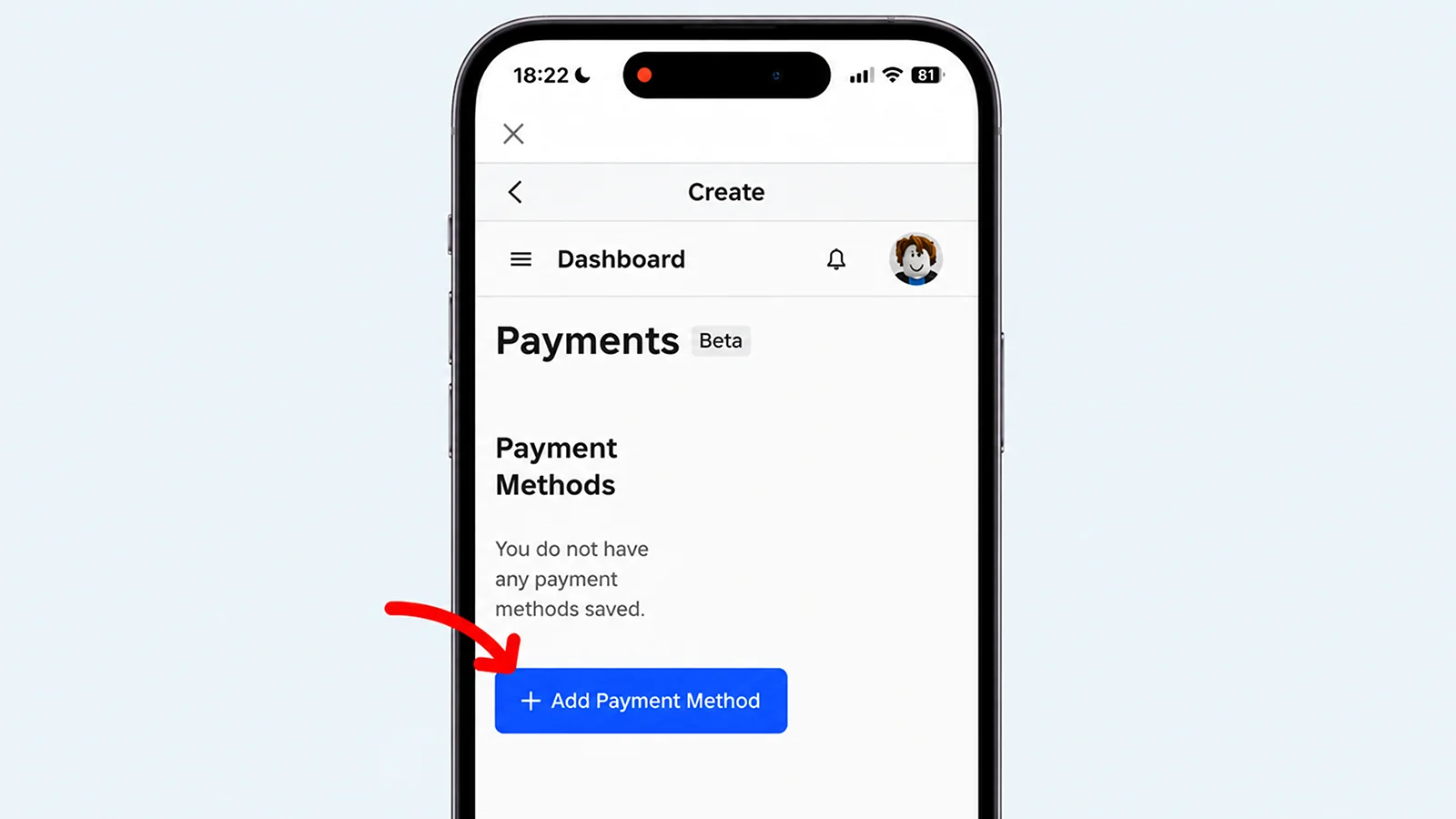
Before we dive into the step-by-step stuff, let me break down your main options for buying Robux. Understanding these will help you choose the most convenient option for your situation.
- Credit/Debit Cards are the most straightforward method. Learning how to buy Robux this way is simple because you just enter your card info, and you’re done. It’s quick, works globally, and processes instantly.
- Roblox Gift Cards are convenient if you don’t have a card or prefer not using one online. You can grab these at basically any retail store, like Target, Walmart, or GameStop. They’re also perfect for gifts.
- Visa Gift Cards work similarly to regular credit cards but give you more control since they’re prepaid.
- Apple Pay is great if you’re on iOS. It’s super fast and secure since it uses Face ID or Touch ID.
- Cash App is another solid option for mobile payments. If you already have money loaded, you can use it to buy Robux without needing a traditional bank card.
- Roblox Plus is the subscription option, worth it if you buy Robux regularly.
Play games, cash out, spend it on Robux with Snakzy.

If you already have Roblox Premium, you keep your existing stipend and perks. New signups get Plus instead, built around ongoing discounts on purchases. It starts at 10% off items and climbs to 20% once you’ve stayed subscribed for three straight months.
Save up to 25% more Robux by buying via the official Roblox website or with a gift card. Purchasing through mobile or console apps gets you less, since app and console stores all take a platform cut. For a full breakdown of where those savings add up most, this list of the best websites to buy cheap Robux is worth a look.
One-time purchases get added to your account within seconds. Plus runs on a monthly cycle, so timing works a little differently there. Let’s break down exactly how to buy Robux with each one.
How To Buy Robux With a Credit Card
Buying Robux with a credit card is the most common method and, honestly, the easiest. Here’s exactly how I do it.
- Log in and go to the purchase page – Head to the Roblox website or open the mobile app and log in to your account. Click the Robux icon in the top-right corner on desktop, or tap the gold Robux icon at the bottom on mobile. Make sure you’re on the correct account where you want the Robux.
- Select your package and enter payment details – Choose how much Robux you want to buy. Packages range from 400 Robux ($4.99) up to 10,000 Robux ($99.99). Select credit/debit card as your payment method and enter your card number, expiration date, CVV code, and billing address. Roblox uses secure payment processing, so your info is encrypted.
- Complete the transaction – Review your purchase and hit confirm. The transaction processes instantly, and your Robux balance updates within seconds. You’ll get a confirmation email too.
Now you know how to buy Robux with a credit card. If your card gets declined, it’s usually not something on your end. Banks often flag Robux purchases as suspicious more often than you’d expect, and a quick call to authorize the transaction fixes most cases. The troubleshooting section further down covers this and a few other common hiccups.
How To Buy Robux With Gift Cards
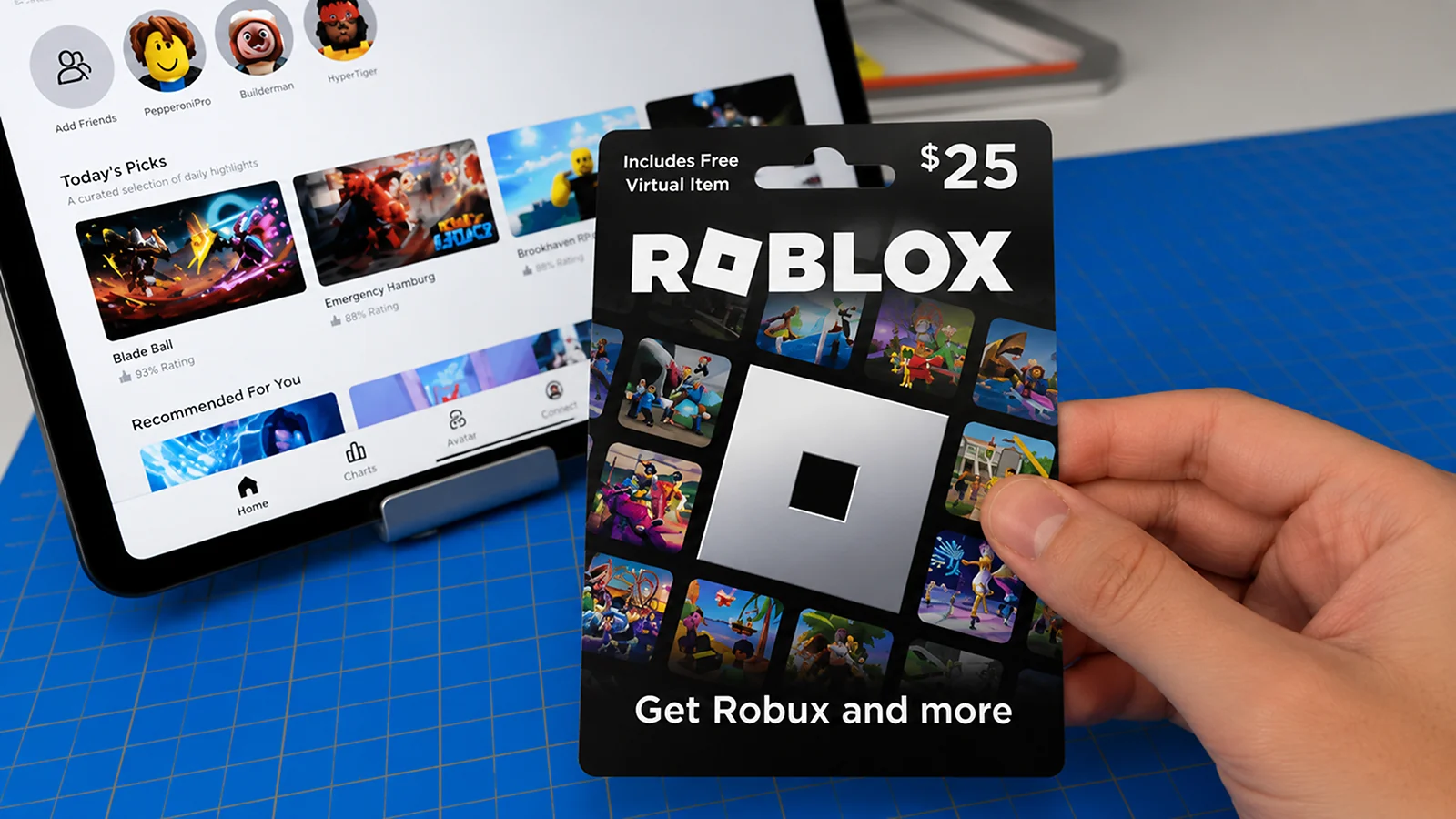
Gift cards are my go-to when I want to control my spending or if I’m buying for someone else. You can buy physical Roblox gift cards at pretty much any store that sells gift cards, including Target, Walmart, Best Buy, CVS, GameStop, and most major grocery chains.
If you need instant delivery, make sure to buy digital codes online from retailers like Amazon or directly through Eneba. For more options, this roundup of the best sites to buy Robux gift cards compares a handful of trusted sellers side by side.
They typically come in $10, $25, and $50 denominations, so you can match the card to exactly what you’re planning to spend. Redeeming a gift card takes under a minute once you’ve got the code in hand. Here’s the step-by-step guide:
- Go to the Roblox code redemption page on a browser.
- Log in to your Roblox account.
- Scratch off the silver strip on your physical card to reveal the PIN code.
- Skip that step if you bought a digital code, since you’ll already have it.
- Enter the code exactly as it appears.
- Click Redeem, and the card’s credit or Robux is added to your account.
In case you need a full walkthrough across PC, mobile, and console, this guide on how to redeem your Roblox gift card code has you covered.
Using Other Gift Cards To Buy Robux
If you’re wondering if you can buy Robux with a Visa gift card, the answer is yes. And for anyone asking how to buy Robux with an Apple gift card: the Apple redemption adds about 30 seconds but works perfectly. Here’s how each works:
| Gift Card Type | How To Use It |
|---|---|
| Apple gift card | Redeem to your Apple ID first, then spend that balance in the Roblox iOS app |
| Visa gift card | Use it like a regular credit card at checkout on the Roblox website |
Troubleshooting Gift Cards
If something goes wrong, it’s almost always one of a handful of common culprits.
- Code not working? Double-check for typos, because one wrong character fails the whole code.
- “Already redeemed” error? The card may have been used before purchase. Contact the retailer with your receipt.
- Still rejecting? Contact Roblox support with your receipt for a replacement.
How To Buy Robux With Roblox Plus
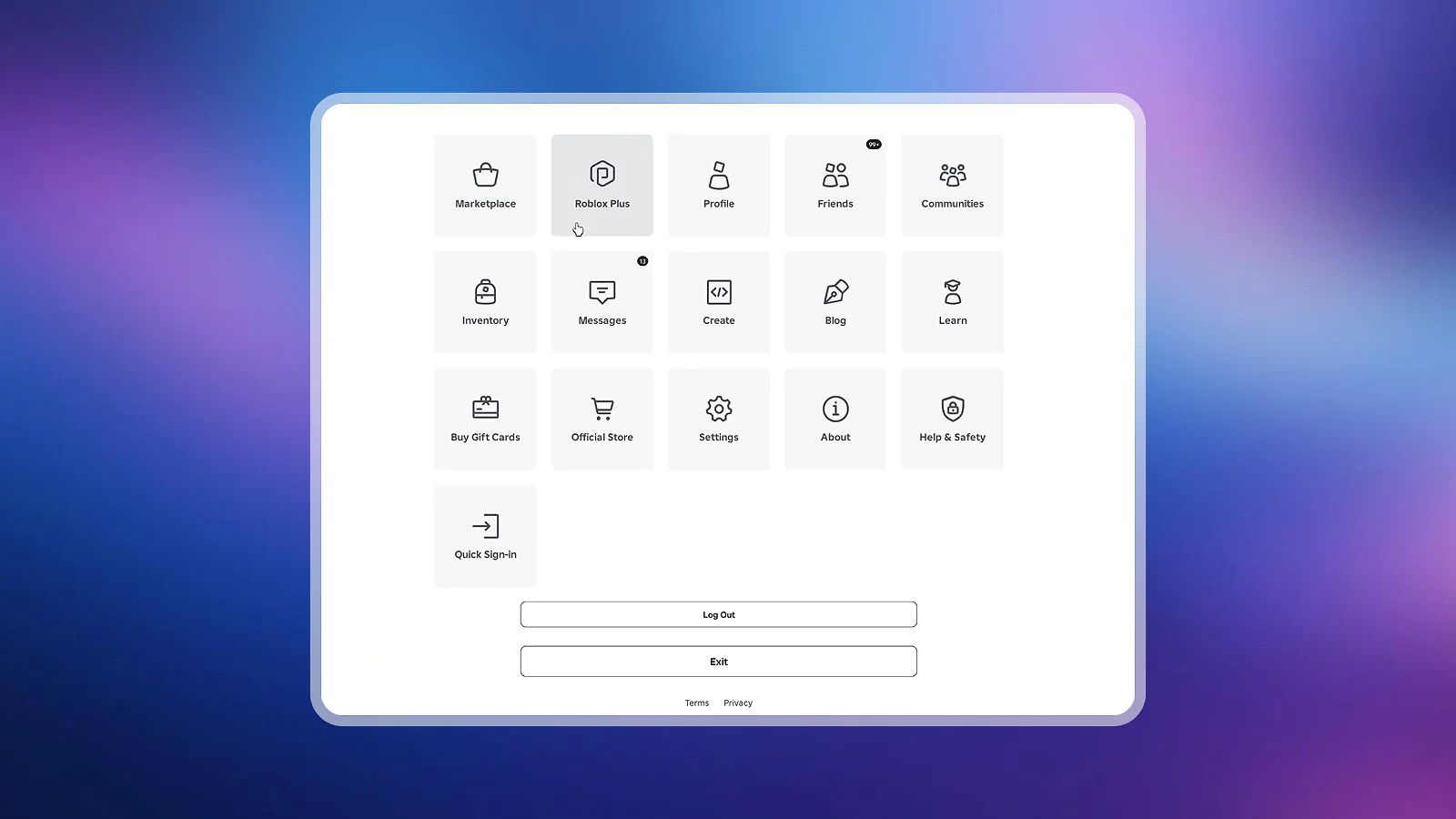
Roblox retired Premium for new subscribers back in April 2026, so if you’re just now looking into a Robux subscription, Roblox Plus is what you’ll actually sign up for.
Plus doesn’t hand you Robux automatically, though. At the base $4.99/month tier, you’re paying for a 10% discount on in-game and avatar purchases (climbing to 20% once you’ve stayed subscribed for three straight months), free private servers, free Robux transfers, and trading access.
| Tier | Robux Included | Monthly Price |
|---|---|---|
| Plus (base) | None | $4.99 |
| Plus 500 | 500 | $9.98 (on sale for $8.99) |
| Plus 1000 | 1,000 | $14.98 (on sale for $12.99) |
| Plus 2000 | 2,000 | $24.98 (on sale for $21.99) |
If you want the subscription to actually deliver Robux the way old Premium did, look for the Plus 500, Plus 1000, or Plus 2000 bundles. These pair the base subscription with a recurring monthly Robux top-up.
Subscribing to Roblox Plus only takes three steps.
- Go to the Robux page.
- Select Roblox Plus or one of the bundle tiers, if available.
- Confirm your payment method.
Already have Premium from before? You keep it. Nothing changes on your end except for your 10% bonus on extra Robux purchases and your Premium badge, which both go away.
Subscriptions auto-renew every month. If a one-time purchase sounds better, a Roblox gift card from Eneba gets you the same Robux with zero subscription attached. If you want to compare a few options before committing to one seller, this list of the best sites to buy Robux online is worth checking.
How To Buy Robux Using Apple Pay
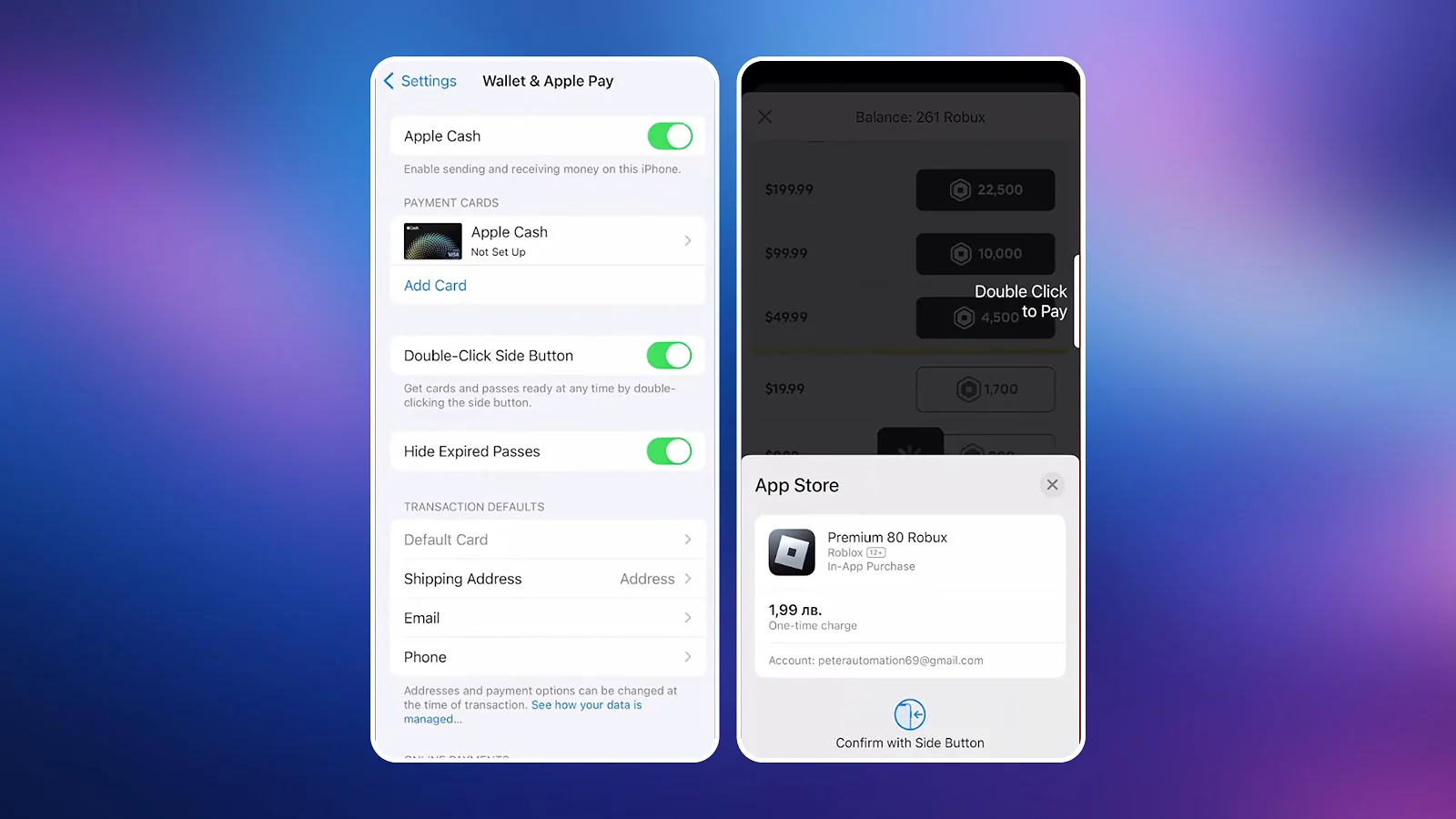
If you’re on iOS, Apple Pay is generally the fastest way to buy Robux on iPhone or the best tablet for Roblox. I use this all the time on my iPhone. Here’s how to buy Robux with Apple Pay:
- Open the Roblox mobile app.
- Tap the Robux icon.
- Select your package.
- Choose Apple Pay as your payment method.
- Confirm with Face ID, Touch ID, or your passcode.
Your Robux loads instantly. It’s a secure method since your actual card details never get shared with Roblox at any point. If you don’t see Apple Pay as an option, it may not be supported in your region yet.
Buying on Mobile: iOS vs. Android
The experience differs between platforms in ways that affect both your options and your value:
| Factor | iOS | Android |
|---|---|---|
| Package availability | May have slightly fewer options | Full range, matches web version |
| Pricing | Up to 25% less Robux per dollar | Closer to website pricing |
| Payment methods | Apple Pay, cards | Google Pay, cards, carrier billing |
| Best option | Buy a gift card on Eneba, redeem at the Roblox website | |
How To Buy Robux With Cash App
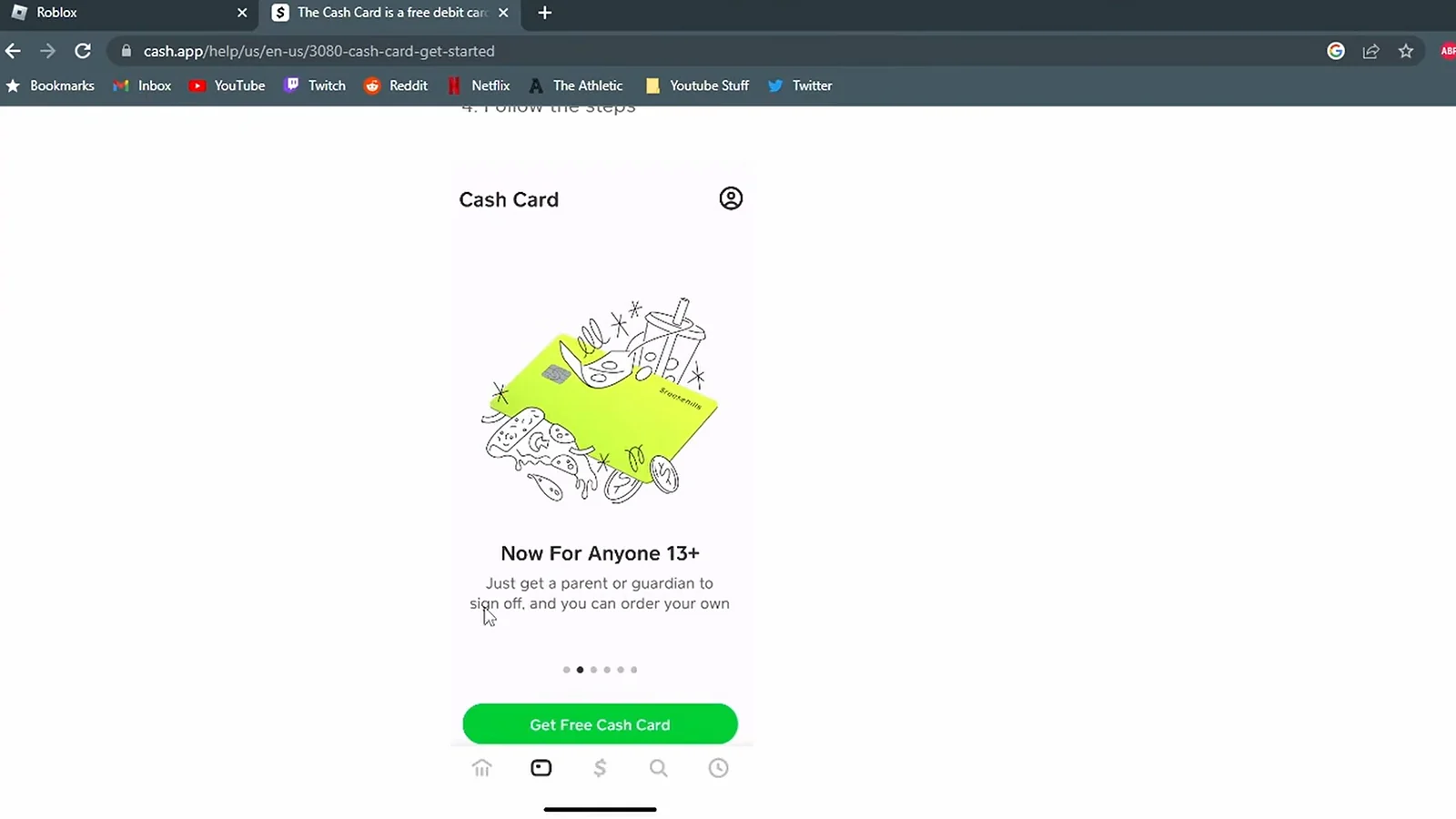
Roblox doesn’t accept Cash App directly, so you’ll need to work around it using whichever type of Cash App card you have.
- Physical Cash App card – Enter the card number, expiration, and CVV at checkout on Roblox, just like any debit card.
- Virtual card only – Open Cash App, navigate to your card details, and use those numbers at checkout.
Before you check out, make sure the card is activated in the Cash App, your balance covers the full purchase, and the card hasn’t been locked or flagged. The transaction fails if your balance is too low, so it’s worth confirming your funds ahead of time rather than troubleshooting a failed payment afterward.
How To Buy Robux for Others
Figuring out how to buy Robux for others is important, especially for parents. Here are your gifting options, ranked by ease:
| Method | How It Works | Best For |
|---|---|---|
| Roblox Plus transfer | Send Robux directly to their account (no fee if you’re a Plus subscriber) | Fastest option, but only works if you already have Plus |
| Digital gift card | Buy code online, send via email or DM | Anyone at any age, instant transfers |
| Physical gift card | Buy in store, then give the card personally | In-person gifts |
| Redeem on their account | Log in to their account, redeem a code | Younger kids who need help |
The digital gift card route is the best way to gift Robux if you don’t already have Plus. Your friend adds the code to their own account, so you’re never handling their login info, and the whole process takes under five minutes regardless of their age or region. There’s no special account setup involved. All you need is the code.
For Parents: Setting Up Parental Controls
The safest way to add Robux to a child’s account is still a gift card, since no payment method gets saved to the account. For ongoing controls, Roblox now works through Family Pairing rather than a toggle inside your kid’s own settings.
- From your child’s account, go to Settings → Parental Controls, and select Add Parent.
- Enter your email address and follow the link to create or log into your own account.
- Verify your age with a government ID or credit card, then confirm the link.
- From your own account, go to Parental Controls in the Settings and set the Monthly spending limit under Spending restrictions.
If you want tighter control over who they can talk to, you can use Parental Controls to manage your child’s communication and chat settings. It’s worth it for younger kids, but less necessary as they get older. These settings can help prevent unexpected purchases and let you monitor your child’s Roblox spending.
Avoiding Scams: Where To Buy Robux Safely
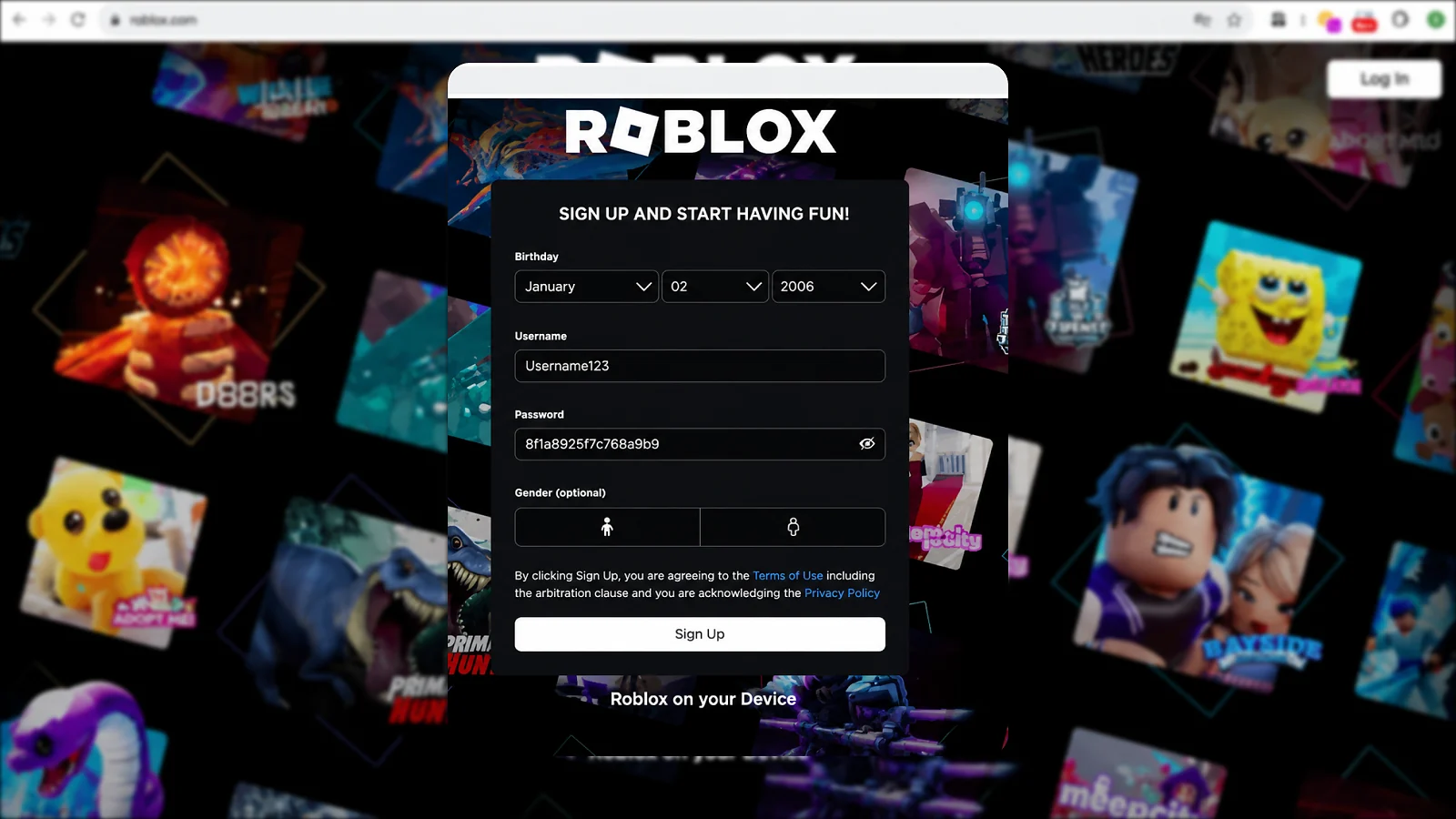
I’ve seen friends get burned by Robux scams more than once, and the tricks keep getting harder to spot.
Stick to official sources only. Buy directly through the official Roblox website/mobile app or an authorized retailer like Target, Walmart, Amazon, GameStop, or Eneba. Anything outside that list is a gamble, no matter how legitimate the pitch sounds. This guide to the best sites to buy Robux without getting banned covers which third-party options actually hold up.
Scam pages have also gotten harder to catch. Some fake login screens are designed to closely mimic the real Roblox login experience, making them difficult to distinguish from legitimate pages.
| What To Avoid | Why It’s a Red Flag |
|---|---|
| Any site or message claiming to hand you Robux directly for free | Robux can only be added to your account through a real Roblox transaction; nothing generates or gifts it outside that |
| “Discounted Robux” from anywhere but an authorized reseller | Legitimate resellers don’t undercut Roblox’s own pricing |
| Surveys or app downloads in exchange for Robux | These exist to harvest your data, not deliver currency |
| Any request for your Roblox password to “add” Robux | No legitimate purchase ever needs your password outside of the official website itself |
| DMs or Discord messages offering free Robux generators | Robux generators do not exist in any form |
| Links that look like the official ones but aren’t | Check the URL bar itself, since scam pages now mimic the real site’s design closely |
Earning real cash or gift cards elsewhere and then buying Robux the normal way is a different thing entirely, and it’s a legitimate approach that’s covered later in this guide. The red flag here is specifically anything that skips the actual purchase step.
Here are a few habits to keep your account safe beyond just spotting scams:
- Never share your password with anyone, including friends.
- Enable two-factor authentication in Roblox security settings.
- Stick to authorized retailers to avoid invalid or pre-used codes.
- For an extra layer of protection when making purchases online, a VPN like NordVPN can shield your connection and keep your payment details safer.
These checks take a few seconds and mostly matter for the rare case where something looks slightly off. If a purchase goes wrong for reasons that have nothing to do with a scam, the troubleshooting steps below cover the most common fixes.
Common Issues and Troubleshooting
If something goes wrong when you try to buy Robux, here are the most common culprits and how to fix them:
| Problem | Most Likely Cause | Fix |
|---|---|---|
| Payment declined | Bank flagging Roblox as suspicious | Call your bank to authorize, then retry |
| Wrong card details | Typo at checkout | Re-enter card number, expiry, and CVV carefully |
| Robux not showing up | Rare processing delay | Wait 5–10 min, refresh app, check purchase history |
| Gift card code rejected | Typo, or code already used | Re-enter carefully; contact the retailer with the receipt if still failing |
| App store purchase is missing | Platform sync delay | Force-close and reopen the Roblox app |
| Purchase blocked entirely | You’ve hit Roblox’s purchasing limit | Switch to a gift card instead, since it can be used to make another purchase |
For any issue you can’t resolve with the steps above, Roblox support is responsive, so have your transaction ID, purchase date, and payment method ready when you contact them.
Free Robux: Earn Instead of Buy With Snakzy
If you’d rather earn your way to Robux than spend cash on it, Snakzy is a great option. You play mini-games and complete tasks, earning coins as you go.
Snakzy doesn’t offer Roblox gift cards directly, but you can redeem those coins for PayPal cash or different gift cards like Amazon or Visa. From there, you spend that balance on Robux through normal checkout, the same as if you’d earned the money any other way.
Play games, cash out, spend it on Robux with Snakzy.
If you’re looking for other similar platforms, the ones listed below also let you cash out for PayPal or gift cards you can put toward Robux.
| Platform | How You Earn | Cash Out Options |
|---|---|---|
| Freecash | Offers, surveys, tasks | PayPal, Amazon gift card |
| PrizeRebel | Surveys, tasks | PayPal, gift cards |
| Swagbucks | Daily browsing, videos, surveys | Gift cards, PayPal |
If you’ve been playing long enough to build up a collection of Limited items, it’s also worth knowing how to sell Roblox items for real money.
Reselling them on Roblox‘s own Marketplace is the default option here. It converts items you’re not using into Robux you can spend right away, though it won’t put actual cash in your pocket the way the earning platforms above do. Still, it’s the lowest-effort option on this list if you’ve already got items sitting around.
If you’d rather build something instead of grinding tasks, our guide to how to make money on Roblox walks you through turning your own games into income.
Your Robux Journey Starts Here
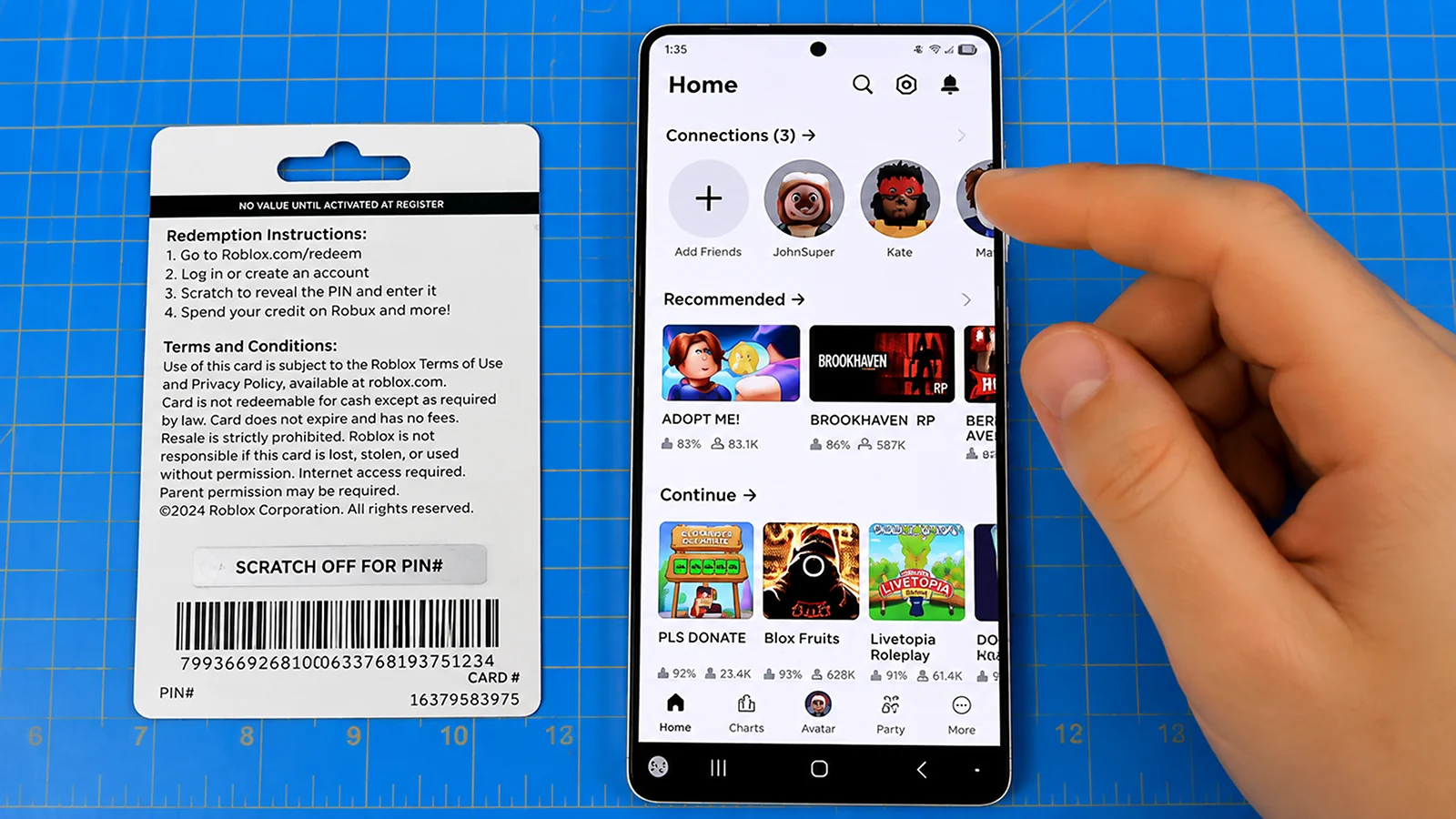
When learning how to buy Robux, some of our biggest pieces of advice are to always purchase from official sources, pick the payment method that fits your situation, and troubleshoot with the steps above. Here’s a quick recap of your options:
| Method | Best For | Speed |
|---|---|---|
| Credit/Debit Card | Most players | Instant |
| Gift Card | Gifting, no card required, spending control | Instantly after redemption |
| Roblox Plus | Frequent spenders looking for ongoing discounts | Discount applies right away |
| Apple Pay | iOS users | Instant |
| Cash App | Cash App users | Instant |
Parents and those looking for how to buy Robux for others will find the full walkthrough above. Now go, get those Robux and flex on everyone with your new avatar items, or check out who has the most Robux in Roblox to see how far the economy actually goes. If you want to explore similar games, check out the best games like Roblox.
FAQs
To buy Robux using GCash, use GCash through a supported retailer or payment service offering compatible Roblox gift cards. Keep in mind that GCash is primarily used in the Philippines and isn’t directly supported by Roblox. Payment options vary, so always check what’s available to you.
Yes, you can buy Robux with a Visa gift card. To buy Robux with a Visa gift card, simply go to the Roblox website or app, choose the amount of Robux you want, and select Visa as your payment option. Enter the card details during checkout to complete the purchase.
Yes, you can buy Robux for someone else by purchasing a Roblox gift card and sharing the code with them. It’s the safest method, since they redeem the code on their own account and never need your login details.
If your payment isn’t going through, check for issues like insufficient funds, expired card details, or incorrect payment info. You may also be facing regional restrictions or payment method errors that need addressing before retrying.
If you receive an invalid Robux code, double-check for typos and make sure you’re entering it correctly. If it’s still invalid, contact Roblox support with your proof of purchase for further assistance or a possible refund.
Yes, there are region restrictions when buying Robux, as payment methods and prices can vary depending on your country. Make sure your payment method is supported in your region to avoid any transaction issues.
No, Roblox Premium stopped accepting new subscribers on April 30, 2026. Existing subscribers keep their plan, though some perks like the 10% purchase bonus are gone. New subscribers get Roblox Plus instead.
If you’re subscribed to Roblox Plus, you can send Robux directly to a friend’s account for free. If not, the easiest route is a digital Roblox gift card. Buy the code, send it by text, email, or DM, and they redeem it on their own account, so neither of you ever has to share login details.
Yes, you can buy Robux with Cash App by using your physical or virtual Cash App card as a payment method on the Roblox website or app. Simply enter your Cash App card details at checkout just like you would with any debit card, and make sure your account has sufficient funds before completing the purchase.
Yes, Roblox gift cards can be used internationally. Roblox automatically converts the card’s value to your account’s local currency when you redeem it. To avoid issues with third-party sellers, buy gift cards labeled as “Global” or check the product’s terms for any seller-specific restrictions.
Yes, you can transfer Robux between accounts. Plus subscribers can send Robux directly to another account for free. Users 16 and older must complete an age check, while users under 16 need a linked parent account and parental approval. If you’re not on Plus, a Roblox gift card is one option.
Yes, there is a purchase limit for Robux, although the exact limit may vary and isn’t publicly specified by Roblox. Most players never come close to this cap, but it’s worth knowing if you’re a high-volume buyer.
No, you can’t get a refund on Robux. Roblox doesn’t issue refunds because you changed your mind. The exception is unauthorized charges. If that happens, contact Roblox support before disputing the charge with your bank or payment provider; otherwise, Roblox can no longer issue a refund on their end.