Apple Pay Games to Earn Money: Tips, Guide & Best Picks in 2026

Eneba Hub contains affiliate links, which means we may earn a small commission if you make a purchase through them—at no extra cost to you. Learn more


Apple Pay Payouts
All seven apps below are still listed Apple Pay as a live payout option as of September 2026. Try Solitaire Clash if you already play solitaire well.
You can use Apple Pay games to earn money within the same day. Payouts can come this quickly to players winning at solitaire, bingo, or card tournaments, where it’s easy to bag a few dollars a week after entry fees. Our guide ranks seven apps that prove how Apple Pay is an easy method for netting payouts.
Each pick below still charges a real-money entry fee once you leave practice mode. That fee funds the prize pool your Apple Pay payout comes from.
Jump to:
Is Using Apple Pay Games to Earn Money Actually Realistic?
Most of the time, using Apple Pay cash games to earn money works for skilled players. In a typical seven-player tournament, the app pays out less than it collects in entry fees, so the math only works if you can win often enough to beat that built-in cut.
Strong players, though, like those winning roughly two out of three matches, can clear four figures a month, while the average entrant loses more in entry fees than they ever collect. A SideHustle Nation reviewer tested this by putting US$10 into Solitaire Cash-style tournaments and played for over two hours. They cashed out US$1.60, close to an US$8 loss once fees were counted.
Earning money through Apple Pay games depends entirely on whether you are already good at the game in question.
Age and geography also plays a role, with some games that pay real money through Apple Pay only available to adults or in certain countries only. To learn about other options beyond cash tournaments, check our broader review of game apps that pay real money.
This list of Apple Pay games to earn money talks about what actually clears after fees.
Earn money by playing games.

7 Ways to Turn Apple Pay Games into Actual Cash
Each of the games that pay real money below is ranked by rating, review volume, and how consistently reviewers report payouts.
1. Solitaire Clash
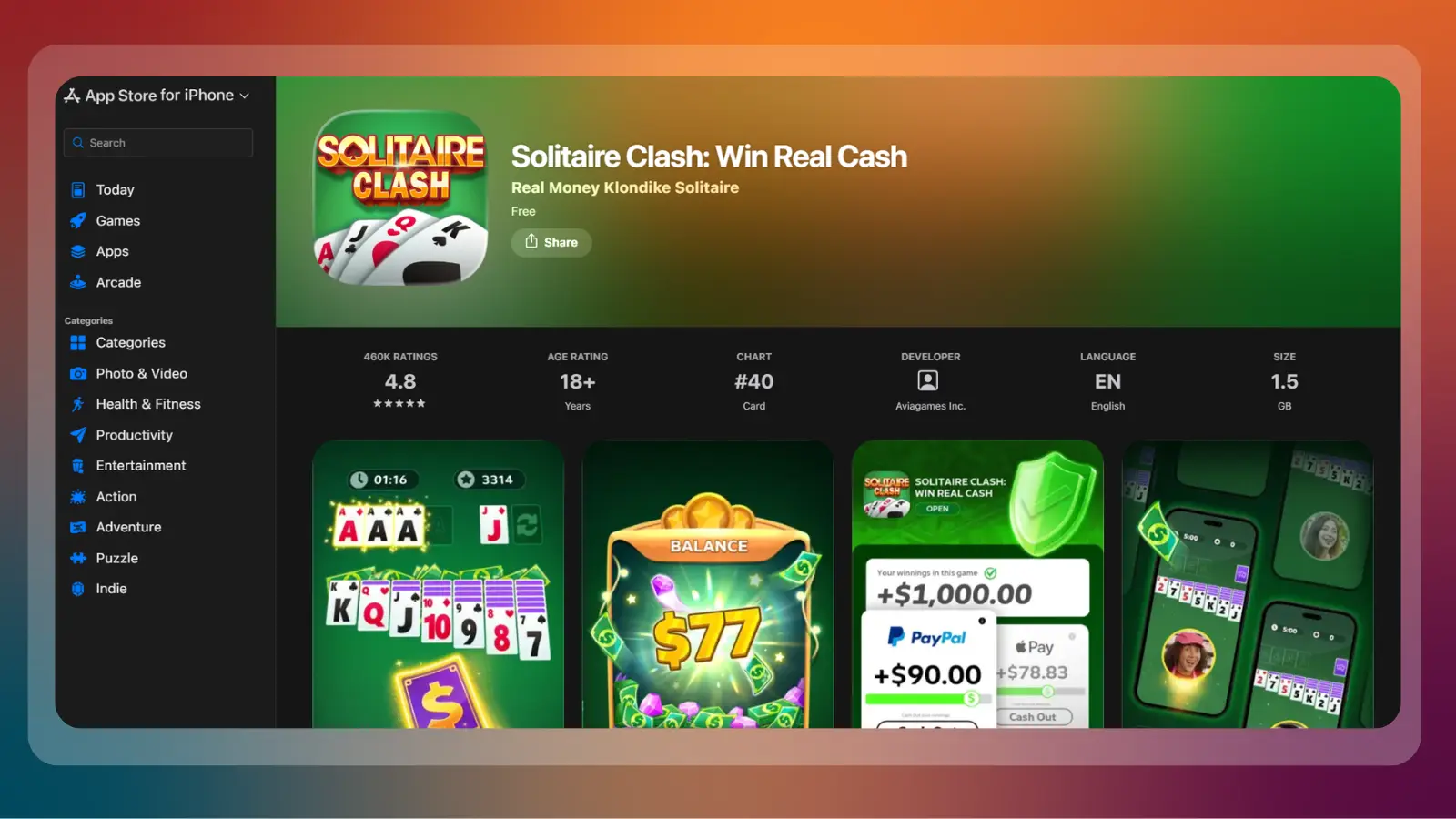
Solitaire Clash is the top pick among Apple Pay cash games for earning money. The studio behind it, says it’s paid out more than US$2 million to players through PayPal and Apple Pay combined.
Independent reviewers report the threshold landing anywhere from US$2 to US$10 depending on the tournament type. Solitaire is the top skill game that can create an Apple Pay payout, which is why it ranks first on our list.
Players chasing a specific weekly income should read our guide on making US$1,000 a week before completely relying on a skill game.
To try earning money on this Apple Pay game, here’s what you need to do:
> Download Solitaire Clash free and finish two or three practice rounds.
> Deposit through Apple Pay, Venmo, or a card.
> Enter a low-stakes tournament first.
> Request a withdrawal through Apple Pay once your real-money balance clears the app’s posted minimum.
2. Blackout Bingo
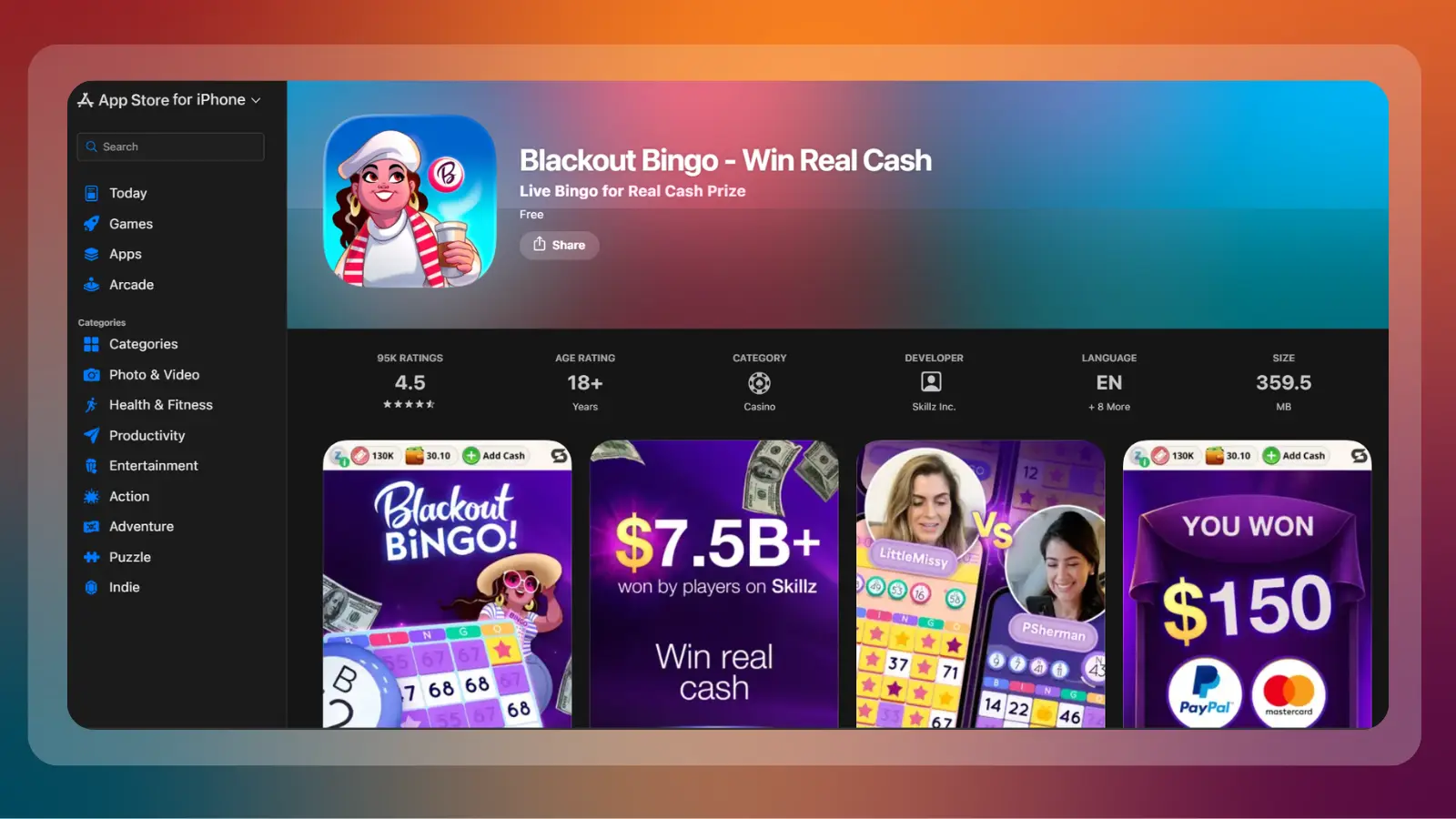
Blackout Bingo, with its 4.5-star rating, is another way to make money playing games with Apple Pay, because it can create a payout instantly for most players thanks to the platform it runs on.
There’s no posted minimum before withdrawing, but any cash-out under US$10 charges US$1.50 to US$2 to a processing fee. This means small, frequent withdrawals cost more than one larger one. If speed matters more than the exact game, our guide to earning US$200 fast lines up faster-paying methods outside cash tournaments too.
For this game, you can earn money with the following steps:
> Install Blackout Bingo and play free rounds until you consistently clear full boards.
> Fund a cash entry with Apple Pay, PayPal, or a card.
> Play head-to-head cash matches.
> Let your balance build past US$10 before cashing out, so the fee takes a smaller bite.

3. Bingo Clash
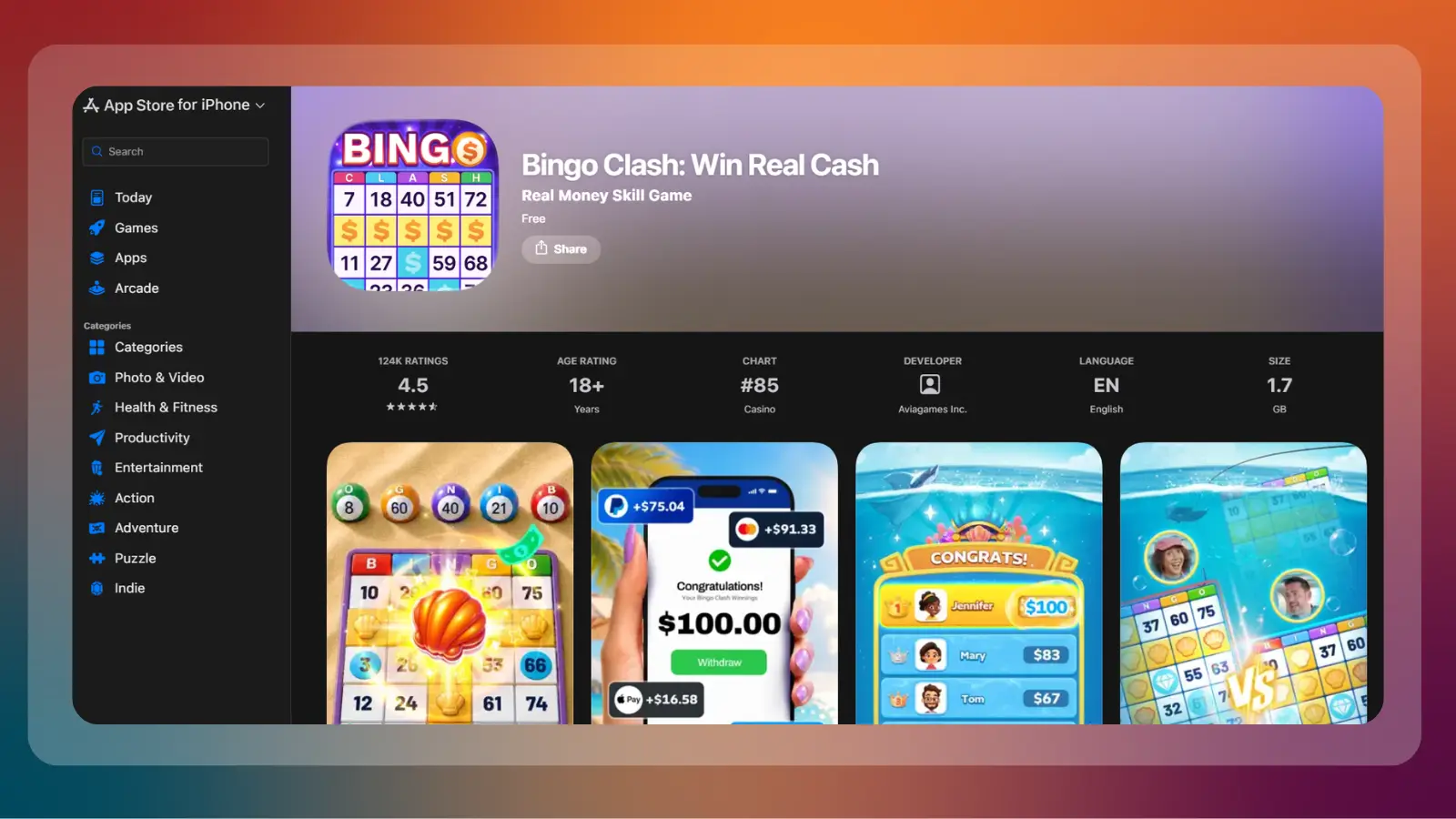
Bingo Clash is an Apple Pay cash game that issues a payout in two to three days after you request it.
The game has a 4.5-star rating and runs the same dual-currency structure as Solitaire Clash: free bonus cash for practice, and a separate real-cash balance that can be withdrawn through Apple Pay, PayPal, or a card.
Start earning money from this Apple Pay game by following the steps below:
> Download Bingo Clash and play a few free boards.
> Deposit through Apple Pay to unlock real-cash rooms.
> Cash out through Apple Pay and expect two to three days for the funds to land.
4. Pocket7Games
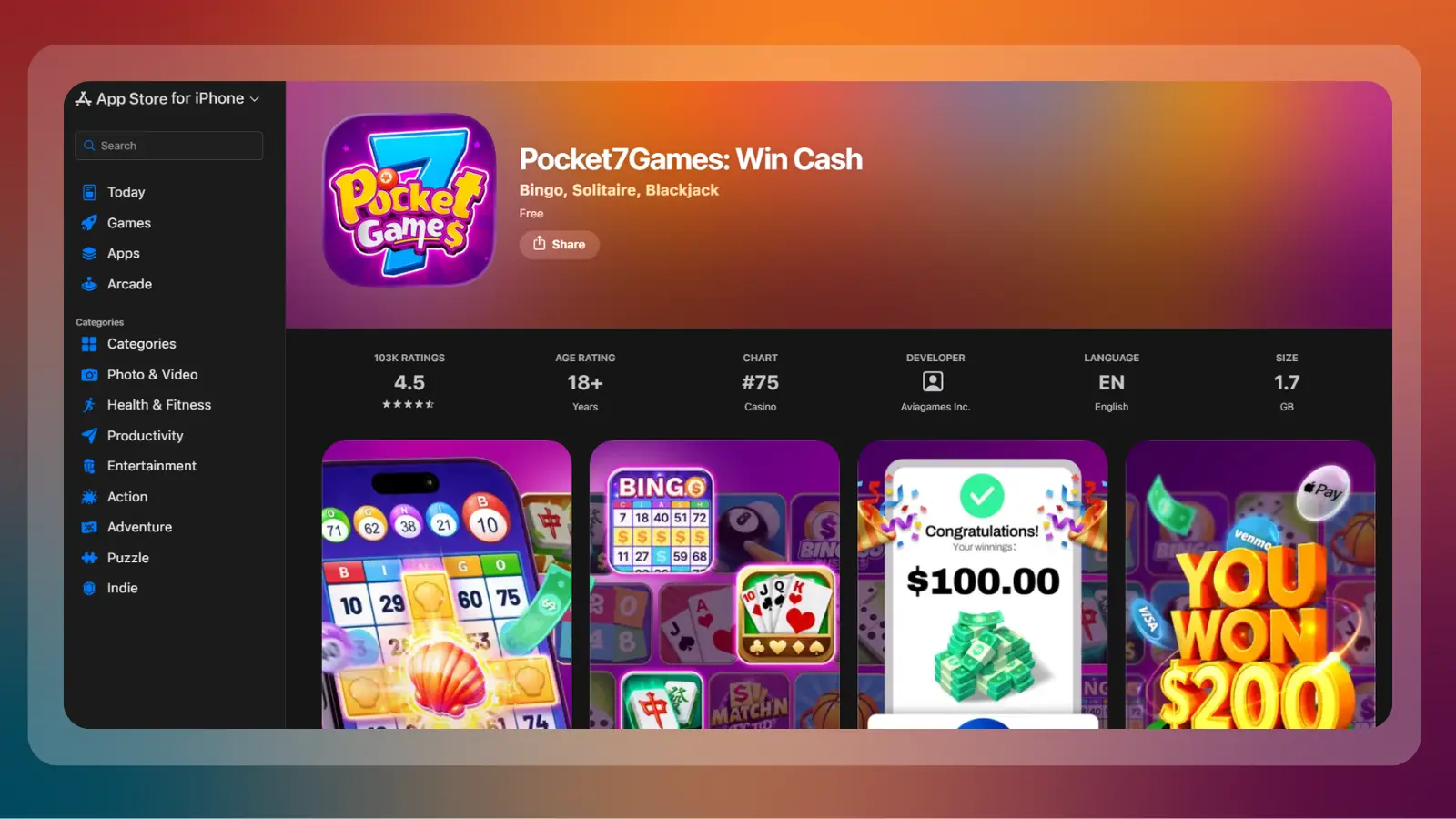
Pocket7Games groups more than a dozen mini-games under one Apple Pay account. It holds a 4.51-star rating, with withdrawals usually clearing inside 24 hours.
Figures range from US$1 and to US$10 depending on which mini-game was played.
To start earning from this game that pays real money:
> Install Pocket7Games and try a handful of its free mini-games.
> Fund your account with Apple Pay after making your choice.
> Play that one game consistently instead of spreading small entries across all of them.
> Withdraw through Apple Pay as soon as you clear that game’s own minimum.
5. Bubble Buzz
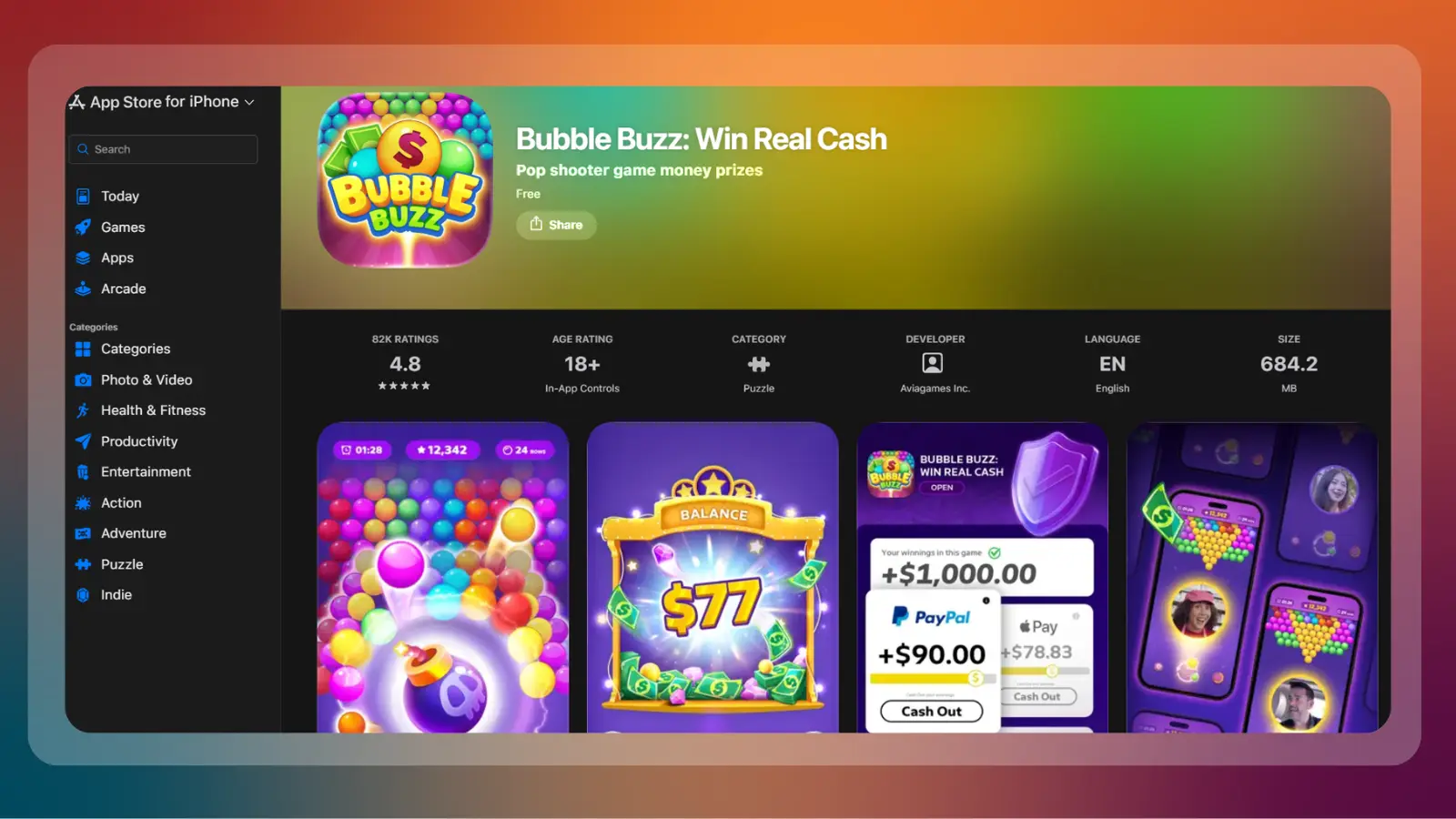
Bubble Buzz rewards fast pattern-spotting more than strategy. It shares Solitaire Clash’s 4.8-star rating, and its posted minimum payout sits at US$2, though anything under US$10 has a processing fee of about US$1. Bonus cash from free rounds cannot be mixed with a real-cash withdrawal, which catches new players off guard.
Make money playing this Apple Pay game through the following steps:
> Download Bubble Buzz and play free bubble rounds.
> Deposit through Apple Pay to enter a cash match.
> Play several small matches.
> Withdraw through Apple Pay once your real-cash balance passes US$10, to avoid the small-withdrawal fee.
6. Pool Payday
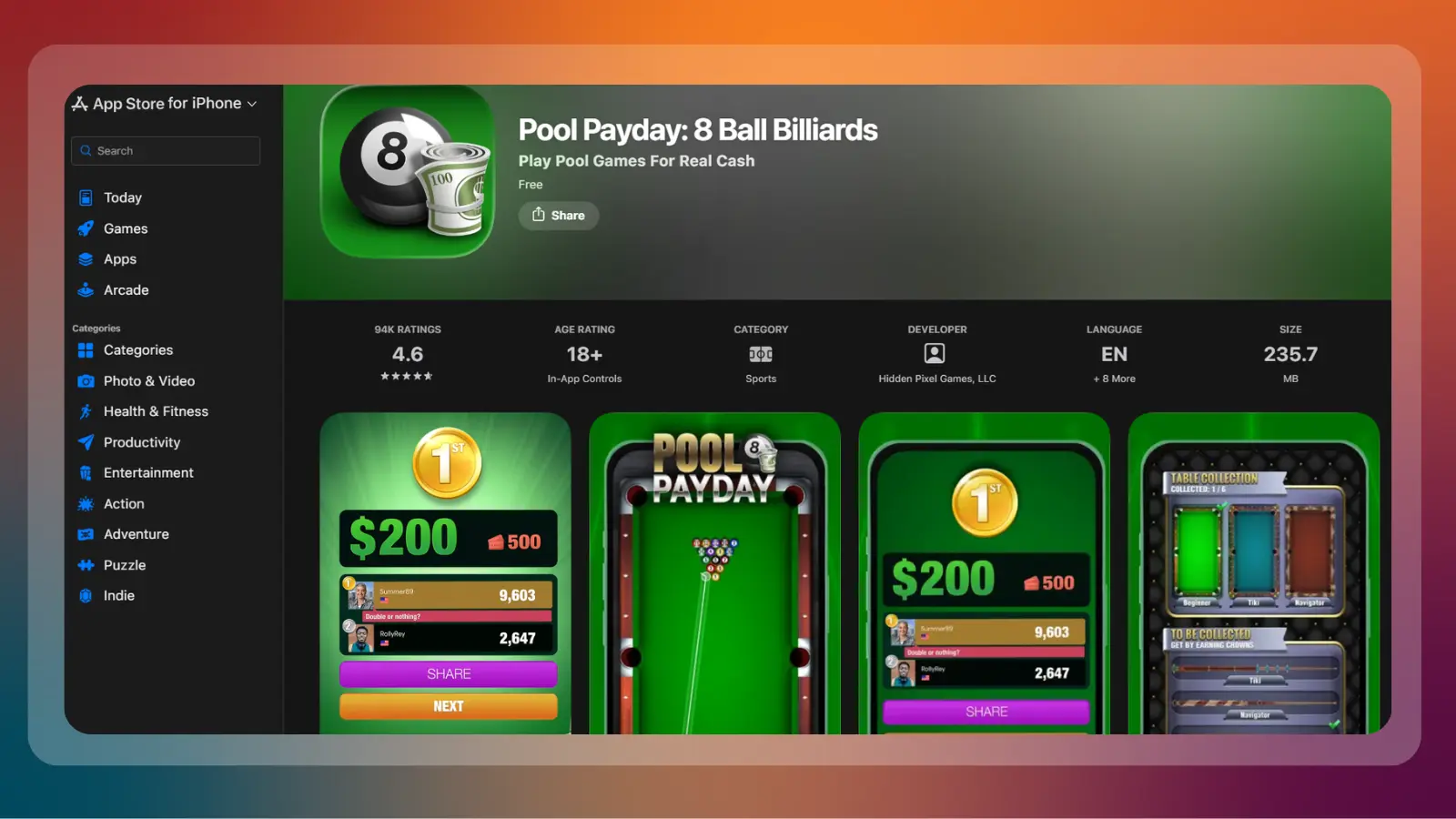
Pool Payday has the highest minimum among these games that pay real money through Apple Pay, at US$10 before any payout. The game has a 4.6-star rating, and lists both Apple Pay and PayPal as a payout method.
To start:
- Install Pool Payday and practice against the free-play opponent.
- Deposit through Apple Pay or a card to unlock cash tables.
- Play at a stake you can lose several times over while learning in-game physics.
- Request an Apple Pay withdrawal once your balance clears the US$10 floor, and expect to wait roughly a week.
7. 21 Blitz
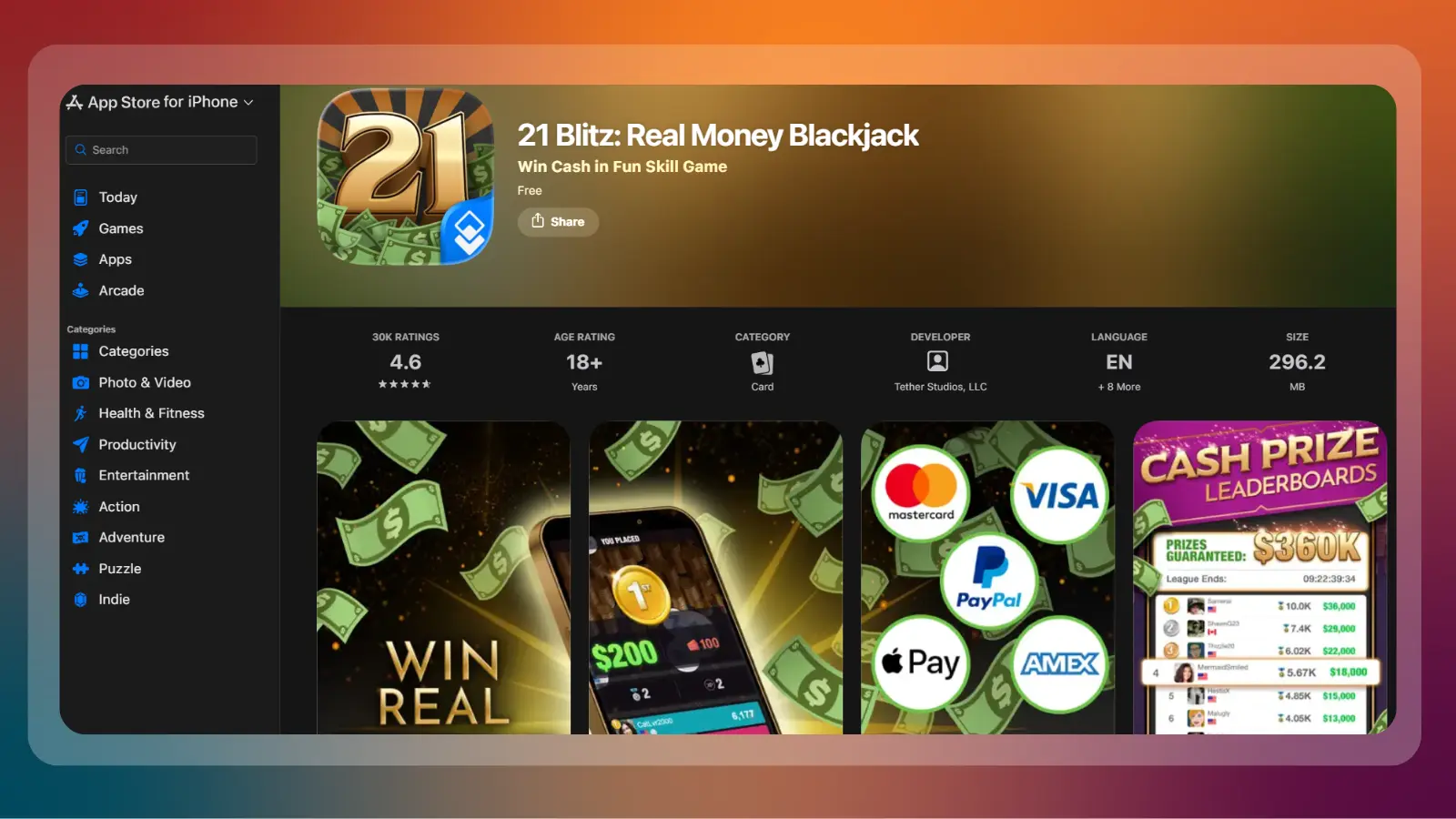
With a 4.6-star rating as well, 21 Blitz is a game that pays real money through Apple Pay by blending blackjack and solitaire rules. It processes an Apple Pay payout the same way Pool Payday and Blackout Bingo do, usually in a business week.
The game format makes for rounds that are shorter than straight solitaire, but with a steeper learning curve than bingo, making it harder to master than similar skill games with an Apple Pay payout. Aim to budget the same US$10 floor its other games use until you confirm otherwise inside the app.
To start:
- Download 21 Blitz and run several free rounds until the scoring rules click.
- Deposit with Apple Pay to enter a cash round.
- Play the lowest cash tier first, since the rules reward speed as much as accuracy.
- Withdraw through Apple Pay once your balance is comfortably past the app’s posted floor.
Comparing Apple Pay Payouts
The table below lines up all seven cash games that pay real money through Apple Pay, sorted and organized by rating, minimum cash-out, and payout speed.
If you would rather see a faster first cash-out than the highest rating, our guide to earning money quickly ranks methods by speed instead of by review count. View games that pay real money
Review the list of games that pay real money below.
| App | Rating | Apple Pay Minimum | Typical Payout Time |
|---|---|---|---|
| Solitaire Clash | 4.8 | US$2 to US$10 | Up to 15 days |
| Blackout Bingo | 4.5 | No fixed minimum | Instant to same day |
| Bingo Clash | 4.5 | Not fixed | 2 to 3 days |
| Pocket7Games | 4.5 | US$1 to US$10 | About 24 hours |
| Bubble Buzz | 4.8 | US$2 | A few days |
| Pool Payday | 4.6 | US$10 | About a week |
| 21 Blitz | 4.6 | US$10 (unconfirmed) | About a week |
How We Made Our List
Every app on this list had to pass three of our requirements: a live Apple Pay listing, a public App Store rating, and a minimum cash-out figure that is published or reported consistently. It needed to be possible to genuinely make money through playing these skill games on Apple Pay.
An app that only takes Apple Pay for deposits, and pays winnings out through PayPal alone, did not qualify. Ratings and review counts came straight from each app’s own current App Store listing instead of a marketing page. Fee figures came from the developer’s own support pages where one exists.
What We Left Out
A handful of well-known solitaire and bingo tournament apps also advertise Apple Pay payouts and were deliberately left off this ranked list; the “What Doesn’t Work” section below explains why. Some were games that had an Apple Pay payout but did not run as a skill game.
Reward and survey apps that pay through PayPal or gift cards, not Apple Pay, are covered separately in the next section instead of being force-fit into this list. Younger players who cannot meet the age floor on real-money apps still have options: turning Roblox creations into cash carries no 18-and-over gate at all.
Reward Apps That Pay Alongside These Games
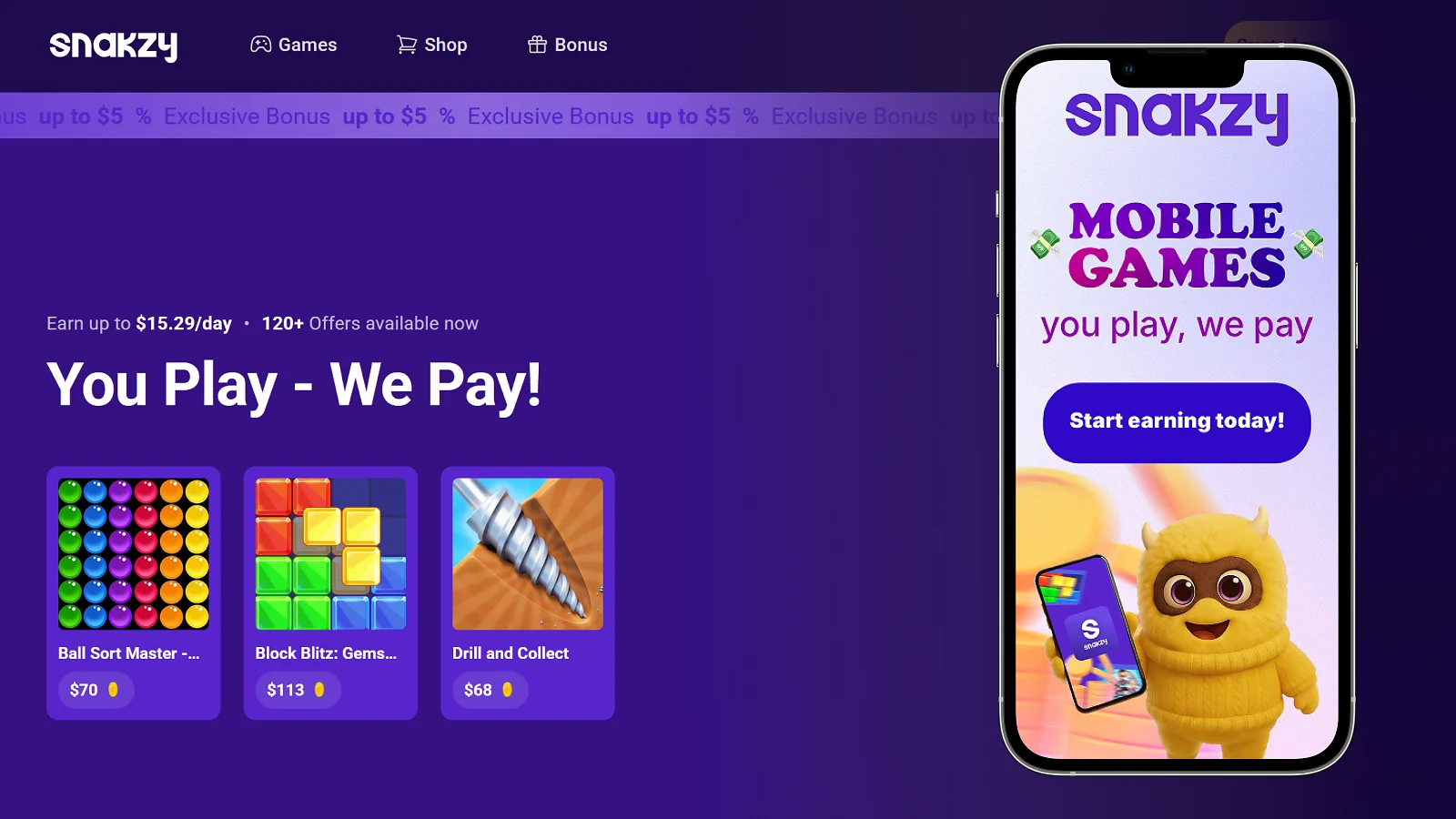
Reward apps are a different category from the seven Apple Pay games to earn money above. Instead of a cash tournament, you complete offers, surveys, or app trials for a fixed payout, and none of the three below list Apple Pay directly, so treat them as a companion income stream, not a substitute for games that pay real money.
Snakzy, Eneba’s own play-to-earn app, pays out from as little as US$35 and costs nothing to join. Bigcash pays real users through PayPal, gift cards, or Bitcoin, starting from a US$1 minimum, also free to join. KashKick pays through PayPal, Venmo, or gift cards once you clear a US$10 minimum, and it keeps its own 18+ age requirement, open only to players in the US or UK. Gamers sitting on unused inventory instead of app-based winnings can also read selling CS2 skins for cash, a payout route with no entry fee at all.
Earn with Snakzy while stacking side hustles.
What Doesn’t Work
Bot problems in Papaya Gaming
Solitaire Cash, Bingo Cash, and Bubble Cash, all made by Papaya Gaming, are at the center of a case worth knowing before you play. A jury found that the developer broke federal false-advertising law because it did not disclose widespread bot use in its supposedly player-versus-player tournaments.
The developer was ordered to pay hefty fines, which led it to filing for Chapter 15 bankruptcy protection. Papaya told the court that it cannot pay if the judgment becomes enforceable. Such games can fail to pay real money and should be treated with caution.
Copycat and Clone Apps
Search any of the seven names above and you will find near-identical clones with scrambled spellings and the same cash-tournament pitch to make money playing games with Apple Pay. These clones borrow real screenshots and reviews from the genuine app, then route deposits to a developer with no track record at all. Only install an app through the exact listing linked in our guide.
Withdrawal Freezes and Slow Disputes
Trustpilot reviews of AviaGames describe accounts getting frozen right as a larger withdrawal is requested, with the company citing a terms violation that the player says was never explained, disqualifying it from our list of games that pay real money through Apple Pay. The Better Business Bureau’s file on the same company lists a similar pattern, with an internal dispute process that the company says can take two to eight weeks to resolve. None of this means the app is fake; it means a payout is a claim against the company until it clears, and a large balance sitting unpaid is a real risk worth planning around rather than dismissing.
Guaranteed-Income Promises
Any post, video, or app description promising a fixed daily or weekly income from these tournaments is describing something that does not match how the prize pool works. The pool only pays out less than it collects in entry fees, so a “guaranteed” figure is either marketing or a referral pitch, not a way to make money playing games with Apple Pay.
Final Verdict on Apple Pay Games to Earn Money
Start with Solitaire Clash or Blackout Bingo if you already play their core games well, since both rate highest on this list and both pay through Apple Pay with a track record of actually doing so. Add Snakzy from the table above alongside whichever app you pick, since it costs nothing and needs no card game skill at all to start earning toward its US$35 minimum.
Skip anything from Papaya Gaming until its case with Skillz is resolved, keep your first deposit small on every app, and treat Apple Pay cash games to earn money as a skill-based side bet you might profit from, not a guaranteed income plan. Join Snakzy Free alongside your pick to build a second, no-fee payout while you find out which Apple Pay games that play real money actually suit you.
Earn with Snakzy while playing other games.
FAQs
Solitaire Clash, Bingo Clash, Bubble Buzz, Pocket7Games, Pool Payday, Blackout Bingo, and 21 Blitz all list Apple Pay as a live payout option on their own withdrawal screens. Confirm the option is still active inside the app before you deposit, since payout menus change without notice.
Yes, every skill game with an Apple Pay payout on this list charges a real-money entry fee once you leave free practice mode. That fee is what funds the prize pool your Apple Pay payout is actually paid from.
Yes, Apple Pay itself never shares your card number with the app you are paying. Your account balance inside that app can still be frozen or disputed like any other payment method, so keep your deposits modest when playing these games that pay real money.
Payouts on these Apple Pay cash games land anywhere from the same day to about two weeks, depending on the app and how much you are withdrawing. Blackout Bingo is the skill game to process Apple Pay payouts fastest, while some Skillz titles take closer to two weeks during busy periods.
Every way to make money playing games with Apple Pay in this guide requires players to be 18 or older, and several also block specific US states outright. Check the app’s own terms for your state before you deposit any real money.
Yes, if you already play skill games with an Apple Pay payout like solitaire, bingo, or card games well enough to win consistently, and treat the entry fee like a wager rather than a subscription. Most casual players are better off treating these Apple Pay games that pay real money as a fun side bet than a real income plan.
While stacking income from different Apple Pay cash games, boost your play-to-earn winnings with Snakzy, another trusted and simple way to earn money from playing games.