Is Phasmophobia Cross Platform? The Definitive Guide


Phasmophobia launched in 2020 on PC and quickly became a cult hit among ghost‑hunting fans. As the game expanded to Xbox Series X/S and PlayStation 5 in 2024, players started asking: Is Phasmophobia cross-platform? In my own sessions, I’ve played on both PC and console, which lets me see how easy (or not) it is to hunt ghosts together. This guide explains where the game is available, how crossplay works, why you can’t carry progress between platforms, and what the future may hold.
Jump to:
Platform Availability
Phasmophobia began as a PC‑exclusive early access title on Steam, but the roster has expanded. Today’s supported hardware includes Windows PC (standard and VR editions), Xbox Series X/S through the Game Preview program, PlayStation 5, and PS VR 2. There is no official release for older consoles like PS4 or Nintendo Switch, and there’s no mobile version.
The PC edition still offers the most flexibility: you can play with a mouse and keyboard, a gamepad, or a VR headset. The console ports retain the same ghost types, locations, and core objectives, though there are minor differences, such as haptic feedback on DualSense controllers or the absence of voice recognition on PS5 at launch. The versions are fully compatible for multiplayer so long as everyone updates to the latest patch.
If you’re curious about cross‑platform features in other games, our cross‑platform guide for Stardew Valley discusses the differences between crossplay, cross‑progression, and cross‑save and helps demystify these terms. Understanding those distinctions will make the rest of this article easier to follow.
Cross‑Platform Play (Crossplay)
Cross‑platform play, often shortened to crossplay, means that players on different systems can join the same session. When someone asks “Is Phasmophobia cross-platform?”, they usually mean: can PC and console owners hunt ghosts together? The answer is yes. With the late‑2024 console launch, Phasmophobia now supports full cross‑play across PC, Xbox Series X/S, PlayStation 5, and PS VR 2.
This is a big upgrade from the early access years, when PC and VR players couldn’t share lobbies. Today, the process is straightforward:
- Enable cross‑play in settings. In the Game Settings menu, toggle cross‑play “On.”
- Host a lobby. One player creates a private room and shares the lobby code.
- Select the same region. All players choose the same server region (e.g., Europe) to reduce latency.
- Join with code. Friends on any supported platform enter the code and join the lobby.
From my experience playing on PC with friends on Xbox, the game feels seamless. We explored haunted farmhouses together, used the same tools, and the ghost AI behaves identically. Because Phasmophobia uses in‑game voice chat where ghosts respond to player speech, make sure your microphone settings are correct and keep background noise low. Cross‑play sessions cap at four players, so larger friend groups will need to rotate or split into multiple lobbies.
Crossplay Support by Platform
Crossplay is consistent across supported systems, but it helps to see the details at a glance. The table below summarizes which platforms can join sessions and any notable notes:
| Platform | Crossplay Support | Notes |
| PC (Steam) | ✅ Yes | Compatible with Xbox Series X/S. Supports VR and non-VR crossplay. |
| Xbox Series X/S | ✅ Yes | Cross-play with PC (Steam) and PlayStation 5 / PS VR 2. |
| PlayStation 5 / PS VR 2 | ✅ Yes | Full crossplay with PC and Xbox. Voice recognition was absent at launch but patched in 2024. |
| Older consoles (PS4, Xbox One) | ❌ No | No official version or backward-compatible release; cannot join cross-play lobbies. |
| Nintendo Switch / Mobile | ❌ No | No version announced or in development as of 2025. |
Every supported platform uses the same update schedule. Kinetic Games pushes patches simultaneously to PC and consoles, ensuring compatibility. There are no server splits based on platform, so a friend on PS VR 2 can stand next to a PC player wielding an EMF reader without issues.
Platform‑Specific Limitations and Partial Compatibility
While cross‑play works well, there are some constraints you should know about:
- No mod support in cross‑play. On PC, you can install mods or use custom maps, but these features are disabled in cross‑platform sessions to maintain parity. If you and your friends want to play with modifications, you’ll all need to be on PC and not invite console players.
- Voice recognition differences. The PC version includes voice recognition that lets the game respond to specific phrases through the spirit box. On PlayStation, this feature wasn’t available at launch, though patches have improved voice input. Xbox uses system‑level voice chat but lacks the same level of speech recognition. That said, the core gameplay remains intact; you can still speak to ghosts through the spirit box and use push‑to‑talk.
- Hardware performance. Frame rate and visual fidelity can vary. A powerful PC can render at higher settings than a console. PS VR 2 offers a more immersive experience with haptic feedback but requires careful motion‑sickness management.
- Platform exclusivity. There is no cross‑play between Phasmophobia and older consoles such as PS4 or Xbox One, and there is no version for Nintendo Switch or mobile. If your friends are on those devices, they can’t join your hunts.
- Lobby limit of four players. Cross‑play sessions are capped at four participants. This matches the original design of the game, emphasizing teamwork and communication, but limits larger friend groups.
Partial compatibility exists within the PC ecosystem. PC players can choose between standard and VR modes and still play together. However, PC players using a modified game version or an older patch cannot cross‑play with consoles. Always ensure your software is up to date and disable third‑party mods when joining console friends.
Cross‑Save and Cross‑Progression
A common misconception is that cross‑play automatically includes cross‑save or cross‑progression. In reality, these are separate features.
Cross‑Save Support
Cross‑save allows players to transfer their save file between platforms. Currently, Phasmophobia does not support cross‑save. Your save data, which includes your level, money, purchased equipment, and prestige ranks, stays on the platform where you earned it. If you buy the game on Xbox after playing on PC, you will start fresh at level 0.
From my own playtime on PC and console, I quickly noticed how progression resets. I had amassed a good amount of gear on PC, but when I booted up the Xbox version, all my items were gone. There is no way to import a save file or sync your inventory between platforms. Because the game uses local save data rather than cloud‑based accounts, cross‑save remains off the table for now.
Cross‑Progression Support
Cross‑progression goes beyond simple file transfer and keeps your progress synchronized across platforms as you play. There is no cross‑progression in Phasmophobia as of 2025. You cannot level up on PC, switch to PlayStation, and continue where you left off. Each ecosystem (Steam, Xbox, PlayStation) tracks progression separately, and there is no unified account to bridge them.
Kinetic Games has mentioned interest in cross‑progression, but the feature has not been implemented. The technical hurdle is significant: it would require account linking and a server infrastructure that tracks player data across platforms. Until that arrives, players should choose their primary platform carefully. If most of your friends play on Xbox, it may be worth starting there rather than on PC.
Account Linking
Some multiplayer games get around cross‑save limitations by letting users link accounts through an external login (for example, an EA or Ubisoft account). Phasmophobia does not use any external account system. On PC, you log in via Steam, on Xbox via Xbox Live, and on PlayStation via PlayStation Network. Because there’s no unified Phasmophobia account, there’s no mechanism to merge progress.
The lack of account linking also explains why cross‑progression hasn’t arrived. Without a central profile to pull data from, the game cannot update levels or equipment across devices. Players hoping for cross‑progression should keep an eye on official announcements, but as of late 2025, there is no confirmed timeline.
Developer/Publisher Comments and Future Plans
Phasmophobia remains in early access even after the console release. Developer Kinetic Games uses this period to add ghost types, adjust mechanics, and host seasonal events. When the console versions launched alongside the Crimson Eye update, cross‑play was enabled out of the box. The update also introduced an Event Board in the warehouse and time‑limited community goals.
Regarding cross‑progression, Kinetic Games has acknowledged that players want the ability to carry progress between platforms. However, the team has been cautious about promising a timeline. They’ve noted that cross‑play took priority and that cross‑progression would require significant reworking of save systems and possibly account registration. Because Phasmophobia currently uses local saves and small lobbies, the developers have focused on stability, new content, and ensuring all platforms receive updates simultaneously. There has been no official announcement of cross‑progression arriving soon.
On the feature front, Kinetic Games continues to refine voice recognition on console, experiment with new haunted locations, and integrate community feedback. VR support remains a major part of their design philosophy, with PS VR 2 and PC VR being treated equally. The team also keeps an eye on cross‑save technology used by other studios. If the game reaches full release, there may be room for a universal account system, but until that happens, plan for separate progress on each device.
Summary
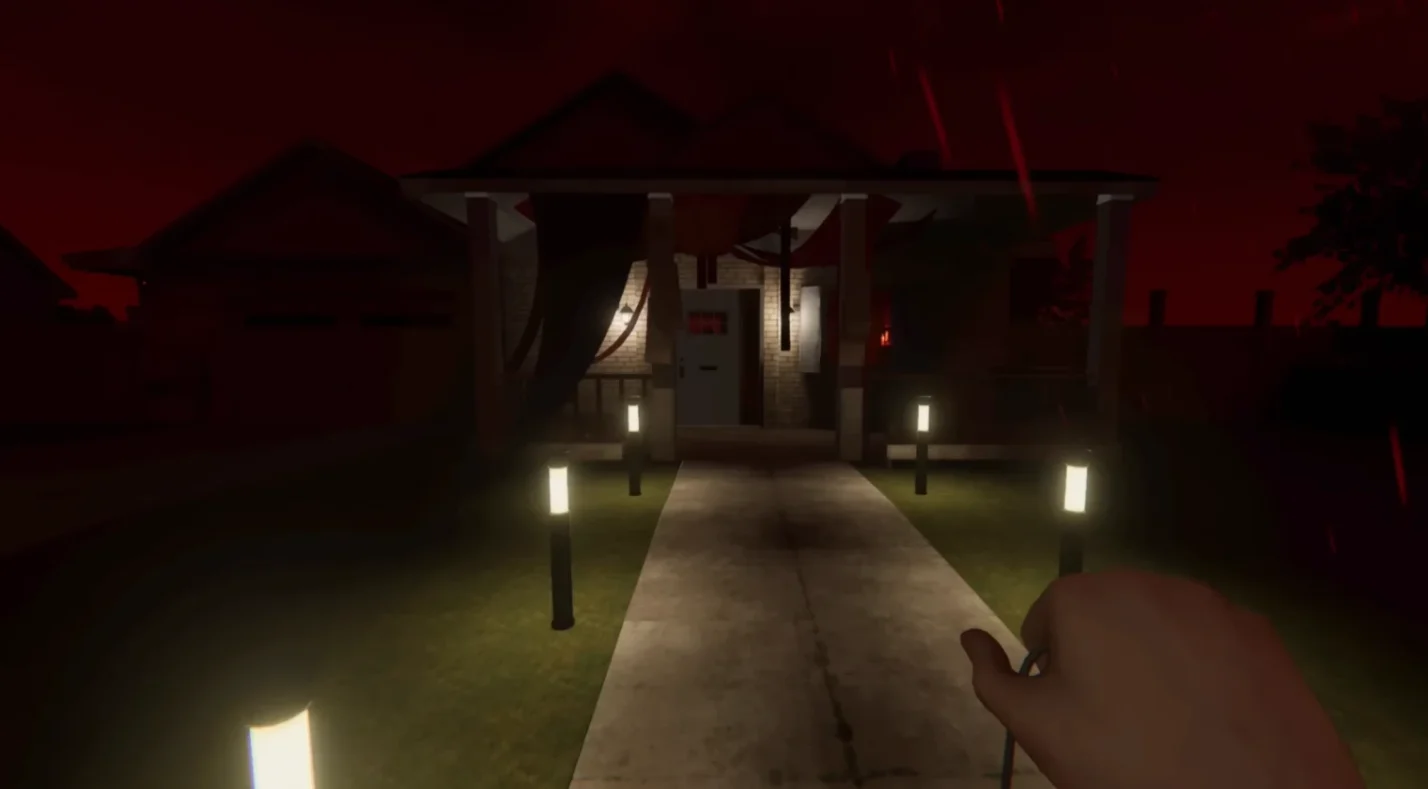
So, is Phasmophobia cross-platform? In practice, yes. Full cross‑play lets PC, Xbox Series X/S, PlayStation 5, and PS VR 2 players investigate haunted houses together. Enabling cross‑play in the game’s settings and sharing a lobby code is all it takes to join friends on different systems. The experience is largely identical across platforms, with minor differences like VR integration and voice recognition. Up to four players can work together, share evidence, and survive ghost hunts, whether they’re playing with a controller or a keyboard.
However, cross‑platform support has limits. There is no cross‑save or cross‑progression; your level and inventory remain tied to the platform where you earned them. Mods and custom maps are disabled in cross‑play, and older consoles and the Nintendo Switch don’t have versions of the game. The lack of account linking means you must choose your main platform carefully.
If you’re ready to step into spooky investigations with friends on any supported device, consider picking up our Phasmophobia Steam key. Purchasing through our platform gives you instant access to both flat‑screen and VR modes, so you can switch between them whenever you feel brave enough. Once you have the game, share a lobby code, enable cross‑play, and prepare to face the unknown together: create unforgettable mixed-device sessions using the best cross platform games.
FAQs
Is Phasmophobia crossplay on console and PC?
Yes, Phasmophobia is crossplay on console and PC, allowing players on Xbox Series X/S and PlayStation 5 to join PC lobbies via lobby codes. All players must be on the same update and server region for a smooth experience.
Is Phasmophobia crossplay between Xbox and PC?
Yes, Phasmophobia supports crossplay between Xbox and PC, letting friends on both platforms team up by sharing a lobby code. The gameplay, ghost types, and objectives are identical across these systems.
Does Phasmophobia support cross progression?
No, Phasmophobia does not support cross progression, so your level, gear, and money stay on the platform where you earned them. Switching platforms means starting a new save file.
How many players can play Phasmophobia together?
Up to four players can play Phasmophobia together, regardless of platform. This limit encourages teamwork and communication and keeps ghost hunts focused.
How do I enable crossplay in Phasmophobia?
To enable crossplay in Phasmophobia, open the Options menu, toggle cross‑play on in the Game Settings, host a private lobby, and share the code. Make sure all players select the same server region before joining.