What Are Minecoins? Your Guide to Minecraft’s Premium Currency

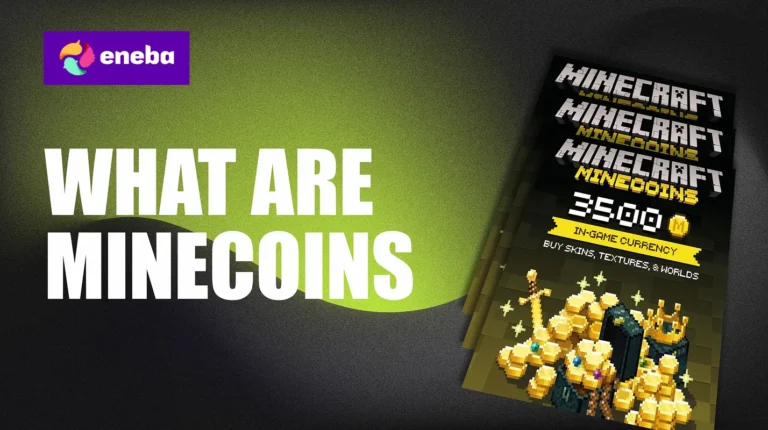
If you’ve been exploring Minecraft Bedrock Edition, you’ve probably stumbled across Minecoins. But what are Minecoins exactly? These are the official in-game currency that unlock premium content from the Minecraft Marketplace, including skins, texture packs, and custom worlds.
I’ve spent hours browsing the Marketplace, and honestly, Minecoins have completely transformed how I customize my gaming sessions. The confusion around them is real, though, especially with all those sketchy “free Minecoins” websites and questions about platform compatibility.
This guide covers everything you need to know about Minecoins in Minecraft. From understanding what they do to learning safe acquisition methods, I’ll break down this premium currency system. Let’s get into it.
Jump to:
What Are Minecoins in Minecraft?
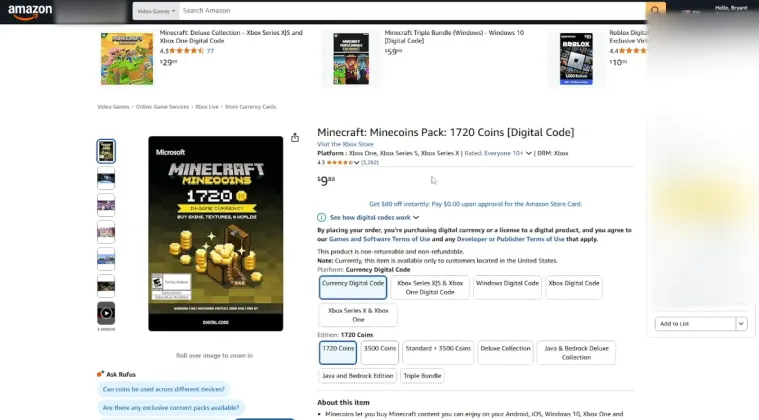
Minecoins are the exclusive digital currency for Minecraft Bedrock Edition. Think of them as your ticket to the Minecraft Marketplace, where talented creators sell custom content that enhances your gameplay.
What are Minecoins in Minecraft? They actually differ from regular in-game items because you buy them with real money through your Microsoft or Xbox account. Unlike materials you mine or craft, Minecoins give you access to premium, professionally designed content.
These coins let you purchase character skins, texture packs, adventure maps, and complete world makeovers. They’re exclusive to Bedrock Edition, so Java Edition players won’t find them in their version of the game.
Minecoins come in various bundle sizes, ranging from 320 coins to several thousand. The best part is they never expire, so you can hoard them until something truly awesome catches your eye.
One thing I appreciate is that Minecoins enhance personalization without affecting core gameplay. You can fully enjoy Minecraft without spending a single coin, but they definitely add extra flair to your experience.
What Are Minecoins Used For in Minecraft?
The Minecraft Marketplace is where the magic happens. Once you understand in Minecraft what to do with Minecoins, you’ll discover a treasure trove of content.
Skins and Character Packs top the popularity charts. I constantly switch between different character looks, including medieval knights and futuristic astronauts. Skin packs typically cost 300 to 500 Minecoins and bundle multiple designs together.
Texture Packs reshape your entire world’s appearance. If you want a cartoonish aesthetic or photo-realistic graphics, these packs make it possible, usually costing 500 to 1,000 Minecoins based on complexity and quality.
Worlds and Adventure Maps bring incredible gameplay experiences. These pre-built environments feature custom challenges, storylines, and puzzles. Premium adventure maps can rival standalone games in content depth, with prices between 600 to 1,500 Minecoins. Many players also explore games like Minecraft for variety, but these custom worlds provide unique adventures without leaving the blocky universe.
Mash-Up Packs bundle everything: skins, textures, and themed worlds based on popular franchises or original concepts. These comprehensive packages maximize your Minecoins value, typically priced at 800 to 1,800 coins.
Remember that content availability varies by platform. Some items work universally across PC, Xbox, PlayStation, and mobile, while others stay device-exclusive. Always verify compatibility before purchasing.
How to Use Minecoins in Minecraft
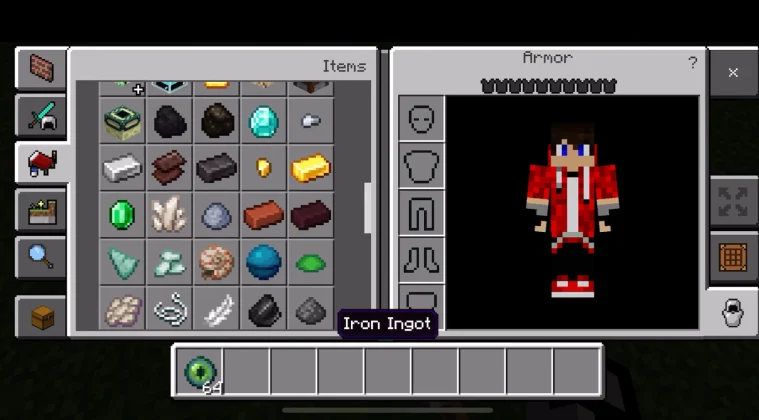
Spending Minecoins is simple once you know the navigation. Let me walk you through the process.
On PC and Console: Open Minecraft Bedrock Edition and find the Store or Marketplace button in the main menu. Browse categories like Skins, Textures, or Worlds. When something grabs your attention, select it to check details and pricing.
Making Purchases: Hit the price button to see your current Minecoins balance. If you have sufficient funds, confirm the transaction. Content downloads automatically and appears in the appropriate game menu. Skins show up in your Profile section, while worlds appear in your Worlds list.
On Mobile Devices: The process mirrors console versions. Tap the Store icon from the main menu, browse available content, and complete purchases with your Minecoins. Maintain a stable internet connection for smooth downloads.
Common Pitfalls: Never attempt to use Minecoins in Java Edition because they’re incompatible. Also note that Minecoins purchased on one platform generally work across other Bedrock platforms linked to your account, though PlayStation and Nintendo Switch sometimes have exceptions. Understanding is Minecraft cross-platform helps clarify these compatibility questions.
Balance Management: Check your Minecoins total anytime through the Store. Your balance displays prominently at the top. Parents monitoring spending should configure purchase approvals through platform-specific family settings.
I recommend planning purchases strategically. Create a wishlist of desired items, compare prices, and watch for occasional sales where content gets discounted. Optimizing your setup with the best laptop for Minecraft ensures you fully appreciate detailed texture packs and custom worlds.
Safe and Legitimate Ways to Get Minecoins
Let me be direct: genuine free Minecoins don’t exist through random websites. Those “Minecoins generator” sites are scams designed to steal your account credentials or infect devices with malware.
However, legitimate money-saving methods exist. Xbox gift cards frequently go on sale at major retailers, letting you load your Microsoft account balance at discounted prices. Holiday sales and promotional periods provide excellent opportunities.
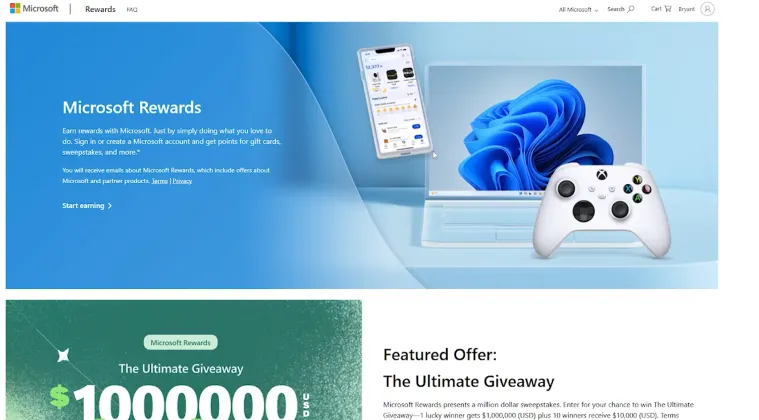
Microsoft Rewards stands out as my favorite earning method. In participating regions, you complete simple tasks like searches and quizzes to accumulate points. Convert these points to Microsoft gift cards, then use them for Minecoins purchases.
Bundle Promotions: Microsoft and Minecraft periodically run special offers where larger Minecoins packs include bonus coins. Purchasing 1,720 Minecoins might include an extra 120 coins free, increasing overall value.
Gift Cards: For younger gamers, requesting Xbox or Microsoft gift cards during birthdays or holidays provides safe Minecoins access without direct transactions. Parents appreciate this approach because it establishes clear spending boundaries.
Scam Warning: Never share account credentials with websites promising free Minecoins. Mojang and Microsoft never request passwords through external links. Players interested in legitimate in-game economics might explore how do you make money in Minecraft through gameplay mechanics instead.
Stick to official stores: the Minecraft Marketplace, Microsoft Store, PlayStation Store, Nintendo eShop, or authorized retailers. Paying for Minecoins ensures account security and supports content creators.
Maximizing Your Minecoins Experience
Minecoins unlock an entirely new dimension of Minecraft customization. From transforming your character with exclusive skins to exploring professionally crafted adventure worlds, this currency system personalizes your blocky journey.
Understanding what are Minecoins used for in Minecraft boils down to enhancing creativity and enjoyment. Your first skin pack or epic adventure map investment extends gameplay possibilities significantly.
Prioritize security by purchasing Minecoins exclusively through official channels. Leverage rewards programs when available to maximize value. Smart spending and marketplace awareness help stretch every coin further.
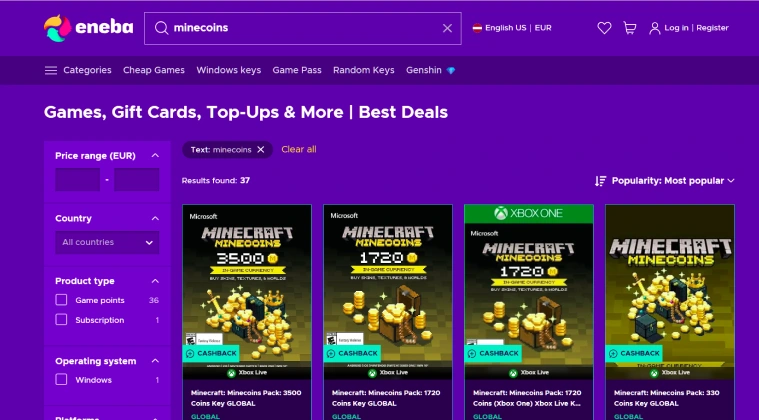
Check Eneba for competitive deals on Minecraft content and Minecoins bundles to fuel your next gaming session.
FAQs
Minecoins are the official digital currency for Minecraft Bedrock Edition. Purchase them with real money to buy skins, texture packs, worlds, and other Marketplace content.
Minecoins function across Minecraft Bedrock Edition on PC, Xbox, PlayStation, Nintendo Switch, and mobile. They don’t work in Java Edition, and some cross-platform limits apply.
If customizing your experience with unique skins, textures, or adventure maps appeals to you, Minecoins provide quality creator content. Value depends on personalization preferences.
Free Minecoins generators are scams. Legitimate options include Microsoft Rewards programs, promotional bundles, or gift cards. Always use official channels for account protection.
Minecoins purchase premium Marketplace content: character skins, skin packs, texture packs, custom worlds, adventure maps, and themed mash-up packs bundling multiple items together.
Yes, purchase Minecoins with real currency through your platform’s store. Bundle prices vary, typically ranging from small amounts to larger packs providing better per-coin value.
Purchase through the Minecraft Store using your platform account. Configure parental controls via Xbox Family Settings, PlayStation parental controls, or mobile device restrictions
Current offers vary, but $100 typically gets approximately 8,000 to 10,000 Minecoins, especially with larger bundles including bonus coins. Check store pricing for current rates.
Minecraft carries ratings appropriate for ages 7 and up. The game encourages creativity, problem-solving, and exploration. Monitor online interactions in multiplayer and manage Minecoins through parental controls.