How to Add V-Bucks on Switch

V-Bucks are Fortnite’s premium currency that lets you grab skins, emotes, Battle Passes, and other cosmetics that make your gameplay experience more personal. Without them, you’re stuck with default options while everyone else is rocking exclusive gear.
This guide walks you through how to add V-Bucks on Switch using multiple methods. You’ll learn to redeem Fortnite gift cards correctly, link your Epic Games account properly, and fix common issues that prevent your V-Bucks from appearing.
Whether you bought a gift card from Eneba or received one as a present, following these steps ensures your currency shows up exactly where it should.
Jump to:
How to Add V-Bucks on Nintendo Switch
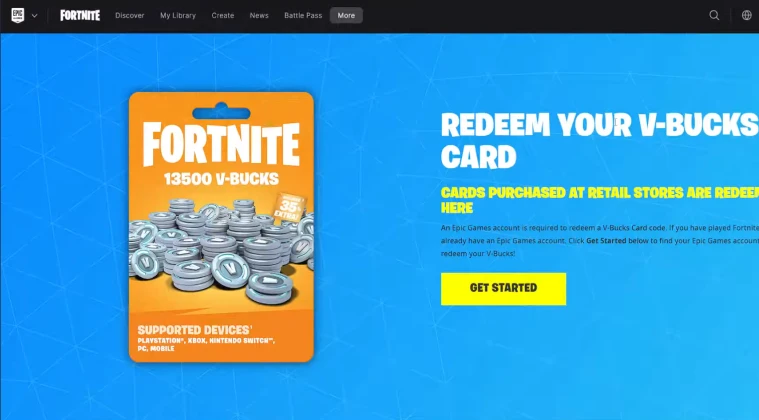
The most reliable way to redeem V-Bucks on Switch involves using the Epic Games website rather than trying to do everything directly on your console. This method prevents most account-related headaches.
Step 1: Prepare Your Code
Grab your Fortnite gift card and scratch off the protective coating to reveal your redemption code. Keep this code handy because you’ll need to enter it exactly as shown, including any dashes or special characters.
Make sure your code hasn’t expired by checking the card for any printed expiration dates. Most codes remain valid indefinitely, but promotional cards sometimes have time limits.
Step 2: Access Your Epic Games Account
Open a web browser on your phone, tablet, or computer and navigate to the Epic Games website. Log into the same Epic Games account that’s linked to your Nintendo Switch console.
This step is crucial because knowing how to put V-Bucks on Switch depends entirely on redeeming the code to the correct account. If you’re unsure which account is linked to your Switch, launch Fortnite on your console and check the username displayed in the lobby.
Step 3: Navigate to the Redemption Page
Once logged in, hover over your account name and select the “Redeem Code” option from the dropdown menu. This takes you directly to the redemption interface where you can enter your gift card code.
The redemption page accepts codes for V-Bucks, cosmetics, and other Fortnite content. Double-check that you’re on the official Epic Games domain to avoid phishing sites.
Step 4: Enter Your Code
Type your gift card code into the redemption field exactly as it appears on your card. The system is case-sensitive and won’t accept codes with incorrect spacing or characters.
After entering the code, click the “Redeem” button and wait for confirmation. The page should display a success message showing how many V-Bucks were added to your account. This covers the essential answer of how to redeem a Fortnite gift card on Switch.
Step 5: Launch Fortnite on Your Switch
Close Fortnite completely if it’s already running on your Nintendo Switch. Press the home button, highlight the Fortnite icon, press the + button, and select “Close Software.”
Launch Fortnite again and let it load fully. Your V-Bucks balance should update within a few seconds of reaching the lobby. Look at the top-right corner of the screen to confirm your new balance.
Other Ways to Redeem V-Bucks on Nintendo Switch
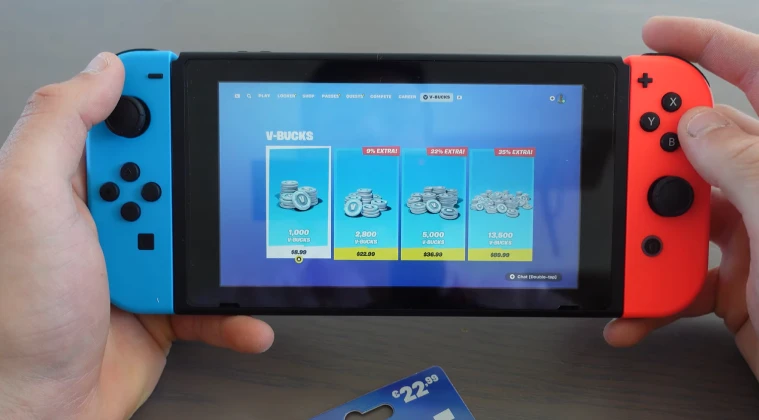
Beyond physical and digital gift cards, you have several alternative methods for adding currency to your account. Understanding how to use V-Bucks gift card on Switch through different platforms gives you more flexibility in how you purchase and redeem.
The Nintendo eShop sells V-Bucks bundles directly through your Switch console. Navigate to the eShop, search for Fortnite, and browse the available currency packs. This method charges your Nintendo account balance or linked payment method.
Purchasing directly through the eShop means your V-Bucks appear instantly without needing separate redemption steps. However, prices sometimes run slightly higher compared to third-party retailers like Eneba.
Digital marketplaces provide another convenient option. Platforms like Eneba offer competitive pricing on V-Bucks codes delivered instantly via email. These codes work identically to physical gift cards and follow the same redemption process through the Epic Games website.
You can also use a play-to-earn app to get V-Buck gift cards for free. There are lots of these apps to choose from, but my pick is Snakzy as it’s free, easy to set-up, and most of all fun. I played several games until I earned enough in-app credit to transfer to an Eneba wallet, which I then used to buy V-Buck gift cards.
Play games and get paid with Snakzy.

Some players prefer buying codes from trusted retailers because they can shop for deals and bundles not available through official channels. Just ensure you’re purchasing from legitimate sources to avoid invalid or already-redeemed codes.
The Epic Games website also sells V-Bucks directly, which you can purchase using various payment methods. This option works well if you want to add V-Bucks to Switch without leaving your computer. The currency transfers to your account immediately after purchase confirmation.
Cross-platform compatibility means V-Bucks purchased on one device appear across all platforms where your Epic Games account is active. However, certain currency types remain platform-specific, so verify your purchase details before checking out.
Troubleshooting Common Problems When Adding V-Bucks on Switch
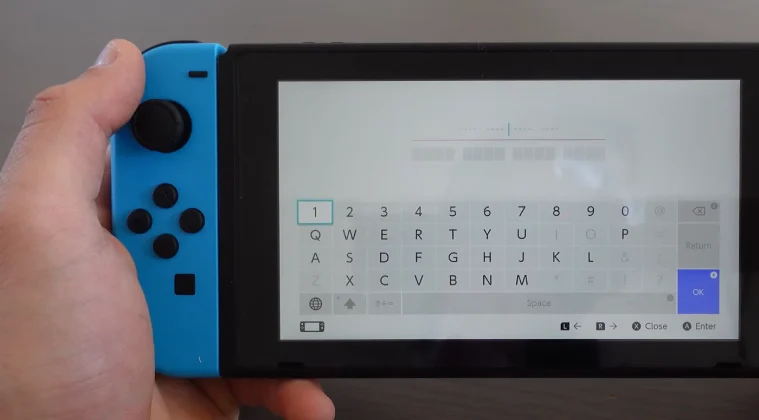
Even following the steps perfectly doesn’t guarantee a smooth experience every time. I’ve encountered several frustrating situations where V-Bucks simply didn’t show up as expected after redemption.
The most common issue stems from account mismatches. If you’re wondering how to log into a different Fortnite account on Switch, you need to unlink your current Epic Games account first. Visit the Epic Games website, go to account settings, select “Connections,” and disconnect your Nintendo account.
After unlinking, launch Fortnite on your Switch and sign in with the correct Epic Games credentials. This ensures your redeemed V-Bucks appear in the right account rather than sitting unused in another profile.
Sometimes codes get entered incorrectly due to similar-looking characters. The number zero and the letter O often cause confusion, as do the number one and the letter I. Try entering your code again while carefully distinguishing between these characters.
Regional restrictions occasionally prevent codes from working. Gift cards purchased in one country might not function in another region’s Epic Games account. Check your account’s registered country in your settings and ensure it matches the gift card’s intended region.
Network connectivity problems can interrupt the redemption process. If your V-Bucks don’t appear after entering a valid code, check your internet connection and try closing and reopening Fortnite, or try using one of the best VPNs for Fortnite. The game needs a stable connection to sync your account balance with Epic’s servers.
If you’re still experiencing issues after trying these solutions, contact Epic Games support with your redemption confirmation and purchase receipt. Their team can investigate account-specific problems and manually credit missing V-Bucks if the code was successfully redeemed but never appeared.
Some players report delayed balance updates during peak gaming hours, and that’s fatal if you’re playing Fortnite competitively. If you just learned how to redeem V-Bucks on Nintendo Switch but don’t see them immediately, wait about 15 minutes and restart the game before assuming something went wrong.
Getting Your V-Bucks Without Hassle
Understanding the proper redemption process saves time and frustration when you’re eager to grab those Fortnite exclusive skins or purchase the latest Battle Pass. The key is ensuring your Epic Games account links correctly to your Switch before attempting any redemption.
Most problems stem from simple account confusion rather than technical glitches. Taking a minute to verify you’re logged into the correct profile prevents hours of troubleshooting later.
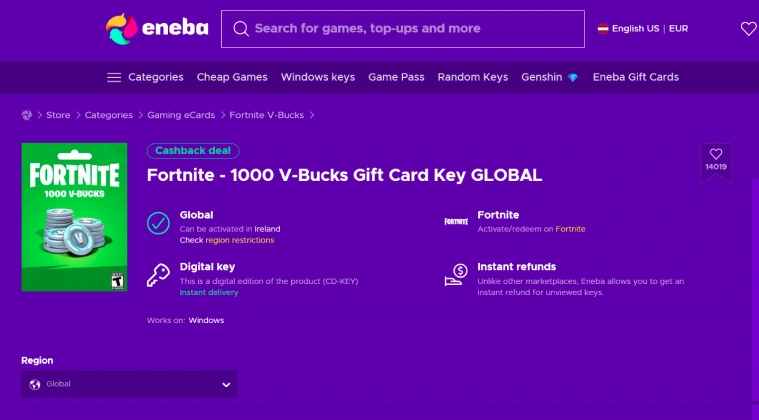
Digital gift cards from trusted sources like Eneba combine convenience with competitive pricing. You get instant delivery without leaving home, and the redemption process works identically to physical cards.
Remember that mastering how to add V-Bucks on Switch ultimately depends on account linking more than the redemption method itself. Whether you purchase through the eShop, redeem gift cards, or buy directly from Epic, the currency flows to whichever Epic Games account is connected to your console.
Keeping your account secure also protects your V-Bucks balance. Enable two-factor authentication and avoid sharing your login credentials to prevent unauthorized access. Players looking to explore similar games like Fortnite or improve their connection quality should prioritize account security alongside gameplay enhancements.
Ready to load up on V-Bucks? Visit the Fortnite gift card store on Eneba for instant digital codes at competitive prices.
V-Bucks
FAQs
Log in to your Epic Games account via web browser, navigate to the redeem code section, enter your gift card code, then launch Fortnite on your Switch to see the updated balance.
For Fortnite V-Bucks, redeem codes through the Epic Games website rather than the Nintendo eShop. This ensures the currency applies to your Epic account correctly.
Purchase V-Bucks through the Nintendo eShop, Epic Games website, or redeem gift card codes via your Epic Games account. The currency syncs automatically when you launch Fortnite.
Enter Fortnite gift card codes on the Epic Games website under the “Redeem Code” section found in your account dropdown menu while logged in.
Visit the Epic Games website, log in to your account linked to your Switch, select “Redeem Code,” enter the gift card code, and launch Fortnite to confirm the V-Bucks appeared.
Restart Fortnite completely, verify you’re logged into the correct Epic Games account, check your internet connection, and ensure the code was entered correctly without typos.
Yes, but you must unlink your current Epic Games account from your Nintendo account first. V-Bucks remain tied to specific Epic accounts and won’t transfer between profiles.
No official limit exists for V-Bucks redemption. You can add as many as you want through multiple gift cards or direct purchases without restrictions.