



Best Streaming Setups for Gaming in 2026: Gear That Actually Moves the Needle



The market for streaming gear is crowded with flashy “ultimate setup” lists that throw expensive hardware into one pile and call it a day. The problem is that most new creators building the best streaming setups for gaming overspend on cameras before fixing audio, skip lighting entirely, and buy capture cards they never needed in the first place.
That approach makes no sense in 2026. Modern NVIDIA NVENC and AMD AMF encoders mean single-PC streaming is now the standard for most creators. Unless the setup includes a console or a dual-PC rig, a capture card is usually unnecessary.
The live-streaming gear market is projected to surpass $70 billion globally this year, with more than 50 million active creators. Yet one of the highest-impact upgrades remains surprisingly simple: a decent key light can improve facial clarity more than a premium webcam.
This guide breaks down the best streaming setup for beginners, serious creators, and competitive players by category – audio first, then lighting, then camera. Every recommendation here was verified for pricing and availability within the last 30 days. For creators prioritizing performance, building one of the best streaming setups for gaming means following a clear spending order.
Jump to:
Key Takeaways
- Audio matters more than everything else. Viewers tolerate average video quality surprisingly well, but distorted or echo-filled audio causes people to leave streams fast. A solid USB mic like the Elgato Wave:3 dramatically improves perceived stream quality before any camera upgrade.
- Most PC gamers do not need a capture card in 2026. Modern GPUs handle encoding internally with minimal performance loss. Capture cards only become mandatory for console streaming or high-end dual-PC streaming rigs.
- USB microphones remain the smartest starting point. The best streaming setup for beginners usually starts with a USB mic because setup is fast, affordable, and reliable. XLR systems are best treated as a second-stage upgrade. This makes it the foundation for the best streaming setup for beginners.
- Lighting produces the biggest visual jump after audio. Even a modest webcam looks dramatically cleaner under proper lighting. Small webcam sensors struggle in dim rooms, which is why a good key light often beats an expensive camera upgrade.
- Mirrorless cameras are the premium-tier visual upgrade. A Sony ZV-E10 II paired with an Elgato Cam Link 4K delivers the cinematic look associated with high-end Twitch creators, but it only makes sense once the channel already has momentum. This is considered the ultimate best streaming gear for Twitch.
Our Top Picks
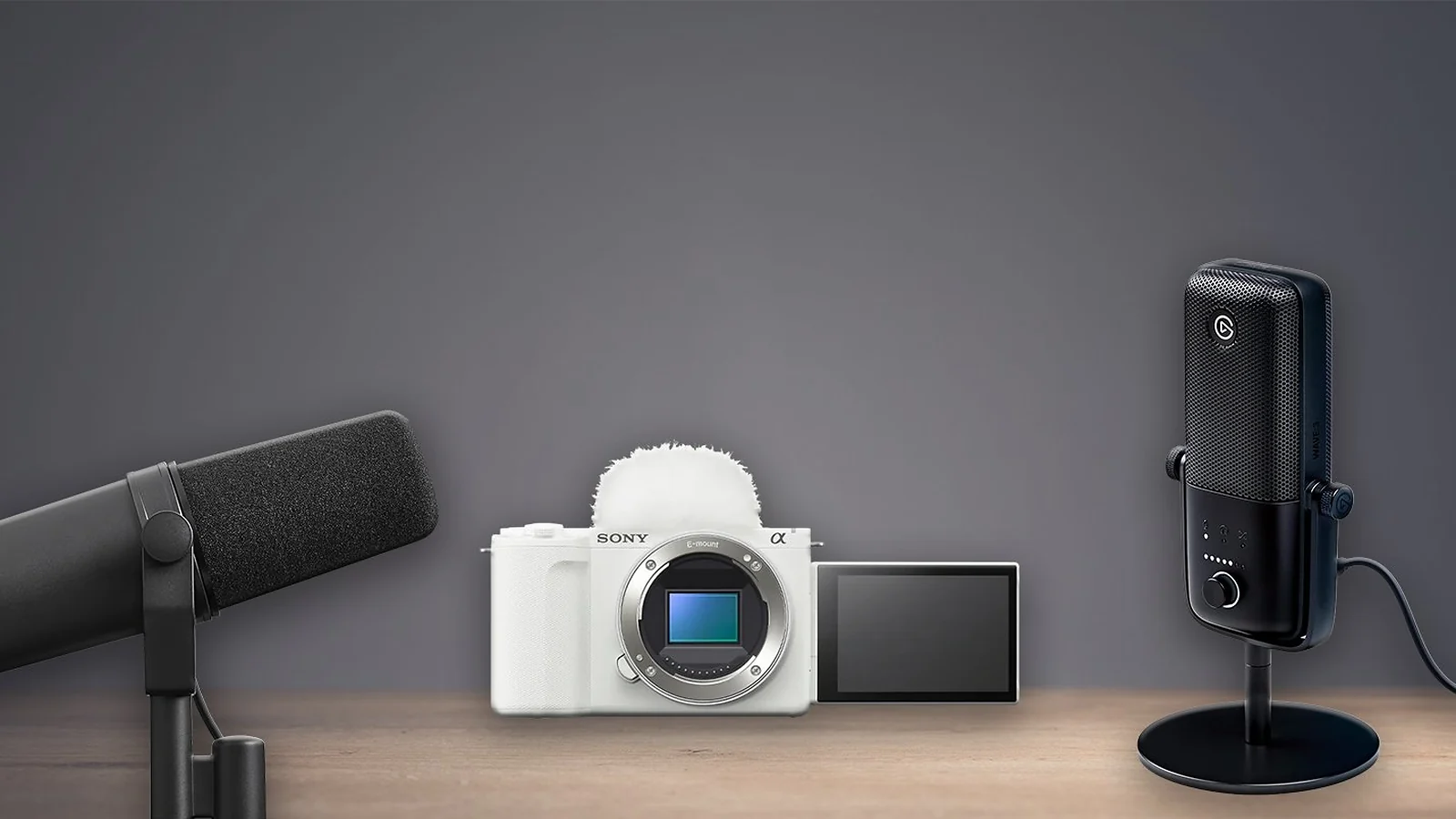
For creators trying to build the best streaming setups for gaming, three products consistently separate themselves from the pack.
- Shure SM7B remains the gold-standard XLR broadcast microphone for creators ready to invest in a long-term professional audio chain. Its room-noise rejection and polished vocal tone still define the “pro streamer” sound.
- Sony ZV-E10 II + Elgato Cam Link 4K is the strongest visual upgrade available for streamers who want cinematic depth of field and professional-grade low-light image quality.
- Elgato Wave:3 is still the easiest recommendation for most streamers. It delivers broadcast-quality USB audio, excellent software routing, and simple plug-and-play setup without the cost or complexity of XLR.
Why Your Streaming Setup Actually Matters
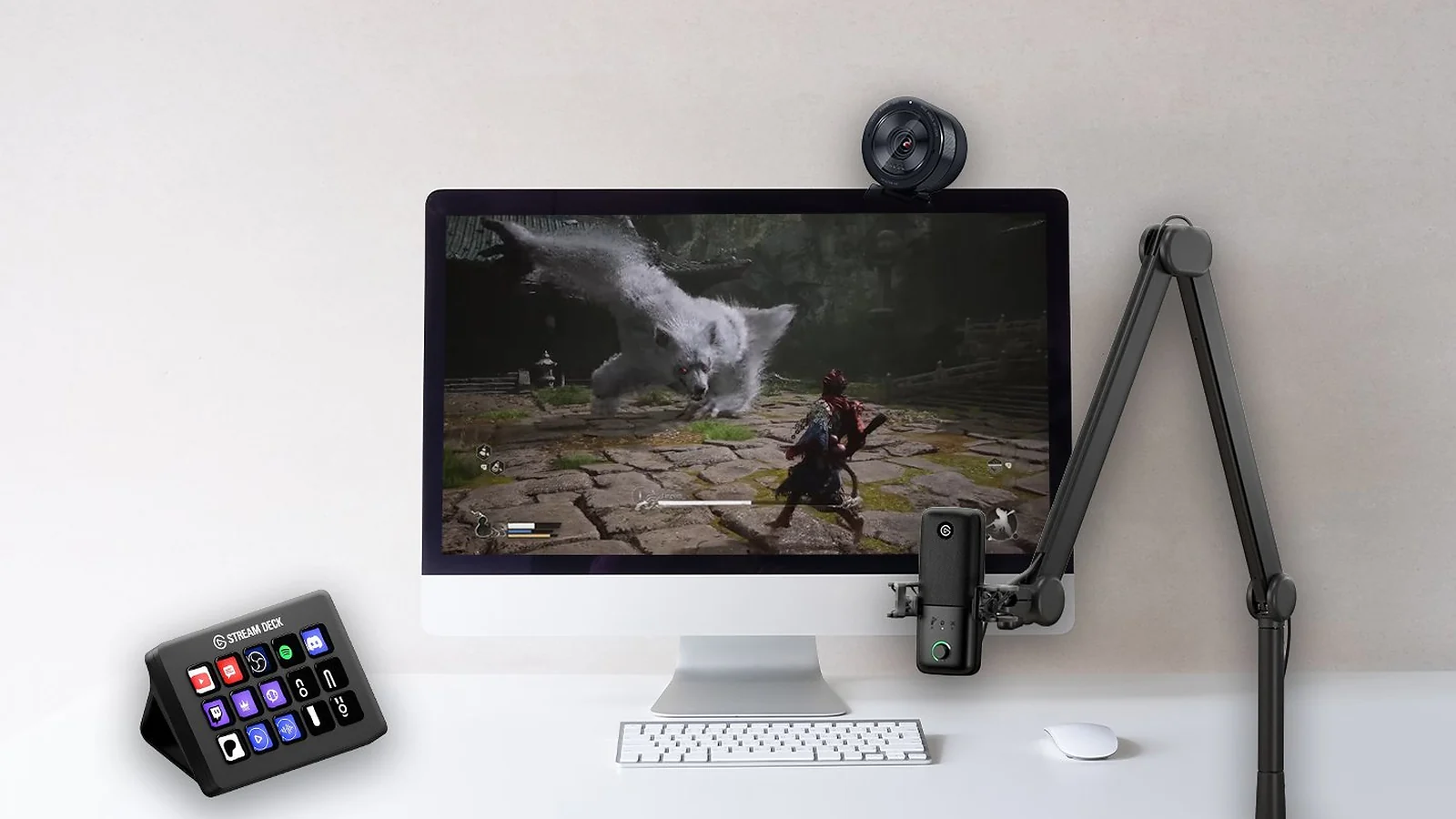
The best gaming streaming equipment does more than make a stream look expensive. Good gear directly improves viewer retention, production consistency, and overall stream reliability. Ultimately, good gear is a non-negotiable factor when constructing the best streaming setups for gaming.
Clean audio is the clearest example. Stream viewers tolerate average webcams, but harsh clipping, room echo, and fan noise immediately hurt retention. Upgrading from a headset microphone to a dedicated USB microphone often creates the single biggest quality jump a new creator can make. Focusing on audio is the first step when building the best streaming gear for Twitch.
Lighting matters almost as much. A $100 key light paired with a mid-range webcam regularly outperforms expensive webcams used in poorly lit rooms. Webcam sensors simply cannot compensate for bad lighting physics.
Consistency also matters. Reliable scene switching, stable audio levels, and repeatable lighting setups help streams feel polished. Stream control hardware like the Stream Deck MK.2 removes a huge amount of mid-stream fumbling.
The right hardware also reduces technical stress. Reliable capture cards, proper audio routing, and physical mute controls prevent small mistakes from derailing live broadcasts.
Best Streaming Gear for Gaming: Full Reviews
Choosing the best gaming streaming equipment starts with prioritizing sound quality. The core rule behind the best streaming setups for gaming is simple: spend on audio first, lighting second, and cameras third. This list prioritises real-world improvements like sound clarity, low-light image quality, setup speed, thermal impact, OBS compatibility, and price-to-performance ratio instead of marketing buzzwords.
The reviews below cover eight pieces of hardware across microphones, cameras, capture cards, lighting, and stream-control gear. This guide helps you choose individual products that contribute to the overall quality of the best streaming setups for gaming.
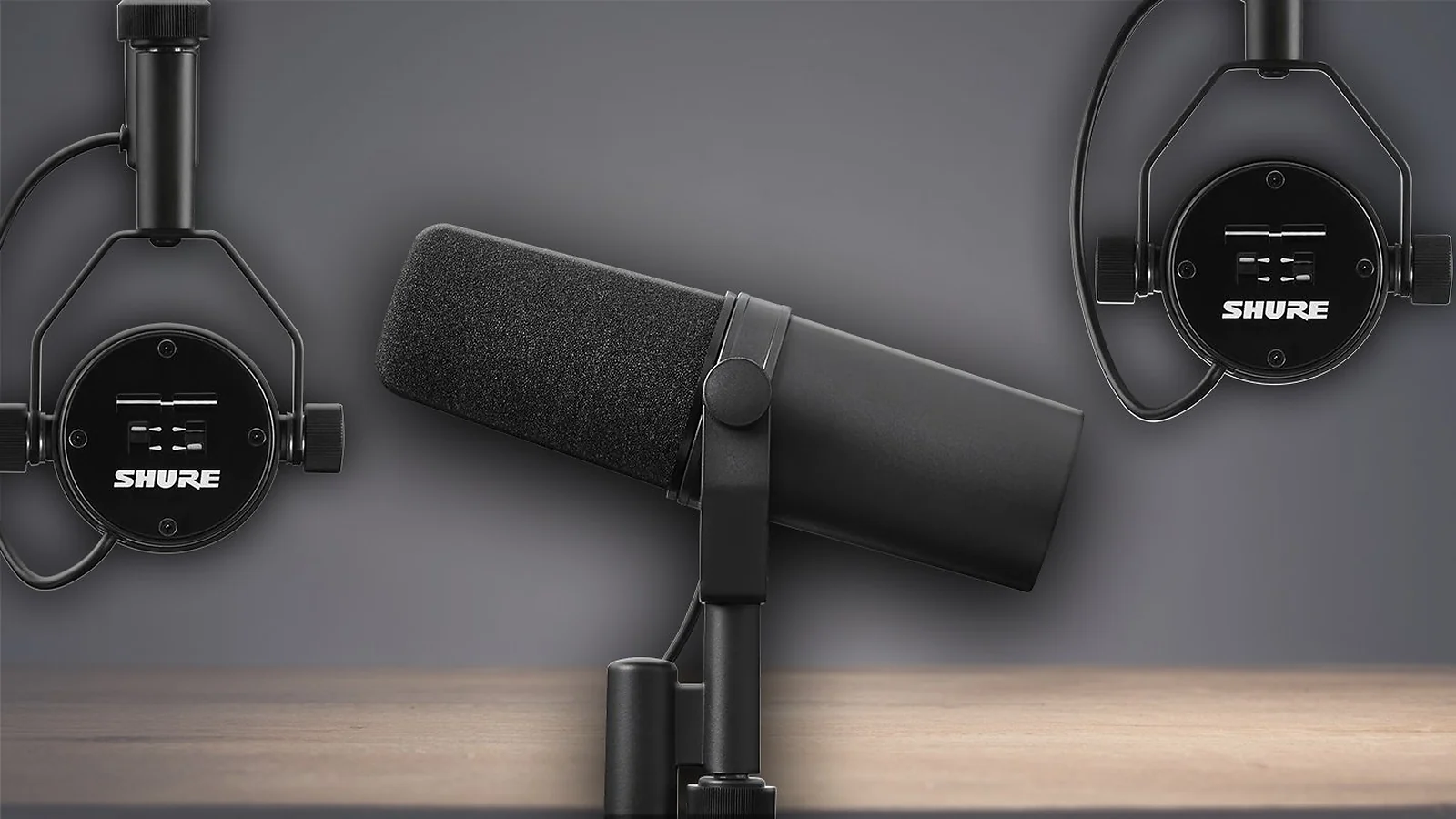
1. Shure SM7B [Best XLR Broadcast Microphone]
| Pricing | $399 mic only |
| Platforms | OBS, Streamlabs, XSplit (via XLR interface) |
| Setup Time | 30–45 minutes |
| Best For | Advanced streamers and podcasters |
The Shure SM7B remains the industry-standard broadcast microphone for professional streamers, podcasters, and creators in 2026. Its dynamic cardioid capsule rejects keyboard noise, room echo, and fan hum better than almost any USB microphone available.
Loud reactions during Valorant or Apex Legends stay controlled without clipping, while the overall vocal tone instantly sounds richer and more polished. It is an essential component for any serious discussion about the best streaming setups for gaming.
The trade-off is complexity. This is an XLR microphone that requires a proper interface and usually a Cloudlifter or gain booster. The biggest strengths of the Shure SM7B are its exceptional room-noise rejection, polished vocal tone, and long-term durability. Its cardioid dynamic capsule blocks out fan hum, keyboard noise, and room reflections better than most condenser microphones, which is why it remains a favourite in untreated streaming spaces.
In practical use, the microphone performs best when paired with an interface like the Elgato Wave XLR or Focusrite Scarlett and mounted on a solid boom arm. Applying a light compressor and noise gate inside OBS helps lock in a polished broadcast sound after the initial setup process. For a broader USB-versus-XLR breakdown, check Eneba‘s guide to the best microphone for streaming.
| Pros | Cons |
|---|---|
| ✅ Industry-standard broadcast sound ✅ Exceptional room-noise rejection ✅ Bass rolloff and presence controls ✅ Built to last for years | ❌ Requires an audio interface ❌ Needs lots of clean gain ❌ Expensive full setup cost |
2. Sony ZV-E10 II + Elgato Cam Link 4K [Best Mirrorless Camera Setup for Cinematic Stream Visuals]
| Pricing | From $1,400 all-in |
| Platforms | OBS, Streamlabs, XSplit |
| Setup Time | 60–90 minutes |
| Best For | Established creators and hybrid content creators |
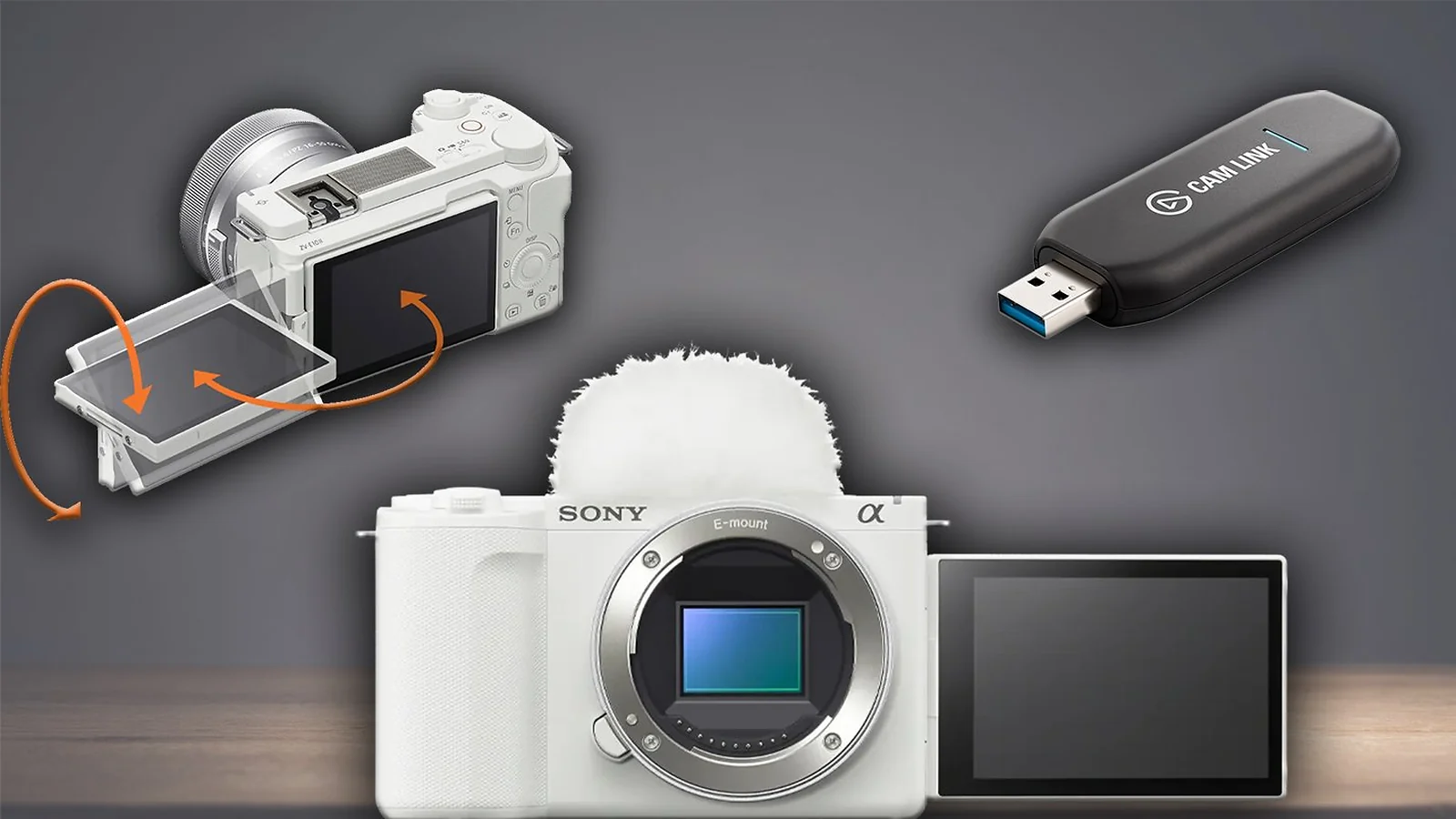
This combination delivers the cinematic “pro streamer” look that webcams still cannot match. The Sony ZV-E10 II‘s APS-C sensor creates genuine depth of field and significantly cleaner low-light performance than traditional webcams. Paired with the Elgato Cam Link 4K, the setup integrates cleanly into OBS and Streamlabs. It is also expensive and more complicated than a plug-and-play webcam.
The biggest advantage of this setup is the cinematic depth of field and significantly cleaner low-light performance compared to traditional webcams. The APS-C sensor produces natural-looking blur and cleaner skin tones while also doubling as an excellent camera for YouTube videos, tutorials, and B-roll footage.
In everyday use, the setup works best when mounted at eye level with a dummy battery installed for continuous power. Running HDMI through the Cam Link 4K into OBS creates a stable streaming workflow once white balance and exposure are locked in. This visual quality is what separates truly premium best streaming setups for gaming from standard configurations.
| Pros | Cons |
|---|---|
| ✅ Cinematic image quality ✅ Excellent low-light performance ✅ Great for YouTube content too ✅ Cam Link works reliably with OBS | ❌ Very expensive ❌ Setup requires tuning ❌ Overkill for hobby streamers |
3. Elgato Wave:3 [Best USB Broadcast Microphone for Streamers]
| Pricing | $150 |
| Platforms | Windows, Mac, OBS, Streamlabs |
| Setup Time | 10–15 minutes |
| Best For | First serious streaming setup |
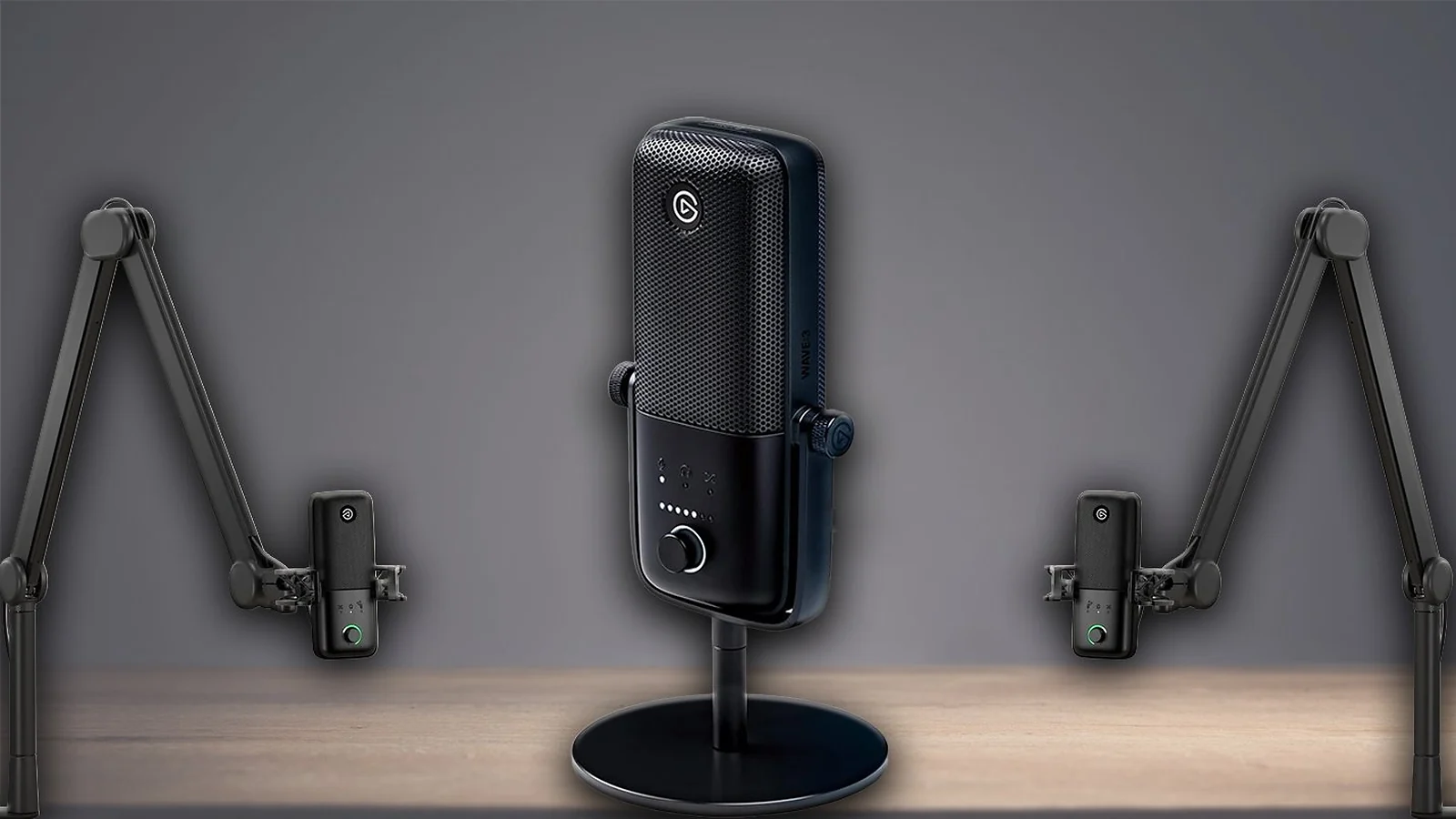
The Elgato Wave:3 is the easiest recommendation in this entire guide. It produces broadcast-quality USB audio, includes excellent routing software, and avoids the complexity of XLR entirely. Many consider it the overall best streaming microphone for gaming in the USB category. For most creators building the best streaming setup for beginners, this is the ideal first major upgrade.
Clipguard technology is the standout feature. Loud reactions stay controlled without sudden distortion.
The Wave:3 stands out because of its strong USB audio quality, Clipguard anti-distortion protection, and Wave Link software routing. The microphone delivers clear and natural vocal tone while allowing creators to separate game audio, Discord, music, and microphone inputs into individual channels for cleaner recordings and easier editing.
Daily use is extremely simple. Plugging the microphone in via USB-C and configuring Wave Link takes only a few minutes, while pairing it with a boom arm keeps positioning comfortable during long streams.
| Pros | Cons |
|---|---|
| ✅ Plug-and-play setup ✅ Clipguard prevents clipping ✅ Excellent Wave Link software ✅ Tap-to-mute functionality | ❌ Sensitive to room noise ❌ Gain adjustments are software-side ❌ Positioning matters |
4. HyperX SoloCast [Best USB Microphone for New Streamers]
| Pricing | $60 |
| Platforms | Windows, Mac, PS5, OBS |
| Setup Time | 5 minutes |
| Best For | Budget-conscious beginners |
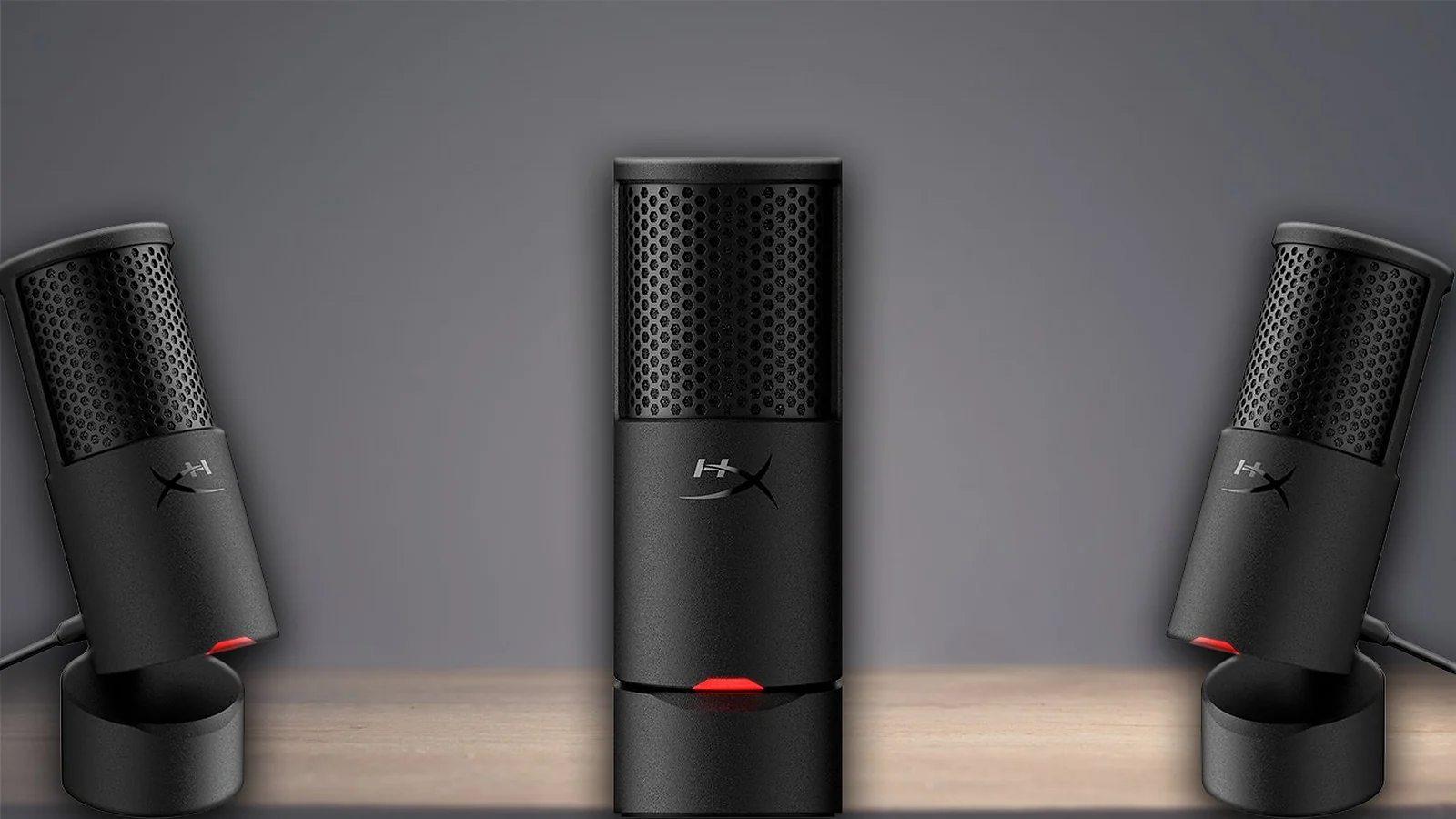
The HyperX SoloCast remains one of the smartest purchases for a streaming setup on a budget. It sounds significantly better than most microphones in its price range and requires almost no setup knowledge.
It won’t replace the Elgato Wave:3 or Shure SM7B, but for under $75 it consistently punches above its weight, making it the ideal best streaming microphone for gaming on a tight budget. For new creators building one of the best streaming setups for gaming without breaking the bank, this is the smartest place to start.
The HyperX SoloCast delivers surprisingly strong audio quality for its price point while keeping the physical footprint extremely small. Features like the tap-to-mute control make it feel more premium than most entry-level microphones.
In practical terms, setup is almost effortless. Plugging it into a USB port and selecting it inside OBS or Discord is enough to get a beginner stream up and running within minutes.
| Pros | Cons |
|---|---|
| ✅ Excellent value ✅ Tiny desk footprint ✅ Very easy setup ✅ Tap-to-mute included | ❌ No headphone monitoring ❌ No physical gain controls ❌ Desk stand transmits vibrations |
5. Razer Kiyo Pro Ultra [Best Plug-and-Play Premium Webcam]
| Pricing | $250–$300 |
| Platforms | Windows, Mac, OBS |
| Setup Time | 10 minutes |
| Best For | Plug-and-play premium setups |
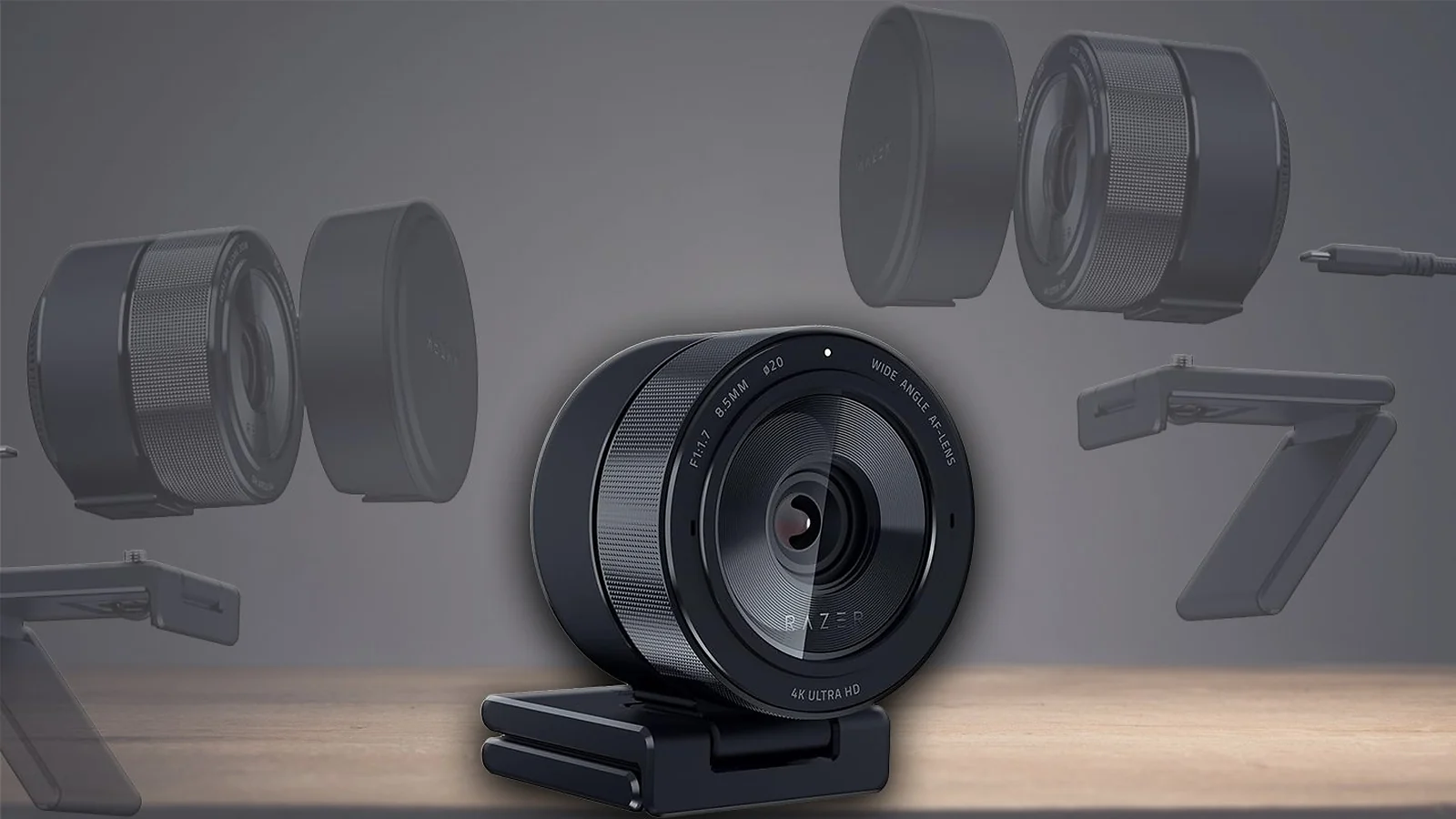
The Razer Kiyo Pro Ultra is the closest thing to a mirrorless-camera look without capture cards or complicated camera settings. Its larger sensor handles low-light conditions far better than standard webcams and creates a noticeably cleaner image.
This is one of the essential pieces of best gaming streaming equipment for Twitch creators who want strong visuals without technical overhead. For those prioritizing ease of use, it represents one of the most reliable options among the best streaming setups for gaming. Pairing it with accessories from Eneba’s guide to best gaming accessories also helps complete a cleaner desk setup for long streaming sessions.
The Kiyo Pro Ultra benefits from its unusually large webcam sensor, which produces cleaner low-light image quality and more natural skin tones than standard webcams. Adjustable field-of-view settings also make it easier to frame different desk setups properly.
In day-to-day use, the webcam is refreshingly straightforward. Mounting it to a monitor and making a few quick adjustments in Razer Synapse is enough to produce a noticeably cleaner image, especially when paired with a proper key light. For comprehensive desk organization and screen placement, check out our guide on the best monitor arm.
| Pros | Cons |
|---|---|
| ✅ Best-in-class webcam sensor ✅ Strong low-light image ✅ Adjustable field of view ✅ Easy setup | ❌ Expensive for a webcam ❌ Built-in mic is weak ❌ Large physical footprint |
6. Elgato HD60 X [Best Capture Card for Console Streaming]
| Pricing | $180–$200 |
| Platforms | PS5, Xbox, Switch, OBS |
| Setup Time | 10 minutes |
| Best For | Console and dual-PC streaming |
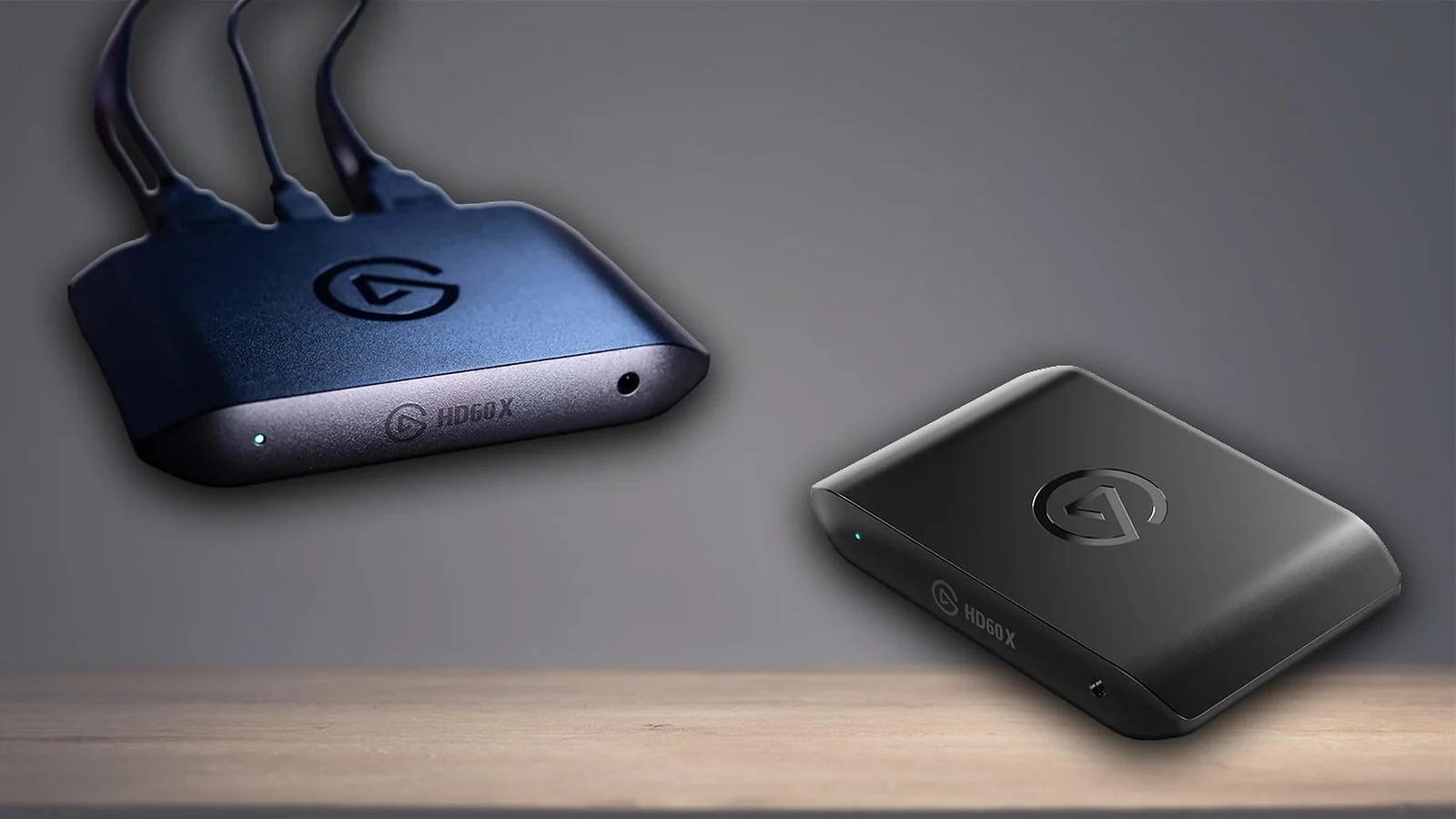
Console creators still need capture cards, and the Elgato HD60 X remains the safest recommendation. It supports 1080p60 HDR capture while preserving 4K60 passthrough to the main display.
Importantly, single-PC gamers usually do not need this hardware anymore thanks to NVENC and AMD AMF encoding. This card is necessary for building the best streaming setups for gaming that include consoles.
The Elgato HD60 X succeeds because it combines reliable passthrough performance with low-latency gameplay and broad console compatibility. It preserves a smooth gameplay experience on the main display while delivering stable capture quality inside OBS.
Setting it up is straightforward. HDMI runs from the console into the capture card, then into the display, while a USB-C connection routes the signal into the streaming PC for OBS or Streamlabs capture. Cheap or poorly shielded cables can introduce signal drops and capture instability at this stage – checking out the best HDMI cable options before buying saves a lot of troubleshooting.
| Pros | Cons |
|---|---|
| ✅ Reliable plug-and-play performance ✅ 4K60 HDR passthrough ✅ Low-latency passthrough ✅ Works with every major console | ❌ Unnecessary for most PC-only streamers ❌ Limited to 1080p60 capture ❌ Requires USB 3.0 bandwidth |
7. Elgato Key Light [Key Light for Instant Image Upgrade]
| Pricing | $200 per panel |
| Platforms | Windows, Mac, iOS, Android |
| Setup Time | 15 minutes |
| Best For | Any serious streaming setup |
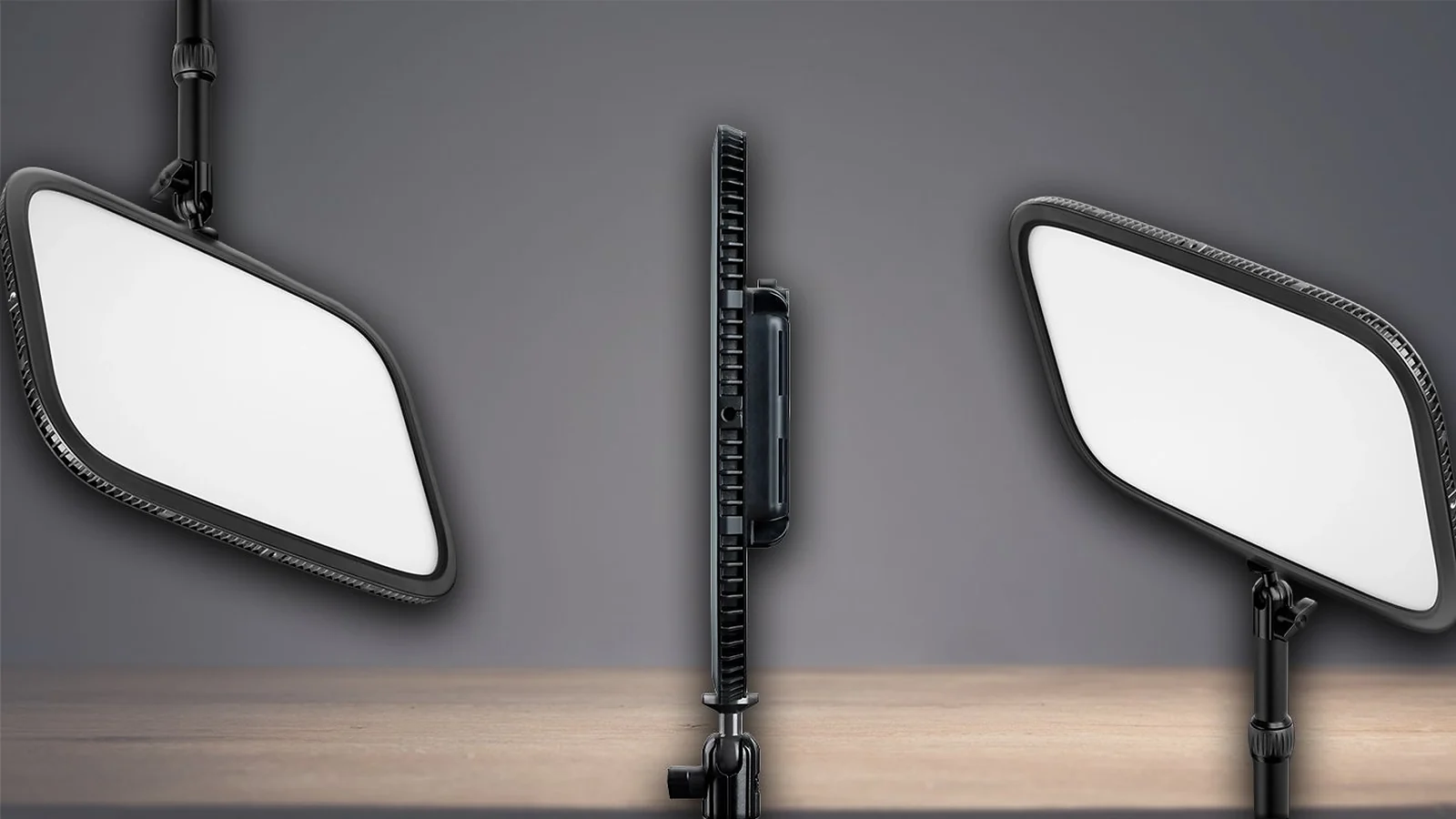
Lighting remains the most underrated category in the best gaming streaming equipment conversation. The Elgato Key Light instantly improves webcam image quality by reducing noise, sharpening facial detail, and improving colour consistency.
A single Key Light often produces a bigger visual upgrade than an expensive webcam. It also pairs naturally with ergonomic setups inspired by Eneba’s guide to custom gaming desk ideas.
The Elgato Key Light produces soft, even lighting that dramatically improves webcam clarity and colour consistency. Adjustable colour temperature and app-based controls make it easier to fine-tune lighting without interrupting a stream.
For the best results, the light should sit slightly above eye level at roughly a 45-degree angle. Matching the camera white balance to the light temperature creates a cleaner and more professional image immediately. Adding proper lighting is a vital step toward creating the best streaming setups for gaming visuals.
| Pros | Cons |
|---|---|
| ✅ Soft, flattering lighting ✅ App and Stream Deck controls ✅ Minimal desk footprint ✅ Massive webcam quality boost | ❌ Expensive for one light ❌ Requires sturdy desk edge ❌ Needs 2.4 GHz Wi‑Fi |
8. Elgato Stream Deck MK.2 [Best Stream Control Surface for Scene Switching]
| Pricing | $150 |
| Platforms | Windows, Mac, OBS, Streamlabs |
| Setup Time | 30 minutes |
| Best For | Multi-scene streaming setups |
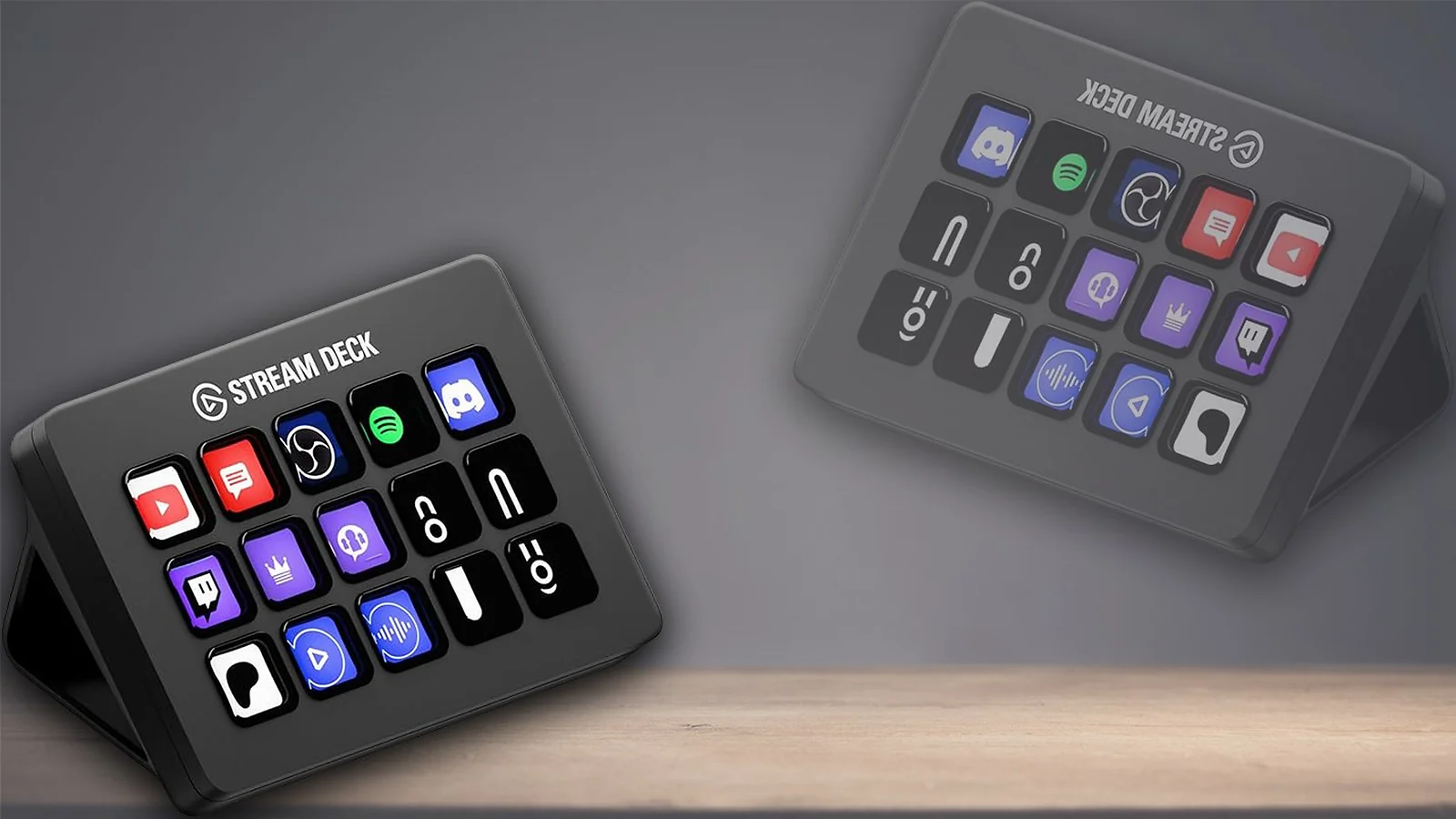
The Stream Deck MK.2 removes the constant keyboard fumbling that plagues growing channels. Scene switching, audio muting, lighting controls, and social integrations become single-button actions. Once streamers integrate a Stream Deck into their workflow, most never go back.
The Stream Deck MK.2 improves workflow by simplifying scene switching, lighting controls, audio muting, and social integrations into dedicated physical buttons. The plugin ecosystem also extends its usefulness far beyond OBS.
In practical use, streamers typically assign dedicated buttons for gameplay scenes, BRB screens, mute toggles, and lighting presets. Once configured, the workflow becomes significantly smoother during live broadcasts. This control surface is a critical part of the most organized best streaming setups for gaming workflows.
| Pros | Cons |
|---|---|
| ✅ Eliminates keyboard fumbling ✅ Excellent plugin ecosystem ✅ Clear LCD button icons ✅ Durable build quality | ❌ Expensive for casual users ❌ USB-A connection ❌ 15 keys can feel limiting |
Also Worth Trying
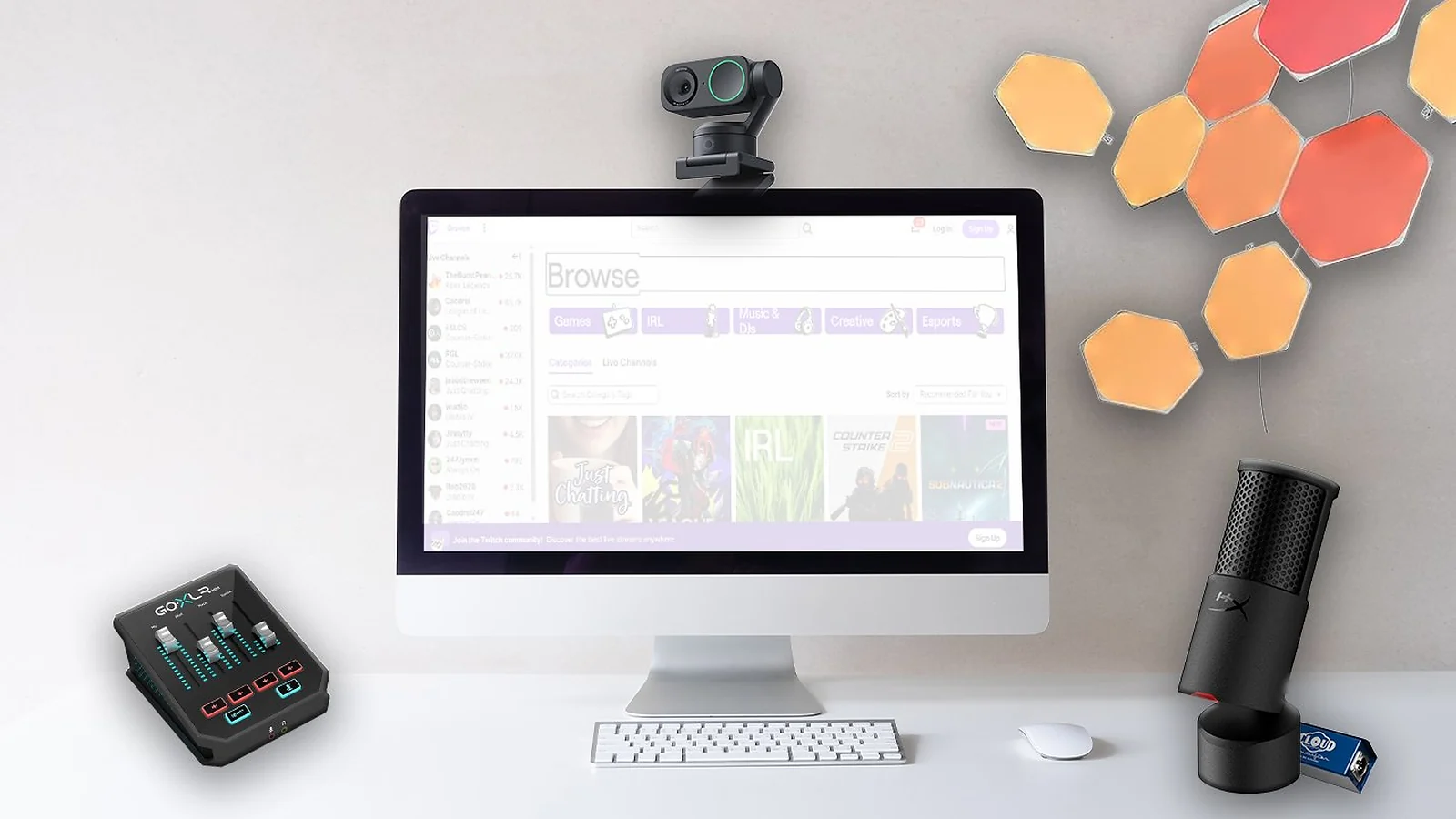
The best streaming setups for gaming don’t stop at the top eight – these extras are worth a look for creators who want to push their best gaming streaming equipment a step further.
- Insta360 Link 2 – A gimbal-based 4K webcam that physically tracks movement across the room for fitness or standing creators.
- GoXLR Mini – Compact mixer and interface combo with physical sliders and simple XLR routing.
- Cloudlifter CL-1 – Clean gain booster that dramatically improves Shure SM7B performance on weaker interfaces.
- Elgato Facecam – Strong streaming webcam with tight OBS and Stream Deck integration.
- Nanoleaf Panels – RGB background lighting that adds streamer-style ambience and scene syncing.
For a broader look at peripherals that complement your stream space, see our guide to the best gaming accessories.
Quick Comparison Table
This ranking confirms the spending priority recommended for building the best streaming setups for gaming. Audio gear dominates the top of the rankings because sound quality impacts retention more than visuals. Lighting follows closely because webcams depend heavily on proper illumination. Cameras and control surfaces become worthwhile only once the core stream quality is already stable.
| Gear | Category | Best For | Pricing | Setup Complexity | Rating |
|---|---|---|---|---|---|
| Shure SM7B | XLR Microphone | Advanced streamers | $399 | High | ★★★★★ |
| Sony ZV-E10 II + Elgato Cam Link 4K | Mirrorless Camera Kit | Established creators | From $1,400 | High | ★★★★★ |
| Elgato Wave:3 | USB Microphone | Most streamers | $150 | Low | ★★★★★ |
| HyperX SoloCast | Budget USB Mic | Budget beginners | $60 | Very Low | ★★★★½ |
| Razer Kiyo Pro Ultra | Premium Webcam | Plug-and-play visuals | $250–$300 | Low | ★★★★½ |
| Elgato HD60 X | Capture Card | Console streaming | $180–$200 | Low | ★★★★½ |
| Elgato Key Light | Lighting Panel | Visual upgrades | $200 | Low | ★★★★ |
| Elgato Stream Deck MK.2 | Stream Control Surface | Multi-scene workflows | $150 | Medium | ★★★★ |
How To Choose the Right Streaming Setup
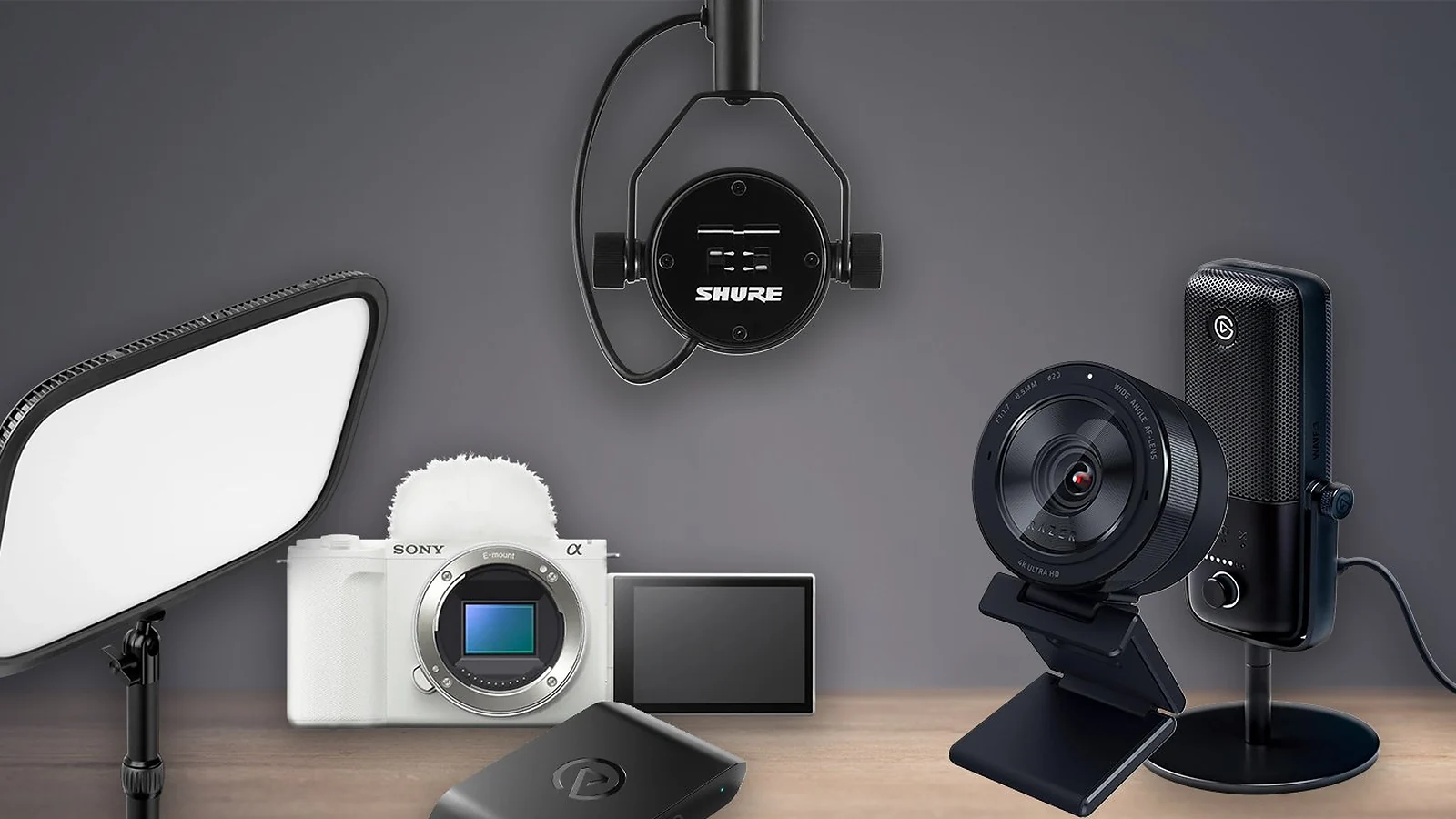
Choosing the right components for the best streaming setups for gaming involves key decision factors, not just buying the most expensive hardware. This is especially true when planning a streaming setup on a budget.
Spending Priority: Audio First, Always
Audio matters more than every other category combined. A decent USB microphone instantly improves professionalism, while bad audio drives viewers away quickly. Lighting comes second because it dramatically improves webcam quality. Cameras come third.
A streamer with a Wave:3 and proper lighting usually looks and sounds better than someone using an expensive camera with poor audio. This prioritization is non-negotiable when building any of the best streaming setups for gaming. Starting smart is the core philosophy of a successful streaming setup on a budget.
Do You Actually Need a Capture Card?
Most PC streamers in 2026 do not need one. Modern NVIDIA and AMD GPUs handle encoding efficiently with minimal FPS impact. Capture cards are primarily for console streaming or dual-PC setups. Buying one unnecessarily wastes budget that could go toward microphones or lighting instead. Understanding your hardware encoder means you can put that budget toward other vital parts of the best streaming setups for gaming.
USB vs. XLR – Which Path Fits You?
USB microphones remain the correct starting point for most creators. The Wave:3 and SoloCast provide excellent sound with minimal setup. XLR setups make sense once room-noise rejection, podcast recording, or higher production standards become important enough to justify the extra cost. Making the right audio decision is the foundation for all the best streaming setups for gaming.
Lighting – The Sleeper Upgrade
Positioning also matters – lights should sit slightly above eye level and roughly 45 degrees off-center, which is worth keeping in mind when planning your desk layout. Custom gaming desk ideas that account for lighting angles from the start save a lot of repositioning later.
Scaling Up – What to Buy, In What Order
Starting with the best streaming setup for beginners means choosing a clear, cost-effective upgrade ladder. The smartest upgrade path is straightforward: USB microphone first, lighting second, webcam third, Elgato Stream Deck MK.2 fourth, XLR audio chain fifth, and mirrorless camera setup last. Skipping directly to expensive cameras before improving fundamentals rarely improves streams meaningfully. Following this order ensures you build one of the most cost-effective best streaming setups for gaming.
Software Compatibility: OBS, Streamlabs, XSplit, and Twitch Studio
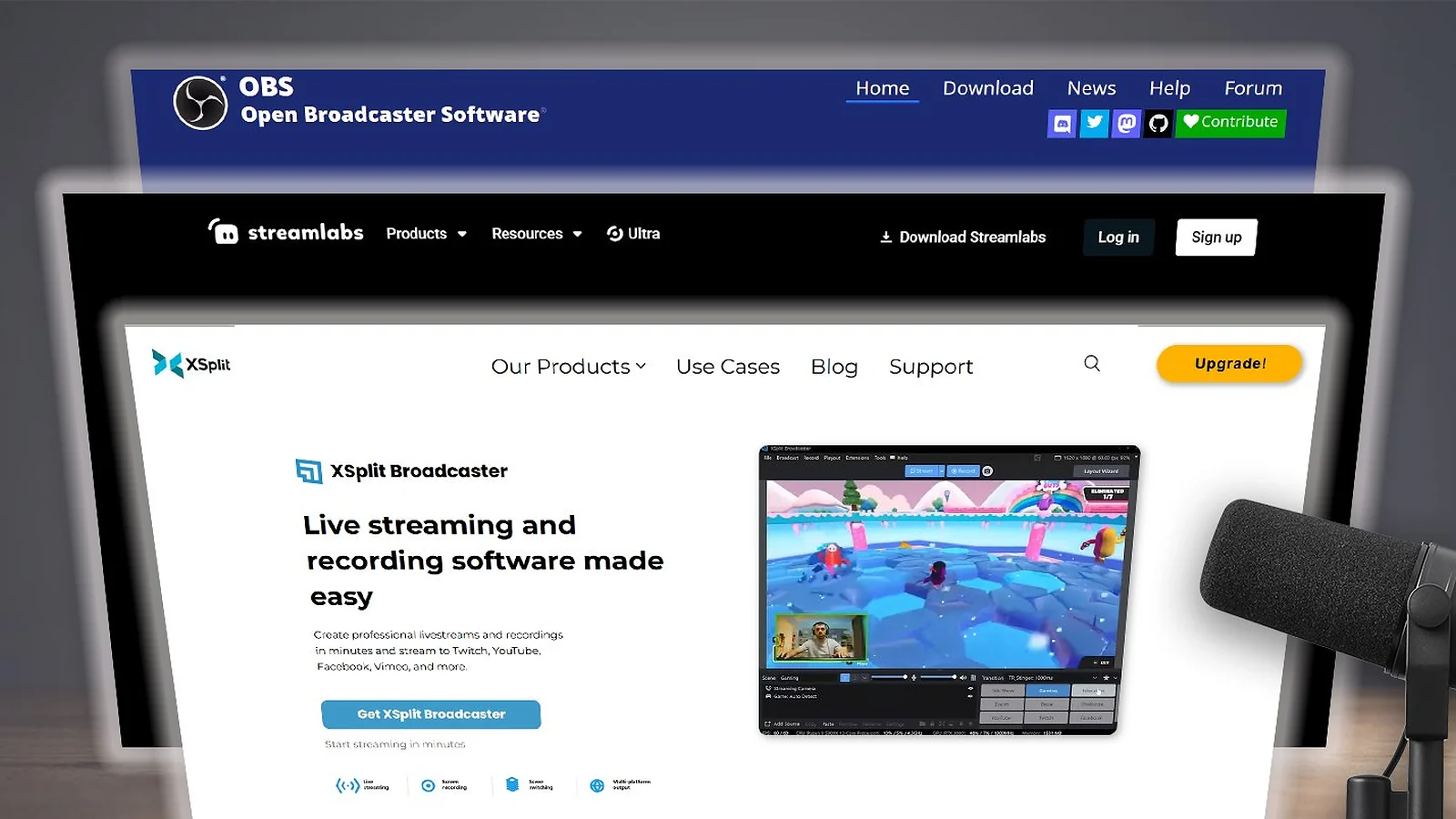
Every piece of gear in this guide works with OBS Studio, Streamlabs, XSplit, and Twitch Studio, though the quality of integration varies. Finding the right software is key to maximizing your best streaming gear for Twitch. Elgato hardware generally delivers the smoothest setup experience because its ecosystem is tightly connected.
- OBS Studio remains the default recommendation for most streamers. Creators who want to stream games around the house or route gameplay between systems can also benefit from learning how to use Steam Link. It supports every microphone, capture card, camera, and Stream Deck integration in this guide while remaining free and open-source.
- Streamlabs offers similar compatibility because it is built on OBS, though it consumes more system resources. New streamers often prefer it because overlays and alerts are easier to configure.
- XSplit remains polished and stable but has weaker Stream Deck integration compared to OBS.
- Twitch Studio works for simpler Twitch-only setups, though advanced routing features like Wave Link virtual channels work best inside OBS.
Mac users should note that Elgato Wave:3, Stream Deck MK.2, and Elgato Key Light all support macOS. Linux support is more limited, especially for Elgato control software.
Is a Premium Streaming Setup Worth the Investment?
The decision to invest in premium gear for the best streaming setups for gaming depends on your current channel size. For growing creators and full-time streamers, premium gear can absolutely provide measurable returns. Better audio improves retention, while consistent production value helps channels feel more professional and memorable.
That said, expensive hardware is not magic. A creator averaging five viewers gains very little from jumping straight into a $1,400 mirrorless setup. At that stage, growth depends far more on consistency, content quality, and personality.
The most common mistake in the streaming setup on a budget conversation is prioritising cameras over microphones. Audio should always be fully upgraded before camera spending begins.
Premium gear also cannot fix untreated rooms or weak content. Streamers with echo-filled rooms should invest in acoustic treatment before buying a Shure SM7B.
For most creators, the sweet spot remains an Elgato Wave:3, one good key light, and a solid webcam. The premium-tier combination of Shure SM7B, dual Elgato Key Lights, Stream Deck MK.2, and mirrorless camera only starts paying off once the channel already has momentum.
Community Verdict: What Players Actually Say
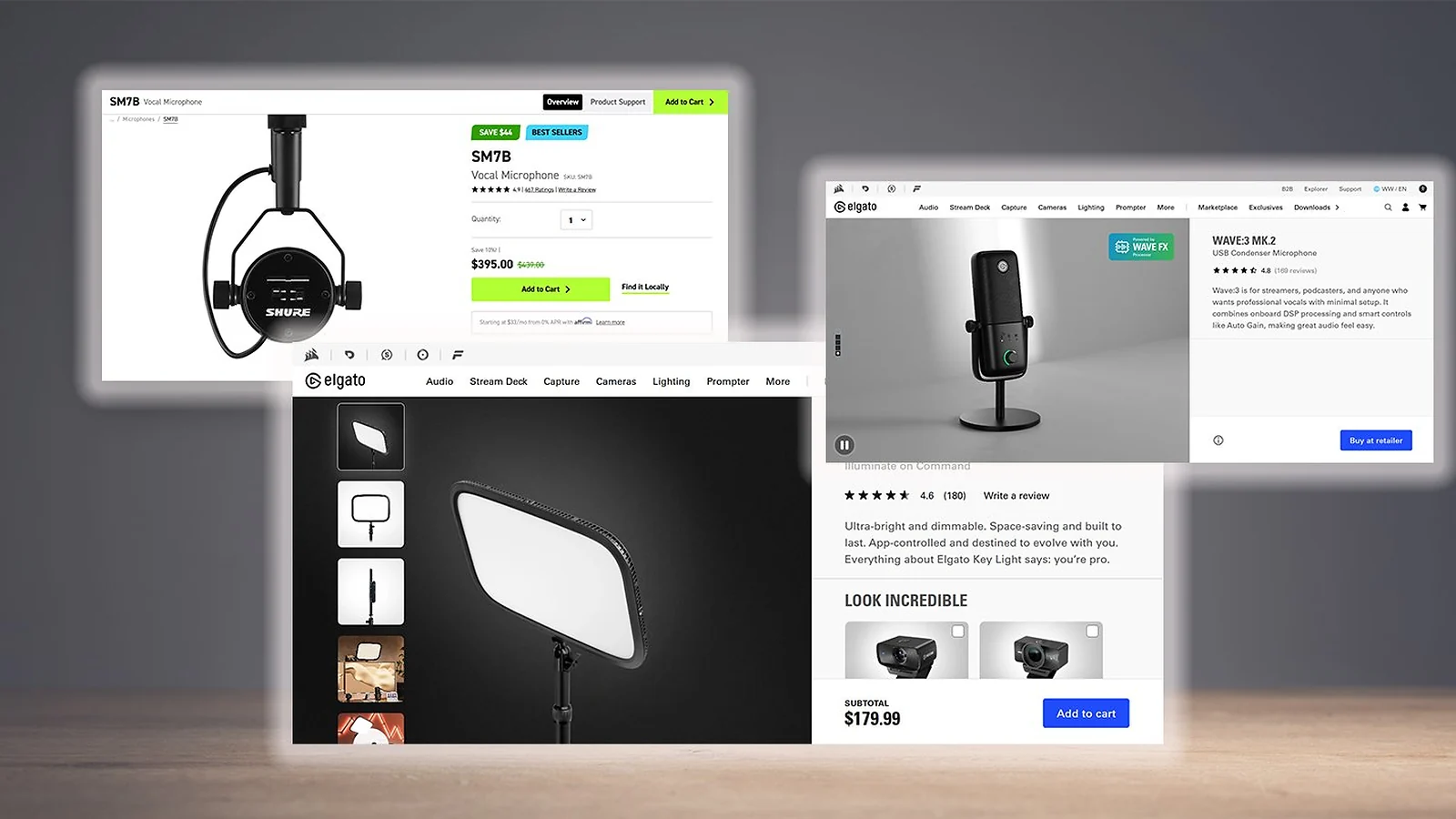
Streamer communities consistently agree on a few things. The Elgato Wave:3 earns praise because Clipguard prevents the distortion disasters that ruin beginner streams. When discussing the best streaming gear for Twitch, audio devices like the Elgato Wave:3 often top the list. The Shure SM7B gets near-universal approval for its room-noise rejection and polished vocal tone.
The Elgato Key Light also receives strong feedback because app controls and Stream Deck integration make mid-stream lighting adjustments effortless. Meanwhile, the Elgato HD60 X has built a reputation for simply working without constant troubleshooting.
The biggest complaints are predictable. The Shure SM7B requires more gain than many budget interfaces can provide cleanly. The Elgato Wave:3 picks up fan noise in untreated rooms. The Elgato Key Light still relies on 2.4 GHz Wi‑Fi pairing. The Razer Kiyo Pro Ultra is physically large compared to standard webcams.
Community feedback also highlights an important warning: counterfeit Shure SM7Bs and fake Elgato Cam Link 4K units continue appearing through unofficial marketplace sellers. Buying through authorised retailers remains strongly recommended.
Final Thoughts
Every piece of best gaming streaming equipment reviewed here is genuinely worth your money, no filler picks. But if you’re staring at the list wondering where to actually start, here’s the short version.
- Best for pro audio → Shure SM7B. If your channel is already moving and you want that polished broadcast sound that defines the best streaming gear for Twitch, this is the mic that gets you there.
- Best for visual quality → Sony ZV-E10 II. When your stream is established and the camera is the last thing holding it back, nothing in this guide touches the cinematic depth this setup delivers.
- Best safe bet for most streamers → Elgato Wave:3. The core of any serious best streaming setup for beginners – great audio, dead simple setup, and nothing to overthink.
- Best on a budget → HyperX SoloCast. Five minutes to plug in, sounds better than anything near its price, and leaves you money for a light or a better webcam down the line.
The remaining four – the Razer Kiyo Pro Ultra, Elgato HD60 X, Elgato Key Light, and Stream Deck MK.2 – are all solid additions once the fundamentals are covered. Mix and match based on where your setup actually needs the upgrade. That’s really what building the best streaming setups for gaming comes down to: fixing the weakest link first, not chasing the most expensive one.
FAQs
The Shure SM7B is the best single audio upgrade you can make. The best streaming setups for gaming also include the Elgato Wave:3 as the smartest starting point for most creators and the Sony ZV-E10 II as the visual upgrade to aim for once your channel has momentum.
Most PC gamers no longer need capture cards because modern NVIDIA and AMD GPUs handle streaming internally through NVENC and AMF encoders. Capture cards remain essential for console streaming and dual-PC streaming setups.
The HyperX SoloCast remains one of the best value pieces of best gaming streaming equipment available. It delivers strong sound quality, extremely simple setup, and useful features like tap-to-mute controls while staying affordable for new streamers.
The HyperX SoloCast is the best budget pick, offering strong audio quality and plug-and-play USB setup in under five minutes. Those who can stretch their budget will find the Elgato Wave:3 worth every extra dollar for its broadcast-quality sound and Clipguard protection.
Achieving a reliable streaming setup on a budget is entirely possible by prioritizing audio. A solid beginner setup can cost under $200 using a budget USB microphone and affordable lighting. Mid-tier setups with better webcams and stream-control hardware usually land between $500 and $900. Premium professional setups can exceed $2,000 once mirrorless cameras and XLR audio chains are included.












