



MSI Aegis RS review 2026

Eneba Hub contains affiliate links, which means we may earn a small commission if you make a purchase through them—at no extra cost to you. Learn more


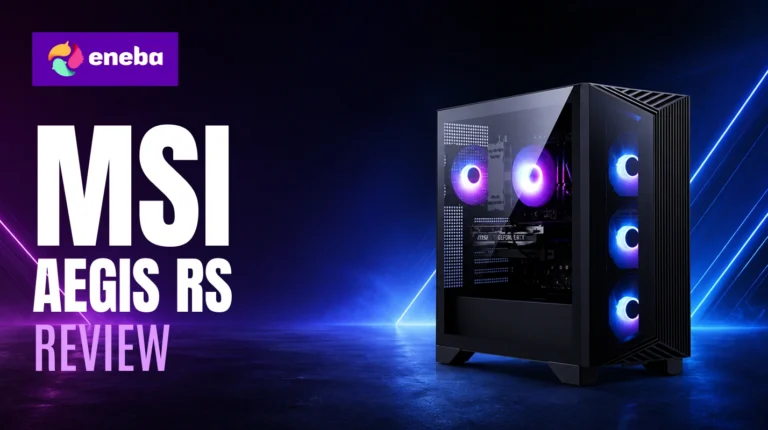
This MSI Aegis RS review starts with an honest question: does spending $1,500 on a prebuilt actually make sense when a custom build is an option? The tension is loudest at this price point – you can source parts, build over a weekend, and squeeze out a few more percentage points of raw performance. Or you can order the MSI Aegis Z2, the machine behind the Aegis RS name, and be gaming the same day it arrives. This MSI Aegis RS prebuilt review is for anyone seriously weighing that tradeoff.
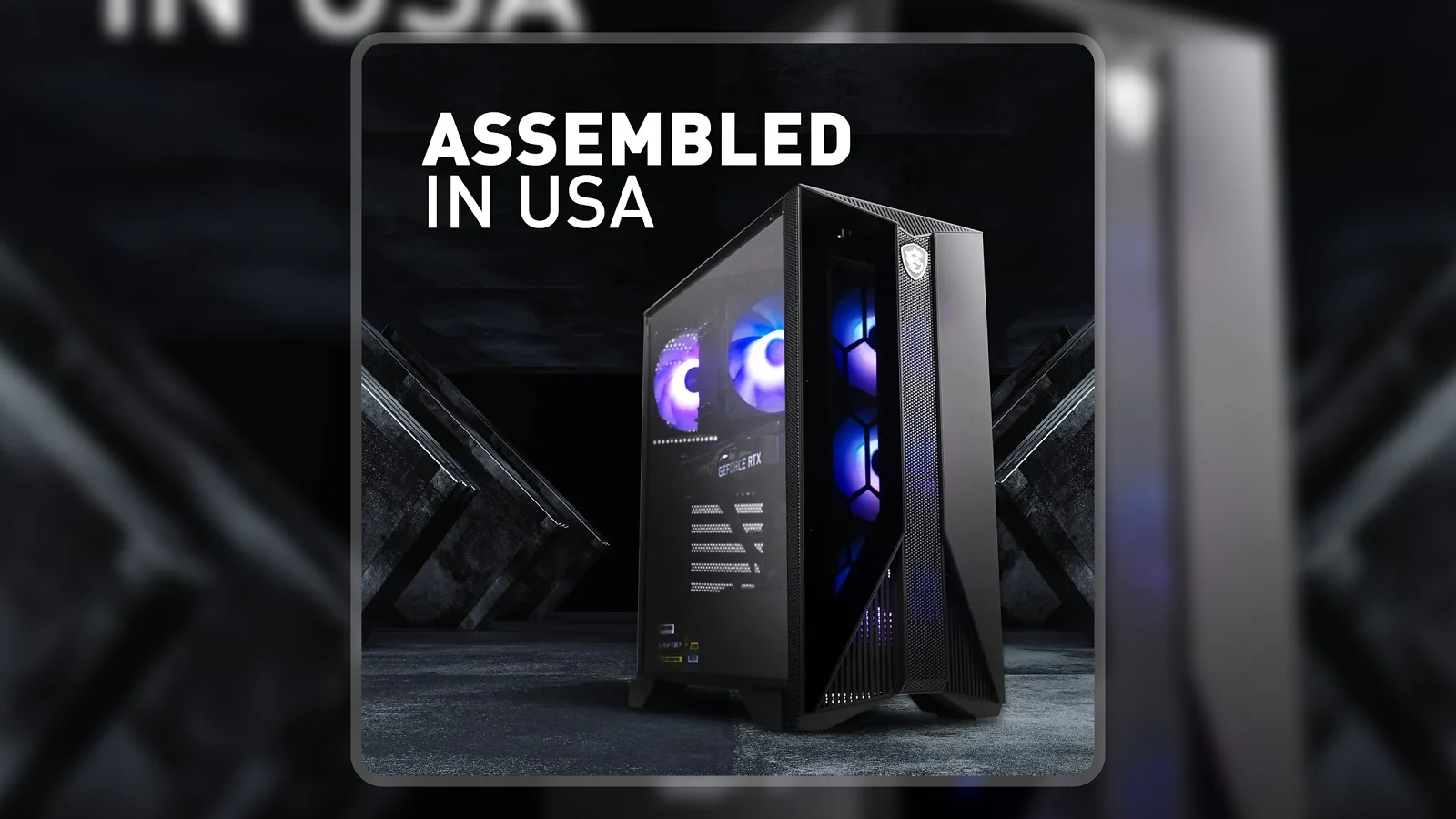
The standout detail is the case design: MSI built the Aegis Z2 with standardized components so you can swap the GPU, add storage, or upgrade RAM without proprietary headaches. It ships with an AMD Ryzen 7 7700, RTX 4060, DDR5 5600MHz memory, an 80+ Gold PSU, four case fans, keyboard, mouse, and Wi-Fi 6 for $1,549 – hard to match part-for-part at that MSI Aegis RS price.
My evaluation focuses on anyone who wants to skip the build, get Windows working in an hour, and have a GPU that handles 1080p gaming for a few years. The MSI Aegis RS specs, thermal performance, and upgrade accessibility are the lens throughout.
Jump to:
Aegis Z2 at a Glance
Here is the full MSI Aegis RS specs picture before getting into the details.
| Spec | Detail |
| CPU | AMD Ryzen 7 7700 (8-core, 3.8GHz base / 5.3GHz boost) |
| GPU | NVIDIA GeForce RTX 4060 (8GB GDDR6) |
| RAM | 16GB DDR5 5600MHz |
| Storage | 1TB M.2 SSD |
| Cooling | Air (4 case fans + RGB CPU air cooler) |
| Wireless | Wi-Fi 6 (802.11ax), Bluetooth 5 |
| Ports | USB 3.2 Gen 2 x2, USB 2.0, HDMI, Ethernet |
| Expansion Slots | 4 |
| RAM Slots | 2 physical (Amazon listing says 4) |
| OS | Windows 11 Home |
| Dimensions | 19.4 x 9.1 x 19 inches |
| Included | Keyboard, mouse |
| Warranty | 1-year manufacturer limited |
Key Features and Benefits
The Aegis Z2 is built around specs that actually matter for gaming in 2026. Here is what each one means in practice.
- AMD Ryzen 7 7700 (8 cores, 5.3GHz boost) – Eight cores at this clock speed keeps games smooth even when Discord, a browser, and a capture tool run alongside without the CPU becoming the bottleneck.
- NVIDIA GeForce RTX 4060 (8GB GDDR6) – The RTX 4060‘s Ada Lovelace architecture handles 1080p at high settings in most current titles, with DLSS available to push further without dropping frames.
- DDR5 5600MHz RAM – DDR5 at this speed pairs well with the Ryzen 7 7700‘s memory bandwidth needs, and any future upgrade stays on current-gen memory.
- 1TB M.2 NVMe SSD – Boot times are fast, though one terabyte fills up quickly with modern AAA installs hitting 100-150GB each – a second drive is likely within a year.
- 80+ Gold PSU – A Gold-rated PSU in a prebuilt is a genuine differentiator; most budget desktops use Bronze or unrated units, which run hotter and waste more electricity under load.
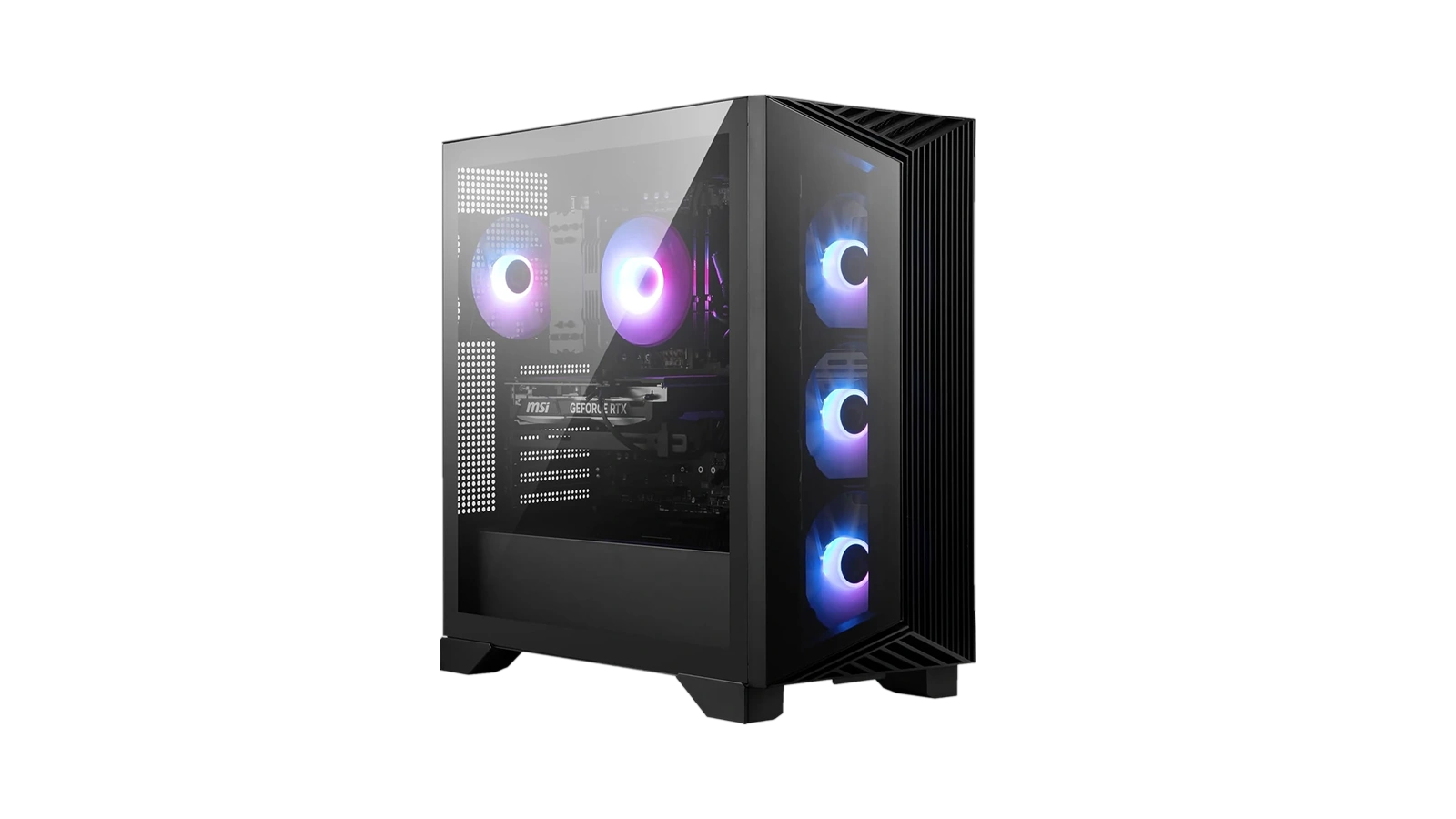
- Four-fan cooling + standardized case – Three front intake fans plus one rear exhaust create a consistent airflow path, and MSI built the chassis with standard ATX components so future GPU or storage swaps do not require proprietary parts.
- Wi-Fi 6 and Bluetooth 5 built in – No separate adapter needed; Wi-Fi 6 handles gaming and streaming on a wireless connection without the latency of older standards.
Performance and Real-World Experience
The Ryzen 7 7700 and RTX 4060 sit at a specific point on the price-to-performance curve: strong at 1080p high settings, capable at 1440p in less demanding games, and not the card for consistent 4K. That is the honest summary.
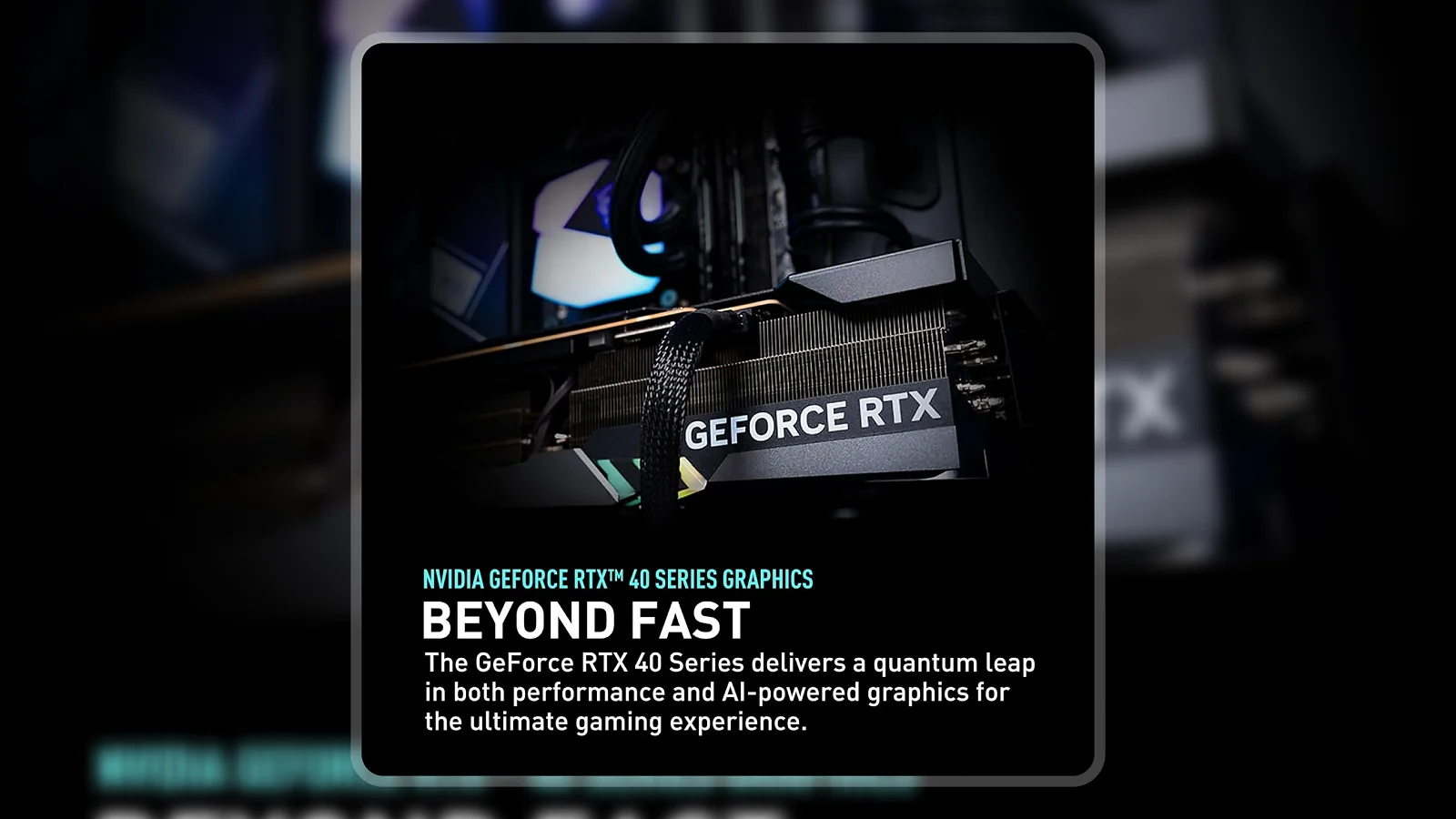
At 1080p, the RTX 4060 keeps Cyberpunk 2077 and Elden Ring above 60fps at high settings, and Forza Horizon 5 runs comfortably at high despite its demanding draw distances. With DLSS enabled, ultra settings become viable – that headroom is one of the better arguments for this card over older mid-range options at this price.
The Ryzen 7 7700‘s 5.3GHz boost shows up in scene transitions and load times – fast, with no stutter in CPU-heavy titles. The DDR5 5600MHz pairing gives AMD‘s unified memory architecture the bandwidth it needs, so memory is not a constraint on frame consistency. Upgrading to two matched DDR5 sticks is one of the first changes worth making – the performance gain in bandwidth-sensitive games is noticeable.
| Pros | Cons |
|---|---|
| ✅ RTX 4060 handles 1080p at high settings with DLSS headroom for 1440p gaming ✅ AMD Ryzen 7 7700 (8-core, 5.3GHz boost) – strong single-core and multi-core performance ✅ DDR5 5600MHz memory is current-gen and pairs well with the Ryzen 7000 platform ✅ 80+ Gold PSU stands out at this price – most prebuilts use Bronze or unrated units ✅ Four-fan cooling (3 front + 1 rear) keeps thermals steady under sustained gaming load ✅ DIY-friendly case with standardized MSI components – GPU, storage, and RAM upgrades are accessible ✅ Ships complete with keyboard, mouse, Wi-Fi 6, and Bluetooth 5 | ❌ Amazon’s listing states 4 RAM slots, but physical units ship with 2, limiting future RAM expansion to high-capacity individual sticks |
The Aegis Z2 combines a current-gen GPU (RTX 4060), AMD’s fast Ryzen 7 7700, and DDR5 memory in a case designed for upgrades – that combination is unusual in a prebuilt at this price. It ships with an 80+ Gold PSU, four case fans, and Wi-Fi 6 included, which adds up to a machine that does not cut corners where it matters. The Enebameter score of 8.3/10 reflects that hardware quality and the genuine upgrade path on offer.
The RTX 4060 is not the strongest card MSI puts in this chassis, but it is the right card for the price. At $1,549, you get a complete setup (PC, keyboard, mouse, Wi-Fi 6, OS license) at a cost that would leave you short on several of those items if you were sourcing parts yourself. The upgrade path is real: the standardized case design means a future GPU swap is not an exercise in frustration.
“For the price it’s got what I want. Easy set up, up and running in no time. The system itself is solid, good value for what you’re getting.” – tailu66
The setup experience holds up across most reviewer accounts. The machine installs Windows quickly, the included peripherals are functional, and there is no driver hunting to start gaming. That out-of-box experience is the genuine advantage over a custom build for someone who wants to be playing within an hour of delivery.
“Everything seems well put together, runs games well. Upgraded RAM as soon as it arrived, and the performance gains from that swap were immediately noticeable.” – Justin hertz
The RAM upgrade Justin mentions is worth noting. Going to 32GB is straightforward, though the 2-slot physical configuration means replacing existing sticks rather than filling empty slots – plan before buying upgrade RAM.
Upgrade Path and Expandability
The MSI Aegis RS upgradeable design is genuine – MSI built the Aegis Z2 with standardized components so you can extend its useful life without replacing the whole unit.
The RTX 4060 sits in a standard PCIe slot. When it stops keeping up – probably 2-3 years at 1080p – swapping in a next-gen mid-tier card is straightforward, and the 80+ Gold PSU has headroom for a more demanding card.
For RAM: the Amazon listing states 4 slots, but physical units have 2. Replacing existing sticks with higher-capacity DDR5 modules is the path – 32GB sticks can get you to 64GB total, but verify the slot count first. Storage is the other early upgrade; the 1TB M.2 fills quickly, and the case supports standard SATA and M.2 expansion. The GPU and storage are the two upgrade paths you will most likely take first, and both are well-supported by the case and PSU.
Cooling and Noise Levels
Four fans in a mid-tower case is a reasonable thermal solution for this RTX 4060 + Ryzen 7 build, and the Aegis Z2‘s layout puts that airflow to use.
Three 120mm front fans pull cool air in; one rear fan exhausts it. The RTX 4060 draws around 115W and the Ryzen 7 7700 has a 65W TDP – manageable for this airflow path. Temperatures stay well within safe ranges during sustained gaming sessions, and total system draw of 300-350W sits well within the Gold PSU’s rated output.
Under sustained load, fans are audible in a quiet room but not competing with game audio at normal volumes – a headset eliminates the concern. The front mesh accumulates dust; compressed-air cleaning every few months keeps performance consistent. Liquid cooling is not justified for this thermal profile.
My Overall Verdict on MSI Aegis Z2 Gaming Desktop (2024)
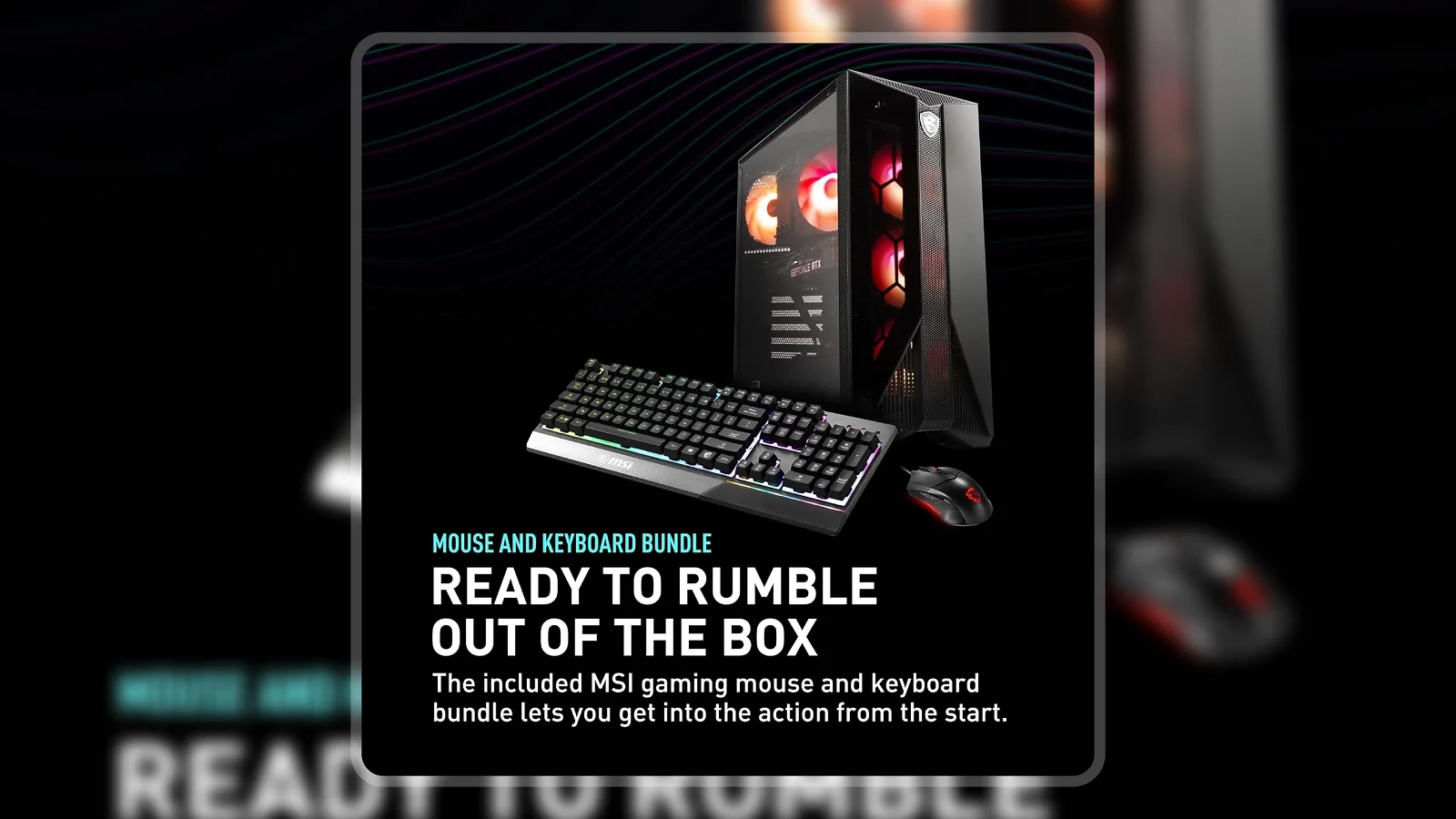
Writing this MSI Aegis RS review with the Aegis Z2‘s actual hardware in mind: this is a well-built prebuilt that delivers on the things that matter at its price point. The RTX 4060 handles 1080p at high settings without strain, the Ryzen 7 7700 stays out of the bottleneck discussion, and the 80+ Gold PSU signals MSI put real thought into this build. The Enebameter score of 8.3/10 reflects solid core hardware and a genuine upgrade path, offset slightly by the low review count and the RAM slot discrepancy in the listing.
This machine is best for anyone who wants a complete gaming desktop without spending a weekend sourcing parts. It is less ideal for anyone building toward 4K or wanting to max out RAM slots for productivity workloads – the RTX 4060 and 2-slot RAM configuration both have ceilings.
If the MSI Aegis RS fits your budget and you want a machine ready to game the day it arrives, this is a strong choice in the prebuilt space. The MSI Aegis RS review verdict: buy it for the GPU, keep it for the upgrade path.
Complete Your Setup
A gaming PC is the centerpiece, but the right accessories unlock what it can do. Here are two picks that pair well with the Aegis Z2.
ARES WING GDT1003P-2 Dual Monitor Arm
The Aegis Z2 supports up to 4K via HDMI, and if you are running two monitors, desk organization matters. The ARES WING heavy-duty dual monitor arm (17-49 inch displays) frees desk space, positions both screens at eye level, and cleans up cable clutter – the monitors stay exactly where you set them.
2026 Gaming Laptop
If you want portability to complement your desktop setup – for LAN parties, travel, or a second room – a 2026 gaming laptop with current-gen specs fills the gap a desktop cannot. The Aegis Z2 handles the heavy lifting at home; a capable gaming laptop handles everything else.
FAQs
Yes, for anyone who wants a complete gaming desktop without the build process, the MSI Aegis RS is worth it. The RTX 4060, Ryzen 7 7700, and DDR5 combination delivers strong 1080p performance, and the included keyboard, mouse, and Wi-Fi 6 adapter add real value to the package price.
A custom build at the same price can match or slightly exceed the Aegis Z2‘s raw specs, but it requires sourcing parts, assembly time, and OS installation. The Aegis RS trades a small spec premium for a machine that arrives ready to use, with a warranty and manufacturer support included.
Yes, MSI designed the Aegis series with standard form-factor components, so the GPU (PCIe), storage (M.2 and SATA), and RAM (DDR5) are all upgradeable. Note that physical units have 2 RAM slots, not 4 as listed on Amazon, so plan RAM upgrades around higher-capacity individual sticks rather than adding slots.
Yes, the Aegis Z2 ships with a gaming keyboard and mouse included in the box. Wi-Fi 6 and Bluetooth 5 are also built in from the factory, so the only additional purchase you will need at setup is a monitor.
This MSI Aegis RS review covers the Aegis Z2, which handles virtually all current titles at 1080p high settings, including Cyberpunk 2077, Elden Ring, and Forza Horizon 5. With DLSS enabled, 1440p gaming at high settings is also within reach, making it a versatile machine for two to three years of new releases.












