



Lenovo Legion Pro 7i Gen 9 Review 2026

Eneba Hub contains affiliate links, which means we may earn a small commission if you make a purchase through them—at no extra cost to you. Learn more


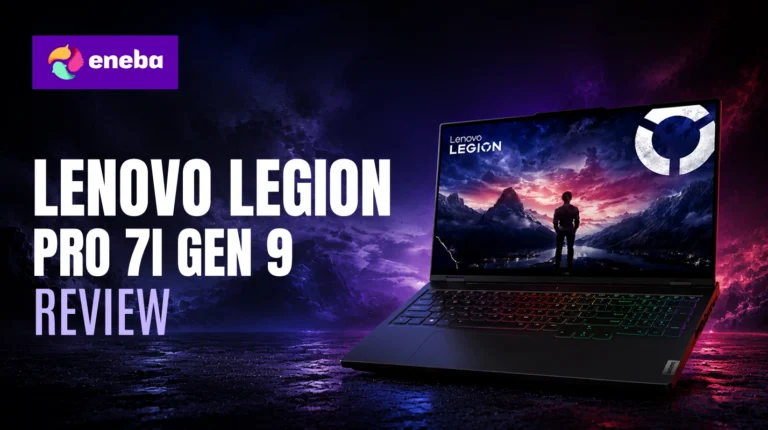
The Lenovo Legion Pro 7i Gen 9 review cuts through the spec-sheet hype to answer one question: at $3,699, does this gaming laptop earn its price tag? That price puts you at the top of the gaming laptop market, and anyone at this level has specific expectations – desktop-replacement performance, a display that keeps up with the GPU, and enough storage to run a real game library.
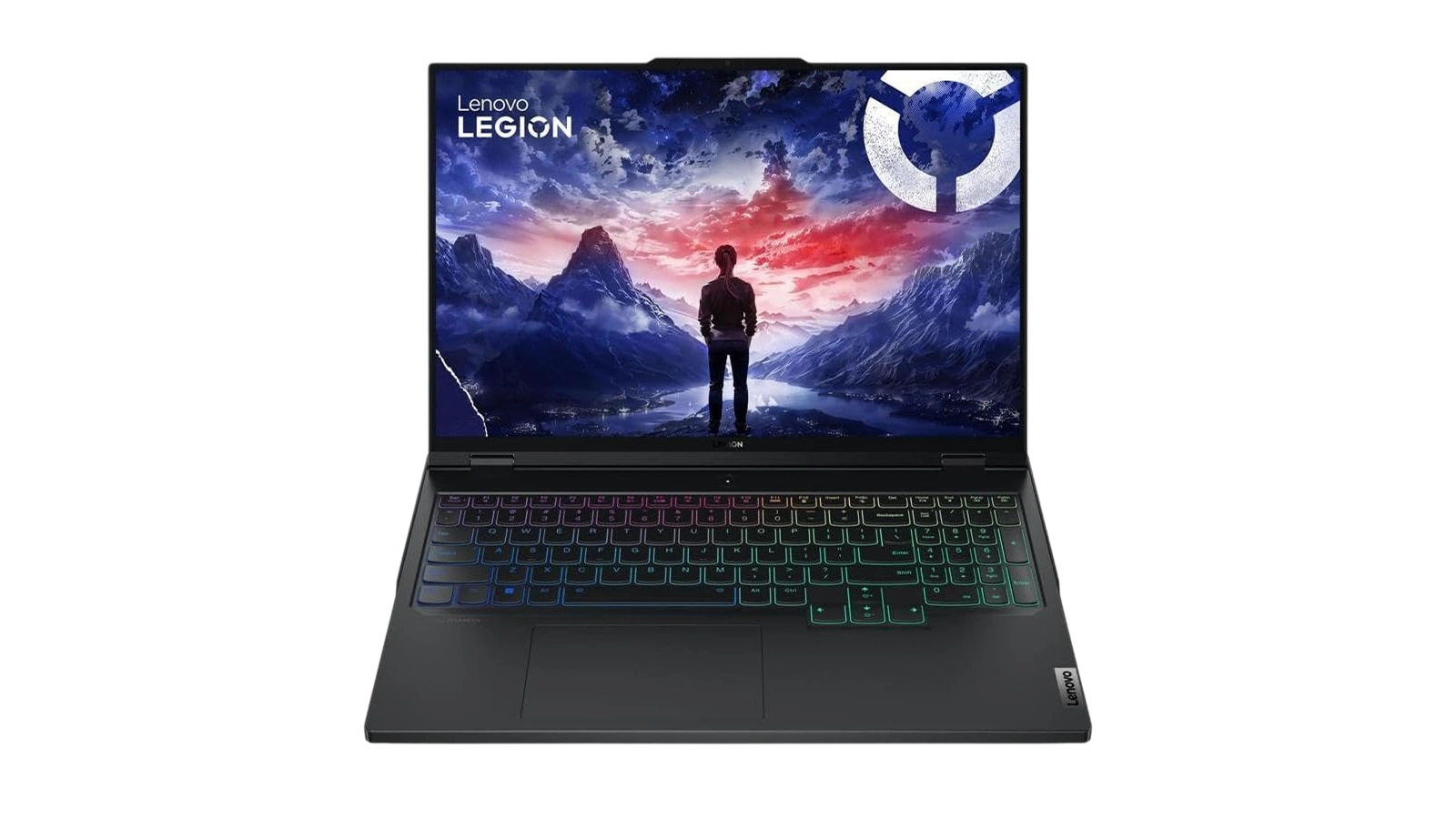
What drew me to this machine is the i9-14900HX and RTX 4080 pairing – a combination you typically see in configurations priced even higher. Lenovo has packaged it into a chassis that holds up well and does not look out of place in a professional setting. The build quality backs up the price tag in ways that cheaper gaming laptops rarely manage.
Jump to:
Legion Pro 7i Gen 9 at a Glance
Here is what you are working with. The Lenovo Legion Pro 7i Gen 9 specs make a clear case – top-tier hardware with few compromises.
| Specs | Details |
|---|---|
| Processor | Intel Core i9-14900HX (up to 5.8 GHz, 24-core) |
| GPU | NVIDIA GeForce RTX 4080 12GB GDDR6 |
| RAM | 32 GB DDR5-5600 MHz (2×16 GB SODIMM, upgradeable to 64 GB) |
| Storage | 2 TB NVMe SSD PCIe Gen4 (2×1 TB M.2) |
| Display | 16″ IPS QHD+ (2560×1600), 500 nits, 240Hz, Anti-glare |
| Battery | 99.99 Wh Lithium Ion |
| OS | Windows 11 Pro |
| Connectivity | Wi-Fi 6E, Bluetooth 5.3, Gigabit Ethernet |
| Ports | 5x USB total, 1x HDMI |
| Webcam | Yes (front-facing) |
| Audio | Dolby Audio speakers, integrated microphone |
| Dimensions | 14.3″ x 10.32″ x 1.01″ |
| Color | Eclipse Black |
Key Features and Benefits
The Lenovo Legion Pro 7i Gen 9 specs table gives you the numbers – here is what those numbers mean in a gaming session.
- Intel Core i9-14900HX – 24 cores (8 performance + 16 efficiency) up to 5.8 GHz mean the CPU never becomes the bottleneck. Efficiency cores absorb background load so performance cores stay focused on gaming.
- NVIDIA GeForce RTX 4080 12GB – The Lenovo Legion Pro 7i Gen 9 RTX 4080 targets QHD maximum settings with DLSS 3 support and 12GB GDDR6 VRAM. High-texture workloads run without compression artifacts at this resolution.
- 2TB PCIe Gen4 NVMe (2×1 TB) – Fast sequential reads and room for a real game library across two M.2 slots. The second slot can be swapped independently if you need more space later.
- 240Hz QHD+ Display (500 nits, Anti-glare) – The 2560×1600 panel is sharp enough for content work and fast enough for competitive gaming. At 500 nits, the anti-glare coating handles bright rooms without washing out the image.
- 99.99 Wh Battery – The legal carry-on maximum for aviation. Lenovo pushed battery size to the regulation ceiling, giving this machine more light-task runtime than most gaming laptops at this tier.
- Windows 11 Pro – BitLocker, Remote Desktop, and Hyper-V virtualization included. Not the stripped Home edition.
Performance and Real-World Experience
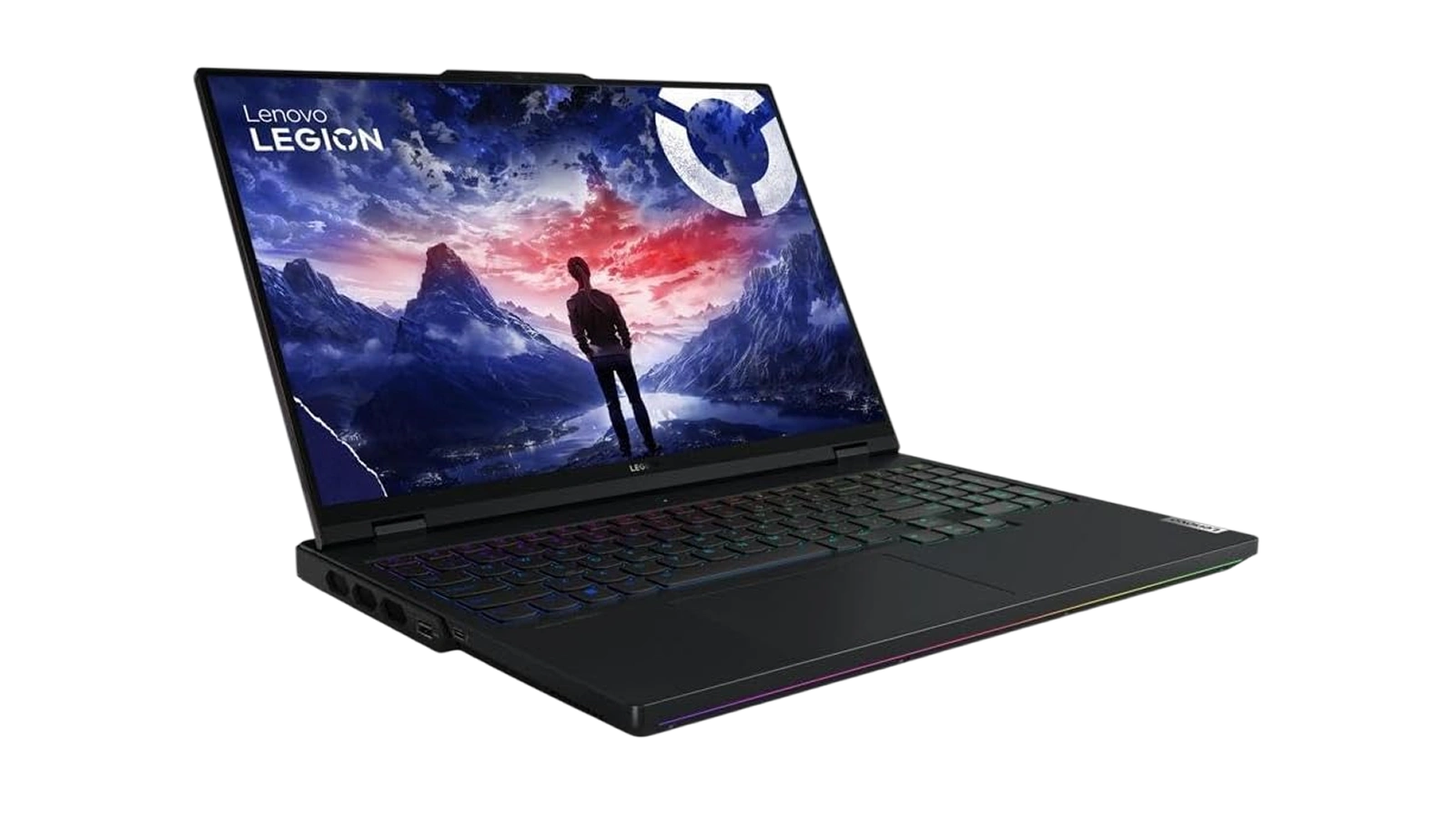
The Lenovo Legion Pro 7i Gen 9 performance at QHD is the main event. The i9-14900HX and RTX 4080 push demanding titles well above 100fps at maximum settings – output that actually uses the 240Hz display rather than wasting it. The Lenovo Legion Pro 7i Gen 9 i9 processor handles multitasked loads without pulling the GPU back, so recording or streaming alongside a game does not cause the frame rate drops that CPU-throttled laptops routinely show.
Thermals are managed well. Lenovo‘s dual-fan system keeps temperatures in safe ranges during extended sessions, with fan noise at the expected level for high-performance hardware. Lenovo Vantage‘s Quiet mode pulls back fan speed at the cost of some clock headroom when you need quieter operation.
The chassis is where this machine earns its price. Minimal lid flex, a firm hinge, and solid material quality – nothing feels hollow or cheap at $3,699. One note: register with Lenovo immediately after purchase – isolated USB-C connectivity reports exist on some units, and warranty coverage needs to be active to address them.
| Pros | Cons |
|---|---|
| ✅ i9-14900HX (up to 5.8 GHz, 24 cores) handles gaming, streaming, and content creation simultaneously without CPU throttling ✅ RTX 4080 12GB pulls top-tier frame rates at QHD – demanding titles stay fluid at maximum settings ✅ 2TB PCIe Gen4 NVMe across two M.2 slots means a real game library fits without constant storage management ✅ 240Hz QHD+ panel at 500 nits serves both competitive gaming and content work on one screen ✅ 99.99 Wh battery is the legal carry-on maximum – as much capacity as any laptop can fly with ✅ Windows 11 Pro included adds BitLocker encryption and enterprise features alongside the gaming setup | ❌ At $3,699, this is a significant investment – though the i9/RTX 4080 configuration is difficult to match at a lower price without meaningful spec compromises |
The Legion Pro 7i Gen 9 combines an i9-14900HX and RTX 4080 in a chassis that does not sacrifice build quality for performance – a rare achievement at any price point. For gamers who want desktop-replacement frame rates without buying a desktop, this is the machine that delivers it in a form factor you can actually transport.
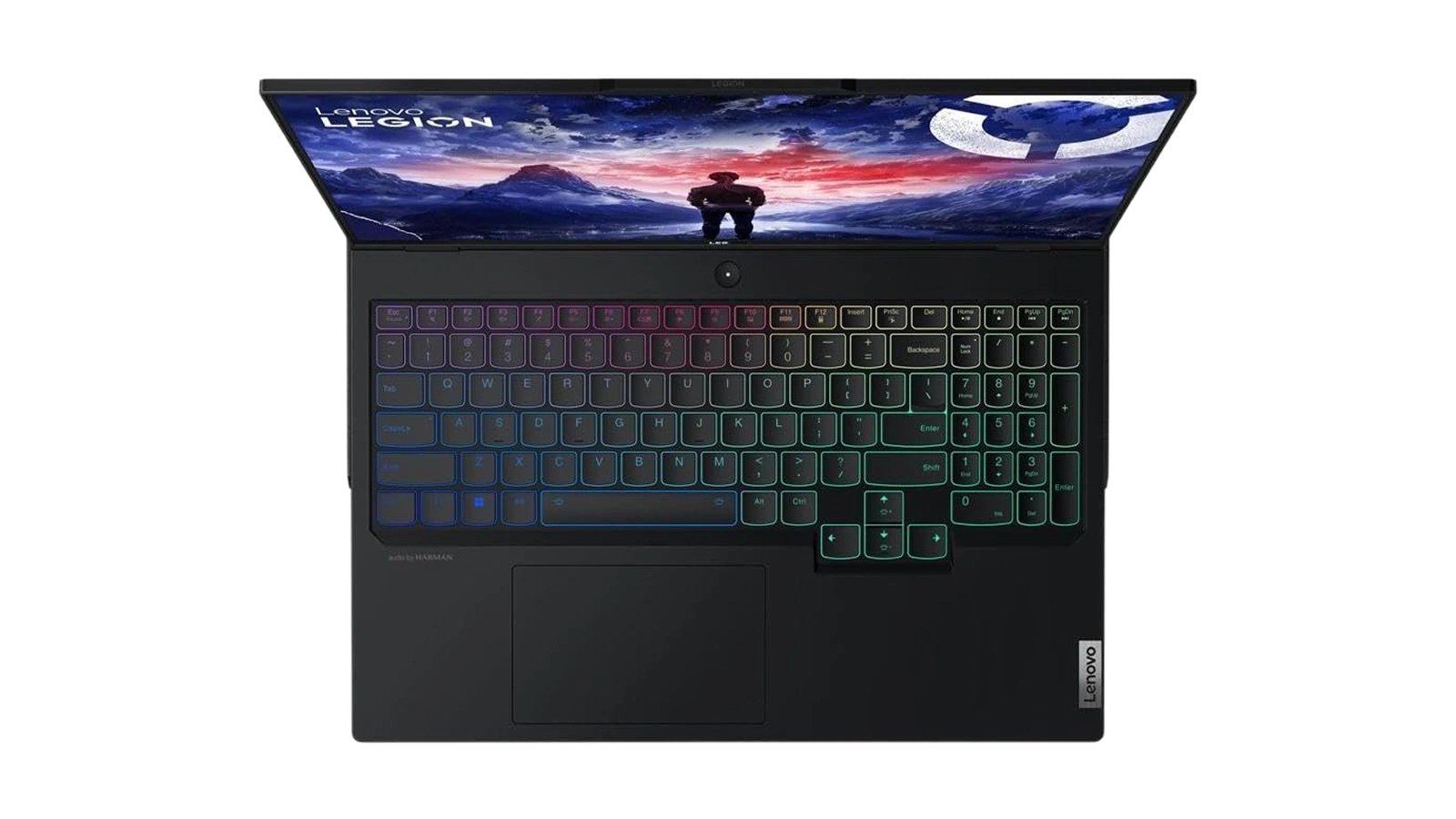
The core strength is CPU-GPU balance. Cheaper gaming laptops often pair a powerful GPU with a processor that throttles under sustained load. The Legion Pro 7i Gen 9 sidesteps that entirely – the i9-14900HX keeps pace with the RTX 4080 even with background applications running.
“I did serious homework before committing to this machine, and it held up to everything I’d seen before buying. The build is genuinely solid – not hollow or plasticky like cheaper gaming laptops. It feels like it was made to last, and the performance backs up the price tag.” – Terrell
At $3,699, you expect premium construction – this machine delivers it. The chassis handles daily transport without the lid flex or hinge loosening that cheaper gaming laptops develop over time.
“Gaming at maximum settings in demanding titles gets around 190fps on this machine, and the screen does those frames justice – it’s one of the better laptop panels I’ve played on. Battery life is the trade-off, but realistically you’re plugged in when you’re gaming hard anyway, so it doesn’t change how I use it.” – Ricardo Castro
The battery-plugged-in framing captures how most owners at this tier actually use the machine. The 99.99 Wh pack handles travel and light use – for gaming sessions, the charger stays connected.
Display and Visual Quality
The Lenovo Legion Pro 7i Gen 9 display review starts with the resolution-refresh balance: 2560×1600 at 240Hz is a more defensible combination than it first appears. QHD gives noticeably more detail than 1080p without the GPU overhead of 4K, and with the RTX 4080 driving it, the 240Hz refresh is not wasted – the GPU sustains frame rates high enough to use it in competitive titles. The anti-glare 500-nit panel handles bright rooms well, with colors accurate enough for photo and video work alongside gaming.
What the display does not offer is OLED-level contrast or deep blacks. For the vast majority of gaming use cases it is a strong match for the hardware it is paired with. If you’re planning an external display too, our roundup of top-rated gaming monitors covers compatible options for the Legion‘s RTX 4080 output.
Battery Life and Portability
The Legion Pro 7i Gen 9 weighs 5.76 pounds and measures just over an inch thick – portable enough for a backpack, not light enough for all-day carry. The Lenovo Legion Pro 7i Gen 9 battery life picture is straightforward: under gaming load, expect 2 to 3 hours before needing the charger. Under lighter tasks, the 99.99 Wh pack stretches considerably further.
For anyone using this as their primary work and gaming machine, the pattern is: travel and light tasks on battery, plug in for gaming. If all-day unplugged battery is a hard requirement, a thinner ultrabook fits that need better. Our list of highly rated gaming laptops under $1,500 covers strong alternatives at a lower price point.
My Overall Verdict on Lenovo Legion Pro 7i Gen 9
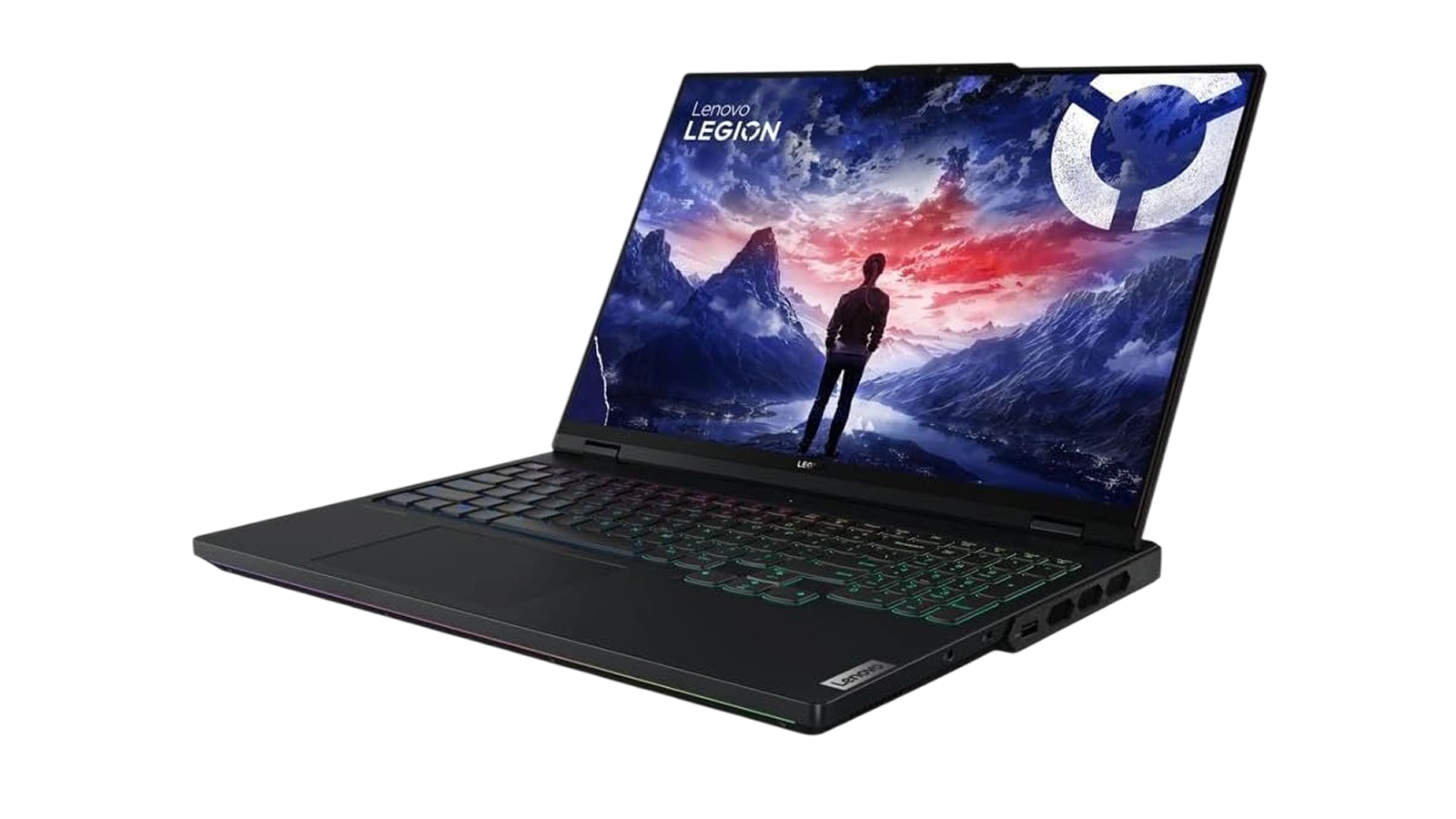
The Lenovo Legion Pro 7i Gen 9 review makes a strong case for desktop-replacement gaming in a laptop form factor. The i9-14900HX and RTX 4080 pairing puts you at the top of the mobile gaming market for 2026, with a display sharp enough for content creation and fast enough for competitive gaming. The build quality holds up to the price – this does not feel like a laptop that cuts corners on materials to fund the GPU.
The two honest trade-offs are battery life under load and the $3,699 price. Neither is a surprise given the hardware inside. Desktop-replacement laptops drain fast under sustained gaming load, and the i9/RTX 4080 combination costs what it costs across the market. The Enebameter score of 8.1/10 reflects strong hardware execution with those expected trade-offs factored in.
This machine is best suited to dedicated gamers who game hard at a desk and occasionally travel. Casual users, students who need all-day battery, or anyone on a tighter budget will find better value elsewhere. The Lenovo Legion Pro 7i Gen 9 review earns its Enebameter 8.1/10 score for serious gamers who demand maximum gaming performance.
Budget Alternative
Not every gamer needs the full i9-14900HX and RTX 4080 configuration. At $589.99, the KAIGERR LX15PRO covers everyday computing: an Intel Core i5-12600H, 16GB DDR4 RAM, 512GB SSD, and 15.6″ FHD display handle productivity and light multimedia without issue. The trade-off is gaming capability – the KAIGERR relies on integrated Intel Iris Xe graphics rather than a dedicated GPU, so demanding titles at high settings are off the table. For anyone who games seriously, the full Legion Pro 7i Gen 9 configuration remains the clear choice.
Complete Your Setup
The right peripherals complete the Legion Pro 7i Gen 9 desk setup. A dedicated keyboard and gaming mouse are the two additions that turn this into a full desktop-replacement rig.
CHERRY XTRFY K5 Pro TMR Compact, Magnetic Wired Gaming Keyboard
The CHERRY XTRFY K5 Pro TMR brings magnetic-switch precision to your Legion desk. TMR switches deliver linear actuation suited to fast-paced gaming – compact layout, no missing keys.
MO1 Wireless Gaming Mouse
The MO1 wireless gaming mouse fills the gap gaming laptops always leave. A touchpad is not built for competitive gaming – a dedicated wireless mouse fixes that without cable clutter. Pair it with the Legion Pro 7i Gen 9 and you have a proper desktop rig in a portable package.
FAQs
Yes, the Lenovo Legion Pro 7i Gen 9 is worth it for serious gamers who need desktop-level performance in a portable form factor. The i9-14900HX and RTX 4080 deliver top-tier frame rates at QHD, the 240Hz panel holds up, and the build quality reflects the $3,699 price tag.
Battery life is the main trade-off – under gaming load, expect 2 to 3 hours before you need to plug in. The 99.99 Wh capacity is the legal carry-on maximum, but sustained gaming requires the charger regardless of pack size.
Thermals are well managed under gaming load – the dual-fan system keeps temperatures in safe ranges, and fan noise stays at the expected level for high-performance hardware. Lenovo Vantage Quiet mode trades some GPU clock headroom for lower fan noise when needed.
The Lenovo Legion Pro 7i Gen 9 vs ASUS ROG Strix comparison comes down to thermal management and build feel – the Legion typically runs cooler and quieter under sustained load. At similar price points the specs are nearly equivalent, so availability and pricing at purchase usually determines the call.
A Lenovo Legion Pro 7i Gen 9 review is the most reliable way to understand whether this machine fits your actual gaming setup before committing $3,699. If you game at a desk, need maximum gaming performance, and occasionally travel, this is the machine built for those requirements.












