



ASUS ROG Moonstone Ace L Review 2026

Eneba Hub contains affiliate links, which means we may earn a small commission if you make a purchase through them—at no extra cost to you. Learn more


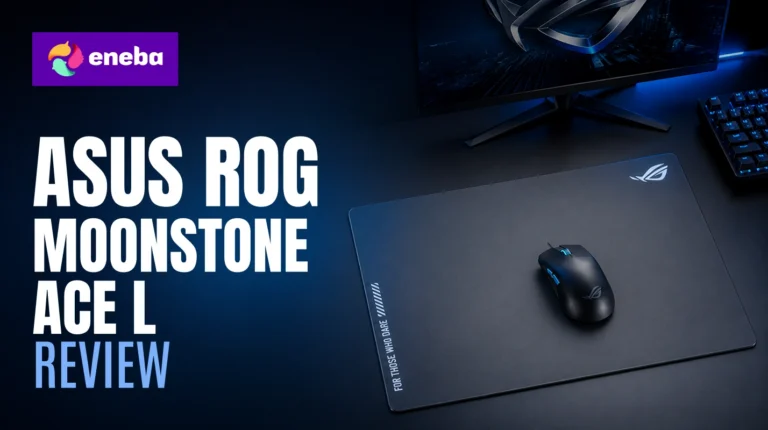
Every ASUS ROG Moonstone Ace L review starts with the same question: why spend $99.99 on a mousepad? I went looking for an answer because glass surfaces represent something fundamentally different from cloth. The matte tempered glass does not wear down, absorb sweat, or develop surface patches that change glide speed mid-session. That consistency is the argument that turned me into a believer.
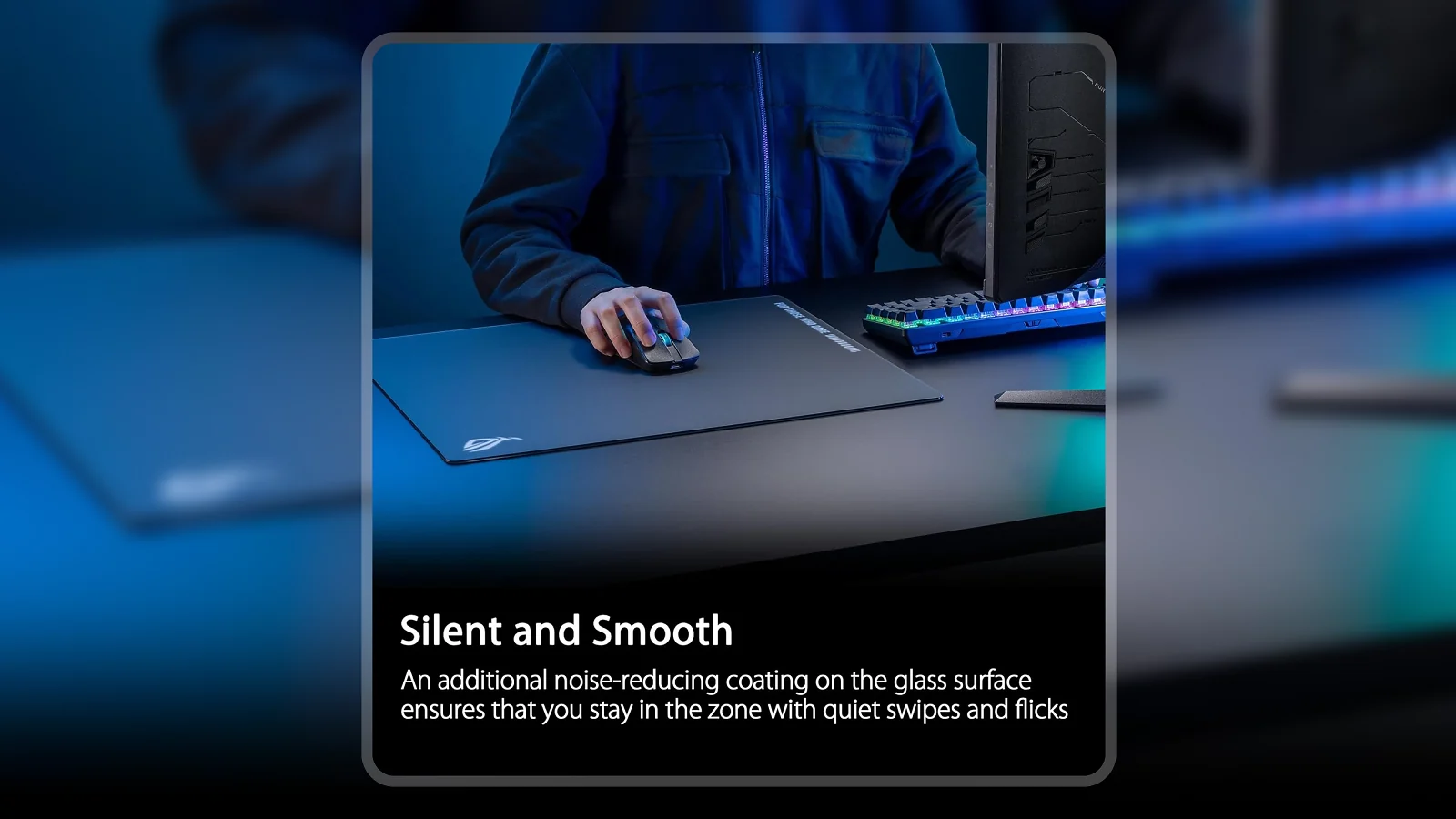
If you want a tracking surface that stays consistent for years with near-zero maintenance, the Moonstone Ace L is one of the cleaner answers in this category. What sets it apart from other glass pads is the noise-reducing matte treatment – most polished glass pads produce a scraping sound on every mouse movement. ASUS solved this with a surface treatment that muffles the noise without adding drag, giving you glass speed alongside much quieter acoustics. The full-silicone anti-slip base handles the other major glass pad problem: this one holds position on almost any desk surface.
This ROG Moonstone Ace L mousepad review looks at all of it to give you a grounded verdict.
Jump to:
Moonstone Ace L at a Glance
Before getting into how this pad performs in practice, here is the key data at a glance.
| Specs | Details |
|---|---|
| Surface Material | 9H Tempered Glass (matte) |
| Dimensions | 500 x 400 mm (19.7″ x 15.7″) |
| Item Weight | 4.1 lbs |
| Color | Black |
| Base | Full anti-slip silicone |
| Noise Design | Noise-reducing matte treatment |
| In-Box Contents | Mousepad, ROG logo sticker |
| Warranty | 1 year |
| Price | $99.99 |
| ASIN | B0CLHLLQ6P |
Key Features and Benefits
The Moonstone Ace L is built around three problems that glass pads have traditionally struggled with. Here is how ASUS addressed each one.
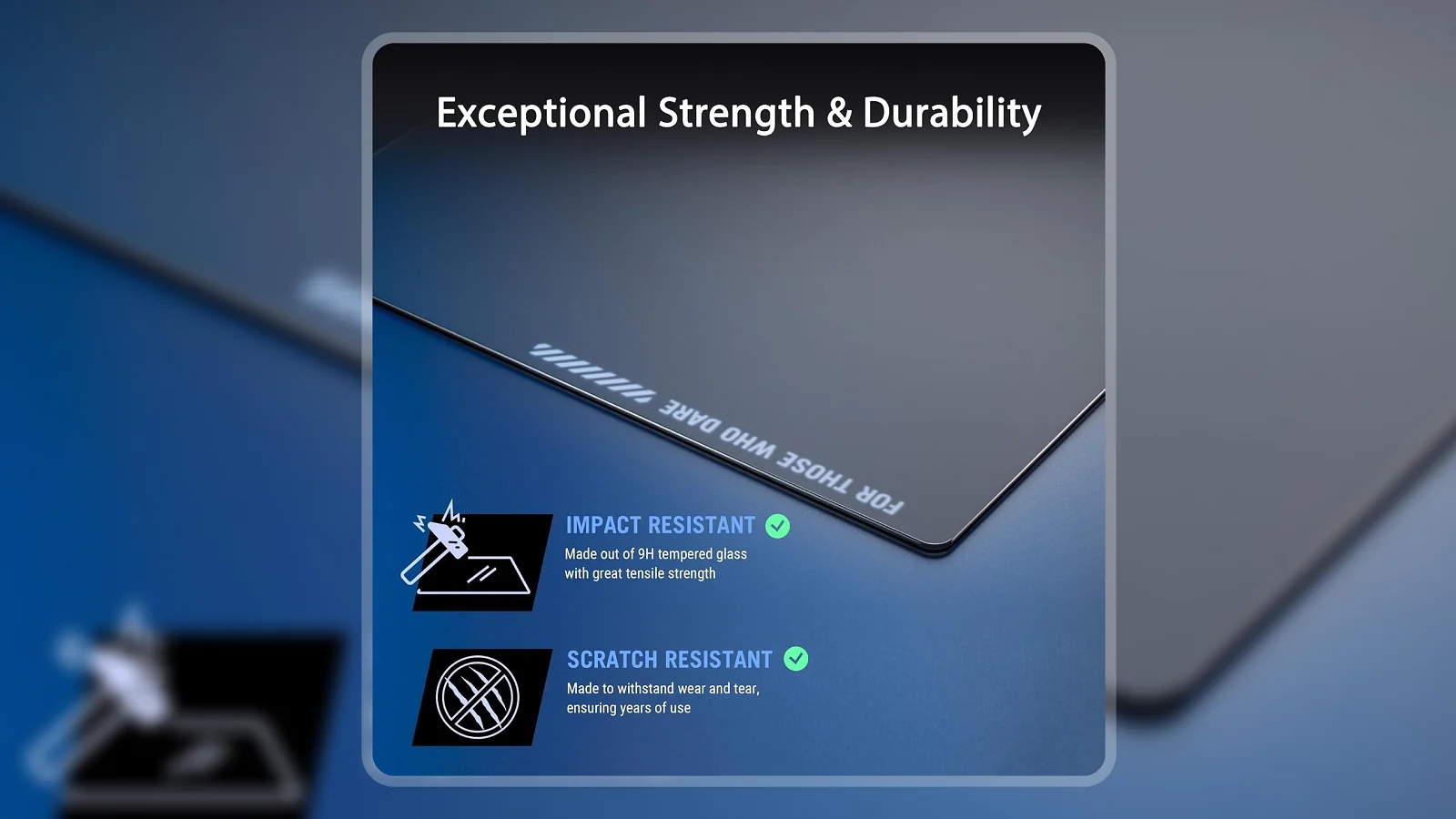
9H Tempered Glass Surface – This is the hardness rating used in smartphone screen protectors. The surface cannot scratch, separate, or develop the uneven wear patches that cloth pads accumulate after months of use. Your glide speed on day one matches your glide speed on day 500.
Matte Noise-Reducing Treatment – Standard polished glass produces an audible scraping sound on every stroke. The matte treatment on this ROG Moonstone Ace L glass mousepad dampens that noise without creating surface drag. For anyone who streams, shares a room, or just values a quiet setup, this is the feature that makes the price worth discussing.
Full Anti-Slip Silicone Base – The base covers the entire underside of the pad, not just the edges. ASUS built in ROG-inspired markings while maintaining full contact across the surface. The result is zero shifting during aggressive play, even on smooth or lacquered desks.
Large Format Size (500 x 400 mm) – At 19.7″ x 15.7″, this pad covers a full keyboard-and-mouse footprint with room for wide-arc tracking movements. Anyone who uses low DPI settings and sweeping arm motions gets the coverage they need without hitting the edges. This ASUS glass mousepad review confirms the size works well for both low- and high-DPI setups.
Impact and Scratch Resistant Construction – ASUS rates the pad as shatterproof for standard drops. That claim, combined with the zero-wear surface, makes this a one-time purchase for a permanent desktop setup. Cloth pads need replacing. This one does not.
Performance and Real-World Experience
The Moonstone Ace L is built for tracking precision and low-maintenance setups. Here is how it holds up.
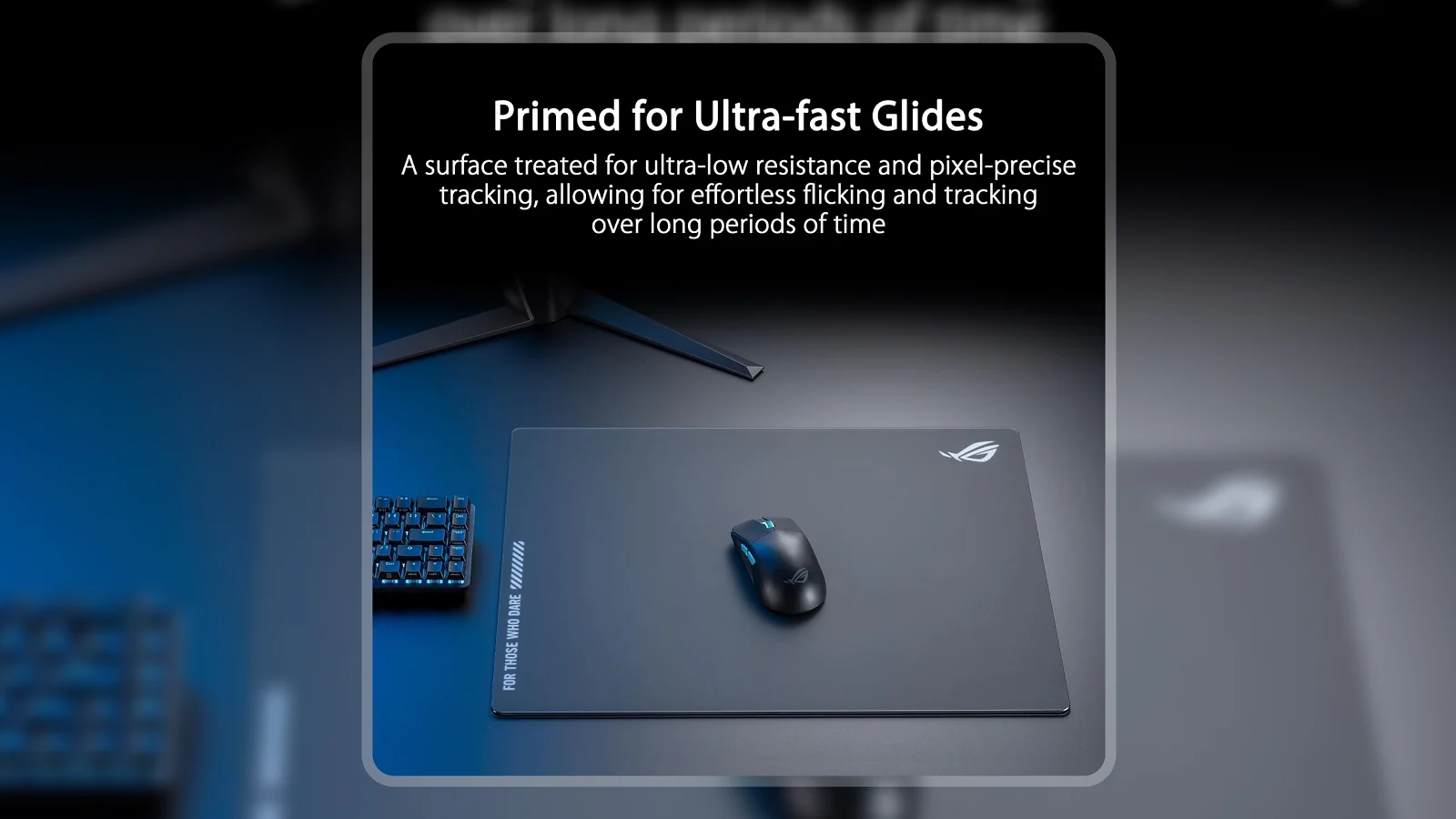
Community consensus positions this as a speed-oriented pad – faster than cloth, comparable to the Razer Atlas, and slightly slower than pure polished glass options like the Pulsar Superglide. The matte coating adds a small amount of tactile feedback that gives you more stopping power than polished glass without sacrificing the speed advantage.
Tracking precision is where the Moonstone Ace L earns consistent praise. Verified purchase data shows users with high-precision sensors reporting clean reads across the entire surface with no dead spots or inconsistent zones. The 9H glass maintains a perfectly uniform surface that optical sensors read reliably every session.
The noise reduction is real and consistently praised. Community feedback identifies the matte treatment as the standout feature among long-term users, not just a first-impression observation. One community report flagged scratching sounds on a different glass variant, which illustrates exactly what this matte coating is preventing.
The 4.1-pound weight is considerably heavier than any cloth pad. For desktop setups this works in the pad’s favor – the weight is part of what keeps it stationary during fast directional changes. A smooth or lacquered desk surface that would cause a lighter pad to shift has no effect on the Moonstone Ace L.
The Moonstone Ace L holds a clear position at $99.99 in a market ranging from $70 budget glass options to $160+ specialty surfaces. The matte treatment, noise reduction, and full-silicone base give it a meaningful edge over the Razer Atlas at the same price point.
| Pros | Cons |
|---|---|
| ✅ 9H tempered glass surface maintains consistent glide with zero surface degradation over time ✅ Matte treatment reduces scraping noise – quieter than most glass competitors ✅ Full-silicone anti-slip base covers the entire underside for rock-solid stability ✅ Cleans in seconds with a dry cloth – no absorbed stains, no odor buildup ✅ 4.6 stars from 220+ verified buyers – strong community consensus for a premium mousepad | ❌ At 4.1 pounds, this is not a pad you transport to LAN events – but for a permanent desktop build, that weight is exactly why it never shifts |
The Moonstone Ace L is one of the few glass pads that solves both the noise problem and the stability problem in a single product – the matte treatment dampens scraping, the full-silicone base eliminates shifting. A 4.6-star average from 223 verified buyers confirms this is not just marketing. The near-zero maintenance requirement makes it a one-time purchase that cloth pads cannot match.
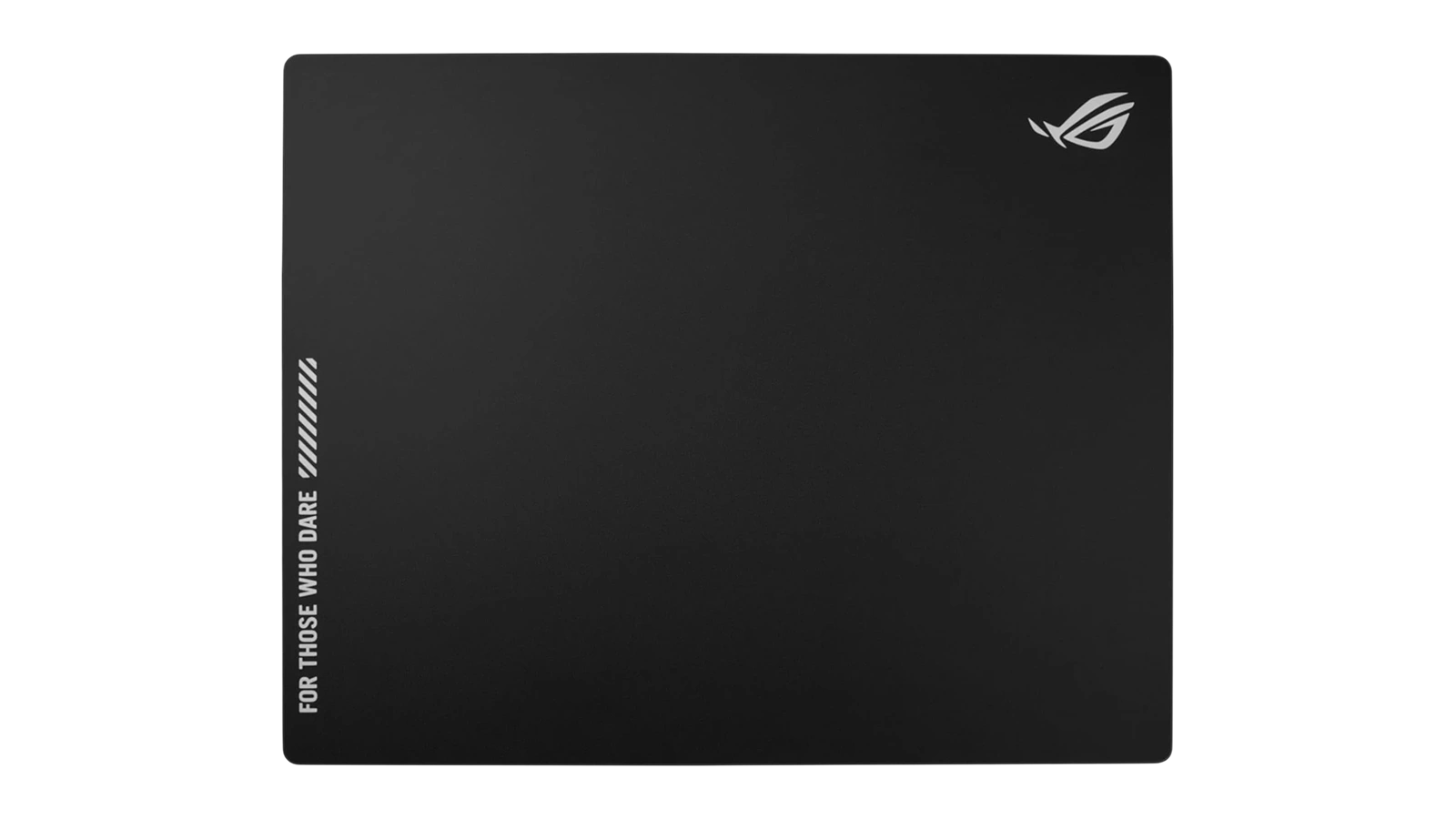
The Moonstone Ace L stands out because it removes the two biggest friction points in glass pad ownership – noise and instability – without trading away tracking performance to do it. For any desk setup where you’re not packing up gear to travel, that combination is genuinely hard to argue against. The absence of pad maintenance as an ongoing concern is something cloth users consistently underestimate until they make the switch.
“I went in skeptical about the price for a glass mat, but the quality changed my mind. The build is solid, mouse movements are quieter than I expected, and the surface wipes clean in seconds. The main learning curve is keeping your wrist off the surface – bare skin drags slightly on glass – but once you adapt, it genuinely feels better than cloth.” – Cristian Pablo
The wrist contact learning curve Cristian describes is a characteristic of glass surfaces broadly, not a Moonstone Ace L-specific issue. Glass does not compress the way cloth does, so resting your wrist on the pad during low-intensity moments will feel different at first. Most players adapt within a few sessions by shifting to claw or fingertip grip. Once the adjustment happens, the tracking consistency difference becomes the dominant part of the experience.
“After years on cloth, the difference in tracking consistency was immediately noticeable. There is a subtle texture on the glass that provides just enough feedback to feel controlled without creating drag, and my sensor picks it up cleanly across the whole surface with no dead spots. Water spilled on it during the first week wiped off in two seconds. Heavy, but that weight means it stays put.” – Steven Zimmerman
The no-dead-spots observation Steven describes reflects the 9H glass surface quality directly. A uniformly hardened surface gives optical sensors the same consistent read at every position, which soft surfaces cannot guarantee as they compress differently across the pad over time. The cleaning note reinforces the pattern found across long-term owner data: maintenance on glass is trivial, and the ownership experience improves as you stop factoring in pad replacement cycles.
Surface Texture and Glide
Glide speed is the most contested variable in the mousepad market. Here is where the Moonstone Ace L actually sits on that spectrum.
Speed-wise, this pad sits between cloth and pure polished glass. Community consensus describes it as a slightly faster Razer Atlas-style surface with a matte coating that adds a controlled amount of friction – the ROG Moonstone Ace L speed vs control balance leans toward speed while retaining more stopping power than something like the Pulsar Superglide.
The matte texture is something you can feel if you run your hand slowly across the surface, even though it looks smooth to the eye. That subtle resistance is what dampens the noise and provides the control element. The speed level works well for both FPS tracking movements and precision clicking without feeling either sluggish or dangerously fast.
In a ROG Moonstone Ace L vs Razer Atlas comparison, the Moonstone Ace L is slightly faster with comparable control, and the full-silicone base gives it a noticeable stability advantage on smooth surfaces. For most setups at this price point, that combination makes the Moonstone Ace L the stronger overall pick.
Anyone running a ROG Moonstone Ace L glide test against cloth will find the speed gap immediately obvious. The main caveat is that the matte finish is not the absolute fastest glass surface – the Pulsar Superglide goes faster at a premium.
Size and Durability
Spending $100 on a mousepad only makes sense if the pad lasts. Here is the case for the Moonstone Ace L as a long-term investment.
The 500 x 400 mm footprint covers a full keyboard-and-mouse setup with room for wide-arc tracking movements. Low-DPI players with sweeping strokes will not hit the edges during normal play – the XL format has enough room on any standard desk.
The 4.1-pound weight is substantially heavier than any cloth pad – a feature for permanent desktop setups, but a real inconvenience for anyone transporting gear to LAN events.
The durability argument is the strongest case for the $99.99 price. 9H tempered glass hardness – the same standard used in smartphone display protection – means no fiber wear, no surface pilling, and no tracking degradation from extended use. A quality cloth pad lasts roughly 6 to 18 months of heavy play before surface irregularities start affecting tracking. The Moonstone Ace L has no equivalent wear mechanism.
ASUS rates the pad as shatterproof for standard drops – normal desk use presents no durability concerns. Cleaning is trivial: a dry microfiber wipe handles everything, liquid spills wipe off in seconds, and long-term maintenance demand is essentially zero.
My Overall Verdict on ASUS ROG Moonstone Ace L
This ASUS ROG Moonstone Ace L review finds a mousepad that solves the three biggest objections to glass surfaces in a single product. The matte treatment makes it quieter than competing glass pads, the full-silicone base makes it more stable than partial-base alternatives, and the 9H tempered glass surface means you will never replace it due to wear.
The 4.1-pound weight is the only meaningful limitation – if you travel to LAN events or move your setup frequently, that weight becomes a genuine inconvenience. For anyone with a permanent desktop build, it is a stability feature, not a drawback.
This is the right choice for competitive players who want consistent tracking session after session, anyone tired of replacing cloth pads annually, and setups where quiet matters. If maximum speed is the sole priority, the Pulsar Superglide goes faster at a premium.
At $99.99, one glass pad replaces what would be multiple cloth pads over the same time period, with better tracking consistency throughout. If that trade sounds right for your setup, this ASUS ROG Moonstone Ace L review has one conclusion: buy it.
Budget Alternative
The ROG Moonstone Ace L is the premium glass pick at $99.99 – but not every setup calls for a glass surface. The Cacoy Large Gaming Mouse Pad is the budget alternative worth considering for anyone who wants solid large-format coverage at a fraction of the cost.
As a cloth pad, the Cacoy trades the zero-maintenance consistency of glass for a familiar fabric surface that many players prefer for wrist comfort. You get large-format coverage that suits low-DPI setups, and cloth at this price tier performs well for casual to mid-level competitive play. The trade-offs are honest: cloth surfaces develop wear patterns over time, your glide speed changes as the surface breaks in, and you will replace it eventually. The glass Moonstone Ace L does not have that problem.
Who should consider the Cacoy: anyone new to large mousepads who wants to test the format before committing to glass, or anyone prioritizing low cost over long-term surface consistency.
Complete Your Setup
A precision glass tracking surface deserves equally capable peripherals. Here are two additions that match the Moonstone Ace L‘s build quality and performance level.
MO1 Wireless Gaming Mouse
The MO1 Wireless Gaming Mouse pairs naturally with a fast glass tracking surface. Going wireless removes the cable drag that can interrupt precise movements on a pad with this much glide speed – and a cable-free setup lets the Moonstone Ace L‘s full surface area work to full advantage. The precision sensor reads glass surfaces cleanly, making this a purpose-matched combination for competitive play.
R87Pro Gaming Keyboard
The R87Pro Gaming Keyboard completes the desk setup from the keyboard side. If you are investing in a premium glass tracking surface, a keyboard at the same quality tier makes the whole setup feel cohesive. The mechanical build and clean design pair naturally with the Moonstone Ace L‘s premium glass aesthetic, and the typing experience matches the kind of precision you already get from your mousepad.
Frequently Asked Questions
Is the ASUS ROG Moonstone Ace L worth it?
Yes, for any desktop setup where tracking precision and low maintenance matter, the ASUS ROG Moonstone Ace L worth it question has a clear answer at $99.99. The 9H tempered glass surface does not wear down, cleans in seconds, and 223 verified reviews average 4.6 stars.
Is the ROG Moonstone Ace L good for FPS games?
Yes, the ROG Moonstone Ace L delivers ultrafast glide with enough stopping power for the quick directional changes FPS games demand. It sits slightly faster than the Razer Atlas and slightly slower than the Pulsar Superglide, landing at a balance point that works well for both fast-paced tracking and precise flick shots.
How big is the ROG Moonstone Ace L glass mousepad?
The ROG Moonstone Ace L glass mousepad measures 500 x 400 mm, which is 19.7″ x 15.7″. That covers a full keyboard-and-mouse footprint with room for wide-arc tracking movements, and the 4.1-pound weight keeps the pad in place regardless of how aggressively you play.
Does the ASUS ROG Moonstone Ace L make noise during use?
Less than most glass pads, and this is one of its strongest selling points. The matte surface treatment specifically dampens the scraping sound that polished glass produces, and long-term ownership data confirms the acoustic difference is genuine and consistent over time.
How does the ROG Moonstone Ace L compare to the Razer Atlas?
This ASUS ROG Moonstone Ace L review found it slightly faster than the Razer Atlas on raw glide speed, with a comparable matte coating providing similar control. The full-silicone base performs noticeably better on smooth desks, making it the stronger pick at the same price point for setups where stability matters.












