How to Turn Gaming Clips Into Shorts in 2026: Best AI Tools for Every Content Style

Eneba Hub contains affiliate links, which means we may earn a small commission if you make a purchase through them—at no extra cost to you. Learn more


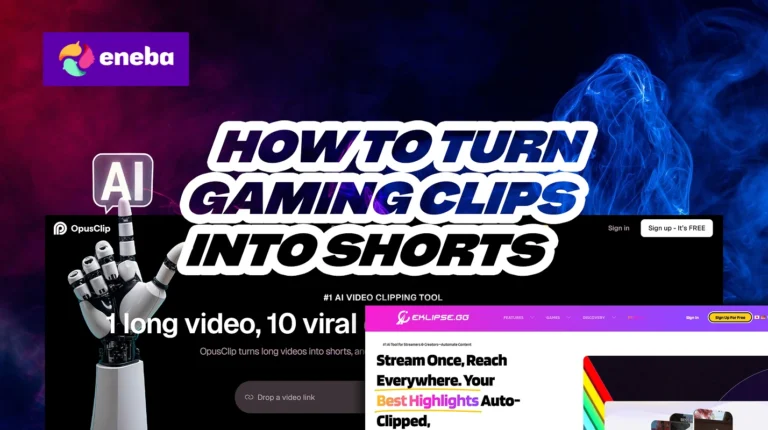
Figuring out how to turn gaming clips into shorts is one thing – finding a tool that actually catches your best moments is another. A lot of creators assume any AI will just get it, then end up with a highlight reel that missed every clutch play and kept the loading screens. The gap between a good clip and a forgettable one usually comes down to what the tool was built to detect, and not all of them are trained on the same type of content.
Once you nail how to turn gaming clips into shorts the right way, the results speak for themselves – properly edited vertical clips can boost watch time by up to 30%. What qualifies as the best AI clip maker for gaming looks different depending on your content, so I’ve tested a range of options across real use cases. From HUD and gameplay recognition to captioning and auto-posting, this list will help you find the AI gaming clip generator that fits your workflow, not just the one with the best marketing.
Jump to:
Key Takeaways
- Gaming-specific AI clippers (Eklipse, StreamLadder, etc.) pick up on visual gameplay moments. They scan for visual action on screen and catch the hype moments automatically. If you’ve been wondering how to turn gaming clips into shorts without spending hours editing, this type of tool is where you should start – especially for fast-paced genres like FPS or MOBA.
- Generic AI clippers (OpusClip, Submagic, etc.) are tuned into your voice, not your screen. These detect speech patterns, making them a better fit for commentary playthroughs, tutorials, or podcast-style streams. For talk-heavy content, a general-purpose AI gaming clip generator will serve you way better than something built purely for gameplay detection.
- Serious streamers stack tools together. For example, combining something like Eklipse with StreamLadder gives you a smooth Twitch VOD to TikTok clips workflow that runs mostly on autopilot. Finding the best AI clip maker for gaming really comes down to which combo fits your content style and how hands-on you want to be.
- Every tool has a free tier or trial period – You can always try out these tools for free while you’re still learning how to turn gaming clips into shorts. Just be mindful of their restrictions, like watermarks and lower resolution outputs.
Our Top Picks
Figuring out how to turn gaming clips into shorts doesn’t have to be a whole project. There are some seriously impressive AI tools out there – some are a dedicated AI gaming clip generator, others are more general but still work great for gaming content. Before we get into the full breakdown, here are the top three that stood out:
- OpusClip – This is the best choice for gaming podcasts and just generally chatty creators, like “Just Chatting” streamers and reaction/analysis video makers. While it tends to skip silent gameplay footage, it’s unmatched for talk-heavy content.
- Eklipse – For clip farming pro gamers, this is the best AI tool for Twitch highlights. It can automatically detect and clip important in-game events, like multi-kills, clutch victories, and more.
- StreamLadder – While not a pure highlight detector, it still ranks among the best AI clip makers thanks to its powerful editing and formatting tools. It excels at turning raw clips into polished, vertical-ready videos with standout caption styling and flexible layouts.
These are solid picks, but the list doesn’t end here. Finding the best AI clip maker for gaming really comes down to your content style, and there are more options ahead that might be a better fit. Keep reading to see the full breakdown of every tool worth using. By the end, you’ll know exactly how to make gaming shorts with AI and which clip generator best fits the way you create.
Why Turn Gaming Clips Into Shorts in the First Place
Short-form vertical content is algorithm gold on TikTok and YouTube – it reaches new viewers way faster than long-form videos ever will. If you’re sitting on hours of stream footage, knowing how to turn gaming clips into shorts is honestly one of the easiest wins for channel growth.
The problem? Manually scrubbing through VODs is a time sink. That’s exactly why an AI gaming clip generator is a huge time-saver – it automatically finds your best moments and turns them into ready-to-post clips. Once you figure out how to make gaming shorts with AI, turning Twitch VOD to TikTok clips takes minutes, not hours.
Here’s why it’s worth doing:
- One stream = a week of content. The best AI clip maker for gaming can pull multiple solid shorts from a single session.
- More reach, less work. Short clips boost discoverability and pull in viewers who’d never sit through a full VOD.
- Post everywhere automatically. Most tools push directly to TikTok, Shorts, and Reels without extra steps.
Whether you’re looking for the best AI tool for Twitch highlights or just want a faster way to stay consistent, there’s a tool for you. Here are eight of the best, ranked by how well they handle real gaming content.
Best AI Tools for Turning Gaming Clips Into Shorts
Every tool on this list has its strengths and weaknesses, and some even pair well together if you’re serious about figuring out how to turn gaming clips into shorts at scale. That said, each AI gaming clip generator here is judged on its own merits – no team scores.
I’m looking at the things that actually matter when deciding on the best AI clip maker for gaming: gameplay and speech detection, auto captions, direct posting, and more. By the end, you should have a clear picture of which tool suits you best – and how to make gaming shorts with AI in a way that actually fits your content style.
1. OpusClip [Best AI Clipper for Gaming Commentary and Podcast Content]
| Detection Type | Audio / transcript-based |
| Pricing | Free: 60 min/month, watermark, 3-day expiryStarter: $15/monthPro: $29/monthBusiness: custom |
| Best For | Gaming podcasters, commentary streamers, reaction creators, talk-heavy content |
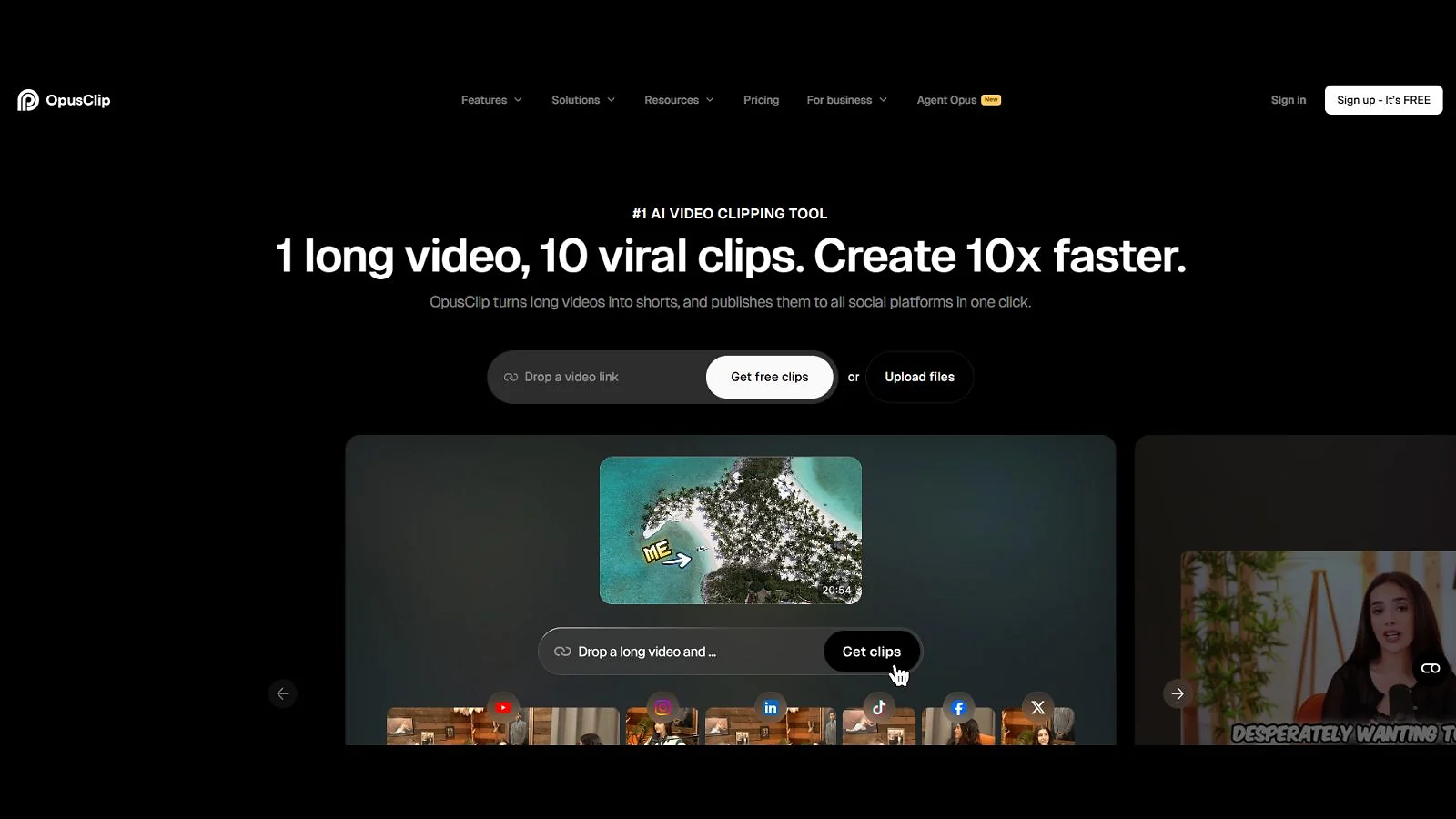
OpusClip is one of the most well-known AI clipping tools in the market, as it can produce a lot of viable shorts from a single long-form video. The only real downside, specifically for gaming creators, is that its detection system is mainly transcript-based. Its ClipAnything feature can be used to detect gameplay, but it requires manual input and review.
That said, it’s still the best AI clip maker for gaming podcasts, talking head reactions, and even guides. Pretty much any content creator whose words are their most valuable asset will greatly benefit from OpusClip’s voice detection and curation, especially if you’re using one of the best microphones for streaming.
If you don’t know how to turn gaming clips into shorts, feed it a URL from YouTube or Twitch, or even upload your video directly. The platform will then give you a series of clips selected based on how likely they would go viral, essentially replacing 5-8 hours of scrubbing footage with a quick hour or less of clip reviewing per week.
Use OpusClip if you create talk-heavy content, which includes podcasts, IRL streams, analysis videos, or even game guides. Avoid it if you produce content with minimal commentary.
| PROS | CONS |
|---|---|
| ✅ Best speech pattern detection system ✅ Data-driven virality score that helps guide clip selection ✅ Incredibly easy to use ✅ Can automatically post to YouTube Shorts, TikTok, or Reels | ❌ Audio-based detection can skip gameplay highlights without commentary ❌ Very restrictive free version ❌ Pricing escalates quickly for high-volume clippers |
2. Eklipse [Best Gaming-Specific AI Clipper for Twitch / Kick / YouTube]
| Detection Type | Gameplay / visual-based |
| Pricing | Free: 15 clips/stream, watermark, 720pStarter: $24.99/month |
| Best For | Streamers and creators who make gameplay-heavy content |
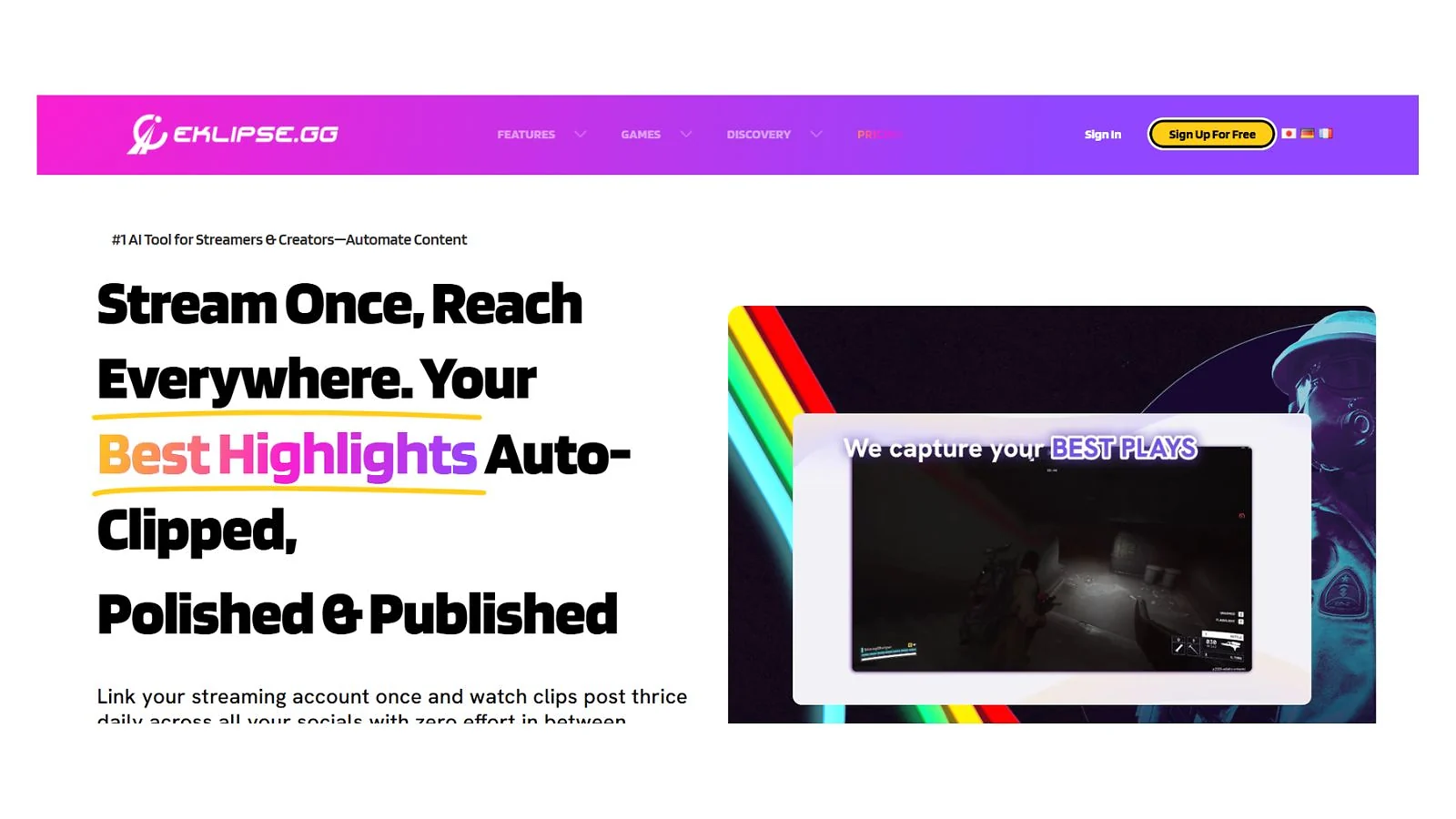
Eklipse is the best AI clip maker for gaming-specific content. For those who don’t know how to make gaming shorts with AI, this will do most of the grunt work for you, leaving you with just a bit of reviewing before uploading.
With support for over a thousand games, including popular titles like Call of Duty and Fortnite, Eklipse is trained to detect and save all kinds of hype moments. You can even use voice commands to save your sick plays, which you can seamlessly integrate into your regular commentary while streaming.
It scans your full broadcasts and transforms YouTube, Kick, or Twitch VOD to TikTok clips within minutes. All you have to do is link your streaming accounts and review the clips generated on your dashboard.
Eklipse is best paired with StreamLadder (reviewed below). Eklipse will find all the best moments, while StreamLadder gets them ready for publication ASAP. This combo can save you 3+ hours per week as it removes manual scrubbing and editing, which is perfect for creators who are still learning how to turn gaming clips into shorts.
| PROS | CONS |
|---|---|
| ✅ Best gaming event detection system in the market ✅ Convenient voice commands ✅ Direct posting support for multiple platforms ✅ Genuinely usable free tier for smaller creators | ❌ Small tendency of missing key gameplay moments ❌ Non-premium is capped at 720p ❌ Not ideal for niche games |
3. StreamLadder [Best Editor and Polish Tool for Gaming Clips]
| Detection Type | Visual, audio, and chat-based |
| Pricing | Free: Full manual editor, 720p, watermarkSilver: $9/monthGold: $15/monthGold + ClipGPT: $27/month |
| Best For | Creators who make dual-cam reaction videos |
Using AI for gaming can still lead to some errors, especially on the content creation front. StreamLadder stands out by helping you turn gaming clips into shorts that perfectly emulate tried and tested layouts and editing styles.
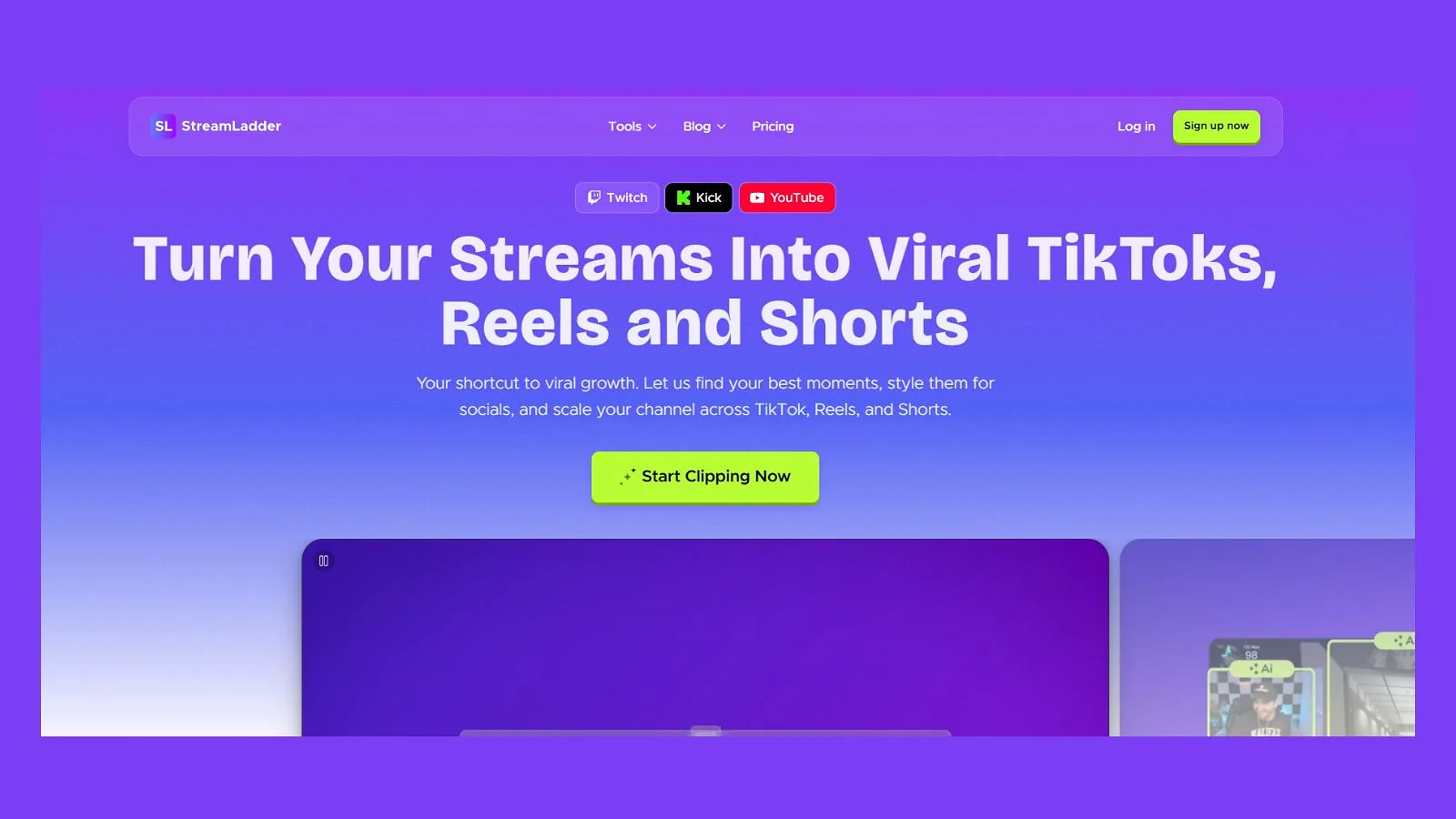
Its ClipGPT feature can scrub an entire VOD and create publish-ready clips within seconds, making it a great choice for those who don’t know how to make gaming shorts with AI. It can even automatically crop footage and neatly add your facecam into a vertical frame.
Even if you have no idea how to turn gaming clips into shorts, StreamLadder can deliver professional-looking vertical videos with just a few clicks. It even lets you choose varying effects and stylized captions before finalizing a clip.
Use StreamLadder if you want better caption styling and effortless dual-cam layouting. For busy streamers, ClipGPT is a fantastic add-on that will quickly make gaming shorts with AI, and all you’d need to do is schedule your posts.
| PROS | CONS |
|---|---|
| ✅ Best automated dual-cam layouts with little to no manual input required ✅ Comprehensive library of engaging effects and animated captions ✅ Content upload scheduler for YouTube, TikTok, and Instagram | ❌ Lackluster game detection compared to other tools ❌ Relatively expensive if you want unlimited use of ClipGPT ❌ Barebones free tier |
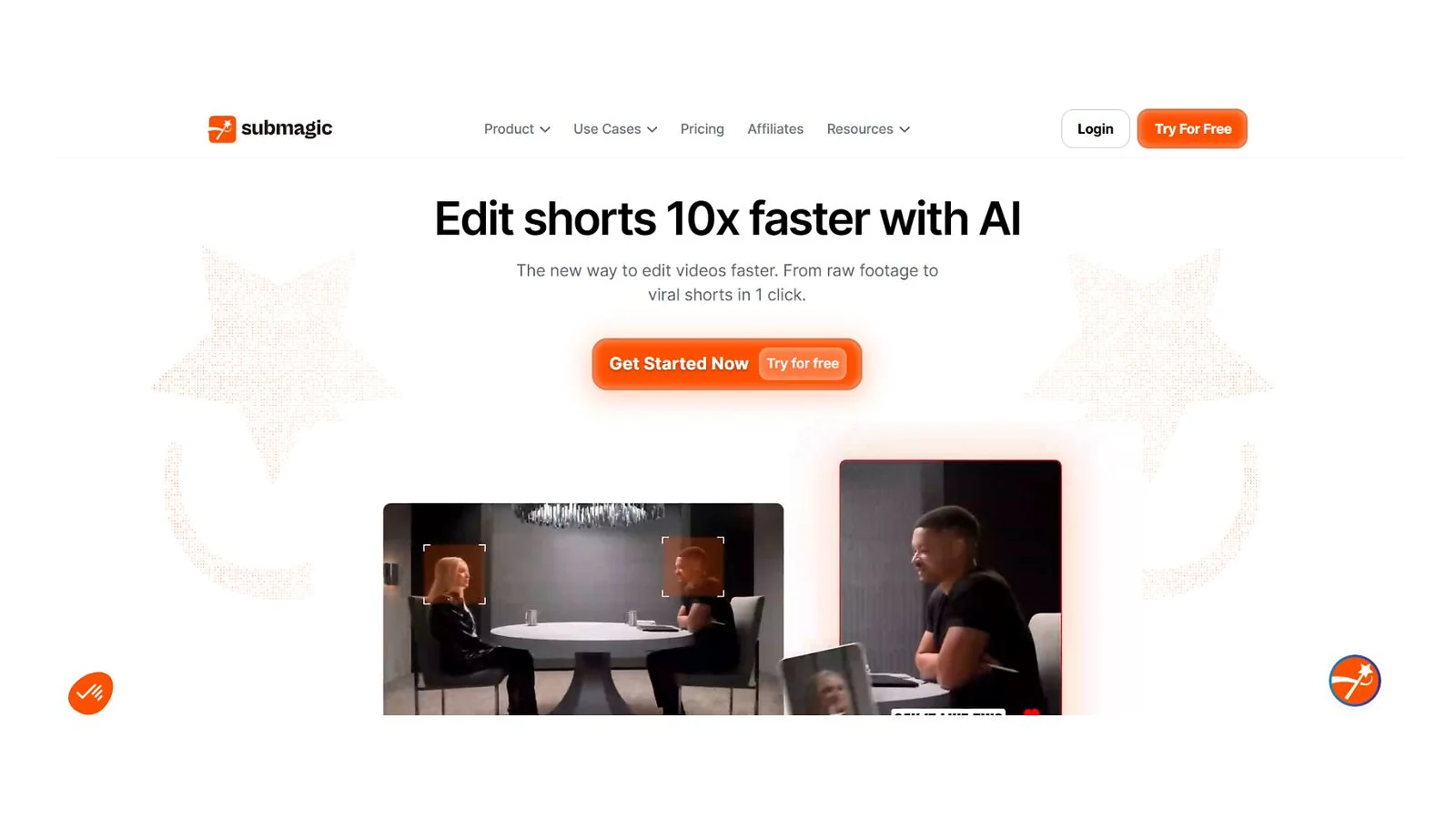
4. Submagic [Best Caption Tool for Gaming Shorts]
| Detection Type | Audio-based |
| Pricing | Free: Limited editing, watermarkStarter: $19/monthPro: $39/monthBusiness + API: $69/month |
| Best For | Captioning existing videos/VODs |
Submagic is a less gaming-focused software that lets you turn long-form videos into potentially viral clips. For newer creators still learning how to make gaming shorts with AI, this is a great alternative if you create talk-heavy content as it can produce captions with near-flawless accuracy.
Submagic can transcribe audio within seconds, and they have an extensive library of animated caption presets that you can play around with to keep your viewers engaged. This cuts down at least an hour or two of manual caption editing per week.
If you want to transform a podcast or commentary-heavy Twitch VOD to TikTok clips or shorts, Submagic takes care of all the busywork and provides a simplified text-based editing system. All you have to do is trim words from your clip’s timeline and watch as the software cleanly cuts the video to match the new script.
Skip Submagic if you’re satisfied with other free captioning software. Submagic‘s edge is its accuracy and speed in transcribing, with almost no manual input required to create publish-ready talking clips.
| PROS | CONS |
|---|---|
| ✅ 99% accuracy in transcription and caption generation ✅ Automatically cuts filler words and dead air ✅ Multi-language support ✅ Plenty of animated templates for captions | ❌ No gameplay detection system ❌ Gets expensive for high-volume creators ❌ Extremely limited free trial |
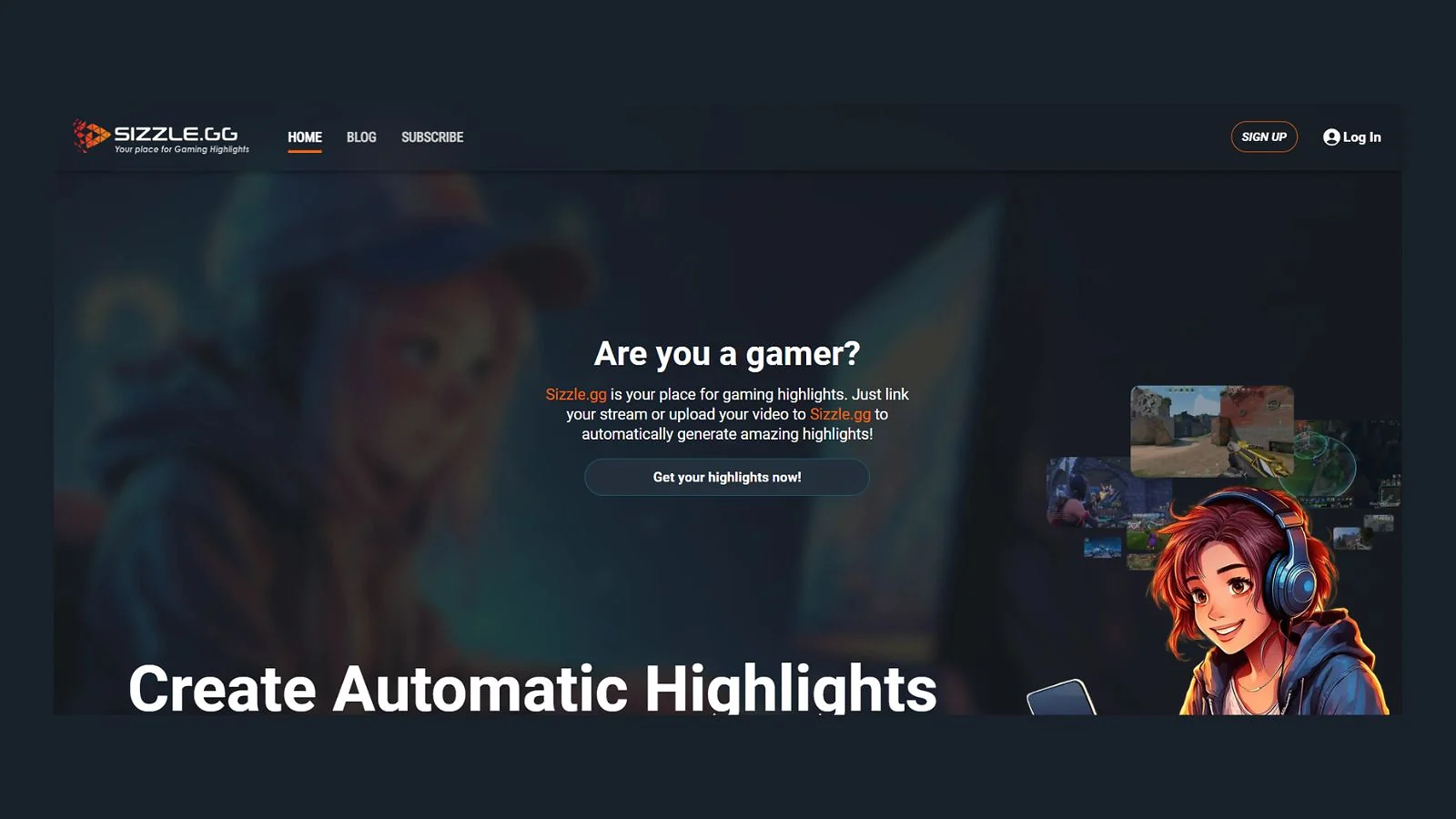
5. Sizzle.gg [Best Multi-Signal Detection (Video + Audio + Chat)]
| Detection Type | Visual, audio, and chat-based |
| Pricing | Free: 1 month trialStarter: $4.99/month |
| Best For | Streamers with active chats |
Sizzle.gg is one of the best AI tools for Twitch highlights, specifically for content creators who go on long streams of 8+ hours. This cost-efficient solution allows for unlimited VOD duration and natively supports a pretty long list of popular esports games.
It’s a good stepping stone for those who don’t know how to turn gaming clips into shorts, as its browser-based UI is easy to navigate. It determines which moments to save by analyzing the video, audio, and even your chat (whenever applicable), cutting roughly 2 hours of VOD review per week.
It’s a massive time-saver for those who want to turn their long YouTube or Twitch VOD to TikTok clips, Shorts, or Reels, as it does all the scrubbing for you. The main downside is that it has a fairly basic video editor.
Use Sizzle.gg in parallel with better editing software or services. While it’s good at picking key moments from long streams, it doesn’t really edit clips for virality.
| PROS | CONS |
|---|---|
| ✅ Easy-to-use web interface ✅ Uses stream chat to detect clippable moments in-game ✅ Good at finding hype moments in supported games ✅ Can create compilations of your best gameplay moments | ❌ Very slow processing time (up to 4 hours) ❌ One click sharing only works with X/Twitter ❌ 10GB upload limit per file |
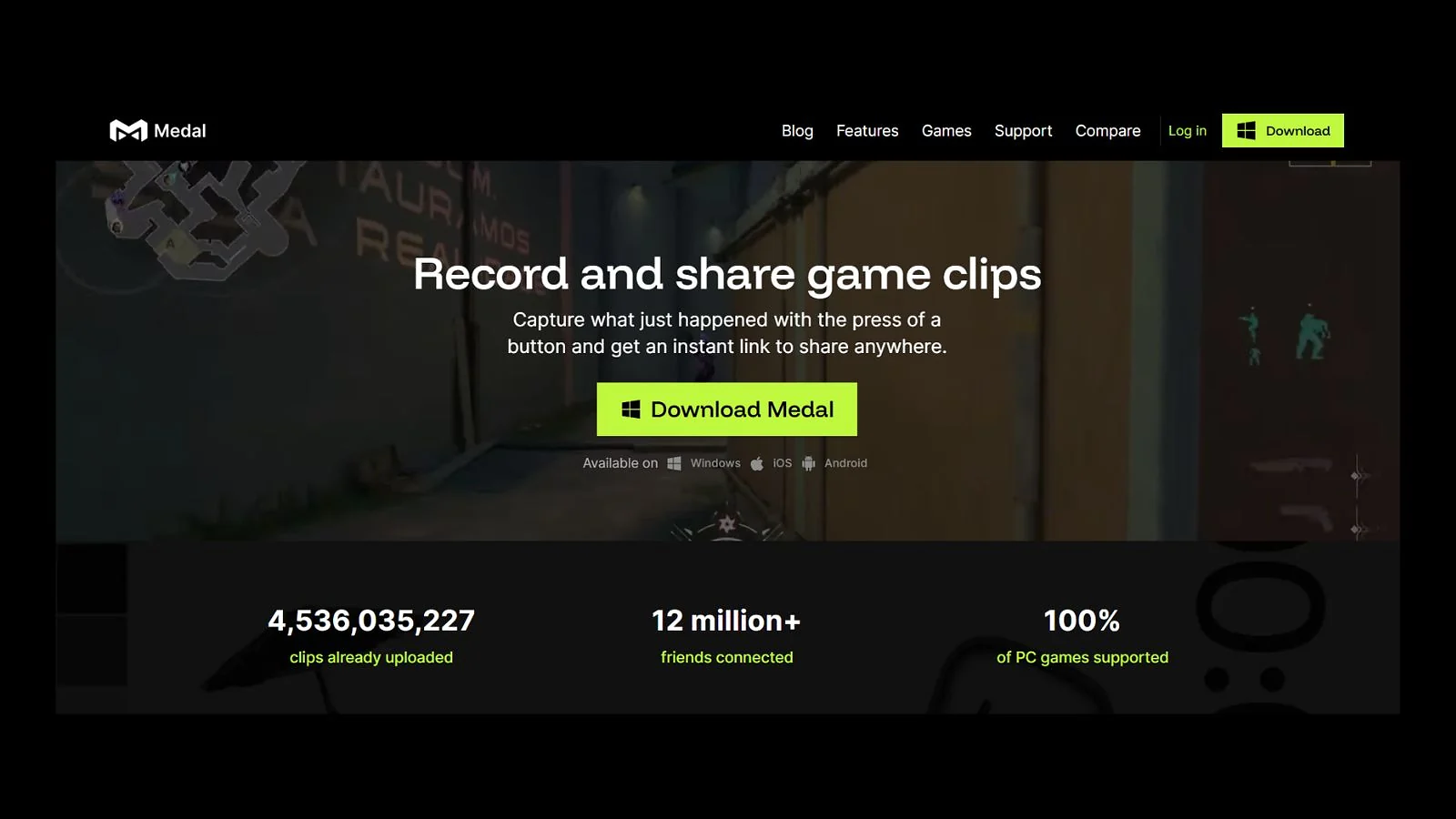
6. Medal.tv [Best Console Clip Editor and AI Highlights]
| Detection Type | Visual / gameplay-based |
| Pricing | Free: Ads in UI, watermarkPremium: $9.99/month |
| Best For | Variety streamers and console players |
Medal.tv is a fantastic AI gaming clip generator that natively supports Windows and mobile. It has an extensive list of supported games, ranging from popular single-player indie darlings to massive esports titles like League of Legends. This can save you 2-3 hours of manually searching for highlights per week.
The software can be used for recording clips of any length, whether it be a quick clutch play or an entire session. Console gamers can also use Medal.tv to turn gaming clips into shorts, since it allows players to import their system captures for manual editing and sharing as well.
Its event detection system makes it one of the best AI tools for Twitch highlights, as it’ll automatically save clip-worthy moments based on what’s happening in the game. The one-click sharing feature also lets you quickly turn a Twitch VOD to TikTok clips or have it shared in your Discord communities.
Use Medal.tv if you prefer editing your own videos after letting an AI gaming clip generator find noteworthy moments for you. It’s also great for players who may not have a complete gaming setup and wish to edit and share console clips even without a PC.
| PROS | CONS |
|---|---|
| ✅ AI-powered game detection and auto-clipping ✅ Built-in video editor with an easy drag and drop UI ✅ Hands-free/voice-activated clipping support ✅ Supports mobile games (iOS and Android) | ❌ No Mac and Linux support ❌ Manual editing ❌ Free version has ads all over the software |
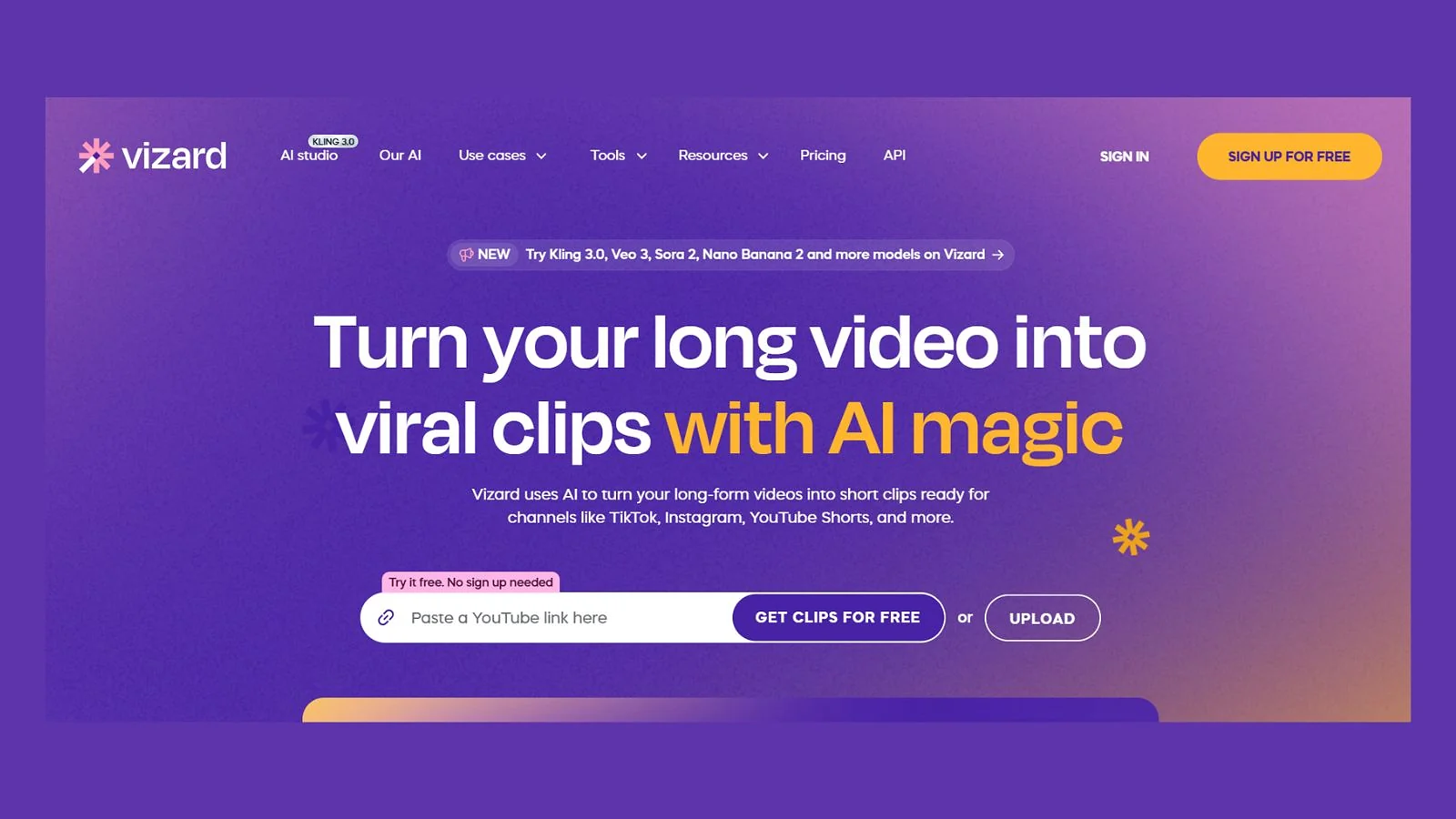
7. Vizard [Best All-in-One Repurposing Workflow for Hybrid Creators]
| Detection Type | Audio-based |
| Pricing | Free: 60 minutes of uploads/monthCreator: $29/monthBusiness: $39/month |
| Best For | Hybrid creators and multilingual content |
Vizard takes long videos and cuts them up into potentially viral, professionally-edited shorts. Similar to OpusClip, Vizard’s clip maker tool is a fine way to turn gaming clips into shorts, particularly for video game tutorials and commentary-heavy streams.
The tool works great at detecting speech patterns, and it’ll generate an entire transcript of your videos. For “Just Chatting” streamers and those who make react content, this is one of the best AI tools for Twitch highlights as it does all the scrubbing and trimming for you, saving up to 4 hours per week.
Vizard’s proprietary AI will also create eye-catching captions and automatically adjust the video’s format for your desired platforms, be it YouTube, TikTok, and many others.
It’s a great all-in-one tool for those who produce mixed content (gaming + non-gaming). For more gameplay-centric content, other AI gaming clip generators do it better at a fraction of the price.
| PROS | CONS |
|---|---|
| ✅ Fully transcribes videos before creating clips ✅ Multilingual support (30+ languages for AI captions) ✅ Direct publishing support for multiple social media platforms ✅ Auto reframing and subtitling | ❌ Zero game detection features ❌ Paid plans escalate quickly ❌ Costs one credit per minute of uploaded footage |
8. CapCut [Best Free Editor With AI-Assist for Gaming Clips]
| Detection Type | Manual |
| Pricing | Free: Limited video editor, watermarkPro: Varies per region |
| Best For | Mobile content and low-budget creators |
CapCut is a low-budget video editor recommended by TikTok itself, as it’s developed by their parent company, ByteDance. It has both a mobile and desktop version that are both easy to use even without prior editing experience, making it a fantastic tool for those who want to learn how to turn gaming clips into shorts manually.
It is fully capable of handling vertical videos, and the paid tiers have varying AI features that can drastically speed up your editing process.
While it isn’t an AI gaming clip generator, you can definitely still use it to turn a Twitch VOD to TikTok clips or shorts with little effort. With the Pro plan, you can simply cut your desired clip and use the auto captioning feature to generate subtitles that come with engaging style templates.
Skip CapCut as your primary tool if you need a high volume of videos. Unless you already have your own quick and custom template for turning gaming clips into shorts, there are better paid tools that’ll do it faster.
| PROS | CONS |
|---|---|
| ✅ Free version is enough for turning gaming clips into shorts ✅ Feature-rich mobile version ✅ Extensive selection of AI tools, including auto captions and BG removal | ❌ Heavily paywalled AI features ❌ Purely an editing software, not an AI gaming clip generator ❌ Auto caption system tends to make mistakes |
Also Worth Trying
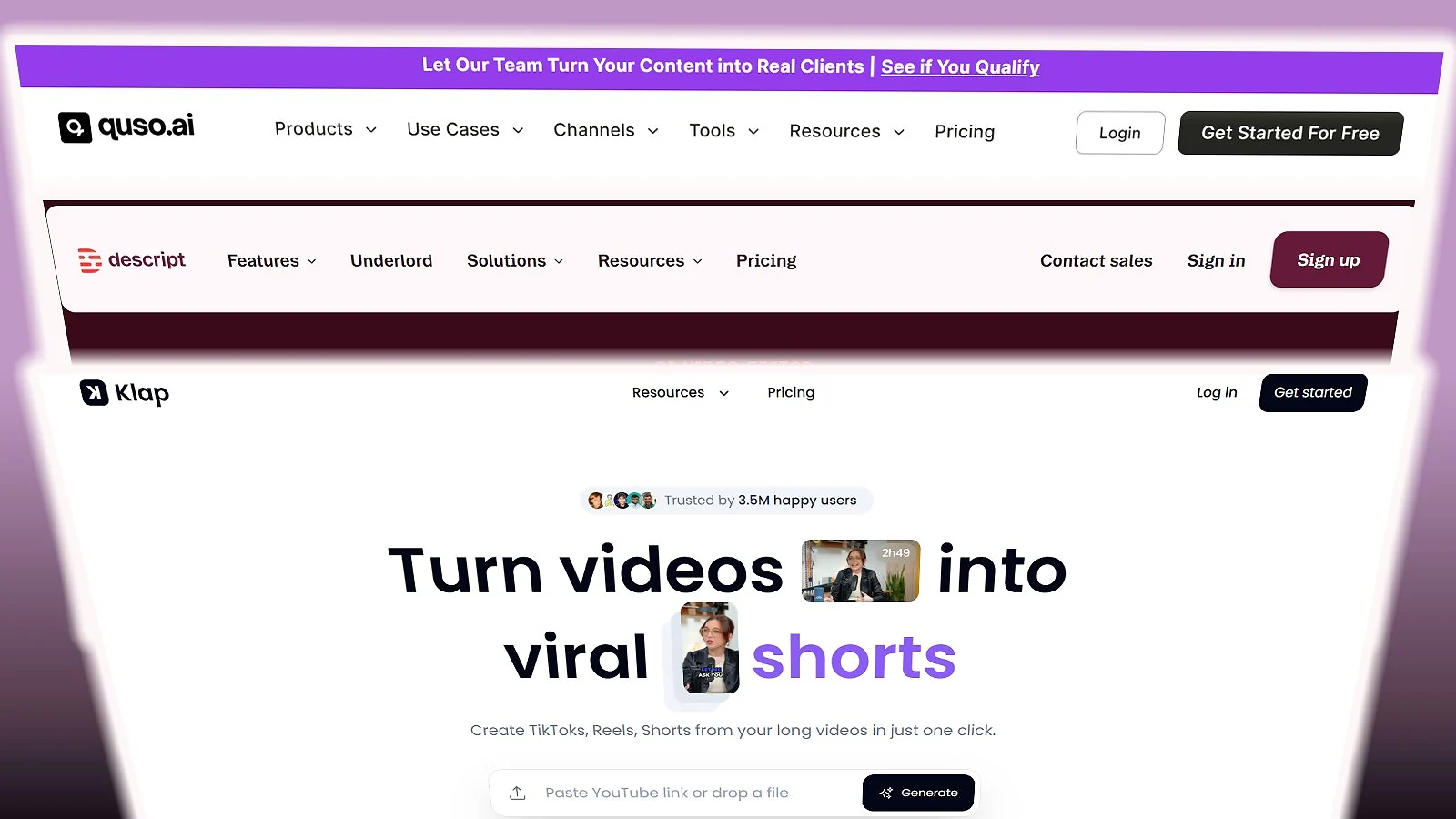
For those still figuring out how to turn gaming clips into shorts, there are many other easy-to-use alternatives that you might find useful. Here are some examples that you can check out:
- Klap – It’s an AI clipper primarily designed for long-form talking head videos and podcasts, and it’s a decent alternative for quickly turning Twitch VODs to TikTok clips.
- Quso – Primarily made for social media teams, Quso can be useful for agencies that are still figuring out how to make gaming shorts with AI.
- Descript – This is one of the best AI tools for Twitch highlights if you’re a Just Chatting streamer or a talk-heavy creator, as it features a transcript-based clipper and video editor.
- Kapwing – For individuals still learning how to turn gaming clips into shorts, Kapwing is a quick and flexible clipping tool that works right from your browser.
- MakeShorts – No-frills AI clipping with captions and reframing, best for super casual creators who just need a fast AI gaming clip generator with minimal editing.
Quick Comparison Table
Here’s a quick side-by-side of every option covered above. If you’re still figuring out how to turn gaming clips into shorts, this table will help you zero in on the best AI clip maker for gaming that fits your setup and content style.
| Tool | Best For | Detection Type | Free Plan? | Pricing | Rating |
|---|---|---|---|---|---|
| OpusClip | Gaming podcasts and commentary-heavy content | Audio-based | 60 mins/month, watermarks, no editing | Starts at $15/mo | ★★★★★ |
| Eklipse | Livestreamers and gameplay-heavy content | Gameplay-based/Visual | 720p, watermark, limited storage and video duration | Starts at $24.99/month | ★★★★★ |
| StreamLadder | Creating dual-cam reaction videos | AI-assisted editing (visual, audio, chat) | Full editor is usable, but with watermarks | Starts at $9/month | ★★★★½ |
| Submagic | Captioning existing videos | Audio-based | Limited editing with watermarks | Starts at $19/month | ★★★★½ |
| Sizzle.gg | Gaming streamers with active chats | Visuals, audio, and stream chat | 1-month free trial only | $4.99/month | ★★★★ |
| Medal.tv | Variety streamers and console players | Gameplay-based/Visual + Manual recording | Ads in UI and watermarks | $9.99/month | ★★★★ |
| Vizard | Hybrid creators and multilingual content | Audio-based | 60 minutes of uploaded footage per month | Starts at $29/month | ★★★½ |
| CapCut | Mobile creators and low-budget editing | Manual | Free use of video editor, with watermarks | Varies per region | ★★★½ |
How to Choose the Right AI Clipping Tool for Gaming
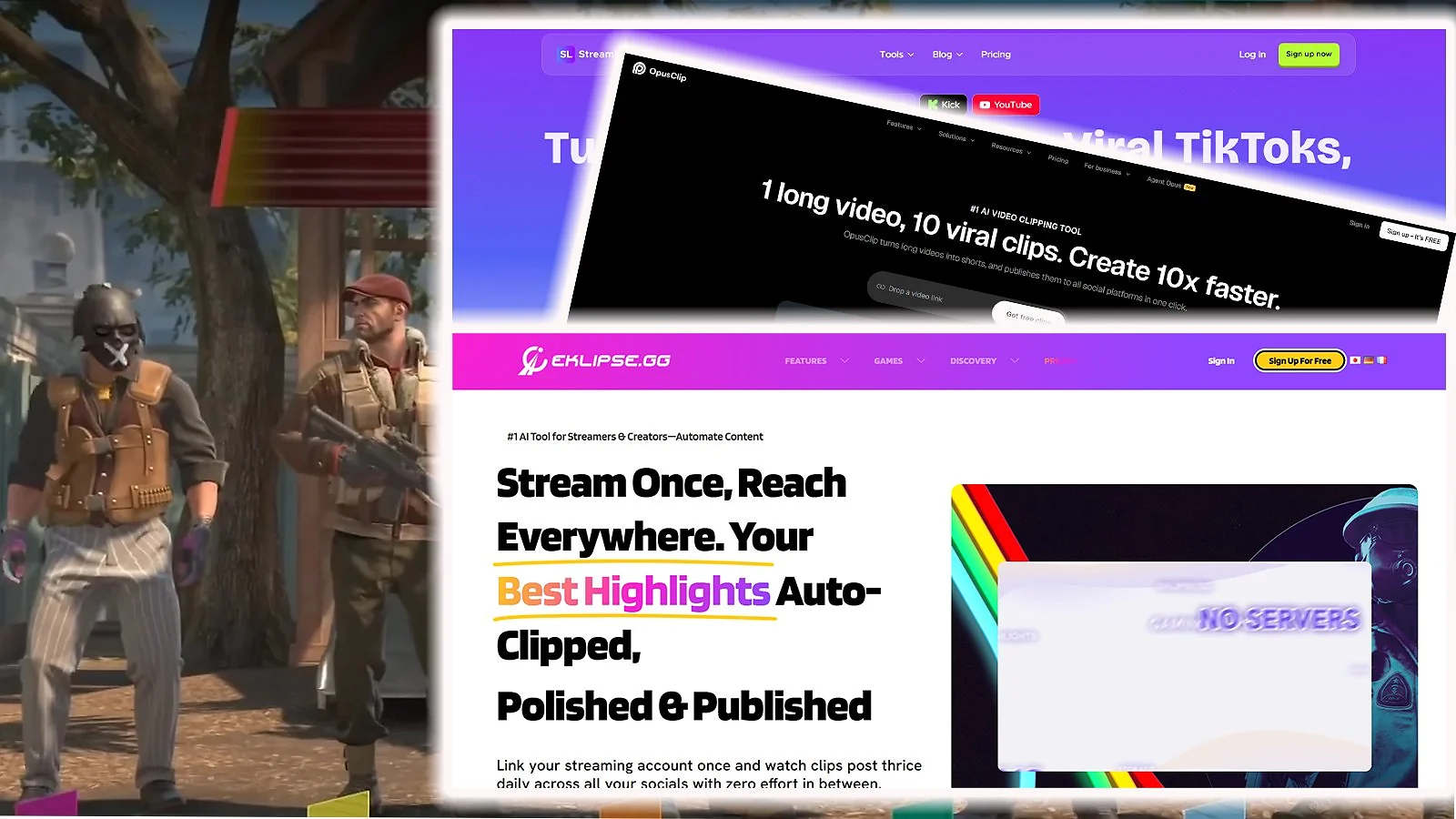
There’s no single best AI clip maker for gaming that works for everyone – it really comes down to your content, your workflow, and your budget. If you’re still working out how to turn gaming clips into shorts consistently, these are the factors that’ll point you in the right direction.
Visual vs. Audio vs. Multi-Signal
The most important thing to nail when learning how to make gaming shorts with AI is detection type. Get that wrong and even the most feature-packed tool will miss the mark for your content.
For example, a pure gaming channel that showcases high-skill gameplay will greatly benefit from visual-based detection systems like Eklipse’s, while somebody who does a lot of commentary will likely get more out of auto-transcribing tools like OpusClip or Submagic.
- Visual – Visual detection (Eklipse, Medal.tv) works by reading gameplay elements on the screen, including kill feeds and your HUD. It’s the ideal pick for FPS games, MOBAs, and other esports titles.
- Audio – For audio-based systems (OpusClip, Submagic), they analyze your sounds and speech patterns to determine what’s worth saving or not. They’re the best AI clip makers for gaming podcasts and creators who talk a lot in general.
- Multi-Signal – These AI tools combine video, audio, and even the stream’s chat (whenever applicable) to figure out what to clip. Perfect for turning Twitch VODs to TikTok clips for high-energy streamers with active chats.
Free-Tier Value vs. Paid Lock-In
The tools in this list all have wildly varying free tiers. While CapCut is fully usable for free, AI gaming clip generators like OpusClip and Eklipse provide either a limited number of clips per month or have heavily restricted automation features.
Regardless, it’s best to test a real VOD on a service’s free version before committing to paying, as not every AI gaming clip generator will fit your distinct gameplay and commentary style.
Output Resolution and Watermarks
Shorts and TikTok reportedly favor 1080p+ content, so anything uploaded at 720p is less likely to get any traction. Watermarks can be another issue, as some viewers consider it a sign of “laziness” or “slop”.
For channels that plan on turning gaming clips into monetized shorts, the paid tier for a single tool can easily help with growth and retention.
Game Library and Detection Accuracy
Even though some of the best AI clip makers for gaming claim to support thousands of titles, it’s best to test it yourself before committing to a long-term paid plan. Eklipse, for instance, works best with popular games like Valorant or Marvel Rivals, but its detection might fall apart for a newly-released indie game.
Posting Integration and Workflow Speed
Some tools, like Vizard and StreamLadder, support one-click sharing of vertical content to multiple platforms. This is great if you regularly make a high volume of clips every week.
For more casual creators, the time saved by this feature is fairly negligible, and you can opt for apps like Medal.tv and Sizzle.gg and manually post your clips to other platforms.
Workflow Combinations: Pairing Tools for the Strongest Output
In 2026, the creators who’ve figured out how to turn gaming clips into shorts consistently are almost always running more than one tool. A two or three-app stack can automate everything from Twitch VOD to TikTok clips to caption styling and scheduling. Here are the combinations the streaming community swears by:
- Streamer Stack (~$35/mo) – Eklipse for detection, StreamLadder or CapCut for captions. This is great for gameplay-heavy content with some commentary or in-game comms that you’d like to transcribe.
- Podcast Stack (~$35/mo) – OpusClip + Submagic (or CapCut for lower-budget productions) is a highly recommended combo by commentary creators and podcasters.
- Console Combo (~$9.99/mo) – Medal.tv for recording/clipping and CapCut (free version) for editing and captions is a cost-efficient workflow for console gamers specifically.
- Standalone Tool ($15-24.99/mo) – OpusClip and Eklipse both work well on their own, depending on the type of content you’re making. Ideal for those still learning how to turn gaming clips into shorts.
Are AI Clipping Tools Actually Worth It for Gaming?
For content creators who plan on posting 3 or more shorts per week, using an AI gaming clip generator can easily save a few hours per week. They eliminate the need to manually go through your own footage, and some of the best AI clip makers for gaming will even create publish-ready content for you.
For creators with even just a relatively small following, these tools can pay themselves back as long as you consistently have clip-worthy moments and continue to grow your viewer base organically. The best AI clip makers for gaming will save you hours worth of time that you can then use to plan your next bit of content or stream for a while longer.
Once your following has grown, you can shift to an AI + manual editing workflow to turn your gaming clips into shorts. This hybrid setup is generally seen as a viable way to maintain creative control while continuing to pump out content to meet your growing audience’s demands.
Community Verdict: What Players Actually Say
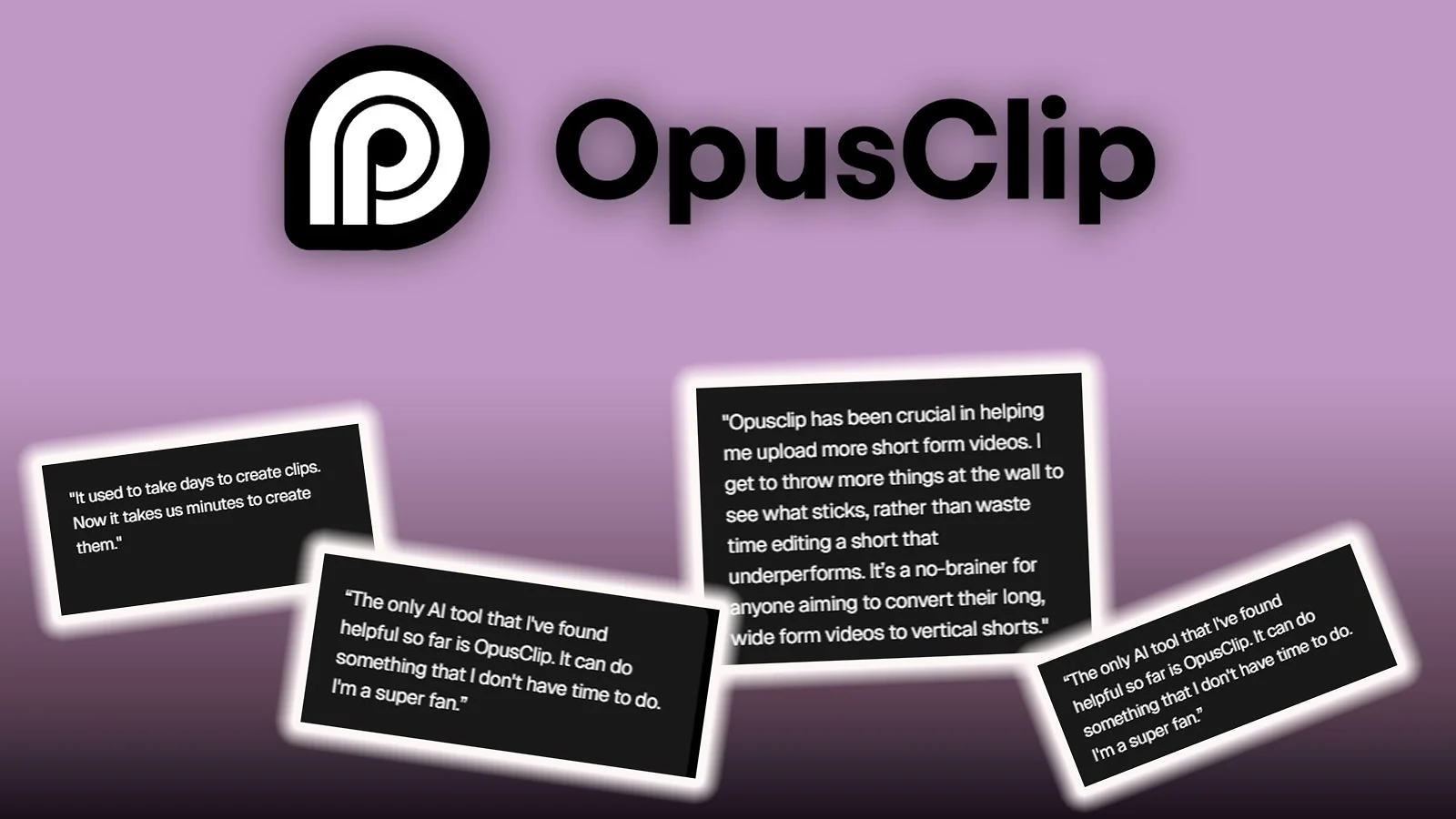
Most fledgling streamers agree that a combination of manual work and a bit of AI assistance is the ideal way to turn Twitch VODs to TikTok clips, Shorts, or Reels.
For more esports-centric gamers, the automatic saving of “hype moments” by tools like Eklipse save a lot of time, though manual review is still required as the AI tends to clip false positives. StreamLadder and OpusClip are two incredibly popular choices at the moment as well due to their relatively hands-off features.
Generally speaking, while these AI gaming clip generators are incredibly helpful, creators recommend testing and finding a specific tool that works for your unique needs and style.
For example, you can’t go for Sizzle.gg if you need clips ASAP, as it has a long processing time even for paid users. You should also watch out for credit-based upload limits, as you can easily run out of your monthly allowance if you produce a high volume of clips.
Final Thoughts
To sum it all up, the eight tools we’ve covered are some of the best AI clip makers for gaming. Before you take the plunge and start turning your gaming clips into shorts, study their differences and learn which one fits your own content creation needs.
If you love playing high-octane multiplayer games and compete at a high level, opt for a tool like Eklipse or Medal.tv to automatically capture those game-winning plays. On the flip side, podcasters and other talk-heavy creators should get something like OpusClip or Submagic for some stress-free captioning and editing for viral shorts.
Thinking of hopping into the creator scene and farming clips in popular esports? Why not spice up your account by buying some Valorant Points for those brand-new skins, or grab yourself a new game to showcase to your viewers by getting a PSN gift card.
FAQs
To automatically turn your gaming clips into shorts, you should use one of the best AI clip makers for gaming. Tools like Eklipse and StreamLadder do all the work for you, and they can even generate and publish clips from your latest broadcast while you sleep for the night.
OpusClip is the best AI clip maker for gaming, especially if your content relies on commentary or voice-driven moments. For pure gameplay highlights, though, tools like Eklipse can be a better fit since they focus on visual in-game action rather than audio cues.
Yes, you can use OpusClip for gaming clips, just be mindful of loud noises and dead air. Since its detection system is audio-based, it can easily get confused by regular speech while nothing exciting is happening in-game. In the same vein, being too quiet could lead to no usable clips being saved.
You can turn Twitch VODs into TikTok clips by using one of the auto scrubbing and captioning tools in the list above, like Vizard and Sizzle.gg. Some of these platforms also support YouTube Shorts, Instagram Reels, and many other social media platforms.
Not fully. Most offer a free tier, but expect watermarks, 720p caps, and monthly clip limits. For clean, high-volume output, paid plans start between $5–$25/month.