Best Voice Changer for Gaming in 2026: Real-Time, Free, and AI-Powered Picks

Eneba Hub contains affiliate links, which means we may earn a small commission if you make a purchase through them—at no extra cost to you. Learn more


Finding the best voice changer for gaming in 2026 isn’t as simple as downloading the first app you see. Most tools either sound robotic, tank your CPU mid-match, or hide the good voices behind a paywall. Worse, matching the right tool to your setup (PC, PS5, or Android) and use case, from live gameplay to content creation, is far from obvious.
A live voice changer for gaming can solve real problems: keeping a consistent streaming persona, protecting your privacy in solo queue, enabling identity expression, or delivering clean, character-driven audio for VTubing, D&D sessions, and YouTube content.
It’s no surprise that 67% of creators now use voice modification, with AI-powered tools becoming near-standard. This guide breaks down every top voice changer for gaming, covering real-time and AI-powered picks across platforms, tested for latency, voice quality, CPU impact, and real value.
Jump to:
Key Takeaways
- PC players: it’s a performance vs. variety call. The top voice changer for gaming on PC is either EaseUS VoiceWave (lowest CPU drain, one-time payment) or Voicemod (biggest library, deepest integrations). Pick the one that matches how you actually play.
- Cross-platform? There’s only one real answer. iMyFone MagicMic is the only tool that runs natively on Windows, Mac, Android, and iOS. If you game across multiple devices, it’s your default – no juggling required.
- PS5 has no native support. No live voice changer for gaming works directly on PS5. The workaround is routing audio through a PC via Remote Play. It’s a bit fiddly, but it’s the only option that actually holds up.
- Creators, skip the real-time tools for scripted content. The best real-time voice changer for gaming won’t cut it in post-production. ElevenLabs and Descript are purpose-built for that workflow – pair them with OpusClip to spin long VODs into short-form content fast.
- Want zero install hassle? FineShare FineVoice is the go-to free voice changer for games no download – runs entirely in your browser, no drivers, no admin rights.
- Safety first in ranked play. The best voice changer for gaming setups only touches your mic input at the system level – that’s the safe zone. Anything that pokes at game memory is a ban waiting to happen. Always verify compatibility before queuing in competitive titles.
Our Top Picks
If you’re looking for the best real-time voice changer for gaming, these three tools cover the majority of use cases: from competitive PC play to cross-platform setups and content-driven streaming.
- EaseUS VoiceWave – If you want the best voice changer for gaming without sacrificing frames, this is it. ~4% CPU, sub-500ms latency, and a one-time $39.95 license. Built for ranked, priced for keeps.
- iMyFone MagicMic – The only live voice changer for gaming that actually follows you across Windows, Mac, Android, and iOS. One tool, every device, no compromises.
- Voicemod – The top voice changer for gaming if variety is your thing. A massive sound library, deep Discord integration, and native support for Fortnite, Valorant, and CS2 make it the go-to for streamers and casual players alike.
No two players need the same thing. Some want the best paid voice changer for gaming with pro-grade features. Others just need a quick free voice changer for games no download with zero setup hassle. Whatever your situation, the full reviews below will help you lock in the best voice changer for gaming for your playstyle.
Why Use a Voice Changer for Gaming?
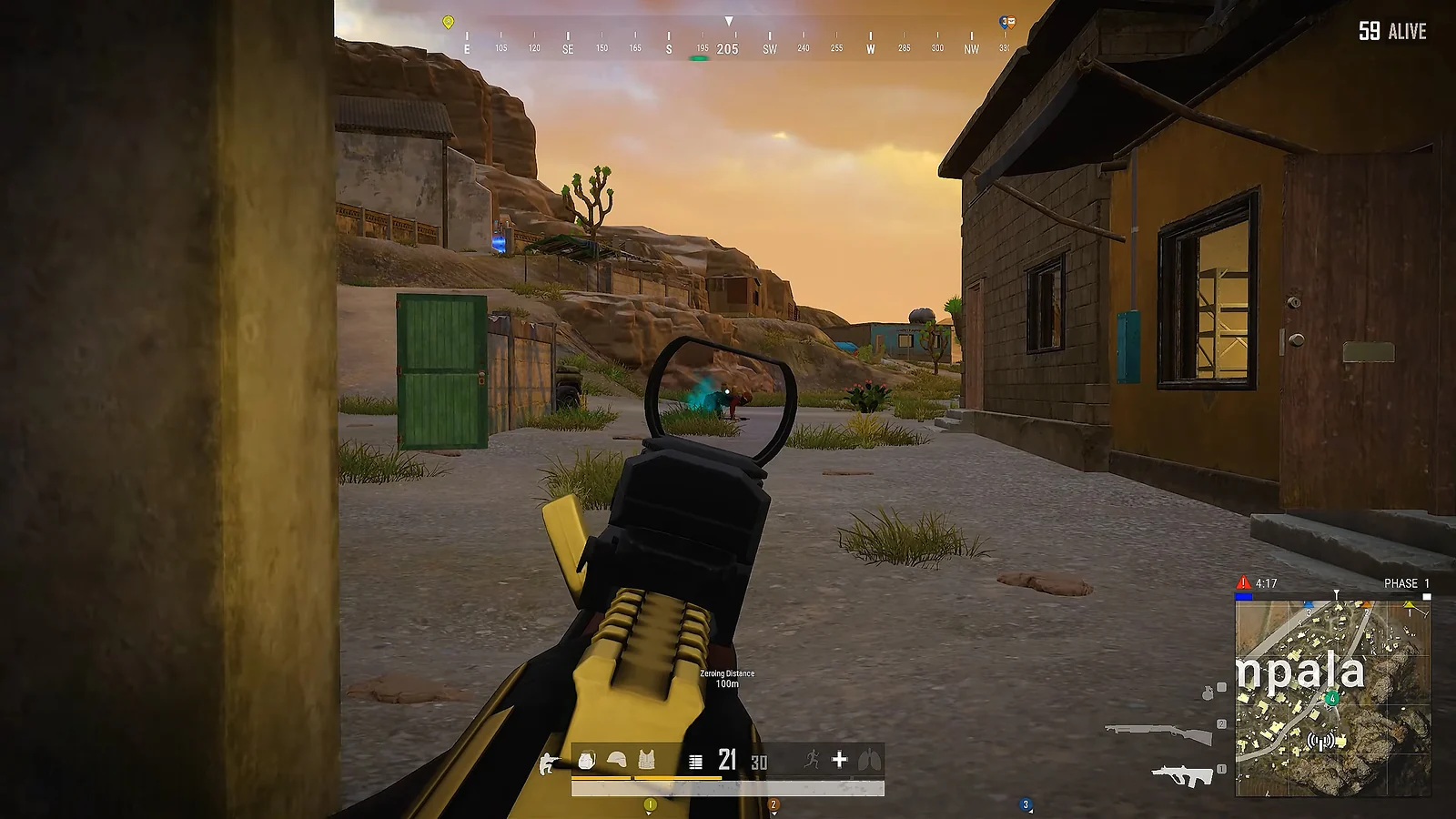
Before you install anything, ask yourself one question: what problem are you actually trying to fix? The best voice changer for gaming looks different depending on your answer, and it’s almost never just “for fun.”
- Streamers and VTubers need consistency. A live voice changer for gaming locks in your persona so audiences always recognize your sound, even across hundreds of hours of content. No vocal strain, no breaking character.
- Competitive and solo queue players need privacy. The top voice changer for gaming can mask identifiable traits like age or gender, cutting down on harassment and making comms feel safer in unpredictable lobbies.
- Trans and marginalized players need flexibility. The best real-time voice changer for gaming can work as a bridge during voice training or as a permanent solution in spaces where revealing your real voice isn’t comfortable or safe.
- D&D groups and roleplayers need immersion. The best voice changer for gaming gives every character a distinct, immediate audio identity – no acting skills required.
Bottom line: the right tool depends entirely on why you need it. Once that’s clear, picking the best voice changer for gaming for your setup becomes a lot simpler.
With the why out of the way, here’s the how: eight tools reviewed in depth, ranked by how well they deliver these outcomes in practice.
Best Voice Changers for Gaming: Full Reviews
Not every live voice changer for gaming holds up when the match gets sweaty. That’s why each tool here was tested on the things that actually matter: latency, CPU drain, and how natural it sounds under pressure.
EaseUS VoiceWave tops the list for efficiency. MagicMic leads for cross-platform flexibility. Voicemod is the top voice changer for gaming if you want the biggest library on the market. The first three picks cover the majority of players, while the rest go after more specific needs like free tools, browser-based options, and post-production workflows. The best voice changer for gaming for your setup is somewhere in this list.
1. EaseUS VoiceWave [Best Low-Latency Real-Time Voice Changer for PC]
| Specs | Details |
|---|---|
| Platform | Windows 10 / 11 only |
| Real-Time or Post-Production | Real-time |
| Latency | Sub-500ms |
| Free Tier | Yes – limited daily voice rotation |
| Price | Free – or $39.95 lifetime |
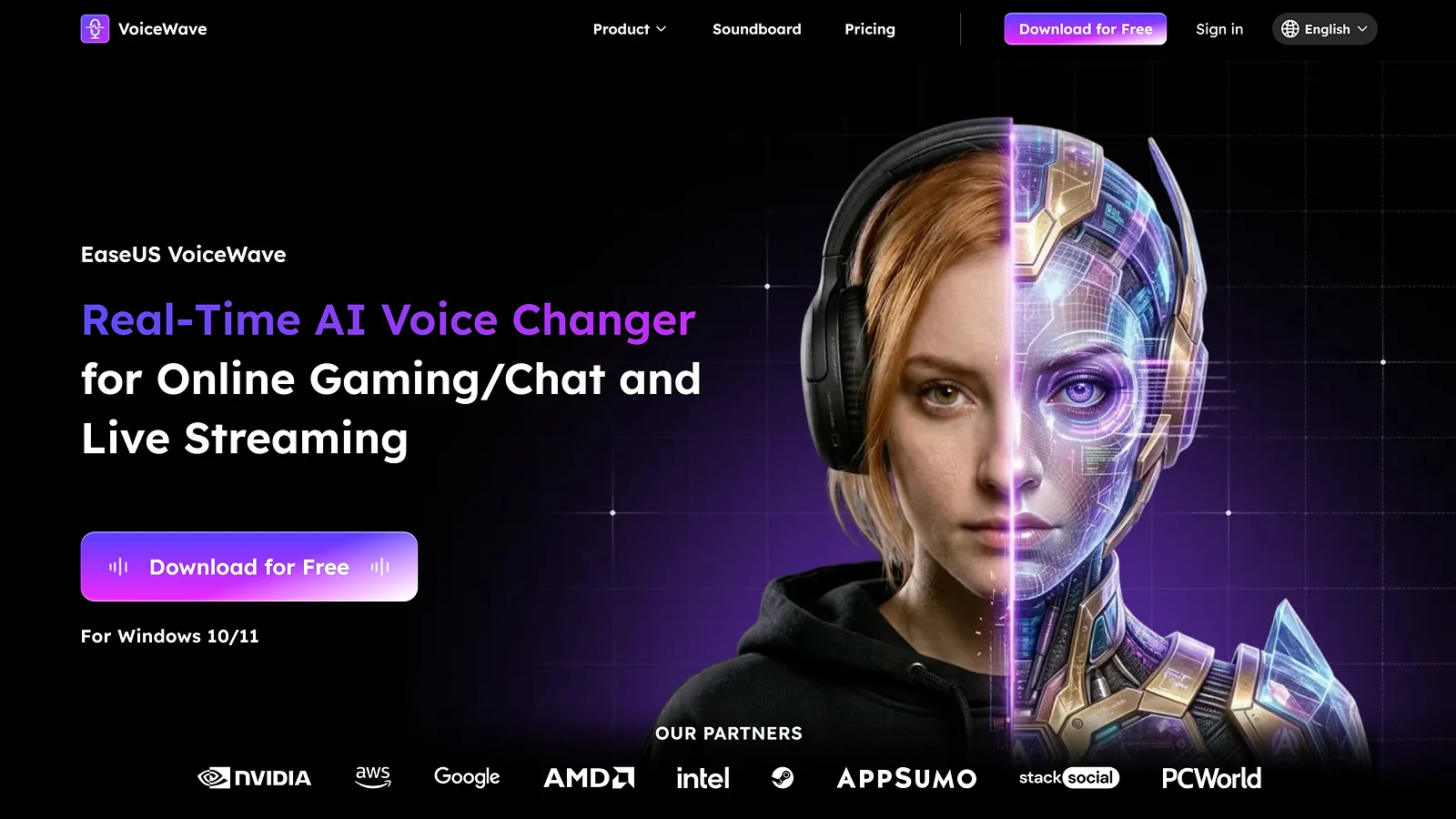
If you’re hunting for the best voice changer for gaming on PC and don’t want to think about it again, EaseUS VoiceWave is probably your answer. It runs quietly in the background, stays out of your frames, and does exactly what you need it to do during a ranked match.
The numbers that matter: ~4% CPU usage and sub-500ms latency. In practice that means no frame drops, no delay on your callouts, and nothing crashing mid-gunfight. It’s the best real-time voice changer for gaming for players who treat every frame as sacred – and it only runs on Windows 10 and 11, so Mac and Linux players will need to look elsewhere.
Setup takes around 10 minutes from install to your first Discord call, which is about as painless as it gets. You get 500+ voices and 300+ soundboard effects out of the box, and the $39.95 lifetime license makes it the best paid voice changer for gaming from a pure value standpoint. Pay once, own it forever – no monthly bill, no feature gates creeping in mid-season. The free version is available but comes with a daily voice rotation, so you’ll feel the ceiling quickly if you’re using it regularly.
On the anti-cheat front, it’s a system-level audio tool only – no game memory access, and no documented ban incidents in 2026 across Valorant, CS2, or The Finals. It’s the safe pick for competitive players who can’t afford to risk a suspension over a voice mod.
| Pros | Cons |
|---|---|
| ✅ Lowest CPU impact: won’t choke your rig during demanding AAA gaming sessions ✅ Massive Library: 500+ voices and 300+ soundboard effects ready for instant use ✅ Lifetime License: pay once ($39.95) and own it forever with no recurring fees | ❌ Windows Only: no support for Mac, mobile, or Linux users ❌ Closed Ecosystem: smaller community-made voice library compared to Voicemod ❌ Limited Free Tier: daily voice rotation limits your options unless you upgrade |
Ranked grinders and streamers will get the most out of VoiceWave‘s zero-latency performance and noise reduction. Bind your voice toggle to a mouse side button and you will never need to tab out mid-match. It is the same principle behind using an aim trainer tool – remove the friction, stay in the zone.
2. iMyFone MagicMic [Best Cross-Platform Real-Time Voice Changer]
| Specs | Details |
|---|---|
| Platform | Windows, macOS, Android, iOS |
| Real-Time or Post-Production | Real-time |
| Latency | Not publicly specified |
| Free Tier | Yes – limited daily rotation |
| Price | Free – or from ~$9.99/mo |
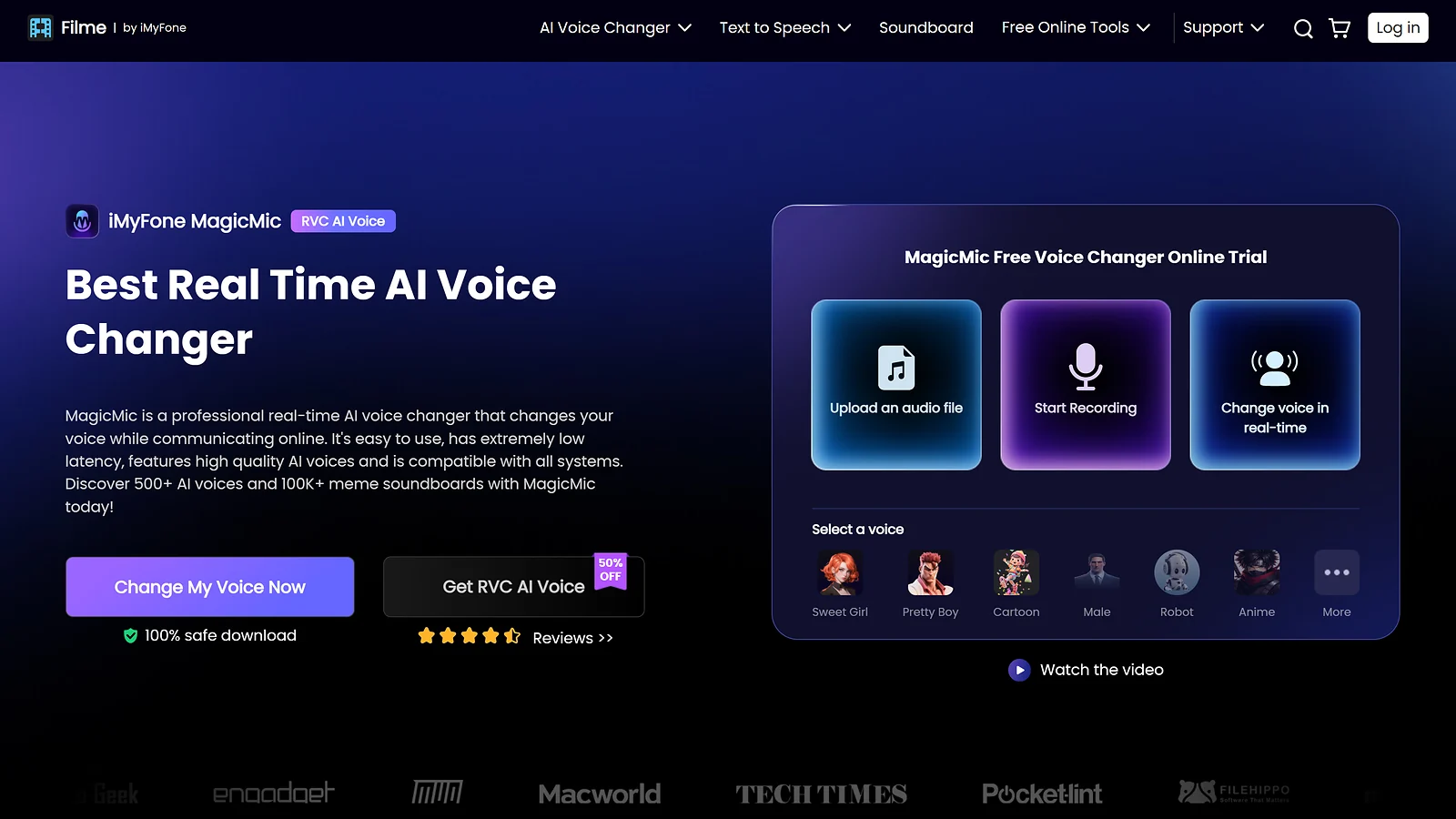
Most tools make you choose between desktop and mobile. iMyFone MagicMic doesn’t, and that’s the whole point. It’s the top voice changer for gaming with native support across Windows, Mac, Android, and iOS that feels polished on all of them.
If you bounce between a desktop for ranked sessions and a phone for casual PUBG Mobile or Genshin Impact, this is the one live voice changer for gaming that keeps your persona consistent the whole way through. No juggling apps, no resetting your audio routing every time you switch devices. Setup takes about 15 minutes on PC and 5 minutes on mobile.
The library covers 225+ voices and 600+ effects, and the mobile modding works in real time during live calls and in-game chat, not just on pre-recorded clips like most competitors. It integrates cleanly with Discord, Twitch, Zoom, Overwatch, Fortnite, and CS2. On the anti-cheat side it only touches mic input at the system level with no game memory access, though it’s always worth checking your specific title’s terms before queuing ranked.
The free tier is available but pushes you toward paid quickly with daily voice rotation limits. Paid plans start at around $9.99/month, with a lifetime license option if you’d rather pay once. Worth noting on install: the virtual driver can trigger security warnings on some systems, and heavier AI filters may struggle on lower-end Android phones.
| Pros | Cons |
|---|---|
| ✅ True cross-platform: one tool for Windows, Mac, and mobile ✅ Massive soundboard: 225+ voices and 600+ effects ready to go ✅ Live mobile modding: real-time voice on Android, not just recordings ✅ Integrates with Discord mobile, Zoom, and most major gaming platforms | ❌ Driver alerts: virtual driver installs can trigger spooky security warnings ❌ Hardware hungry: low-end phones may struggle with heavy AI filters ❌ Limited free tier: daily rotation pushes you to pay up fast |
Cross-platform players and Mac-based streamers who need a consistent voice identity everywhere will find this the easiest default choice. The best voice changer for gaming for multi-device setups isn’t a close call – MagicMic is the only tool here that genuinely earns that title across every platform without compromise.
3. Voicemod [Best Community Library and Soundboard for Gamers]
| Specs | Details |
|---|---|
| Platform | Windows 10 / 11 only |
| Real-Time or Post-Production | Real-time |
| Latency | Not publicly specified |
| Free Tier | Yes – 5–10 rotating voices |
| Price | Free – or ~$12/mo / ~$109.99 lifetime |
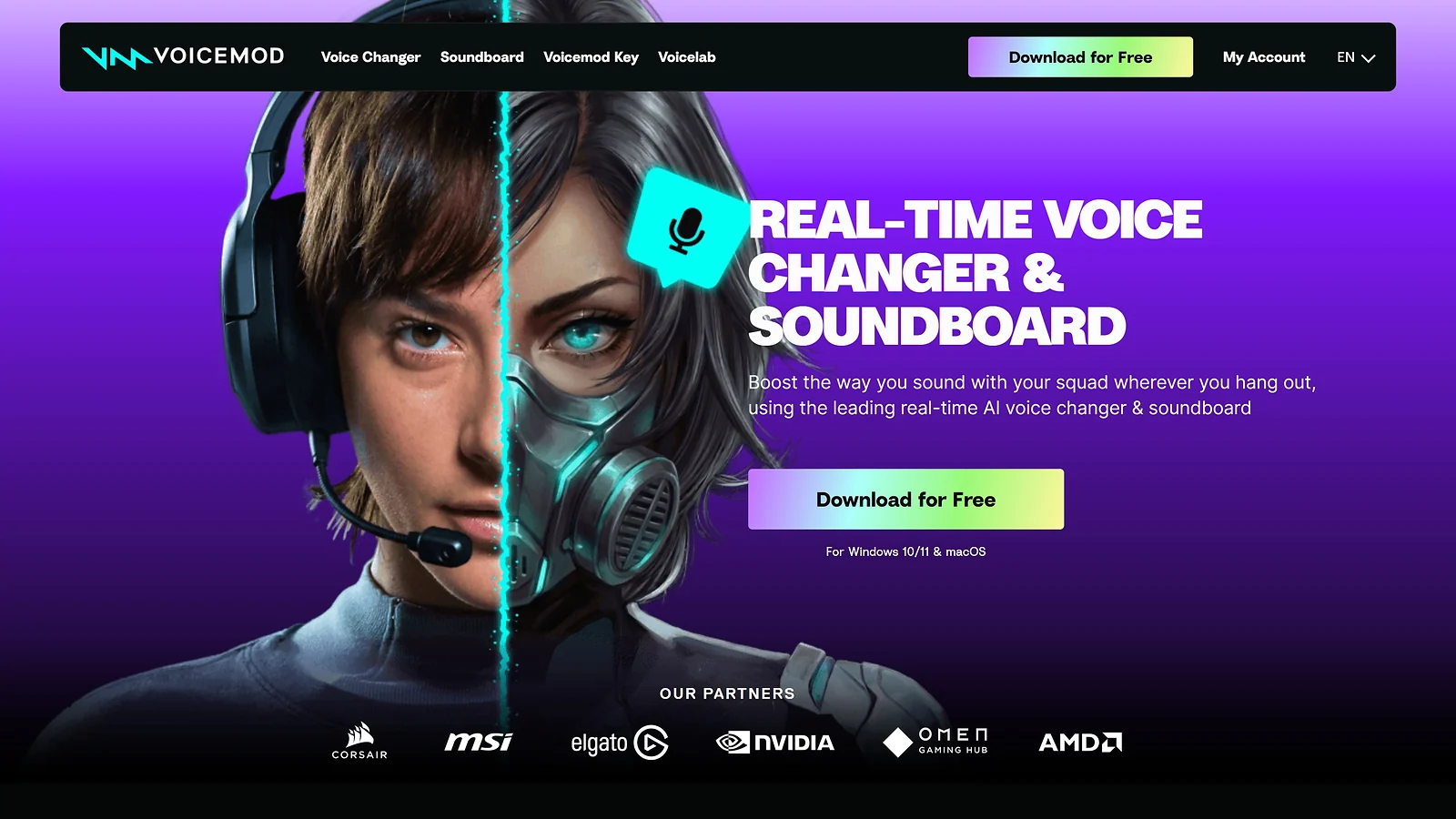
If creative variety is what you’re after, nothing else comes close. Voicemod is the best voice changer for gaming for streamers, roleplayers, and anyone who wants a massive sound library ready to go from day one. We’re talking 300,000+ community clips, 90+ voices, and Voicelab 2.0, a purpose-built voice creation tool that lets you engineer a completely unique persona from scratch.
It runs on Windows 10 and 11 only, so Mac and mobile players are out. Setup takes around 20 minutes once you factor in install, browsing Voicelab presets, and Discord routing. As a live voice changer for gaming it integrates natively with Discord, Twitch, OBS, Fortnite, Valorant, CS2, and Roblox with no extra configuration needed.
The free tier gives you 5 to 10 rotating voices, which feels fine until you find a persona you want to keep and can’t pin it without upgrading. Paid plans run around $12/month or $109.99 lifetime, making it a reasonable pick as a best paid voice changer for gaming if the community library is the draw. For the best real-time voice changer for gaming with the biggest sound catalog on the market, this is the obvious choice.
Performance is the trade-off. Expect 4GB+ memory usage during long sessions and occasional RAM spikes after updates. Vanguard has also flagged its virtual drivers in some cases, so verify compatibility before ranked play in Valorant or similarly strict titles.
| Pros | Cons |
|---|---|
| ✅ Unmatched library of voices and community memes ✅ Deepest integration with streaming and chat apps ✅ Easy to use ✅ Powerful Voicelab for creating unique identities | ❌ High CPU/RAM usage with 4GB+ RAM leaks during long sessions ❌ Free tier rotates voices daily; no permanent pins ❌ AI voices can sound robotic on higher pitches ❌ Update-related issues |
Streamers, casual players, and D&D groups will find more value here than anywhere else in this list. The same way a crosshair optimizer tool lets you personalise every pixel of your HUD, Voicemod is the best voice changer for gaming for players who want total control over their audio identity. Not the right call if zero-latency ranked performance is all that matters to you.
4. ElevenLabs [Best AI Voice Changer for Content Creators and Streamers]
| Specs | Details |
|---|---|
| Platform | Browser (Windows, Mac, Linux) |
| Real-Time or Post-Production | Mostly post-production / AI generation |
| Latency | 75ms (Flash v2.5, API only) |
| Free Tier | Yes – 10,000 characters/month |
| Price | Free – or from ~$5/mo |
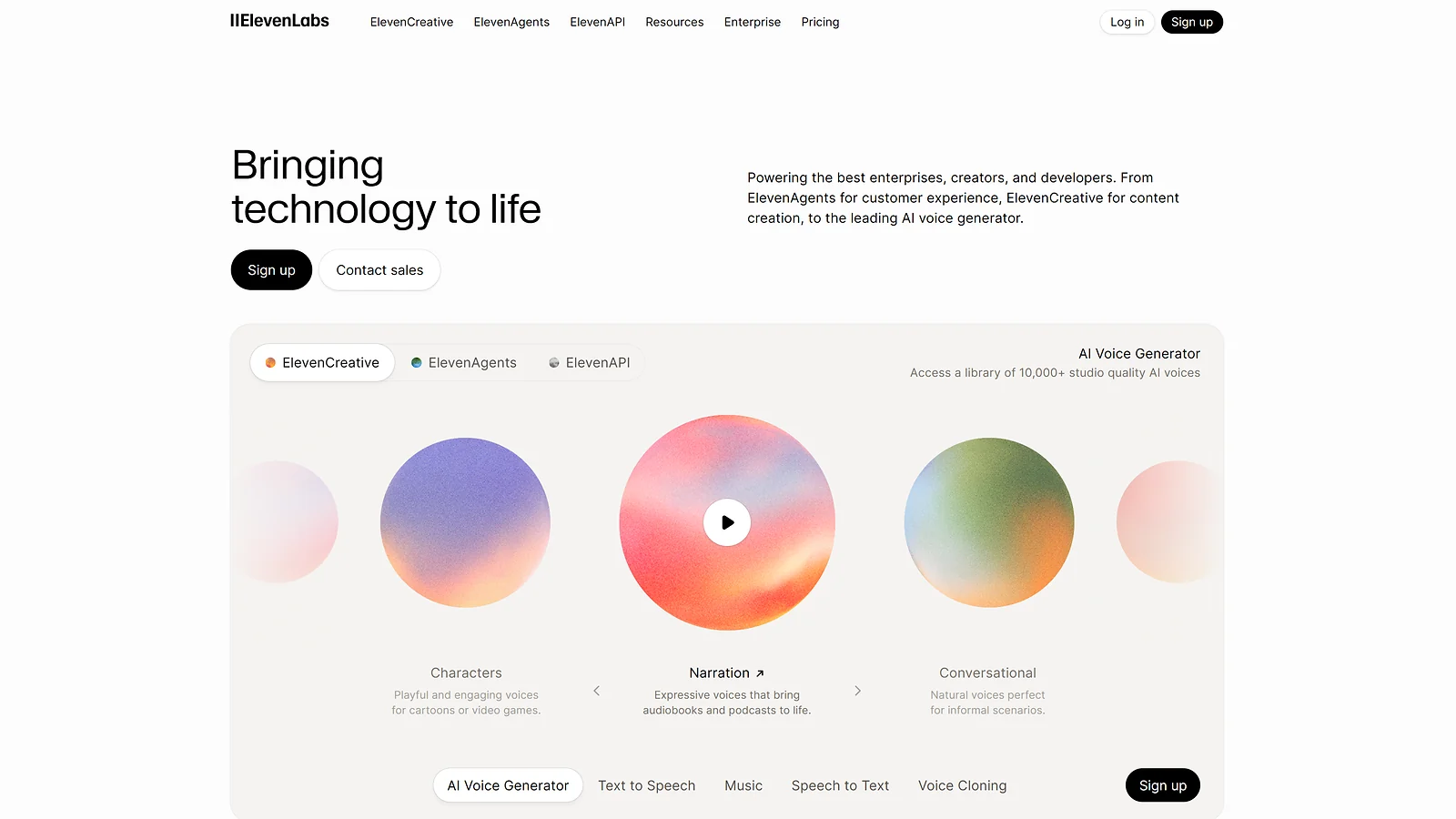
ElevenLabs is not trying to be the best voice changer for gaming in a live lobby, and that’s exactly what makes it worth covering. It’s a post-production tool built for creators who care about audio quality above everything else, and in that lane it has no real competition. Speech-to-speech voice mapping transforms your recorded performance into any of 1,000+ voices with professional delivery across 32 languages.
It runs entirely in the browser on Windows, Mac, and Linux with no installation needed. If you’re looking for a free voice changer for games no download, the free tier gives you 10,000 characters per month to test it out, though that cap disappears fast for active creators. Paid plans start at around $5/month. There’s no direct Discord integration, so this one stays firmly in the edit, not the lobby.
The standout feature is Audio Tags. Directives like [whispers], [shouts], and [laughs] shape the emotional energy of a performance without re-recording anything. Combine that with voice cloning from a 30-second sample and you have a consistent brand identity across your entire channel. The Flash v2.5 model hits 75ms latency on API integrations, and the platform is SOC 2 and GDPR compliant. It pairs best with Descript for editing and OpusClip for cutting short-form clips as part of a full creator pipeline.
| Pros | Cons |
|---|---|
| ✅ Studio-quality AI voices with emotional control via tags ✅ Voice cloning from short 30-second audio samples ✅ SOC 2 and GDPR compliant, ensuring higher data security ✅ 75ms latency on the Flash v2.5 model (for API integrations) | ❌ Not for live gaming; no direct Discord integration ❌ Free tier cap of 10k characters per month burns quickly ❌ Privacy concerns regarding AI voice cloning |
For VTubers and creators producing narrated highlight reels, ElevenLabs sets the ceiling for character audio quality. It’s the best voice changer for gaming content in post-production, but if you need something running live in a match, this is not the right tool and forcing it into that workflow will only frustrate you.
5. Clownfish Voice Changer [Best Free Voice Changer for Discord (No Subscription)]
| Specs | Details |
|---|---|
| Platform | Windows only |
| Real-Time or Post-Production | Real-time |
| Latency | Not publicly specified |
| Free Tier | Yes – fully free, no paywalls |
| Price | Free – no paid tier |
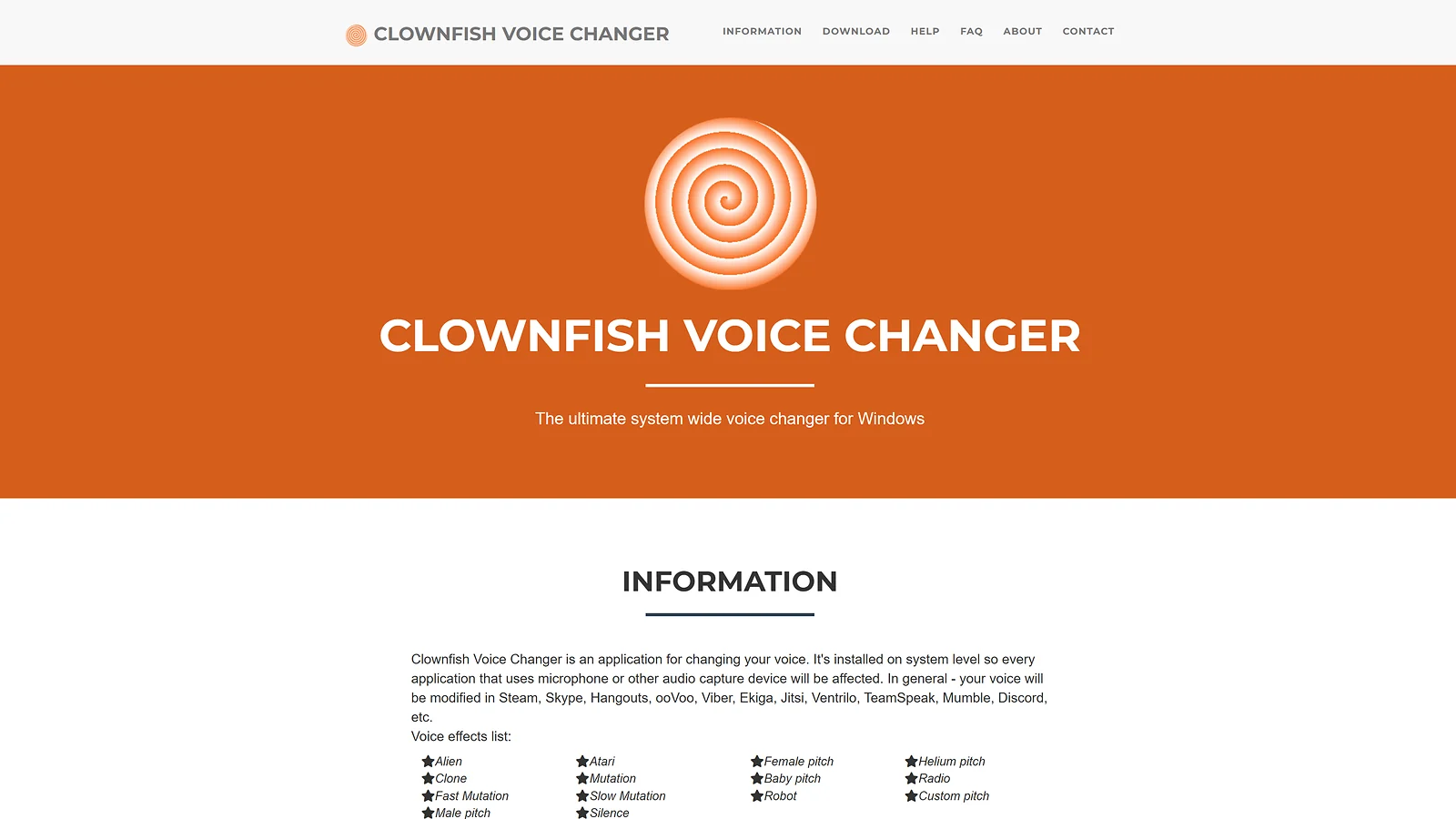
If your only requirement is a free voice changer for games with no hassle and zero cost, Clownfish delivers exactly that. It’s genuinely free forever, no rotating paywalls, no upsells, and no account needed. Just install, set your default Windows mic, pick one of 14 presets, and you’re done in about 5 minutes.
What makes it different from most free tools is system-level interception. It hooks directly into your mic at the OS level, meaning it works automatically across every app on your PC without per-app configuration. As a live voice changer for gaming it’s about as low-friction as it gets, and it runs on Windows only with minimal CPU impact, making it a solid pick for older or lower-spec rigs.
The ceiling is low though. Fourteen classic presets with no AI cloning or custom voice building means it’s more novelty than persona. Output quality leans robotic rather than natural, and silent failures can trip you up if your default Windows mic isn’t configured correctly. It has a long track record with no major ban incidents on record, so competitive players can use it without much concern.
| Pros | Cons |
|---|---|
| ✅ 100% Free with no subscription or feature paywalls ✅ Automatic interception works with every app on your system ✅ Lightweight install with zero account signup required ✅ No account signup required | ❌ Only 14 presets with no AI cloning or custom voices ❌ Mechanical output that sounds more “robot” than “character” ❌ Silent failures if your default Windows mic is misconfigured ❌ Some compatibility issues with specific apps |
For casual Discord users who want the best voice changer for gaming at zero cost, this is the obvious starting point. Use it as your daily driver and step up to VoiceWave or Voicemod when you need something more capable.
6. MorphVOX [Best Natural-Sounding Classic Voice Changer for Discord]
| Specs | Details |
|---|---|
| Platform | Windows 10 / 11 |
| Real-Time or Post-Production | Real-time (also recording) |
| Latency | Not publicly specified |
| Free Tier | Yes – MorphVOX Junior (free) |
| Price | Free – or ~$39.99 one-time (Pro) |
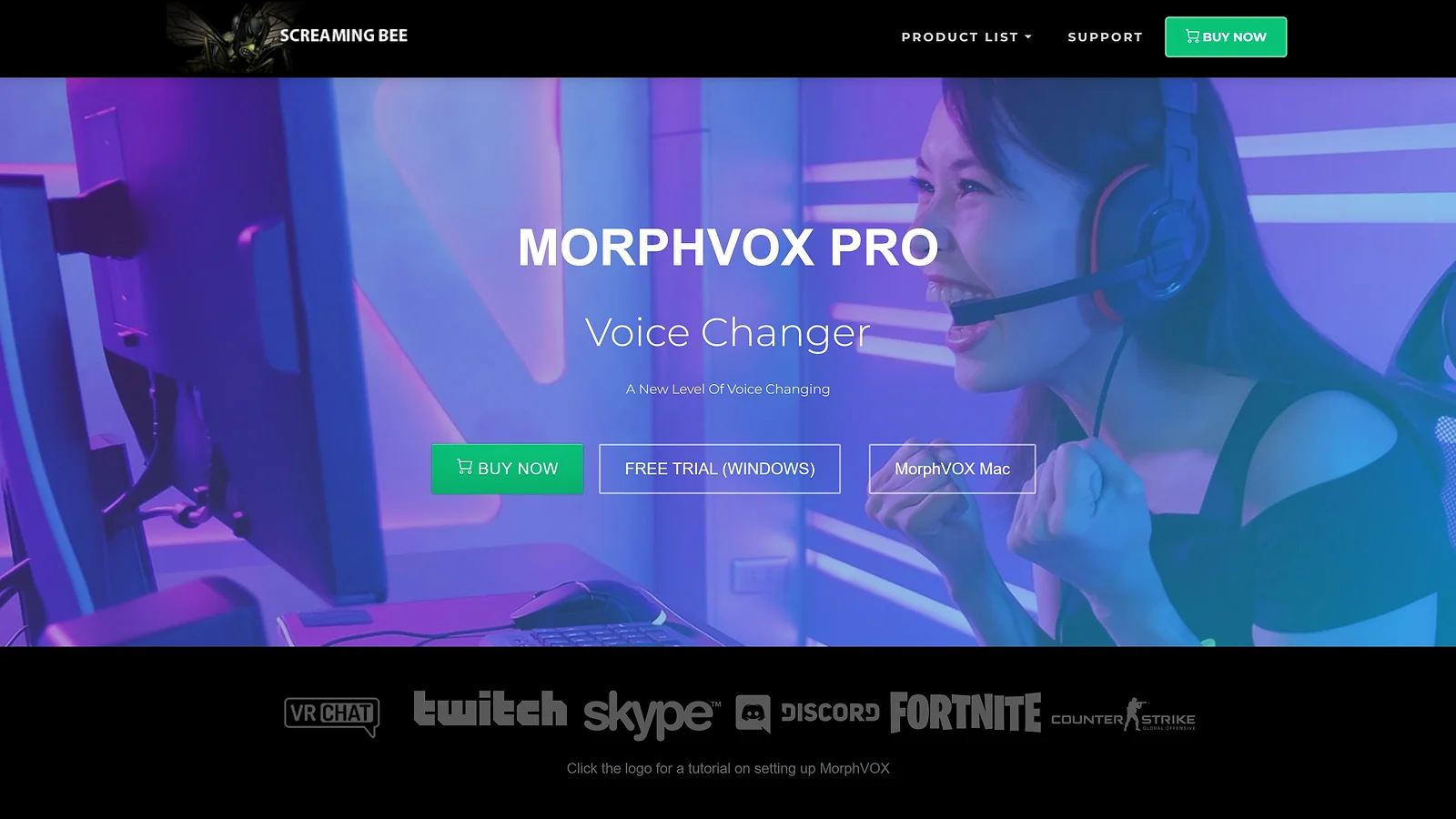
MorphVOX has been around long enough to predate the AI hype entirely, and it still holds up. Where most free tools sound robotic, this one leans on a DSP-based engine that produces noticeably more natural output, making it the best real-time voice changer for gaming for players who want quality without paying for a modern AI suite.
It runs on Windows 10 and 11 and takes about 10 minutes to set up. The built-in noise suppression handles background cleanup without needing a separate tool like NVIDIA Broadcast, which saves resources during demanding sessions. CPU impact is negligible, so it runs comfortably alongside heavy AAA titles. On the anti-cheat front, it operates exclusively via a signed virtual audio driver with no game memory access, making it safe for use with Vanguard, EAC, and BattlEye titles.
One feature worth trying is Backgrounds, which lets you layer any ambient sound underneath your voice while you talk. Fool your friends into thinking you’re stuck in the middle of a traffic jam or wandering around the mall mid-call.
MorphVOX Junior is free and covers the basics well. The Pro version is a one-time $39.99 purchase, which makes it a straightforward pick as the best paid voice changer for gaming if you want the full feature set without a subscription. That said, the interface feels noticeably dated compared to newer tools, and it lacks cutting-edge features like neural voice cloning or emotional audio tags.
| Pros | Cons |
|---|---|
| ✅ High-quality natural effects without the massive CPU cost of AI ✅ Native background noise suppression included out of the box ✅ Customizable voice packs and downloadable extensions ✅ Low CPU usage suits older systems | ❌ The “vintage” interface feels clunky compared to modern competitors ❌ Lacks cutting-edge features like neural voice cloning or emotional tags ❌ The Pro tier pricing is a steep ask compared to newer AI-native alternatives |
D&D groups, Discord roleplayers, and podcasters who need consistent character audio for long sessions will find MorphVOX the best voice changer for gaming tool that doesn’t require a monthly commitment. It’s also a solid recommendation as a live voice changer for gaming for players on older rigs who want clean, natural-sounding output without the overhead of a modern AI platform.
7. Descript [Best Post-Production Voice Editor for Gaming Content]
| Specs | Details |
|---|---|
| Platform | Windows, Mac, Browser |
| Real-Time or Post-Production | Post-production |
| Latency | N/A |
| Free Tier | Yes – limited exports |
| Price | Free – or from ~$12/mo |
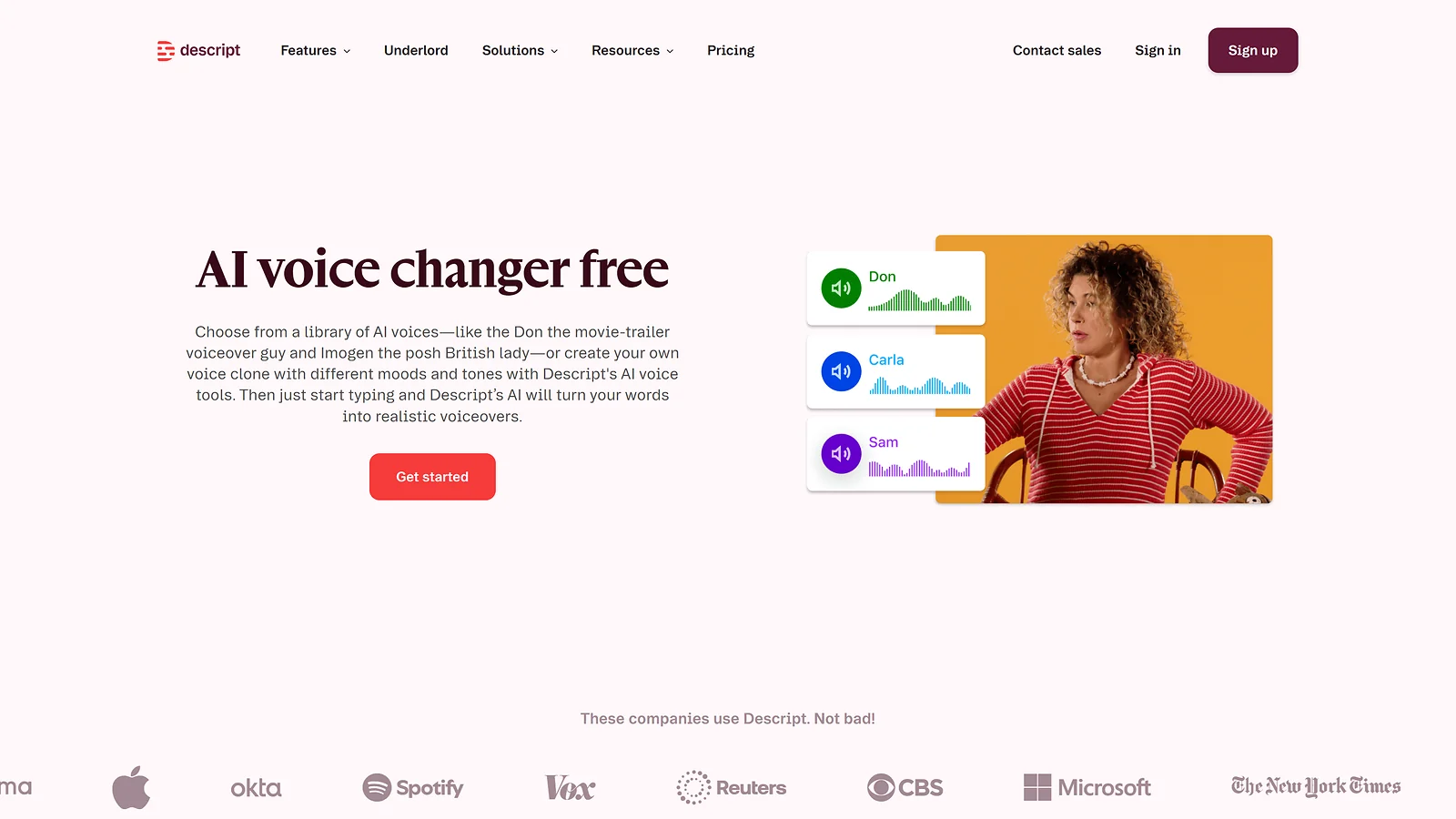
Descript is not a live voice changer for gaming and doesn’t try to be. It’s a post-production workhorse built for creators who want the fastest possible path from raw footage to a publishable video, and in that lane it’s genuinely in a category of its own.
The core idea is simple: your audio is fully linked to a transcript, so editing means deleting words rather than scrubbing a timeline. Fix a flubbed line by typing a correction instead of re-recording it, using the built-in Overdub AI voice cloning tool. Studio Sound mode handles background noise and upgrades streamer audio to podcast-grade quality in one click. It runs on Windows, Mac, and browser, and setup takes around 30 minutes for account creation and Overdub voice training.
The free tier covers the basics but limits exports. Paid plans start at around $12/month, which is competitive for what the tool does, though it doesn’t qualify as a best paid voice changer for gaming pick in the traditional sense since it sits entirely in the edit. It pairs best with ElevenLabs for voice generation and OpusClip for cutting short-form clips, forming a clean three-tool creator pipeline. Voice cloning sits in a grey area around biometric consent, worth knowing before you commit.
| Pros | Cons |
|---|---|
| ✅ Text-based speed: edit by deleting words, way faster than scrubbing through a timeline ✅ Overdub patches: fix your flubs in seconds by typing, not re-recording ✅ Built-in Studio Sound: pro-level noise removal and audio cleanup at zero extra cost ✅ Easy pipeline: slips right into your existing video editing workflow | ❌ Post-production only: strictly for the edit, zero support for live Discord or in-game calls ❌ Learning curve: expect a “tutorial level” phase before you master the text-to-audio flow ❌ Privacy flag: voice cloning hits a grey area on biometric consent and likeness |
Streamers and YouTubers producing edited highlight reels, tutorials, and narrated walkthroughs will get the most out of Descript. If you need the best voice changer for gaming content in post-production, this is it. If you need something running live in a match, look at the top of this list instead.
8. FineShare FineVoice [Best Browser-Based Free Voice Changer (No Download)]
| Specs | Details |
|---|---|
| Platform | Any browser (PC, Mac, Android, iOS) |
| Real-Time or Post-Production | Real-time + post features |
| Latency | N/A |
| Free Tier | Yes – limited monthly hours |
| Price | Free – or from ~$8.99/mo |
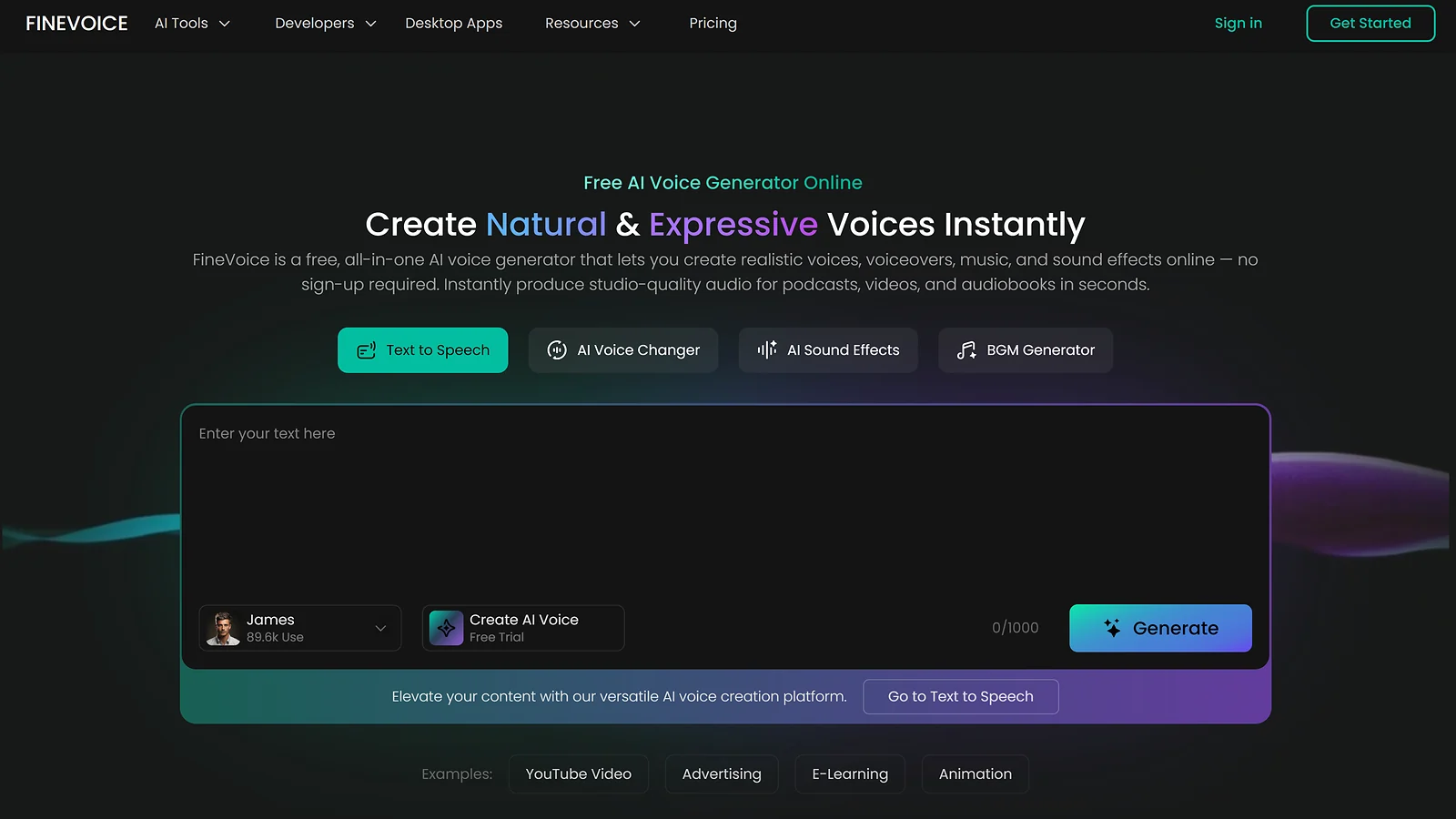
If you want a free voice changer for games no download required, FineShare FineVoice is the cleanest option in this roundup. It runs entirely in the browser on any device, including PC, Mac, Android, and iOS, with no drivers, no admin rights, and no installation of any kind. You’re up and running in about 3 minutes.
The library covers 1,000+ voice effects plus AI cloning for building custom character presets, which is a serious amount of variety for a browser-based tool. Batch processing lets you clean and convert multiple clips in one go, making it useful for creators handling a high volume of content. FineVoice is a hybrid tool, meaning you can use it live or for post-production. However, its real strength is in content editing, not low-latency in-game communication.
The free tier caps monthly conversion hours and total downloads, which pushes active creators toward paid plans starting at around $8.99/month. Processing speed is the other limitation: browser-based uploads take longer than dedicated desktop software, which can add friction if you’re working through a large batch of clips. As the best voice changer for gaming content tool that requires zero setup, the trade-off is worth it for casual creators, but high-volume producers will likely outgrow it.
| Pros | Cons |
|---|---|
| ✅ No download required: works on any device from a browser ✅ AI Voice Cloning: build custom personas with more than 1,000 voice effects ✅ Batch tools: clean and convert multiple files simultaneously to save time | ❌ Not optimized for low-latency gameplay ❌ Free tier limits: caps your monthly conversion hours and total download counts ❌ Slower processing: browser-based uploads take longer than dedicated desktop software |
Mobile creators and streamers who need quick voice mods for pre-recorded clips will find FineVoice the most frictionless option here. It’s the best voice changer for gaming content on the go, and it punches above its weight for something that lives entirely in a browser tab.
Also Worth Trying
The main list covers the best voice changer for gaming for most players, but these tools fill gaps the top picks don’t. Worth a look if none of the above quite fit your workflow.
- Streamlabs Ultra – A complete streaming suite with built-in voice mods, overlays, and chat tools that saves massive time for full-time Twitch and YouTube creators.
- Voice Changer With Effects – A lightweight mobile app with 50+ real-time filters like zombie and robot, perfect for quick social clips but not built for live multiplayer.
- OpusClip – A top-tier repurposing tool that uses AI to instantly flip your long-form gaming VODs into captioned, high-engagement TikToks and Shorts.
- Murf AI – A studio-grade voiceover platform designed for high-quality tutorial narration rather than live gaming modification.
- Reelmind – An AI-driven video platform built for creators looking to repurpose raw gaming footage into polished, short-form highlights with minimal effort.
Quick Comparison Table
This is the quick-scan version. Find the best voice changer for gaming for your needs, whether that’s a low-latency mod for ranked play or a post-production tool for your next highlight reel, and get on with it.
| Tool | Best For | Platforms | Free Plan? | Price From | Rating |
|---|---|---|---|---|---|
| EaseUS VoiceWave | Low-latency real-time | Windows | Yes | Free – or $39.95 lifetime | ★★★★★ |
| iMyFone MagicMic | Cross-platform real-time | Win/Mac/Android/iOS | Yes | Free – or $9.99/mo | ★★★★★ |
| Voicemod | Community library & soundboard | Windows | Yes | Free – or $12/mo | ★★★★½ |
| ElevenLabs | Creator-grade AI voices | Browser | Yes | Free – or $5/mo | ★★★★½ |
| Clownfish | Free Discord daily driver | Windows | Yes | Free | ★★★★ |
| MorphVOX | Natural-sounding Discord voices | Windows | Yes | Free – or $39.99 one-time | ★★★★ |
| Descript | Post-production voice editing | Win/Mac/Browser | Yes | Free – or $12/mo | ★★★½ |
| FineShare FineVoice | Browser-based, no download | Any browser | Yes | Free – or ~$8.99/mo | ★★★½ |
FPS impact, audio quality, and value drove every ranking here. If you’re dropping into live lobbies, the first two picks keep your rig running clean. Creators working in the edit should skip the real-time tools entirely and head straight to the AI suites – that’s where the real top voice changer for gaming upgrade lives for your content pipeline.
How To Choose the Right Voice Changer for Gaming
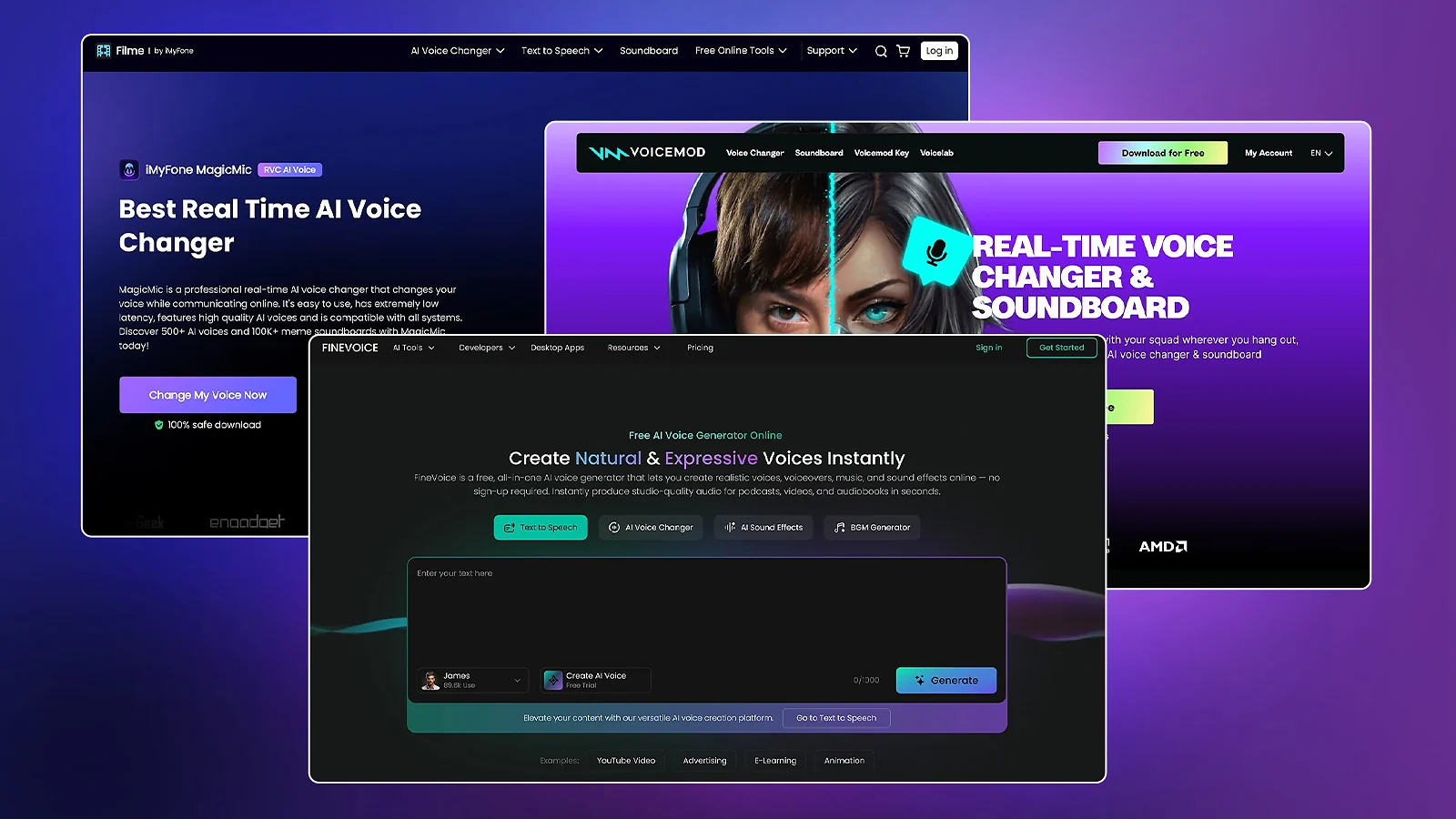
Picking your audio loadout is about balancing immersion against performance. For live lobbies, latency is king: the top voice changer for gaming needs to process audio in under 300ms to avoid breaking the flow of a match.
Keep an eye on CPU impact; if a mod eats more than 5% of your resources, your frames will suffer during intense gunfights. Ensure platform compatibility matches your hardware, especially if you’re a console or mobile player.
Finally, prioritize anti-cheat safety. The best voice changer for gaming only touches your mic at the system level, nothing deeper. Pick natural-sounding output over gimmicky filters and you’ll stay convincing without risking a ban.
Pricing Model & Total Cost
The best paid voice changer for gaming isn’t the cheapest monthly plan, it’s the one you stop paying for. EaseUS VoiceWave at $39.95 and MorphVOX Pro at $39.99 are lifetime purchases that pay for themselves in months and never charge you again.
If you’ve been eyeing a free voice changer for games no download, watch the fine print. “Free” tiers like ElevenLabs‘ 10k character cap won’t survive a single stream, and hidden costs like AI voice DLC and cloud processing fees add up fast.
Game & Platform Compatibility
Check your hardware before you buy. Most heavy-hitters remain Windows-exclusive, leaving iMyFone MagicMic as the lone king of true cross-platform reach (PC/Mac/Mobile).
Console players are still stuck: PS5 lacks native apps, forcing you into Remote Play workarounds. Browser tools like FineVoice offer a zero-install “quick fix” for any device, but they are strictly for post-recording clips, never for live-dropping callouts in a lobby.
Ban Risk & Terms of Service Compliance
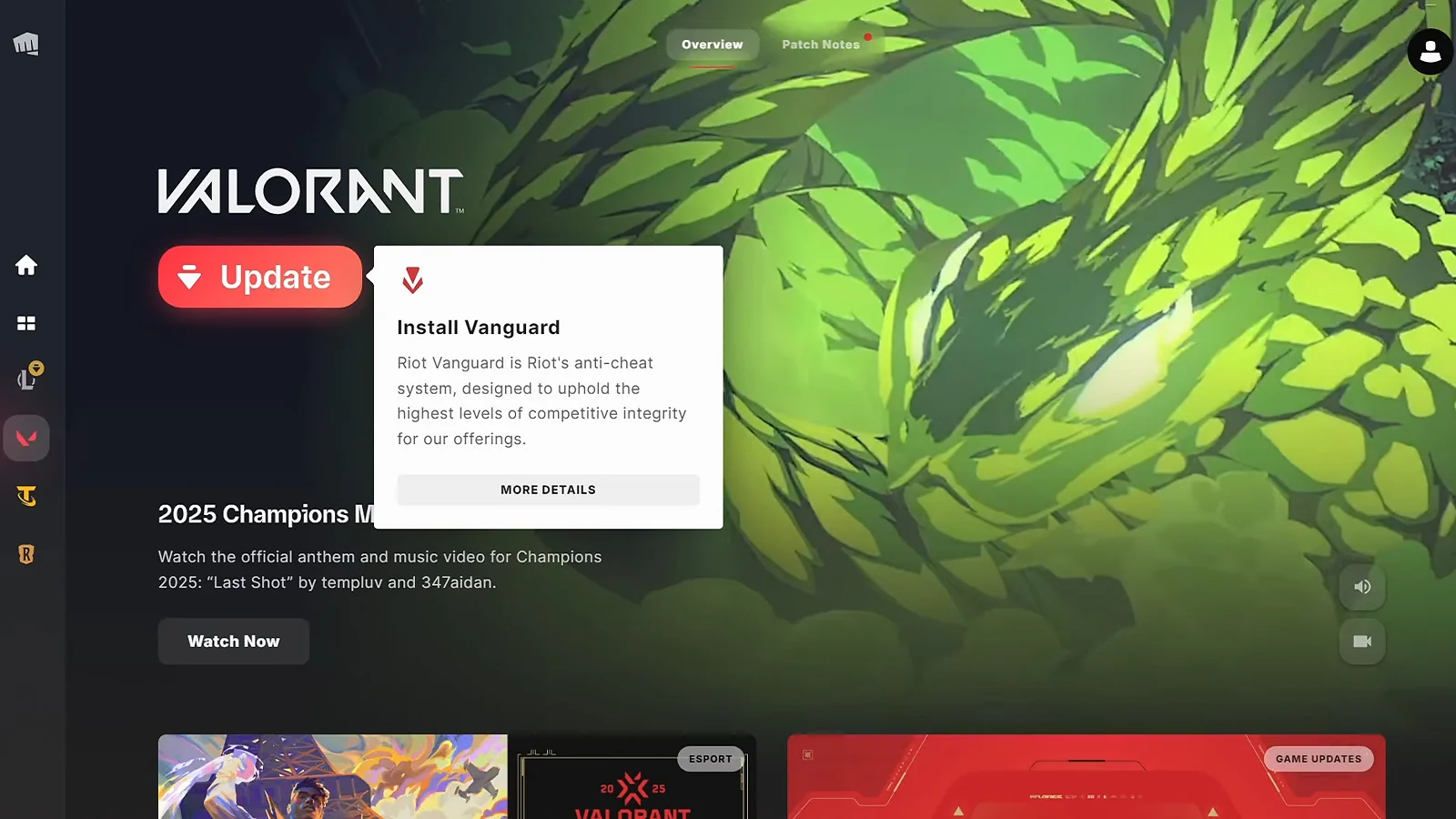
Play it safe or get clapped. System-level mods that only touch your mic audio are generally green-lit. However, any tool that injects code or sniffs game memory is a fast track to a permanent ban.
With kernel-level anti-cheat like Vanguard and behavioural AI systems like Anybrain raising the bar in 2026, always verify a tool’s status for titles like Valorant or The Finals. When in doubt, stick to documented “clean” audio routers.
Performance Impact & System Requirements
Your voice changer shouldn’t be a boss fight for your CPU. The top voice changer for gaming on performance is EaseUS VoiceWave at just ~4% CPU, while Voicemod can still trigger RAM spikes on mid-range rigs.
If you’re running an older build, skip the AI-heavy suites and grab DSP-based classics like Clownfish or MorphVOX. Don’t trust marketing “low impact” claims; check community benchmarks to ensure your FPS stays high during intense gunfights.
Learning Curve & Time to Value
Don’t waste XP on bad UI. Clownfish is a 5-minute speedrun from download to Discord. VoiceWave takes ~10 minutes, while Voicemod requires a longer session to navigate its massive Voicelab.
Content heavyweights like Descript have a 30-minute learning curve but offer massive utility for your workflow. The best voice changer for gaming gets you playing, not troubleshooting. If you’re still reading setup guides an hour later, it’s the wrong tool.
Privacy & Data: What These Tools Know About You
When you swap your voice, you aren’t just changing your sound; you are also sharing data. Most tools collect your microphone input, device specs, and IP address. However, the “privacy cost” depends on where the processing happens.
- Local Processing (Low Risk): Clownfish and MorphVOX process audio entirely on your machine. Your voice data never leaves your rig, making them the safest bet for privacy-conscious players.
- Hybrid: EaseUS VoiceWave, iMyFone MagicMic, and Voicemod process audio locally but connect to the cloud for updates and library downloads. Voicemod collects audio samples only if you explicitly contribute to their community hub.
- Cloud Processing (Higher Risk): ElevenLabs, Descript, and FineShare FineVoice upload your audio to their servers. ElevenLabs and Descript are SOC 2 compliant, but your voice clones qualify as biometric data.
Unless you opt out, some vendors may use your clips to train future AI models. Always check for an “opt-out” toggle in your settings to keep your biometric profile private.
Are Voice Changers for Gaming Worth It?
Voice changers are essential gear for players who need total identity control. For VTubers, streamers, and trans players, these tools provide the consistency and gender-affirming expression needed to game safely and comfortably.
Casual players can stop right at the free voice changer for games no download tier. Clownfish and the free version of Voicemod cover most needs without spending a cent. Just don’t expect software to rescue a bad mic – that’s a hardware problem, and no filter fixes it.
The ROI is massive for those who commit. A VTuber can maintain a flawless signature voice across 500+ hours of content using ElevenLabs, while trans players often use MagicMic as a “digital springboard” for real-world voice training.
Just beware of the “persona trap”: if your brand is built on a specific filter, you are locked to that tool. Start with Clownfish for free, or grab EaseUS VoiceWave if you already know you want the best voice changer for gaming for serious, low-latency use.
Community Verdict: What Players Actually Say
The verdict on the best voice changer for gaming is consistent: the ideal tool is the one that disappears into your setup and never breaks mid-match.
System-level tools like Clownfish and Voicemod win on reliability. ElevenLabs and VoiceWave win on audio quality. MagicMic wins for cross-platform players with no close competition.
The common frustrations: Voicemod RAM spikes, free-tier rotation locks, and virtual driver errors on first install – these come up constantly, whether you’re running the best real-time voice changer for gaming or a basic free voice changer for games no download.
And the community red flag worth repeating: murky AI voice clone retention policies are a dealbreaker. If a tool doesn’t have a clear data-deletion path, skip it. No top voice changer for gaming is worth handing over your biometric data with no way to take it back.
Final Thoughts
After testing every tool on this list across real matches, real streams, and real edit sessions, one thing is clear: the best voice changer for gaming is a different answer for every setup. Here’s the cheat sheet.
- Best for competitive PC players → EaseUS VoiceWave. Lowest CPU footprint, sub-500ms latency, one-time $39.95 license. Built for ranked where performance is non-negotiable.
- Best for cross-platform players → iMyFone MagicMic. The only tool that runs natively on Windows, Mac, Android, and iOS without compromise. One identity, every device.
- Best for streamers and creative players → Voicemod. 300,000+ community sounds and native integration with every major platform. The go-to when variety matters more than raw performance.
- Best for content creators → ElevenLabs. Studio-quality AI voices, emotional audio tags, and voice cloning from a 30-second sample. Nothing touches it for edited content.
- Best for casual players on a budget → Clownfish Voice Changer. Completely free, no account needed, works across every app on your PC instantly.
No single tool wins every category, but one comes closest. EaseUS VoiceWave earns the overall pick for its unmatched balance of performance, value, and reliability. iMyFone MagicMic and Voicemod are strong runners-up – each the clear choice in their lane.
Voice modding is just one piece of a smarter gaming setup. If you want to go deeper on the best voice changer for gaming options and explore everything AI can do for your sessions, the AI for gaming hub covers the full picture – from audio tools to aim training and beyond. And if you’re curious about how AI is reshaping the games themselves, not just the gear around them, games with AI is worth a read.
FAQs
EaseUS VoiceWave is the best voice changer for gaming on PC right now, offering a great balance of ultra-low latency and natural AI output. It is specifically optimized to run alongside resource-heavy titles without tanking your FPS.
PS5 has no native support, so the standard fix is Remote Play on a PC – route your audio through EaseUS VoiceWave or Voicemod as a virtual input. Some players also use the Voicemod Key adapter to inject effects directly into the controller jack.
iMyFone MagicMic is the best voice changer for gaming on Android. Unlike most mobile tools that only process recorded clips, it supports real-time voice modulation during live gameplay – exactly what you need for PUBG Mobile or Genshin Impact.
Clownfish Voice Changer wins on simplicity and cost. Install it, and it automatically handles your mic across every app on Windows – no routing, no paywalls, no daily limits. If you’re not ready to invest in the best voice changer for gaming yet, this is where to start.
Voicemod is arguably the most popular due to its massive 300,000+ sound library and polished UI. It excels for streamers and social gamers who want high engagement. However, performance-heavy users might find EaseUS VoiceWave better for raw CPU efficiency. Whether it’s “the best” depends on if you value creative variety over system performance.