Is Risk of Rain 2 Cross‑Platform?


Risk of Rain 2 is a co‑operative roguelike where teaming up makes each run more exciting. That naturally leads many players to ask: Is Risk of Rain 2 cross-platform? I’ve had to answer that question countless times when helping friends choose the right version. Compatibility directly affects whether your group can play together, so it helps to know the facts. This article explains where the game is available, how cross‑play works, and what cross‑save and cross‑progression look like. After reading, you’ll know how to plan your next expedition without surprises.
Jump to:
Platform Availability
Risk of Rain 2 runs on Steam and the Epic Games Store for PC and on PlayStation 4, PlayStation 5, Xbox One, Xbox Series X/S, Nintendo Switch, and the now‑closed Google Stadia. Each version allows up to four players online. There is no separate build for PlayStation 5 or Xbox Series; those consoles run their previous‑generation versions through backward compatibility. PC builds also differ from console builds, which matters for the connectivity rules explained later.
Cross‑Platform Play (Crossplay)
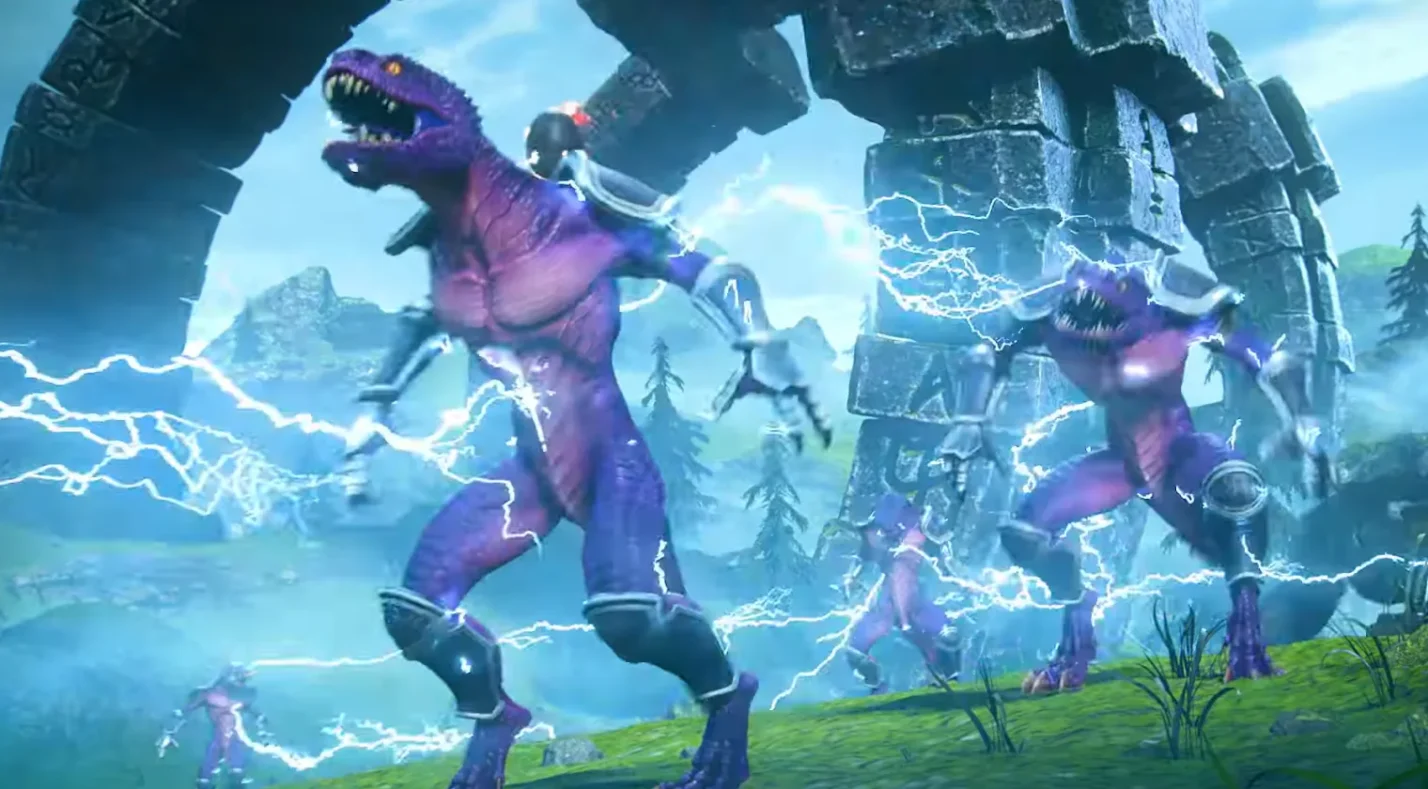
For several years, the game lacked any cross‑play. That changed in late 2024 when Hopoo Games added optional PC cross‑play via Epic Online Services. Steam and Epic users can now toggle a setting in the Options menu to allow cross‑store lobbies. Once enabled, you can join a friend’s lobby using a code or by inviting them directly.
Switching cross‑play off keeps you in the standard Steam‑only pool. Importantly, this feature is limited to PC storefronts. There is no cross‑play between PC and consoles, and consoles can’t connect across families. If your friends own the game on PlayStation, Xbox, or Switch, everyone must be on the same hardware brand to join the same game.
Crossplay Support by Platform
The following table summarises which platforms can connect. Blank fields mean there’s no official cross‑play support.
| Platform | Can Play With | Notes |
| PC (Steam) | Epic Games Store | Toggle cross‑play in settings; can invite Epic users; no console cross‑play |
| PC (Epic) | Steam | Account linking optional; cross‑play limited to PC; no cross‑gen cross‑play with consoles |
| PlayStation 4 / PlayStation 5 | Same family (cross‑gen) | PS5 runs PS4 version; players on both consoles can co‑op together; cannot join PC, Xbox, or Switch |
| Xbox One / Xbox Series X/S | Same family (cross‑gen) | Xbox Series X/S supports backward compatibility with Xbox One builds; cross-play limited within Xbox ecosystem |
| Nintendo Switch | None | Co‑op works only with other Switch players |
| Google Stadia | None | Stadia servers were isolated before shutdown |
The common thread is that there is no cross‑family console cross‑play. PlayStation players cannot connect with Xbox or Switch users, and neither can they join PC users beyond the Steam/Epic pairing. Some third‑party websites incorrectly claim that PlayStation and PC can connect, but that’s not supported in the official build.
Platform‑Specific Limitations and Partial Compatibility

Even within the same hardware family, there are quirks. Version parity matters because all players must run the same patch. PC updates often arrive weeks before consoles, which blocks cross‑play even within the PC ecosystem. On PlayStation and Xbox, what some call cross‑play is really cross‑gen: PlayStation 4 and PlayStation 5 users can connect because both run the PS4 build, and the same applies to Xbox One and Xbox Series X/S.
Nintendo Switch remains isolated on an older version without later DLC, so Switch owners can only co‑op with other Switch owners. There is no console cross‑play across brands. Because of these limits, coordinate where you and your friends will play. If you’re after seamless cross‑platform co‑op across every device, consider the games in our best cross‑platform games list.
Cross‑Save and Cross‑Progression
Cross‑save lets you move a save file between systems, while cross‑progression keeps your unlocks synced automatically. Risk of Rain 2 offers neither on a wide scale. Every platform stores characters, items, and achievements locally. If you play on more than one system, you must start fresh on each. The one exception is within PlayStation: when the PS5 version arrived in 2024, it could import a PS4 save from the console’s local storage. This migration is one‑way and doesn’t sync progress back to PS4. No other platform supports any built‑in cross‑save or cross‑progression.
Cross‑Save Support
Risk of Rain 2’s cross‑save options are slim. PC players can move a local save from one computer to another by copying the profile folder, but there’s no automatic sync. PlayStation 4 to PlayStation 5 migration is supported but one‑directional; the PS5 version reads your PS4 data and pops trophies, but the reverse isn’t possible. Xbox One and Xbox Series share the same build, so your profile remains intact if you stick to the same account on that family. Nintendo Switch has no way to export or import saves, and Stadia saves vanished when the service closed. With so many walls, treat each platform as a separate journey unless you’re willing to repeat the unlock grind.
I learned this lesson the hard way. One weekend, I copied my PC save to a travel laptop before a trip and managed to overwrite the newer file when I returned. Recovering my unlocks took hours. Since then, I approach each system as a fresh slate and have come to appreciate re‑unlocking survivors and artifacts at a leisurely pace.
Cross‑Progression Support
There is no official cross‑progression in Risk of Rain 2. Unlocks and achievements stay on the platform where you earned them. Steam achievements don’t transfer to Epic or consoles, and consoles have their own trophy lists. Some players manually copy save files between PC devices to share progress, but this is an unsupported workaround and risks corrupting your profile. If you want to reach 100 percent on more than one system, you’ll need to repeat the challenges.
Account Linking
Linking your Steam and Epic accounts isn’t mandatory for PC cross‑play, but it makes inviting friends easier. To set it up, enable cross‑play in the Options menu, then choose the Link Account option. You’ll be prompted to sign in to or create an Epic Games account. After that, your friends list spans both storefronts, and you can invite each other using the in‑game menu or a lobby ID.
You can switch cross‑play off at any time; players with cross‑play disabled can’t join those with it enabled, so be sure everyone matches their settings. Console owners have no equivalent because cross‑play is unavailable outside the PC ecosystem. For a deeper look at another opt‑in system, read our Dead Island 2 cross‑play guide.
Developer/Publisher Comments and Future Plans
Hopoo Games has spoken candidly about cross‑play. They’ve explained that console updates often lag behind PC and that full cross‑platform support would require all versions to share the same codebase. The Seekers of the Storm update in 2024 migrated Steam players to Epic Online Services, enabling the current PC cross‑play. Subsequent patches fixed matchmaking bugs and reinforced that the feature remains optional and PC‑only. As of 2025, there are no official plans to add console cross‑play or cross‑progression. Community discussions show strong interest in broader support, but the technical hurdles – especially keeping Switch and older console versions up to date – make it unlikely in the near term. If cross‑play across every device is a must for you, titles like Ready or Not launched with full cross‑play and may better suit your needs.
From coaching small groups of new players, I’ve seen many assume cross‑play is universal and then scramble to buy another copy when they realise it isn’t. Setting expectations early helps everyone pick the right platform and avoid unnecessary spending.
Summary
Risk of Rain 2’s connectivity story is simple once you know the rules. Steam and Epic users on PC can team up by toggling cross‑play on and, if they wish, linking their accounts. PlayStation and Xbox players can only co‑op within their own console families, and Switch owners are limited to playing with other Switch owners. There is no way to mix PC and consoles or to bridge the console brands.
There’s also no broad cross‑save or cross‑progression. Aside from importing a PS4 save into the PS5 version, progress stays on the hardware where you earn it. Because the developer has not announced plans to expand these features, pick your platform carefully and stick with it to avoid repeating unlocks. When you’re ready to brave Petrichor V’s storms again, consider buying a Risk of Rain 2 Steam key from the Eneba marketplace to jump in or gift to a friend.
FAQs
Does Risk of Rain 2 support crossplay on PC and console?
Risk of Rain 2 supports crossplay only between Steam and the Epic Games Store on PC. There is no cross‑play between PC and console families, so console and PC players remain separate ecosystems.
Is Risk of Rain 2 cross‑platform on Nintendo Switch?
Risk of Rain 2 is not cross‑platform on Nintendo Switch. Switch players can only match with other Switch users because the Switch version lags behind PC and other consoles and lacks cross‑play features.
Can PlayStation 4 and PlayStation 5 players play together?
PlayStation 4 and PlayStation 5 players can play together because both systems run the PS4 version. This is cross‑gen support rather than cross‑platform, and it doesn’t extend to other console families or PC.
Does Risk of Rain 2 have cross‑progression?
Risk of Rain 2 does not have cross‑progression. Progress, unlocks, and achievements are stored locally on each platform. The only limited transfer is from PS4 to PS5, and it doesn’t work in reverse.
How do I enable cross‑play in Risk of Rain 2 on PC?
To enable cross‑play on PC, launch Risk of Rain 2, open the Options menu, and toggle the cross‑play setting to On. You can then link your Steam and Epic accounts to invite friends and join cross‑play lobbies.
Will Risk of Rain 2 get full cross‑platform support in the future?
There are no official plans for full cross‑platform support. Developers have said that console versions lag behind PC updates, and the small team has not committed to implementing cross‑play across all systems.