GTA 6 Preload: How to Download on PS5 and Xbox

Eneba Hub contains affiliate links, which means we may earn a small commission if you make a purchase through them—at no extra cost to you. Learn more


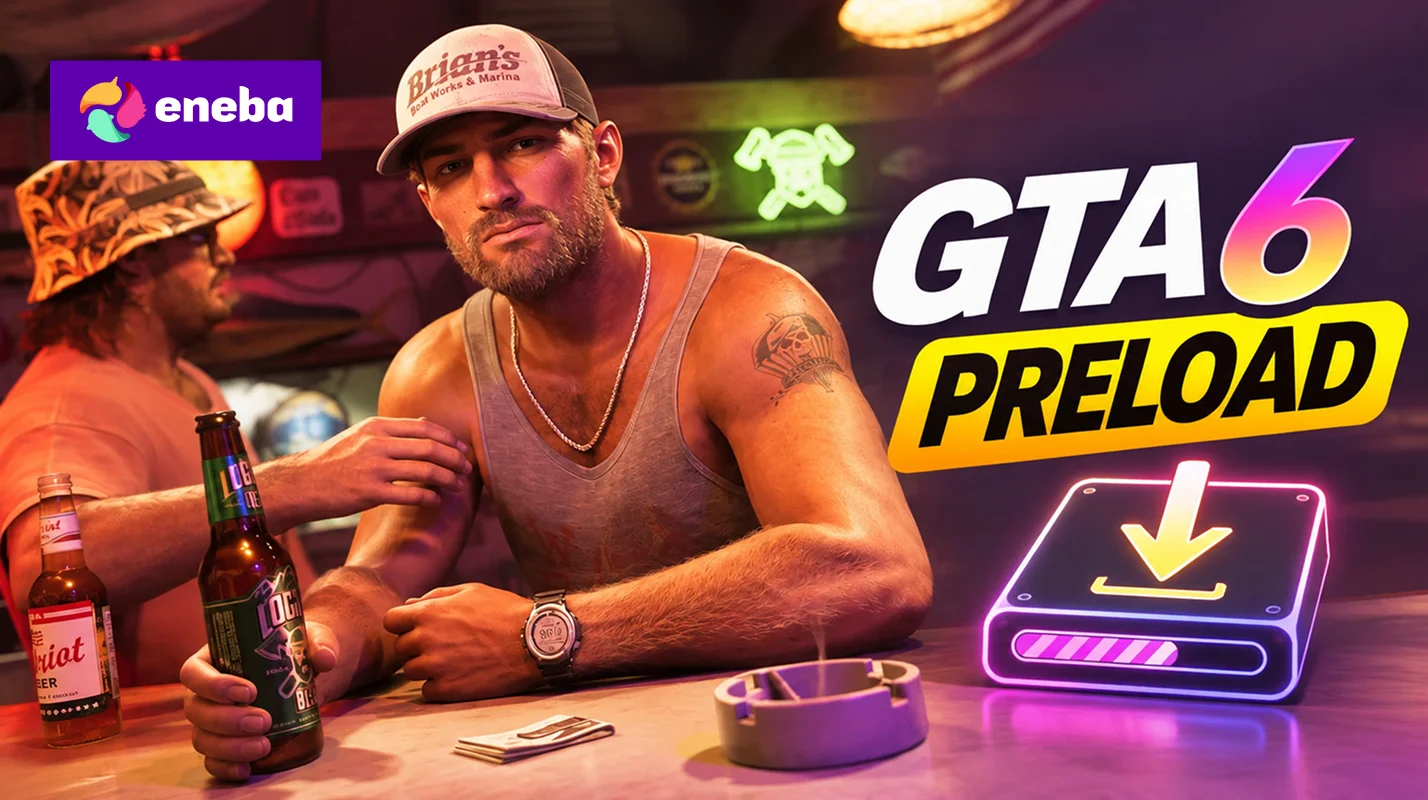
The GTA 6 preload is already live on PlayStation 5 and Xbox Series X|S, so you can get the game downloaded before its November 19 launch. That’s pretty handy, especially with a download this big.
If you’ve already preordered your copy, you can get the files installed now and spend less time waiting on launch day. If you’re going to be playing Xbox, you can also grab an Xbox Series X|S game key on Eneba ahead of launch.
Jump to:
When Did the GTA 6 Preload Start?
The GTA 6 preload kicked off on November 10, 2026. The start time depends on which console you’re using:
|
Platform |
Preload Start |
|---|---|
|
PlayStation 5 |
November 10, at midnight local time |
|
Xbox Series X|S |
November 10, at 12:00 AM GMT |
If you already preordered the digital version, you should be able to download the game through your console. If you picked up a code-in-box edition, you’ll need to redeem the code first. Once that’s done, you can get the preload started.
How to Preload GTA 6 on PS5
If you bought GTA 6 through the PlayStation Store, getting GTA 6 preload started is pretty simple:
- Sign in to the PSN account you used to purchase GTA 6.
- Open your Game Library from the home screen.
- Find GTA 6, select it, and press Download.
That’s it! Your PS5 will start downloading the game, and you’ll just have to wait for it to finish. You can check its progress under Downloads/Uploads in the control center.
If you want your console to handle downloads automatically, head to Settings > Saved Data and Game/App Settings > Automatic Updates and enable Auto-Install in Rest Mode. Also, make sure your console stays connected to the internet while in Rest Mode.
Need to top up your PSN wallet before launch? Check out the available PlayStation Network Gift Cards below and add some funds to your account.
EXPLORE PLAYSTATION NETWORK GIFT CARDS
How to Preload GTA 6 on Xbox Series X|S
If you’ve preordered GTA 6 on Xbox, you can start the download through the Microsoft Store. Here’s what to do:
- Sign in to the Microsoft account you used to preorder GTA 6.
- Open the Microsoft Store app on your Xbox.
- Search for Grand Theft Auto VI and open the game’s page.
- Select Install to start the download.
- Open My games & apps > Manage > Queue to check its progress.
Once the download starts, you can leave your Xbox to finish the installation. Just make sure automatic updates are enabled and your console is set to Sleep mode if you want it to keep downloading while you’re away.
If you haven’t purchased the game, grab your GTA 6 Xbox Series X|S game key below and have your copy sorted before launch day.
How Much Storage Does GTA 6 Need?
You’ll need up to 212 GB of free space for the GTA 6 preload, depending on your device. That’s a pretty hefty download, so check your console storage before you get started.
If you’re running short on space, delete games you no longer play or move compatible titles to external storage. It’s better to sort this out now than run into a storage error halfway through the download.
What to Do If GTA 6 Won’t Preload
If you can’t get the download going, don’t panic just yet. Run through these quick checks first:
- Check your account: Make sure you’re signed in with the account that purchased the game or redeemed its code.
- Free up storage: Double-check that you have enough space for the download.
- Check your internet: A weak or interrupted connection can stop the installation.
- Pause and resume: If the download gets stuck, try pausing it and starting it again.
And, if you’re still having trouble, restart your console and check for any pending system software updates. You can also cancel the download and try again if the installation keeps failing.
Can You Play GTA 6 After Preloading?
Not just yet; preloading gets the game installed ahead of time, but it doesn’t unlock early access. You’ll still have to wait until GTA 6 officially launches in your region on November 19, 2026.
Want to know exactly when you can jump into Leonida? Check out our GTA 6 release times guide for the launch schedule in different countries.
My Final Verdict on GTA 6 Preload
With GTA 6 taking up to 212 GB of storage, getting the preload out of the way now is a smart move. Check that your console has enough room, start the download, and let it finish before launch day. That way, when November 19 rolls around, you’ll be ready to head straight into Leonida.
FAQs
Yes, you’ll need to preorder the game to access its preload. Digital buyers can download it through their console, while code-in-box buyers need to redeem their code first.
The easiest way is to start the download through your console’s game library or store. Remote installation may also be available through the PlayStation or Xbox app, depending on your settings and account.
No. Preloading only gets the files onto your console ahead of time. You’ll still need to wait for the official launch time in your region before you can play.
You’ll need up to 212 GB of free storage space, depending on your device. Make sure your console has enough room before starting the download.
First, check your internet connection and available storage. You can also try pausing and resuming the download. If that doesn’t work, restart your console and try again.