


Best Software Development Courses in 2026: 5 Picks for Beginners

Eneba Hub contains affiliate links, which means we may earn a small commission if you make a purchase through them—at no extra cost to you. Learn more


Best Starting Points for Different Learning Goals
Start with Software Development From A to Z on Udemy for an overview of development roles, Python, and web fundamentals. Choose a programming-focused or structured program when you're ready for deeper practice.
The best software development courses include Software Development From A to Z for an overall introduction, Become a Software Development Engineer for beginner programming, and LaunchCode for free structured training. Udemy lists 59.5 hours of video for the beginner programming pick, so allow additional time to write code and work through mistakes.
Some courses focus on understanding the development process, while others teach programming languages, application architecture, or specialized tools.
The selection below covers free training, on-demand lessons, university extension study, and an intermediate AI specialization. Choosing the right course means matching its curriculum to what you can already do. A beginner does not need the same material as someone who can build an application but wants to understand AI-assisted development.
Jump to:
What Is Software Development?
Software development is the process of designing, building, testing, and maintaining applications and computer programs. It covers everything from writing the code behind a website to developing mobile applications, managing databases, and deploying software that people can use.
A software development course typically introduces some combination of these areas:
- Front-end development – Building the parts of an application that users see and interact with, using technologies such as HTML, CSS, and JavaScript.
- Back-end development – Creating the server-side logic, application functionality, and database connections that make software work.
- Programming fundamentals – Learning variables, loops, functions, classes, data structures, and algorithms.
- Software testing – Checking whether an application behaves as expected and identifying defects before release.
- Development methodologies – Understanding approaches such as Agile, Scrum, and Kanban for organizing software projects.
- AI-assisted development – Using tools such as GitHub Copilot to support coding, documentation, testing, and debugging.
There is no single learning route that covers everything equally well. Someone interested in building websites should prioritize front-end and back-end development, while someone interested in computer science fundamentals should spend more time on programming and algorithms.
Why Software Development Skills Are Worth Learning
Software development means building, testing, and maintaining applications. Learning it helps you turn an idea into software, understand how existing applications work, and fix problems when their behavior changes.
A software development course can introduce the front end, which people see and use, and the back end, which handles application logic and data. An application programming interface, or API, lets software components communicate. Cloud deployment puts an application on remote infrastructure, so other people can access it.
Useful software development courses connect those concepts through practical work. A game collection tracker, for example, could have a searchable interface, a database, and an API for saving entries. Building that project exposes the connections between topics that can seem separate in a syllabus.
More advanced software development courses may introduce architecture, which concerns the organization of a system, and design patterns, which are reusable approaches to recurring programming problems. They may also cover deployment and ways to test changes before release.
The value comes from applying these ideas. Someone who can explain why a feature failed, write a test, and make a sensible correction has more to show than someone who has only watched the lesson.
5 Best Software Development Courses, Compared
These five software development courses cover different stages of learning, from understanding the industry to working with specialized development tools. Each pick includes its main strengths, practical requirements, estimated commitment, and the type of learner most likely to benefit.
1. Best Overall: Software Development From A to Z – Learn What Truly Matters (Udemy)
|
Best for |
Understanding software development as a whole |
|---|---|
|
Effort |
Low–Medium |
|
Price |
Check current Udemy course pricing |
|
Time to results |
1–3 weeks of study and follow-up practice |
|
Main KPI |
Understanding development roles and completing introductory coding exercises |
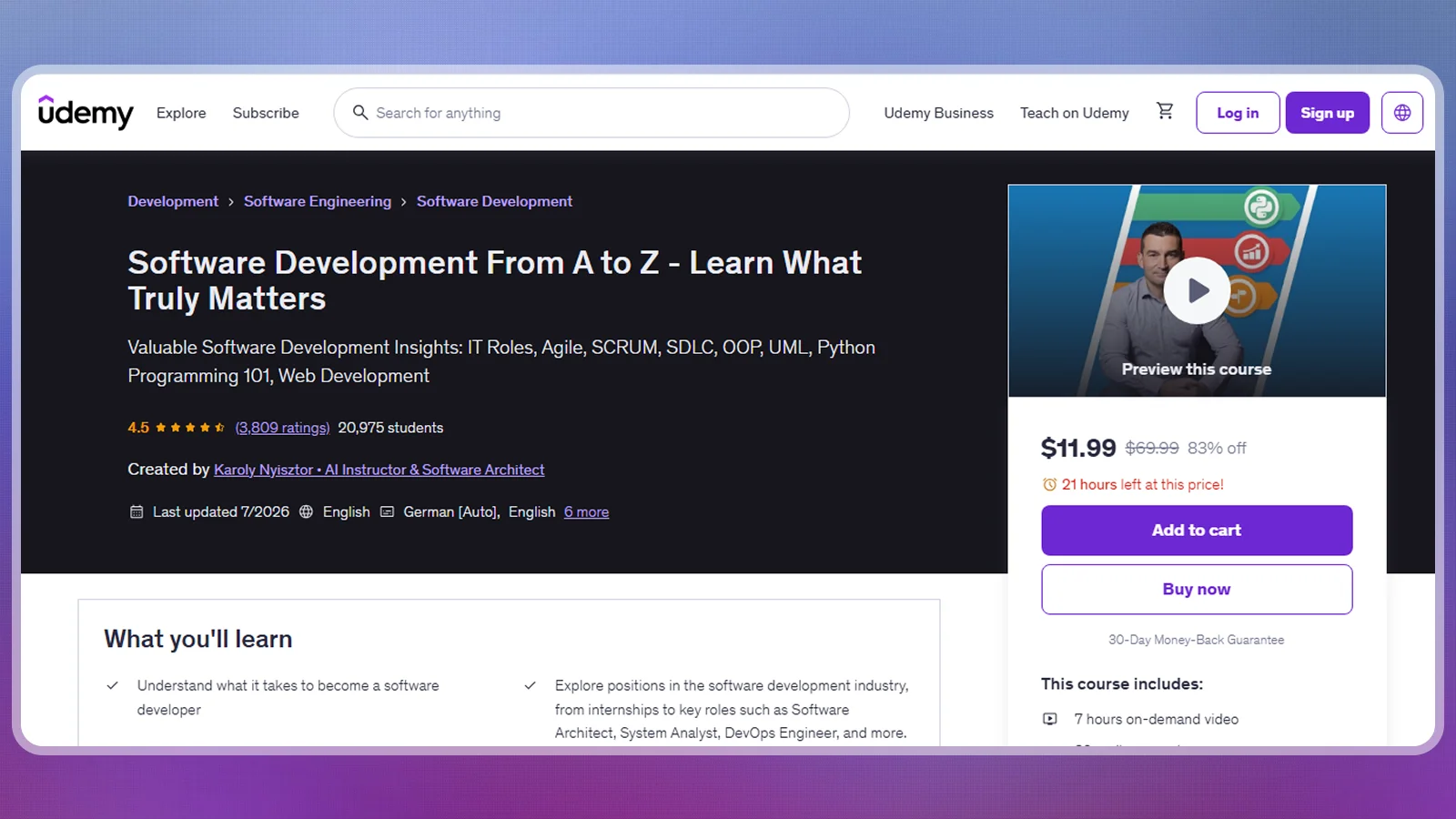
Software Development From A to Z – Learn What Truly Matters is an introductory course by Karoly Nyisztor on Udemy. It is a good starting point for learners who want to understand how development teams operate before committing to a particular programming language or specialization.
What makes it useful is its combination of technical introductions and development methodologies. Lessons cover software development roles, Agile, Scrum, Kanban, introductory Python, and web development concepts.
What you need: No advanced programming experience is required for this introductory route. Basic computer literacy and a willingness to complete the coding exercises are enough to get started.
To get the most from it, work through the lessons in sequence, take notes on unfamiliar development terminology, and complete the coding exercises independently. Once you understand the different roles, choose one area to explore further instead of trying to learn every programming language at once.
Udemy lists approximately 6 hours and 56 minutes of video, 32 coding exercises, and a rating of 4.5 out of 5 from approximately 3,800 ratings. The exercises are particularly useful because they give learners an opportunity to apply concepts rather than simply watch demonstrations.
This makes it one of the best software development courses for orientation, although it should be treated as a foundation rather than complete professional training.
2. Best for Beginners: Become a Software Development Engineer (Udemy)
|
Best for |
Learning C++ and computer science fundamentals |
|---|---|
|
Effort |
High |
|
Price |
Check current Udemy course pricing |
|
Time to results |
6–10 weeks with consistent practice |
|
Main KPI |
Writing C++ programs and solving basic algorithm problems |
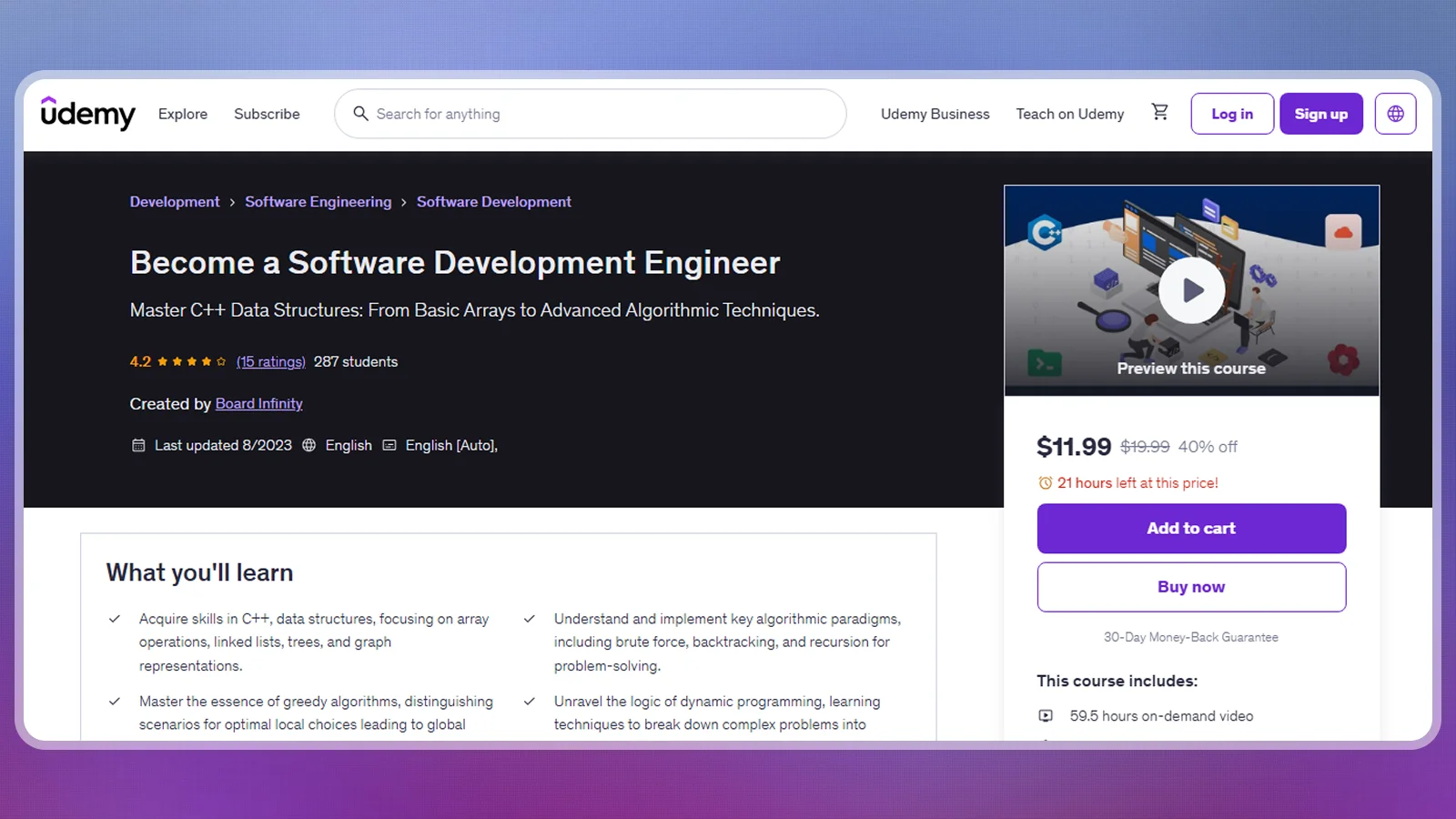
Become a Software Development Engineer is a programming-focused course on Udemy. It is a stronger choice for learners who want to understand how software works at a deeper technical level, particularly through C++ programming.
The curriculum covers variables, loops, functions, classes, data structures, algorithms, database management systems, and operating systems. It also introduces concepts such as arrays, linked lists, trees, graphs, recursion, and dynamic programming.
What you need: A computer capable of running a C++ development environment, basic computer skills, and enough study time to work through a substantial video curriculum.
To run through the course effectively, write every programming example yourself rather than copying the instructor’s code. After completing a lesson, change the inputs or add a feature to test whether you understand the underlying logic.
Udemy lists approximately 59.5 hours of on-demand video across 171 lectures. Its displayed rating is 4.2 out of 5 from 15 ratings, so the relatively small review sample deserves less weight than the actual curriculum.
One limitation is that the course was last updated in August 2023. Its programming fundamentals remain relevant, but learners should supplement it with current documentation and development practices.
For a practical exercise, build a text-based game inventory system that allows users to add, remove, search, and display items. This gives concepts such as functions, arrays, and data structures a concrete purpose.
Among software development courses focused on programming foundations, this is the more substantial option, but it requires considerably more independent practice.
3. Best Free Option: Learn Software Development for Free (LaunchCode)
|
Best for |
Free, structured software development training |
|---|---|
|
Effort |
High |
|
Price |
Free tuition |
|
Time to results |
16 weeks full-time or 30 weeks part-time |
|
Main KPI |
Completing full-stack projects and programming assignments |
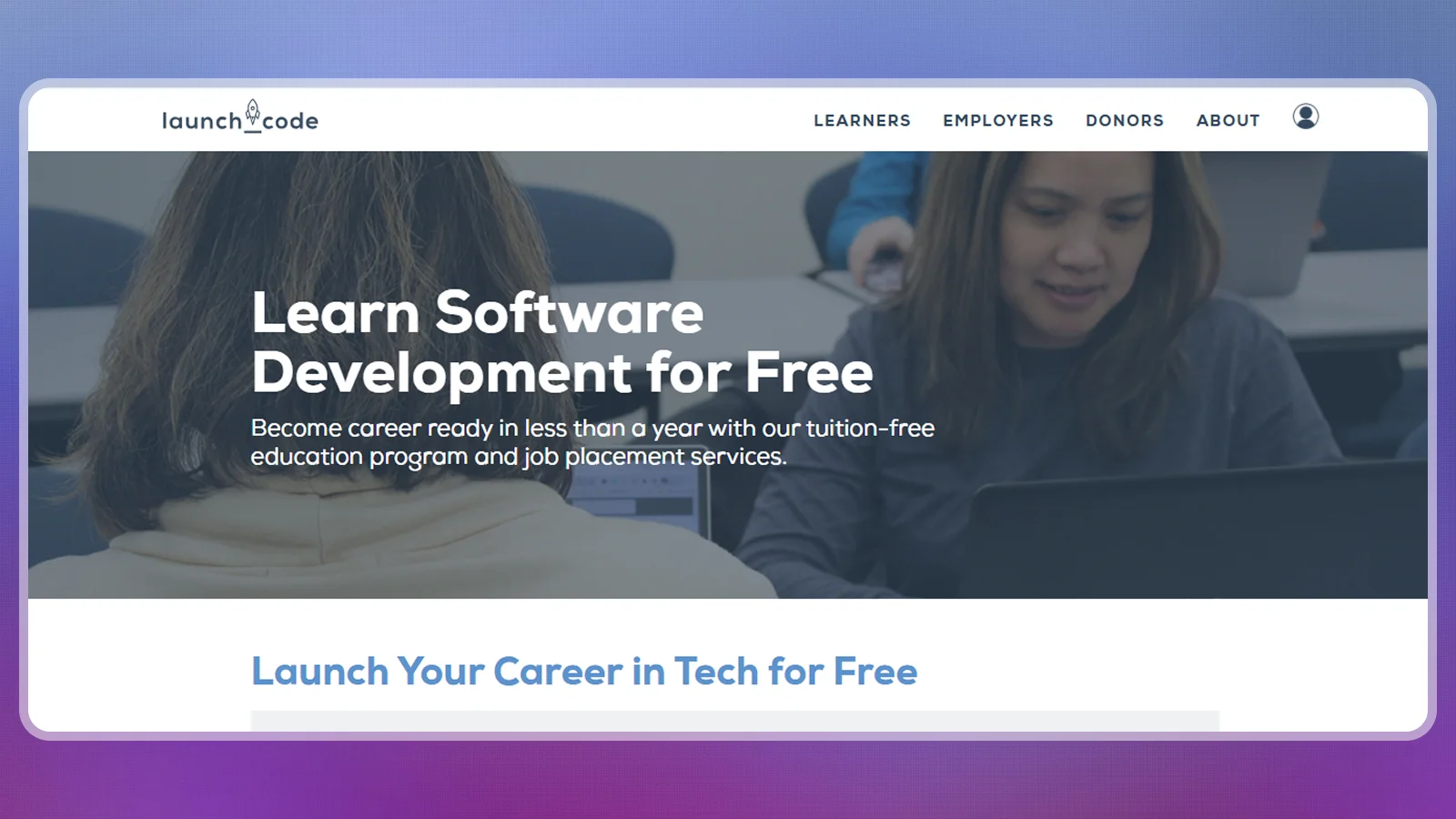
LaunchCode provides a structured software development training program for learners who want more than individual online lessons. Its curriculum covers programming fundamentals and full-stack application development, with instructor support and project work.
The program introduces JavaScript, Java, React, and database integration. Students learn how front-end interfaces connect with back-end functionality and how applications store and retrieve information.
What you need: Check the current eligibility requirements, application windows, and location restrictions. You should also have enough time for regular classes and independent assignments.
To get the most from this program, follow its schedule closely and treat every project as an opportunity to practice independently. Group exercises can help you understand how developers collaborate, while individual assignments reveal which programming concepts still need work.
LaunchCode lists a 16-week full-time route and a 30-week part-time route. The part-time option expects at least 20 hours of outside study each week, while the full-time schedule requires another 10–15 hours beyond classroom time.
Availability matters: The provider’s current course page reports that applications are closed. Remote learning is also limited to specified US markets, including St. Louis, Kansas City, and Philadelphia. Therefore, this is a free training option to monitor rather than a program that every reader can immediately enroll in.
Its biggest advantage is the combination of free tuition, structured teaching, and project-based learning. The main trade-off is the substantial time commitment and restricted availability.
4. Best for a Structured Career Path: Program in Software Development (UC Berkeley Extension)
|
Best for |
Learners seeking structured university extension study |
|---|---|
|
Effort |
High |
|
Price |
Current program price requires confirmation |
|
Time to results |
1–3 years, depending on completion pace |
|
Main KPI |
Completing the course sequence and capstone project |
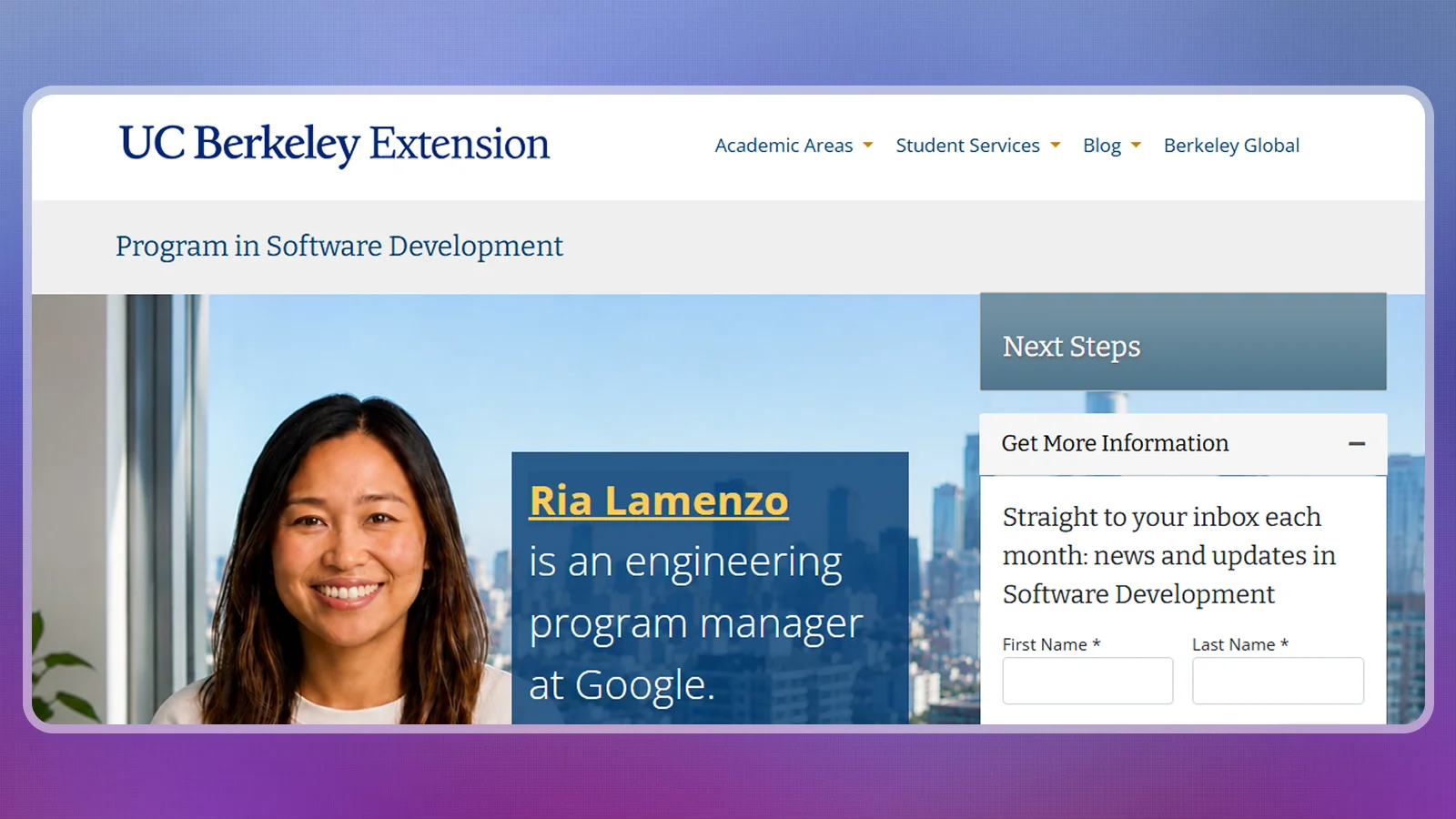
The Program in Software Development from UC Berkeley Extension is designed for learners who already have basic programming knowledge and want to develop a broader application-development skill set.
Its curriculum outlines six courses covering data structures and algorithms, front-end development, databases, back-end development, an elective, and a capstone project. This makes it more comprehensive than a short introductory software development course.
What you need: A basic coding course or experience with Java or Python. You should already understand fundamental programming concepts before attempting the more advanced coursework.
To prepare, build a small application independently using your preferred programming language. Practice functions, classes, basic data handling, and debugging before moving into a more extensive curriculum.
The capstone project is an important part of the program because it brings different skills together in a practical assignment. Rather than completing disconnected exercises, learners have an opportunity to apply multiple development concepts to a larger project.
UC Berkeley Extension lists a completion window of approximately one to three years. However, its current program listing reports that the program is not available. The previously published estimated cost of $5,970 should not be treated as a confirmed current enrollment price.
Contact the provider to confirm whether enrollment has reopened, which courses remain available, and what the updated total cost would be.
5. Best for AI-Assisted Development: Generative AI for Software Developers Specialization (Coursera)
|
Best for |
Developers who want to integrate AI into their workflows |
|---|---|
|
Effort |
Medium |
|
Price |
Check current Coursera subscription pricing |
|
Time to results |
Approximately 4 weeks at 5 hours per week |
|
Main KPI |
Applying AI tools to coding, testing, and documentation tasks |
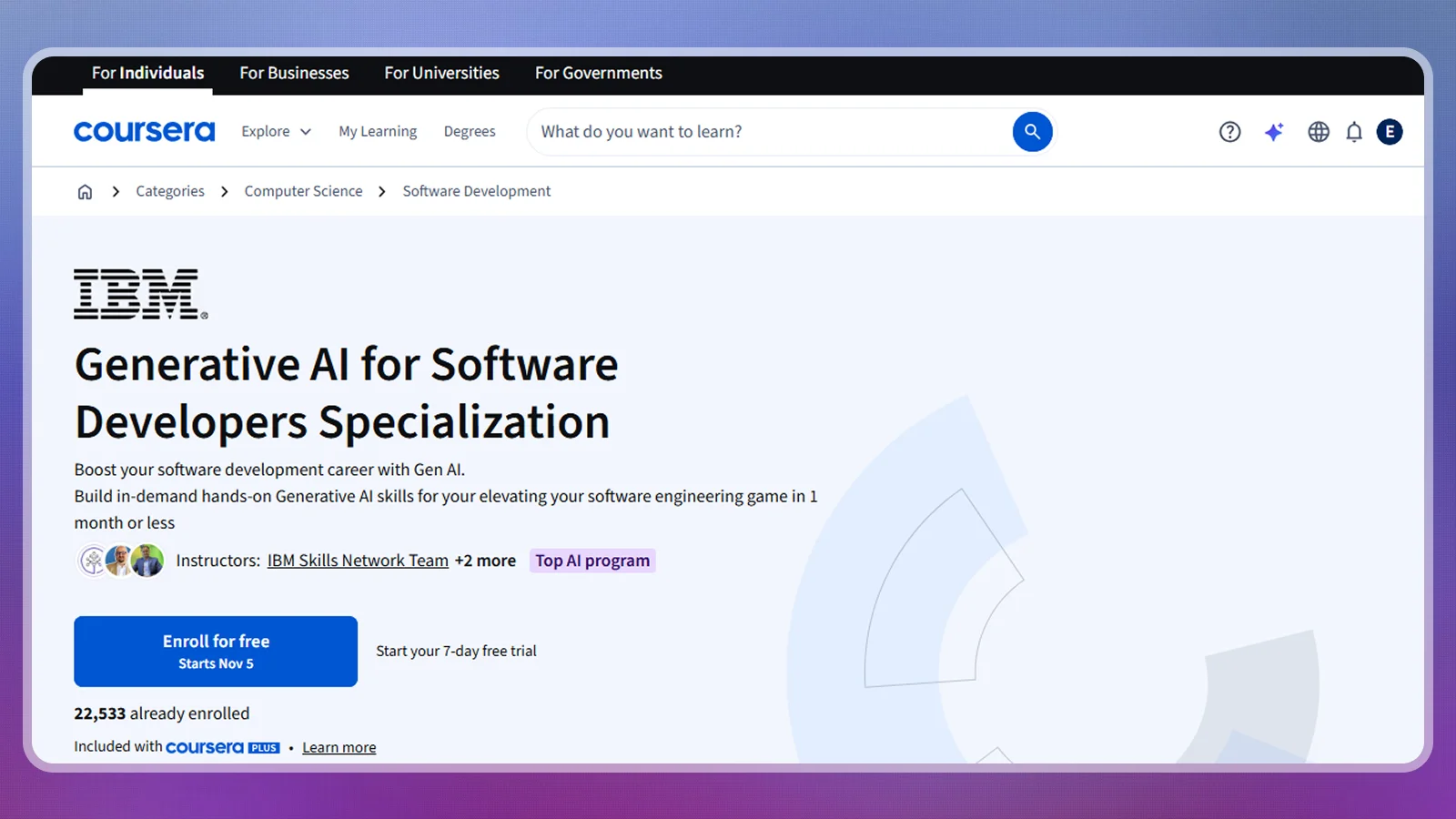
The Generative AI for Software Developers Specialization is a four-course learning sequence developed by Microsoft and hosted on Coursera. Unlike the introductory software development courses above, it focuses on incorporating generative AI into existing development workflows.
The curriculum introduces generative AI, GitHub Copilot, project-management applications, code completion, testing, and development activities inside tools such as VS Code.
What you need: Basic programming familiarity and access to the development tools required for the course activities. Some exercises require a Copilot license, so check the additional software requirements before enrolling.
To get practical value from the specialization, use AI assistance on a small project you already understand. Ask it to suggest tests, explain unfamiliar code, or help document a function. Then review every suggestion and verify that the output works as intended.
Coursera lists four courses with an estimated completion time of four weeks at five hours per week. The specialization is classified as intermediate and offers a shareable certificate upon completion.
Its displayed rating is 4.4 out of 5 from approximately 255 reviews across the program courses at the time of checking.
The main limitation is its narrower focus. It does not replace a programming foundation, and learners without coding experience may struggle to evaluate AI-generated solutions properly.
Among software development courses focused on newer development workflows, this is a relevant specialization for programmers who want to understand how AI tools fit into their work.
How These Software Development Courses Compare
The best software development courses differ mainly in their learning format, cost, and technical depth. Use the table below to identify which option fits your current experience and study goals.
|
Course |
Provider |
Best for |
|---|---|---|
|
Software Development From A to Z – Learn What Truly Matters |
 |
Overall introduction |
|
Become a Software Development Engineer |
|
Beginner programming |
|
Learn Software Development for Free |
 |
Free structured training |
|
Program in Software Development |
 |
Structured career study |
|
Generative AI for Software Developers Specialization |
 |
AI-assisted development |
A longer course is not automatically better. The more important question is whether its assignments teach you to solve problems independently. A short introduction can be the right first step, while a longer curriculum makes sense when you have the time and foundation to complete it.
Free Ways To Start Learning Software Development
You don’t need to pay for a software development course to begin programming. Several free resources provide structured lessons, practical exercises, and opportunities to build small applications before committing to a paid program.
Here are three ways to get started:
- Structured training – LaunchCode offers free software development training with a full-stack curriculum. Its applications are currently closed, so check its next intake and eligibility requirements.
- Programming fundamentals – freeCodeCamp collects free programming lessons and resources covering web development, Python, and other technical subjects. Choose one learning path and complete its exercises rather than jumping between unrelated tutorials.
- Game development – Unity Learn offers a Game Development pathway covering C#, game mechanics, user interfaces, animation, and other development fundamentals. Its Unity Essentials pathway is another starting point for learners who have never used the engine.
Free software development courses work best when you set a practical goal. For example, build a simple game inventory, create a basic website, or develop an application that saves and retrieves user information.
The goal is to finish something that works, even if it is small. A completed project provides a better measure of progress than the number of videos watched.
You can also use free resources to prepare for paid courses with prerequisites. Practice variables, loops, functions, classes, and basic data handling before enrolling in a more advanced programming or university-level program.
Factors To Consider When Choosing a Software Development Course

Your current programming knowledge, budget, available study time, and desired outcome should drive your choice among the best software development courses. Consider these factors before paying for enrollment:
- Current programming experience – Beginners should start with variables, loops, functions, and basic programming logic. Learners who already understand these concepts can consider more advanced data structures, algorithms, or specialized development tools.
- Budget – Compare one-time course prices with monthly subscriptions, additional software licenses, and other materials. Free tuition does not automatically mean a program has no indirect costs.
- Time commitment – A seven-hour introductory course requires a different schedule from a 60-hour programming curriculum or a 30-week training program. Account for exercises and independent projects, not just video duration.
- Learning format – Choose between self-paced lessons, instructor-led programs, and university extension study. Your preferred format should fit your existing responsibilities.
- Prerequisites – Read the requirements carefully. The UC Berkeley Extension program requires basic coding knowledge or Java/Python experience, while Coursera positions its AI specialization at an intermediate level.
- Practical projects – Prioritize software development courses that include coding exercises, applications, or capstone assignments. These help you demonstrate what you have learned.
- Certificate value – Determine whether you need a completion certificate, a formal academic credential, or simply the skills to build an application. These serve different purposes.
- Course availability – Check whether enrollment is open and whether the program accepts students in your location. LaunchCode and UC Berkeley Extension currently have availability limitations in their listed programs.
If you’re working with a limited budget, start with free resources and introductory lessons. You can invest in a more comprehensive software development course once you understand which programming area interests you and what additional skills you need.
How To Get Started With Software Development
Once you’ve chosen a learning path, the next challenge is turning lessons into practical ability. Follow these five steps to build a consistent learning routine:
- Choose one programming direction – Decide whether you want to explore web development, application programming, game development, or AI-assisted workflows. This gives your learning a clear purpose.
- Start with the appropriate course – Use an introductory course if you’re new to the field, or choose a programming-focused curriculum if you already understand basic concepts.
- Set up your development environment – Install the required programming language, code editor, and tools. For example, VS Code can serve as an editor for several programming languages.
- Build a small project alongside the lessons – Create something simple that uses the concepts you’re learning. A game inventory or personal website is enough to begin practicing.
- Test, debug, and improve your work – Identify errors, read the messages, and try to solve problems before looking for a complete solution. This is where programming knowledge becomes practical ability.
Don’t measure progress only by completed lessons. A better test is whether you can write a small program, explain how it works, and fix an error without following the instructor’s exact steps.
Software development is a skill built through repetition. Consistent practice, small projects, and a willingness to debug your own code will help you get more from any course you choose.
Final Verdict
After comparing the five options, the right software development course depends on your current experience and what you want to build next.
|
Your situation |
Where to start |
|---|---|
|
New to software development |
Software Development From A to Z |
|
Want to learn C++ and algorithms |
Become a Software Development Engineer |
|
Need free, structured training |
LaunchCode, when applications reopen |
|
Have coding experience and want university study |
UC Berkeley Extension, subject to availability |
|
Already program and want to use AI tools |
Generative AI for Software Developers |
For most beginners, Software Development From A to Z is the easiest starting point because it introduces development roles, working methods, and programming concepts without requiring a long initial commitment. If you already know the basics and want to spend more time writing code, Become a Software Development Engineer provides a deeper C++ curriculum.
LaunchCode is worth monitoring if you want free structured training, while the Coursera specialization is more appropriate for developers who already understand programming and want to incorporate AI tools into their workflow.
The best software development courses are ultimately the ones that help you build something independently. Start with a manageable project, choose lessons that address your actual skill gaps, and expand your knowledge as your applications become more complex.
FAQs
The best software development courses include Software Development From A to Z for an introduction, Become a Software Development Engineer for C++ fundamentals, and LaunchCode for free structured training.
Yes. Software development courses provide structured lessons and practical exercises that can help you build programming skills. Their value depends on how much you practice and apply what you learn.
Yes. LaunchCode, freeCodeCamp, and Unity Learn offer free learning resources. You can start with programming fundamentals and build small projects without paying for a course.
LaunchCode lists 16 weeks full-time or 30 weeks part-time. These are training schedules, not guarantees of proficiency. Independent practice is necessary to become comfortable building and debugging applications.
Some do. The first Udemy pick lists a certificate of completion, while the Coursera specialization offers a shareable certificate. These are completion records, not exam-based vendor certifications.
Udemy suits self-paced learning, LaunchCode offers free structured training, and Coursera provides specialist AI instruction. The best software development courses depend on your experience, budget, and learning goals.