


How To Learn Godot 4: A Beginner’s Roadmap for 2026

Eneba Hub contains affiliate links, which means we may earn a small commission if you make a purchase through them—at no extra cost to you. Learn more



START WITH THE EDITOR
Start with GDQuest and its Godot Interactive Tour before tackling a complete game. Coursera offers a structured beginner course if you prefer a set lesson order.
The practical answer to how to learn Godot 4 is to explore the editor, practice GDScript, and finish a small game before expanding its scope. This roadmap pairs free introductory learning resources with a step-by-step path to your first finished project. A focused Godot 4 tutorial is a better starting point than an ambitious game idea.
This path suits gamers curious about making their own 2D or 3D projects, including beginners who feel uncertain about coding. Course completion time can help you plan lessons, but it doesn’t measure how quickly you’ll become comfortable building independently. Start with free learning materials before deciding if paid instruction would help.
Jump to:
Godot 4 at a Glance
Learning Godot 4 means combining editor knowledge with scripting practice. Use these facts to set the scope of your first project rather than treating a course’s runtime as a deadline.
|
Cost to start |
Free introductory learning resources; paid courses are optional |
|---|---|
|
Time to learn the basics |
Course workload is a planning reference, not a mastery deadline |
|
What you need |
A computer that can run the editor and a willingness to practice Godot 4 GDScript |
|
Main hurdles |
Script syntax, nodes, scenes, and connecting game behavior |
|
Beginner suitability |
High – introductory resources let you separate editor practice from coding practice |
The strongest reason to continue is an interest in building small games, not simply collecting another software skill.
What Godot 4 Is Used For
Godot 4 is a game engine: software that brings together the tools used to create and run games. You can build 2D and 3D projects, then use scripts to define how those projects respond to the player.
For beginners, the useful distinction is between the game you imagine and the mechanic you can practice today. Small Godot 4 games let you work on movement or combat without also designing a large world.
These uses provide practical starting points:
- 2D games: Build a space shooter or a roguelite-style arena, where enemies appear and the player tries to survive. GDQuest‘s roguelite tutorial covers player movement, health, shooting, and enemies. Those systems offer clear opportunities to change behavior and observe the result.
- 3D games: Create a small survival arena with movement, shooting, sound, and a compact level. GDQuest‘s 3D Survivor Arena FPS tutorial provides this kind of project. Keep the play area simple so camera control and movement remain the main lessons.
- Gameplay scripting: Use Godot 4 GDScript exercises to connect an input or event to a visible result. GDScript is the engine’s scripting language. A script might change a character’s movement, reduce health, or restart a scene after a loss.
These examples share a useful learning pattern: make something happen, observe it, and adjust the rule responsible. A small playable result gives you more useful feedback than a sprawling collection of unfinished systems.
Choose the kind of game you want to practice before selecting a course. Learning Godot 4 becomes easier to organize when every lesson supports a mechanic you can test.
What You Need To Start Learning Godot 4
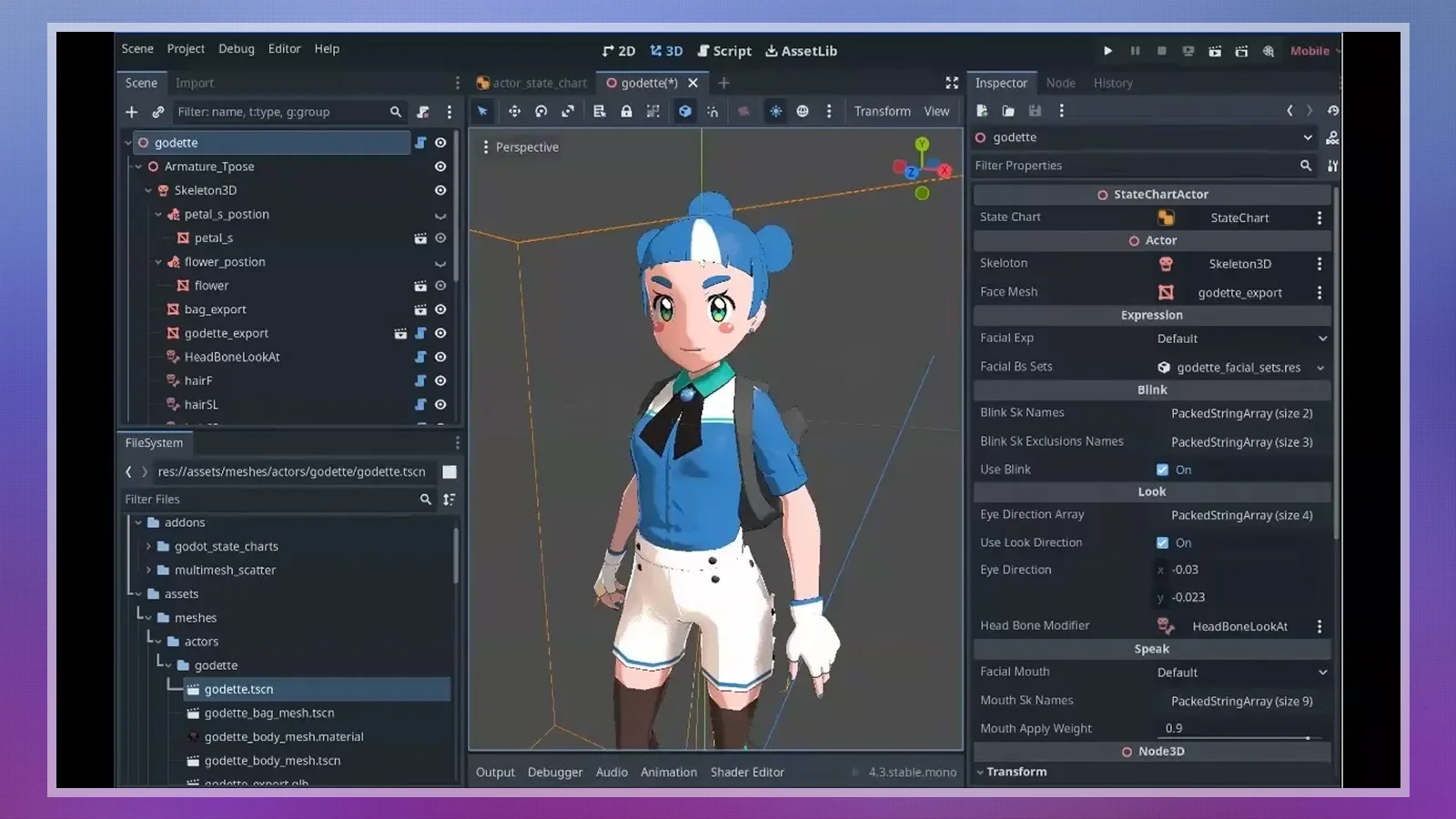
Start with the editor and a beginner learning resource. A formatter and procedural-generation tools can wait until you understand the code and scenes they support.
You need a computer capable of running the editor, but your first project should also suit that computer. Choose a small 2D scene before adding complex visual effects or a detailed 3D environment.
Keep the setup focused on these categories:
- Game engine: Use Godot Engine to create scenes, attach scripts, and run your project.
- Code formatting: Use GDScript Formatter later on to keep your scripts tidy once you start writing code regularly.
The tools serve different purposes, so install only what your current project needs.
|
Tool |
Best for |
Price |
|---|---|---|
 |
Creating scenes, writing scripts, and running games |
Free |
 |
Automatically styling and organizing code to keep scripts clean and readable |
Free |
Use your first Godot 4 tutorial to practice creating and running scenes in the editor. Add optional tools only when a specific project task calls for them.
How To Learn Godot 4: A Step-by-Step Path
The practical way to decide how to learn Godot 4 is to progress from editor setup to a small, shareable game. Use lesson completion as a checkpoint, then test your understanding through changes you make independently.
Follow this sequence without committing to a fixed mastery deadline.
Step 1: Install Godot 4 and Open the Editor
Install Godot Engine from its official download page and create a small practice project. Open the editor, run the project, and locate the controls for stopping it. Avoid adding optional tools until that basic workflow works.
Give the project a clear name and save it somewhere you can find again. Your first checkpoint is straightforward: close the editor, reopen the project, and run it. Learning Godot 4 begins with a workspace you can return to confidently, not a complicated installation.
Step 2: Explore the Godot 4 Interface, Nodes, and Scenes
Explore the interface through GDQuest‘s Godot Interactive Tour or the opening lessons of a beginner course. Learn the relationship between a node, an individual building block, and a scene, a saved arrangement of nodes.
Create a simple scene and change a visible property before adding code. Save it, run it, and identify what changed. A Godot 4 tutorial becomes easier to follow once you can locate the scene tree and understand which object you are editing. Practice selecting objects deliberately instead of copying clicks without context.
Step 3: Learn GDScript, Godot 4’s Scripting Language
Practice variables, conditions, and functions with GDQuest‘s Learn GDScript From Zero. A variable stores a value, a condition selects behavior, and a function groups instructions you can reuse. Connect each concept to a game action you understand.
Use Godot 4 GDScript practice to explain a rule in plain language before writing it. For example, decide what should happen when a character loses health. Run short exercises, read errors carefully, and change a value deliberately. You are ready to continue when you can explain your own changes.
Step 4: Build a Small 2D Project in Godot 4
Build a compact 2D game with a clear objective and a visible ending. Follow GDQuest‘s roguelite-style project or Net Ninja‘s space-shooter series, then change a mechanic without copying the instructor.
Treat the Godot 4 tutorial as guidance rather than a script you must reproduce exactly. Alter movement behavior or change how an enemy responds, then test the result. Small Godot 4 games are useful because you can trace a problem through a manageable project. Keep a working version before experimenting with larger changes.
Step 5: Export Your Game, Then Try a Simple 3D Project
Export your finished 2D project and test it outside the editor before starting other Godot 4 games. Exporting means packaging a project into a build someone can run. Check that the game starts, responds to input, and reaches its ending.
Try GDQuest‘s 3D Survivor Arena FPS afterward if 3D development interests you. Reuse the habits you already practiced: small changes, frequent tests, and clear stopping points. Learning Godot 4 shouldn’t require abandoning a working project whenever a more exciting idea appears.
Finish with a build you can share and a short explanation of what you changed independently.
Best Courses To Learn Godot 4
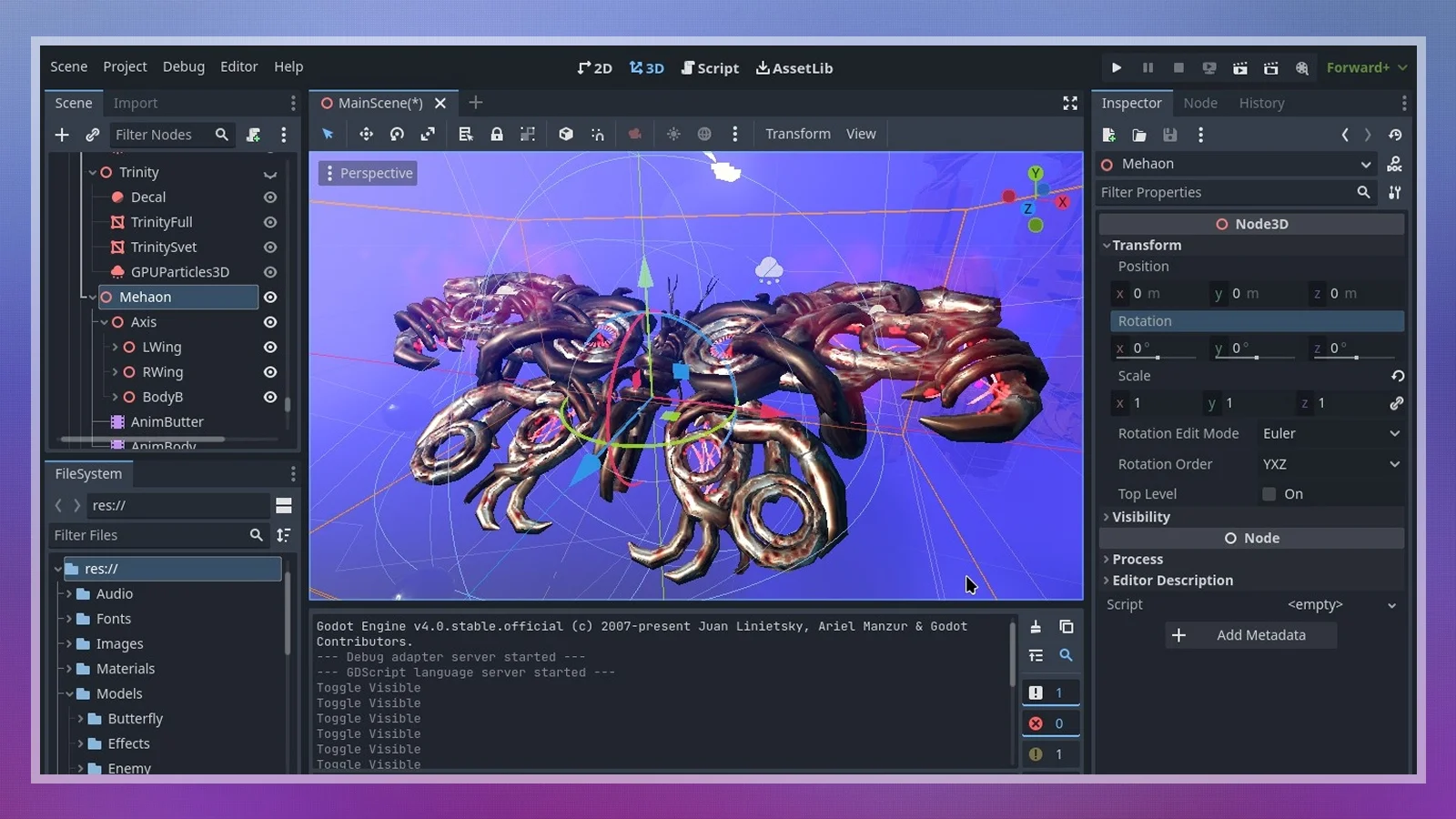
Choose structure when you need a clear lesson order, rather than buying more content whenever you get stuck. A course can organize learning Godot 4, but independent practice still belongs alongside each lesson.
Godot 4 for Beginners, offered by Packt on Coursera, suits beginners who want a defined lesson sequence rather than a collection of unrelated videos.
These alternatives combine free practice with paid programs; GDQuest currently offers these paid course prices shown below.
|
Course |
Provider |
What It Covers |
Price |
|---|---|---|---|
|
Learn GDScript From Zero |
|
Interactive GDScript fundamentals |
Free |
|
Godot Interactive Tour |
|
Introduction to the editor |
Free |
|
The Great Godot 4 Starter Kit |
|
2D and 3D game development with further engine techniques |
$216 |
|
Godot 4 for Beginners |
 |
Beginner-friendly introduction to Godot 4 editor basics, node structure, and simple game mechanics |
Free to audit |
|
Complete Godot 2D: Develop Your Own 2D Games Using Godot 4 |
 |
Comprehensive 2D game development in Godot 4, covering GDScript, player movement, physics, and UI design |
$119.99 |
|
Godot 4 Crash Course #1 – The Basics |
 |
Net Ninja’s introduction through a space-shooter project |
Free |
Your choice of how to learn Godot 4 should reflect the help you need: editor orientation, coding practice, or a complete guided project. Finish a suitable Godot 4 tutorial before purchasing a broader program.
Practice Projects for Learning Godot 4
Finish small projects with clear learning goals before expanding their scope. Independent changes reveal gaps that watching another lesson can leave hidden.
Use these projects in order of difficulty:
- A GDScript rule exercise: Practice a variable and a condition in Learn GDScript From Zero, then explain the outcome before running it. This isolates Godot 4 GDScript logic from the extra work of building a complete scene.
- A movement playground: Create a simple scene where a character responds to input. This teaches the connection between an object in the editor and the script that changes it. Stop once the interaction works consistently.
- A compact space shooter: Follow Net Ninja‘s project, then alter an enemy behavior or firing rule. Small Godot 4 games make it easier to connect a script change to a visible result.
- A roguelite-style arena: Add player health, shooting, and enemies that follow the player. Use the project to practice interactions between systems rather than adding more content.
- A 3D survival arena: Build a small arena with movement, shooting, and sound, then export it. This introduces 3D concerns after you have practiced finishing Godot 4 games.
End each project with a working build or runnable exercise. Learning Godot 4 becomes more productive when you can name what you learned and identify the next problem to tackle.
Where Godot 4 Beginners Get Stuck
Skipping scripting fundamentals and starting an oversized project can stall progress. Reduce the problem before adding more instruction: a smaller scene or shorter script is easier to understand and repair.
The following habits can interrupt learning Godot 4, along with practical ways to recover:
- Starting too large: Reduce the idea to a playable interaction with a clear stopping point. Large Godot 4 games introduce design and debugging problems simultaneously. Keep extra characters, levels, and progression systems outside the first version.
- Skipping nodes and scenes: Return to the interface walkthrough and build a simple scene manually. Identify which node owns the behavior you want to change. This gives Godot 4 GDScript code a clear place in the project instead of turning scripts into disconnected instructions.
- Copying without predicting: Pause the Godot 4 tutorial before a change and write down what you think will happen. Run the project afterward and compare the result. A wrong prediction gives you a specific concept to revisit.
- Avoiding code after an error: Read the error message and isolate the smallest relevant section of code. Return to an interactive Godot 4 GDScript exercise if the syntax is unfamiliar. Practice explaining the rule before trying to repair a larger gameplay system.
- Restarting instead of finishing: Write down what the current project needs to become playable and postpone optional features. Unfinished Godot 4 games can hide the final lessons: testing the complete experience, handling an ending, and preparing a build.
Keep the next action small enough to complete without redesigning the project. A working checkpoint gives you a safe place to resume after an experiment fails.
Final Verdict on How To Learn Godot 4
Start with free introductory resources and a small 2D project. GDQuest‘s interactive materials suit learners who want to explore the editor and scripting before paying for instruction. The important commitment is practicing independently after each lesson.
Choose Coursera‘s Godot 4 for Beginners sooner if deciding what to study next repeatedly interrupts your progress. A defined course order can provide useful structure. It isn’t a substitute for changing code, diagnosing errors, and finishing a project yourself.
This path suits hobbyists willing to experiment with small Godot 4 games. It is less suitable for someone who wants an immediate large-scale 3D production; that goal needs a narrower starting point. Choose your approach to how to learn Godot 4 based on the support you need to keep building, rather than the amount of course content you can buy.
FAQs
Start with the editor, explore nodes and scenes, practice GDScript, and finish a small 2D game. That sequence is the practical answer to “how to learn Godot 4” without beginning with an oversized project.
Yes, free learning resources include GDQuest‘s Godot Interactive Tour and Learn GDScript From Zero, plus Net Ninja‘s video lessons. Begin with those before deciding if a paid course would help.
The workload depends on your starting point. Coursera lists Godot 4 for Beginners at 8 hours to complete. Treat that as course time, not a deadline for independent proficiency.
No, you can begin with introductory Godot 4 GDScript exercises. Practice variables, conditions, and functions before connecting them to gameplay. Prior coding experience can help, but you can study those concepts as you build.
You need a computer that can run Godot Engine, the editor, and a suitable learning resource. Add GDScript Formatter or procedural-generation tools later if your project needs them.
Yes, if you want to build small 2D or 3D games and are willing to practice scripting. Judge the fit through a finished project before committing to a larger game or a paid learning program.
Try GDQuest‘s interactive resources, Net Ninja‘s space-shooter lessons, or Coursera‘s Godot 4 for Beginners. Choose a resource with a project you can finish as you figure out how to learn Godot 4.