


Best Blender Courses in 2026: 6 Picks for Beginners

Eneba Hub contains affiliate links, which means we may earn a small commission if you make a purchase through them—at no extra cost to you. Learn more


QUICK PICK
Start with Learn 3D Animation - The Ultimate Blender A-Z Guide on Udemy for a broad path through the tools and a complete animation project.
The best Blender courses remove guesswork through a clear syllabus and projects you can finish. For learning this open-source 3D computer graphics software, Udemy‘s A-Z Guide is our best overall pick for its complete workflow.
Coursera‘s Introduction to Blender 3D works for complete beginners, and CG Boost is our recommendation for the best free starting point. Your choice of Blender course should reflect the work you want to make.
Our list works for hobbyists, first-time artists, and aspiring game-asset creators who want to learn Blender 3D through guided practice. Options include free training, one-time course purchases, and live instruction listed.
Jump to:
Best Blender Courses at a Glance
The best Blender courses here serve different learning goals, so compare their purpose before choosing by price.
|
Course |
Provider |
Best for |
|---|---|---|
|
Learn 3D Animation – The Ultimate Blender A-Z Guide |
 |
Best overall |
|
Introduction to Blender 3D |
 |
Complete beginners |
|
Blender for Beginners |
 |
Free project-based learning |
|
Blender Basics for Animators |
 |
Animators |
|
3D Printing with Blender |
 |
3D printing |
|
Blender Course |
 |
Live Blender 3D modeling classes |
What is Blender Even for?
Blender is a free, open-source application for creating and finishing 3D work. People use it for modeling, texturing, lighting, rendering, animation, and preparing objects for printing. Modeling creates an object’s shape, while rendering turns a scene into a finished image.
A useful Blender course connects those tasks through a project. Navigation and basic editing should come early, followed by materials and lighting. Readers who want to learn Blender 3D for games can practice with a small prop, then consider how that asset will work inside Unity or Godot.
The 6 Best Blender Courses, Ranked
The best Blender courses below are ranked by learning fit and workflow, with a broad first pick and clearly separated specialties. Read each course’s access terms alongside its project scope before committing.
1. Udemy [Best Overall]
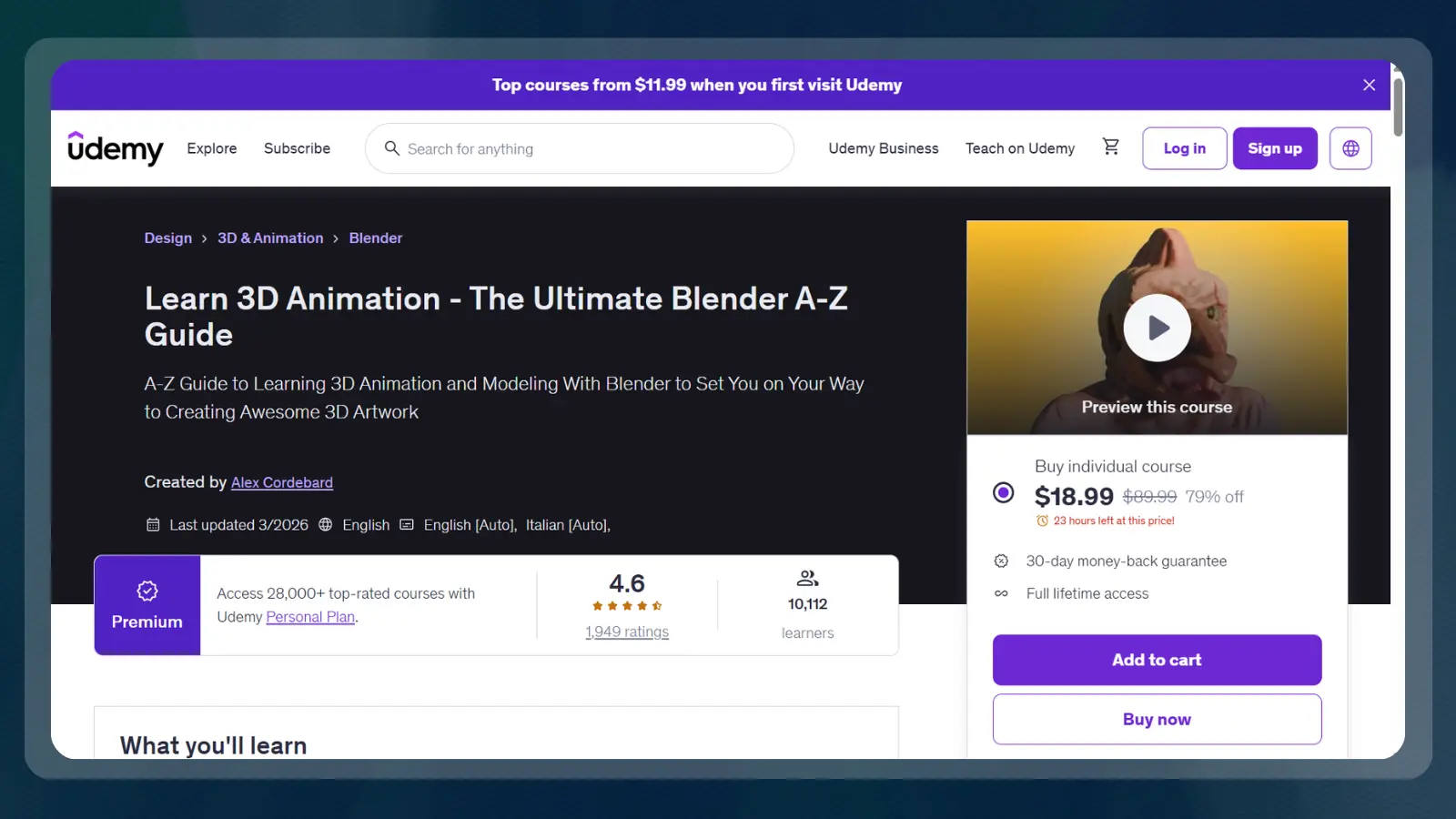
Udemy‘s Blender course earns the overall pick because it connects introductory tools with a complete animation project. That continuity helps learners understand how individual commands contribute to finished work.
On Udemy, the syllabus costs $89.99 and covers getting started, curves, keyframing, simulations, and physics. The course’s connected workflow makes it a sensible introduction to Blender animation.
Treat the video length as the viewing commitment and leave room for practice. Among courses for Blender, this is the strongest fit here for someone who wants breadth and a finished animation workflow.
The trade-offs center on breadth and the amount of material:
| Pros | Cons |
|---|---|
| ✅ Connected workflow: Builds toward a complete animation project ✅ Animation foundations: Includes curves and keyframing ✅ Simulation topics: Covers physics and simulations ✅ Completion record: Certificate listed | ❌ Long viewing commitment: A lengthy syllabus to work through ❌ Broad focus: Less targeted than a printing-specific course |
Choose this Blender course if you enjoy following a project through several stages. A game-inspired practice extension could be a moving mechanical prop, provided you keep the first attempt small.
2. Coursera [Best for Beginners]
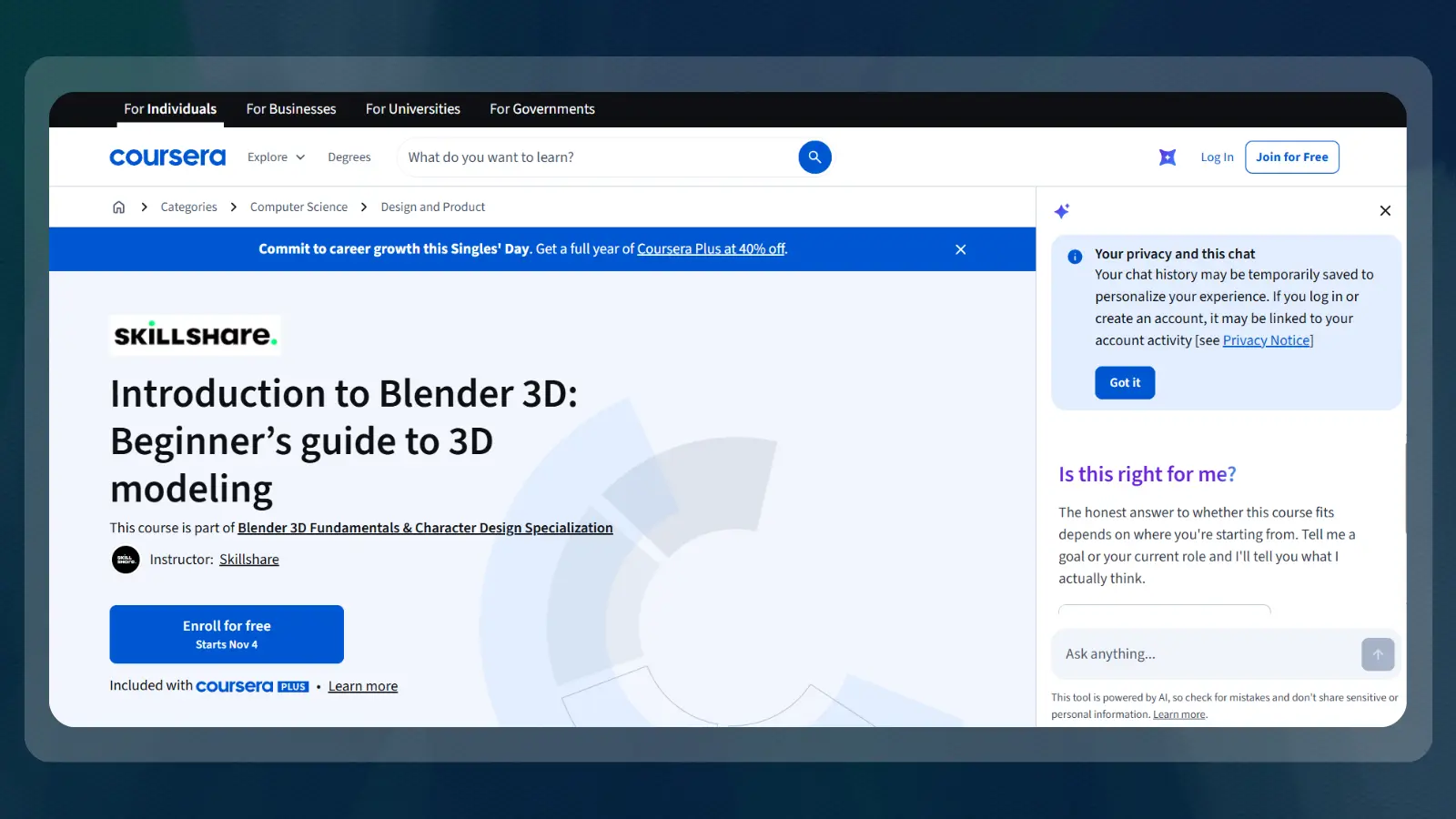
This Blender course is our first choice for someone with little or no 3D experience. Coursera‘s 8-hour, beginner-friendly course has a contained modeling project that makes for a perfect starting point.
You’ll take on a modeled toy train as the course project. A recognizable object gives beginners a concrete target while they learn Blender 3D and get comfortable manipulating shapes.
The enrollment offer and course details are listed below. The shareable certificate records course completion.
The course is a better fit for a first modeling project than for a learner seeking a dedicated Blender animation workflow. Among beginner Blender 3D modeling classes, its clear audience is a useful advantage.
These are the main reasons to choose it and the limits to keep in mind:
| Pros | Cons |
|---|---|
| ✅ Clear entry level: Designed for complete beginners ✅ Concrete project: Builds a modeled toy train ✅ Named instructor: Taught by Monica Trochez-Hayes ✅ Shareable record: Certificate listed | ❌ Introductory scope: Advanced learners need a different course ❌ Access distinction: Free enrollment and certificate access can have different terms |
3. CG Boost [Best Free Option]
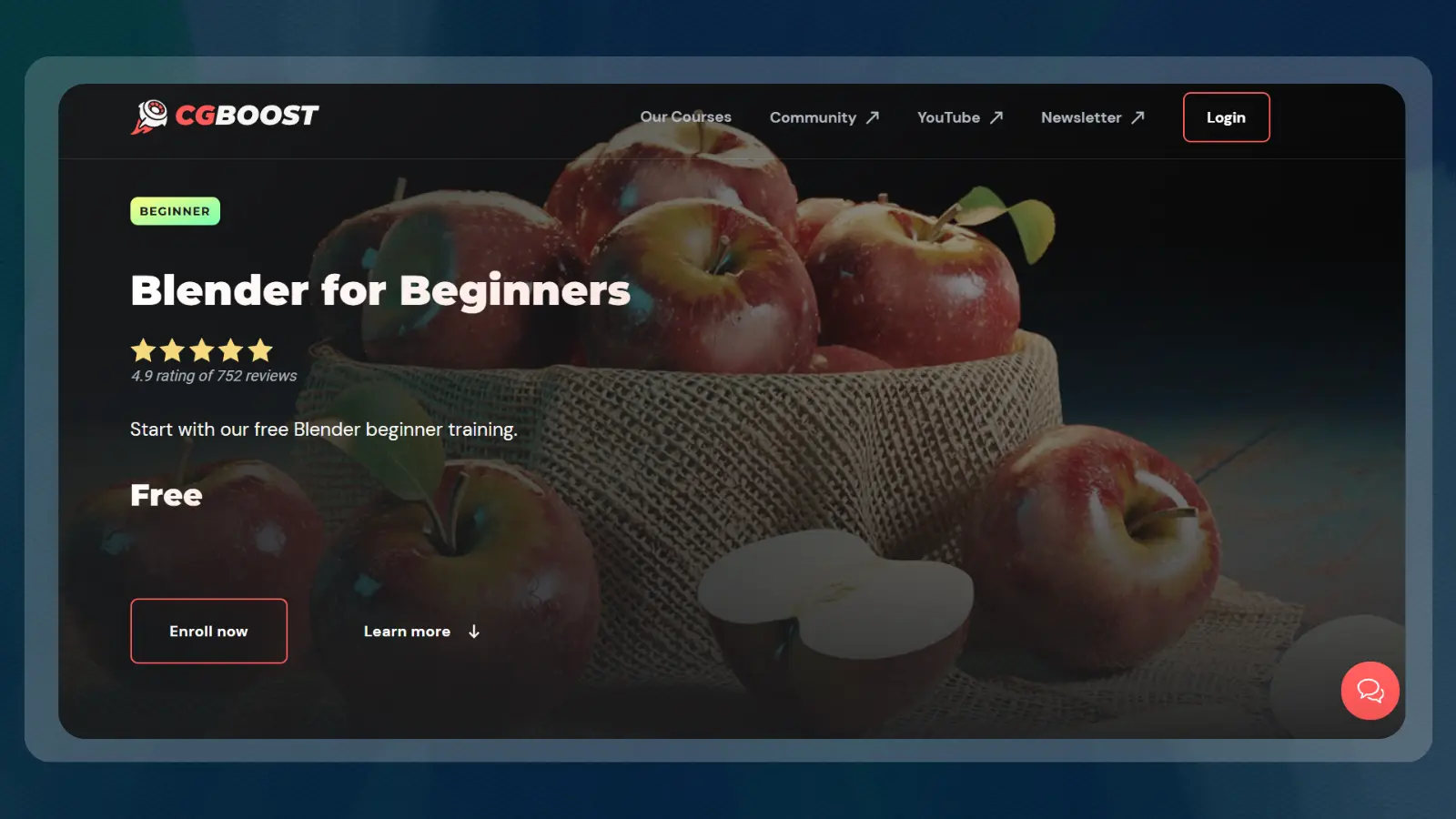
CG Boost‘s free Blender course offers a connected project without a purchase commitment. It is the strongest budget starting point here for someone who wants to try the complete scene-making process.
CG Boost builds an apple scene through interface basics, modeling, texturing, lighting, and rendering. Texturing gives surfaces their visual detail, while lighting determines how those surfaces appear in the scene. That progression helps you learn Blender 3D through related tasks.
The syllabus makes this a practical introduction to scene creation. It also gives readers considering Blender 3D modeling classes a free way to discover which parts of the workflow they enjoy.
Its project focus comes with some limits:
| Pros | Cons |
|---|---|
| ✅ Free entry: No course purchase needed ✅ Complete scene: Builds an apple scene ✅ Surface work: Includes texturing ✅ Finished image workflow: Covers lighting and rendering | ❌ Older interface guidance: Some steps differ in current software versions ❌ Credential detail: No certificate listed |
Use this Blender course to finish the scene, then change its composition or materials.
4. TOAnimate [Best for Animation]
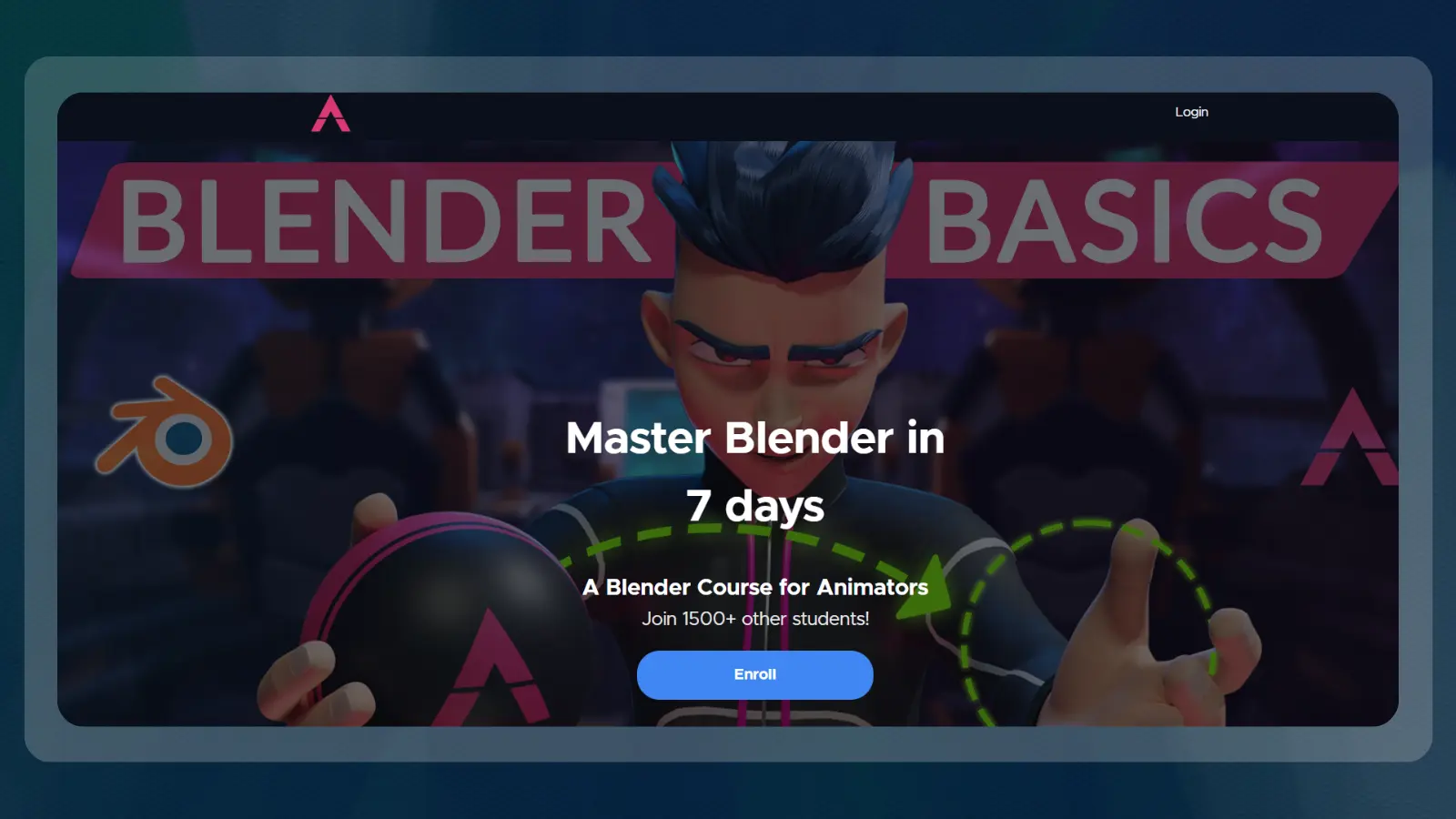
TOAnimate‘s Blender course puts the animator’s workflow first. It suits readers whose goal is to work with characters and animation tools after choosing movement as their specialty.
Brian Kouhi and Vlad Mokhov teach the TOAnimate Blender course on Teachable. Lessons cover Blender animation tools, rigs, and workflows. A rig is a control system used to pose and animate a character.
The course page charges a one-time $195 fee, but installment arrangements run as low as $18 a month, so compare the full payment agreement with the one-time purchase.
Exclusive character rigs and lifetime access to the TOAnimate Circle community add value for learners pursuing Blender animation.
| Pros | Cons |
|---|---|
| ✅ Animation focus: Centers on animator tools and workflows ✅ Named teachers: Brian Kouhi and Vlad Mokhov ✅ Character resources: Includes exclusive rigs ✅ Community access: Lifetime access to TOAnimate Circle | ❌ Narrower goal: Less suitable for printing-focused learners ❌ Credential detail: No certificate listed |
Choose this path when character movement interests you more than building a static scene.
5. Blender Studio [Best for 3D Printing]
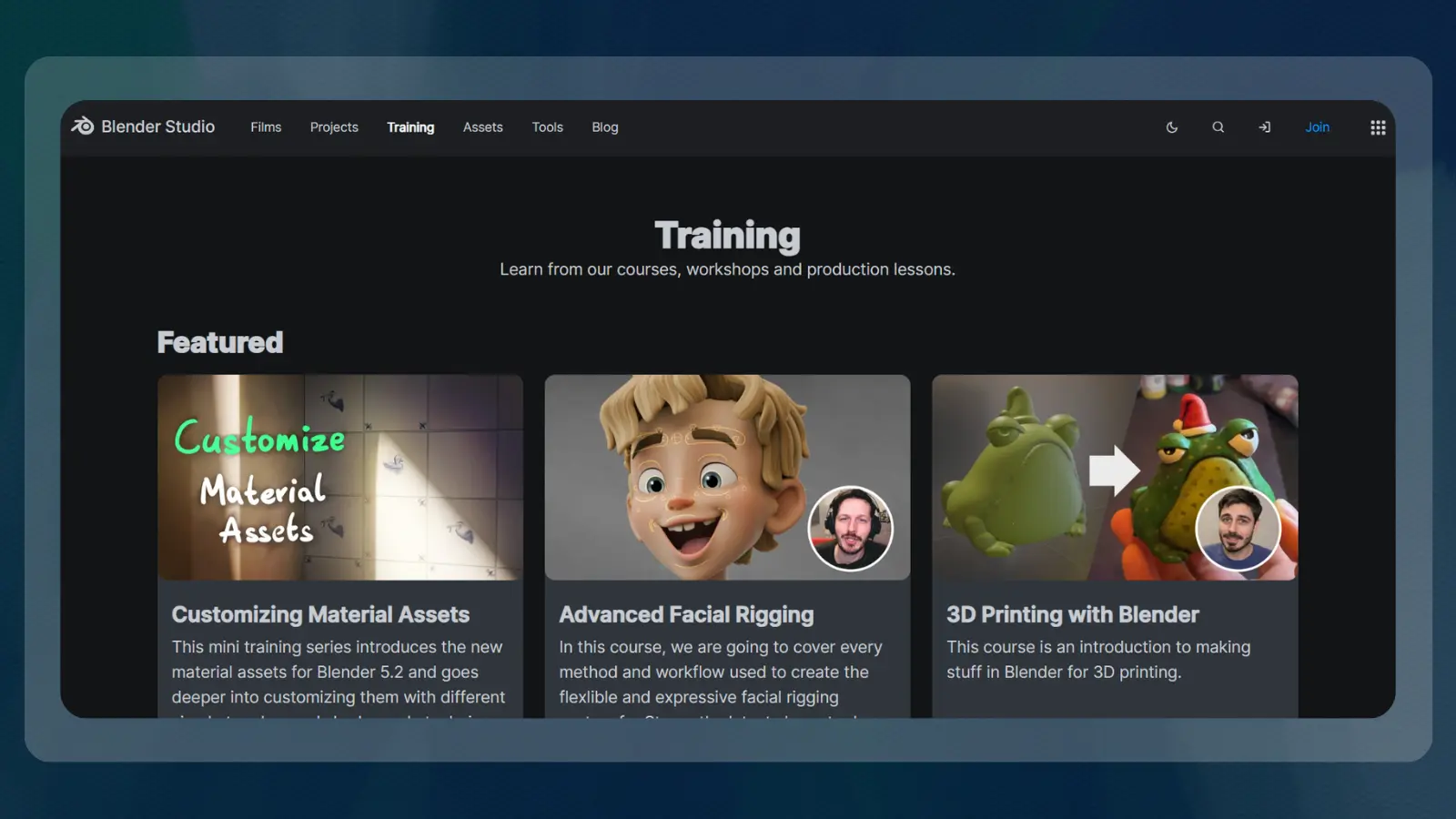
This is the most relevant Blender course here for making physical objects through 3D printing.
Blender Studio describes the course as an introduction to making things with the application for printing. That purpose separates it from courses centered on rendered images or character movement. Keep your intended physical object in mind as you follow the lessons.
The strengths and limitations are straightforward:
| Pros | Cons |
|---|---|
| ✅ Specific purpose: Introduces making objects for printing ✅ Beginner tag: Listed at beginner level ✅ Official training source: Provided through Blender Studio ✅ Focused scope: Connects modeling with a physical output | ❌ Limited listing detail: Duration and price absent from the training listing ❌ Specialty focus: Less relevant to character animation goals |
If you want to learn Blender 3D for printable game accessories or display pieces, this is a more relevant direction than a character animation class.
6. AGI Training [Best for Live Blender 3D Modeling Classes]
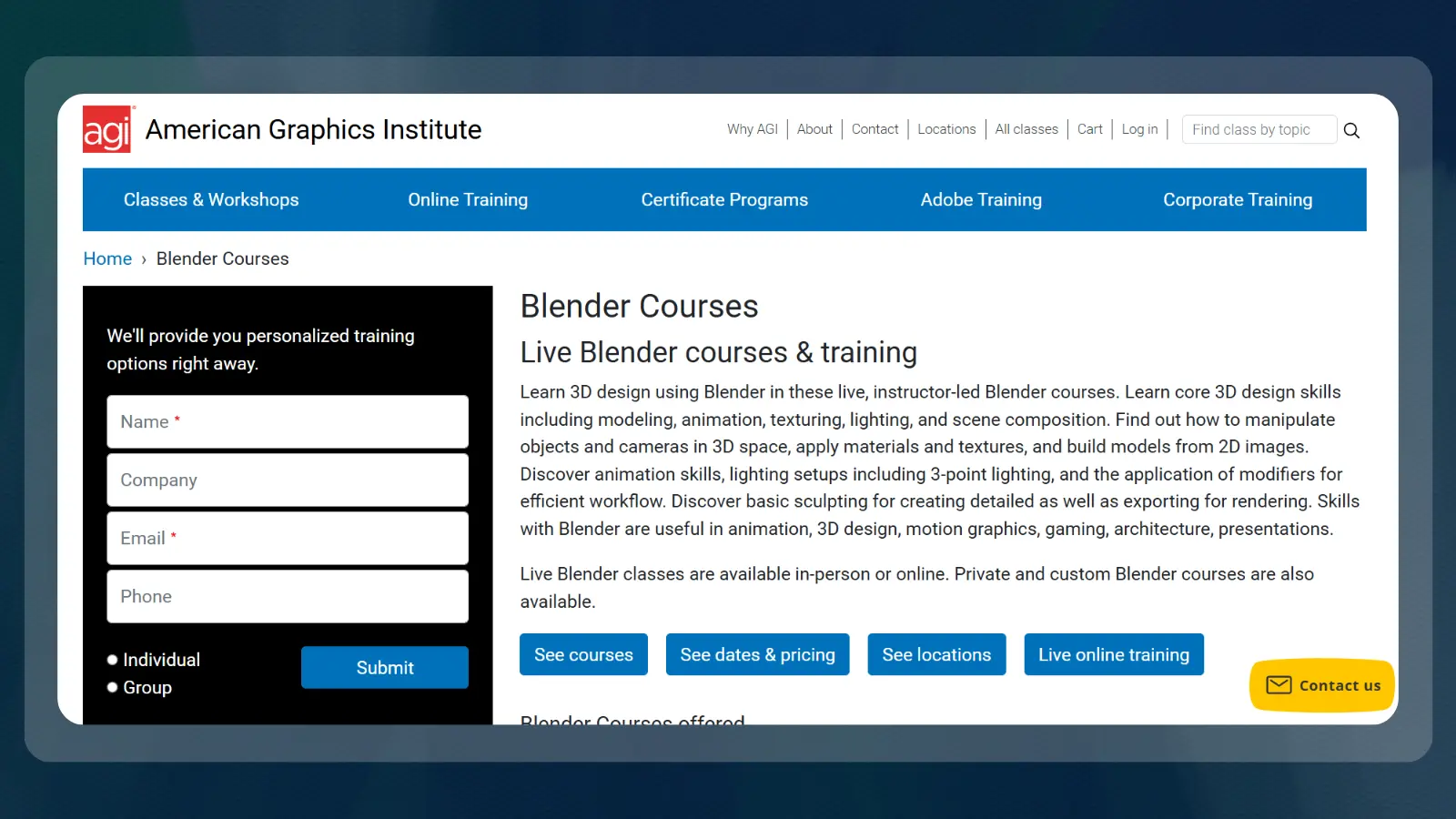
AGI Training‘s live Blender 3D modeling classes suit readers who want an instructor present during learning. The classroom format is the main reason to choose this option over recorded courses.
The course costs $795, and has instructor-led learning through Blender courses online or in person. Coverage includes modeling, animation, texturing, lighting, and scene composition.
The format has clear advantages, but a larger cost commitment.
| Pros | Cons |
|---|---|
| ✅ Live instruction: An instructor-led learning format ✅ Attendance options: Online or in-person classes ✅ Modeling coverage: Includes creating objects ✅ Scene skills: Covers texturing, lighting, and composition | ❌ Higher purchase commitment: Costs more than the listed self-paced purchases ❌ Small review sample: Rating rests on a single reviewer |
This Blender course makes sense when you value classroom guidance enough to pay for it. For an exploratory hobby, a free project offers a more cautious first commitment.
What Makes a Useful Blender Learning Path
These Blender courses prioritize clear beginner fit and useful practice, with specialty options for readers who already know which direction they want to take. Use these rubrics to choose the best Blender course for you.
- Coverage: Modeling foundations, Blender animation, or a clearly defined specialty.
- Teaching: A named instructor or an identifiable training provider.
- Ratings: The provider’s score alongside its review count.
- Cost: Free access, purchase terms, and installment arrangements where stated.
- Practice: Projects, animation rigs, or a connected workflow.
- Credentials: The completion certificate the provider actually lists.
- Version fit: Instructions you can follow in your installed software.
How To Choose the Right Blender Course for You
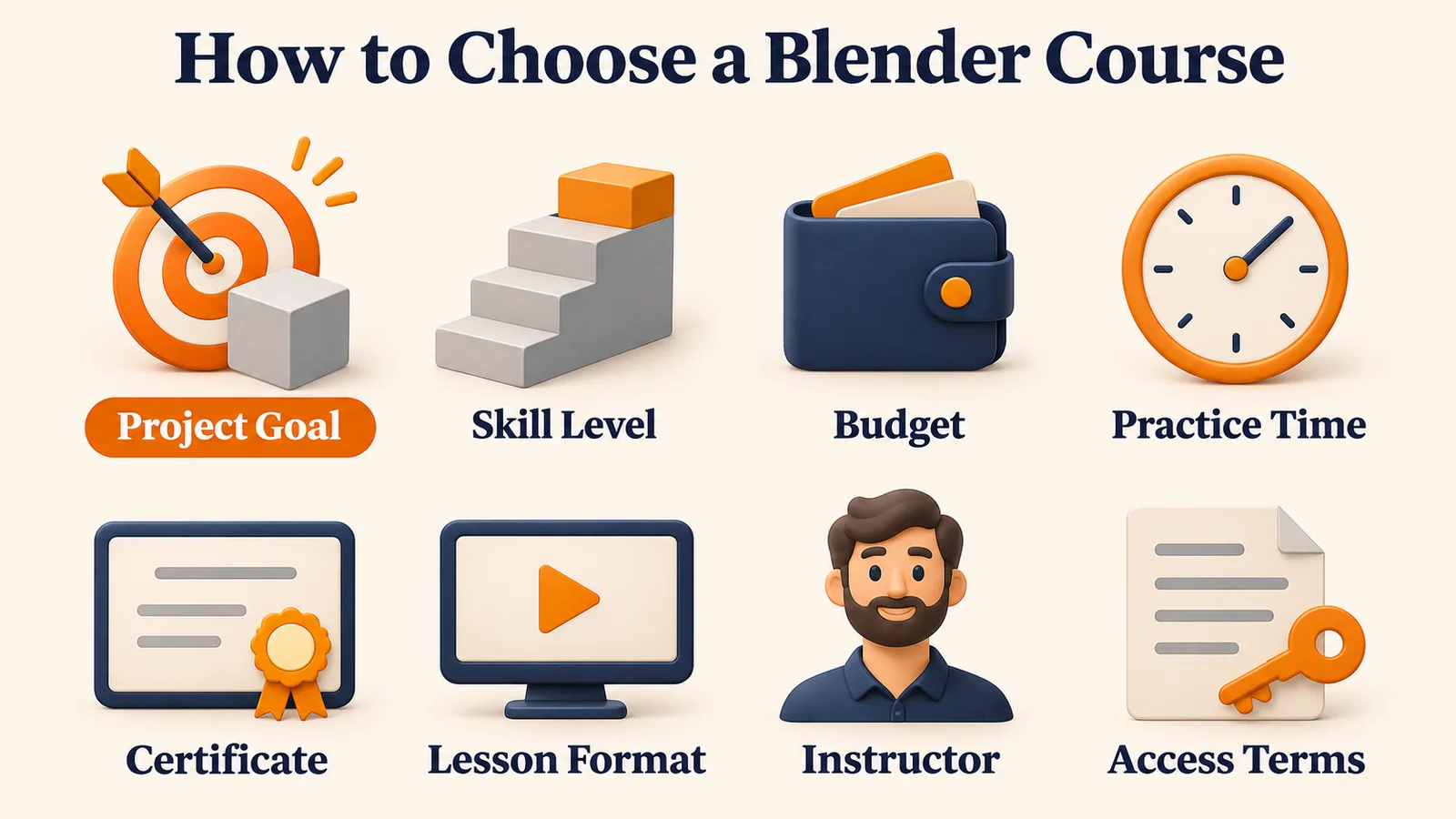
First choose the result you want to achieve. The best Blender courses connect their teaching format to that result, so a certificate, a printable object, and an animated character will lead to different choices.
Use these factors to narrow your options:
- Current level: Choose a course explicitly welcoming complete beginners if navigation and object editing still feel unfamiliar.
- Budget and billing: Separate a one-time purchase from subscription access and installment financing.
- Practice time: Fit your Blender course into the time you can actually spend creating.
- Certificate needs: Decide who needs to see the credential or finished output.
- Project relevance: Choose courses that meet your goal, whether 3D printing, animation, or character modelling.
- Teaching format: Compare recorded lessons with live Blender 3D modeling classes.
- Instructor and preview: Read the teacher’s background and watch available introductory material.
- Access terms: Read refund, enrollment, and resource-access terms before paying.
Before enrolling, describe your intended result in plain language. “I want to model a game prop” gives a course decision direction.
My Final Verdict on the Best Blender Courses
The Udemy A-Z Guide is the best broad starting path for Blender learners. Choose this course when you want to explore several tools to reach a goal. A printing-focused learner should take the specialized Blender Studio route. For scheduled guidance, consider AGI Training for its live format.
Coursera‘s introduction is the more contained beginner choice. CG Boost is our top free pick, while TOAnimate suits a clearer interest in Blender animation. Choose the best Blender courses for your next practical goal by matching the teaching format and project to the work you want to make.
FAQs
Coursera‘s Introduction to Blender 3D is one of the best Blender courses for beginners with its 8-hour completion time. CG Boost‘s free Blender for Beginners is the budget-friendly alternative.
Yes, for readers who want structure and connected projects. Choose paid training when its instruction, resources, or feedback addresses a specific learning need.
Yes, CG Boost offers a free beginner course, and Blender Studio provides free Blender Fundamentals 4.5 LTS training.
Your starting point, practice time, and project determine the learning period. Getting comfortable with Blender animation takes practice beyond the time you spend watching lessons.
Yes. From the picks on our list, you can get certificates from Coursera and Udemy.
Blender Studio‘s 3D Printing with Blender is a beginner introduction to making printable objects, making it one of the best Blender courses for readers choosing Blender for 3D printing.