



How To Get Loftia Cheap in 2026

Eneba Hub contains affiliate links, which means we may earn a small commission if you make a purchase through them—at no extra cost to you. Learn more


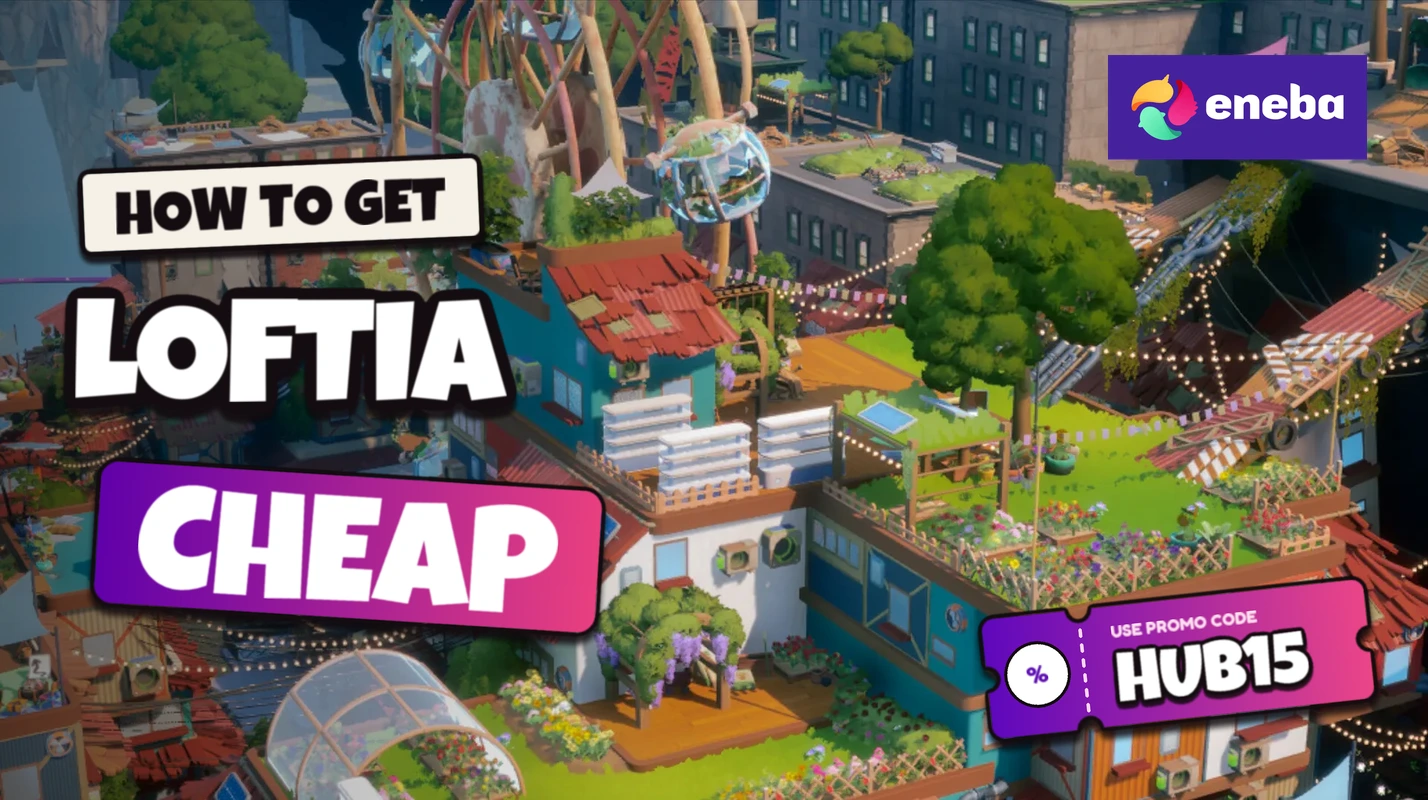
Loftia‘s floating islands are made for slow evenings with friends, and getting Loftia cheap keeps the cost of moving in down. This game is a cozy online life sim where you farm, fish, craft, and decorate a home in a solarpunk world shared with other players.
A discounted key on Eneba is the quickest way to pay less for Loftia. Snakzy takes the other path: you play mobile games through the app, collect points, and put eligible rewards toward a purchase.
Here’s how both routes work, and why this sky-high life sim is worth your time.
Jump to:
Can I Get Loftia Cheap?
Yes, you can get Loftia cheap through Eneba, where you can compare available Steam key offers and pick one below the usual store cost.
The Loftia price is $29.99 on Steam, which stings if you only play in short evening sessions. Eneba lists keys for less, and you can enter HUB15 at checkout for 15% off games and DLC. Confirm the key’s platform, activation region, and edition before you buy.
Snakzy rewards patience. Playing eligible mobile games earns points you can trade for rewards that may cover part of the purchase, and that takes far longer than buying a discounted key.
Loftia also turns up in Steam‘s seasonal sales, so a storefront discount comes around eventually. If you’d rather start planting tonight, shop Loftia on Eneba.
Loftia – Why Play It Today?
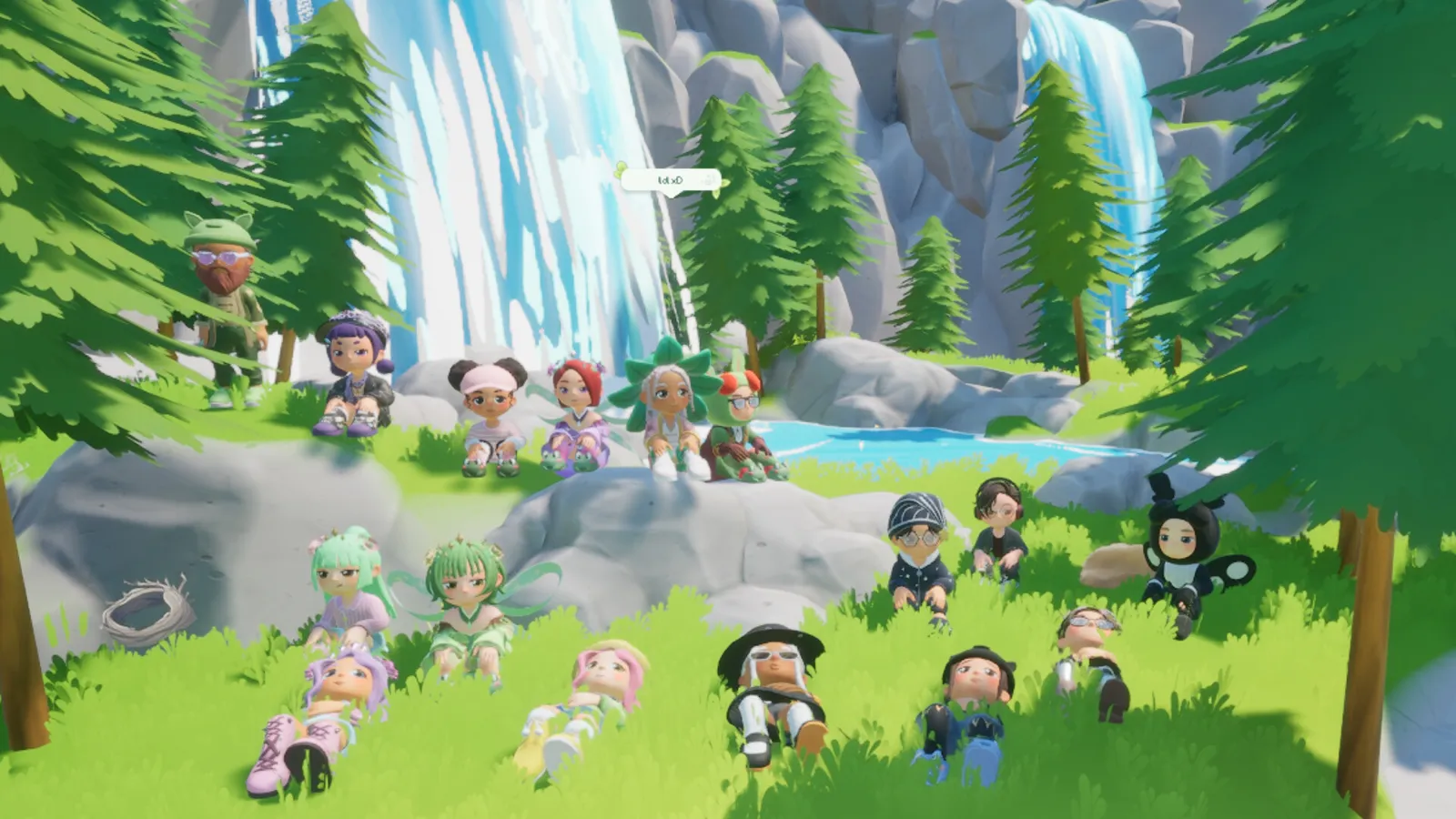
Loftia is a cozy MMO about solarpunk living, developed and published by Amble, the studio behind its successful Kickstarter campaign.
You settle on a chain of floating islands where clean technology and greenery sit side by side. Your plot becomes a farm and a home you furnish room by room, with no combat timer pushing you along. Other players share the sky, so you can visit their places, swap what you’ve grown, and join seasonal activities.
A crowd of Kickstarter backers pushed Loftia into production, and that community focus carries into the game itself. Most life sims hand you an empty valley; this one hands you neighbors, which is reason enough to give it a season of your evenings.
|
Genre |
Cozy MMO, life simulation |
|---|---|
|
Release date |
Nov 3, 2026 |
|
Platforms |
PC |
|
Developer |
Amble |
|
Publisher |
Amble |
If you want another farming and life sim to keep your evenings busy, see how you can get Starsand Island cheap.
Loftia Platforms & System Requirements
Loftia is a PC game, and the linked product is a Loftia Steam key that activates in the Steam client. Buying it there doesn’t unlock a copy anywhere else, so redeem it on the account you actually play with. Steam itself needs Windows 10 or later.
Check the published PC requirements against your own machine before you buy:
|
System Requirements |
Minimum |
Recommended |
|---|---|---|
|
CPU |
Intel Core i3-10100F / AMD Ryzen 3 3100 (or equivalent) |
Intel Core i5-12600K / AMD Ryzen 5 5600 (or equivalent) |
|
RAM |
8 GB |
16 GB |
|
Video Card |
Nvidia GeForce GTX 1050 / AMD Radeon RX 560 (or equivalent) |
NVIDIA GeForce GTX 1660 / AMD Radeon RX 5600 XT (or equivalent) |
|
Dedicated Video RAM |
2048 MB |
6144 MB |
|
OS |
Windows 10 64 bit |
Windows 11 64 bit |
|
Storage |
10 GB |
10 GB |
Compare your processor, memory, and graphics card with the requirements on the store page so you know Loftia will run properly.
The Best Features of Loftia
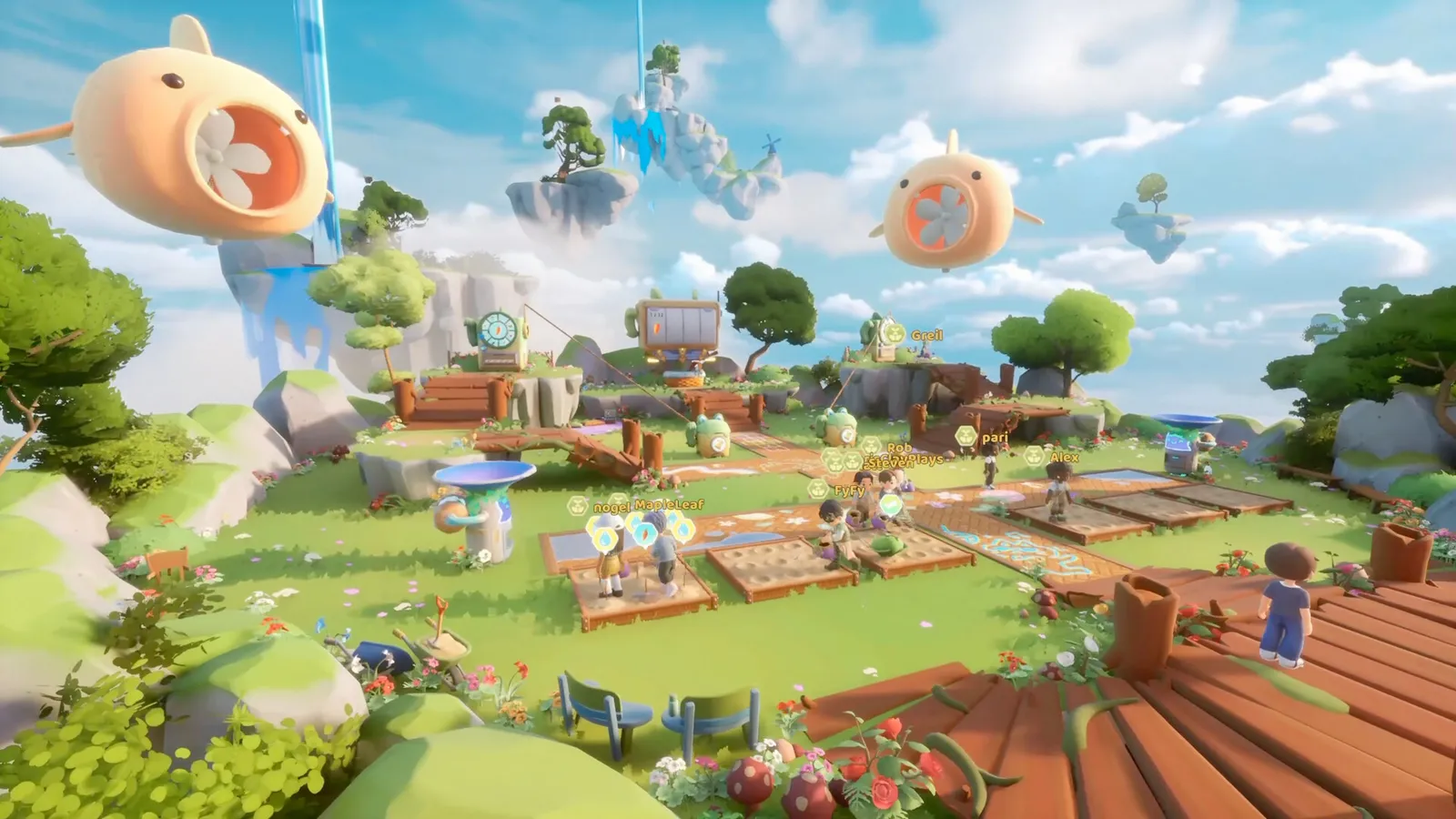
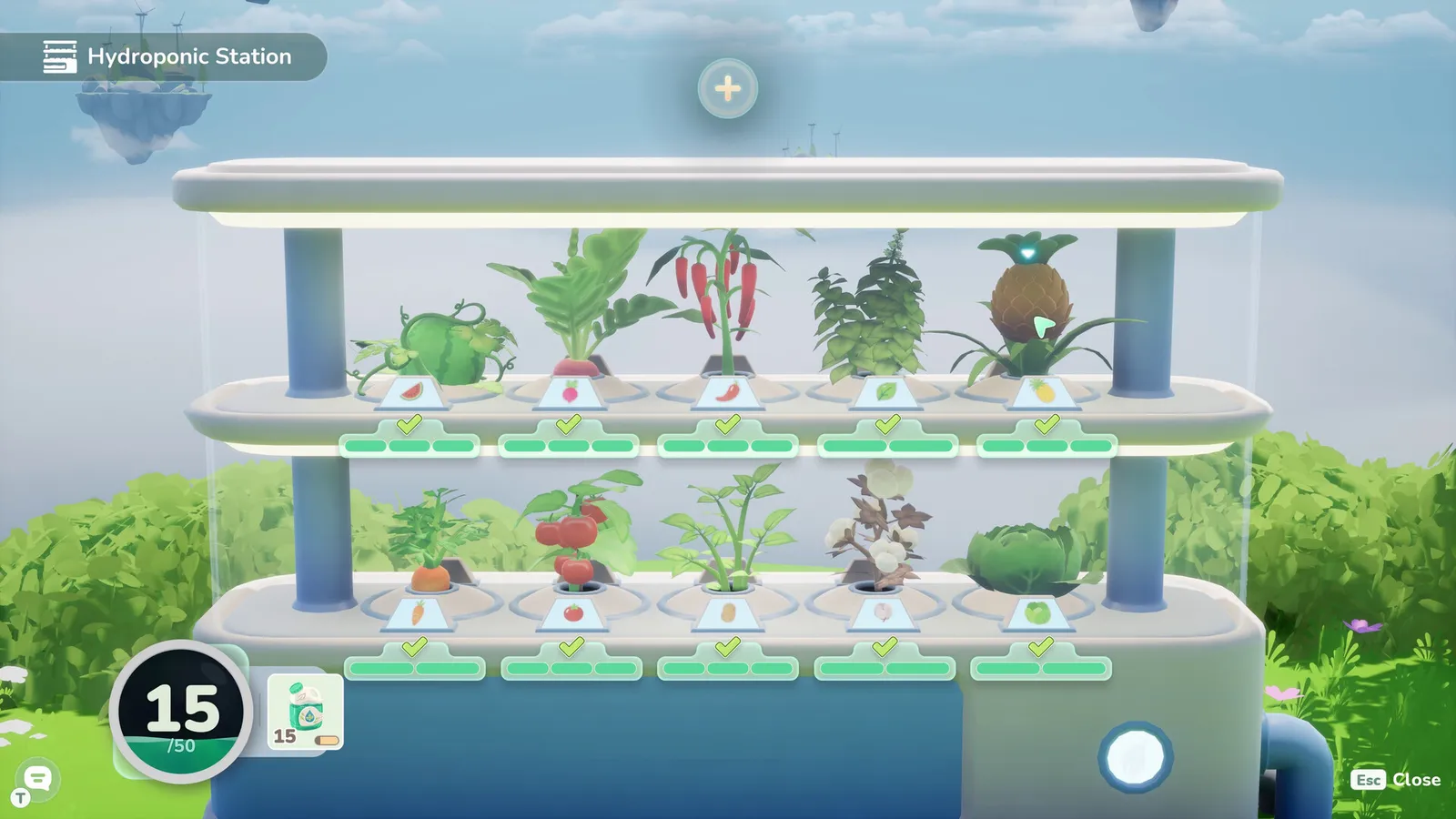
Among the best cozy games, Loftia is the one that puts other players inside your daily routine. You plant and harvest crops, fish, gather materials, and craft the pieces that turn a bare plot into a home.
The solarpunk setting gives the islands their look, with plants growing over clean machinery and homes stacked into the sky. Decorating is a project you keep returning to, and a friend can walk through the result.
If a calm online world with neighbors sounds like your kind of evening, the next job is finding a key that costs less than the storefront.
How to Get Loftia Cheap on Eneba
Buying a discounted key on Eneba is the simplest way to spend less on Loftia. Compare the available listings, check what each key activates on, and apply HUB15 as your Loftia discount if your purchase qualifies.
Here’s how to get started:
Step 1
Visit Eneba: Open the Loftia Steam key listing from this page, since HUB15 works when you reach Eneba from a Hub page, and read the offer details.
Step 2
Check the product details: Confirm that the key supports your Steam account’s region and that you’re buying the right edition of Loftia.
Step 3
Add the game to your cart: Look over the seller’s rating and terms, then head to checkout.
Step 4
Apply the HUB15 promo code: Type HUB15 into the discount code field, select Apply, and check that your total dropped.
Step 5
Complete your purchase: Pick your payment method and follow Eneba‘s instructions to collect your key.
Step 6
Activate the game on Steam: In the Steam client, open the Games menu, choose the product activation option, enter your key, and Loftia joins your library.
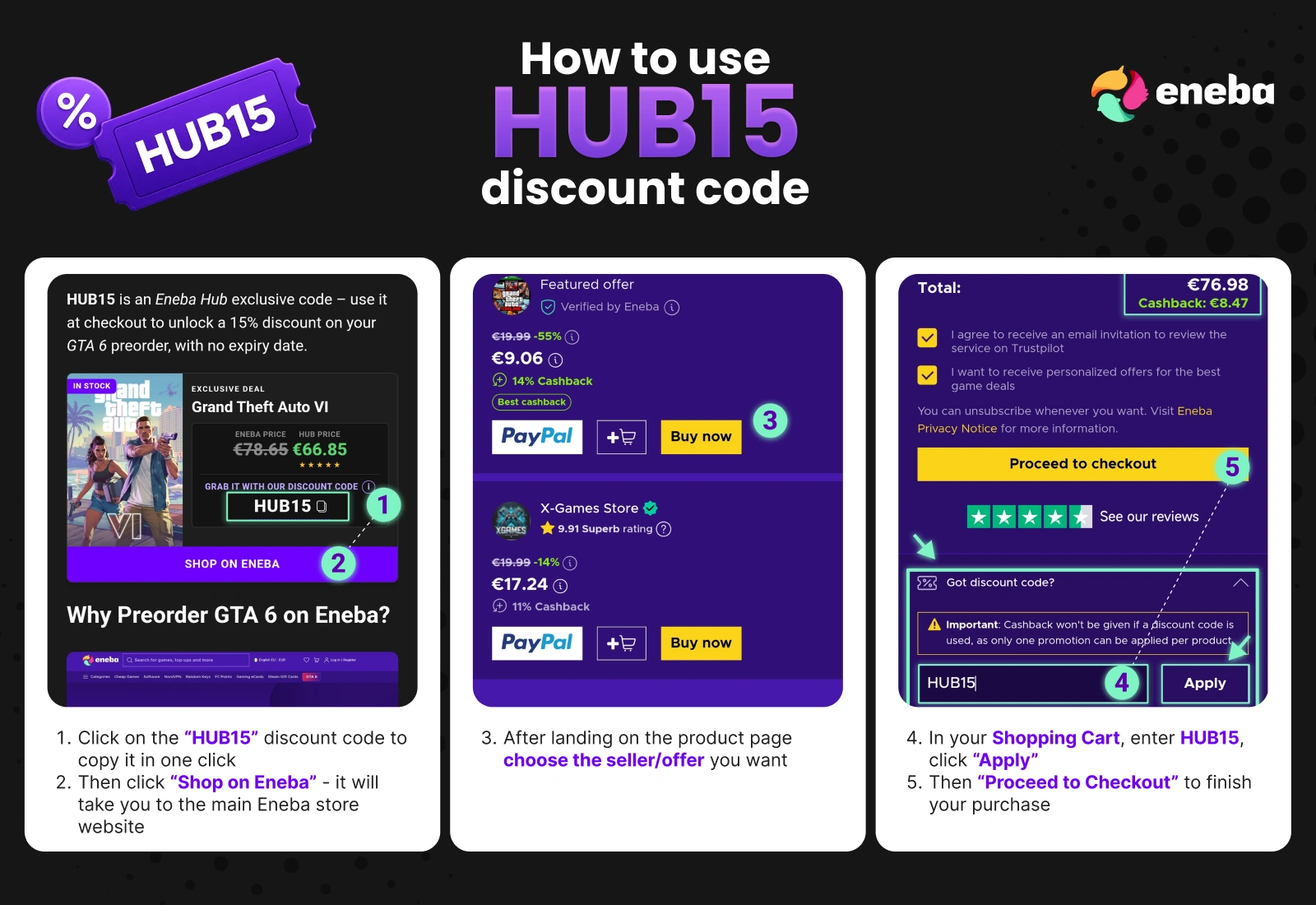
Check the final price before you pay. HUB15 works when you open Eneba from an Eneba Hub page. It can’t be combined with cashback or another promotion on the same purchase, so Eneba applies whichever saving is bigger.
Get Loftia Cheap With Snakzy
Snakzy can lower what you pay for Loftia if you don’t mind earning the saving through eligible mobile games. You collect points from participating offers and redeem them for available rewards.
Each offer sets its own targets, like reaching a certain level or playing across several days, and the points land once you meet them. You need enough points to clear the redemption threshold before a reward becomes available to your account.
Here’s how to use Snakzy to save toward the game:
- Download Snakzy and create an account.
- Browse the mobile game offers and read their earning requirements.
- Play eligible games and finish the required activities to collect points.
- Check the rewards catalog for a Steam gift card or an Eneba wallet option.
- Redeem a compatible reward and put it toward your purchase.
Make sure the reward matches the store you’re buying from. A Steam gift card pays for a purchase on Steam, while an eligible Eneba wallet option may support a purchase through Eneba. Redemption options, regional availability, and earning requirements vary.
If mobile games already fill your commute, Snakzy turns that time into something useful.
Get Loftia Cheap with Snakzy.

Available in 32 countries
Available in 32 countries:
 Australia
- Austria
- Belgium
- Brazil
- Canada
- Chile
- Czechia
- Denmark
- Finland
- France
- Germany
- Greece
- Hungary
- Ireland
- Italy
- Japan
- Lithuania
- Mexico
- Netherlands
- New Zealand
- Norway
- Peru
- Poland
- Portugal
- Romania
- Saudi Arabia
- Spain
- Sweden
- Switzerland
- Türkiye
- United Kingdom
- United States


My Overall Verdict on How To Get Loftia Cheap
Getting Loftia cheap through Eneba is the best option when you’d rather compare Loftia key listings than wait on reward points. Check the Steam offers on the page and enter HUB15 at checkout so the total drops before you pay.
Snakzy makes sense if you already play mobile games and don’t mind the wait. It takes longer, and the reward has to fit your store, so plan the redemption around where you’ll buy Loftia.
What makes the game worth the money is how much of it other people share with you. Your island keeps growing while friends drop in, and there’s always a small project waiting for the next session.
Check the current Eneba listing, verify the key’s compatibility, and apply the HUB15 discount code before paying. That’s the practical way to get Loftia cheap and settle into the sky tonight.
What To Play Cheaper Next
The picks below are more relaxed worlds you can move into for less.
Best Simulation Games
FAQs
Buy a discounted Loftia Steam key on Eneba and activate it in the Steam client. Enter HUB15 in the discount code field at checkout, select Apply, and check the new total before you pay.
Yes, if you want a slow online life sim with farming, decorating, and other players around you. It suits short daily sessions better than a game you finish in a weekend.
Loftia is an online life sim, so other players share the world with you and community activities are part of the routine. Your own farm and home are still yours to work on at your own pace.
The listing here is a global Steam key, but Steam still checks a key’s activation region against your account. Read the product details on Eneba before buying so the key matches your account’s region.
Yes, points earned through eligible mobile games on Snakzy can be redeemed for rewards that help cover the purchase. Reward options, regional availability, and earning requirements vary, so check that the reward fits your store when getting Loftia cheap with Snakzy.