



10 Best Crosshair Optimizer Tools to Improve Your Aim in 2026


In Counter-Strike 2, a crosshair optimizer tool is essential, especially for high-stakes competitive matches. These are the kind of tools that help players tweak the CS2 pro crosshair settings and make constant improvements. Some help you make direct adjustments to the crosshair, while others help you understand how to use it.
Navigating through varied maps means that players are constantly met with all kinds of backgrounds, which can cause issues with crosshair visibility. Adjusting the color, size, thickness, and gap helps keep it clear regardless of the conditions.
CS2 pro crosshair settings can impact aspects like recoil tracking, spray control, long-range visibility, and slick shots, and modern AI tools are here to help with that. By integrating AI-powered analytics, these tools help players test multiple setups within minutes, rather than spending hours with the traditional trial-and-error methods.
Jump to:
Our Top Pick for Crosshair Optimization
Choosing to go for a modern crosshair optimizer tool means your goal is to perfect your aim with the help of precise customization. One of the many advantages these tools offer is making the setup effortless and quick, while still delivering pro-level results.
The optimizer tools I’ve picked for today are those that help make the crosshair creation process simple and straightforward. This means you can generate a code for instant import, replicate other crosshairs, and get AI-powered analysis to optimize performance metrics.
- CS2 Crosshair Generator – A tool for creating CS2 crosshairs instantly and previewing them before import
- Scope.gg AI Aim Analyzer – An AI analyzer aimed at tracking your patterns that highlights your weaknesses
- Leetify Performance Analyzer – A tool that evaluates your matches outlining mistakes, strengths and potential improvements
- CS2 Pro Crosshair Library – A library containing verified CS2 pro crosshair settings from professional players, ready to import instantly
- Aim Lab AI Aim Trainer – AI-powered adaptive training scenarios to help improve your speed, precision and tracking
- Kovaak’s Sensitivity Analyzer – A tool designed to analyze your settings and calculate the ideal sensitivity
- Crosshair Style Generator – A generator tool whose goal is to help you design unique crosshair styles based on your needs
- CSGOHub Crosshair Workshop – Designed to be a platform where you can test, tweak and export crosshair settings inside a simulated map
- Refrag Aim Trainer – A trainer suite aiming to help you improve mechanics, speed and decision-making processes
- CS2 Settings Finder – An option ideal for those looking to discover optimal CS2 pro crosshair settings based on your style, hardware and performance
There are plenty of tools to help you do better in CS2, so it’s up to you to choose which one works for you. With that in mind, let’s dive into each option to see which one is the best choice for you.
How Crosshair Optimization Works
An AI crosshair optimizer tool helps transform how players hit targets and make constant improvements. It aims to turn subjective preferences into precision tools that would offer a competitive advantage. By adjusting the key elements, you can minimize distraction, improve visibility, and maximize consistency across multiple scenarios.
Effective optimization relies on 3 factors: visibility against various backgrounds, alignment with spray patterns, and a player’s aiming style. There isn’t a single one here that’s more important than the others, which is why it’s essential to combine all 3 for the perfect result.
Visibility ensures you’re seeing the crosshair on maps with specific backgrounds, ensuring it doesn’t blend in with the existing colors. Aligning the spray pattern helps match the gap and thickness with the recoil curves. Each player has a unique aiming style, and a crosshair optimizer tool will analyze it and help tweak the crosshair to match it.
| Crosshair Factor | Impact on Gameplay |
|---|---|
| Color | Visibility against maps |
| Thickness | Precision at long distances |
| Gap | Headshot alignment |
| Outline | Contrast during fights |
| Dynamic vs Static | Movement feedback |
Best Crosshair Optimizer Tools: The Full List
A modern crosshair optimizer tool allows players to test the CS2 pro crosshair settings systematically rather than spending time trying to guess and tweak the best ones. They offer previews, simulations, and performance analysis that help players understand which CS2 pro chrosshair settings would work best for them and boost accuracy.
The tools range from basic code generators for instant customization to advanced platforms backed by AI that help you track metrics and give you better recommendations. Regardless of whether you’re trying to replicate a pro setup or run an analysis on yourself, these tools offer essential insight that can help you get better results.
If you’re the kind of player who cares about cosmetics as much as performance, be sure to check out the best cases to open in CS2 and add some flair to your inventory.
1. CS2 Crosshair Generator
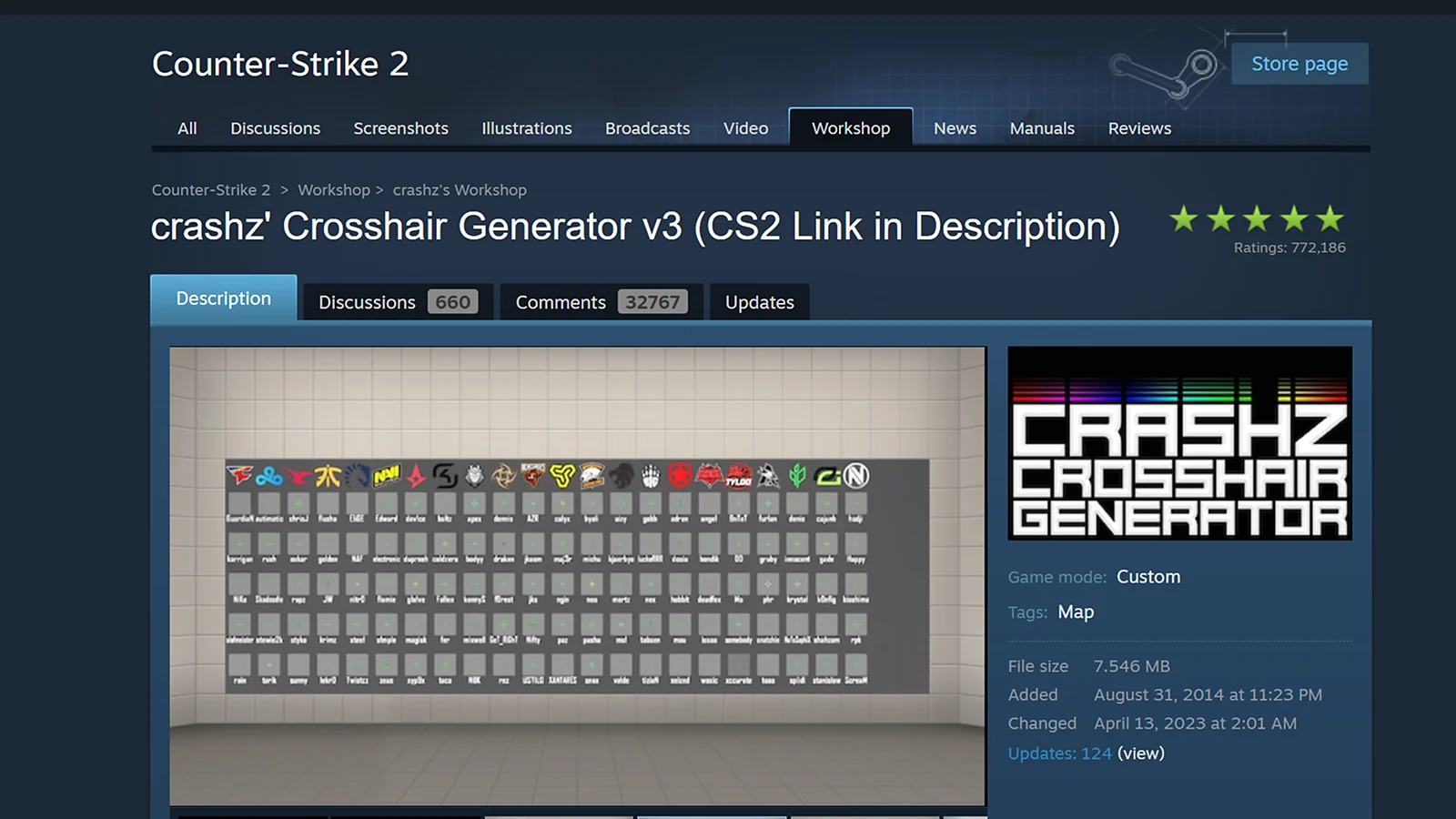
The first on the list for today is the CS2 Crosshair Generator, a powerful crosshair optimizer tool that helps streamline the customization process. It offers an intuitive interface, allowing you to do endless experiments without launching the game.
It’s not just about the instant customization, it’s also about the features it offers. Things like preview across multiple backgrounds, customizable gap, color, thickness, and outline option, as well as a code export, make it an excellent crosshair optimizer tool for those who want to experiment but don’t want to spend too much time doing it.
The simplicity and speed make it an ideal choice regardless of your skill level, offering massive customization without making it a complicated tool, which also means that the learning curve isn’t as steep as it is with some.
This crosshair optimizer tool for generating allows you to make quick experiments without any downtime because you can generate a preview and test a setup in less than a minute. Regardless of what you’re tweaking, the live preview of this CS2 crosshair generator is the most essential feature because you can instantly see if the setup will work.
2. Scope.gg AI Aim Analyzer
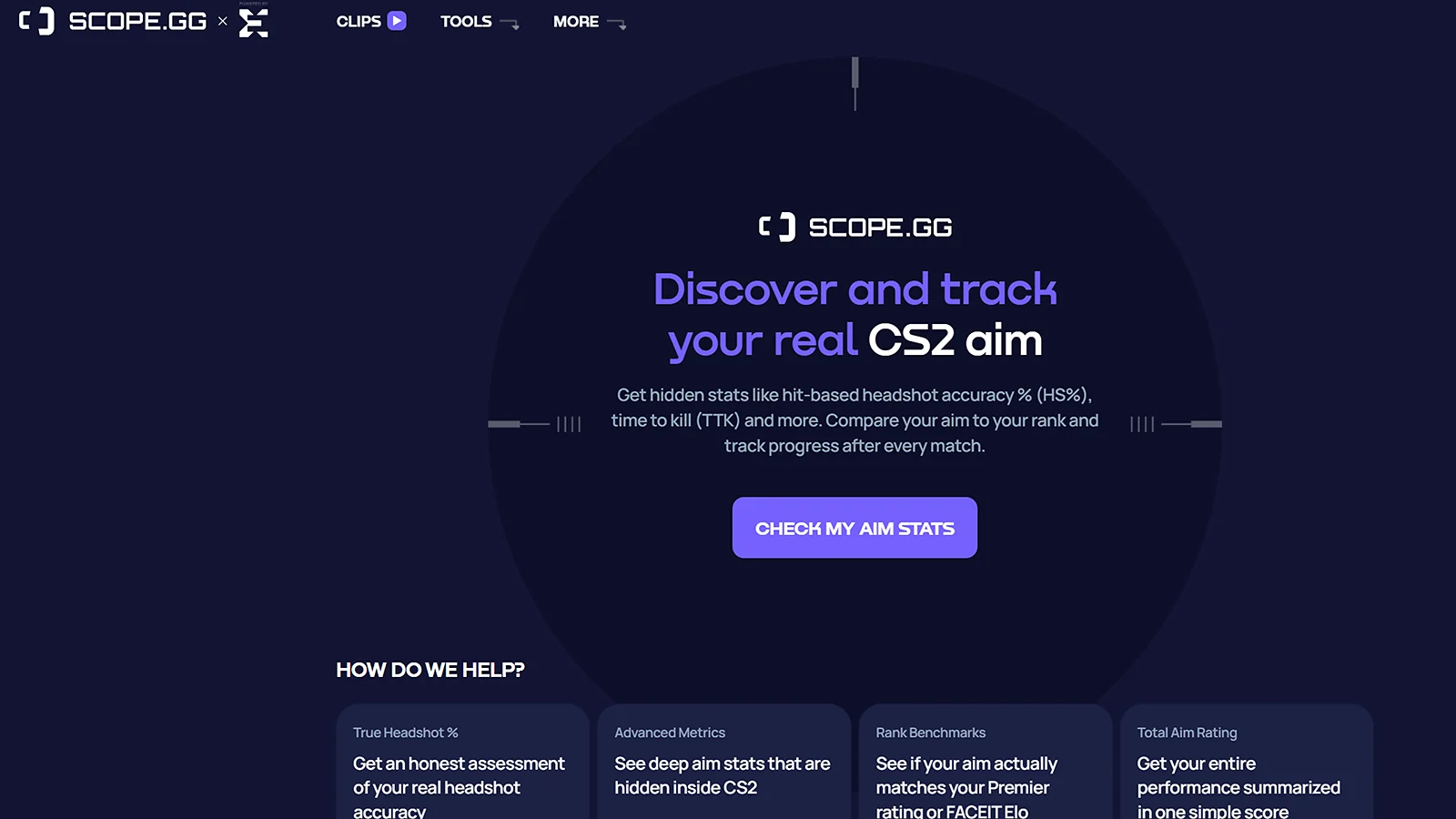
Next on the list is Scope.gg AI Aim Analyzer, a crosshair optimizer tool that leverages AI to go through gameplay footage and identify inefficiencies that hold you back. It can analyze patterns frame by frame to identify issues and provide you with actionable insights beyond what you can review manually.
The crosshair optimizer tool can track missed shots and errors and will use that information to offer crosshair adjustments. The most important thing to note is that all suggestions are tailored to your playstyle to ensure you get out as much as possible. It’s a data-driven approach that finds hidden weaknesses and helps you adopt a configuration that matches your style.
Running regular analysis on your gameplay with the Scope.gg AI Aim Analyzer ensures that you’re constantly getting suggested improvements. This is a much better approach than your subjective feel because it’s proven that it can help with headshot ratios, for example.
3. Leetify Performance Analyzer
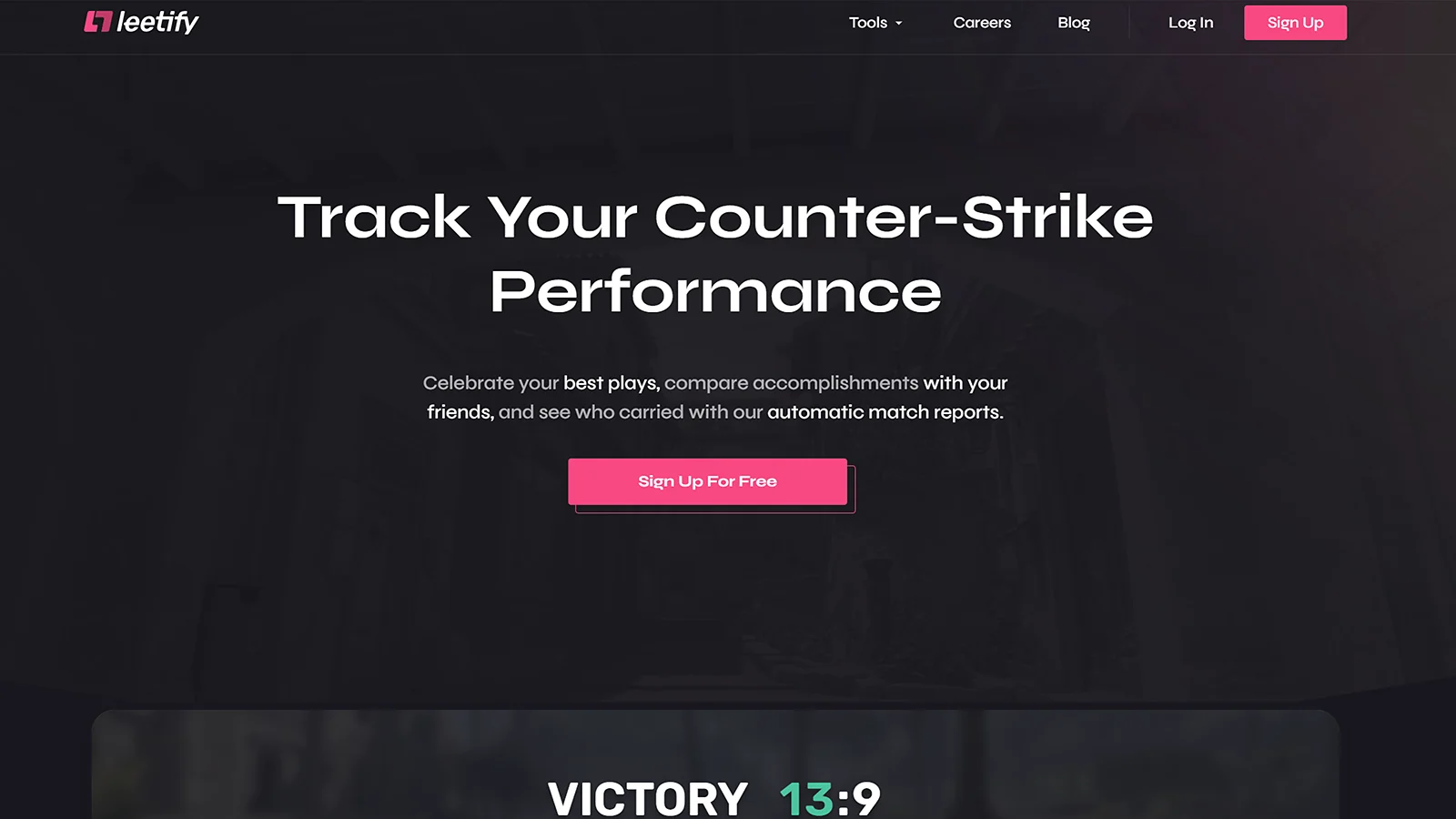
When it comes to crosshair optimization, Leetify Performance Analyzer is the kind of crosshair optimizer tool that takes raw data and transforms it into suggestions. It can go through the crosshair placement, headshot percentage, and reaction timing, and provide you with the kind of advice that can help you excel.
The crosshair optimizer tool works by helping you adjust your crosshair habits systematically to improve your aim. For example, it might recommend widening the gap or adding dynamic indicators if it notices that your placement averages 10% below the head level. On the other hand, it might recommend a thickness increase, which could help against map clutter.
Regular sessions with Leetify can reveal patterns that you didn’t know were affecting your performance. Players who rely on this crosshair optimizer tool on a regular basis see a noticeable difference after following the insights.
4. CS2 Pro Crosshair Library
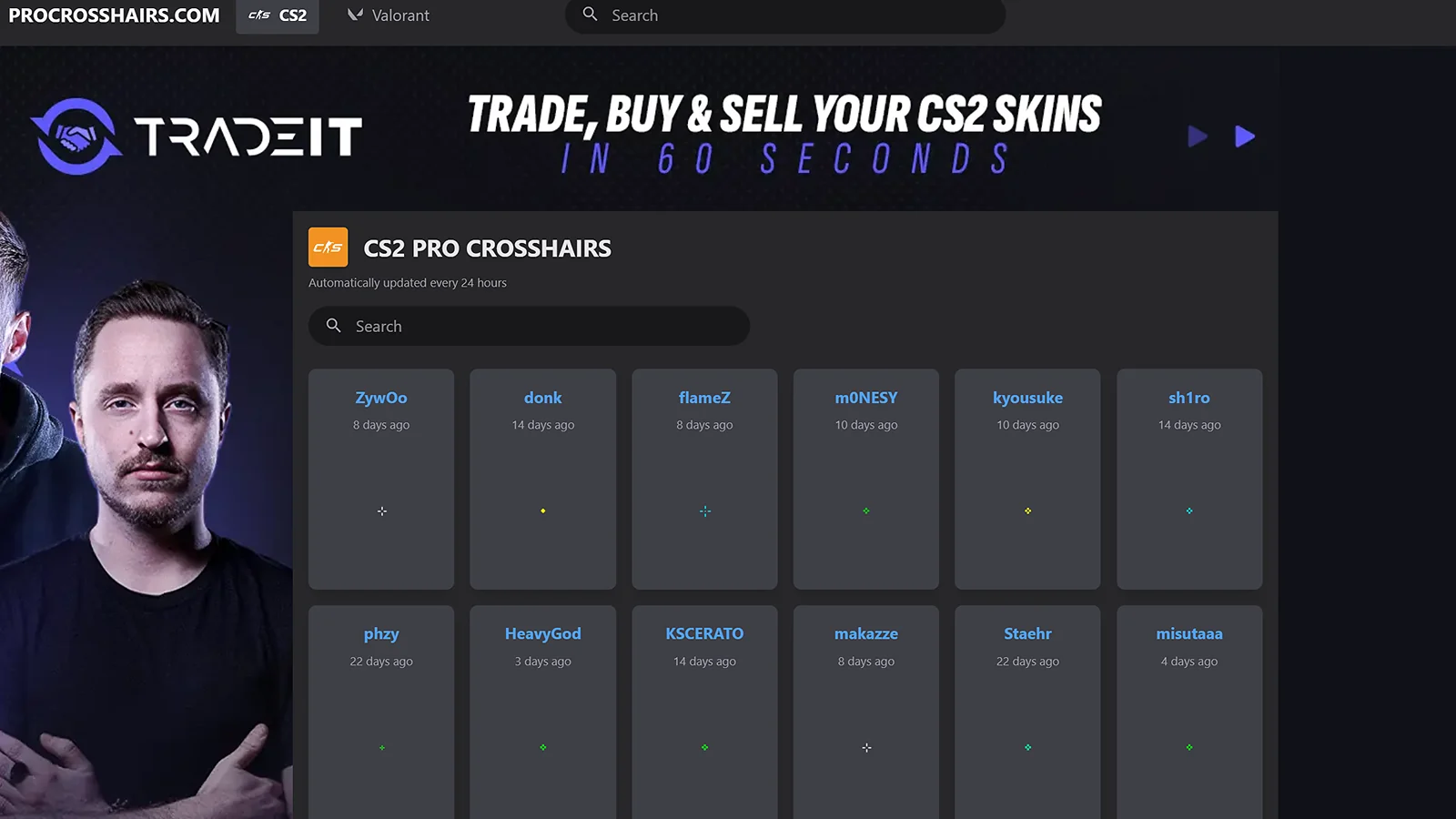
If you want to take a peek at CS2 crosshair codes that those who dominate Counter-Strike esports are using, the CS2 Pro Crosshair Library is what you need. You get instant access to the tried and true options from the elite players, giving you the opportunity to adopt their setup without the hassle of trying to figure things out yourself.
Regardless of whether you’re after s1mple’s minimal green dot, ZywOo’s cyan cross, or NiKo’s white gap, you get these CS2 crosshair codes instantly and see if any of them can help you perform better. Each one adheres to a specific gameplay, meaning it will depend on your style and requirements.
While it’s not the fastest approach, because you will need to find the CS2 crosshair codes and see if it works for you, it is a favorite with many players. There are some trial-and-error moments here, especially considering the massive library, but the good thing about it is that you don’t have to worry about the configuration.
5. Aim Lab AI Aim Trainer
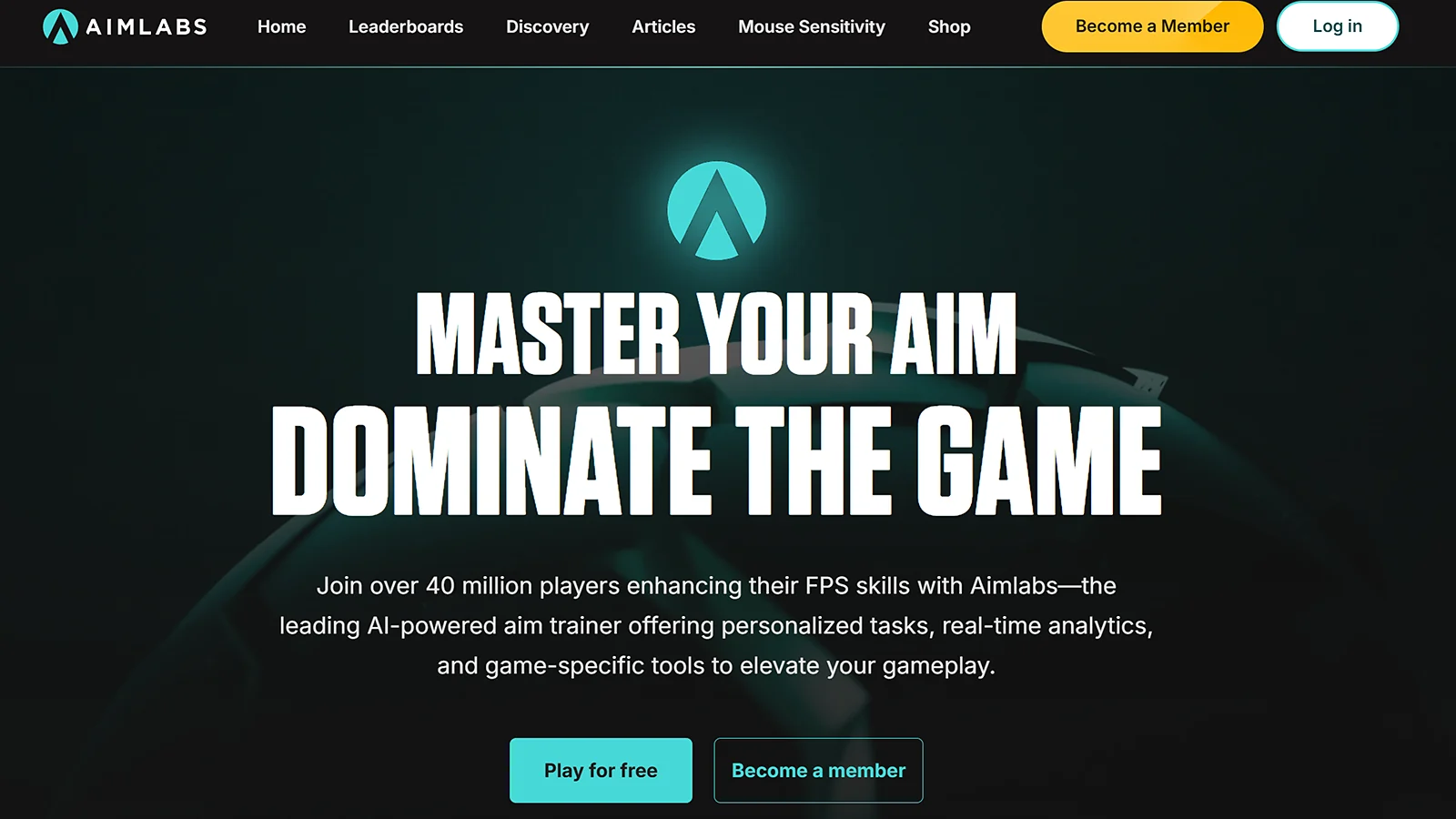
Aim Lab’s AI Aim Trainer is the kind of tool that utilizes machine learning to monitor aim performance across thousands of scenarios. This gives it a unique advantage as it can offer personalized crosshair recommendations, which would help boost CS2 performance. It’s a crosshair optimizer tool that bridges the gap between offline and live-fire training.
Features like realistic aim training, where the AI aim trainer mimics CS2 maps, along with AI coaching feedback, are essential to helping you improve your performance by a significant margin. In addition to that, the crosshair optimizer tool also features crosshair experimentation, which can help you fine-tune the recommendation.
The AI tracks everything, and due to the way it’s designed, it learns. Over time, this translates into some of the most personalized recommendations. These are essential, and while it’s not something that will yield instant results, it’s an option that will provide you with the most specific recommendations. After perfecting your shot, learn how to turn gaming clips into shorts and make amazing video content.
6. Kovaak’s Sensitivity Analyzer
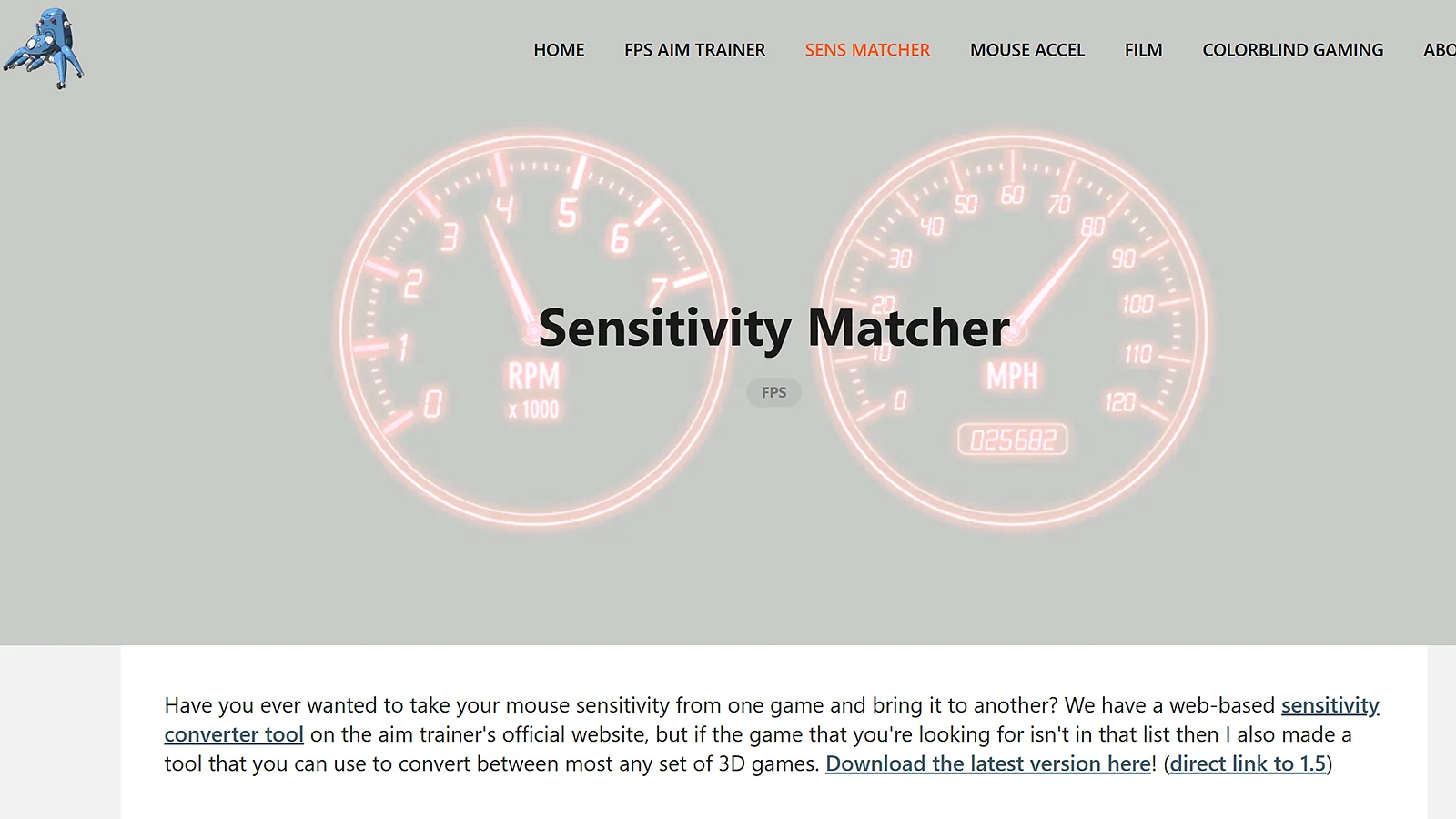
While the crosshair is essential, one thing that you might be missing is the mouse sensitivity, which is where Kovaak’s Sensitivity Analyzer can help. The crosshair optimizer tool combines sensitivity and CS2 pro crosshair settings to help you improve performance across the board. It measures flick consistency and tracking smoothness to give you the necessary recommendations.
The most essential features this analyzer has to offer cover sensitivity matching across multiple FPS titles, crosshair placement, and benchmarking against the pros. All of these work in unison to ensure the crosshair optimizer tool analyzes your overall activity and give you the necessary recommendations to improve performance.
Sensitivity mismatches are a thing in the FPS world, which is what this tool helps eliminate. For example, switching from Valorant to CS2 means you’ll need to tweak some settings, and this is the best option to do so. Even if it’s some micro-adjustment, this is the crosshair optimizer tool to do it.
7. Crosshair Style Generator
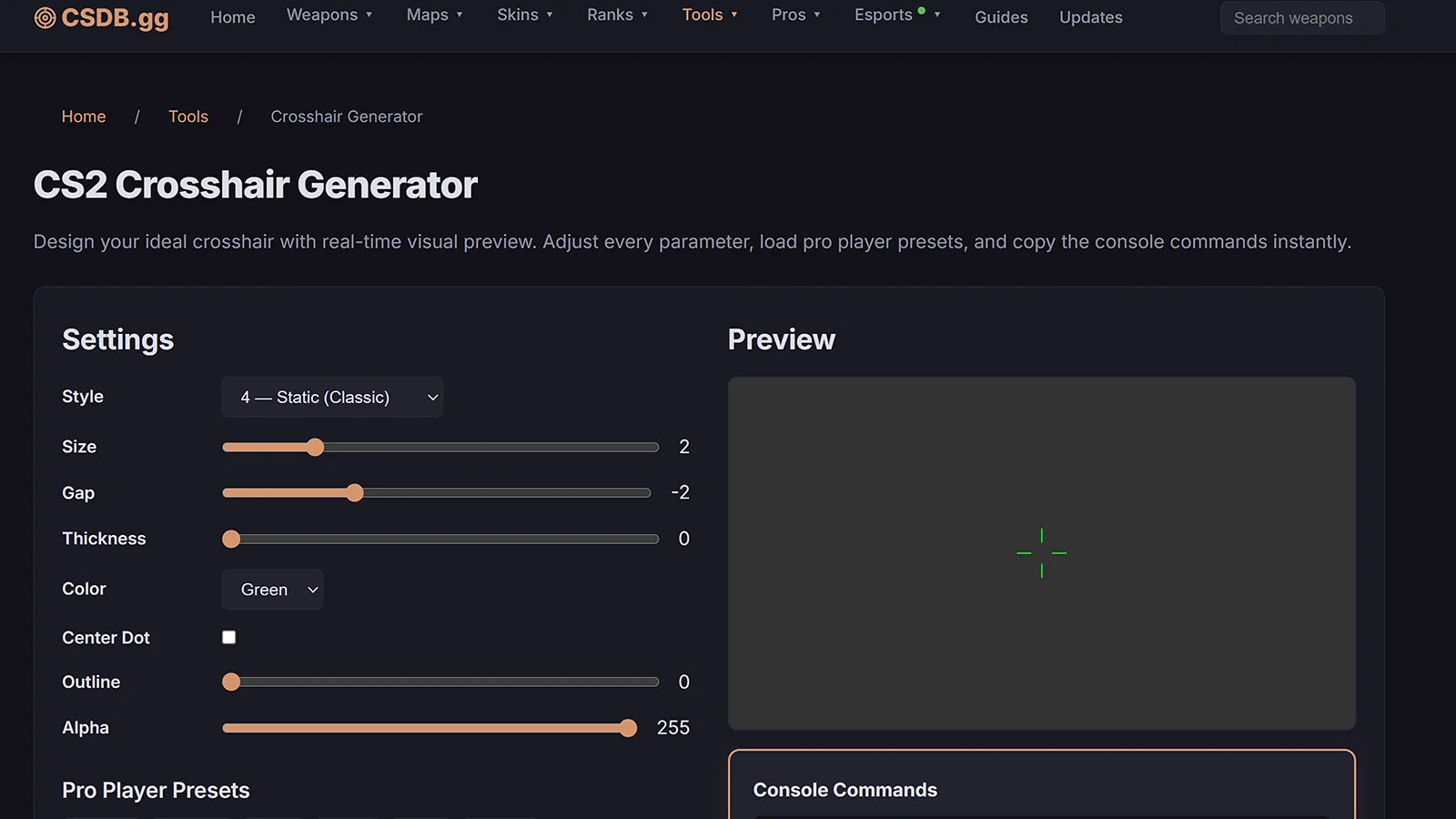
If you’re the kind of person who wants access to a crosshair optimizer tool that offers endless randomization options, then Crosshair Style Generator is the one you should consider. This CS2 crosshair generator will help you discover unique setups far beyond the standard templates.
The key features of this crosshair optimizer tool are the engine backed by AI to offer randomization, as well as bulk generation and background simulation across plenty of maps. These are just the tip of the iceberg, but the combination helps you generate as many designs as possible.
People love this crosshair optimizer tool because it’s more than just a random CS2 crosshair generator. Ask for a minimal green design, and you’ll have countless different options depending on what works well for you. This option is perfect if you’re after something unique that not only looks good, but also helps you improve your performance.
8. CSGOHUB Crosshair Workshop
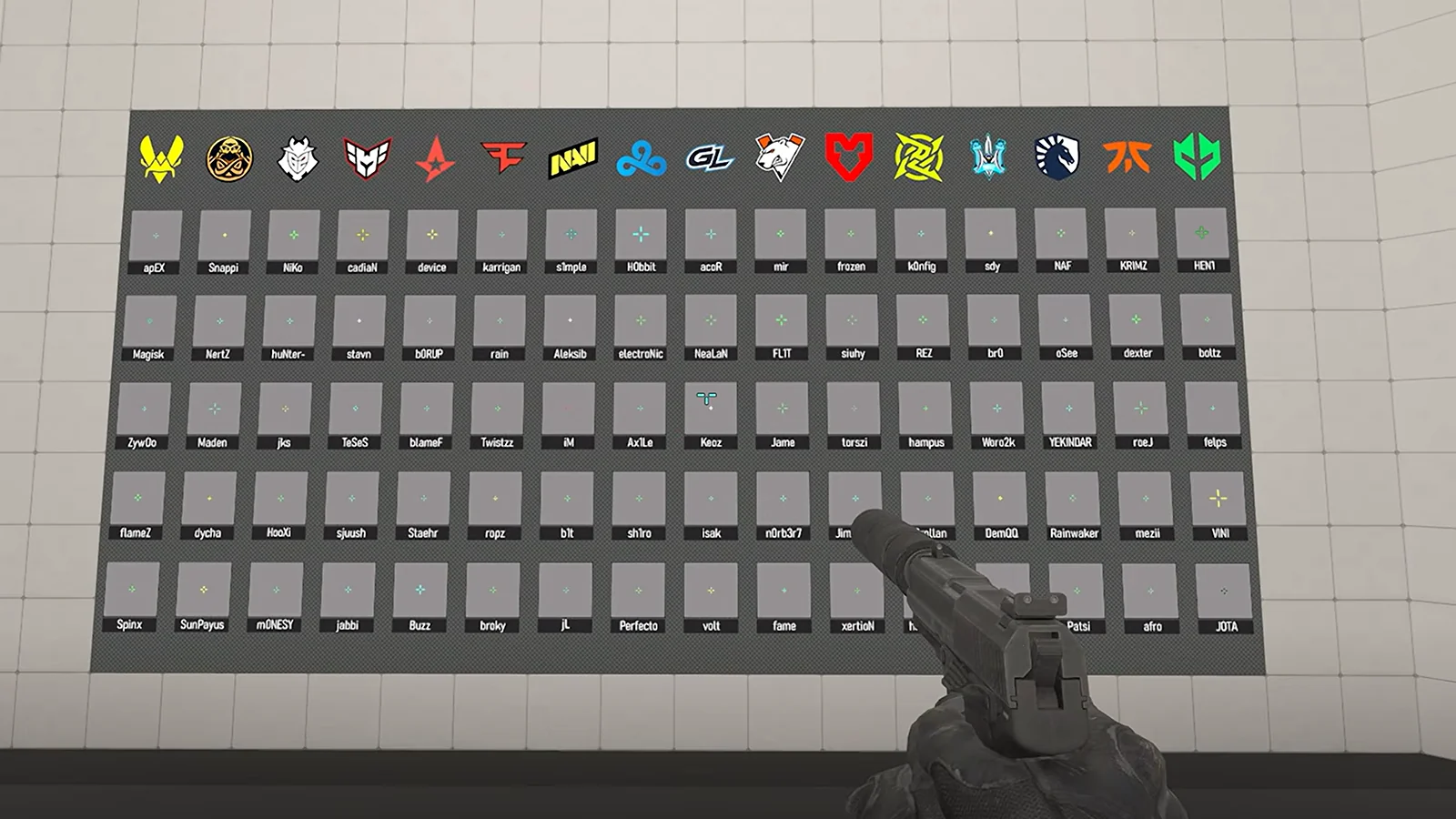
CSGOHUB is the kind of platform that offers workshop-like features where players can craft, share, rate, and download other players’ crosshairs. The best part is that you get the performance stats for each one. You can browse thousands of setups, and you can filter by popularity or win rate, depending on what you’re after.
Being a community-driven crosshair optimizer tool is the most essential feature, but this is not just a social media platform where members post their crosshairs. It also offers you the option to review the performance numbers, and the best part is that it takes one click to import it and get access to the previews you’ll want to see.
This is a very popular crosshair optimizer tool for those who want to grab all the data from the elite players and get an idea of how and why they’re getting those results. It’s another one of those tools that takes the guess out of guesswork, as long as you invest enough time to pick the one that matches your needs.
9. Refrag Aim Trainer
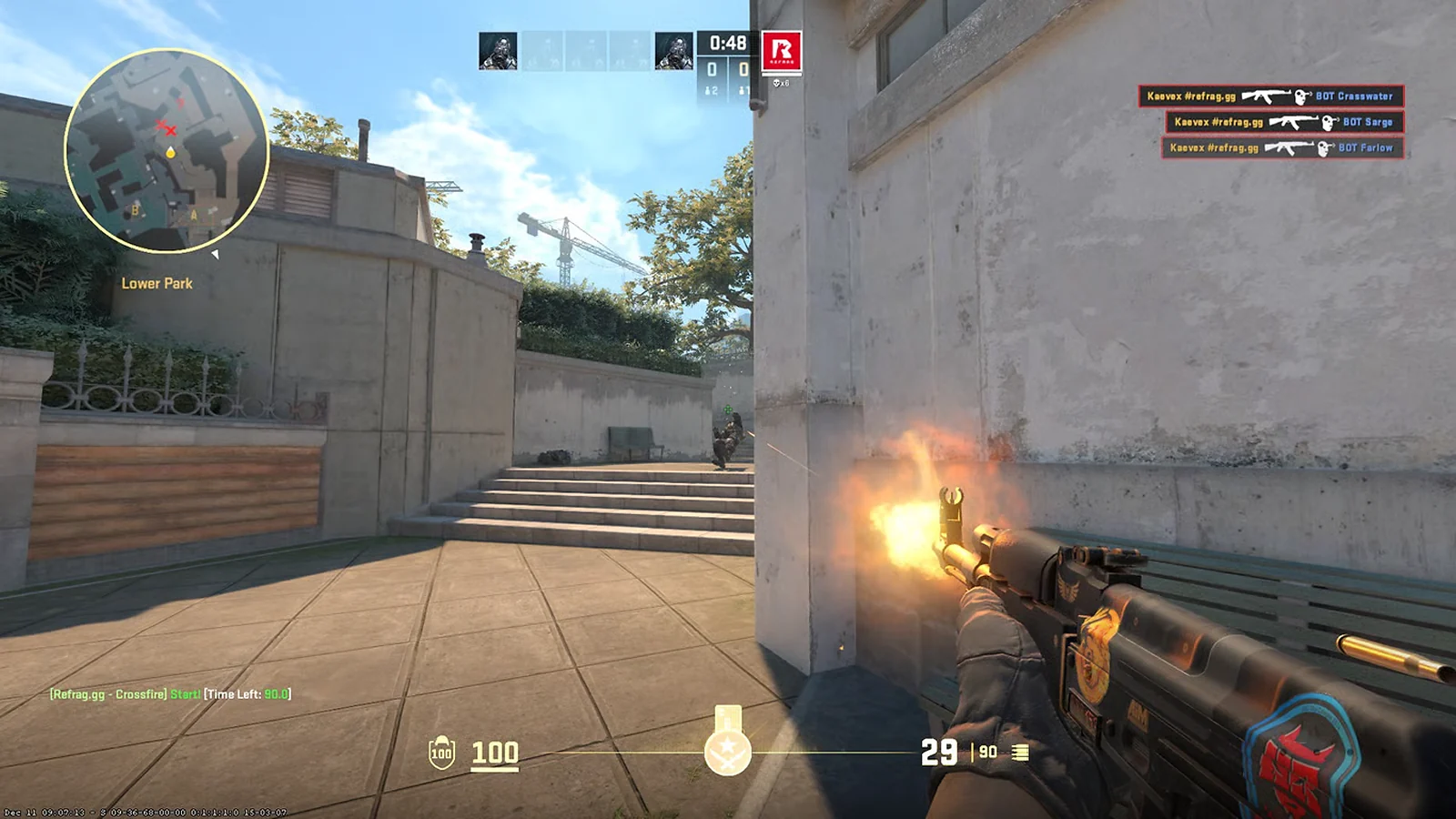
If you’re the kind of player looking for one of those two-in-one options, the Refrag Aim Trainer is the one that combines aim routines with crosshair testing. To ensure you’re getting realistic training, the crosshair optimizer tool mimics exact AK-47 spray patterns to help you tune it perfectly.
On the features side of things, this AI aim trainer offers scenarios for specific CS2 weapons, crosshair benchmarks with hit registration, as well as leaderboard tracking to outline improvements over time. Like all the other tools on this list, these are designed to help you achieve better results in-game.
Refrag is the kind of crosshair optimizer tool that helps if you’re struggling with first-bullet accuracy. It allows you to run a geometry on a map to test the gap of the crosshair against existing headshot lines. The best part is that you can switch crosshairs without having to alt-tab the game.
10. CS2 Settings Finder
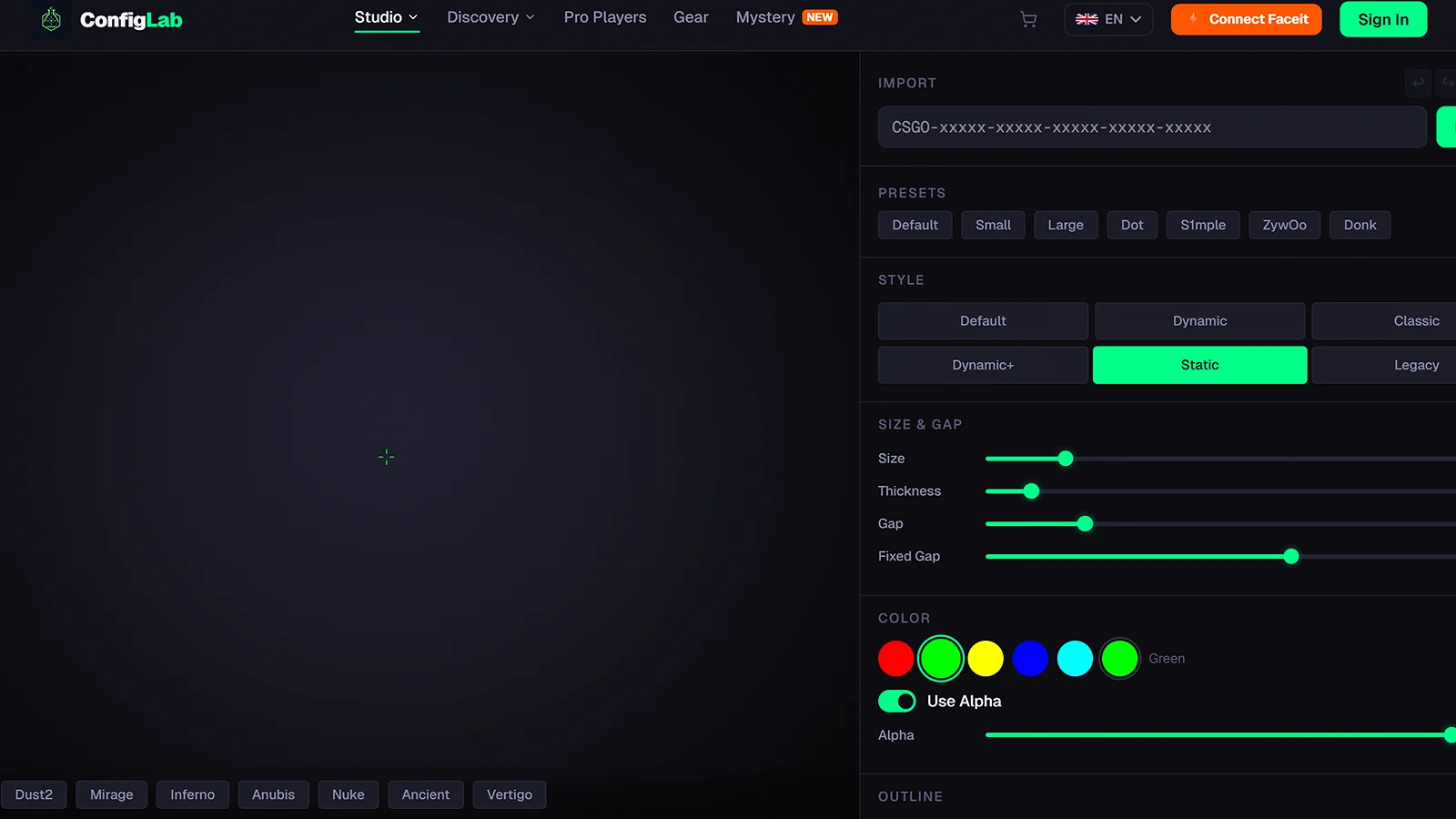
Last but not least, we have the CS2 Settings Finder, a crosshair optimizer tool designed to scan your hardware and playstyle and get the necessary recommendations. This includes config packages, which include CS2 crosshair codes, among other things. The more information the tool gets, the more personalized and precise the recommendation will be.
While other tools rely solely on the software side of things and your current performance, this CS2 pro crosshair settings tool also analyzes the hardware side. This ensures you’re getting role-specific recommendations for the crosshair, and it also features a pro config database with import for CS2 crosshair codes.
Another great thing about this is that it helps prevent common mistakes, such as aspect ratio, meaning it partially relies on the hardware side of things. The best part about this crosshair optimizer tool is that you’re getting the pros and cons of each recommendation so that you can make a well-informed decision.
Top Crosshair Optimizer Tools
All the information can be overwhelming, and I’m going to help out with the following table summarizing the best crosshair optimizer tools. From generators to AI trainers, with their help, you’ll find the best crosshair settings CS2 has ever seen.
| Tool Name | Type | Key Feature | Best for |
|---|---|---|---|
| CS2 Crosshair Generator | Generator | Real-time preview and code export | Quick experimentation |
| Scope.gg AI Aim Analyzer | AI analytics | Aim pattern analysis | Identifying weaknesses |
| Leetify Performance Analyzer | Stats tracker | Crosshair placement data | Match review insights |
| CS2 Pro Crosshair Library | Database | Pro player CS2 crosshair codes | Instant pro setups |
| Aim Lab AI Aim Trainer | Training | Machine learning feedback | Building muscle memory |
| Kovaak’s Sensitivity Analyzer | Sensitivity Analyzer | Sensitivity & crosshair sync | Multi-game sync |
| Crosshair Style Generator | Randomizer | Bulk style generation | Creative discovery |
| CSGOHub Crosshair Workshop | Community | MMR-filtered gallery | Community-tested configs |
| Refrag Aim Trainer | CS2-specific | Weapon-accurate drills | Spray pattern testing |
| CS2 Settings Finder | Config | Hardware-optimized packages | Full setup optimization |
A crosshair optimizer tool helps improve accuracy and consistency with the help of its recommendations and setups. The recommendations you’re getting will ensure that the more you use them, the better your performance will be.
AI-backed options analyze aim behavior, which is crucial for the tools to provide you with tailored recommendations. The best part is that they adapt to your style, meaning your gaming habits won’t change as much.
Combining a crosshair optimizer tool with AI training software is the ideal approach because you’re not only getting crosshair tweaks to your style, you also get improvement recommendations, which will help you improve your game.
Final Thoughts
The ultimate crosshair optimization can help transform your aim from inconsistent to surgical, something that many players aim to achieve. With tools readily available and proven to be effective, there’s no reason why you shouldn’t consider using one or combine a few to improve performance.
I’ve outlined 10, but here are my 3 picks for those who aren’t sure where to start:
- Best manual tool for quick tweaks → CS2 Crosshair Generator. It’s the tool that can help you tweak your CS2 pro crosshair settings quickly. The fast previews, endless customization, and the option to export make it a very powerful crosshair optimizer tool to have in your arsenal.
- Best tool for AI analysis → Scope.gg AI Aim Analyzer. It offers unmatched demo breakdowns and reveals hidden crosshair flaws that are often overlooked even by the pros.
- Best all-round training platform → Aim Lab AI Aim Trainer. A training platform aimed at covering your performance. The approach isn’t to rush things, meaning it can help you develop lasting reflexes.
Pros are obsessed with crosshair tweaks, so why not start paying attention to yours too? Regardless of whether you’re playing to go big or just to improve your overall performance, the tools I presented today are an excellent start. Find a crosshair generator CS2 will like or combine it with one of the training tools and start improving the numbers.
As a bonus, if you’re the kind of gamer who is a fan of customizing as much as you are looking to improve your aim, you might want to check out some of the cheapest CS2 knife skins. They will offer visual appeal without draining your budget.
FAQs
A crosshair optimizer tool is one that helps players generate, preview, and test CS2 pro crosshair settings quickly. The goal is to help them improve their accuracy by simulating different scenarios and giving you the option to see if a certain setting will work for you.
Pro players in CS2 use simple static crosshairs with minimal distractions. They’re often green or cyan dots with thin outlines and small gaps. The idea behind this is functionality over a fancy design because this improves their precision and target acquisition.
AI can improve your aim in CS2 thanks to tools that can analyze your aim behavior and suggest crosshair adjustments or sensitivity tweaks. Keep in mind that not all AI tools are created equal, so there are some that excel in certain scenarios.
The best crosshair color in CS2 is green or cyan. Both of these offer high contrast against map backgrounds, but there are some maps where one might be a bit better option than the other. It’s important to test the color you plan to use to make sure it’s clearly visible.
You can find pro CS2 crosshair codes in most databases, such as CS2 Pro Crosshair Library or CSGOHUB Workshop. In addition to that, you can also check out apps that track player configs and copy them from there.