Can You Play Roblox on Xbox? Everything You Need to Know

I often hear a common question: can you play Roblox on Xbox? The answer is yes, and it’s easier than you might think. Roblox is more than a game. It’s a platform full of user‑generated worlds where players can build, explore and hang out with friends.
In this guide I’ll explain how to get started on Xbox, highlight the key features and limitations, and share tips from my own experience to help you make the most of Roblox on Microsoft’s console.
Jump to:
Can You Play Roblox on Xbox? A Quick Overview
Yes, you can play Roblox on Xbox One and Xbox Series X/S consoles. Roblox has been available on Xbox since early 2016 and the game is free to download from the Microsoft Store. Once installed, you log in with your existing Roblox credentials (more on setup below) and immediately gain access to thousands of experiences ranging from racing games to social hangouts.
Thanks to cross‑platform support, you can jump into the same servers as friends on Windows, Mac, Android, iOS, PlayStation or even Meta Quest VR headsets. In mid‑2025, Roblox runs on Windows, macOS, iOS, Android, Xbox One, Xbox Series X/S and PlayStation 4/5.If you’re wondering about Nintendo’s platform, there’s still no official Switch version, but our Can You Get Roblox on Nintendo Switch guide explains why and explores some alternatives.
Roblox on Xbox is free‑to‑play. Microsoft removed the Xbox Live Gold requirement for free‑to‑play games in April 2021, so you can play Roblox online without any paid subscription. All you need is a free Microsoft account, an internet connection, and enough storage space for the Roblox app.
Setting Up Roblox on Xbox
Installing Roblox on Xbox is quick. Open the Microsoft Store, search for Roblox, and select Get to download the free app. When you launch it for the first time, you’ll be prompted to sign in. A Quick Login feature displays a code you can enter on your phone or PC, so you don’t need to type long credentials with a controller.
Once logged in, browse curated categories like Featured, Popular and My Experiences and press A to jump into a game. The in‑game menu (opened with the Menu button) lets you adjust audio and sensitivity and shows basic controls.
If children will be playing, review Xbox Family Settings to allow cross‑play and access to user‑generated content. These permissions are essential for Roblox to work properly and can be fine‑tuned to your family’s preferences.
Can You Play Roblox on Xbox with Friends? Cross‑Platform Play and Social Features
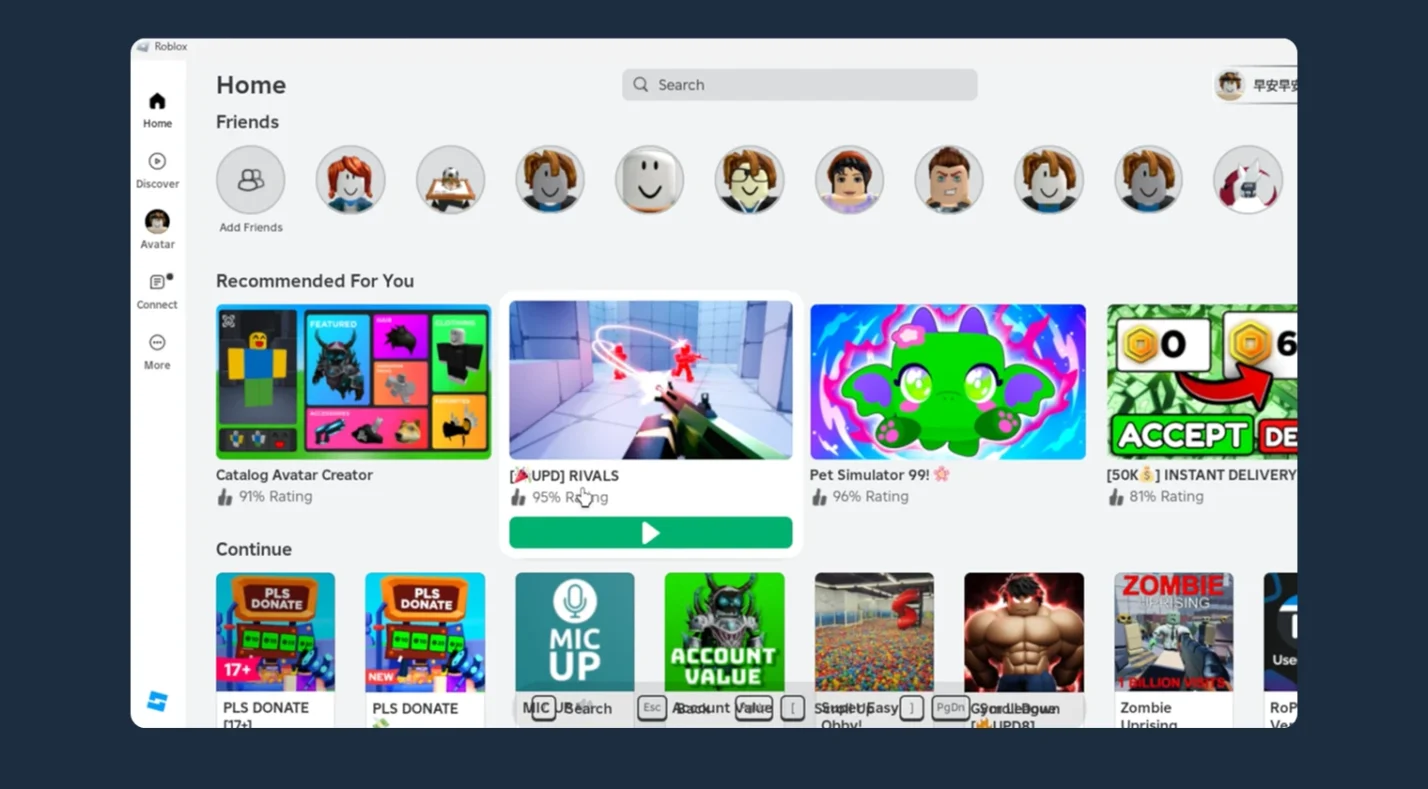
Cross‑play is automatic in Roblox, so you can jump into the same server as friends on PC, Mac, mobile, PlayStation and VR without tweaking settings. To join a friend’s game, both of you should press Play on the same experience page at roughly the same time.
If your friend is already in a game, open their profile and select Join Experience from within the Connections tab. You can see who’s online and form parties via Connections. Text chat is available in most experiences; press Menu and select Chat to type a message.
Voice chat is limited to age‑verified users and only works in certain experiences. Developers who want to publish creations on Xbox must use Roblox Studio on PC or Mac and flag their experience as console‑compatible.
For a deeper look at how Roblox stacks up against other sandbox giants and how cross‑platform features compare, check our Roblox vs. Minecraft comparison. It covers user‑generated content, community, and cross‑play in detail.
Can You Play Roblox on Xbox? Features and Limitations
Most Roblox experiences run on Xbox as long as the developer has flagged them as console‑compatible. I’ve found that popular obbys, survival games and simulators perform well on both Xbox One and Series X/S.
You can customize your avatar directly from the console by selecting items in the Avatar tab. However, some PC features aren’t available: groups, friend management and the full avatar shop must be accessed on a computer or mobile device. Voice chat remains limited to certain experiences and requires age verification. If you’re a creator, you’ll need Roblox Studio on PC or Mac to publish games for Xbox players.
If you play on multiple devices, having a capable tablet can make it easy to hop into Roblox on the go. Our list of the best tablets for Roblox highlights devices with the right specs for smooth performance.
Tips for the Best Roblox Xbox Experience
Here are a few ways to improve your time with Roblox on Xbox:
- Use a wired connection or strong Wi‑Fi. A stable internet connection reduces lag, especially in crowded servers.
- Check your system settings. Cross‑platform play is enabled by default. If you’ve turned it off for other games, re‑enable it to join friends across devices.
- Budget your Robux. Robux can be purchased via the Microsoft Store or through digital gift cards. Gift cards often offer better value and are easy to redeem.
Final Thoughts: Why Roblox on Xbox Is Worth Playing
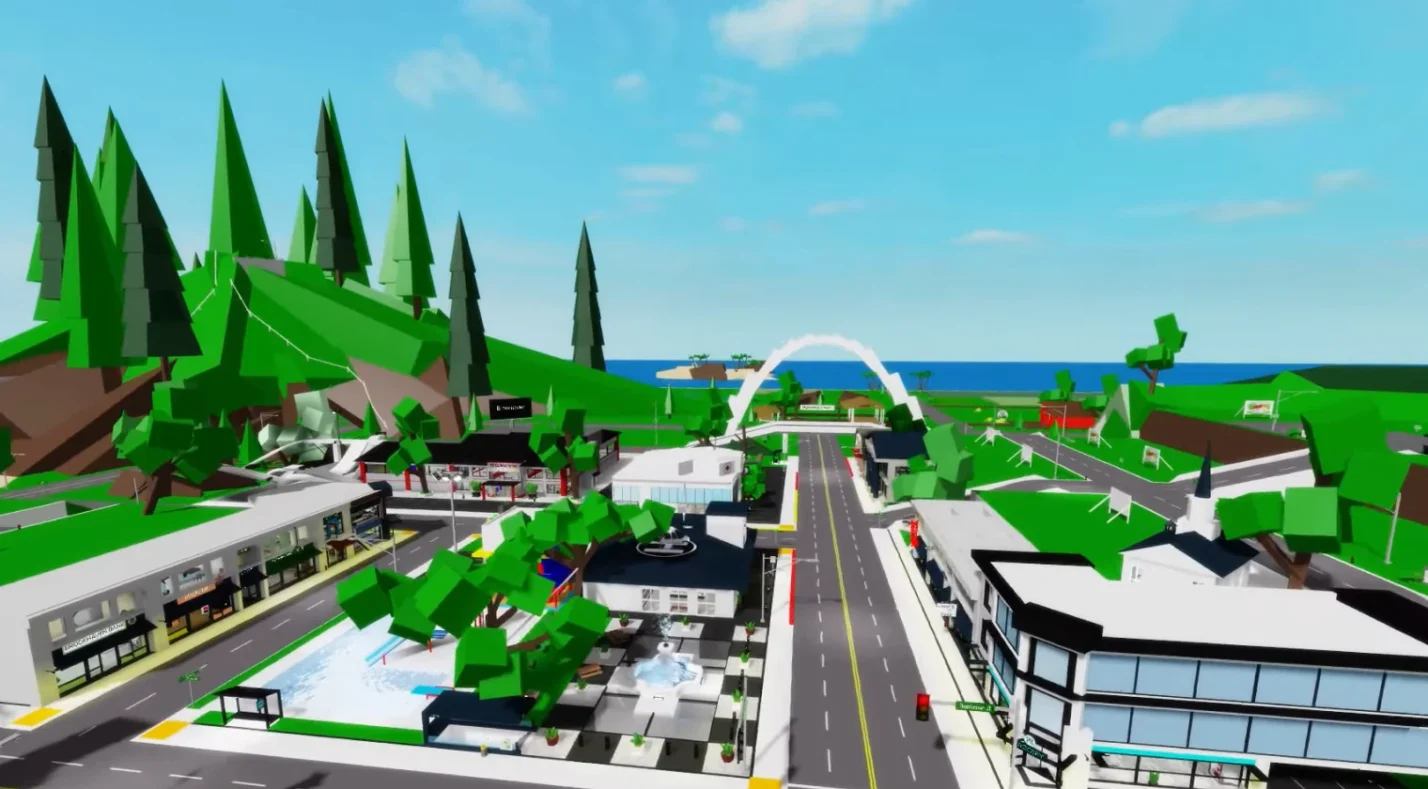
Roblox’s arrival on Xbox opened the door for console gamers to join one of the most creative communities in gaming. Whether you’re racing through obbys, roleplaying in Brookhaven, or crafting your own adventure in Roblox Studio, the Xbox platform makes it easy to jump in with friends across PCs, mobile devices, PlayStation and VR.
The app is free to download and no longer requires an Xbox Live Gold subscription, so there’s little barrier to entry. While some social features are simplified and voice chat is limited, the core gameplay shines on console.
If you’re ready to level up your avatar or give a friend the perfect gift, grab some Robux from our market. A digital gift card lets you add Robux directly to your account and works only with the Xbox version of Roblox. Those extra Robux can help you customize your character or purchase special abilities without pulling out a credit card every time. Check out the offer and start your next session with a new outfit or power‑up. For more options you can always check top sites to buy Robux online.
FAQs
Is Roblox free on Xbox?
Yes, Roblox is free on Xbox. You can download the app from the Microsoft Store at no cost. Since April 2021, online multiplayer in free‑to‑play games like Roblox no longer requires an Xbox Live Gold subscription. Simply create a free account, sign in and start playing.
Do I need Xbox Live Gold to play Roblox?
No, you do not need Xbox Live Gold to play Roblox. Microsoft removed the Xbox Live Gold requirement for free‑to‑play games in 2021. As long as you have an internet connection and a free Microsoft account, you can play Roblox online without paying for a subscription.
How do I download Roblox on Xbox?
To download Roblox on Xbox, open the Microsoft Store on your console, search for Roblox, and select Get to download and install the app. After installation, launch Roblox and use the Quick Login option to sign in with your existing account or create a new one on a computer or mobile device.
How do I play Roblox on Xbox with friends on other platforms?
To play Roblox with friends on PC or mobile, have both players select Play on the same experience page at roughly the same time. You can also join a friend’s game by having the Xbox user enter the experience first and the other player join via the Xbox user’s profile. Cross‑play is enabled by default, so you don’t need to change any settings.
Can I use voice chat on Roblox for Xbox?
Voice chat isn’t fully supported on Roblox for Xbox. You can use filtered text chat within experiences by opening the in‑experience menu and selecting Chat. Party voice chat is limited to age‑verified users and specific experiences. To use full voice chat, you may need to play on another platform that supports the feature.