13 Best Budgeting Apps in 2026: Free vs Paid Picks

Eneba Hub contains affiliate links, which means we may earn a small commission if you make a purchase through them—at no extra cost to you. Learn more


KEY TAKEAWAYS
- Best for planning every dollar: YNAB offers a free trial and costs $109 a year.
- Best for an all-in-one view: Monarch Money tracks spending, goals, and investments for about $99.99 a year.
- Best for bills and subscriptions: The Rocket Money app has a free tier and flags recurring charges.
- Best for couples on a budget: Honeydue is free and lets each partner choose which accounts to share.
- Best for $0 envelope budgeting: Goodbudget has a free plan with manual entry.
The best budgeting apps range from free envelope tools to paid products charging nearly $15 a month. YNAB, Monarch Money, and Rocket Money are the leading choices for most people, but the right app for you depends on whether you want to plan every dollar or just watch your spending. If you wonder what is the best budgeting app for your situation, the top budgeting apps below cover both free and paid options.
This guide compares 13 of the best budgeting apps on price, bank sync, platforms, and the one catch each carries so you can choose one today.
You’ll find a personal money app for beginners, couples, Apple users, and spreadsheet fans, with costs and setup steps. You will also find free budgeting apps that cost nothing to start, so you can test one before paying for anything.
Jump to:
What the Best Budgeting Apps Cost and What You Get
Budgeting apps can be free or cost up to $15 a month. Bank connections, shared access, and bill-management tools are what usually push the price up. Many free budgeting apps rely on manual entry, and paid plans often add automatic bank sync.
Start with the work you want the software to do for you. The best budgeting apps sell different services: some help you decide where money should go, while others show where it already went. A personal money app that imports purchases can save typing, but it won’t decide which expense matters most to your household.
These categories give you a useful starting point:
- Free: Honeydue, Goodbudget‘s free plan, EveryDollar‘s free version, Actual Budget, and the Empower dashboard. Expect manual work, lighter planning tools, or technical setup, depending on the app.
- Freemium: The Rocket Money app and PocketGuard separate basic tracking from paid conveniences. Check the feature you need before assuming the free tier covers it.
- Paid: YNAB costs $109 annually, and Monarch Money costs about $99.99 annually. Copilot, Simplifi, Tiller, and Lunch Money also charge for their main service.
The best budgeting apps help you make decisions on what can you spend before your next paycheck. Increase your spending money by using a rewards app to earn extra cash.
Earn extra money with Snakzy and put it toward the budget you are about to build.

13 Best Budgeting Apps to Take Control of Your Money
Your shortlist of the best budgeting apps should start with a planning method, followed by a comparison of automation, shared access, and cost.
1. YNAB [Best for Zero-Based Budgeting]
|
Best for |
People who want to plan every dollar before spending it |
|---|---|
|
Startup cost |
Free trial, then $14.99 a month, or $109 a year |
|
Bank sync |
Yes, automatic import or manual entry |
|
Platforms |
iOS, Android, web |
|
Main catch |
No permanent free plan and a learning curve |
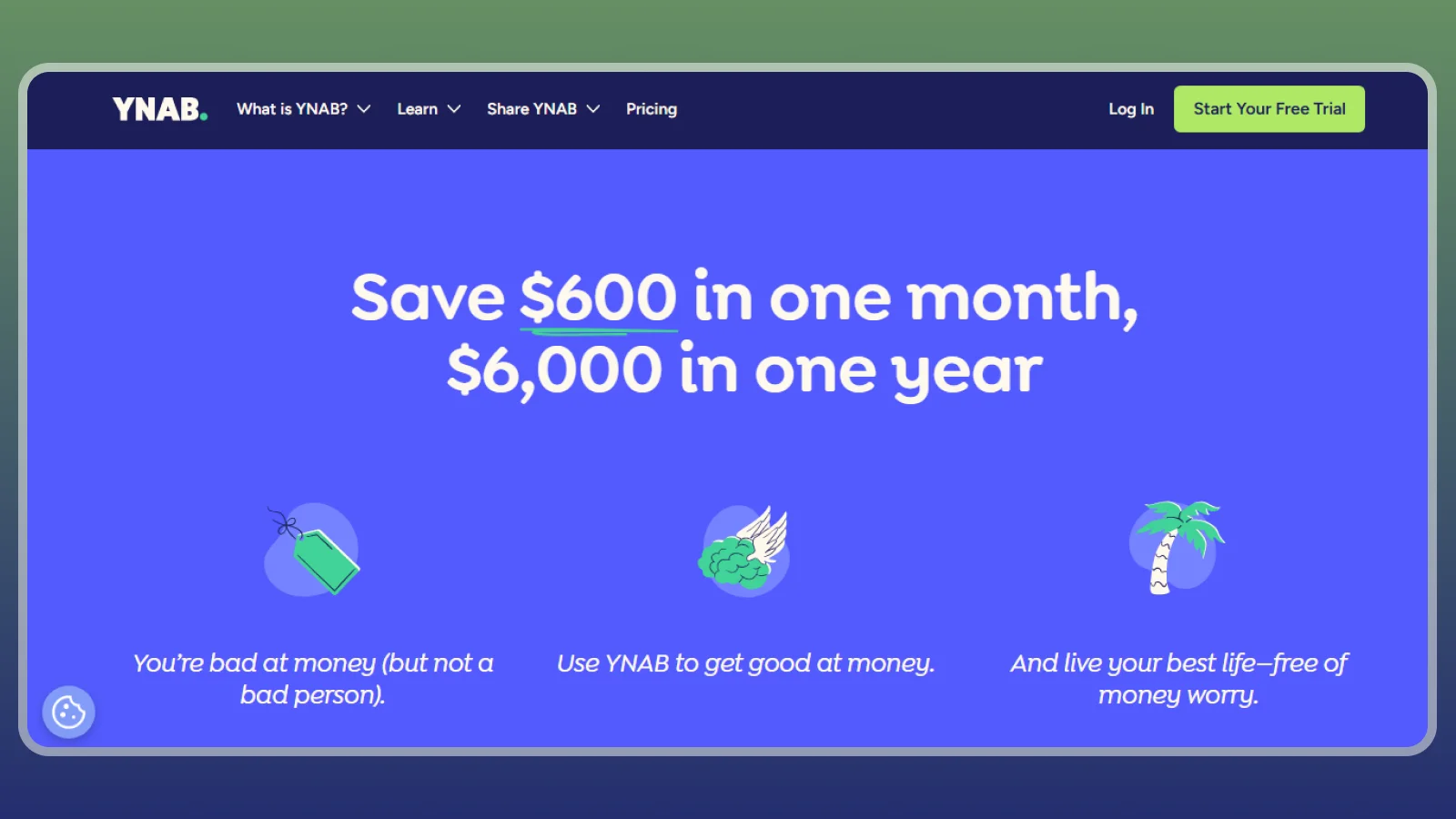
YNAB, or the You Need a Budget app, is worth about $9 a month on annual billing if you’ll assign every dollar. It asks you to make spending decisions before purchases happen, which is why it leads the best budgeting apps for active planners. The budgeting app free trial lets you test that method with real bills before you pay.
Its annual plan costs $109, and a free trial is available. Payment is entered at the end of the trial. The method asks you to assign every dollar a purpose and plan for irregular expenses. Adjust allocations when priorities change, and build a cash buffer. In practice, you divide cash already available among bills, everyday spending, and future costs. If you want the best app for budgeting every dollar, YNAB is the first place to look.
Monarch Money, EveryDollar, and Goodbudget offer alternatives with different levels of automation and structure. Compared with the Rocket Money app, YNAB puts less emphasis on identifying subscriptions and more on deciding what each dollar must cover. Readers asking what is the best budgeting app for zero-based planning will find YNAB at the top of this list.
A money app transfer between tracked accounts is recorded without treating the same cash as
2. Monarch Money [Best for an All-in-One View]
|
Best for |
Households wanting budgets, goals, and investments in one place |
|---|---|
|
Startup cost |
Paid plan, about $14.99 a month or $99.99 a year |
|
Bank sync |
Yes, automatic |
|
Platforms |
iOS, Android, web |
|
Main catch |
No free plan |
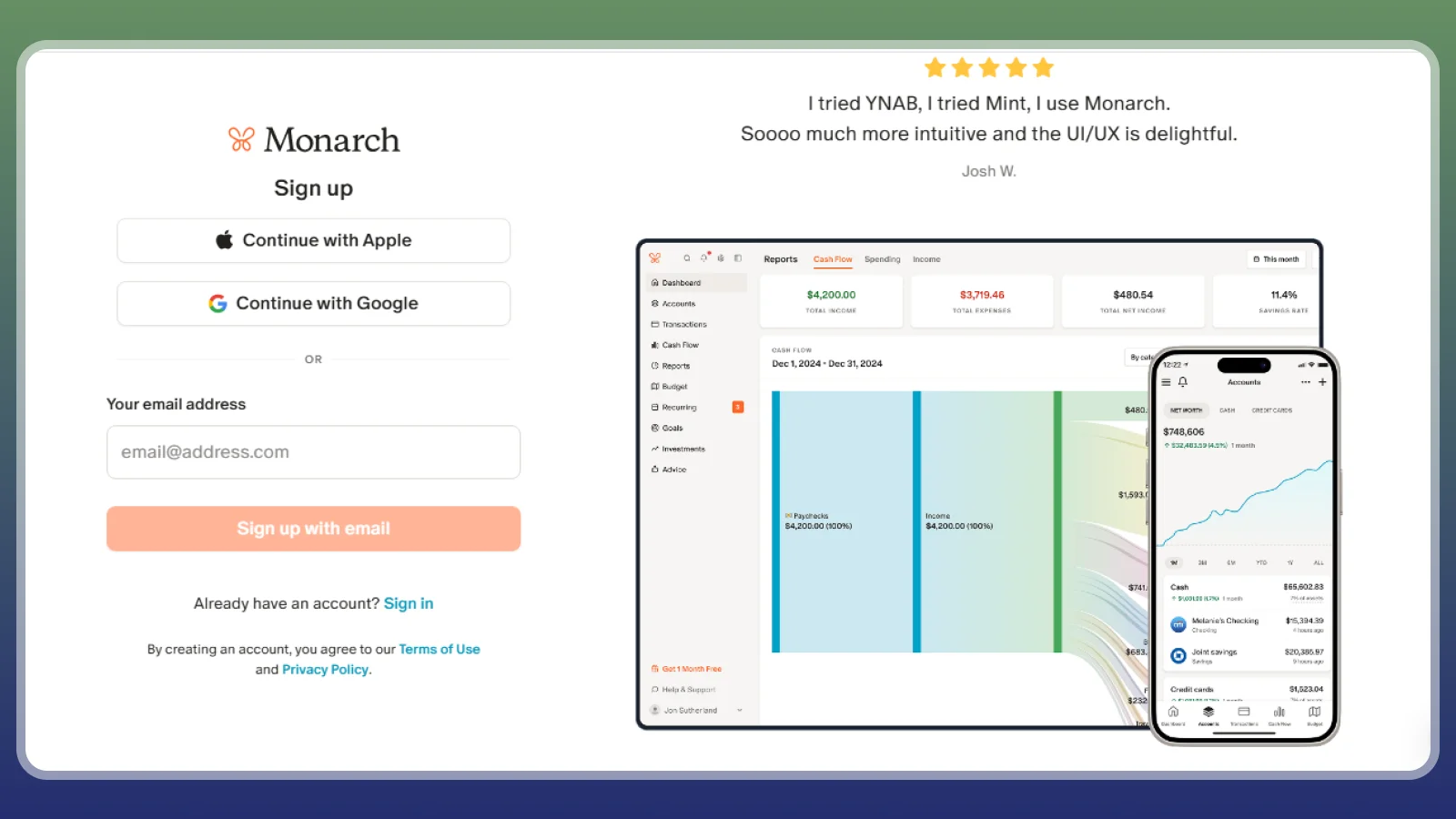
Monarch Money is the closest all-in-one replacement here for Mint‘s account overview, at about $99.99 a year. Its combination of budgets, goals, net worth, and investment tracking places it among the best budgeting apps for an all-in-one household view. You can connect everyday spending to the household’s wider financial picture. It ranks among the top budgeting apps for households that want budgets, goals, and investments in one view.
Empower and Copilot are useful rivals, but Monarch Money is particularly appealing when a partner needs the same household view. A personal money app with this much information suits people who currently switch between bank balances, credit cards, and a separate investment dashboard. Compared with YNAB, Monarch Money is more automatic and less focused on assigning each available dollar.
You still need to set category limits and establish when you’re going to take a look at the data and review. Compared with the Rocket Money app, it gives broader attention to goals and household reporting. Keep in mind that that categorization automatically sorts your spending into categories, and if it sorts a merchant wrong, it could distort your tracking.
By week one, you’ll already have linked accounts, checked balances, and a short list of categories worth monitoring.
3. Rocket Money [Best for Bills and Subscriptions]
|
Best for |
People who lose money to forgotten subscriptions and high bills |
|---|---|
|
Startup cost |
Free tier; Premium at pay-what-you-want |
|
Bank sync |
Yes, automatic |
|
Platforms |
iOS, Android, web |
|
Main catch |
Cancellation help and added budgeting tools need Premium; bill negotiation carries a separate savings-based fee |
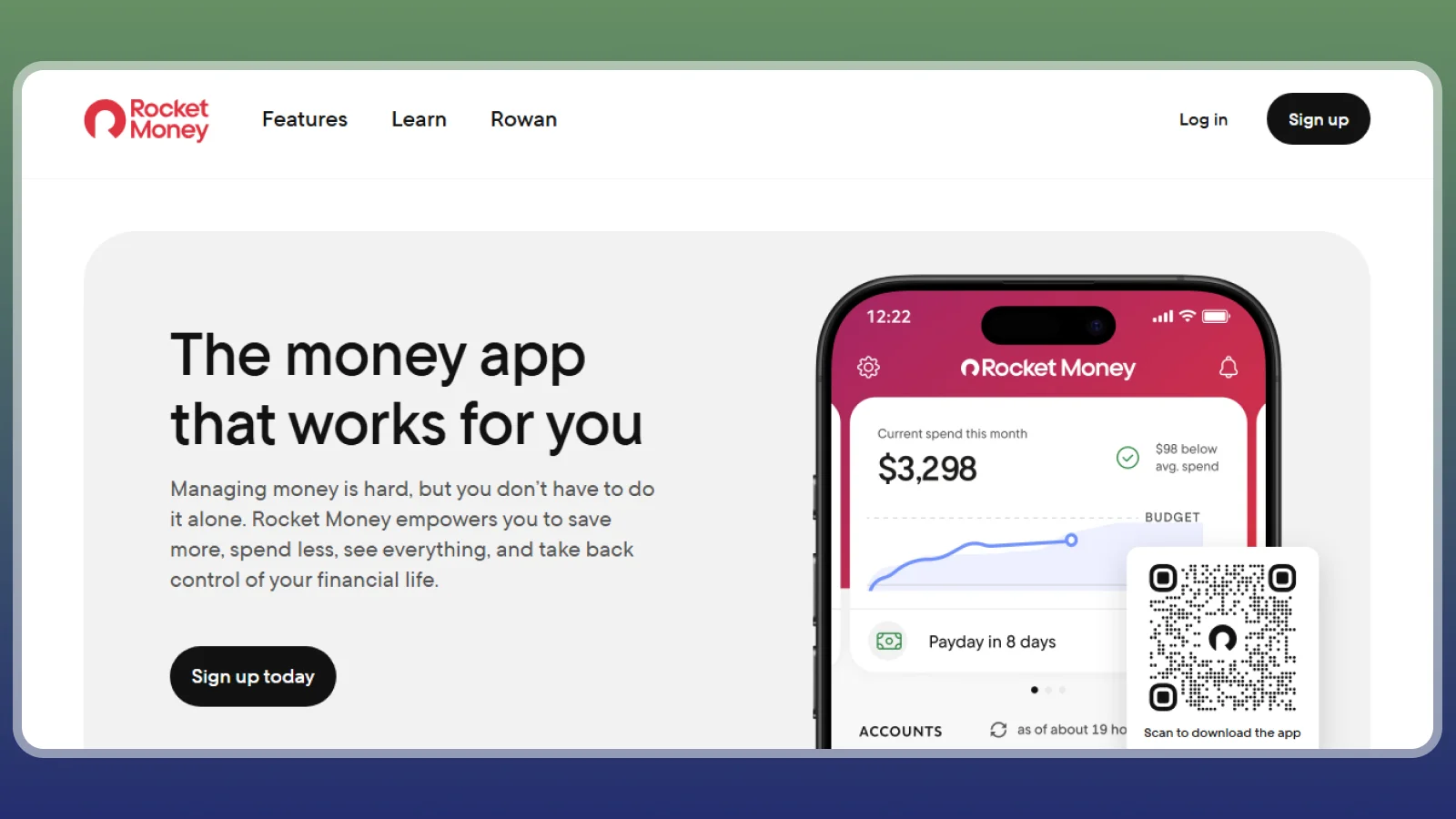
The Rocket Money app finds your recurring charges for free, keeping you from wasting money. The app’s practical appeal is a consolidated subscription list: small charges become easier to question when you see them added together. Among the best budgeting apps, it’s a strong starting point when you know money is leaking but haven’t identified the merchants. If you are asking what is the best budgeting app for finding forgotten subscriptions, the Rocket Money app is a sensible first download.
The free tier connects accounts, identifies subscriptions, and offers basic budgeting. Premium adds cancellation assistance and expanded budgeting features. Bill negotiation carries a fee based on a percentage of savings, so review that service’s terms separately. The Rocket Money app can potentially free up money going to subscriptions, or help you decide to use that amount differently. Free budgeting apps that list your subscriptions let you review recurring charges before you spend a dollar.
PocketGuard and Simplifi are alternatives for assessing the amount of money left after bills. Don’t buy Premium before examining the free subscription list. You may be able to cancel the unwanted service yourself, with no ongoing assistance fee. Within a week, you should be able to see your recurring-charge list and the cancellations worth attempting. The Rocket Money app is one of the budgeting apps free to download, with Premium as an optional upgrade.
By day 30, some canceled renewals may have disappeared from your statement; annual services may take longer to show an avoided charge.
4. PocketGuard [Best for Simple Spending Limits]
|
Best for |
People who want one number for what’s safe to spend |
|---|---|
|
Startup cost |
Free plan; paid Plus plan adds features |
|
Bank sync |
Yes, automatic |
|
Platforms |
iOS, Android, web |
|
Main catch |
Free plan limits categories and accounts |
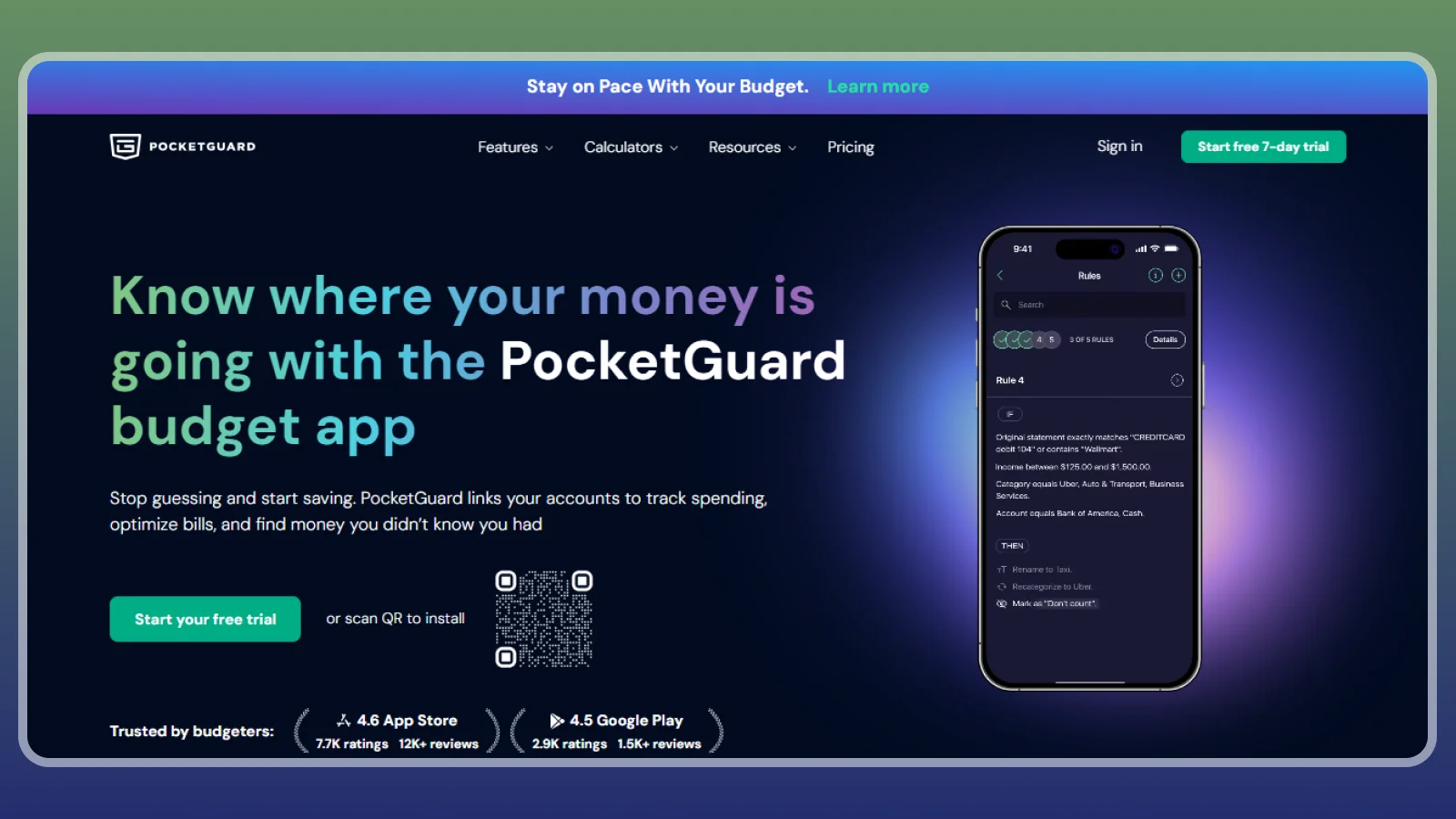
If you want one daily spending number, PocketGuard‘s “In My Pocket” figure subtracts bills, goals, and spending from income. That gives you a quick number to make decisions with, but the free plan’s account and category limits can restrict how much of your finances it covers. The free plan makes it a budgeting app free to try before you decide on Plus.
Goodbudget and EveryDollar ask for more manual input from your end, while PocketGuard does more of the math for you. Among the best budgeting apps, PocketGuard makes sense when a concise limit will change your behavior more than a detailed category report. PocketGuard is also one of the budgeting apps free to start, with a paid Plus plan for added features.
Your important setup task is checking what the calculation includes. A forgotten insurance payment can make the available amount look too generous. Skip this option if you want to build a detailed allocation across many categories. Keep an eye on your tracking to correct bill detection and remove misleading categories. By day 30, compare the estimate with what actually remained before payday. If you spend from one main account, it can be the best app for budgeting around a daily limit.
If the number repeatedly feels wrong, fix its inputs before changing apps. The best budget apps simplify a reliable plan; they can’t make incomplete account data reliable by displaying it neatly.
5. Goodbudget [Best for Free Envelope Budgeting]
|
Best for |
Households that want a free envelope system |
|---|---|
|
Startup cost |
Free plan; paid Plus plan lifts limits |
|
Bank sync |
Manual entry on the free plan |
|
Platforms |
iOS, Android, web |
|
Main catch |
Free plan limits envelopes and accounts |
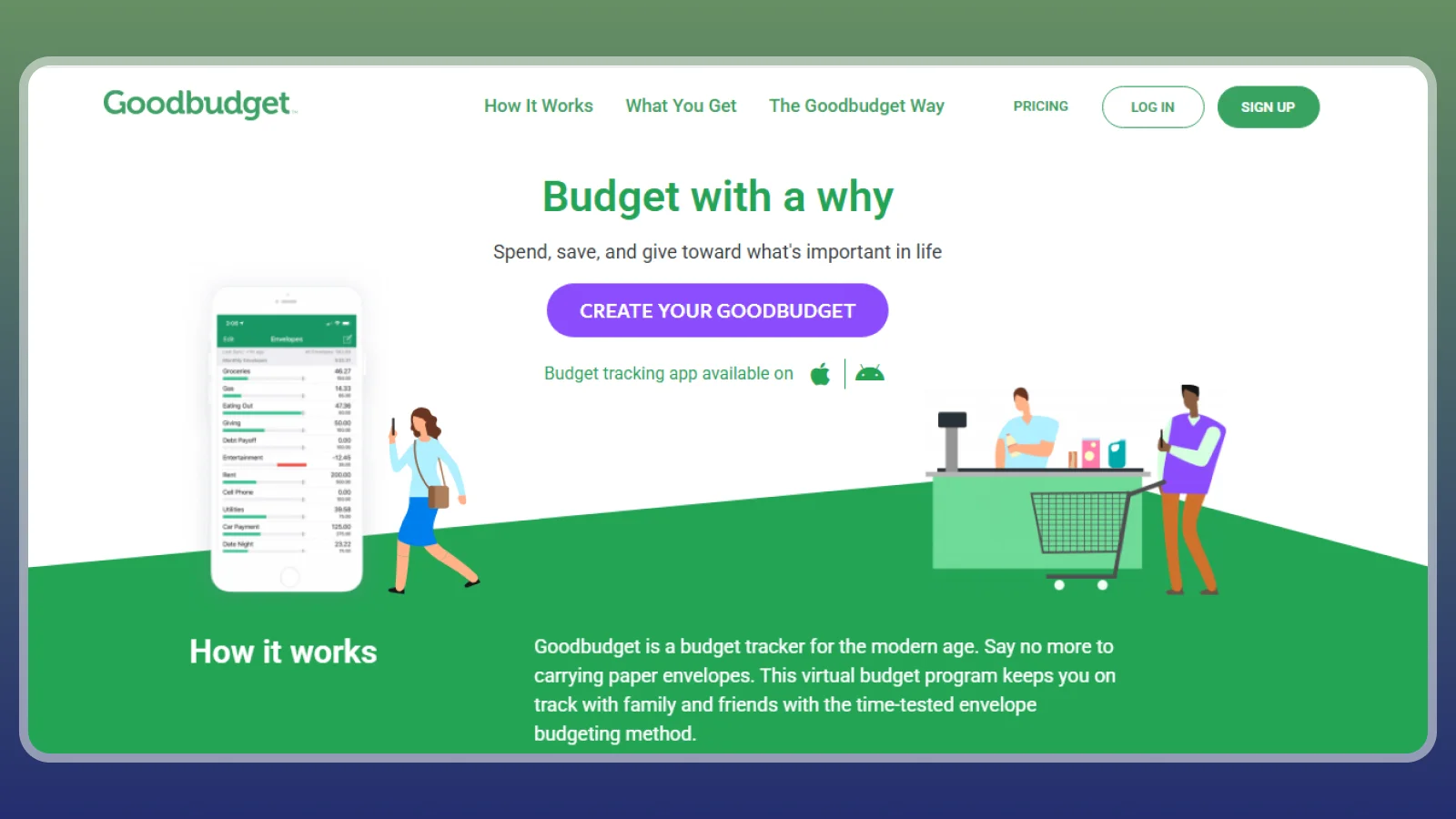
Goodbudget has a free plan that lets you fill digital envelopes by hand. It’s one of the best free budgeting apps if recording each purchase helps you notice spending before it gets out of control. If you like the envelope method, it is the best free budgeting app to try first.
The envelope method divides available cash into categories, just as physical envelopes separate grocery money from rent. When an envelope empties, you stop spending from it or deliberately move an allocation from somewhere else. You can put proceeds from apps with no upfront investment into a savings envelope once the payment arrives. Free budgeting apps like Goodbudget work best when you set a regular time to log purchases.
A partner can sync the same envelopes, which helps you avoid planning the same household cash twice. This personal money app needs both people to log purchases promptly. The catch is that manual entry tends to slip when it isn’t tied to an existing habit. Check purchases after dinner or before your weekly shopping trip. Skip the free plan if automatic imports are nonnegotiable. Week one establishes balances and envelopes; by day 30, you should recognize which categories empty early.
Among the best budgeting apps, this is a good choice when visible limits matter more than automated reporting. Goodbudget is one of the budgeting apps free to use on iOS, Android, and the web.
6. EveryDollar [Best for Beginners]
|
Best for |
First-time budgeters who want a simple zero-based plan |
|---|---|
|
Startup cost |
Free version; paid Premium adds bank connections |
|
Bank sync |
Premium only; free is manual |
|
Platforms |
iOS, Android, web |
|
Main catch |
Automatic transactions need the paid plan |
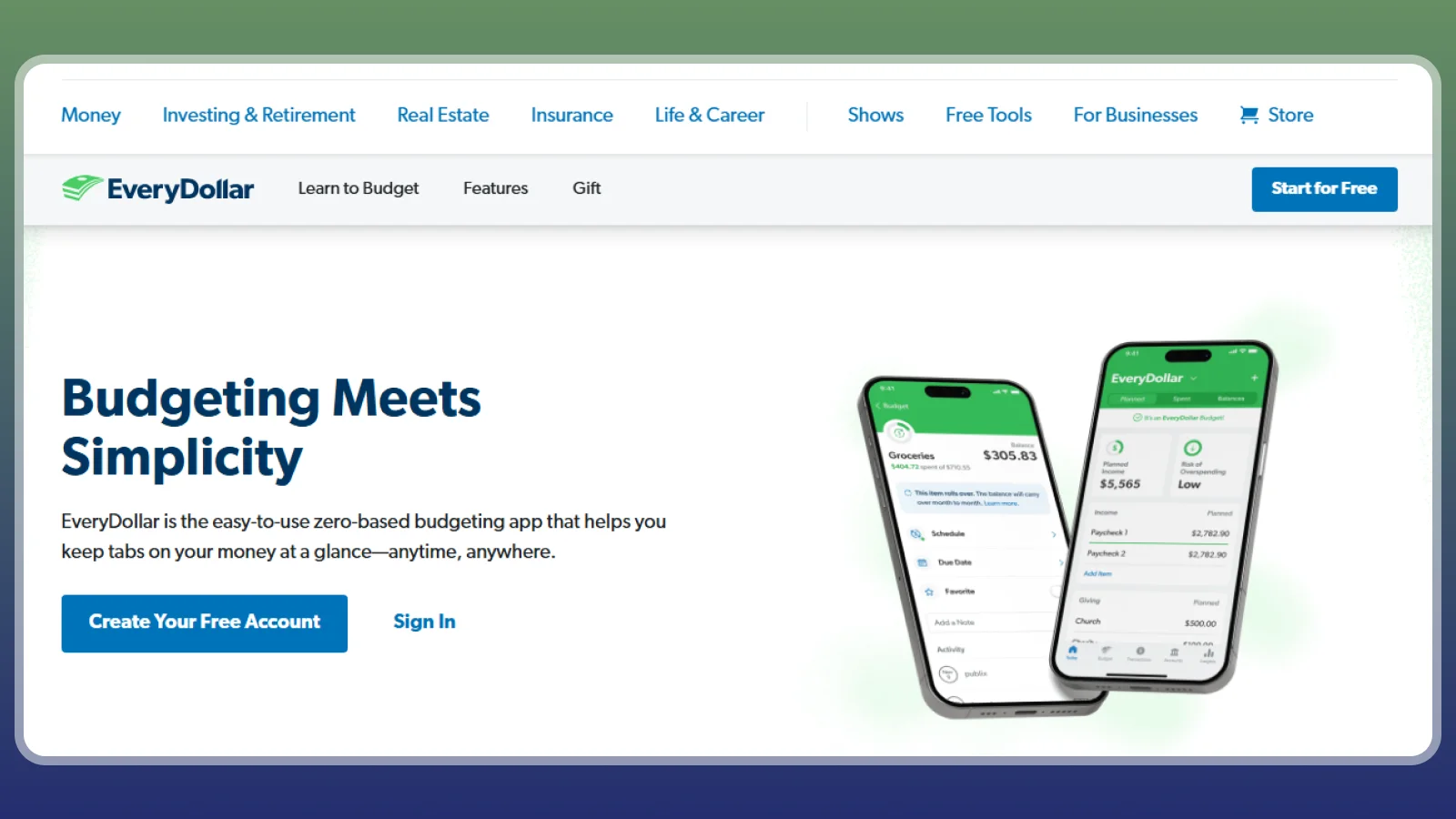
The free EveryDollar version gives you a free monthly plan if you enter purchases yourself. Bank linking requires Premium, so its strongest free use is learning to give all expected monthly income a purpose. It joins the budgeting apps free to start, which suits a first plan built by hand.
It works using the zero-based budgeting system, which means that every dollar of your income must have an assigned purpose, which means each dollar should be designated as savings, utilities, leisure money, or other purposes. Zero-based means savings and debt payments count as purposes too. That structure suits first-time budgeters and makes EveryDollar the best free budgeting app for a simple monthly plan.
Compared with YNAB, the planning screen is simpler but gives you less of that app’s flexible allocation workflow. Compared with Honeydue, this app centers a monthly plan more than a couple’s shared account conversation. Among the best free budgeting apps, this approach helps you plan next month’s income in more detail.
Skipping manual logging leaves the plan looking better than reality. The best budgeting apps should make your planning and decision-making easier. Most free budgeting apps stop at manual tracking, so check the bank-link limit before you start.
7. Honeydue [Best for Couples]
|
Best for |
Couples who split bills but keep some accounts private |
|---|---|
|
Startup cost |
Free |
|
Bank sync |
Yes, automatic |
|
Platforms |
iOS, Android |
|
Main catch |
Lighter budgeting tools than paid apps |
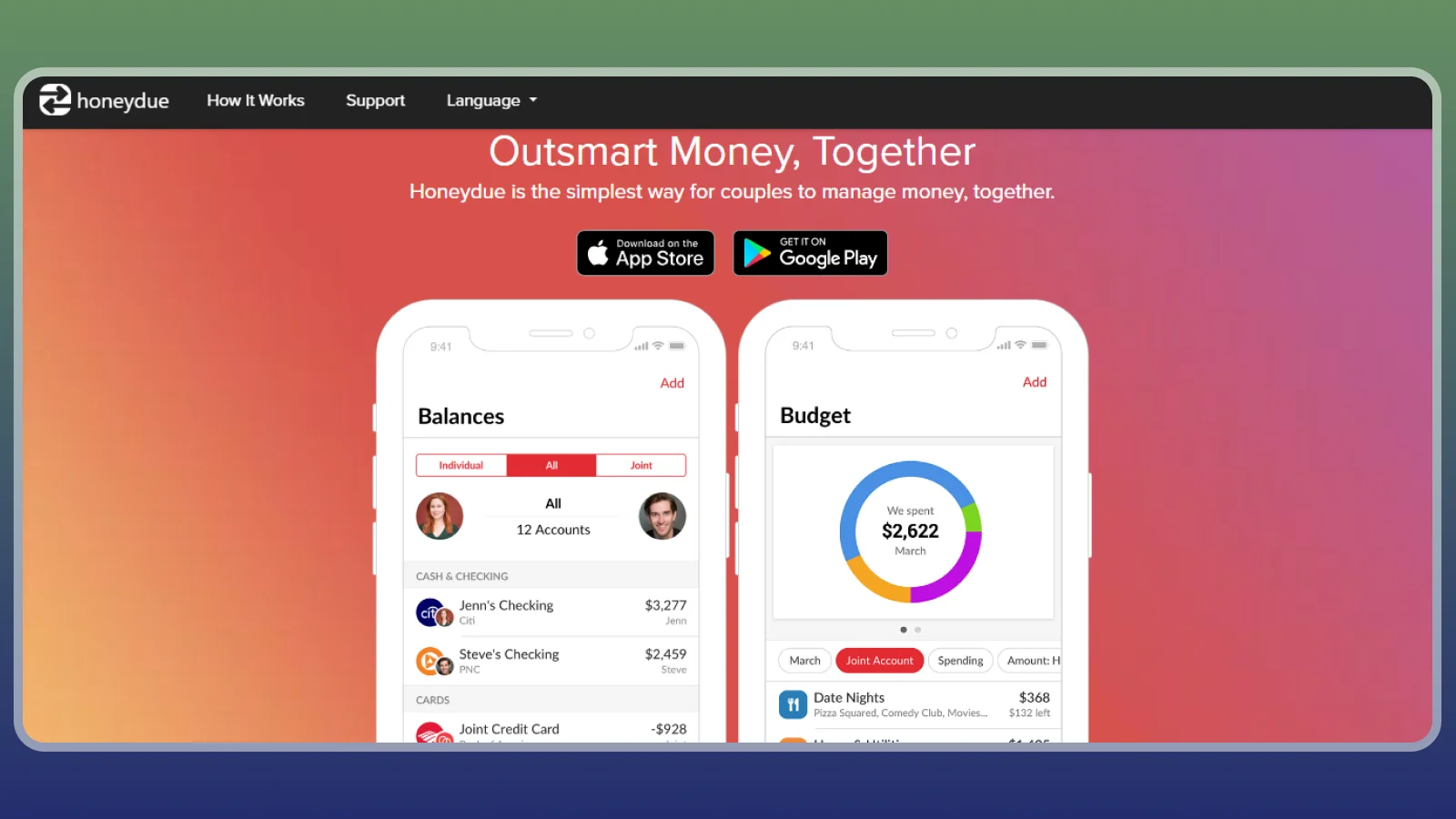
Honeydue is free and built for two people, which makes it one of the best budgeting apps for couples. Each partner chooses which accounts to share and which remain private, so visibility doesn’t require combining all your banking. It works as a budgeting app free of charge for both partners.
Bill reminders and transaction-linked chat give you a place to discuss expenses without reconstructing them from texts. Monarch Money offers a broader paid household view, while Goodbudget shares manually maintained envelopes. For partners who want shared visibility, it may be the best free budgeting app on this list.
This personal money app helps coordinate shared bills. Agree who pays, confirm due dates, and share payment updates. A recorded money app transfer doesn’t replace the actual payment between partners. Agree on your bill split before recording a money app transfer between partners. If one person uses ways to make money at home, decide if that variable income supports shared bills or a separate goal. If you are asking what is the best budgeting app for two people, the answer starts with how you split bills.
Sharing every account without a conversation can create friction that no notification fixes. Skip it if you need a web app or are budgeting alone. Use week one to set permissions, link accounts, and check due dates. Among the best free budgeting apps, Honeydue helps you have fewer misunderstandings.
8. Empower [Best for Net Worth Tracking]
|
Best for |
People who care more about net worth and investments than daily budgets |
|---|---|
|
Startup cost |
Free dashboard tools |
|
Bank sync |
Yes, automatic |
|
Platforms |
iOS, Android, web |
|
Main catch |
Budgeting is basic and advisors may contact you |
Empower tracks net worth and retirement progress through free dashboard tools. Budgeting is a lighter feature, so choose it when you care more about long-term account visibility than detailed everyday spending limits. Monarch Money and Copilot are more budget-focused alternatives.
The free tools include a net worth view, retirement planner, and investment fee analysis. Paid wealth management is a separate service. For a useful starting view, check that each liability appears alongside your assets. If your budgeting app doesn’t factor in debt and liabilities, it can make your finances seem rosier than they actually are. Empower is one of the budgeting apps free of monthly fees, though advisors may contact you.
Skip this dashboard as your main budget if you need detailed category allocations. It’s more likely to establish your account list and a net worth history.
The best budget apps for wealth tracking still need time before their charts tell you much.
9. Copilot [Best for iPhone Users]
|
Best for |
Apple users who value clean design and smart categories |
|---|---|
|
Startup cost |
Paid subscription with a free trial |
|
Bank sync |
Yes, automatic |
|
Platforms |
iOS, iPad, Mac |
|
Main catch |
No Android app |
Copilot fits Apple users who want automatic tracking and categories that learn from their corrections. Monarch Money and Simplifi are alternatives when you need broader platform coverage. For Apple users asking what is the best budgeting app, Copilot is the one built around Apple devices.
A polished personal money app can make a practical difference if you open it often and correct mistakes promptly. Diligently log the transaction and amount to maximize this app. It is also a contender for the best app for budgeting on an iPhone.
Train the categories using merchants that recur in your own spending. The best budgeting apps learn useful patterns, but your spending should ultimately be dictated by your judgment. Avoid creating dozens of tiny categories until you know which distinctions you actually want to track. Over time, recurring merchants will give you a clearer sense of your own habits. Use the budgeting app free trial to test categories on a month of real spending.
Among the best budget apps, Copilot is a design-led choice only when the supported devices and ongoing subscription fit your routine.
10. Simplifi by Quicken [Best for Cash-Flow Forecasting]
|
Best for |
People who want to see what is left after upcoming bills |
|---|---|
|
Startup cost |
Paid subscription |
|
Bank sync |
Yes, automatic |
|
Platforms |
iOS, Android, web |
|
Main catch |
No free plan |
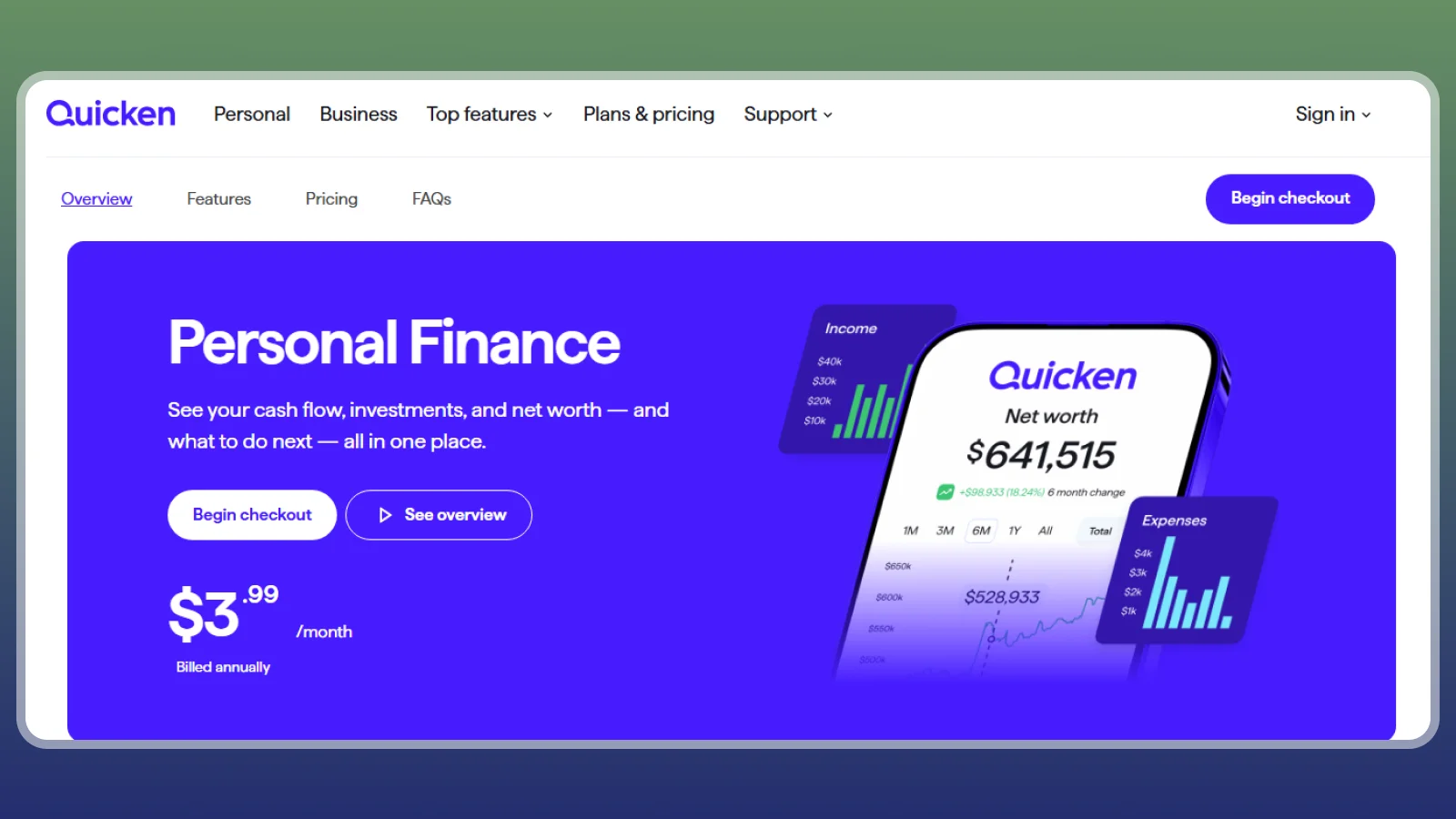
Simplifi shows projected cash left after bills through its spending plan and cash-flow tools. It comes from Quicken and suits you if payment timing causes more trouble than categorizing yesterday’s purchases.
PocketGuard offers a simpler available-to-spend approach. This personal money app puts upcoming commitments into the spending picture, since its watchlists let you monitor a category or merchant without rebuilding your whole budget around one problem area. You can watch dining spending while keeping the rest of the plan broad.
Forecasting here only works if you can track spending, especially recurring spending, accurately. If your income varies, use conservative expectations and revise the forecast when a payment actually arrives.
Among the best budget apps, this is a useful middle ground when you want more planning than the Rocket Money app but don’t want to assign every dollar manually. It deserves a place among the top budgeting apps for readers who think in terms of upcoming bills.
11. Tiller [Best for Spreadsheet Fans]
|
Best for |
Spreadsheet users who want automatic bank data |
|---|---|
|
Startup cost |
Free trial, then about $79 a year |
|
Bank sync |
Yes, daily feeds into your sheet |
|
Platforms |
Google Sheets, Excel |
|
Main catch |
You maintain the spreadsheet |
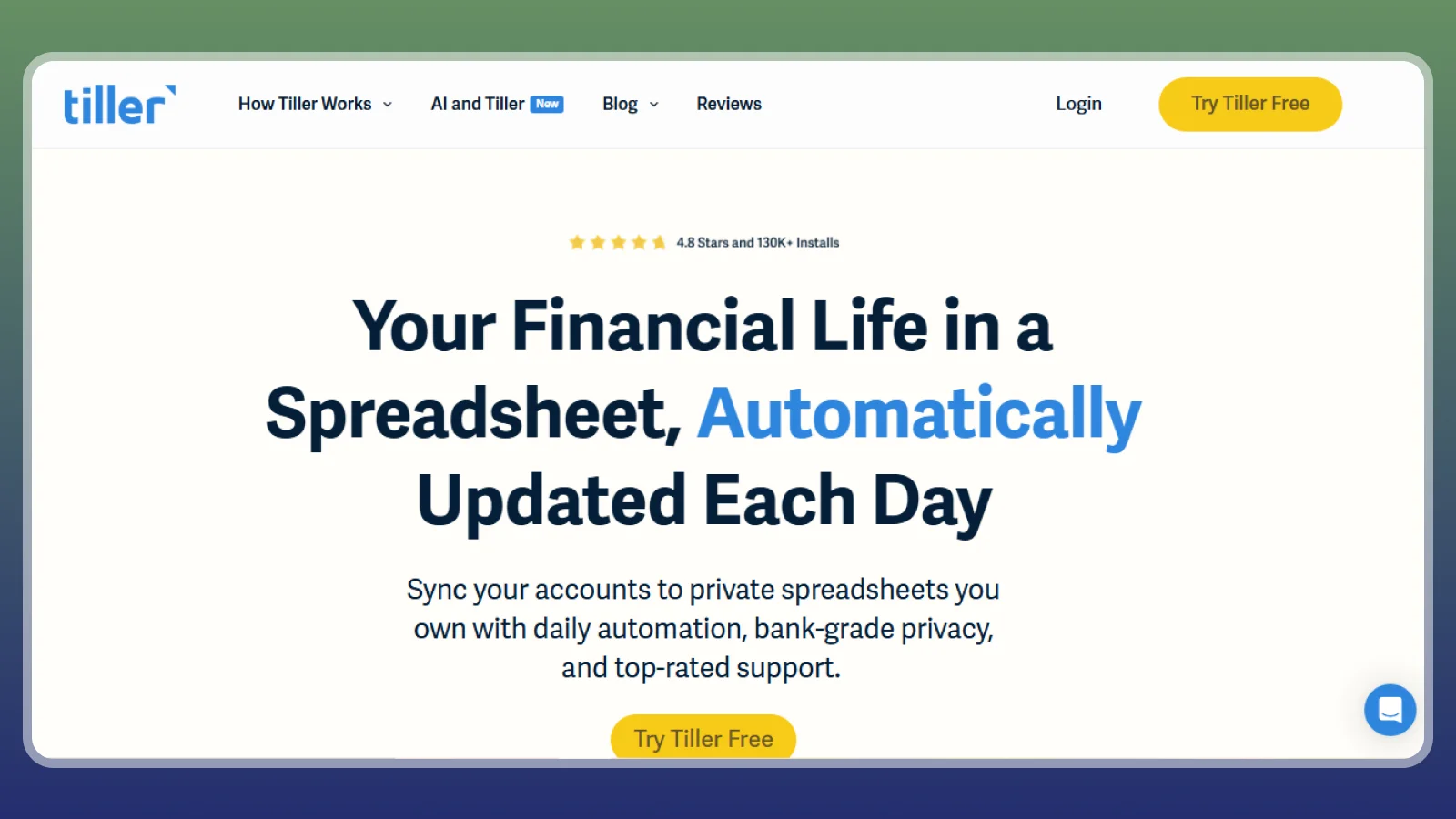
Tiller pulls bank transactions into Google Sheets or Excel for about $79 a year after its trial. Choose it if you want automatic data entry without giving up control of your budget’s layout and calculations.
Templates cover monthly budgets and net worth, so you don’t have to start with an empty workbook. Actual Budget and Lunch Money are other flexible options, but they keep you inside a dedicated interface. For spreadsheet users, the best app for budgeting is the one that keeps your layout intact.
This personal money app alternative makes the spreadsheet your working surface. That is useful if you already understand formulas, filters, and the risk of overwriting a reference. Your formulas should keep a money app transfer between tracked accounts separate from fresh income.
Among the best budgeting apps, this approach gives you unusual freedom over reports. You might separate business reimbursements from household spending or build a view around irregular paydays. Start with the supplied structure before making those changes, since over-customizing before you have real data turns budgeting into a spreadsheet project.
The best budget apps reduce confusion, and a spreadsheet only qualifies when you can explain its totals.
12. Actual Budget [Best for Private Free Budgeting]
|
Best for |
Privacy-minded users comfortable with some setup |
|---|---|
|
Startup cost |
$0 for the software; hosting is your own cost |
|
Bank sync |
Optional |
|
Platforms |
Web, desktop |
|
Main catch |
Technical setup for sync across devices |
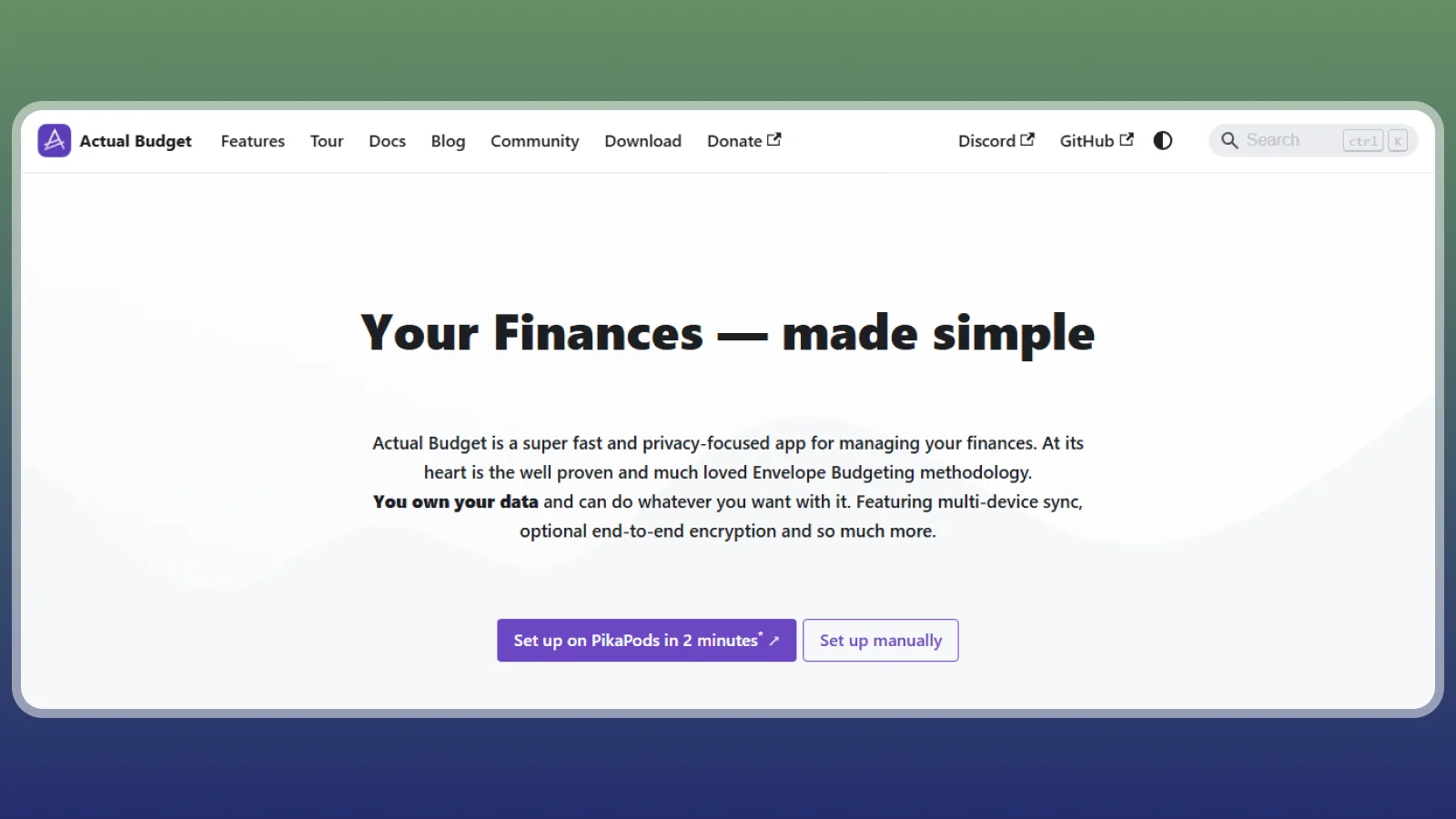
Actual Budget is a free, open-source envelope software that can keep your budget on your own device or server. That makes it a budgeting app free of subscription fees. It’s one of the best free budgeting apps if you’re willing to handle setup, backups, and any optional sync service.
Local-first storage means a hosted account isn’t required for your basic budgeting work. Bank sync uses third-party connectors you configure, and their availability and costs are separate considerations. Goodbudget is the easier free alternative if technical setup would stop you.
Without bank sync, you’ll have to import transaction files or enter purchases manually. Check the imported date range before repeating an upload, since duplicate entries can throw off both balances and envelopes. The best budgeting apps for control still depend on careful bookkeeping at the edges. If you want the best free budgeting app for privacy, test this one first.
Skipping backups can turn also turn a device failure into lost budget history, so diligence is still key for this budgeting app. Free budgeting apps that store data on your device leave the backups to you.
13. Lunch Money [Best for Multi-Currency Budgets]
|
Best for |
Freelancers and travelers with money in several currencies |
|---|---|
|
Startup cost |
Paid subscription with a free trial |
|
Bank sync |
Yes, automatic |
|
Platforms |
Web |
|
Main catch |
Web-first, with fewer polished mobile features |
Lunch Money handles multiple currencies and custom transaction rules, which suits freelancers and travelers with accounts in different currencies. It’s a paid, web-based app from a small independent team, with a trial to help you assess the workflow. Start the budgeting app free trial with a few weeks of real transactions to see whether the rules fit.
Tiller offers spreadsheet flexibility, while Monarch Money offers a broader household dashboard. This personal money app is more appealing if tags, rules, and recurring items match how you organize income. For a freelancer, a useful distinction might separate a client reimbursement from ordinary earnings without creating another spending category for every client. Freelancers looking for the best app for budgeting with irregular income should test this one on real invoices.
Currency support doesn’t remove the need to account for conversion effects. Your account total can change in your reporting currency even when you haven’t spent anything. Keep expected invoices separate from available cash. Skip this web-based option if you want a mobile-first experience.
The best budget apps for freelancers help separate timing from affordability, but you still need to plan for slow months.
How the 13 Apps Compare
Compare cost, supported platforms, and the job you need done before choosing a subscription. The table lists budgeting apps free of charge next to paid ones, so you can see where the cost starts. The best budgeting apps divide most clearly between active planning, automatic tracking, and specialized views.
This table puts the top budgeting apps side by side so you can match one to your routine.
|
Apps |
Cost |
Platforms |
Best For |
|---|---|---|---|
 |
Free trial, then $109 a year |
iOS, Android, web |
Zero-based budgeting |
 |
$99.99 a year |
iOS, Android, web |
All-in-one view |
 |
Free tier; Premium about $6 to $12 a month |
iOS, Android, web |
Bills and subscriptions |
 |
Free plan; paid Plus |
iOS, Android, web |
Spending limits |
 |
Free plan; paid Plus |
iOS, Android, web |
Free envelopes |
 |
Free; paid Premium |
iOS, Android, web |
Beginners |
 |
Free |
iOS, Android |
Couples |
 |
Free dashboard |
iOS, Android, web |
Net worth |
 |
Paid, free trial |
iOS |
Apple users |
 |
Paid |
iOS, Android, web |
Cash-flow forecasts |
 |
Trial, then $79 a year |
Google Sheets, Excel |
Spreadsheet fans |
 |
$0 software |
Web, desktop |
Private free budgeting |
 |
Paid, free trial |
Web |
Multi-currency |
Planning-heavy tools help you reserve money before spending. Automatic trackers help you review activity and spot patterns afterward. The Rocket Money app adds a narrower bill-cleanup focus, while spreadsheets and local-first software give you more control over the structure. The best budgeting app for you is the one that addresses the decision you currently avoid. The best free budgeting app in the table depends on whether you will log purchases by hand.
If your immediate goal is adding a little money to savings, separate that task from choosing software. You can evaluate reliable reward apps with real payouts without buying a budgeting subscription. The best budgeting apps help assign money after it arrives; they don’t create the income displayed in your plan.
More Reward Apps That Pay You Toward Your Budget
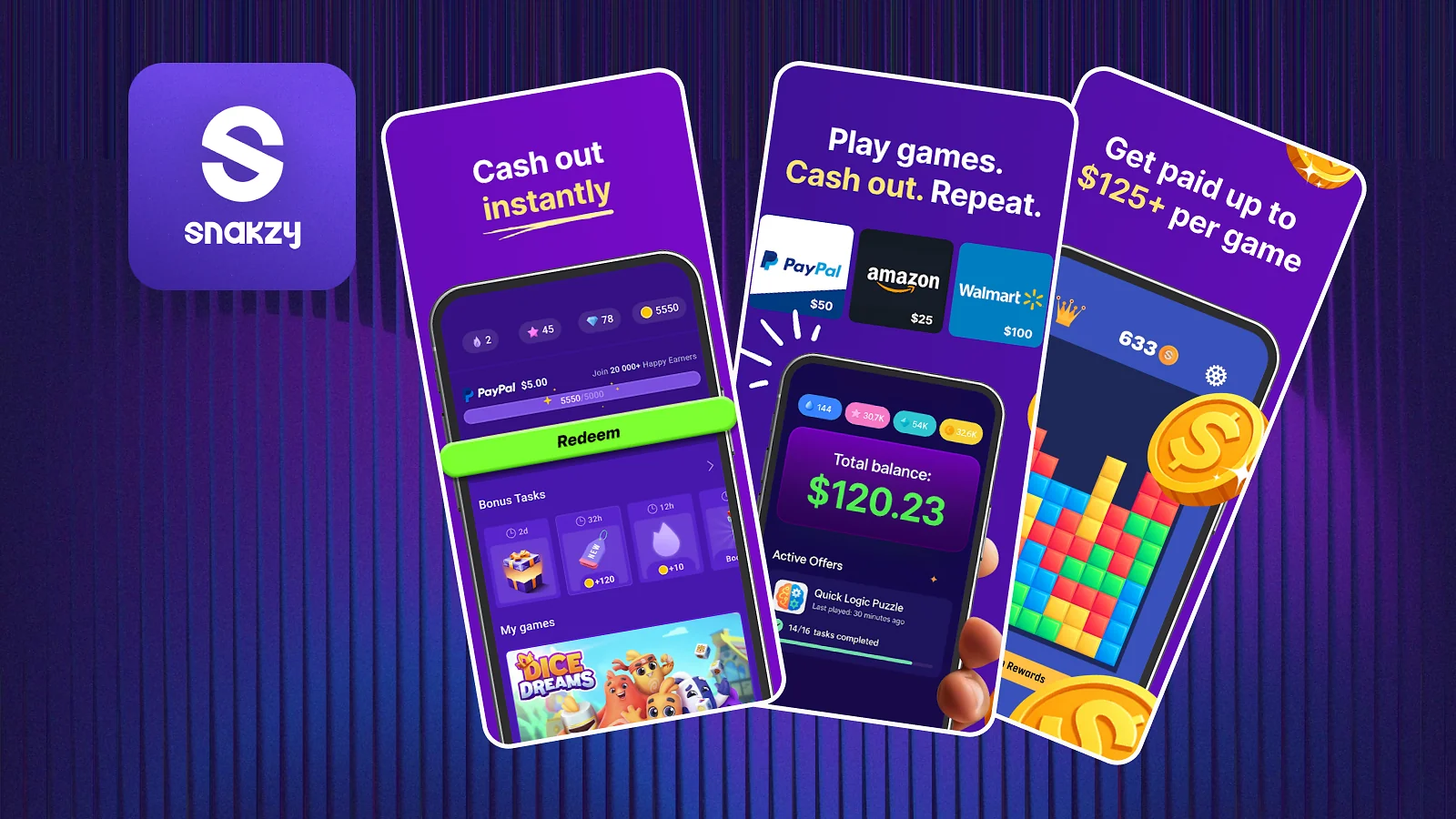
Reward apps can add small cash or gift card payments to a budget through games, surveys, and tasks. They suit spare-time goals, not bills that require a predictable amount on a fixed date. Check each app’s minimum age requirement before signing up.
|
App |
Minimum Payout |
Payout methods |
Platform Availability |
|---|---|---|---|
|
$35 |
Cash and gift card rewards; check available options |
Web, Android |
|
|
$1 |
Check the current rewards catalog |
Check supported devices at signup |
|
|
Varies by reward, location, and account |
Check available cash and gift card options |
Check supported devices at signup |
|
|
Check the current withdrawal screen |
Cash and gift card options vary |
Web, Android |
|
|
Check the selected reward |
PayPal and gift cards; availability varies |
Web |
For any task, check the requirements, reward, and withdrawal conditions before investing time. Our comparison of apps to make money can help you distinguish small rewards from more demanding work. Count money in your personal money app only after it reaches an account you can use.
Snakzy is one option for putting mobile-game rewards toward that savings category.
Earn extra money with Snakzy and drop it into your savings category.
How This List Was Built
The best budgeting apps in this list support a budget, account tracking, or a clear manual transaction workflow. Price, budgeting method, platform coverage, and fit for US readers determine the order. We checked the top budgeting apps against those criteria before ranking them.
Products that only lend money, process payments, or display credit information were removed from this list.
We also created our list of best budget apps after comparing by method, not just cost.
A free manual envelope plan and a paid automatic household dashboard ask you to do different work. The best app for budgeting is the one you will still open in month three. The best budgeting apps deserve a trial built around your own transactions, not a commitment based only on a ranking.
Money App Transfer and Bank Link Safety
Most budgeting tools read linked account data, so a money app transfer still starts at your bank or payment service. A read-only connection limits transaction permissions, but it doesn’t remove privacy risks or protect you from every account-security problem.
Separate Recording Money From Moving It
Check each tool’s transfer workflow before logging entries manually.
Transferring money will have different procedures and durations depending on the bank, payment rail, cutoff, and receiving institution. Check the arrival estimate when you log which funds are available to you. The best budget apps can help you see the timing problem, but they can’t override a bank hold or processing schedule.
Check Permissions and Deposit Protection
Use two-factor authentication, review the connection permissions, and read the data-deletion policy. When you stop using a personal money app, revoke its access through your bank or connection provider as well as closing the app account. Before using a money app to transfer money, identify where the funds will be held and what protection applies.
What Doesn’t Work
Even the best budgeting apps need a regular review because imported transactions can’t decide your priorities.
Failure usually starts with a routine that asks too much or ignores a real constraint. A personal money app should reduce the gap between noticing a problem and acting on it. If the system requires perfect data entry every evening and you know you won’t be able to do that, simplify it before buying another subscription.
- Linking and forgetting – Automatic imports still need review.
- Stacking several apps – Overlapping tools split your attention and can duplicate subscription costs.
- Paying for guaranteed savings – No tool can promise a fixed amount saved. The same caution applies to promises that you’ll earn side income through apps: judge actual requirements and confirmed results, not the headline.
- Chasing cashback to fund a budget – Buying something unnecessary to earn a reward increases spending.
- Sharing logins – Use a proper partner invitation and the bank’s approved connection flow.
Keep one app, one weekly review, and one near-term goal.
The best budgeting apps make the next decision clearer; they don’t remove the need to make it. While improving your finances, use rewards apps like Snakzy to increase your disposable income.
Earn extra money with Snakzy while you stick to your new budget.
Final Verdict on Best Budgeting Apps
YNAB is the strongest choice among the best budgeting apps for active planners, while Monarch Money suits a household that wants one automatic dashboard. The deciding trade-off is effort versus automation: you either make more allocation decisions yourself or spend more time checking what the software inferred. The top budgeting apps here split into planning-heavy tools and automatic trackers.
Choose Honeydue for free shared visibility, and Goodbudget or Actual Budget if avoiding a subscription matters most. For the best free budgeting app to start with, pick Goodbudget, which skips the technical setup Actual Budget needs. The best budgeting apps don’t need every feature to be the right fit; they need to make your next spending decision easier.
FAQs
Yes, you can export data from many of the best budgeting apps, but formats and plan restrictions differ.
A refunded purchase usually belongs in its original spending category rather than new earnings.
Yes, you can track cash purchases manually without linking a bank by creating a cash account, recording withdrawals as transfers, and logging purchases there.
No, deleting an app, including the Rocket Money app, doesn’t cancel your subscription. Cancel through the billing provider or account settings.
No. Keep income documents, receipts, and business records separately. A spending category alone doesn’t establish that an expense qualifies for a deduction.
When your bank connection stops updating, check its status and follow the approved reconnection steps.
No, you don’t need to import years of transactions when you switch budgeting apps. Begin with accurate opening balances, then import only the history you need for comparisons. Clean starting data helps you get more from the best budgeting apps.