



How to Earn by Testing Apps: 9 Ways That Pay

Eneba Hub contains affiliate links, which means we may earn a small commission if you make a purchase through them—at no extra cost to you. Learn more


QUICK VERDICT
Start with Snakzy if you already play mobile games and want to earn rewards by completing eligible in-game milestones. It’s our number one pick for game-based rewards. Compare the nine platforms below to find the right fit for your preferred tasks, payout requirements, and earning goals.
How to earn by testing apps starts with a realistic choice: a flat-rate usability site is your clearest route to a paid session, commonly around $10. You’ll need to qualify and record useful feedback. Work must match your profile, so this is flexible side income rather than a guaranteed daily pay.
Learn how to earn by testing apps through nine testing, research, microtask, and game-reward options. Compare their work requirements, payout thresholds, and payment terms.
Some options pay for narrated feedback; others reward game milestones or short research tasks. Keep those models separate when deciding how to earn by testing apps.
Jump to:
Can You Really Earn Money by Testing Apps?
Yes, you can earn money by testing apps, but it’s better suited to side income than a dependable monthly paycheck. Platforms pay for approved tests or research assignments, and your opportunities depend on your profile, devices, and client demand.
You won’t get paid for simply staying available. You may need to complete screening questions, pass a qualification test, and wait for an assignment that matches your profile. Even after completing a session, payment can depend on approval.
To make the most of your time, compare each platform’s rates, task availability, and payout terms. If you need predictable income, consider other online side hustles alongside app testing rather than relying on testing alone.
If you need predictable shifts or a fixed monthly amount, compare online side hustles with more control over workload. You can get paid to test apps without building a business, but you can’t create extra client research simply by staying online longer.
Earn extra money with Snakzy by playing mobile games in your downtime.

9 Real Ways to Earn by Testing Apps
Choose how to earn by testing apps based on the work you’re willing to do. Recorded feedback, bug reports, research tasks, and game milestones all require active effort.
1. Snakzy [Test Mobile Games for Cash Rewards]
|
Best for |
Earning rewards by playing mobile games and completing eligible in-game milestones |
|---|---|
|
Startup cost |
Free to join |
|
How you earn |
Complete eligible game milestones and engagement tasks tracked through the app |
|
Minimum payout |
$35 in approved rewards |
|
First payout |
Depends on how quickly you earn eligible rewards and the selected redemption method |
|
Main catch |
Game rewards are not payment for formal usability testing. Offers have specific tracking and completion requirements |
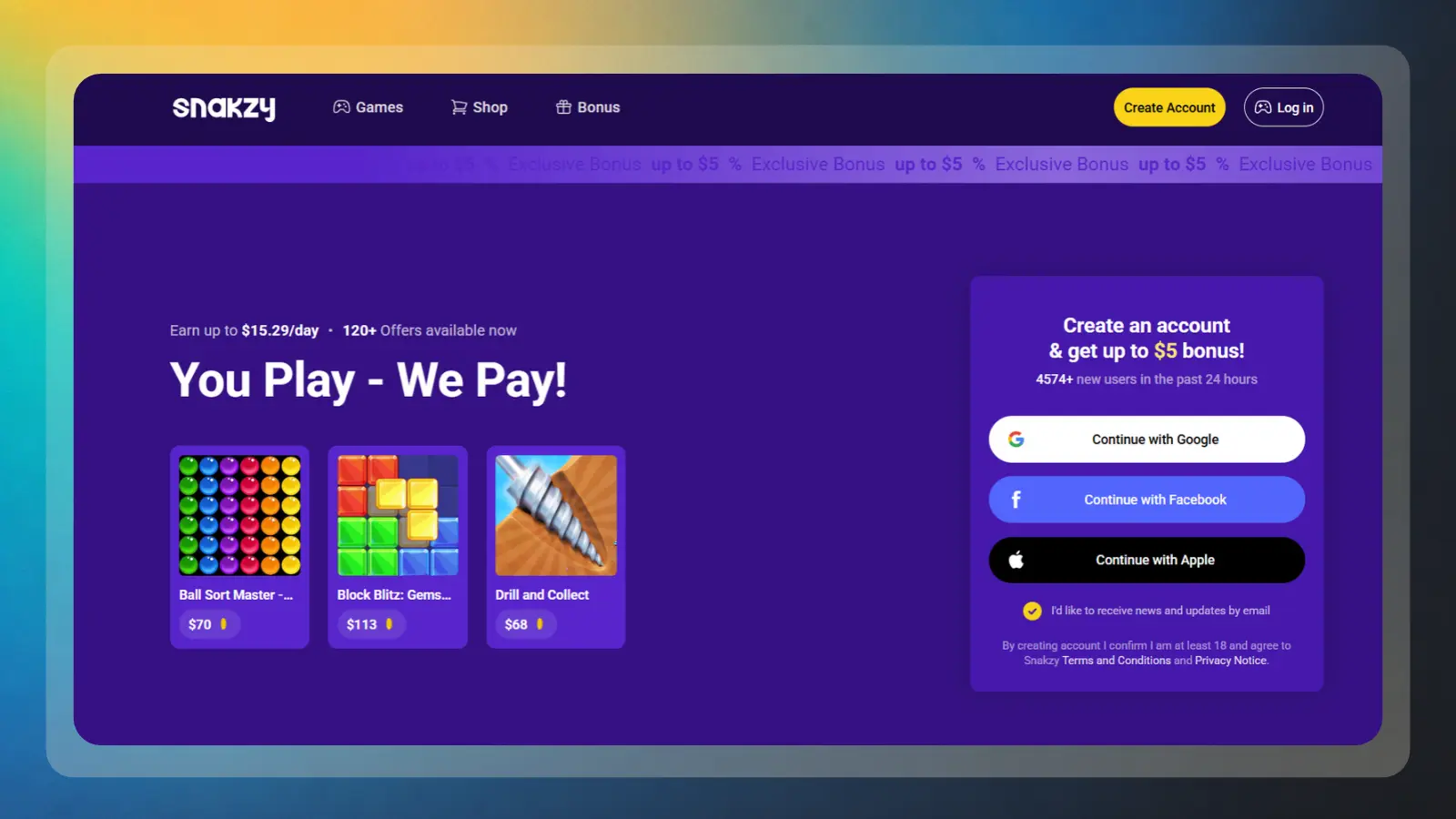
Start with Snakzy if you already play mobile games and can work toward its $35 minimum payout. You earn through eligible game milestones and engagement tasks, so this route fits regular gaming time better than one-off usability work.
You don’t submit a narrated recording or a written review. Choose a featured game, read the reward conditions, and complete the required progress through the app’s tracked route. The important distinction is that you’re earning engagement rewards; you aren’t being hired to evaluate software quality or send developers bug reports.
There’s no joining charge, but free sign-up doesn’t establish fee-free withdrawals. Check the withdrawal terms before requesting payment. Your first week may finish with a balance below the $35 minimum.
Start with this short routine:
- Download Snakzy, register, and check your available rewards.
- Choose two or three games with milestones you understand.
- Record each requirement and any completion deadline.
- Check that progress appears before investing more time.
- Request payment once your approved balance reaches $35.
Plan your first month around a few manageable milestones. A first cash-out around weeks three or four is a possible planning scenario. Abandoning a game near a valuable milestone can waste progress, but continuing an unusually slow offer can also waste time. Compare the next reward with the effort still required.
You can make money by testing apps in this looser sense without turning every gaming session into work. Compare game apps offering real-money rewards by withdrawal conditions.
2. Userfeel [Flat-Rate Usability Tests]
|
Best for |
Getting a clearly stated payment for an approved usability test |
|---|---|
|
Standard test rate |
$3 for 5 minutes, $10 for 20 minutes, $20 for 40 minutes, and $30 for 60 minutes |
|
Startup cost |
Free to apply, with an unpaid qualification test |
|
Payment method |
PayPal or bank transfer in supported countries |
|
Payment timing |
Approved earnings typically reach your Userfeel Wallet in about a week |
|
Main catch |
You must qualify for a test, narrate your thoughts aloud, and submit an acceptable recording. Invitations and approval aren’t guaranteed. |
Userfeel publishes clear rates for different test lengths. A standard 20-minute test pays $10, while shorter tests pay less and longer tests pay more. You complete assigned tasks on a website, app, or prototype while explaining what you’re thinking. Payment depends on submitting an acceptable test.
This is a straightforward way to become a tester and earn $10 per test, but not every invitation carries that amount. Short sessions pay less, and longer assignments pay more. Check the invitation before accepting. Don’t convert a session’s advertised rate into an hourly wage without counting screening and recording setup.
To get paid to test apps here, focus on recording quality before chasing invitations. Close unrelated tabs, silence notifications, and check your audio at the start of each session. Use these steps to establish a repeatable routine:
- Apply with accurate device and demographic details.
- Complete the unpaid qualification test in a quiet room.
- Check invitations and read each session’s eligibility questions.
- Record clear feedback while following the assigned tasks.
- Wait for approval, then withdraw your wallet balance.
Applying is free, and the qualification test is unpaid. Approved test payments typically reach your Userfeel Wallet in about a week. You can withdraw through PayPal or bank transfer in supported countries. Check the payment options available to your account before relying on a particular withdrawal method or minimum.
A sensible first-month plan gives week one to qualification and setup. Your first paid invitation may arrive days later, so a first payment in weeks two or three is possible. When testing websites for money, avoid silently clicking through tasks. Explain your expectations and confusion without narrating every mouse movement or guessing what the researcher wants.
3. Userlytics [Tiered Usability and UX Testing]
|
Best for |
Completing recorded usability tests and selected moderated research sessions |
|---|---|
|
How you earn |
Complete assigned website or app tasks and submit feedback for client review |
|
Startup cost |
Free to register |
|
Payment method |
PayPal |
|
Payment timing |
Approved tests are paid on a recurring schedule, approximately 15 days after completion |
|
Main catch |
Invitations depend on your profile and client demand. Moderated sessions may require a webcam, a scheduled appointment, and reliable attendance |
Choose Userlytics if you’re comfortable recording your screen and voice or participating in scheduled research sessions. The platform offers website, app, prototype, and other user-experience studies, but the available assignments depend on your profile and client demand.
Each invitation sets out the study requirements and incentive. Review those details before accepting an assignment, and don’t assume every test pays the same amount. Moderated sessions can require more preparation and a fixed appointment, while other assignments may be completed independently.
You can test websites and apps for money through recorded tasks or a scheduled conversation with a researcher. The Userlytics tester signup page outlines the opportunity. Unmoderated work commonly pays $5 to $20, while moderated interviews can pay $30 to $90 for an hour. Each invitation sets its own requirements and incentive.
If you want to become a tester and earn money consistently, start by setting up your profile and choosing the test formats you’re comfortable with. Use these steps to prepare:
- Register and complete your profile and onboarding questions.
- Select the test formats you’re comfortable recording.
- Run an audio and webcam check before accepting work.
- Answer screeners accurately and attend scheduled sessions promptly.
- Track approved payments through your dashboard and PayPal.
There’s no application cost. Once a client approves your feedback, Userlytics pays through PayPal on its recurring payment schedule, approximately 15 days after test completion. Keep track of the completion date and approval status, because finishing a session doesn’t mean the payment is immediately available.
Prepare a microphone for recorded work and a webcam for sessions that require video. Skip moderated assignments if you can’t keep the appointment or don’t want to appear on camera. Your eligibility matters more than enthusiasm. A researcher seeking a particular occupation or purchase history needs truthful answers, even when honesty means you don’t qualify.
In your first month, expect onboarding, screeners, and possibly a small number of recorded tests before any live interview invitation. You might finish a session while payment remains pending at month-end. Don’t repeatedly refresh your dashboard at the expense of other work. This is a way to earn money testing apps when your profile matches a study.
4. Prolific [Paid Research Studies That Include App Trials]
|
Best for |
Participating in paid research studies, including eligible app and prototype trials |
|---|---|
|
Access |
A waitlist may apply before you can start participating |
|
Startup cost |
Free to join |
|
Minimum payout |
$6 or £6, depending on account currency and applicable rules |
|
Payment timing |
After researchers approve submissions and the balance becomes available for withdrawal |
|
Main catch |
Not every study involves app testing. Access, study availability, approval delays, and cash-out rules affect your earnings |
Use Prolific if you’re interested in paid research and are comfortable completing studies beyond app testing. Researchers must meet the platform’s minimum study-pay rate of $8 or £6 per hour, but this only applies to study time (time spent waiting for studies or completing account setup is not considered paid hours)
To get started, complete your profile accurately and choose studies that genuinely match your background and available time. Follow this routine to avoid wasting time on unsuitable assignments:
- Register and complete any account verification requirements.
- Fill out your participant profile honestly and keep it updated.
- Choose compatible studies, including prototype or app trials.
- Read consent information and complete the full assignment.
- Cash out after approved earnings reach the account minimum.
Joining is free, but you may need to wait for access before taking studies. Once your approved balance reaches $6 or £6, you can cash out through PayPal. Study approval and payment availability are separate steps, so check your balance before planning a withdrawal.
Your first month may include a wait for account access, time spent completing your profile, and periods when few suitable studies are available. Track your approved earnings and the time you spend participating so you can judge whether the platform is worthwhile for your schedule.
Rushing attention checks or changing demographic answers to fit a study can damage your account. Use this route to make money by testing apps only when an invitation genuinely matches you.
5. Clickworker [Microtasks Including App and Website Checks]
|
Best for |
Completing available evaluation tasks, website checks, and other microtasks |
|---|---|
|
How you earn |
Receive piece-rate payments for eligible tasks, including some assignments through UHRS |
|
Startup cost |
Free registration |
|
Minimum payout |
€10 for PayPal and €/$20 for Payoneer. Other payment methods have separate thresholds |
|
Payment timing |
Weekly payment runs, generally Wednesday to Friday, once earnings are payable and account requirements are met |
|
Main catch |
App-testing tasks aren’t always available. Assessments, quality requirements, and unpaid setup can reduce your effective hourly earnings |
Pick Clickworker for short evaluation tasks paid on a piece-rate basis. Check each task’s stated payment before deciding if the work is worthwhile.
You may assess search results, check website content, or complete app-related evaluations alongside other microtasks. Some work comes through the Universal Human Relevance System, or UHRS. Those assignments have their own instructions and quality controls. Treat each task category as a new job to learn, even when the interface looks familiar.
To make the most of the available work, complete your profile and focus on task categories you understand. Use these steps to build a repeatable routine:
- Register and complete your payment and profile details.
- Take assessments for task categories you understand.
- Read the instructions before starting an evaluation batch.
- Track both earnings and the date they become payable.
- Check your account’s payment minimum and scheduled payment run.
Registration is free. The current minimum payable amount is €10 for PayPal and €/$20 for Payoneer, while other payment methods have separate thresholds. Payment runs generally take place between Wednesday and Friday each week. You must also meet the account and payment requirements, including providing the required tax details. A visible balance may not yet be payable.
Your first month may combine assessment time, several small task batches, and earnings still waiting to become payable. Reaching a small balance within a week or two is possible when work is available, but payment timing depends on the task category.
You can test websites and apps for money here without recording a lengthy interview, although app checks won’t always be available. Don’t rush an unfamiliar batch to improve your apparent hourly rate. Accuracy scores can determine future access, and rejected work erases that apparent gain. If you want other side hustles from home, compare them using paid time and unpaid setup together.
6. Freecash [Get Paid to Install and Test Mobile Apps]
|
Best for |
Earning rewards through eligible app installs, game milestones, and promotional offers |
|---|---|
|
How you earn |
Complete tracked offers and meet their requirements before the deadline |
|
Startup cost |
Free to join. Some offers require purchases |
|
Minimum payout |
$5–$20, depending on region |
|
Payment timing |
Depends on offer approval, withdrawal method, verification, and processing |
|
Main catch |
An installation alone may not qualify for payment. Tracking failures, deadlines, purchase requirements, and withdrawal fees can reduce your net earnings |
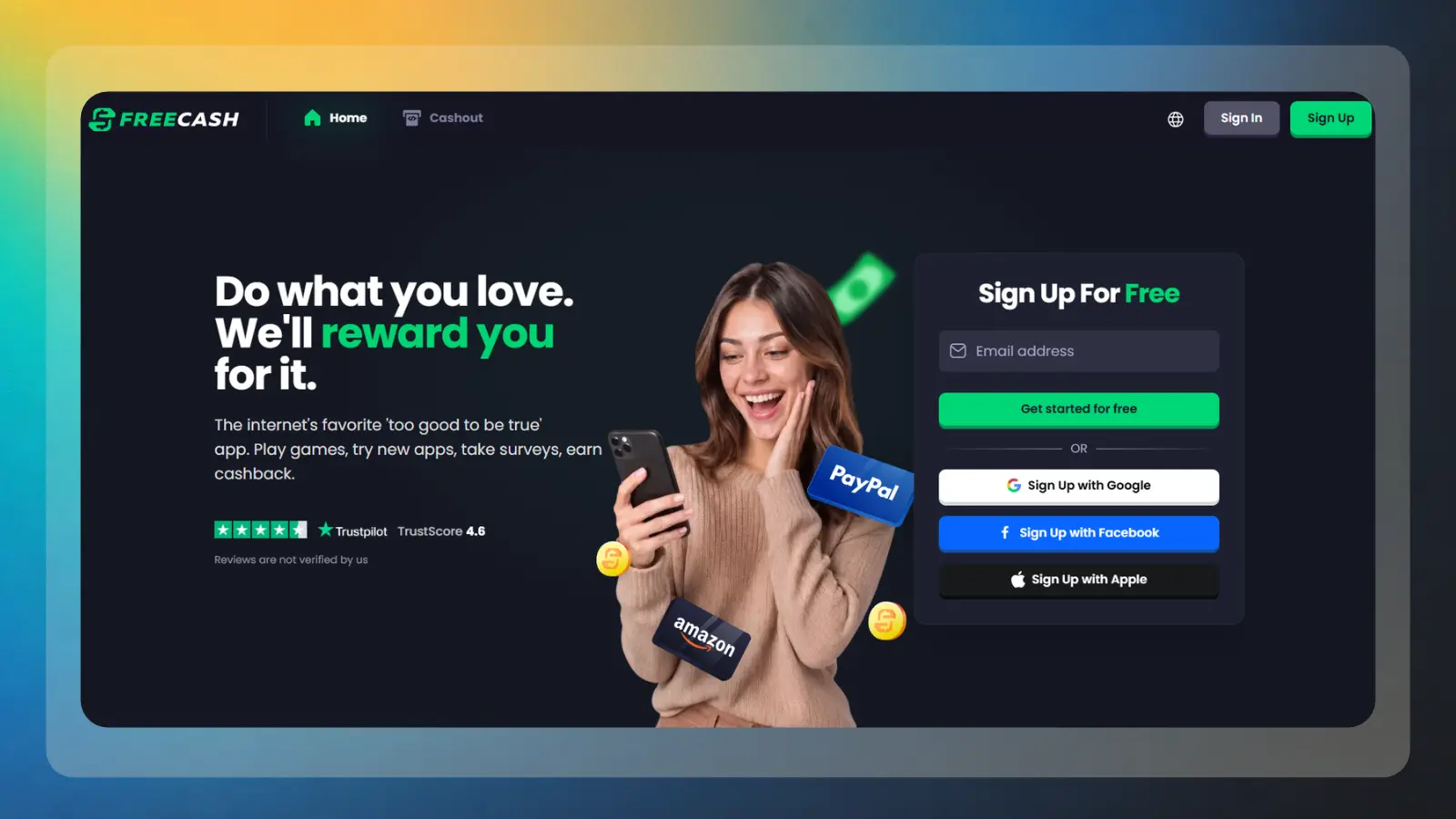
With Freecash, you earn rewards by completing eligible offers, such as app installs and game milestones. The first withdrawal minimum ranges from $5 to $20, depending on your region. An install alone may not qualify, so read the requirements and check that your progress is tracking before investing more time.
An install alone may not complete an offer. You might need to reach a level, finish several tasks, or satisfy a purchase condition within a deadline. Read our breakdown of how Freecash pays for app offers before choosing one. You can make money by testing apps this way only when the required activity is tracked and approved.
Joining is free, but some offers require spending. Withdrawal fees vary by method. For example, PayPal withdrawals carry a 5% fee, and SEPA bank transfers also carry a 5% fee. Check the fee and available amount shown for your selected method before cashing out.
To avoid spending time on offers that don’t suit your budget, start with clear, no-purchase requirements. Follow this routine:
- Register and check the withdrawal rules shown for your account.
- Choose a no-spend offer with clear completion conditions.
- Save its deadline, milestones, and eligibility requirements.
- Install through the offer and check that progress tracks.
- Withdraw approved rewards using the method that fits your needs.
Before your first withdrawal, verify your email and complete the required identity verification. Your first cash-out threshold depends on your region, and the available methods and fees may differ. Save the offer terms and evidence of completion in case a reward doesn’t track correctly.
A modest first withdrawal within one or two weeks is a possible first-month scenario. Some rewards stay pending longer, and demanding offers may remain unfinished after a month. Judge each offer by expected net reward and completion time. Don’t treat a purchase as income simply because it unlocks points.
7. Mistplay [Earn Rewards for Playing Mobile Games]
|
Best for |
Earning redeemable rewards while playing eligible mobile games |
|---|---|
|
How you earn |
Earn Units through qualifying gameplay and redeem available rewards |
|
Startup cost |
Free to join |
|
Minimum payout |
Listed examples include a $5 gift card or a $10 PayPal redemption in the US |
|
Payment timing |
Depends on the selected reward and its processing requirements |
|
Main catch |
Gameplay rewards aren’t fixed payments for testing an app. Eligible games, earning conditions, and regional reward availability affect progress |
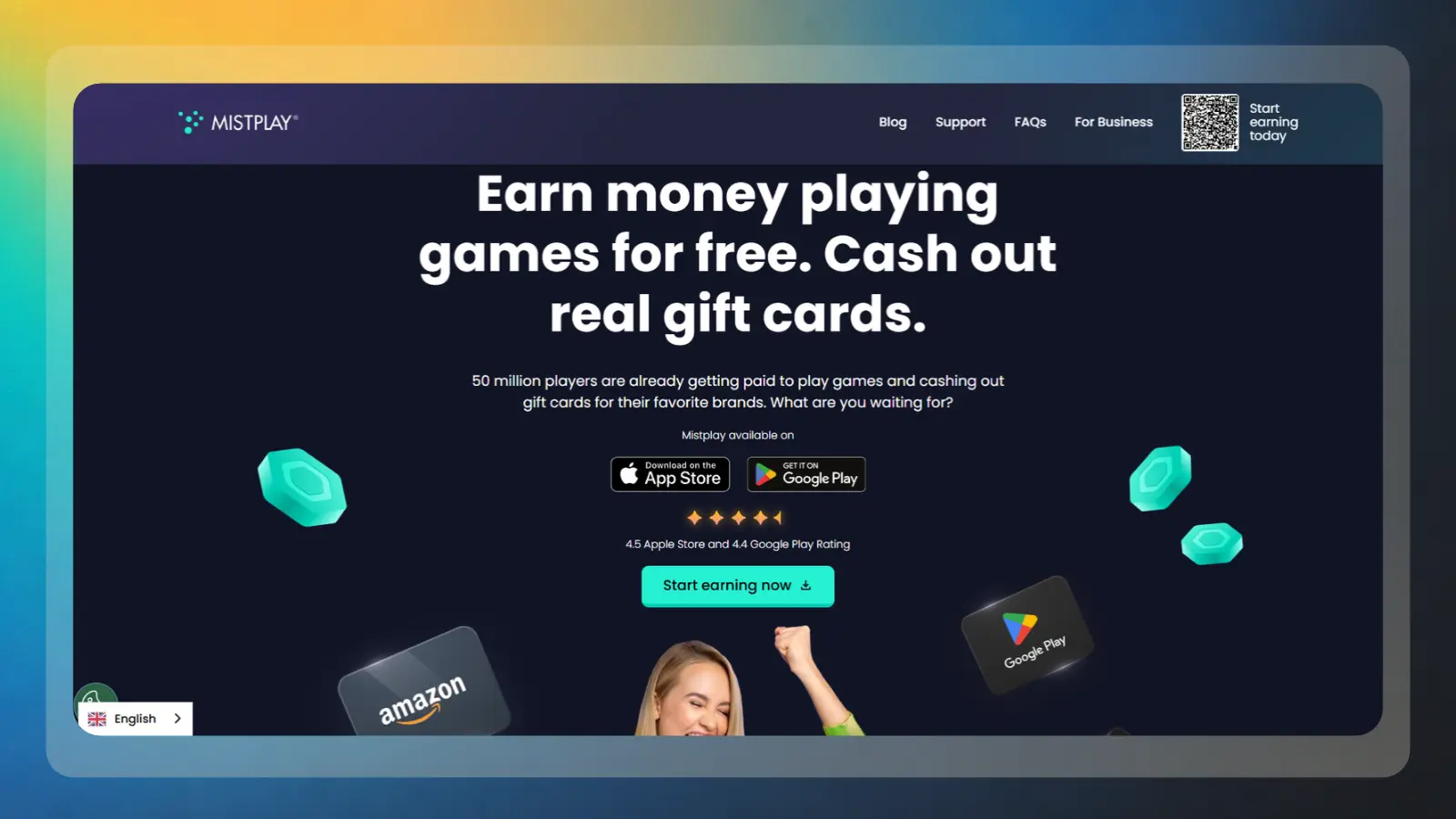
Try Mistplay if you prefer game rewards with a $5 gift-card starting point. The US offer here rewards eligible gameplay through Units, with a higher threshold for cash redemption.
The listed examples are 1,800 Units for a $5 gift card and 3,000 Units for $10 through PayPal. Check the Shop in your account before planning a redemption because reward availability matters. Our explanation of Mistplay’s Units system helps you distinguish game progress from redeemable rewards.
To avoid spending hours on games that earn little, check your progress and reward conditions regularly. Use this routine to manage your gaming time:
- Install Mistplay and confirm your account’s available rewards.
- Select games through your personalized game list.
- Check tracking permissions and each game’s earning conditions.
- Watch your Units and stop counting capped play as earning time.
- Redeem an available reward through the Shop.
There’s no joining fee, but eligible gameplay doesn’t pay a fixed amount for each completed review or test. You need to install eligible games through Mistplay and meet the in-app earning conditions. Check your progress and the current Shop options instead of assuming that every extra hour of play will earn rewards at the same rate.
You’ll need a supported phone, an eligible account for the reward offer, and storage for selected games. The US redemption examples in this draft shouldn’t be assumed to apply in every country. Skip it if you want to become a tester and earn $10 per test through direct feedback, or need cash for a bill immediately.
For your first month, plan around learning which games earn efficiently and completing an initial redemption. A few small gift cards may be possible with consistent eligible play, but a fixed day-three payout isn’t a safe expectation. This is a way to make money by testing apps casually. Your chosen games and reward rates set the pace.
The avoidable mistake is continuing a game after it stops producing useful rewards. Check your earning status before another session, then choose another eligible title if needed. Formal research elsewhere pays for feedback, while Mistplay rewards eligible gameplay.
8. Testbirds [Crowdtesting During the TRYBER Transition]
|
Best for |
Testing software across devices and reporting reproducible bugs |
|---|---|
|
How you earn |
Receive project incentives and, where offered, rewards for accepted unique bugs |
|
Startup cost |
Free registration under the listed legacy terms |
|
Potential pay |
Legacy terms listed approximately €10–€50 per test, with separate bug rewards on eligible projects |
|
Payment timing |
Check the applicable regional account and current payment terms during the TRYBER transition |
|
Main catch |
The Testbirds brand and tester community are transitioning into UNGUESS’s TRYBER community. Sign-up routes, project availability, rates, and payout terms may differ by region. |
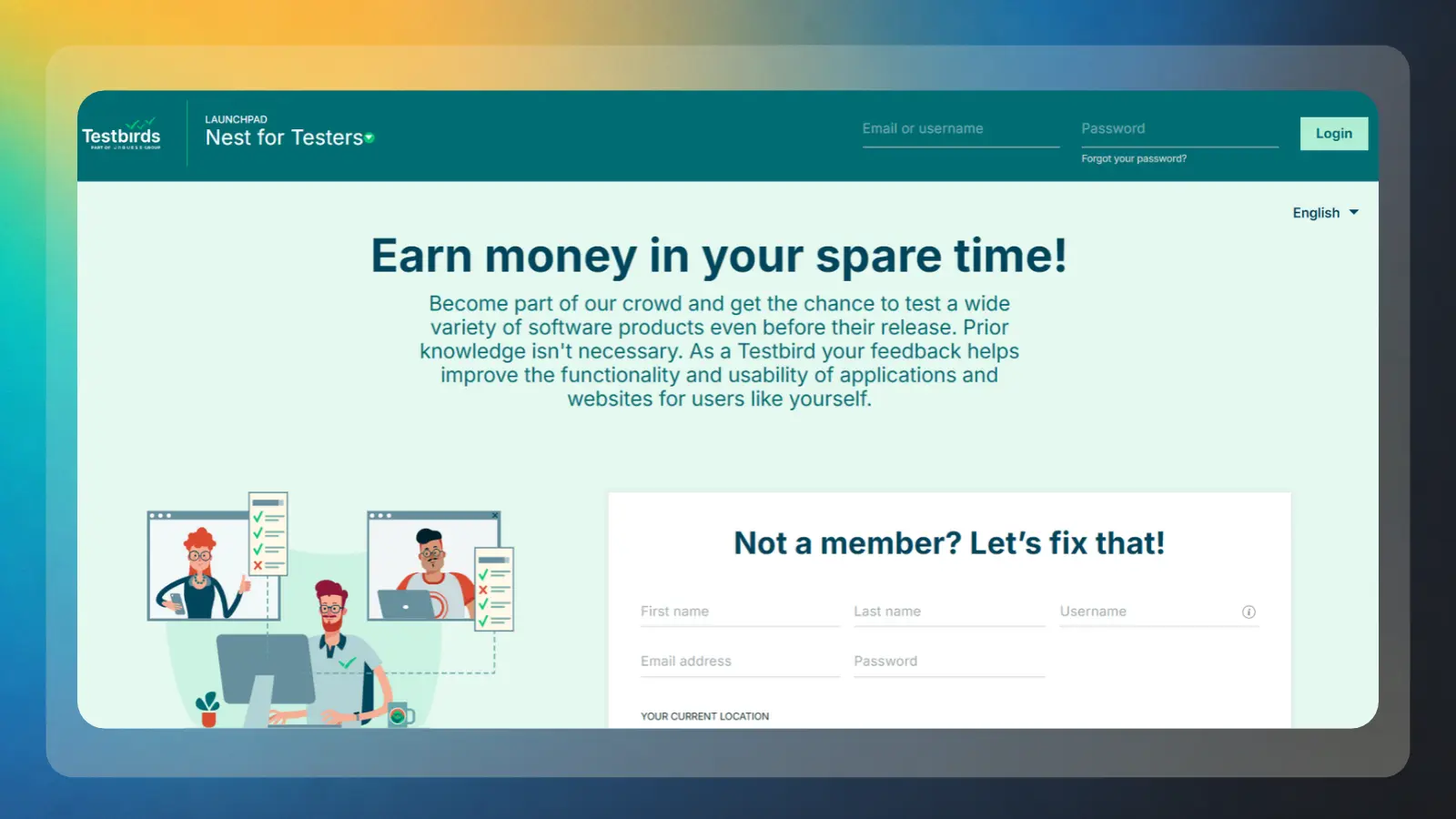
Testbirds is transitioning into UNGUESS’s TRYBER community following the acquisition announced June 8, 2026. The brand and its tester hub, The Nest, are being phased out outside Germany, Austria, and Switzerland, so your sign-up route depends on your region.
Crowdtesting means a company recruits people with different devices and environments to inspect its software. The listed Testbirds project rates are around €10 to €50 per test, with €1 to €5 per accepted unique bug on eligible projects. Check the current community’s assignment terms during the transition; don’t assume every project includes both payments.
To get started, make sure your device profile is accurate and that you understand the project requirements. Use this routine when preparing for a test:
- Check the regional migration guidance and applicable signup process.
- List the devices, browsers, and operating systems you actually own.
- Accept only projects you can complete within the deadline.
- Submit clear evidence and reproduction steps for eligible issues.
- Check accepted earnings and your account’s withdrawal conditions.
The listed legacy terms include free registration, a €5 entry-test payment, and a cash-out minimum around €10. Check which terms apply to your regional account during migration. Currency conversion may affect a US withdrawal, and payment timing should be confirmed in your current account.
Your first month may involve account setup or migration, qualification, and waiting for a suitable project. A payout by month-end depends on invitations, accepted work, and your current account’s payment terms. To earn money testing apps here, record the device, software version, exact steps, expected result, and actual result for each issue.
Duplicate or out-of-scope bugs are a frequent source of disappointment. Read the project rules and existing reports before spending time on a suspected defect. This route suits someone who wants to test websites and apps for money methodically.
9. Trymata via QuestionPro [Usability Testing Through QuestionPro]
|
Best for |
Sharing recorded feedback on app and website usability |
|---|---|
|
How you earn |
Complete assigned scenarios, narrate your experience, and submit recordings for review |
|
Startup cost |
Legacy Trymata registration was free. Check current QuestionPro signup requirements. |
|
Potential pay |
Legacy terms listed $5–$30 per approved test. Confirm current assignment rates. |
|
Payment timing |
Legacy terms advertised PayPal payment as early as the next business day after approval. Confirm current payment terms. |
|
Main catch |
The Trymata service is being integrated into QuestionPro. Legacy rates and payment promises may no longer apply |
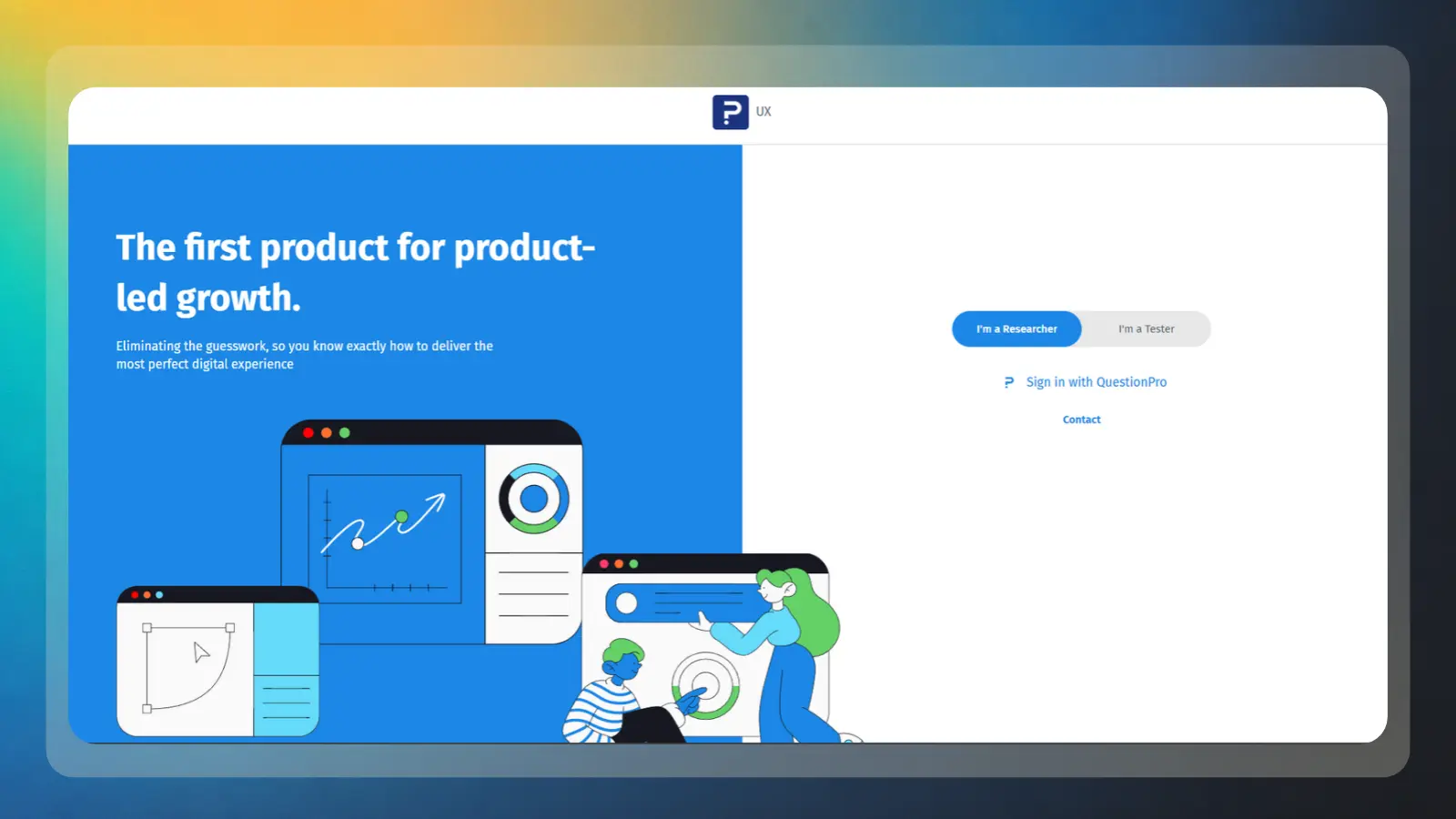
Trymata, formerly TryMyUI, merged into QuestionPro’s user experience product in February 2026. New tester signups and live testing now run through QuestionPro, so use its current flow rather than the legacy signup system.
Usability assignments use screen and voice recordings to collect reactions to websites and apps. You follow a scenario, complete tasks, and submit your recording for review. Finishing a task doesn’t by itself guarantee approval; check the current QuestionPro qualification and recording requirements.
To get started, make sure your recording setup works before accepting an assignment. Use this routine to reduce the chance of losing time on a submission that can’t be reviewed:
- Use the current QuestionPro tester signup flow and follow its qualification instructions.
- Check your microphone, recorder permissions, and internet connection.
- Choose tests that match your profile and available time.
- Follow the scenario and explain your reactions clearly.
- Confirm submission, then monitor approval and follow the current payment instructions.
Older Trymata materials advertised free registration, payments of $5 to $30 per approved test, and PayPal payments as early as the next business day after approval. I couldn’t verify those figures and timelines as current QuestionPro tester terms. Check the current assignment and payment instructions before relying on any legacy amount or schedule.
A first-month plan begins with the current QuestionPro sign-up and qualification process, followed by checking for suitable work. Availability varies, so don’t plan around a fixed invitation date. You can earn $10 per test on suitable assignments without assuming every invitation pays that rate.
Uploading a technically broken recording can waste an otherwise useful session. Test your audio, keep unrelated applications closed, and wait for upload confirmation before exiting. As with other usability testing platforms, the practical goal is to provide clear, useful feedback while tracking the time you spend qualifying, recording, and waiting for approval.
How the 9 Testing Apps Compare
Compare the withdrawable amount and approval delay before choosing where to start. A fast payment run won’t help if you’re still waiting for an invitation, an accepted recording, or enough reward points.
|
Platform |
Typical Pay |
Startup Cost |
Payout Minimum |
Payment Timing |
Effort Level |
|---|---|---|---|---|---|
 |
Rewards per eligible game milestone |
$0 |
$35 |
Check withdrawal terms |
Active gameplay |
 |
$3 to $30 per test |
$0 |
Check applicable withdrawal terms; a standard test pays $10 |
About one week to wallet after an approved test |
Active recorded feedback |
 |
$5 to $90 per session |
$0 |
No minimum |
Roughly 15-day cycle after approval |
Active recordings or live interviews |
 |
$8 hourly study-pay floor |
$0 |
$6/£6 |
After study approval; early cash-out restrictions apply |
Active research participation |
 |
Piece-rate payment; check each task |
$0 |
€10 for PayPal; €/$20 for Payoneer. Other methods vary. |
Weekly, Wednesday to Friday, once payable |
Active microtask completion |
 |
Varies by offer |
$0; some offers require spending |
$5–$20 for first withdrawal, depending on region. |
Depends on offer approval, verification, and withdrawal method |
Active offer milestones |
 |
Units toward available rewards |
$0 |
$5 gift card / $10 PayPal |
Check reward redemption terms |
Active gameplay |
 |
Listed legacy rates: €10 to €50 per test; eligible bug rewards vary |
$0 under listed legacy terms; check current regional terms |
Listed legacy minimum around €10; check current account terms |
Check current account payment terms |
Active testing and bug documentation |
 |
Legacy rate: $5 to $30 per approved test; check current assignments |
Legacy application was free; check current signup terms |
Legacy terms: no minimum; check current terms |
Legacy terms advertised next business day after approval; check current terms |
Active recorded usability feedback |
To test websites and apps for money efficiently, separate time to earn from time to receive payment. The payment windows below generally begin after the relevant approval or withdrawal step. First-month results can be slower, since qualification, matching, and milestones come first.
More Reward Apps That Pay You
Use these reward apps for offers, games, and everyday engagement. They suit you if you prefer gradual reward balances and understand that reaching a cash-out threshold can take time. KashKick requires you to be 18 or older.
You won’t usually receive a researcher’s task script or a fee for narrating your screen. Before adding another account, check the first-payment minimum, supported device, and available reward method. Our guide to making money with apps helps you judge this model alongside other phone-based earning options.
|
App |
Minimum Payout |
Payout methods |
Platform Availability |
|---|---|---|---|
|
$1 |
PayPal, Cash App, gift cards |
iOS and Android, US |
|
|
$5 |
PayPal, gift cards |
iOS and Android |
|
|
$0.20 |
PayPal, gift cards |
Web and Android, US offer |
|
|
$5 PayPal / $2 gift cards |
PayPal, gift cards |
Web and mobile |
|
|
$2.50 |
PayPal, Bitcoin, Ethereum + gift cards |
Web, Android |
If you prefer earning rewards through mobile games, Snakzy is one of the best options to consider for completing eligible in-game milestones.
Earn extra money with Snakzy by playing mobile games in your downtime.
How App Testing Pay Actually Works
You usually get paid to test apps per approved assignment, not per hour you remain available. A session’s advertised duration helps you judge the rate, but screening and waiting reduce your effective earnings.
In usability testing, a client pays to see someone attempt realistic tasks. You might find a delivery option, create a sample account, or explain a confusing menu. User experience, or UX, research needs your reasoning, not a performance designed to impress the company. Say what you expected, what happened, and what stopped you.
Userfeel test payments are $3, $10, $20, and $30 across its test lengths. Bug-hunting projects use another model: an accepted issue may earn a separate reward. A bug report needs clear reproduction steps; personal dislike of a screen usually isn’t a software defect.
Game rewards and offer walls pay for tracked engagement, not formal user testing. You complete eligible milestones, then redeem an approved balance. Our broader guide to apps to make money helps you compare those models. To earn money testing apps efficiently, count the whole task, including setup, purchases, and the wait before withdrawal.
What Testing Apps Really Pays After Fees and Taxes
Your spendable earnings are approved rewards minus fees, offer costs, and any tax you owe. Free registration and no minimum balance don’t establish fee-free withdrawals; payment methods and purchases can change the result.
For example, a 5% withdrawal fee turns a $20 Freecash balance into $19 before tax. A gift card may preserve the face value, but it only helps if you would use that retailer anyway. If an offer requires a purchase, subtract the purchase before comparing it with a free usability assignment.
For US taxpayers, gig income can be taxable even without a tax form. Don’t treat a payment processor’s reporting threshold as a tax-free allowance. Form 1099-K rules can change, and a form reports transactions rather than calculating your final tax bill. Keep your own records and check current tax guidance.
Use separate columns for earned, approved, received, fees, and required spending. You’ll then see what remains pending and what you can actually use. Track every account when you make money by testing apps. No single dashboard shows your combined income, total costs, or tax position.
How Much Can App Testing Actually Pay?
Testing apps can be a decent way to earn extra money, but you shouldn’t count on making $100 every day. Paid tests aren’t always available, and you may spend time answering screening questions without qualifying for a single one.
Say you earn $10 for each approved test. You’d need ten tests to reach $100, and that’s before accounting for the time spent finding opportunities, completing screeners, recording feedback, and submitting your work. Finding that many suitable tests in one day may be difficult.
Some opportunities, such as live interviews, pay more and can give your earnings a welcome boost. Still, they’re not guaranteed to come along regularly. You can also combine app testing with microtasks or game rewards to bring in a little extra.
Rather than chasing a daily target, try testing apps for a few weeks and see what you actually earn. Include the time you spend looking for tests, not just completing them. If the pay doesn’t justify the effort, explore other ways to make money online that fit your schedule and income goals.
What Doesn’t Work
Avoid paying for guaranteed testing access or spending money to unlock an unverified reward. All nine ranked options let you join without an upfront membership purchase, and none can promise unlimited matching tests.
Check an offer-wall app’s own record before installing promoted software, including Freecash’s safety and account considerations. The Federal Trade Commission warns about job scams that ask you to pay for a supposed opportunity. A paid tester club doesn’t become trustworthy because its advertising includes familiar technology brands.
- Paid VIP pools – Don’t buy access to a promise of constant invitations. Client demand still controls legitimate user testing.
- Cash promises attached to product reviewing – Searching “test products for Amazon and get paid” doesn’t turn Amazon Vine products into a cash wage.
- False screening answers – Inventing employment, purchases, or device ownership can invalidate your session and put your account at risk.
- Rushed qualification recordings – Poor audio or silent clicking can block access before you complete your first paid assignment.
- Ignoring approval rules – An uploaded recording, a discovered bug, or an installed game isn’t automatically an accepted payable result.
Protect privacy while you test websites and apps for money. Hide notifications, close personal documents, and use sample information when the task permits it. Never expose passwords or financial details just to finish a scenario. Read what will be recorded before consenting, and leave an assignment if its requirements exceed what you’re comfortable sharing.
Set a review point after your first month. Keep the accounts that have clear rules and worthwhile approved results; pause those that consume time without progress. Learning how to earn by testing apps includes recognizing when an offer, a task category, or a platform isn’t a good match for you.
Earn extra money with Snakzy by playing mobile games in your downtime.
Final Verdict on How to Earn by Testing Apps
Start with Userfeel for a clear per-test rate and Snakzy if mobile games already fit your routine. The trade-off is straightforward: research invitations are irregular, while game rewards require reaching a withdrawal threshold.
Choose Userlytics if you’re comfortable recording yourself and want a chance at higher-value live interviews. Prefer Prolific or Clickworker if short research or evaluation tasks suit you better. Don’t select a platform solely because its maximum payment looks impressive; qualifying frequency and accepted work determine what you actually receive.
Give your first setup enough time to produce an approved payment before opening several more accounts.
Keep required spending low, record your time, and separate pending rewards from cash received. Matching the work to your schedule, recording comfort, and payment needs is the practical answer to how to earn by testing apps.
FAQs
Learning how to earn by testing apps can be worthwhile if you want flexible side income. However, task availability varies, so treat testing as a way to earn extra money rather than a reliable replacement for a full-time income.
No, you shouldn’t expect a dependable $100 a day from phone-based testing. A high-paying interview can create an exceptional day, but suitable invitations are too irregular for reliable daily income.
The tester app with the highest listed session ceiling here is Userlytics, at up to $90 for selected moderated research. You’ll usually see lower-paying recorded assignments and must match each study’s requirements.
User testing platforms pay at different speeds after approval: Userfeel typically credits your wallet in about a week, while Userlytics uses a roughly 15-day cycle. Qualification and waiting for invitations add time first.
No, you don’t usually need professional experience to start testing websites for money. You’ll often need a supported device, a microphone, accurate screening answers, and a successful qualification recording.
Yes, user testing can be worth your spare time as a beginner if you accept irregular invitations and track unpaid setup. Treat it as side income while learning how to earn by testing apps.