15 Best Remote Jobs for Moms in 2026 (Compared by Pay and Flexibility)

Eneba Hub contains affiliate links, which means we may earn a small commission if you make a purchase through them—at no extra cost to you. Learn more



Remote Jobs for Moms
Our top pick for finding legitimate remote jobs for moms right now is FlexJobs's screened job board: start here.
Remote jobs for moms are real right now. The safest legitimate way in is a scam-screened job board like FlexJobs, where every listing gets checked before it goes live. Most routes below take two to six weeks from your first application to your first paycheck.
Pay swings from about $10 an hour for no-experience tutoring up to $30-plus an hour for an experienced virtual assistant or bookkeeper, so no single number describes what a “remote job” pays. This guide compares the best remote jobs for moms by pay, flexibility, and how fast you can start, not by how good a platform’s marketing sounds.
The real advantage isn’t one secret platform; it’s knowing which of these fifteen actually pays what it claims and how fast you can start. Every option below is verifiably operating right now and publishes its own pay or fee structure, ranked against the others instead of praised in isolation. You already know remote work exists; this list gets you straight to where to apply first.
Jump to:
Is Remote Work Actually Realistic for Moms?
Yes, remote work for mothers is a large and growing reality, not a niche experiment. Full-time employed women worked from home at a meaningfully higher rate than men in 2025, a gap that comes from real scheduling pressure, not from remote jobs being easier to land.
What the Data Actually Shows
Per the American Time Use Survey from the U.S. Bureau of Labor Statistics, 34.9% of full-time U.S. workers did at least part of their job from home on an average day in 2025. Full-time employed women worked from home at 39.6%, compared with 31.3% of men.
That gap exists because remote and flexible schedules solve a specific problem for mothers: clashing school pickups, appointments, and caregiving windows. It isn’t because employers make it easier for women specifically to get hired.
Who This Realistically Works For
Landing a paying remote role takes anywhere from a few days to six weeks. Task-based freelance work like transcription or microtasks, the kind covered in our broader freelancing platforms roundup, moves fastest. An employer role at a company like Alorica or Intuit takes longer, since both run background checks and a structured hiring process.
This works best if you have 10 to 20 hours a week of genuinely uninterrupted time, a quiet space, and a computer that meets basic specs. It doesn’t work if you’re expecting a full-time salary out of an hour a day squeezed between naps.
Remote jobs for moms at home come in two different tax shapes worth knowing before you start. Freelance-platform earnings from places like Gengo, GoTranscript, and Cambly are gross, 1099 income, so you cover your own self-employment tax and get no benefits.
Employer-model roles at Alorica, Boldly, and Intuit‘s QuickBooks Live pay as a W-2 employee instead, with standard withholding. Alorica specifically guarantees at least the local minimum wage regardless of call volume, a protection the freelance platforms above don’t offer.
15 Real Remote Jobs for Moms, Compared
The fifteen picks below run from screened job boards you search yourself to employer roles with a real hiring process to freelance and passive options you can start the same day. Each entry leads with the pay and requirements first, so you can skim straight to the ones that fit your hours.
1. FlexJobs: Best Screened Job Board Overall
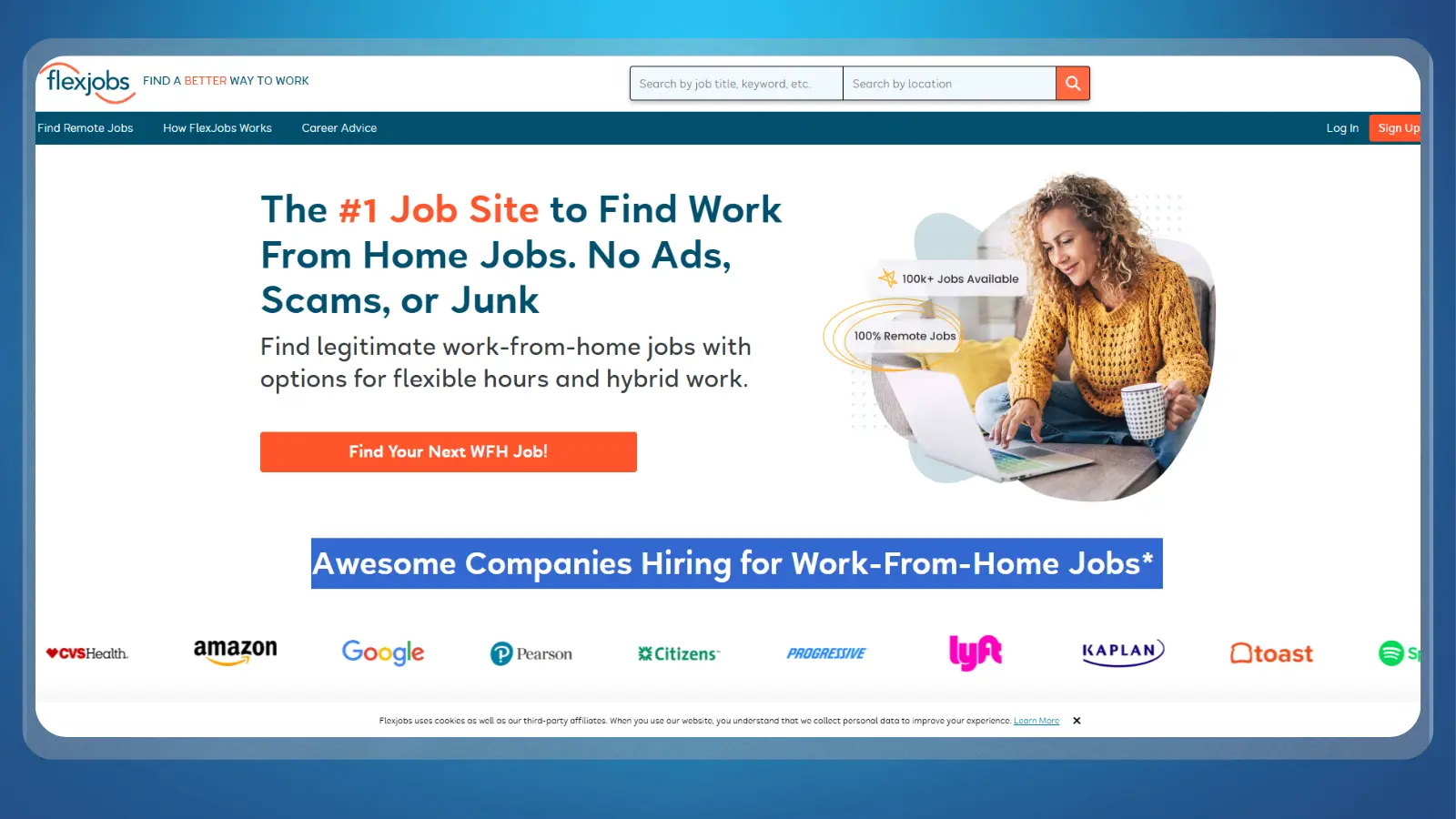
FlexJobs costs $2.95 for a 14-day trial, then renews at $23.95 every four weeks, or $71.40 upfront for a full year. In exchange, every listing is human- and AI-screened to remove scams, MLM pitches, and commission-only postings before it goes live. That screening is the entire pitch, since job-scam volume is exactly what makes “remote jobs for moms” searches so noisy on open boards.
The trial auto-renews. Cancel within the 14 days if you’re only testing it; FlexJobs also backs a money-back guarantee for anyone unhappy in that window. It layers career tools most boards skip: application autofill, job alerts, and activity tracking, on top of curated categories for remote, part-time, freelance, and flexible-schedule work. That’s what makes it a natural fit if you’re specifically after flexible remote jobs for moms.
The mistake to avoid: Purchasing a full-year subscription on day one. Start with the short trial to test the job pool, and make sure to use the platform’s specific schedule filters instead of running generic keyword searches.

2. Indeed: Best Free Job Board for Volume
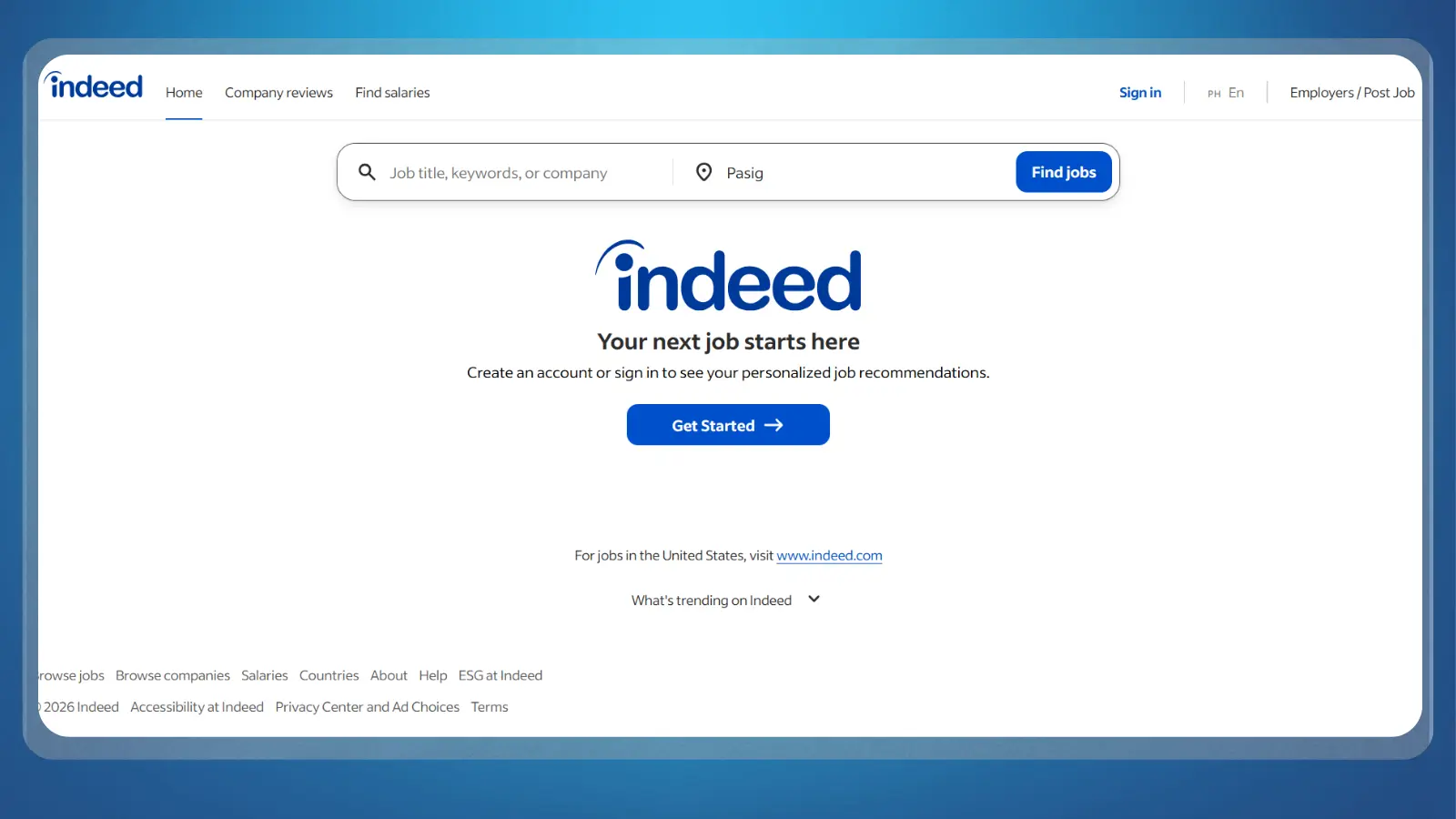
Indeed costs nothing, and it carries by far the largest volume of remote listings of any board here, because it totals postings from company career pages on top of its own. That scale is also its weakness: Indeed does no manual screening. Scam and MLM listings mixed in with real ones are a genuinely common complaint.
Filter by “Remote” location and search specific job titles, like “customer service representative remote” or “bookkeeper remote,” instead of “remote jobs for moms,” which returns almost entirely blog content instead of postings. You need nothing beyond a free account to save searches and apply; a resume upload speeds up applying through Indeed‘s own Apply flow.
Where applicants fall for scams: Following external application links that request bank details or payment before an interview. No legitimate employer charges money to hire you; keep financial info private until a verified onboarding process begins. Because Indeed pulls from so many company career pages directly, it also turns up entry-level remote jobs for moms that never make it onto smaller, curated boards.

3. We Work Remotely: Best for Fully Remote-Only Roles
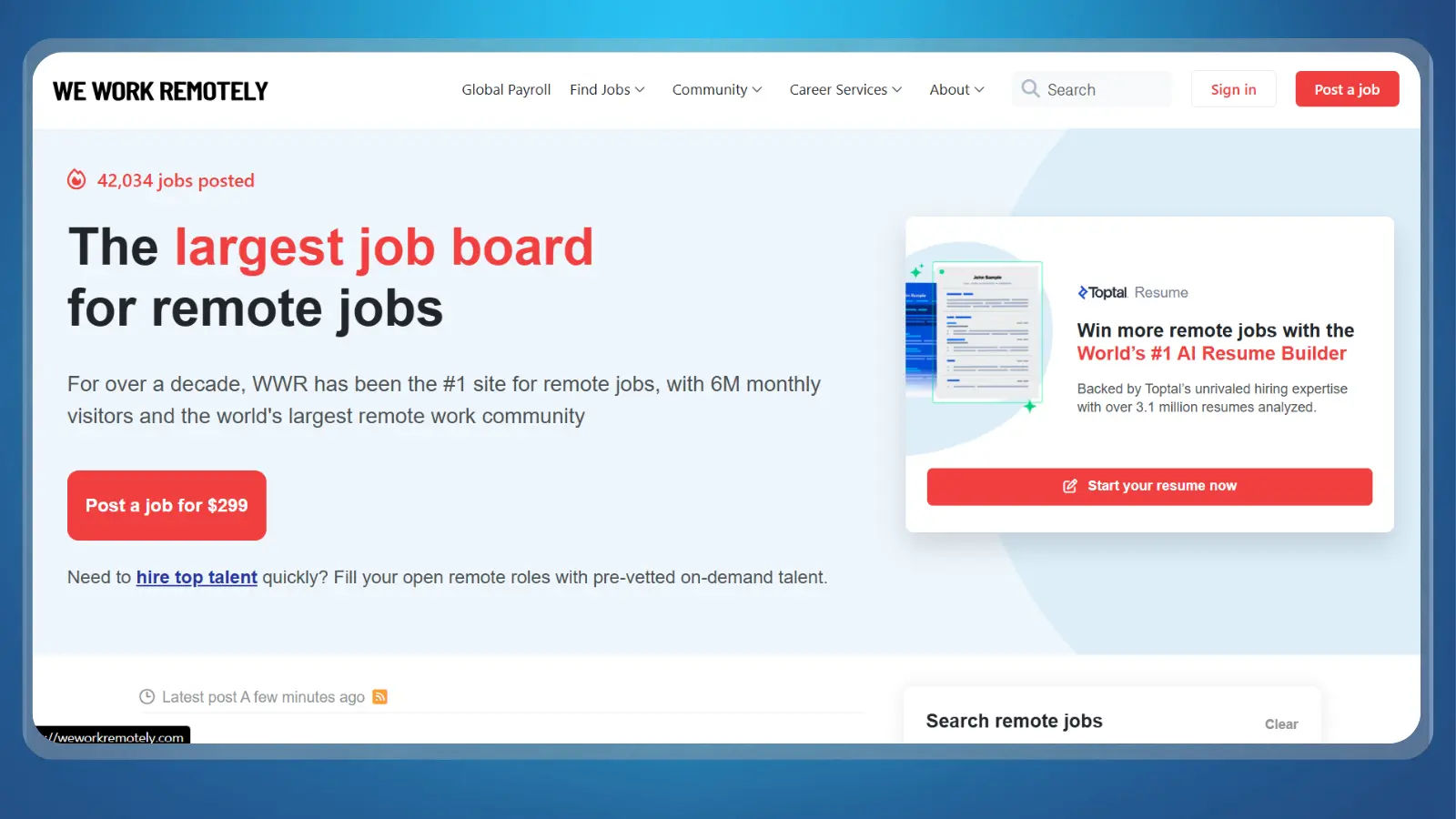
If you want a board that only lists fully remote roles, We Work Remotely‘s free Basic account covers browsing, applying, resume upload, and a personalized job feed, with no hybrid or “remote-eligible” listings mixed in. A paid Pro tier adds automated applications and more alerts for $14.95 a month on a 12-month commitment.
We Work Remotely‘s own about page describes itself as the largest 100% remote job board. It claims monthly visitors in the millions, plus hundreds of new listings added every month across programming, customer support, design, marketing, and sales.
The hidden trap: Upgrading to the Pro tier too early. The free Basic account already includes full browsing, applying, and custom alerts – paying for Pro binds you to a 12-month commitment you might not need.
For anyone specifically hunting fully remote jobs for moms instead of a hybrid role that quietly expects office days, this filter alone saves hours of reading job descriptions closely.

4. Remotive: Best Curated Board for Fast Filtering
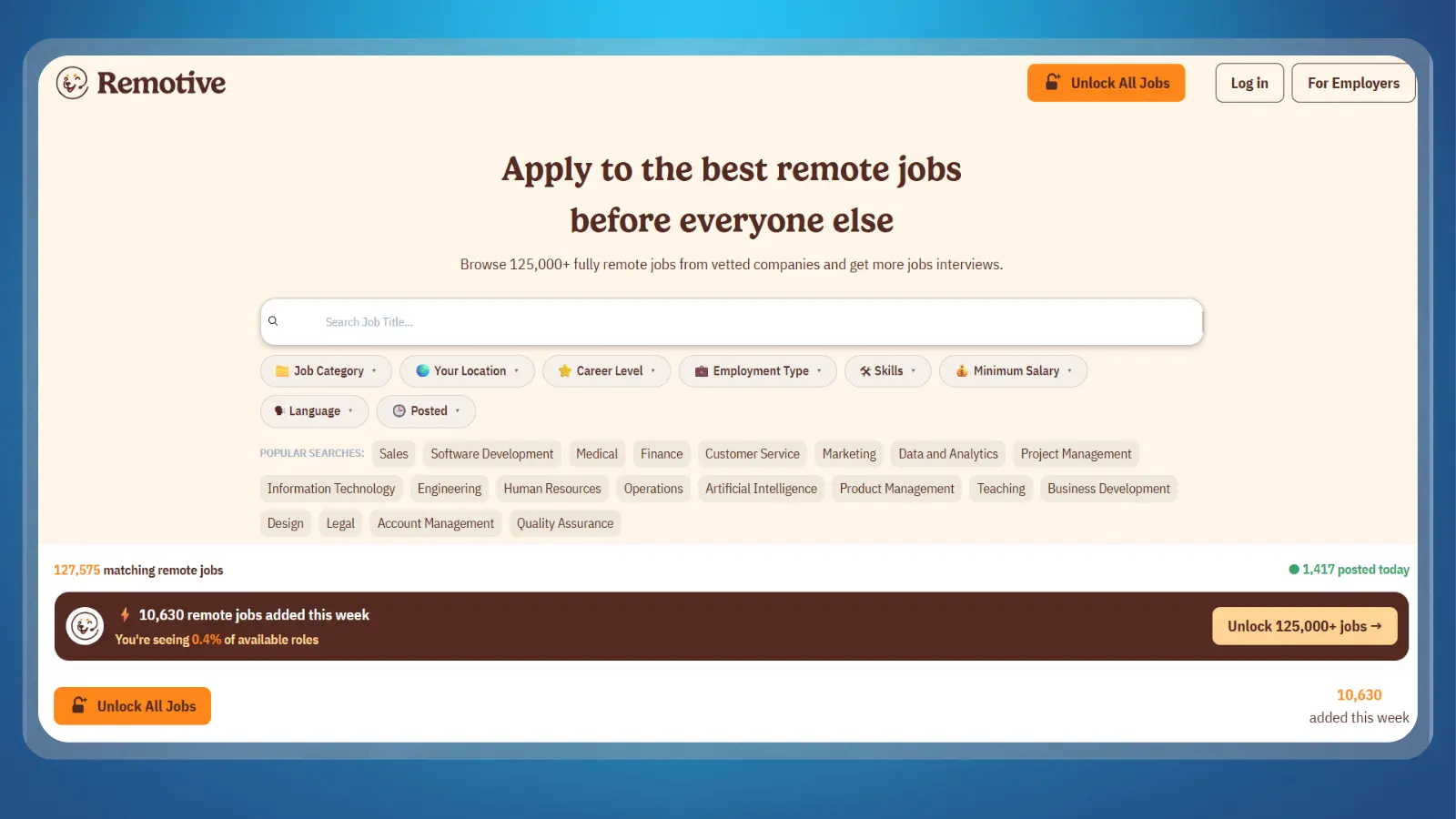
Remotive‘s own listings page claimed more than 125,000 fully remote postings live, with over 10,650 added in a single week, as of a September 2026 check (remotive.com). Listings span programming, customer support, design, and sales. It hand-picks postings instead of aggregating everything, which trims a lot of the noise a volume board like Indeed carries.
Founded in 2014, it built its following as a remote-work community and job board where applications are always handled externally, with no in-site messaging. A paid Remotive Accelerator tier gives job seekers earlier access to postings and finer filtering, but it isn’t required to apply.
Where job seekers waste time: Scrolling through the complete job feed line by line. On a board with over 100,000 listings, use the advanced filters for salary, required skills, and location to jump straight to relevant roles. Its category filters make it one of the faster boards for narrowing down remote jobs for moms who already know which skill they want to sell.

5. LinkedIn: Best for Networking Into Corporate Remote Roles

LinkedIn‘s job search and applications cost nothing, and its real edge here isn’t the listings; it’s getting found. An optional Premium Career tier runs $29.99 to $39.99 a month, or $239.88 billed annually, adding InMail credits, applicant insights, and a “low competition” job filter, per LinkedIn‘s own Premium pricing page.
LinkedIn itself states Premium subscribers are 2.6 times more likely to get hired, with 43% higher response rates. It doesn’t publish what share of hires happen without a subscription, so treat the upgrade as optional, not necessary.
A filled-out profile with a real summary and recent activity is what actually gets surfaced when remote-friendly recruiters search by keyword; a bare profile simply won’t show up. Set your headline and summary around the specific remote jobs for moms you actually want, not a generic “open to work” banner.

6. Printify: Best Passive Income Method (Print on Demand)
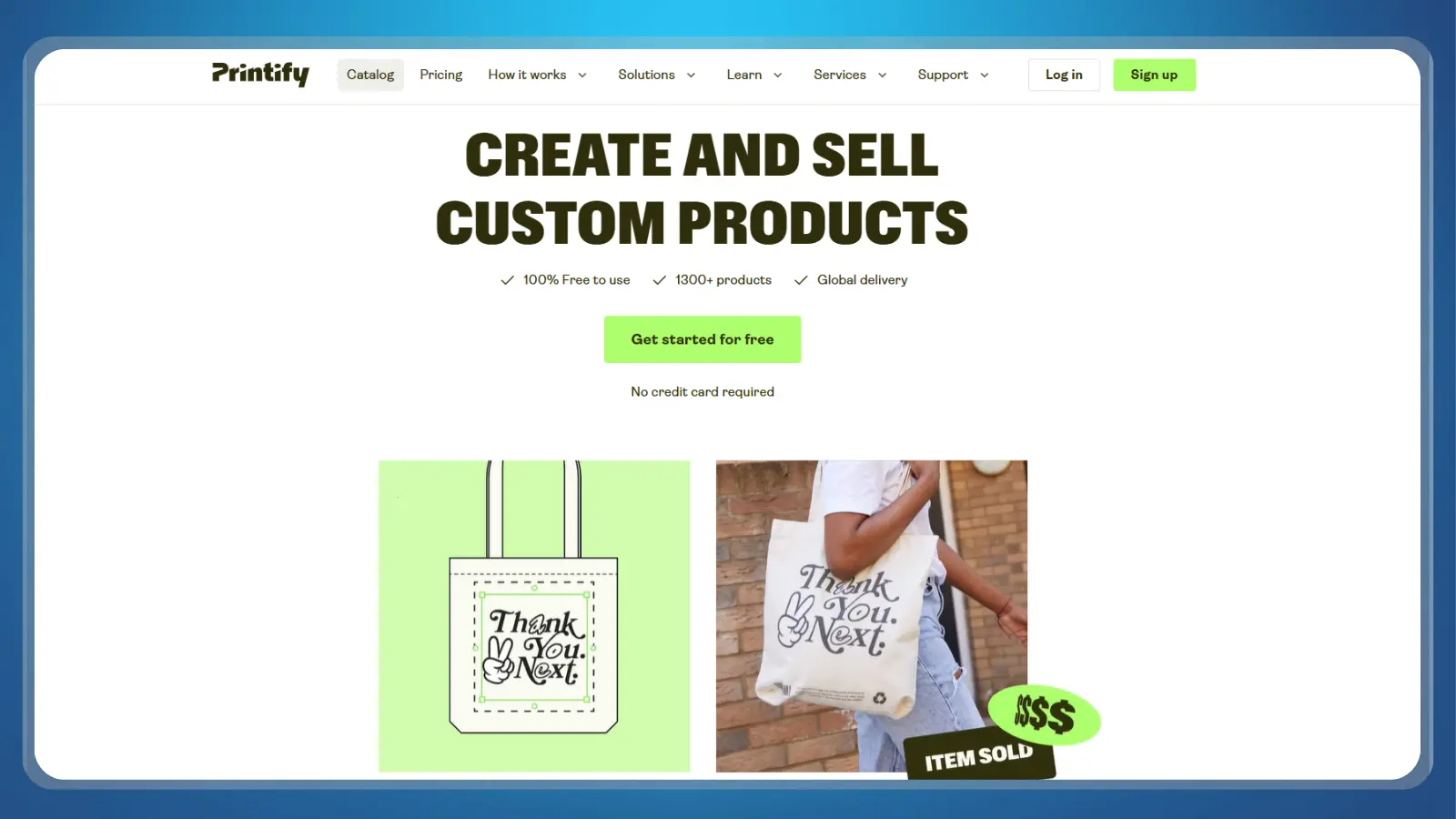
Nothing gets made until a customer buys on Printify, which is what makes this the one passive-income entry on this list instead of an active job. The free plan charges a 0% platform fee, so you keep the full retail markup you set minus production and shipping costs. An optional Premium plan at $29 a month unlocks a production discount once you’re selling enough volume to justify it.
Getting started only takes a few steps:
- Create a free account and connect a sales channel: Etsy, Shopify, or eBay are the usual choices.
- Design or upload artwork for a product, mugs, tote bags, and apparel are common starting points for a mom-focused niche shop.
- Set a retail price above Printify‘s base production cost, then publish the listing and let the connected store handle checkout.
Payout depends entirely on which channel you connect, since Printify itself never holds customer funds. It’s typically immediate once a sale clears through that storefront’s own payment processor.
The profit margin mistake: Blindly accepting default suggested retail prices. Research competitor listings in your niche to set realistic margins that cover production, platform transaction fees, and storefront costs. Compared with the scheduled-hours remote jobs for moms earlier on this list, this one runs entirely around whenever you have time to design and list, not a shift.

7. Boldly: Best Virtual Assistant Remote Jobs for Moms With Admin Experience

Boldly pays its virtual assistants an average of about $25 an hour, with a typical range of $20 to $32 an hour. Executive-assistant-level placements run higher, with regular raises built in over time. That pay sits well above most general virtual assistant remote jobs for moms gigs, but it’s gated behind a real experience bar, not an entry-level role.
Requirements you’ll need to clear before applying:
- A minimum of seven years of experience in an administrative support role, like executive or senior administrative assistant.
- Show comfort managing executive calendars, coordinating meetings, arranging travel, and handling email correspondence.
- A minimum commitment of 20 hours a week across five days, Monday through Friday, during standard business hours.
- Working less than that, or across fewer than five days, disqualifies an applicant automatically (boldly.com/jobs/faqs).
Team members also get a 401(k) with employer match. The common mistake is applying without that seven-year bar met. Boldly is explicit that this isn’t a foot-in-the-door role for someone building a resume; it’s a placement agency for already-experienced assistants who want steady, well-paid client work instead of freelancing for it themselves.
It sits at the higher end of remote jobs for moms with real office experience, paired with a placement agency instead of a cold job application.

8. Alorica @Home: Best Steady-Paycheck Remote Customer Service Employer

If you want a steady paycheck instead of piece-rate pay, Alorica @Home hires remote customer service agents as W-2 employees. Pay averages around $19.97 an hour as of August 2026, with most landing between $16.83 and $21.15 an hour. Entry-level roles start somewhat lower than that average.
Pay is guaranteed at least the local minimum wage regardless of call volume that day, unlike most contractor-model platforms on this list. You’ll need to clear a few technical requirements before applying:
- A computer less than three years old running Windows 10 or 11 (no Mac or Chromebook).
- A hard-wired, high-speed internet connection of at least 10 Mbps download and 3 Mbps upload (no satellite, dial-up, or Wi-Fi-only setups).
- A minimum of 10 hours worked a week to stay active, a genuinely low floor for part-time remote jobs for moms next to most call-center employers.
- A quiet, dedicated space for calls, since customer service work runs on live phone lines instead of asynchronous chat.
What fails the initial screening: Applying with an older laptop, Wi-Fi-only setup, or Chromebook. Alorica enforces strict PC and wired internet requirements, so verify your hardware specs before starting the application. Of the employer-model remote jobs for moms on this list, this is the one built specifically around a set, dependable schedule instead of a flexible one.
9. QuickBooks Live: Best for a Bookkeeping or Accounting Background
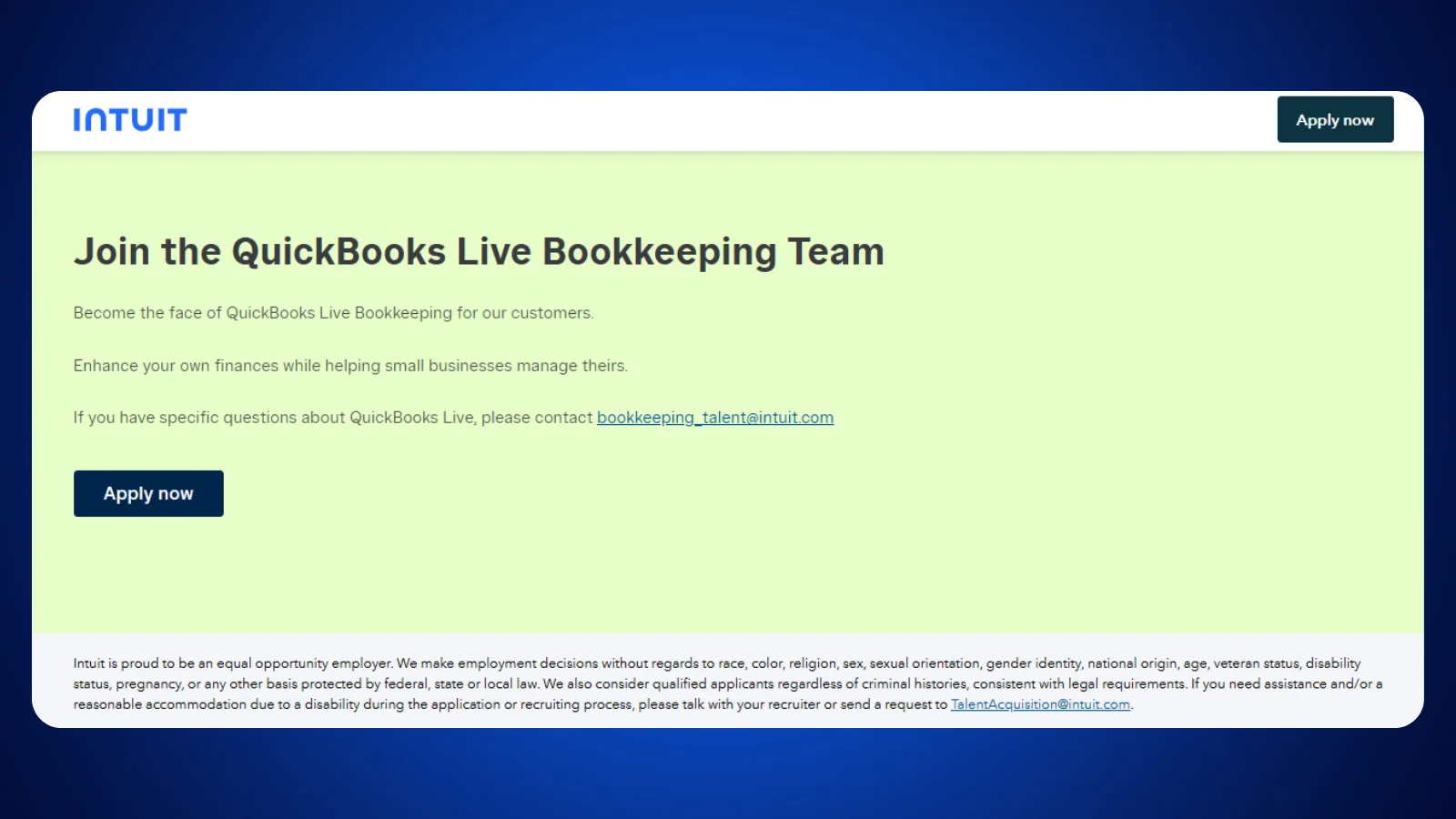
Bookkeeping knowledge turns into the highest hourly ceiling on this list at Intuit‘s QuickBooks Live. Bookkeepers earn an average of $25 to $31 an hour, and Glassdoor’s broader estimate puts total pay near $65,293 a year for the role. That ceiling assumes real bookkeeping knowledge going in, not a skill you pick up during onboarding.
You’ll want a solid working knowledge of accounting and bookkeeping practices, ideally backed by a QuickBooks Certified ProAdvisor credential or equivalent. Comfort with cloud-based accounting software and video-call client sessions matters too, since the role works directly with customers through Intuit‘s virtual bookkeeping tools.
Bookkeepers set their own schedule within QuickBooks Online’s standard business hours, 6 a.m. to 6 p.m., Monday through Friday.
A frequent misstep: Applying with general accounting knowledge but no QuickBooks certification. Since all clients run on QuickBooks Online, holding a ProAdvisor credential carries far more weight than broad experience alone.
Since the entire client base already runs on QuickBooks Online, that specific credential carries more weight here than broader accounting experience alone. Among remote jobs for moms with a real accounting background, this one rewards existing expertise more directly than any general customer-service or admin role above it.
10. Wyzant: Best for Tutoring a Specific Subject
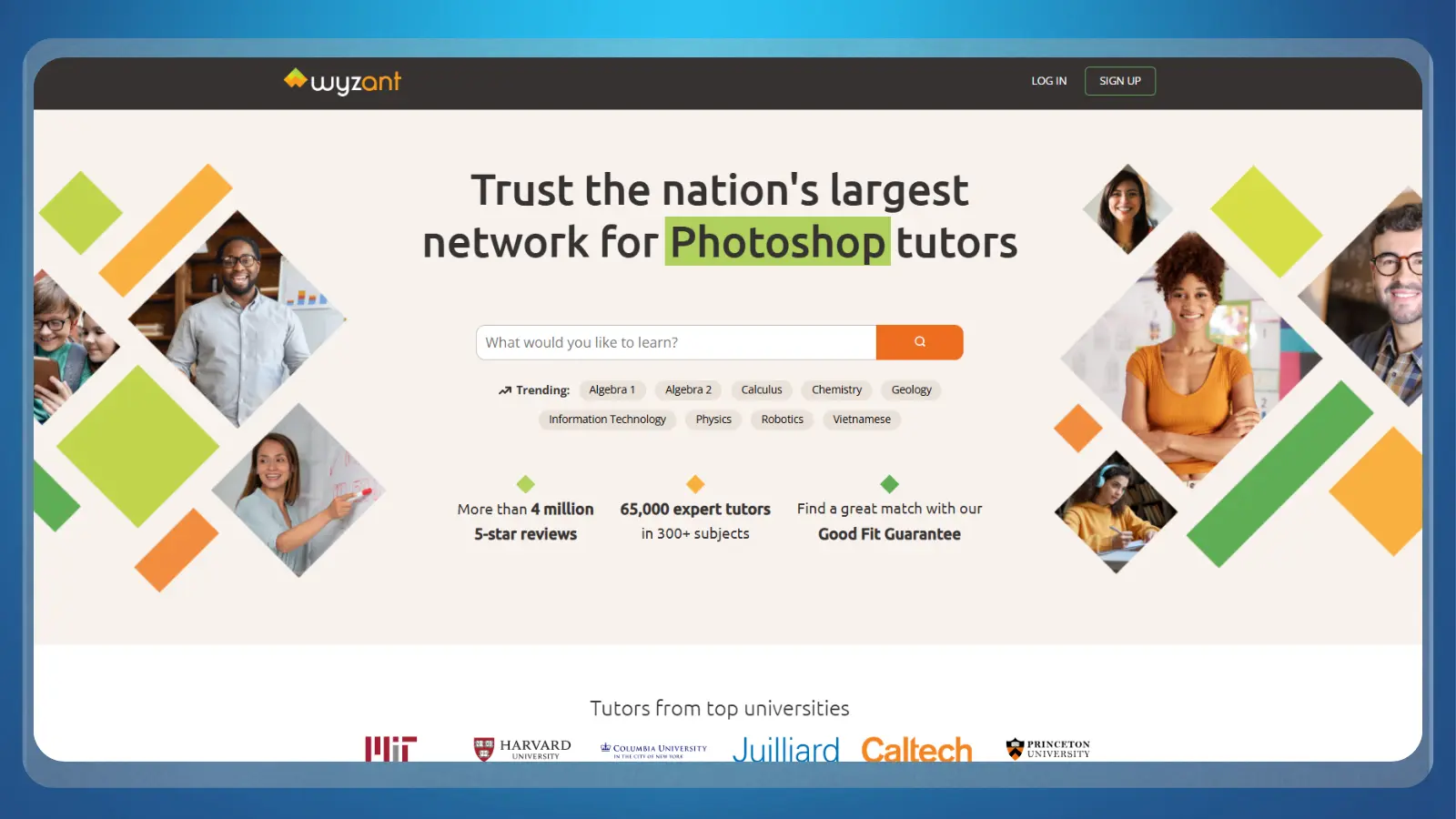
Wyzant takes a 25% cut of whatever hourly rate you set as a tutor, so a $40-an-hour listed rate nets $30 an hour after the platform’s fee. You set your own subject and rate, which is why this fits a parent tutoring a subject they already know, instead of a general “teach English” role.
It costs nothing to create a profile and start listing subjects, and there’s no minimum for direct deposit. Tutors are paid twice a month, on the 1st and the 15th, or can opt into Express Pay for funds within 24 to 48 hours.
Requirements are light: subject-matter competence, no teaching certificate needed for most subjects, a working webcam, and a profile that passes Wyzant‘s identity verification. The common mistake is pricing a first listing too low to “get reviews.”
Since the 25% fee applies to whatever rate you set, pricing too low means you net less per hour, not a bigger fee. If you already hold specific subject expertise, this is one of the few remote jobs for moms where you set the price instead of accepting whatever an employer offers.
11. Cambly: Best No-Experience Tutoring Option
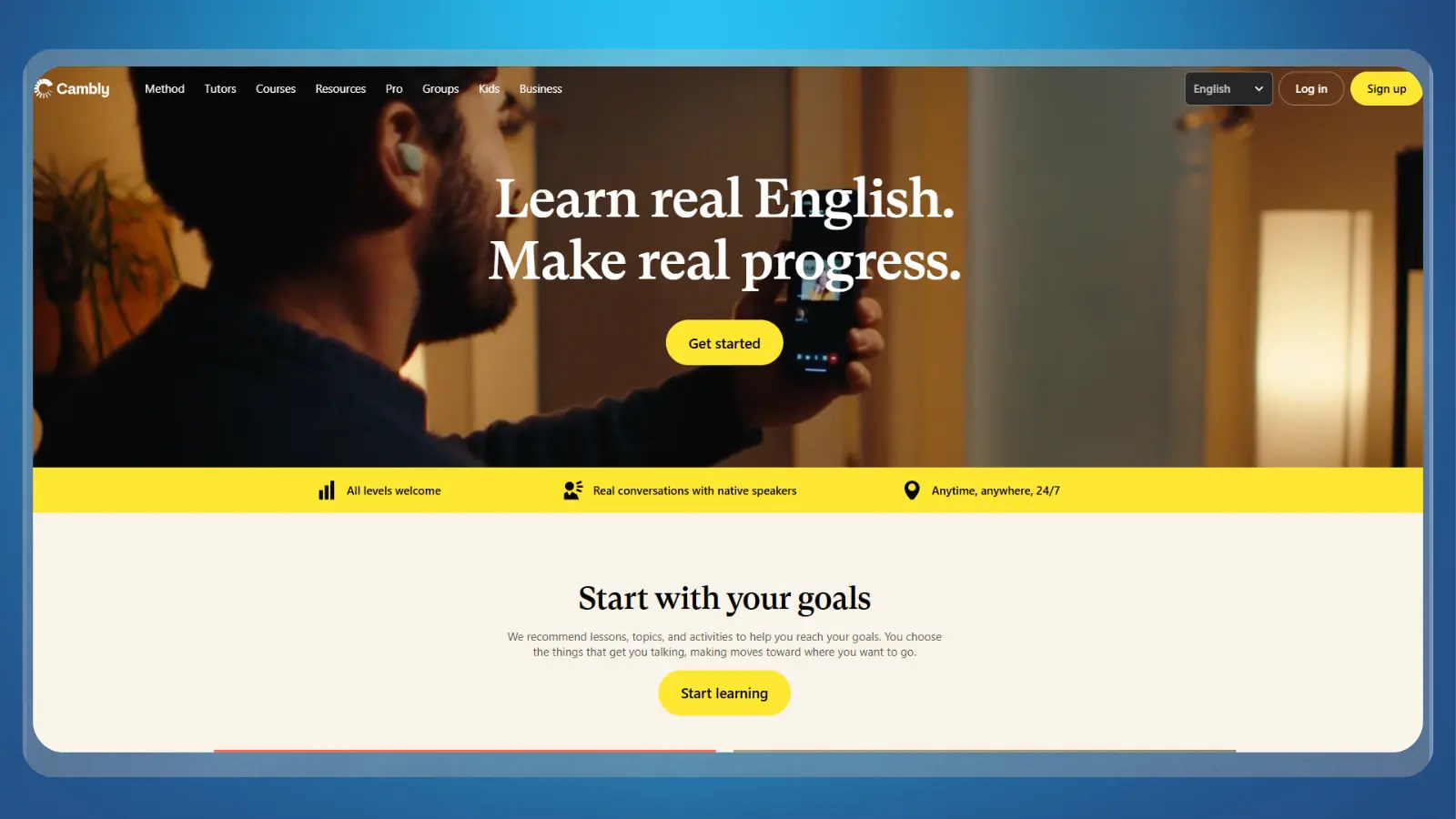
Cambly pays a flat $0.17 a minute for adult English-conversation sessions, working out to $10.20 an hour, or $0.20 a minute ($12 an hour) tutoring on Cambly Kids. The same base rate applies to every tutor regardless of experience. Pay only applies to minutes actually spent connected to a student, so slower hours pay far less than the advertised rate implies.
There’s no teaching degree, TEFL certificate, or prior experience required if you’re looking at remote jobs for moms with no experience. You just need native or near-native English fluency, to be at least 18, and a short video application. Record it on a desktop or laptop using Chrome, since applications can’t be submitted from a phone or tablet.
The application takes about 10 to 15 minutes to complete, and tutors are paid weekly, every Monday, via PayPal. The common mistake is expecting steady hours: pay depends entirely on being connected to a live student, so income runs lumpy around peak hours in English-learner time zones instead of a guaranteed wage.
US mornings (evenings in Asia) tend to bring more students than a random midday slot. It’s a reliable pick among remote jobs for moms with no experience precisely because the bar to start is a video application, not a resume.

12. Clickworker: Easiest Way to Start Earning in Spare Minutes
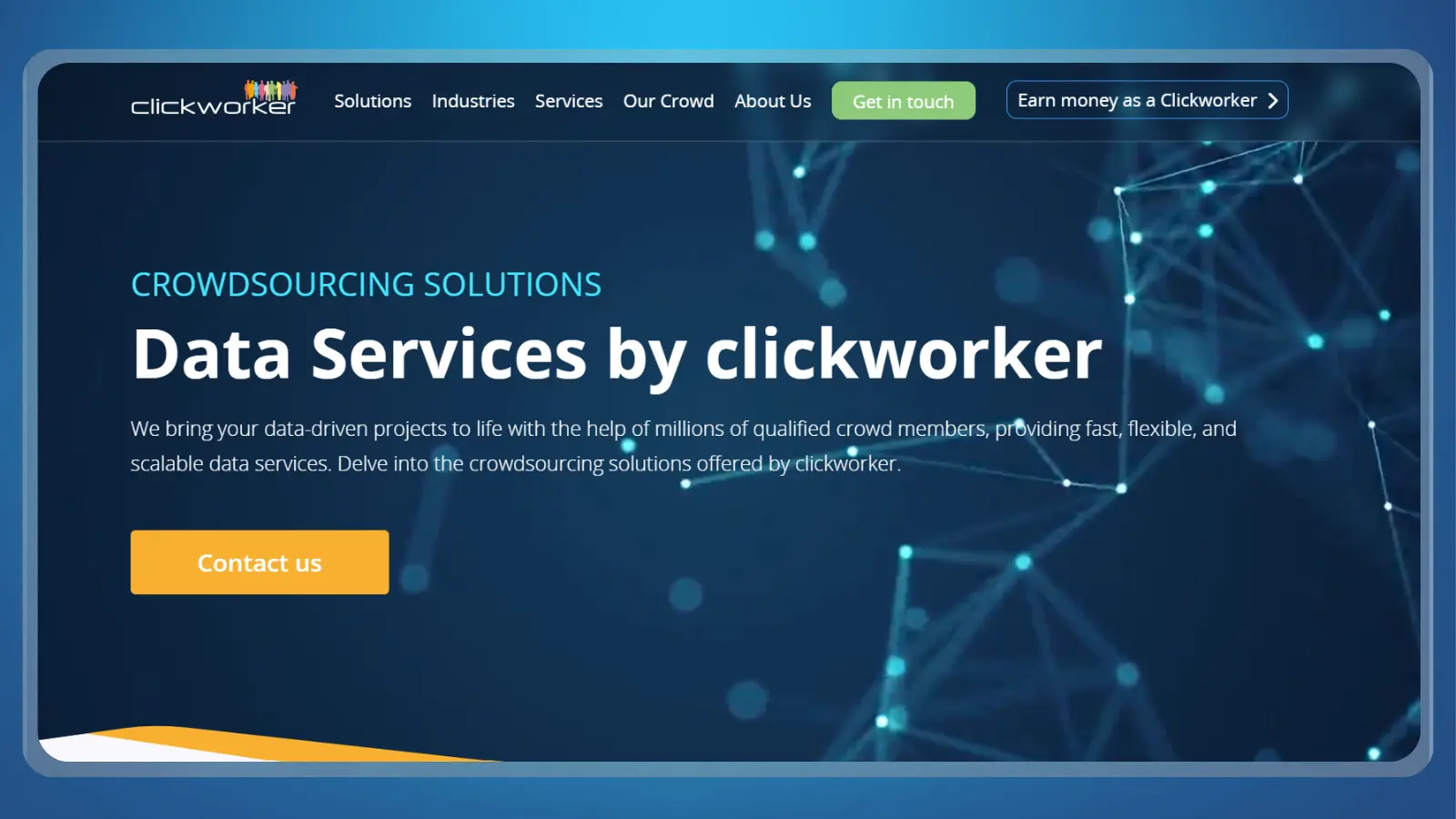
Clickworker charges no fee at all, and it trades a lower pay ceiling for the easiest possible start on this list. Workers get a set piece rate per completed microtask, from data categorization to short surveys and app testing, with no platform cutoff at the top. That zero-barrier setup is why it fits “easy remote jobs for moms” better than any employer role above.
It’s free to sign up, with no experience or equipment beyond a computer or smartphone and reliable internet. Payout requires a $5 (or €5) minimum via PayPal or $10 via Payoneer. Funds go out weekly, between Wednesday and Friday, once you hit that threshold.
Where expectations fall short: Treating microtasks as a full-time paycheck replacement. Piece rates are small, making this platform ideal for quick, spare-minute earnings rather than covering main living expenses.
Of every option on this remote jobs for moms list, this one has the shortest possible path from signup to your first dollar.

13. GoTranscript: Best Flexible, Own-Hours Task Work
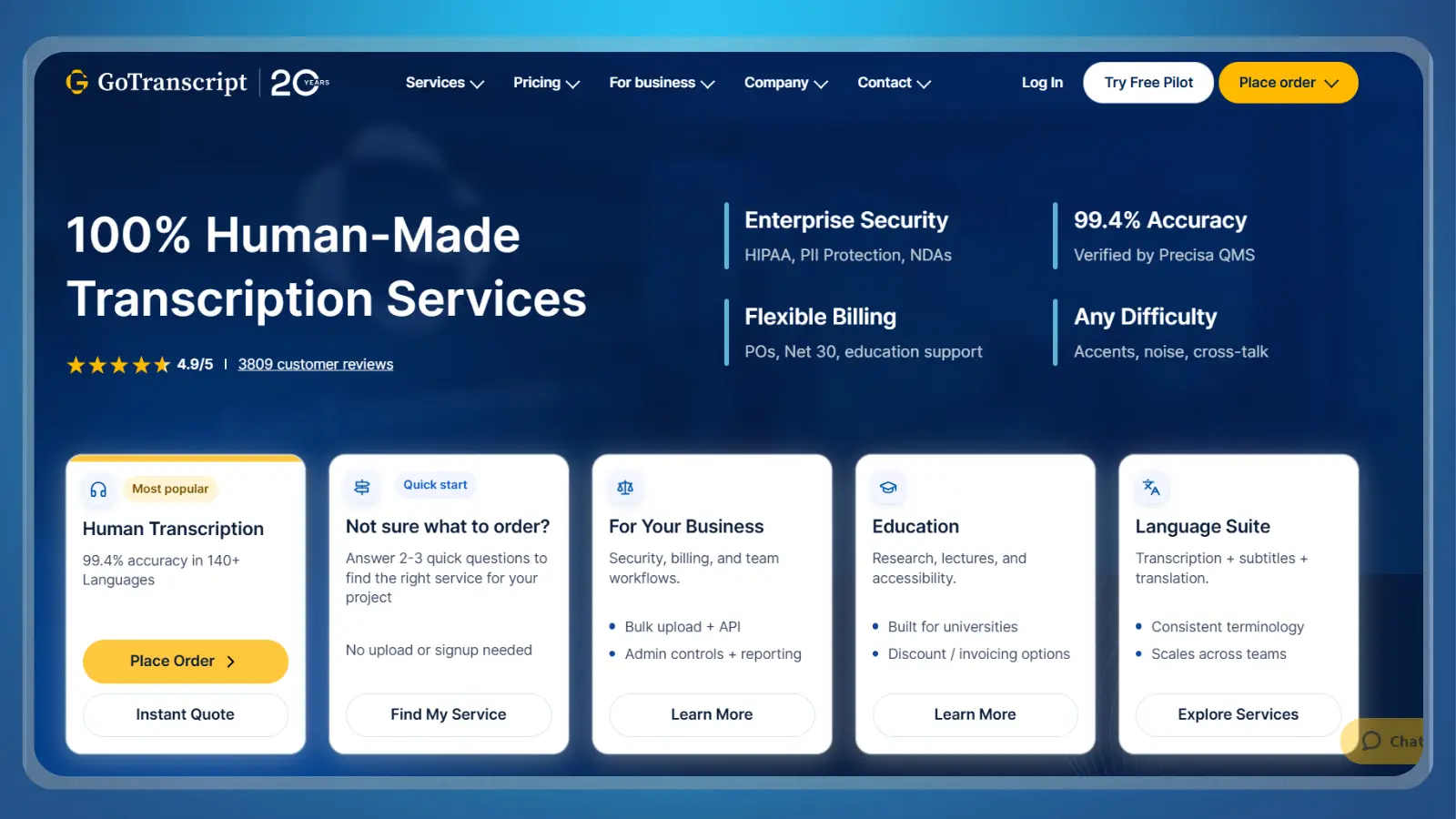
GoTranscript pays $0.40 to $0.60 per audio minute for general transcription, rising to $0.75 to $1.00 per audio minute for legal, medical, or other specialist work. Pay is per audio minute instead of per hour worked, so speed changes your effective wage a lot.
A beginner working at a typical pace effectively earns closer to $7 an hour, while a fast, accurate transcriptionist can clear $20 an hour at the same base rate.
Requirements worth knowing before you apply:
- Strong listening, typing, and grammar skills, with a typing speed of 60 or more words per minute recommended.
- A grammar and style-guide quiz that must be passed with a perfect score before work unlocks.
- New freelancers typically bring in about $50 to $200 in their first weeks while still building speed.
There’s no minimum withdrawal: cash out any earned balance via PayPal, Payoneer, or USDC. GoTranscript pays weekly, every Friday, and covers PayPal withdrawal fees itself. It’s one of the more flexible remote jobs for moms on this list precisely because you log in and work whenever a block of quiet time actually appears.

14. Gengo: Best for Bilingual Moms
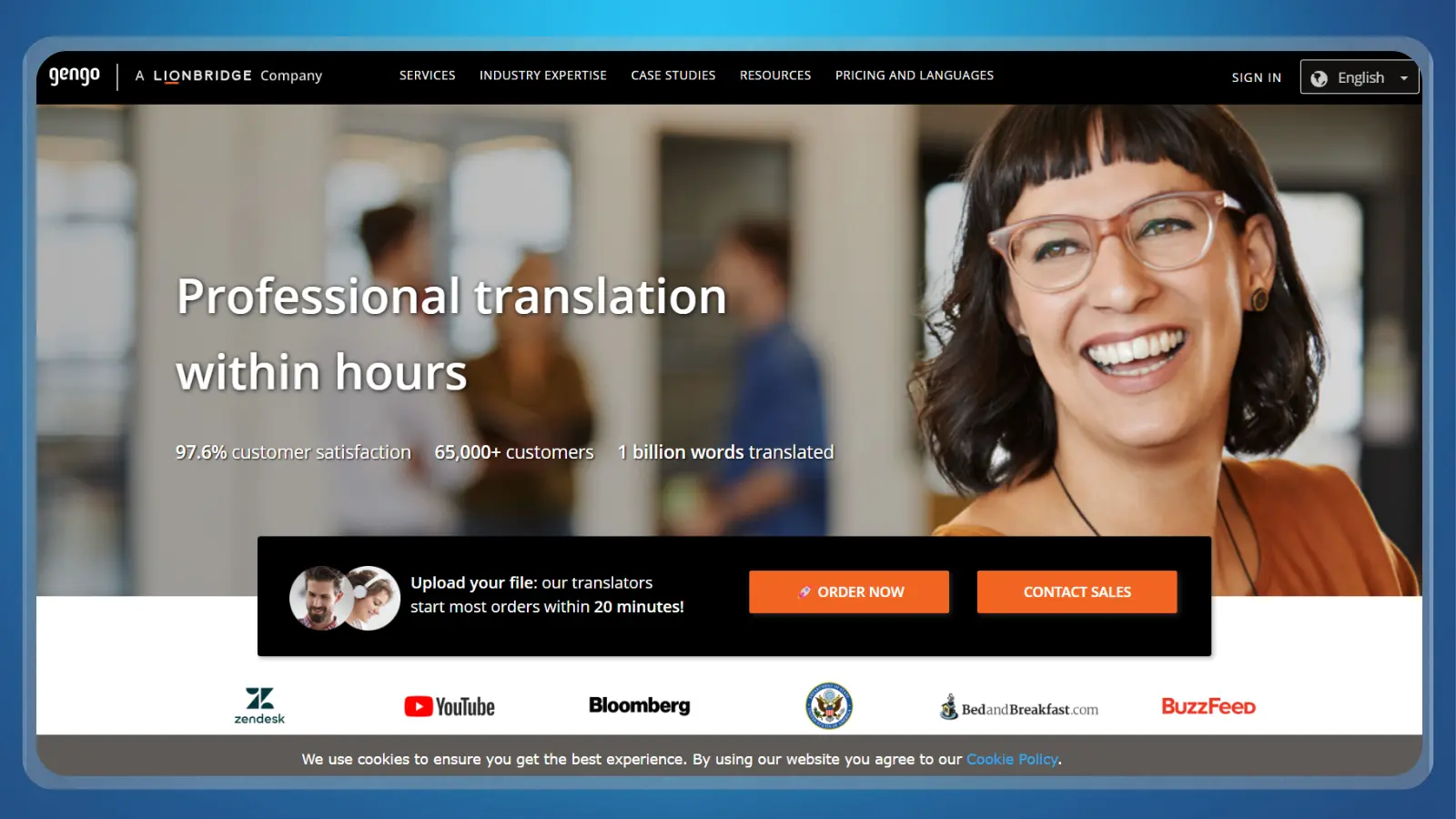
If you’re bilingual, Gengo pays by the word instead of the hour: $0.06 a word on the Standard tier and $0.12 a word on the Advanced tier. The tier is earned, not chosen; translators sit at Standard until they pass Gengo‘s tougher Advanced skills test, which is what actually doubles the per-word rate.
No translation degree or prior professional experience is required, just native-level fluency in the target language and a passing score on Gengo‘s two-part test: multiple choice plus a written translation. A professional Language Specialist reviews submissions within roughly 7 to 14 days.
Payouts run twice a month, on the 5th and the 20th, and must be requested at least seven days ahead of time.
PayPal needs just $2 to cash out, with a small percentage fee capped between $1.50 and $20, while Payoneer needs $20 with no fee from Gengo‘s side. The common mistake is requesting a payout on payday itself: miss the seven-day window, and it rolls to the next cycle. Among remote jobs for moms that reward a specific skill instead of general availability, this is the one built entirely around a language you may already speak at home.

15. Adobe Stock: Best Passive Stock-Photo Income
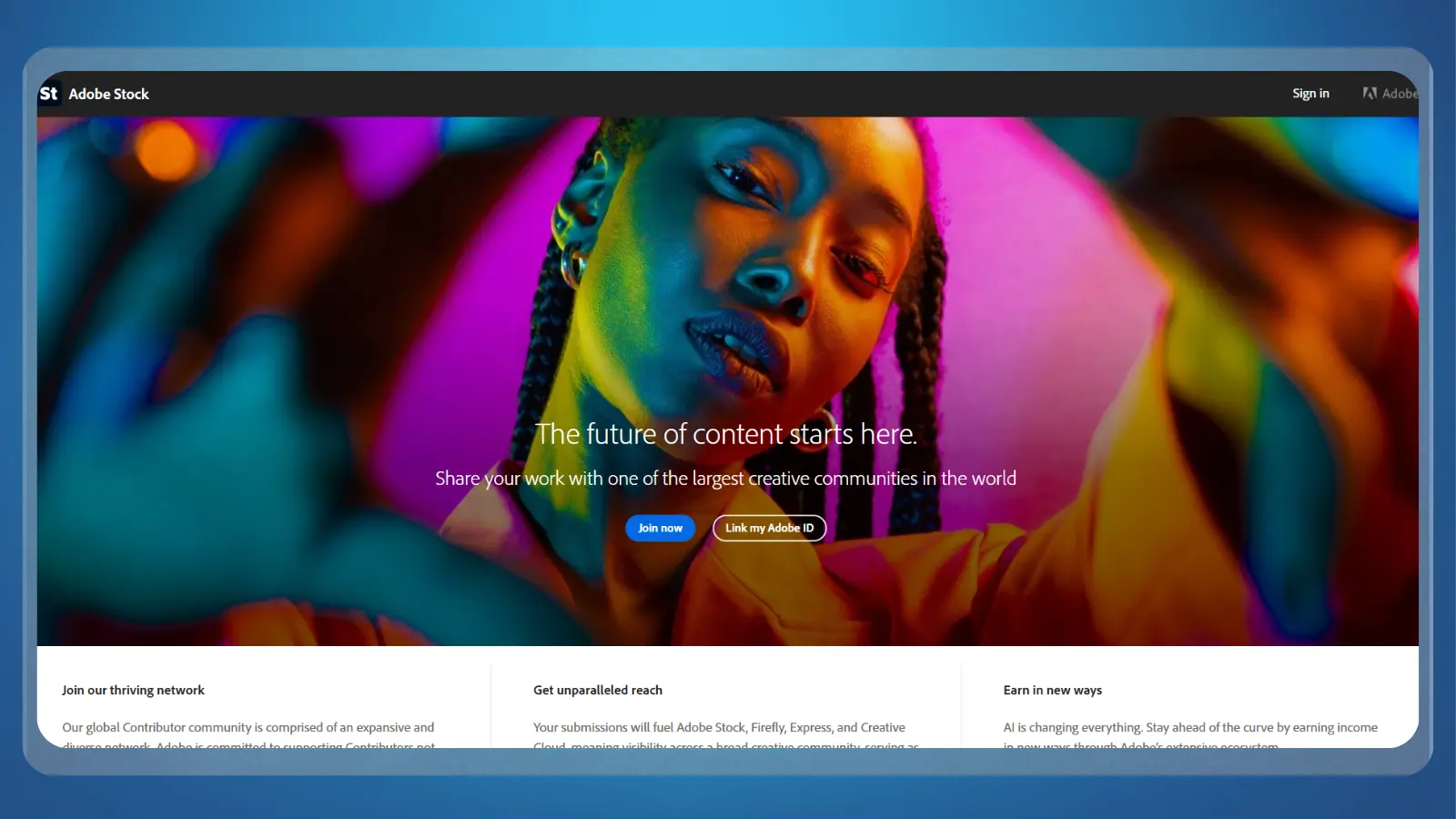
Adobe Stock pays contributors a 33% royalty on photos, vectors, and illustrations, and 35% on video, calculated against whatever a buyer’s subscription plan actually pays for that download. Royalties are genuinely passive once a portfolio is live. The same photo can sell repeatedly for years with zero extra work per sale, which is the appeal if your free time is irregular.
Getting started:
- Create a free Adobe ID and a contributor account at no cost.
- Shoot or source images that solve a specific buyer need, a well-lit “mom working from home” or “kids doing homework” scene sells better than generic lifestyle shots.
- Submit through the contributor portal for review, then build a library over time, since royalties scale with volume, not any single upload.
Payout requests are processed within 7 business days once your balance reaches the $25 minimum, paid via PayPal or Payoneer. The common mistake is uploading a handful of images and expecting meaningful income quickly.
Royalties are small per download, so this genuinely rewards a growing library built over months, not a single afternoon’s shoot. It rounds out the list of remote jobs for moms here as the slowest-building but most hands-off option of the fifteen.

How These 15 Were Chosen
Every platform on this list had to clear three bars: verifiably operating right now, publishing its own pay or fee structure instead of relying on a third party’s guess, and actually matching what a mom searching for remote work is looking for. That means a real place to apply, not a definition of remote work.
Anything that turned out unverifiable or dead while researching this list got cut. That’s also why a defunct board like Kidizen doesn’t appear here, even though it once ranked for similar searches.
The mix is deliberate. It runs five job boards for finding an employer role, eight employer-facing or task-based skill roles covering virtual assistant, customer service, bookkeeping, and tutoring or transcription work, and two passive income ideas for anyone whose hours are too unpredictable for scheduled work.
That spread is meant to cover most of the realistic remote jobs for moms searches this guide sees, not just the highest-paying handful. Every pay figure above reflects data published or refreshed in 2026, since remote pay, platform fees, and payout schedules shift often enough that a two-year-old number can quietly go stale. Where a platform’s own page conflicted with a third-party estimate, this list defaults to the platform’s own current numbers wherever it publishes them directly.
Comparison at a Glance
Use this table to shortlist two or three remote jobs for moms before reading the full entries above in depth. Passivity varies as much as pay does: job boards and employer roles need active hours every week, while the last two rows keep earning with little ongoing effort once they’re set up.
| Method | Typical Pay | Startup Cost | Time to First Payout | How Passive Is It? |
|---|---|---|---|---|
| FlexJobs | Varies by employer landed | $2.95 trial, then $23.95/4 weeks | 2-6 weeks (employer hiring cycle) | Active: scheduled job |
| Indeed | Varies by employer landed | Free | 2-6 weeks (employer hiring cycle) | Active: scheduled job |
| We Work Remotely | Varies by employer landed | Free (Pro $14.95/mo optional) | 2-6 weeks (employer hiring cycle) | Active: scheduled job |
| Remotive | Varies by employer landed | Free | 2-6 weeks (employer hiring cycle) | Active: scheduled job |
| Varies by employer landed | Free (Premium $29.99-$39.99/mo optional) | 2-6 weeks (employer hiring cycle) | Active: scheduled job | |
| Printify | Your markup, 0% fee | Free | Immediate on sale clearing | Mostly passive once listed |
| Boldly | $20-$32/hour | Free to apply | Several weeks (vetting + client match) | Active: fixed weekly hours |
| Alorica @Home | $16.83-$21.15/hour (avg $19.97) | Free (own PC/internet required) | Weeks (background check + training) | Active: fixed weekly hours |
| QuickBooks Live | $25-$31/hour | Free to apply | Weeks (hiring + onboarding) | Active: fixed weekly hours |
| Wyzant | Your rate minus 25% fee | Free to list | Twice monthly (1st/15th) | Active: hours you book |
| Cambly | $10.20-$12/hour | Free to apply | Weekly (every Monday) | Active: hours you log on |
| Clickworker | Piece rate, no fee | Free | Weekly (Wed-Fri), $5 minimum | Active: whenever you work |
| GoTranscript | $7-$20/hour effective | Free | Weekly (every Friday), no minimum | Active: whenever you work |
| Gengo | $0.06-$0.12/word | Free | Twice monthly (5th/20th) | Active: whenever you work |
| Adobe Stock | 33-35% royalty per sale | Free | Within 7 business days of $25 balance | Mostly passive once uploaded |
Play-to-Earn and Reward Apps: a Side Supplement, Not a Job

Play-to-earn and reward apps like Snakzy pay real, if small, cash for spare minutes, and they are not a substitute for any of the 15 remote jobs for moms above. They exist for the gap between a school run and a nap, not as a plan to replace household income.
These are free mobile reward apps that pay for playing games, hitting milestones, or light engagement tasks, cashing out in small increments instead of paying an hourly wage. The three apps below cost nothing to join and cash out through PayPal once you clear their minimum, so there’s no purchase required to start. The three below are confirmed and currently paying out:
Snakzy rewards hitting mobile game milestones rather than logging timer hours. Backed by Eneba, coins convert to PayPal cash or gift cards. Unlocking the shop requires 35,000 coins ($35) on your first payout, but subsequent redemptions carry much lower minimums.
Play mobile games for real PayPal rewards with no deposit required – the perfect low-stress add-on while building your remote work hours.

What Doesn’t Work
The clearest red flag across every option above is any request for money before you’ve earned anything: a real job board, employer, or freelance platform never charges you to start working. FlexJobs‘ own subscription is the one exception, and that pays for curated, scam-screened listings, not for a job itself. Almost every scam that gets reported against a “remote jobs for moms” search shares one of the patterns below.
- Upfront “starter kit” fees: a legitimate employer like Alorica may require you to meet equipment specs but never charges a starter kit fee.
- Check-cashing scams: per the FTC, a job that requires depositing a check and wiring part of it back is always a scam, regardless of which board the listing appeared on.
- Vague “data entry” listings with no named employer: a real data-entry or transcription role, like GoTranscript, names itself, publishes its own rates, and never asks you to buy software to get started. If a listing for remote jobs for moms won’t name the actual company behind it, treat that alone as reason enough to move on.
- Paid “training” sold before you can even apply: Cambly, Wyzant, and Boldly all let you apply directly with no paid course required first; a listing that insists on a paid certification before it will even consider you doesn’t operate the way any platform here does.
- Guaranteed-income promises on piece-rate platforms: Clickworker, GoTranscript, and Gengo all pay rates that vary with your speed and availability; a recruiter promising a fixed weekly income on one of these platforms is misrepresenting how they actually pay.
None of that means the whole category is risky. Every platform ranked in this guide clears these checks today, so the safest move is simply sticking to the fifteen above and treating anything outside that list with the same scrutiny.
Final Verdict on Remote Jobs for Moms
For most people starting from zero, a screened job board is the strongest starting point among remote jobs for moms because it removes the scam-sorting work instead of adding a new skill to learn. Choose FlexJobs for a hands-off, pre-screened search worth the subscription cost, or a free board like Indeed, We Work Remotely, or Remotive if the subscription itself is the barrier.
If you already have real administrative or bookkeeping experience, Boldly or QuickBooks Live pay meaningfully more per hour than any beginner option here, and they’re worth the extra vetting time.
If you’re starting from zero with only small, unpredictable blocks of time, Clickworker, Cambly, or a passive route like Printify or Adobe Stock fit better than committing to scheduled hours before you know whether your schedule will hold. A reward app like Snakzy can sit alongside any of these as spare-minutes cash, but it shouldn’t be the plan on its own.
Start with whichever option fits your actual weekly hours, not the highest headline pay, and come back to this list once your schedule gets more predictable.
Play mobile games for real PayPal rewards with no deposit required – the perfect low-stress add-on while building your remote work hours.
FAQs
Yes, most listings on screened boards like FlexJobs, or from named employers like Alorica and Intuit, are legitimate. Scams cluster around vague listings asking for money upfront, so stick to platforms that publish their own pay and never charge you to start working.
Realistic no-experience pay runs about $10.20 to $12 an hour on a beginner-friendly option like Cambly, or small piece-rate pay on task platforms like Clickworker. Treat $20 to $32 an hour, the range for experienced roles like Boldly, as a target, not a starting wage.
FlexJobs is built around flexible and part-time filters, making it the fastest way to search flexible remote jobs for moms. It sorts by schedule type upfront, so you skip the full-time-only listings that dominate general boards like Indeed.
Yes. Cambly pays every Monday, GoTranscript pays every Friday, and Clickworker pays weekly between Wednesday and Friday, so a genuinely weekly paycheck is realistic without waiting on a monthly cycle.
No, not through an agency like Boldly, which requires seven years of admin experience. Among remote jobs for moms with zero office background, freelance VA work through a general job board is the better entry point while you build that experience.
The fastest start among remote jobs for moms is a task-based platform like Clickworker or GoTranscript, since there’s no employer hiring cycle to wait through. Most people earn their first payout within days of signing up, unlike a formal employer role at a company like Alorica.