


How To Get Content Warning Free?

Eneba Hub contains affiliate links, which means we may earn a small commission if you make a purchase through them—at no extra cost to you. Learn more


Here’s how to get Content Warning free legally, using rewards rather than risky downloads. Content Warning is a cooperative horror game about filming monsters with friends and turning disasters into viral videos. Its $7.99 Steam price is the barrier, but Snakzy offers a way to cover it with earned rewards. For readers who want to play sooner, Eneba also offers a discounted key.
Snakzy is a free rewards app that turns time spent completing offers into coins redeemable toward a Steam gift card you can use for Content Warning. Eneba is a legitimate marketplace offering a cheaper purchase now. Both routes lead to a permanent, legitimate license. Below, you’ll find the game’s price, reception, requirements, and the steps for choosing your route.
|
Game price |
$7.99 (Steam) |
|---|---|
|
Genre |
Cooperative horror with video recording |
|
Developer |
Zorro, Wilnyl, Philip, thePetHen, Skog |
|
Publisher |
Evil Landfall? |
Get Content Warning Free with Snakzy.

Jump to:
How To Get Content Warning Free: Full Game Overview
Content Warning has a Very Positive reception on Steam, with 92% positive feedback across 73,254 reviews. Metacritic lists a 6.8 user score, but no critic score. Those ratings give you a useful starting point, though the game’s appeal is more specific: friends trying to make entertaining footage while their expedition falls apart.
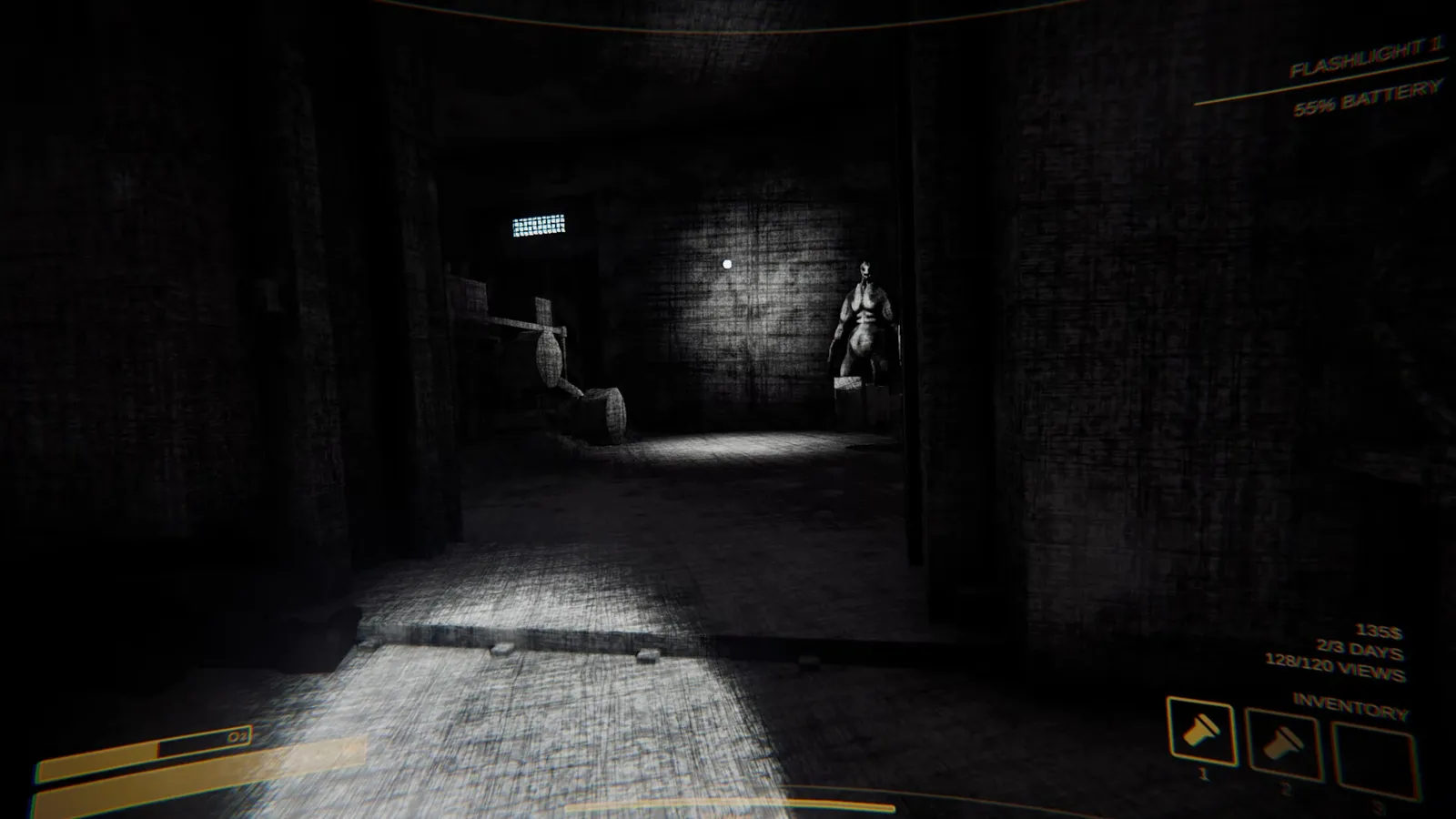
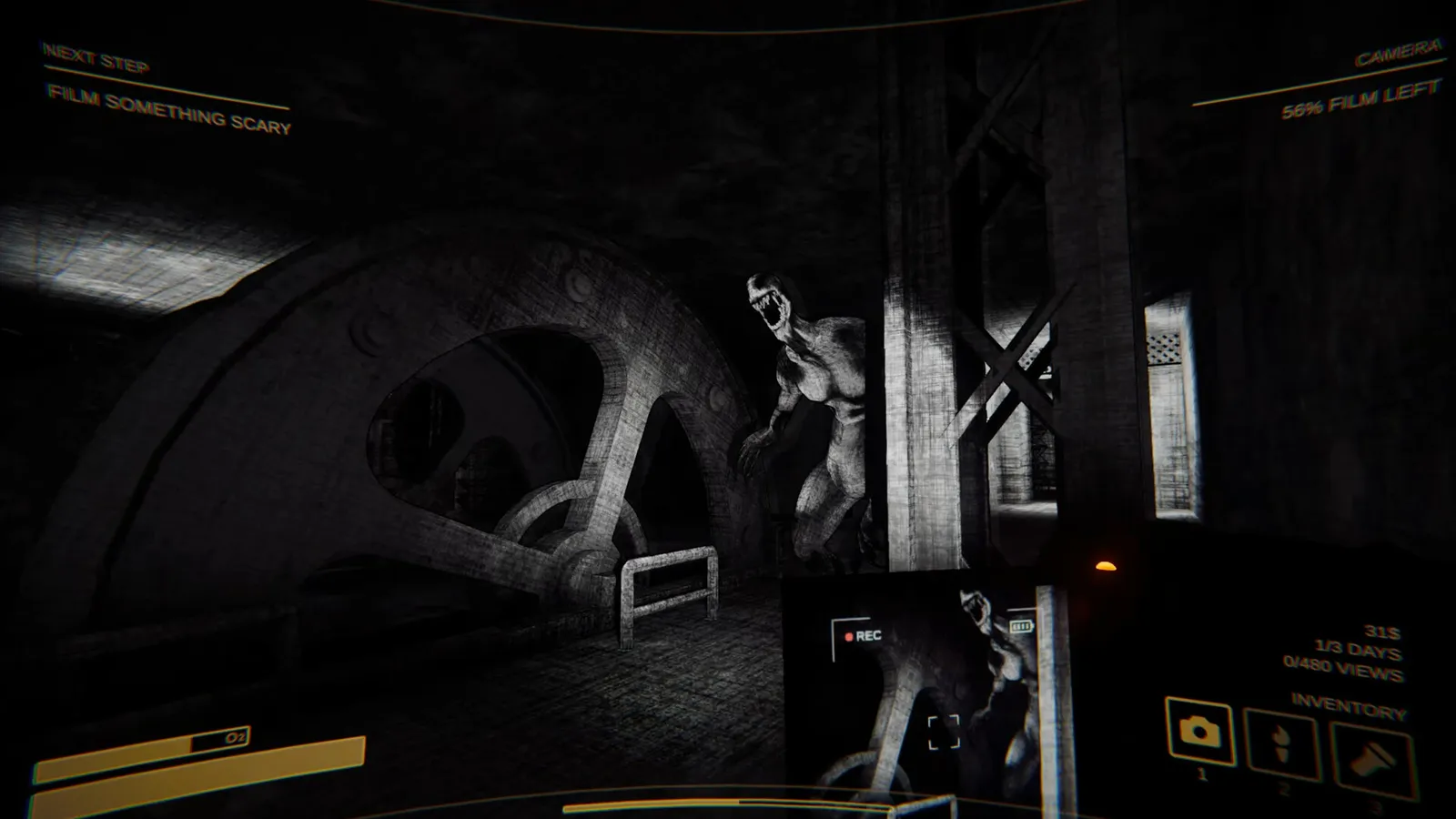
Developed by Zorro, Wilnyl, Philip, thePetHen, and Skog, and published by Evil Landfall?, Content Warning released on April 1, 2024. You descend into the Old World using a diving bell, carrying a camera and whatever equipment your team can afford. The aim is to record frightening encounters and return alive, rather than simply clear an area of enemies.
Back on the surface, you upload your footage to SpöökTube and watch it together. Views determine whether your career continues, while advertising revenue funds more equipment. Each run spans 3 days, giving your team a deadline for finding enough watchable material. The recording becomes both your objective and a shared souvenir of the trip.
The depth comes from coordinating 2-4 player online co-op, choosing equipment, and deciding which risks deserve camera time. Sponsorship deals add MC for island upgrades and hats, while saved recordings let you keep memorable clips. The filming premise puts the focus on shared scares and recording your friends.
How Much Does Content Warning Cost?
The official Content Warning price is $7.99 on Steam. It is a paid game, and the rewards method covers that purchase rather than unlocking a separate free edition. No current Steam discount is listed here. If you’re budgeting for a group session, each player should plan around getting their own legitimate copy.
Games Like Content Warning
Seasonal storefront sales are worth checking if you’re comfortable waiting, but don’t build your plans around an assumed discount. Your final checkout price is what matters, especially if regional pricing differs. Getting Content Warning for free through Snakzy sidesteps the out-of-pocket price: complete offers, reach the cash-out minimum, and use the resulting gift card for the official purchase.
Content Warning Platform Availability
Content Warning is listed for PC, PS5, Xbox Series X|S, Xbox One, Switch 2, and Switch. None of these platforms has a Metacritic critic score listed. The 6.8 user score mentioned above is separate from a professional review aggregate, so don’t read it as a platform-specific critic rating.
The method in this guide gets you the Steam PC version. A Steam gift card adds funds to your Steam Wallet, and those funds buy the game on that storefront. They do not purchase a console copy or transfer the license to another platform.
Console players should buy through their own console store instead. Before organizing a session, check the multiplayer details for the version your friends use. The confirmed online co-op feature alone does not establish cross-play between these platforms, so this guide makes no cross-play promise.
Content Warning System Requirements
Content Warning lists a minimum of 8 GB RAM, an Intel Core i5 at 2.5 GHz or equivalent, and a GTX 1050 ti or AMD R9 380. The recommended tier raises memory to 16 GB RAM.
|
Spec |
Minimum |
Recommended |
|---|---|---|
|
OS |
Win 10 (64-bit) |
Win 11 (64-bit) |
|
CPU |
Intel Core i5 @ 2.5 GHz or equivalent |
Intel Core i5 @ 3.0 GHz or AMD Ryzen 5 or equivalent |
|
RAM |
8 GB RAM |
16 GB RAM |
|
GPU |
NVIDIA GeForce GTX 1050 ti or AMD R9 380 |
NVIDIA GeForce GTX 1060 or AMD RX 470 or equivalent |
|
DirectX |
Version 11 |
Version 12 |
|
Storage |
4 GB available space |
6 GB available space |
Compare your graphics hardware with the listed minimum before buying Content Warning. Allow for the 6 GB recommended storage requirement rather than planning around only the smaller minimum installation figure.
Content Warning Mechanics
The loop in Content Warning starts with preparation: customize your ASCII face, buy equipment, and take the diving bell into the Old World. Once below, your team searches for monsters, cursed relics, and other artifacts worth filming. The camera gives someone a job beyond staying alive. You need to keep the frightening action in frame while the rest of the group tries to survive it.
Oxygen and camera battery put limits on each expedition. Hanging around might produce a better clip, but it also leaves fewer resources for the return journey. Surviving players must reach the diving bell to get back to the surface. That creates a useful tension between the person chasing footage and the teammate calling for everyone to leave. Voice chat gives the group a way to coordinate those decisions.
Uploading footage to SpöökTube leads to a watch party, views, and advertising revenue. You spend that income on upgraded gear, medical equipment, props, and emotes, then try to meet the next viewing target. Sponsorship deals provide another progression route through MC, island upgrades, and hats. The rough edge is built into that premise: limited oxygen and battery can cut an entertaining expedition short, and the camera needs an attentive operator. For another group-horror option, explore a similar route to get Escape the Backrooms free.
Experience the frantic filming trips and shared scares of Content Warning for free through earned rewards. Download Snakzy, complete eligible offers or play partner games, and redeem your coins for a gift card that covers the official purchase.

Content Warning Top Features
- Handheld Video Camera: Film encounters from inside the action using a working in-game camera. The person recording has to balance useful footage against their own safety.
- SpöökTube Watch Parties: Upload surviving footage and watch it with your teammates. The video feeds directly into your view targets and advertising revenue.
- Old World Expeditions: Take the diving bell down to physics-animated monsters, cursed relics, and other artifacts. Oxygen and battery limits keep the return journey on your mind.
- Equipment and Sponsorships: Spend advertising revenue on gear, props, emotes, and medical equipment. Sponsorship deals earn MC for island upgrades and hats.
- ASCII Faces and Saved Recordings: Build a face with your keyboard and keep your in-game videos. Customization and recordings give your group something personal to bring back from each session.
Get Content Warning Free with Snakzy.
How To Get Content Warning Free With Snakzy
Snakzy is a free rewards app where offers, app downloads, surveys, and partner games earn coins. No credit card is required. You’re investing time rather than paying for Content Warning directly. Read each offer’s conditions before starting, and choose activities you’re comfortable completing instead of treating the coin balance as automatic income.
- Download Snakzy: available free on iOS and Android.
- Browse available offers: choose suitable apps, surveys, or partner games, and read their completion requirements before committing your time.
- Complete offers to earn coins: track your progress toward the $35 minimum cash-out, even though the game itself costs less.
- Redeem coins for a Steam gift card: once you reach the $35 minimum, select an available card that covers the $7.99 purchase.
- Buy Content Warning on Steam: apply the gift card and complete your purchase.
On average, users earn their first $27.70 within 6.5 days. That’s earnings, not a completed payout: the $35 minimum still applies before cashing out. A cash-out can cover this game’s price, but the average earnings figure alone does not unlock one. Offers and earning rates vary by region.
Joining bonus available on sign-up: check the app for the current offer.
Minimum cashout threshold: $35. You need at least this balance to redeem.
No credit card needed: coins come from offers, surveys and partner games.
Earning rates vary by region: check available offers in your country.
Get Content Warning Free with Snakzy.
Get Content Warning Cheaper With Eneba
If you’d rather play now, Eneba lists Content Warning at $5.54, compared with the official $7.99, a saving of 31%. The key activates as a permanent license on Steam. This is a discounted purchase, not a way to obtain a Content Warning Steam key for free. It suits readers who prefer paying a smaller amount over spending time completing rewards offers. Before purchasing, check that the listing’s region and activation details match your account.
Games Like Content Warning
Eneba prices shift, so check the live listing before paying. Choose the compatible product, complete checkout, and redeem its code. The routes stay distinct: Snakzy covers a purchase through rewards, an Eneba key costs less upfront, and an Eneba gift card adds wallet funds. Each leads to a legitimate copy when redeemed correctly.
Is It Legal To Get Content Warning Free With Snakzy?
Yes, using Snakzy to fund the official purchase is legal. Advertisers pay for completed offers, you receive coins, and those coins become a real gift card. You then purchase Content Warning through Steam. The result is a permanent license tied to your account, with the rewards covering the payment rather than bypassing the store.
Piracy is illegal and carries risks, including malware, account bans, and no legitimate license. An unofficial Content Warning free download can expose you to those risks. It also denies compensation to Zorro, Wilnyl, Philip, thePetHen, and Skog, the developers behind the game. A claim that a download is “safe” does not turn a cracked copy into an authorized release.
Stick to official purchases and valid activation codes rather than sites claiming to generate a Content Warning Steam key for free. For more games built around exploration, our varied adventure games guide offers other directions to consider.
If you’d prefer to add funds to your Steam account, Eneba‘s Steam gift card hub offers a card with $10 in wallet value.
Steam Wallet Gift Cards
That $10 card covers Content Warning‘s $7.99 price with $2.01 left in your Steam Wallet.
My Overall Verdict on How To Get Content Warning Free
Content Warning makes sense for a group drawn to cooperative scares and player-made videos. Its 92% positive Steam feedback, 2-4 player co-op, and saved recordings support that appeal. The caveat is that filming needs cooperation: someone has to keep recording while everyone else faces the danger.
Snakzy offers a legitimate route to a permanent Steam copy by exchanging time spent on eligible activities for rewards that cover the purchase.
Start by checking your PC against the requirements and reviewing the offers available in your region. Build toward the $35 cash-out minimum, then redeem a suitable Steam gift card. That’s how to get Content Warning free: earn the coins, redeem the card, and complete the official purchase.
Get Content Warning Free with Snakzy.
FAQs
No, Content Warning costs $7.99 on Steam. If you’re researching how to get Content Warning free, Snakzy rewards can cover the purchase after you reach the cash-out minimum.
Content Warning is listed for PC, PS5, Xbox Series X|S, Xbox One, Switch 2, and Switch. The Snakzy gift-card method in this guide buys only the Steam PC version, not a console copy.
Game length varies with your group and how its runs unfold; no HowLongToBeat estimate is available here. See the Mechanics section for how filming, view targets, and equipment progression shape play.
Content Warning has no Metacritic critic score listed, but its user score is 6.8. Steam separately shows a Very Positive rating, with 92% positive feedback across 73,254 reviews.
Yes, through Steam or a valid Steam key; avoid unofficial Content Warning free download offers. If you’re wondering how to get Content Warning free safely, earn a gift card through Snakzy and buy the official copy.