



How To Get Click the Button Free?

Eneba Hub contains affiliate links, which means we may earn a small commission if you make a purchase through them—at no extra cost to you. Learn more


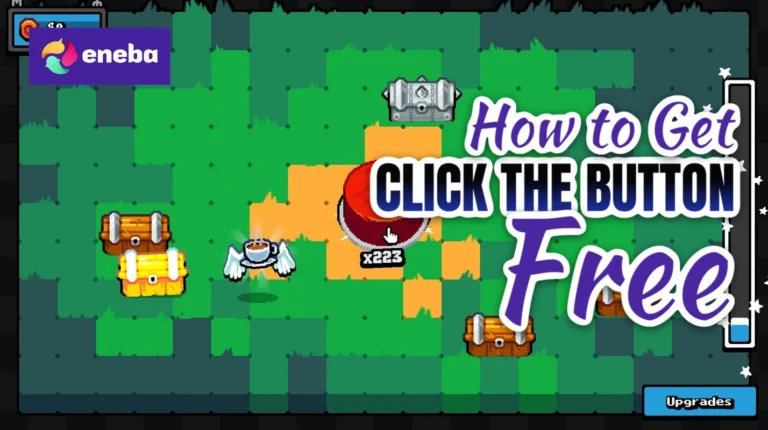
Here’s how to get Click the Button free legally, using earned store credit rather than an unofficial download. Click the Button is a casual incremental game about opening chests, collecting items and building strength through upgrades. Its $3.99 Steam price is a small barrier, but a rewards-funded purchase can cover it without spending your own money.
Snakzy is a free rewards app that trades your time for coins redeemable toward a Steam gift card. That card funds an official purchase, giving you a permanent, legitimate license. This guide explains the game, its PC requirements and the earning process, including the cash-out threshold that matters more than this game’s low price.
| Game Info | Details |
|---|---|
| Game price | $3.99 (Steam) |
| Genre | Casual incremental resource management game |
| Developers | LoopCap |
| Publishers | LoopCap |
| Game Length: Main story | ~2 hours |
| Game Length: Main + Extra content | ~2.5 hours |
| Game Length: 100% Completionist | ~2.5 hours |
Get Click the Button Free with Snakzy.

Jump to:
How To Get Click the Button Free: Full Game Overview
Click the Button has a Very Positive reception on Steam, with 93% positive feedback across 4,971 reviews. Metacritic lists a 7.4 user score, but no critic score. Those are different measures: the user score isn’t a Metascore, and neither should be mistaken for a professional review consensus.
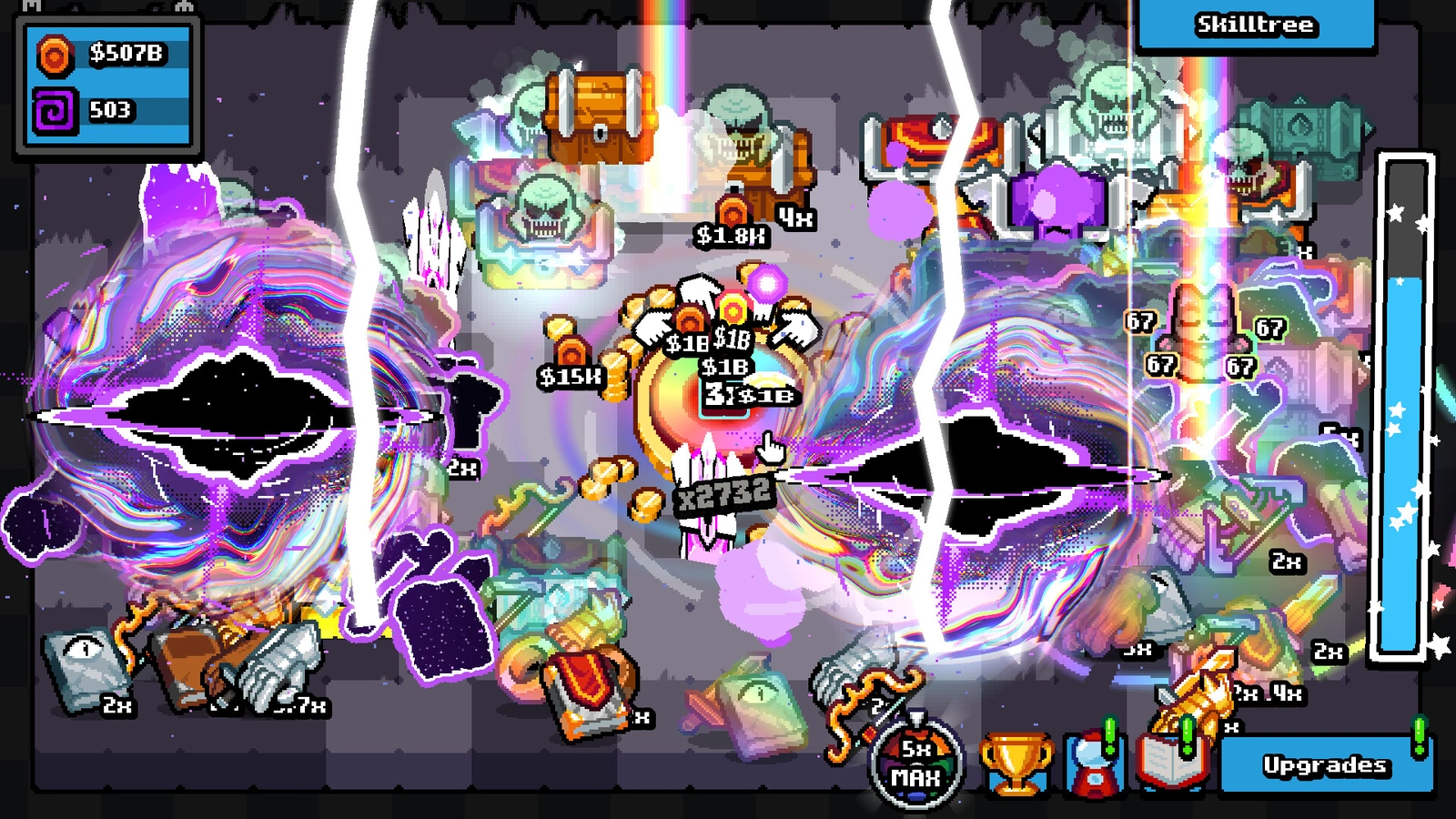
Developed and published by LoopCap, Click the Button released on August 26, 2026. Its premise is direct: click a button to receive chests, collect their rewards and use the resulting resources to become stronger. Rather than selling a story or a sprawling world, the store description focuses on the satisfaction of a growing collection and improving skills.
The appeal of Click the Button lies in turning a basic action into a progression loop. Chests deliver items, money gives you something to manage, and unlockable skills provide goals beyond clicking for its own sake. The store also highlights cute items, giving collection-minded players something to pursue alongside strength. I would approach it as a compact incremental diversion, rather than expecting the breadth of a larger simulation.
HowLongToBeat lists 2 hours for the main experience and 2.5 hours for both extras and completionist play. That makes Click the Button a manageable choice if you’re looking for something short. Those estimates describe reported playtime, though, rather than a deadline for your own run. Your interest in collecting and managing resources will help determine when you’ve had enough.
How Much Does Click the Button Cost?
The official Click the Button price is $3.99 on Steam. It’s a paid game, so adding it to your library normally requires a purchase. The listed Steam price is current but may change. If you’re comparing a Click the Button Steam key with a direct purchase, check its region and activation store carefully. There’s no verified key offer included here.
Seasonal storefront sales are sensible times to check for discounts, but waiting doesn’t establish what this particular game will cost later. I would use the current $3.99 as your planning figure instead of assuming a future sale. The Click the Button price also isn’t the amount you need to earn before redeeming rewards: Snakzy has a higher cash-out minimum. Its method sidesteps the purchase cost through earned credit, but the time needed to unlock that credit still matters.
Click the Button Platform Availability
Click the Button is available on PC, the complete platform listing in the supplied data. This guide uses Steam as the purchase point because that’s where the verified price and system requirements come from. It’s also the storefront used by the gift-card method below.
A Steam gift card adds funds to your Steam account. You then spend those funds on the Steam version of Click the Button, rather than receiving a transferable copy for another platform. The free method here gets you that PC storefront version only.
Before earning toward a card, check that the available reward suits your account’s region. Console players should purchase games through their own console store; this Steam method doesn’t fund those purchases. I would also check the PC requirements before starting offers, since earning the purchase price doesn’t change whether your computer can run the game.
Click the Button System Requirements
Click the Button lists a Windows 10 minimum, 4 GB RAM and 300 MB of available storage. Its listed processors and graphics cards are older models, but you should compare your hardware with the actual minimums rather than assume any PC qualifies.
| Spec | Minimum |
|---|---|
| OS | Windows 10 |
| CPU | Intel Core 2 Duo E8400 or AMD Phenom II X2 550 |
| RAM | 4 GB RAM |
| GPU | Nvidia GeForce 8800 GT, 512 MB or AMD Radeon HD 7570, 1 GB |
| Storage | 300 MB available space |
Steam supplies no separate recommended requirements, so there isn’t a verified higher-performance target to quote. Check your processor and graphics model alongside memory and storage before redeeming rewards for the purchase.
Click the Button Mechanics
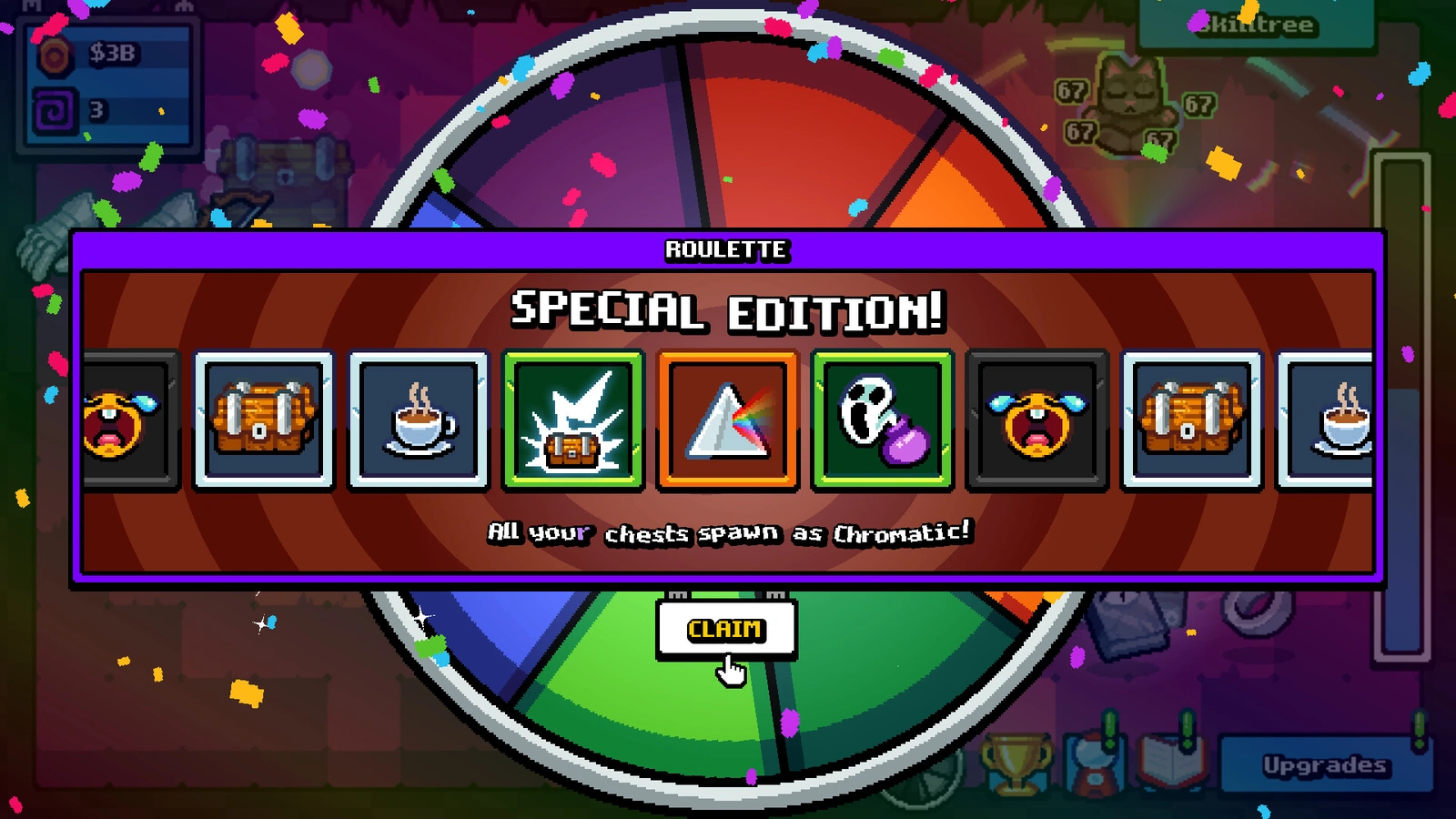
The core loop in Click the Button is exactly what its name suggests, with progression layered around that action. Clicking produces chests, and opening those chests delivers rewards. You collect items, earn money and manage resources while working toward greater strength. That structure gives each round of clicking a purpose beyond the button itself: you’re looking for the next useful reward and deciding how to build on what you’ve collected. The appeal is accumulation, rather than a complicated starting premise.
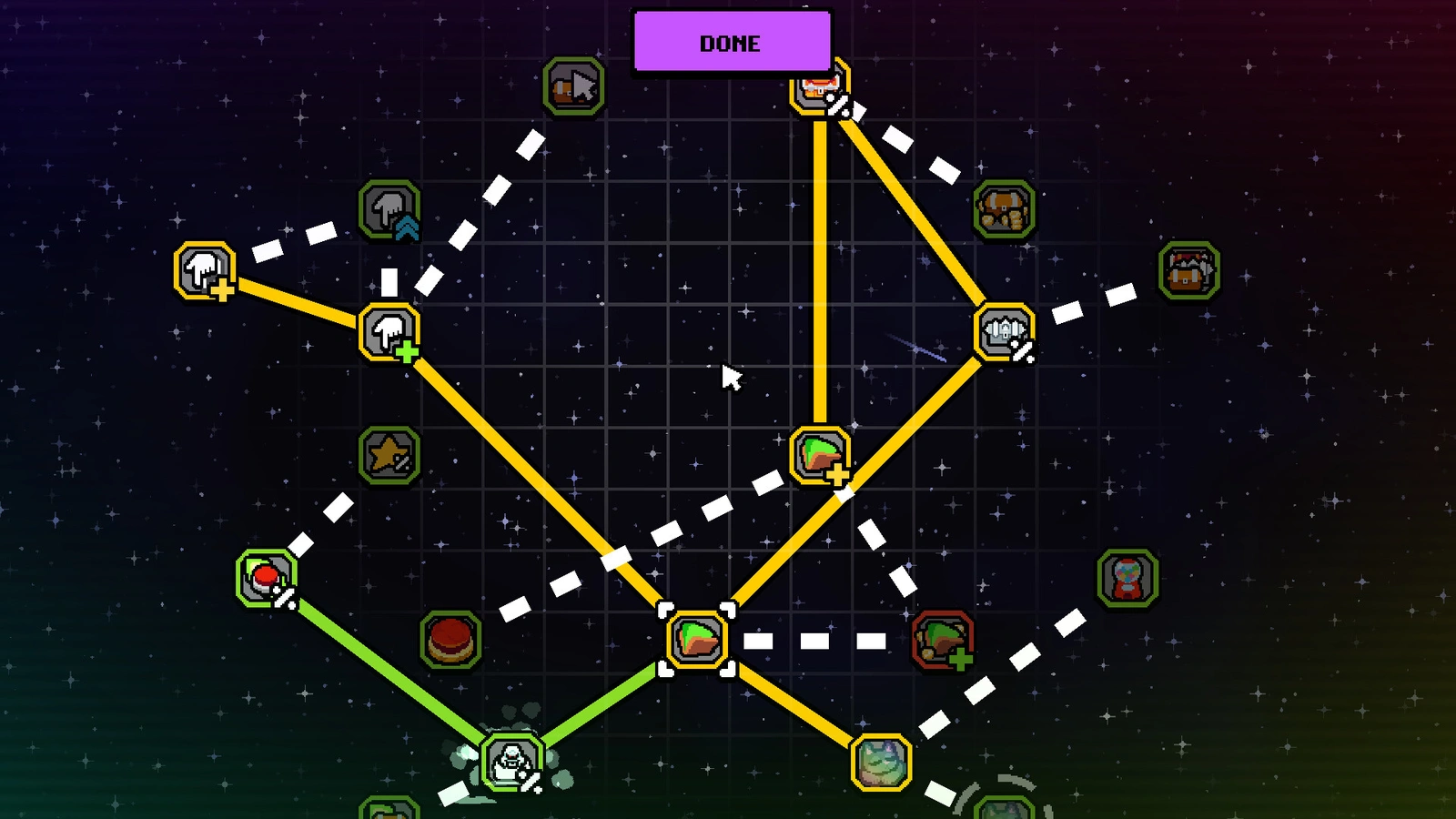
Skills add another goal to the loop in Click the Button. The store description emphasizes unlocking and improving them, so progression involves more than watching an item collection grow. I would focus on understanding what each available improvement does before committing resources. That’s a practical approach to the resource-management side, rather than a claim about a particular upgrade order. Cute items offer another collection target alongside becoming stronger.
Repetition is central to Click the Button, and that’s also its clearest limitation. If clicking, collecting rewards and pursuing upgrades don’t appeal to you, the premise gives little reason to expect a different kind of experience later. I see it as a game for players who enjoy small gains and a contained progression project. The 2.5-hour completionist estimate suggests a compact experience, but it doesn’t establish endless replay value. Choose it for the loop described on the store page, rather than expecting unverified modes, competitive features or a long campaign. For another game you can play, see this practical way to get Screw Drivers free.
Click the Button Top Features
- Button-to-Chest Loop: Click the Button turns its central action into a source of chests. The reward cycle gives repeated clicks a clear purpose and keeps collection at the center.
- Item Collection: Chests deliver items to collect as you progress. The store also highlights cute items, offering a collection goal alongside the pursuit of greater strength.
- Skill Progression: Unlocking and improving skills provides something to work toward beyond opening rewards. It’s part of the game’s stated goal of becoming stronger.
- Resource Management: Money and resources sit alongside clicking in the core loop. Managing what you’ve earned is part of progression, rather than treating every reward as a collectible alone.
- Compact Playtime: HowLongToBeat lists 2 hours for the main experience and 2.5 hours for completionist play. That makes it a shorter commitment for players seeking a contained incremental game.
Get Click the Button Free with Snakzy.
How To Get Click the Button Free With Snakzy
Here’s how to get Click the Button free with Snakzy: earn coins by completing offers, trying apps, answering surveys and playing partner games. No credit card is required. You’re investing time instead of money, then turning earned coins into store credit. For this game, the important distinction is between its low purchase price and the higher balance required before you can cash out.
- Download Snakzy: available free on iOS and Android.
- Browse available offers: look through the apps, surveys and partner games available to you. Read each offer’s completion conditions before choosing where to spend your time.
- Complete offers to earn coins: follow the stated requirements and track your credited balance toward the $35 minimum cash-out. Don’t stop at $3.99, since that isn’t enough to redeem a reward.
- Redeem coins for a Steam gift card: once you reach the $35 minimum, select an available card that covers the game’s $3.99 price. Check its region and redemption details before confirming.
- Buy Click the Button on Steam: apply the gift card and complete your purchase.
If your goal is to get Click the Button for free, choose offers whose requirements fit the time you’re prepared to spend. Snakzy rewards aren’t an instant discount at checkout. Keep track of what you’ve completed, and use credited earnings rather than an unfinished offer’s advertised reward when judging your progress.
On average, users earn their first $27.70 within 6.5 days. The $35 minimum payout threshold applies before you can cash out, so that average isn’t a redeemable balance. A card redeemed at the threshold can cover this $3.99 game without several payouts. Offers and earning rates vary by region.
Joining bonus available on sign-up: check the app for the current offer.
Minimum cashout threshold: $35. You need at least this balance to redeem.
No credit card needed: coins come from offers, surveys and partner games.
Earning rates vary by region: check available offers in your country.
Get Click the Button Free with Snakzy.
Is It Legal To Get Click the Button Free With Snakzy?
Yes, using Snakzy to fund an official purchase is legal. Advertisers pay for completed offers, you receive coins, and those coins become a real Steam gift card. Redeeming it adds funds to your account, which you use to buy Click the Button through the official store. The result is a permanent license, just as it would be if you supplied the purchase funds yourself. Earning the credit changes how you pay, not what you’re buying.
Piracy is illegal and carries risks including malware, account bans and no legitimate license. A Click the Button free download advertised as a cracked copy is not the same as a rewards-funded purchase. It also denies LoopCap, the developer and publisher, payment for its work. Treat an unofficial download claim as a warning, rather than a shortcut around the earning process. Likewise, a Click the Button Steam key is a separate purchase route, not evidence that the game has become free.
An official checkout is the boundary to keep clear when trying to get Click the Button for free. Snakzy provides earned credit; it doesn’t replace the game’s files with a modified copy. If you’re comparing ways to fund future purchases, Eneba‘s prepaid Steam gift cards are a separate paid option, not part of this free earning route.
My Overall Verdict on How To Get Click the Button Free
Click the Button suits players who want a short incremental game centered on chests, collecting and skills. Its 93% positive Steam feedback and 2-hour main-playtime estimate make it worth considering for a compact break. The caveat is simple: clicking and repeated rewards are the point, so don’t expect that repetition to disappear.
Snakzy lets you exchange time spent completing offers for the store credit needed to buy a permanent, legitimate copy without paying out of pocket.
Check your PC, review the available offers and decide if reaching $35 is worth your time for a $3.99 game. Start only with a clear understanding of the threshold. That’s how to get Click the Button free: earn the coins, redeem an eligible card and complete the official purchase.
Get Click the Button Free with Snakzy.
FAQs
No, Click the Button costs $3.99 on Steam. This guide explains how to get Click the Button free using Snakzy rewards, with a $35 minimum cash-out before you can redeem store credit.
Click the Button is available on PC, and this guide covers its Steam version. A Steam gift card funds a purchase on that storefront only; it doesn’t provide a copy for another platform.
Click the Button takes 2 hours for the main experience according to HowLongToBeat. Its estimates for extras and completionist play are both 2.5 hours, though your own pace may differ.
Click the Button has no Metacritic critic score listed, but its user score is 7.4. Separately, Steam reports Very Positive feedback, with 93% positive reviews across 4,971 reviews.
Yes, when you download the purchased game through Steam. Avoid any unofficial Click the Button free download offering a cracked copy, which can expose you to malware and leaves you without a legitimate license.