How to Grow on Twitch in 2026: Turn One Stream Into a Week of Content

Eneba Hub contains affiliate links, which means we may earn a small commission if you make a purchase through them—at no extra cost to you. Learn more


How to grow on Twitch in 2026 is a different problem than it was three years ago, and most guides haven’t caught up. With 35 million daily active users and 7 million monthly streamers, Twitch can’t surface every creator – it’s a retention platform now. Discovery happens on TikTok, YouTube Shorts, and Instagram Reels; no short-form pipeline, no growth.
The funnel for how to grow your Twitch channel runs through five layers: Niche, Schedule, Discovery Content, Retention Systems, and Monetisation. In April 2025, Twitch introduced a 100-hour cap on Highlights and Uploads – the platform’s decision that makes this AI tool stack critical for how to grow your Twitch channel. How to get more viewers on Twitch is a distribution question, not a streaming one.
This guide covers eight AI tools mapped to specific layers of the Twitch growth funnel, each verified for current pricing and features within 30 days of publication. The AI stack below automates the content work between those milestones and beyond.
Jump to:
Key Takeaways
- Twitch is a retention platform, not a discovery platform. With 7M+ monthly streamers competing for the same browse-page real estate, viewers find you on TikTok/Shorts/Reels first, then click through. No short-form pipeline, no audience funnel. How to grow on Twitch starts with accepting this reality. Knowing how to get more viewers on Twitch means looking off-platform first.
- Niche selection beats game selection. Use SullyGnome or TwitchStrike to find categories with 100–2,000 concurrent viewers, where you can realistically crack the top 10–20. Games with 10K+ viewers will bury you on page 47 of the directory; that’s not how to grow on Twitch.
- The AI tool stack does the heavy lifting. A 4-hour stream becomes 10–30 short-form clips (OpusClip, Eklipse), a scripted YouTube long-form (InVideo AI), and a podcast cut (Descript), plus multilingual versions (ElevenLabs). One stream, a full week of content, zero editor on payroll; the core Twitch growth tips 2026 approach.
- Twitch Affiliate is a 4–8 week target, not a 6-month grind. The path to how to get to Twitch Affiliate – 50 followers, 7 broadcast days, 500 broadcast minutes, and three average concurrent viewers in a rolling 30-day window – is achievable fast with a working short-form pipeline driving external discovery traffic.
- Sub-gifting drives community loyalty more than any other retention lever. Gifting subs during raids and milestones is the highest-retention community move available; picking up Twitch gift cards at a discount makes the habit practical for both streamers and viewers on a budget.
Our Top Picks for How To Grow on Twitch
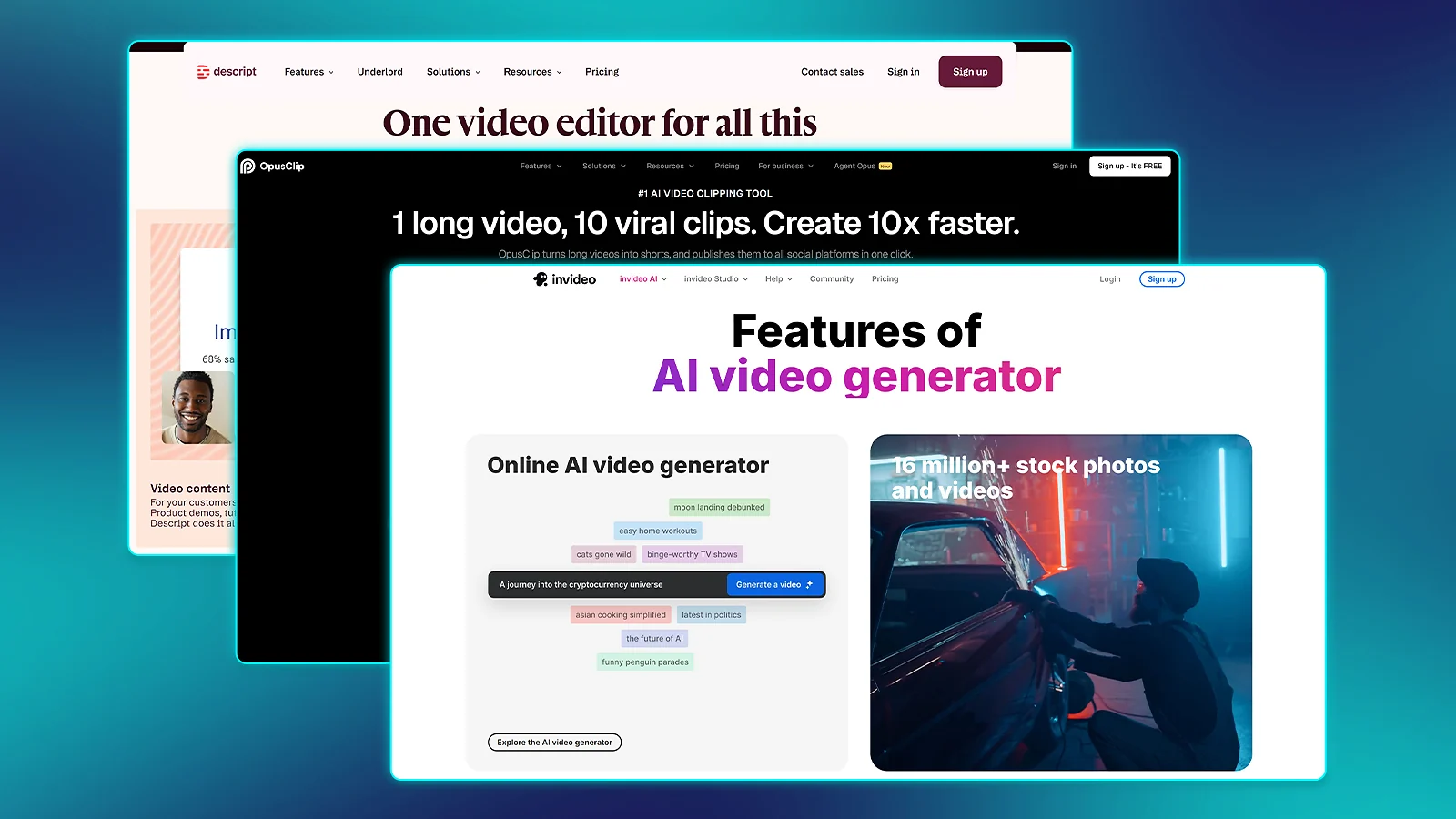
The fastest path to how to grow on Twitch in 2026 runs through these three tools; one stream in, a week of content out, zero editor on payroll. These are the best Twitch growth tips 2026 has to offer in tool form. Each is a Gold-tier pick linked to its full review below.
- OpusClip – Best AI clip maker for the discovery layer. Paste a Twitch VOD, get 10–30 short-form clips with virality scores ready for TikTok/Reels/Shorts. The single biggest lever for how to grow your Twitch channel without hiring an editor. This tool provides a solid answer for how to get more viewers on Twitch outside of live streaming.
- InVideo AI – Best AI tool for scripted long-form YouTube content. A text prompt turns into a polished video that builds search-intent traffic and funnels viewers back to Twitch for months after publishing. The discovery moat that live streaming alone can’t replicate.
- Descript – Best AI editor for gaming podcasts and stream highlights. Text-based editing turns a 4-hour Twitch VOD into a tight 30-minute YouTube episode in 45 minutes. The retention-layer pick for streamers who grow on what they say. If you want to know how to get more viewers on Twitch, retention tools like this are just as critical as discovery tools.
Each of these three tools covers a distinct layer of how to grow on Twitch – discovery, search traffic, and retention – in that order.
Why Twitch Growth Looks Different in 2026
Twitch in 2026 has 35 million daily active users and over 7 million unique monthly streamers, and the platform cannot scale to give every small creator airtime. Going live and waiting is the single most common growth mistake new streamers make; Twitch growth tips 2026 that stop at “be consistent” are incomplete. Understanding this is step one to learning how to get more viewers on Twitch. How to grow on Twitch today is a distribution problem, and the four funnel layers below are where the best AI tools for streamers do the heaviest lifting.
- Niche – Target categories with 100–2,000 concurrent viewers using SullyGnome or TwitchStrike. Enough audience to discover you; few enough competitors to rank near the top.
- Schedule – Three fixed days per week beats seven random days. Twitch‘s algorithm rewards consistent session times because predictable watch patterns improve the retention metrics it actively tracks.
- Discovery content – Short-form clips on TikTok/Reels/Shorts, scripted long-form on YouTube, faceless avatar content for parallel channels. Manual short-form editing is a 4-hour-per-week commitment most streamers can’t sustain – the AI tool stack removes that bottleneck entirely. It’s one of the key benefits of using the best AI tools for streamers.
- Retention systems – Discord community, channel points, sub gifts, raid culture. Our Twitch gift cards hub makes sub-gifting practical at any channel size.
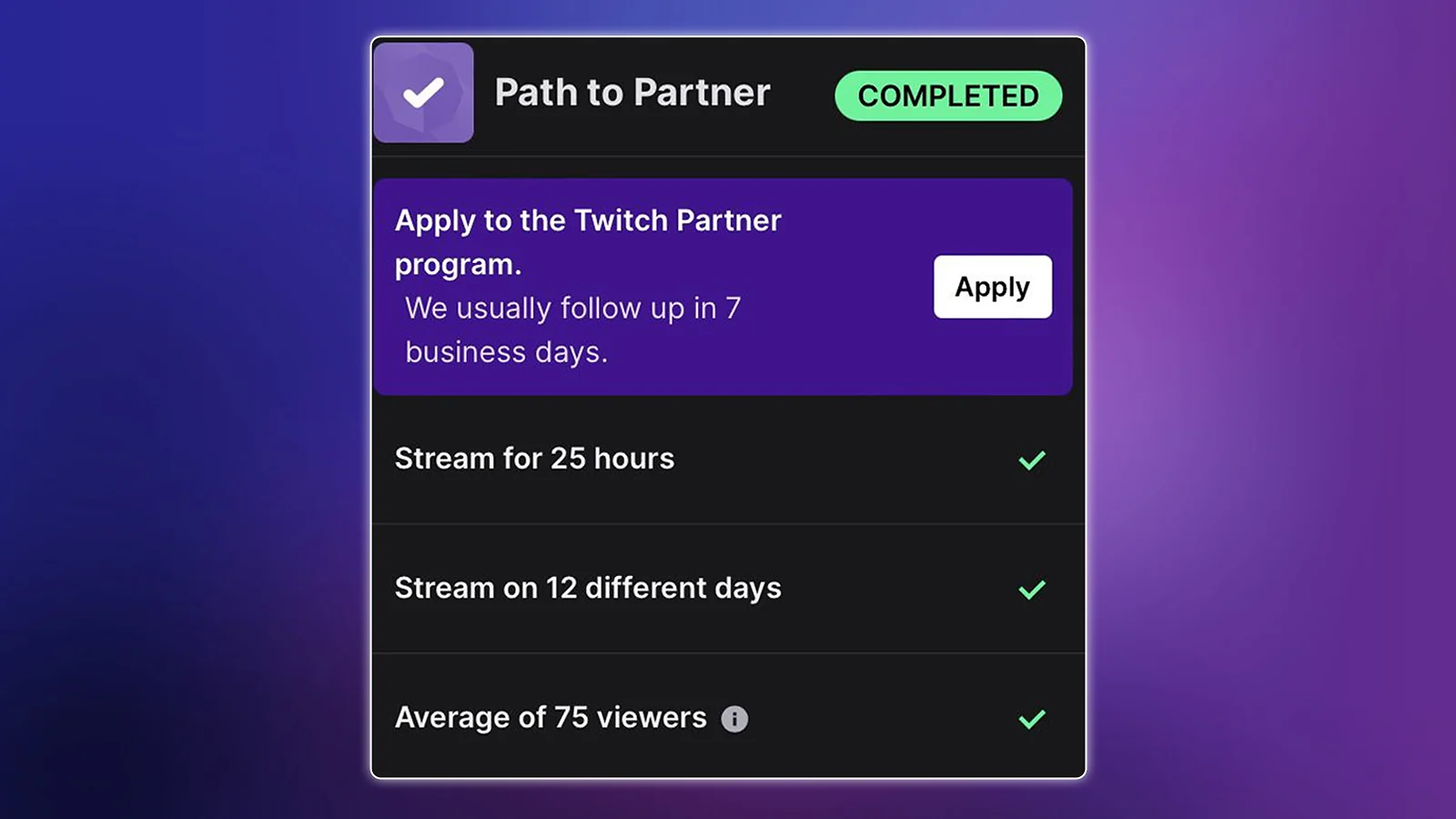
Monetisation milestones: Twitch Affiliate at 50 followers (plus 7 broadcast days, 500 broadcast minutes, and 3 average concurrent viewers in a rolling 30-day window); Twitch Partner at 75 average concurrent viewers, 12 unique broadcast days, and 25 hours streamed in 30 days. Here’s the AI tool stack that shows exactly how to grow on Twitch at every stage.
Best AI Tools for Twitch Growth: Full Reviews
The real answer to how to grow on Twitch comes down to one operational shift: this is a multi-platform funnel game, not a single-platform live-streaming game. The three Gold picks – OpusClip for short-form discovery, InVideo AI for long-form search discovery, Descript for the retention and podcast layer – are the best AI tools for streamers at every channel stage. The evaluation rubric covers funnel role, free-tier value, output quality, time saved per week, and current pricing, all verified within 30 days of publication. Below are the most critical Twitch growth tips 2026 can provide.
1. OpusClip [Best AI Clip Maker for the Twitch Discovery Layer]
★★★★★ (5/5) · Funnel role ★★★★★ · Setup ★★★★★ · Output ★★★★½ · Value ★★★★★ · Integration ★★★★★
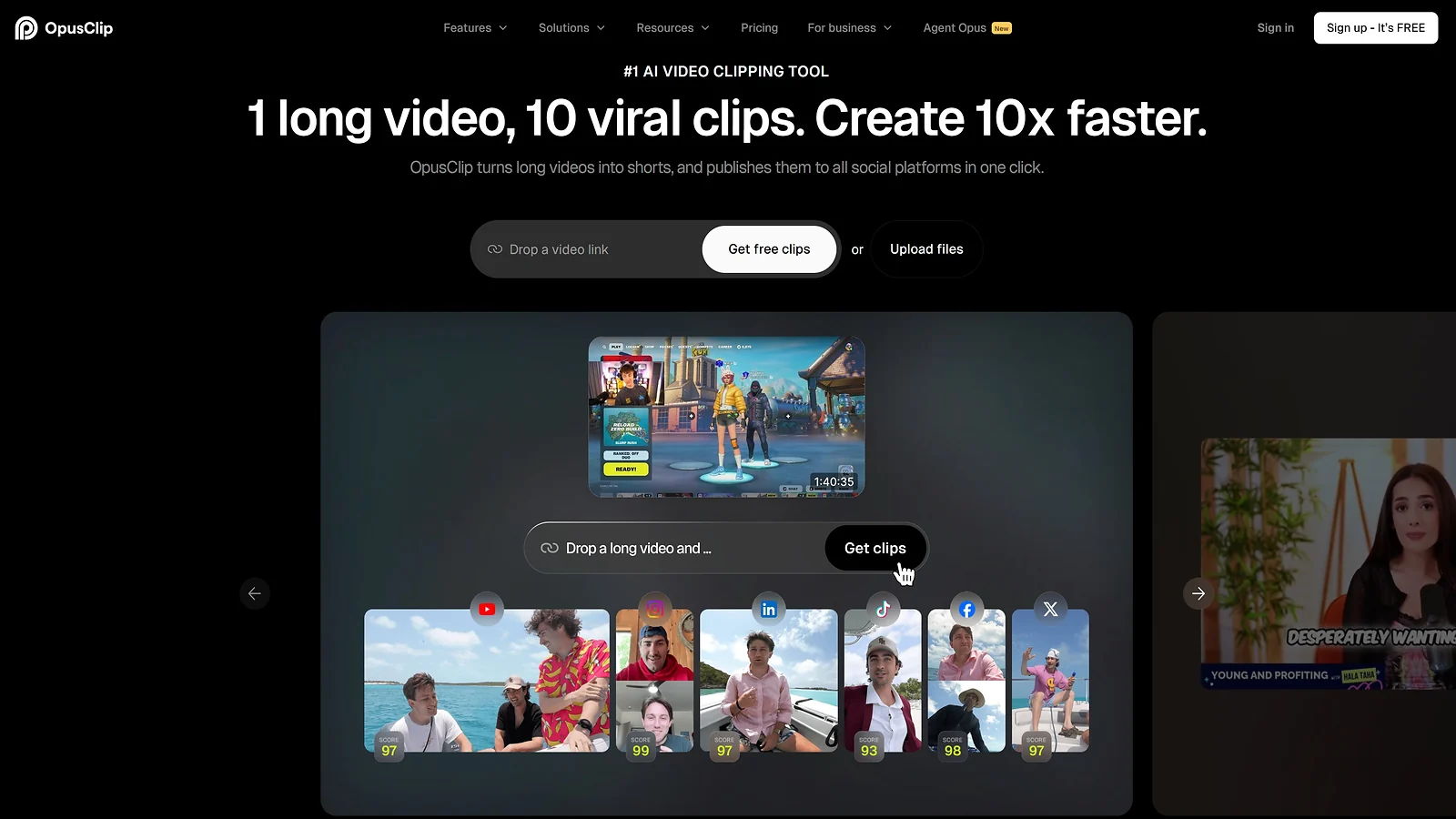
OpusClip is the single highest-leverage starting point for anyone serious about how to grow on Twitch. Paste a Twitch VOD URL, wait 5–10 minutes, and the AI returns 10–30 short-form clips – each with a virality score (0–100), auto-captions, vertical reframing, and animated overlays. One stream becomes a full week of content with zero editor; this is the discovery engine that on-platform live streaming alone simply can’t replicate. It is the single most effective way to learn how to get to Twitch Affiliate quickly. It is the best way to figure out how to get more viewers on Twitch from external platforms. The community consensus pick for talking-head and commentary-heavy creators. If you’re wondering how to grow your Twitch channel, this is where you start.
Platforms: Web app, no install. It accepts YouTube URLs, Twitch VODs, and direct uploads. It posts to TikTok, Instagram Reels, YouTube Shorts, X, and LinkedIn directly.
Time saved: Manual VOD scrubbing ~4hrs/week → automated review ~30 min/week – 3.5 hours reclaimed per week.
Benefits:
- Virality scoring (0–100) on every clip – post only the top 30–40% to protect channel engagement metrics
- ClipAnything model detects beyond pure speech – useful for mixed gameplay-and-commentary streams
- One-click multi-platform posting across TikTok, Reels, Shorts, X, and LinkedIn in a single workflow
Practical use: Paste the VOD URL right after going offline. OpusClip processes overnight (free tier) or in minutes (paid), and you wake up to 10–30 candidate clips in the dashboard – filter by virality score, apply a brand template, and bulk-publish. Total time from VOD to posted clips is 30–45 minutes per stream.
| Pros | Cons |
|---|---|
| ✅ Best speech-pattern detection for talk-heavy commentary content ✅ Virality scoring removes guesswork on what to publish ✅ Polished onboarding – easiest of the eight to set up ✅ Multi-platform posting and content calendar in one workflow | ❌ Audio-based – skips silent gameplay highlights entirely ❌ Free tier: 60 min/month, watermark, 3-day clip expiry ❌ Clip editor locked behind paid plans |
Best for: Streamers under 1,000 concurrent viewers building a multi-platform funnel; gaming podcasters; any creator whose growth bottleneck is content output volume.
Pricing:
- Free – 60 min/month, with watermark
- Starter – $15/mo (150 min, no watermark)
- Pro – $29/mo (300 min, brand templates, scheduling)
- Business – custom.
(Verify within 30 days before publish)
Pro tip: Run OpusClip within 24 hours of going offline – Twitch‘s 100-hour storage cap on Highlights and Uploads (effective April 2025) means saved content can hit deletion limits without warning. Set a recurring calendar reminder for every stream, without exception. This is a crucial step in how to grow on Twitch.
2. InVideo AI [Best AI Tool for Scripted Long-Form YouTube Content]
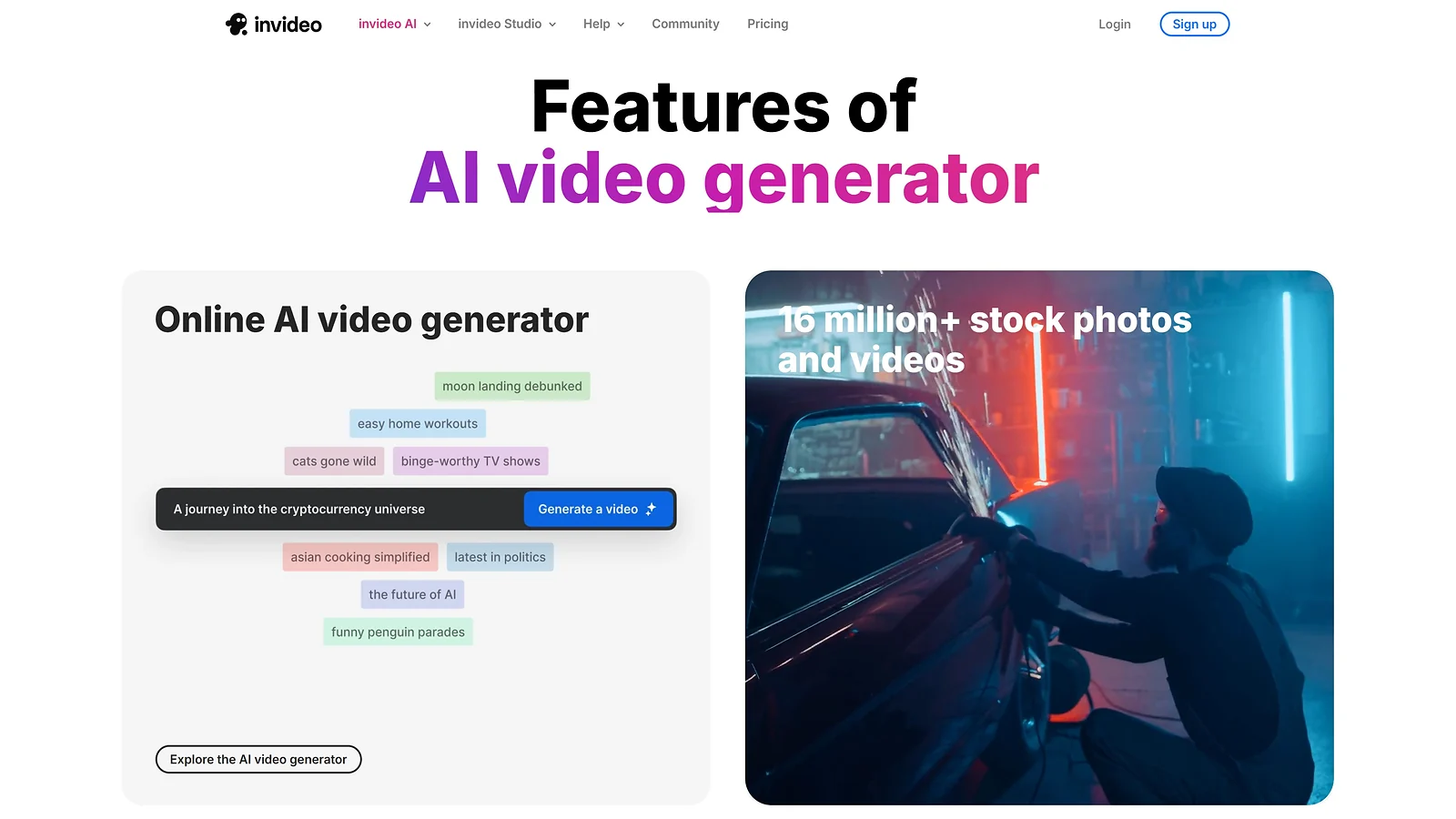
★★★★½ (4.5/5) · Funnel role ★★★★★ · Setup ★★★★ · Output ★★★★ · Value ★★★★ · Versatility ★★★★★
InVideo AI is the discovery moat that makes how to grow on Twitch a search-traffic strategy, not just a live-streaming one. Just type a prompt – “10-minute explainer on the best Valorant agents for hard-stuck Gold players” – and InVideo AI generates a polished YouTube video with stock footage, AI voiceover, captions, and B-roll. The streamer who runs OpusClip for short-form + InVideo AI for long-form has both top-of-funnel discovery surfaces covered. This strategic combination is the key to how to grow your Twitch channel effectively.
Long-form YouTube content ranks in Google search in a way short-form clips never will, building traffic that funnels new viewers back to Twitch for months after publish.
Platforms: Web app, no install. Accepts text prompts, scripts, and existing video uploads; exports directly to YouTube.
Time saved: Manual long-form editing 6–8hrs/video → 1–2hrs with InVideo AI – 5–6 hours saved per video produced.
Benefits:
- Text-to-video with a usable result in 5–10 minutes – no editor or stock-footage hunting required
- Massive royalty-free library plus AI-generated B-roll that makes every clip feel intentional
- Multi-language voiceover in 50+ languages for streamers building international YouTube channels
Practical use: Write a 1–2 sentence prompt covering topic, length, and target audience. InVideo AI drafts the script, sources footage, layers in voiceover and captions, and renders a complete video in 5–10 minutes. Realistic output: one polished 8–12 minute YouTube video per hour of work vs. 6–8 hours manually.
| Pros | Cons |
|---|---|
| ✅ Text-to-video pipeline produces YouTube-ready long-form in minutes ✅ Long-form YouTube earns compounding search traffic short-form can’t match ✅ Multi-language support for non-English audience expansion ✅ Stock library and generative B-roll remove manual sourcing entirely | ❌ AI voice trade-off – your own voice better preserves channel personality ❌ Quality drops on niche gaming topics with thin stock libraries ❌ Output needs personal voiceover to fully differentiate from other channels |
Best for: Streamers building a parallel YouTube channel, multilingual creators expanding to non-English markets, and any creator who wants long-form content without committing 6–8 hours per video.
Pricing:
- Free – 4 videos/week, watermark
- Plus – $25/mo (50 generations, no watermark)
- Max – $60/mo (200 generations, premium templates)
(Verify within 30 days before publish)
Good fit: Use InVideo AI for evergreen content that compounds – “Best [Game] Settings for Beginners,” “Top [Game] Tier List for 2026.” Every search hit drives a new viewer back to your Twitch page months after publishing, since live stream content alone doesn’t build that compounding search asset. This compounding effect is essential to how to grow on Twitch.
3. Descript [Best AI Editor for Gaming Podcasts and Stream Highlights]
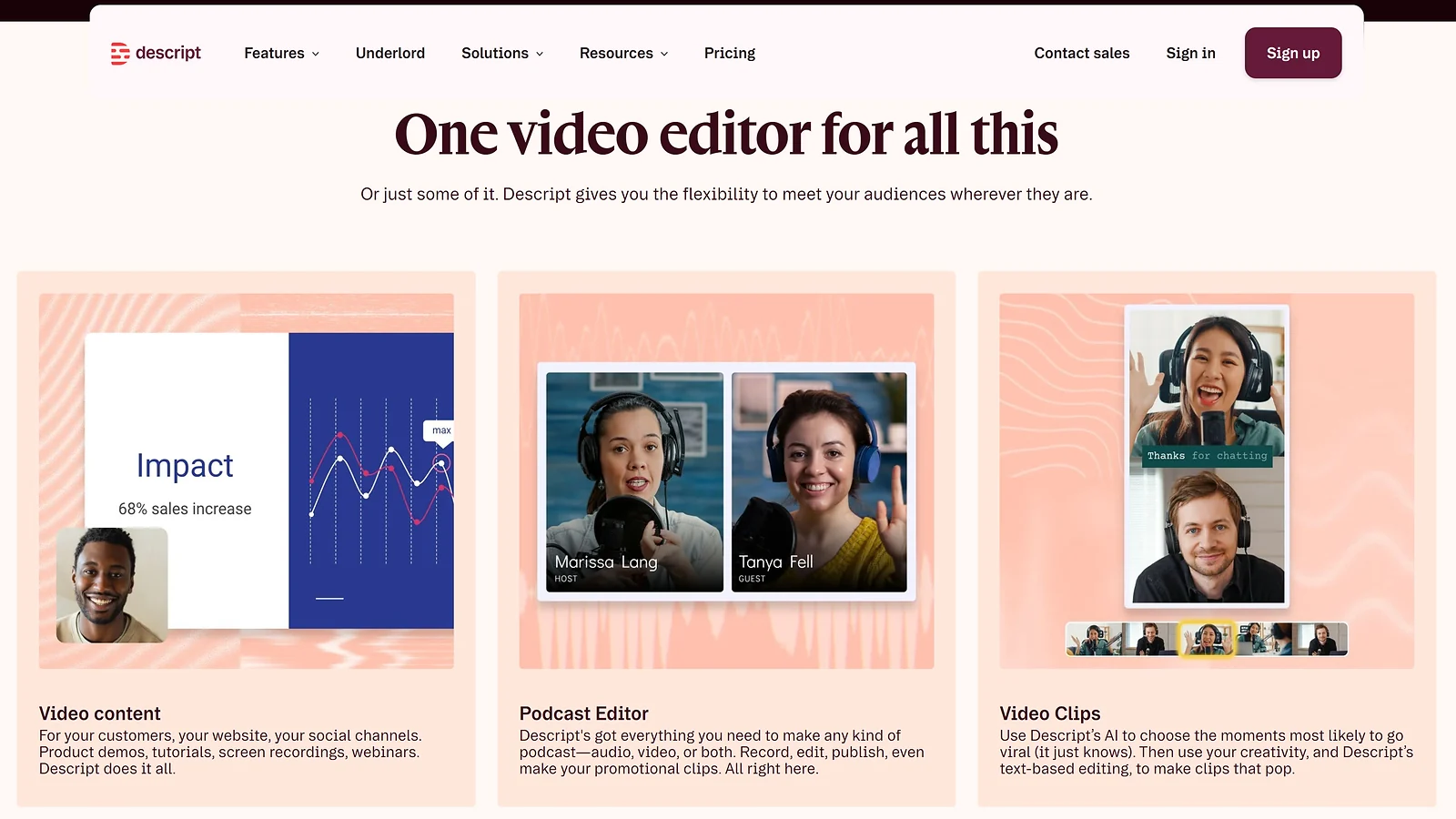
★★★★½ (4.5/5) · Funnel role ★★★★½ · Setup ★★★★ · Output ★★★★★ · Value ★★★★ · Versatility ★★★★★
Descript is the editor that finally makes long-form gaming podcasts viable for solo streamers, turning a 6-hour manual edit into a 45-minute task. The core mechanic is genuinely different: edit video by editing the transcript. Delete a line of text and that section of video deletes itself; rearrange paragraphs and the video reorders.
Filler-word removal runs with one click; Overdub (AI voice cloning) fixes mistakes without re-recording. For any creator learning how to grow on Twitch through long-form retention content, this is the workflow that makes it sustainable.
Platforms: Desktop (Windows, Mac) plus browser version. Exports to YouTube, podcast hosts, MP4/MP3, and social platforms.
Time saved: Manual podcast edit ~6hrs/episode → Descript edit ~45 min/episode – ~5 hours saved per episode produced.
Benefits:
- Text-based editing – faster than any timeline editor for talk-driven content
- One-click filler-word removal (“um,” “uh,” “like”) detected and removed across the entire transcript
- Overdub voice cloning synthesises new dialogue in your voice for typo fixes and segment additions
Practical use: Drop a Twitch VOD into Descript, wait 5–10 minutes for auto-transcription, delete the boring sections, run filler-word removal, optionally record a voice sample for Overdub, and export. Realistic: a 4-hour stream becomes a 30-minute YouTube episode in 45 minutes vs. 6 hours in Premiere Pro.
Grab a Twitch gift card 25 USD to run a sub-gifting giveaway the week that first podcast episode goes live – community events drive viewership spikes worth timing intentionally.
| Pros | Cons |
|---|---|
| ✅ Industry-leading transcription accuracy – handles gaming jargon well ✅ Overdub voice cloning good enough to ship in published content ✅ Multi-track audio for complex Discord-based podcast workflows ✅ Cross-platform – syncs between desktop and browser | ❌ Not built for visual or cinematic editing ❌ Pricing escalates with transcription minutes ❌ Overdub requires consent when cloning collaborators’ voices |
Best for: Gaming podcasters, Just Chatting and reaction-content streamers, and creators cutting long Twitch VODs into tight YouTube episodes.
Pricing:
- Free – 1hr transcription/month, watermark.
- Hobbyist – $15/mo (10hrs).
- Creator – $30/mo (30hrs, Overdub enabled).
- Business – $50/mo (unlimited, team features).
(Verify within 30 days before publish.)
When to use: Use Descript when your channel grows on what you say, not just gameplay performance. If your Twitch audience tunes in for analysis, banter, or commentary, Descript turns that talk-content asset into a YouTube and podcast pipeline – the retention layer that how to grow on Twitch via search traffic actually runs on.
4. Reelmind [Best AI Video Generator for Branded Stream Promo Content]
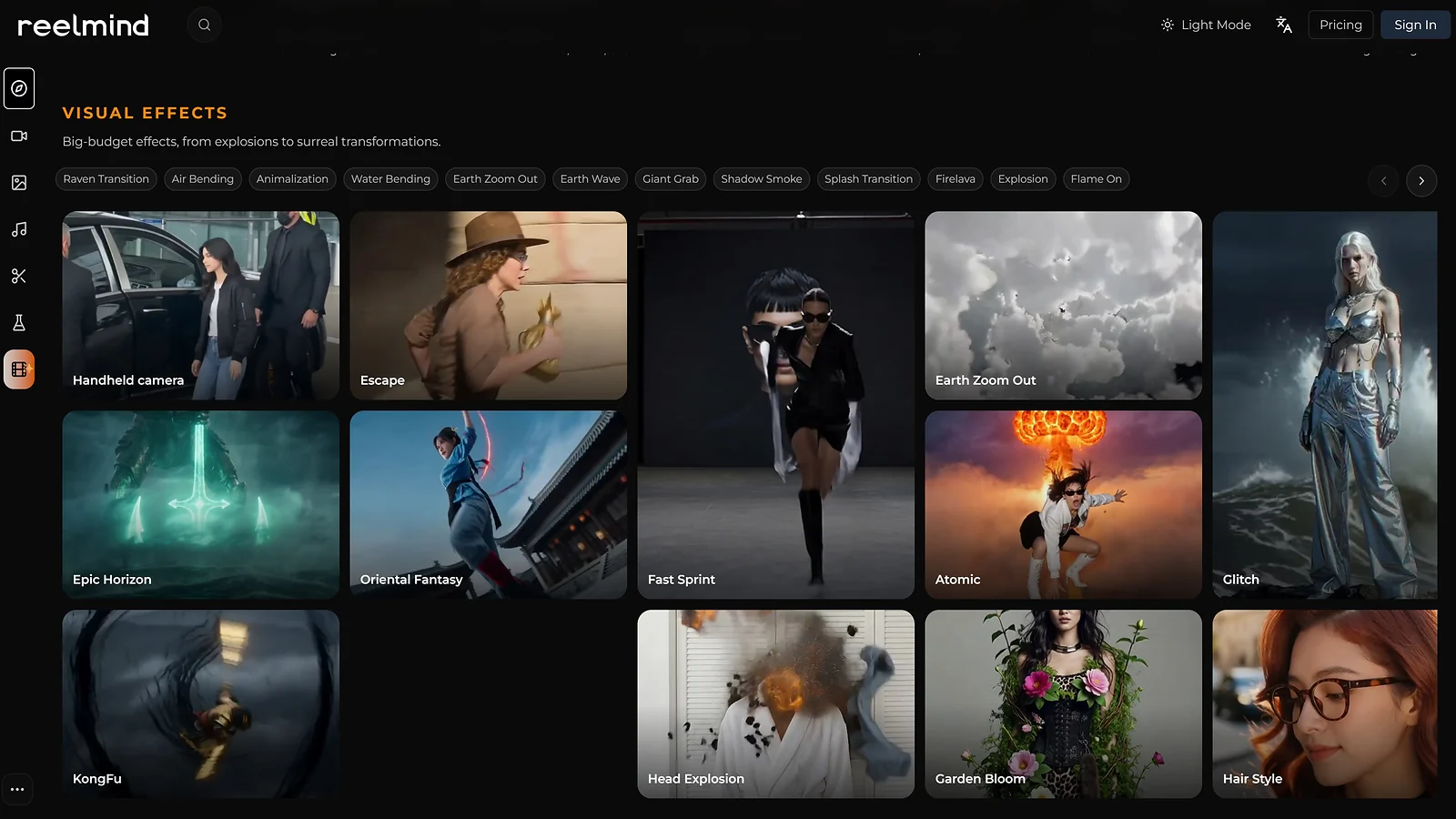
★★★★ (4/5) · Funnel role ★★★★ · Setup ★★★★ · Output ★★★★ · Value ★★★★ · Versatility ★★★★
Reelmind is the polish layer – promo trailers, channel intros, milestone celebration clips, and branded social posts that OpusClip won’t generate from a VOD. Streamers who want their channel to look like a real brand rather than a default Twitch page use Reelmind for stream-day tease videos, “hitting Affiliate” shorts, and content that reinforces channel identity. That brand consistency is an underrated lever for anyone figuring out how to grow your Twitch channel at the mid-tier level in 2026. It’s a foundational element of how to grow on Twitch.
Platforms: Web app, no install. Accepts text prompts and existing brand assets and exports to MP4 and vertical formats.
Time saved: ~30–60 min/week on branded promo vs. designer commissions or manual motion-graphics work.
Benefits:
- Text-to-video tuned for branded content – promo trailers, channel intros, milestone celebrations
- Brand-asset memory – upload your logo and color palette once; every output respects it
- Animated outputs that feel like polished motion graphics, not stock-footage slideshows
Practical use: Prompt: “30-second trailer for tonight’s Marvel Rivals stream, hype tone, channel colors and logo.” Reelmind generates a finished promo in 3–5 minutes. Post to X, TikTok, or Discord before going live. Use for milestone moments – “hit Affiliate,” “100 followers,” “first sub gift” – to mark channel growth publicly. Reelmind helps professionalize the journey of how to get to Twitch Affiliate.
| Pros | Cons |
|---|---|
| ✅ Branded promo content most small streamers can’t produce without a designer ✅ Brand-asset memory applies logo and fonts automatically ✅ Fast generation: under 5 minutes per output ✅ Strong for Discord announcements and stream-tease social posts | ❌ Not a clipper – pair with OpusClip or Eklipse for VOD repurposing ❌ Generation quality varies with prompt specificity ❌ Pricing is credit-based – heavy users hit caps quickly |
Best for: Mid-tier streamers building a recognisable channel brand, VTubers maintaining consistent visual branding across socials, and creators marking milestone moments.
Pricing:
- Free – limited credits, watermark
- Pro – ~$19/mo (expanded credits, no watermark)
- Max – ~$49/mo (high-volume credits, brand-asset memory)
(Verify within 30 days before publish).
Skip if: Skip Reelmind before reaching Twitch Affiliate. Branded promo content is premature polish at the sub-50-follower stage – focus on OpusClip and InVideo AI to build the audience first, then return to Reelmind for the brand layer once the channel is ready to look like a creator brand rather than just a streamer.
5. ElevenLabs [Best AI Voice Tool for International Twitch Reach]
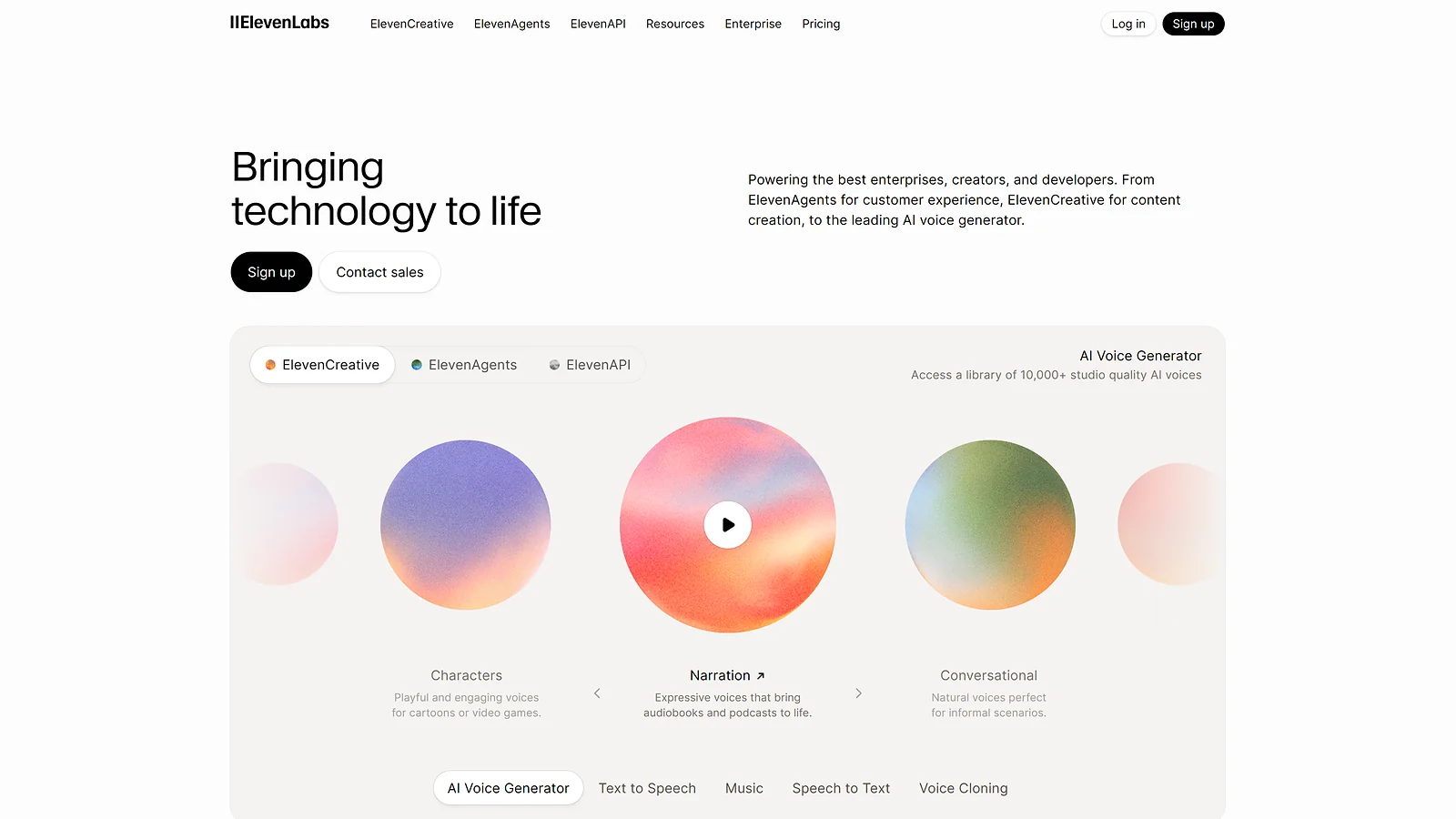
★★★★★ (5/5) · Funnel role ★★★★½ · Setup ★★★★½ · Output ★★★★★ · Value ★★★★★ · Versatility ★★★★★
ElevenLabs is the unlock for international growth – its voice-cloning and dubbing AI takes a clip in English and produces versions 25+ more languages, in your own voice, natural enough to ship on TikTok and YouTube in those regions.
For any creator mapping how to grow on Twitch beyond English-speaking audiences, this is the highest-leverage AI tool available in 2026. Spanish-speaking gaming audiences alone outnumber English-speaking gaming audiences globally, and most streamers leave that reach entirely on the table.
Platforms: Web app, no install. Accepts audio uploads and video files; exports MP3/WAV; integrates with Descript and other video editors.
Time saved: Manual translation and voiceover ~3hrs per international clip → ~5 min with ElevenLabs – ~3 hours saved per international clip produced.
Benefits:
- Voice cloning from a 1-minute sample – new dialogue sounds like you, not a generic AI voice
- 29-language dubbing with natural cadence (Spanish, Portuguese, German, French, Italian, Japanese, Korean, Mandarin, Hindi)
- Translation pipeline integrates with video editors – dub a clip in Descript and post to international TikTok/YouTube/Reels in minutes
Practical use: Record one 1-minute voice sample. After every stream, take the top 3 OpusClip outputs, run them through ElevenLabs dubbing into Spanish and Portuguese, and post to region-specific TikTok/YouTube/Reels accounts. Realistic output: 1 English clip becomes 3 international clips in 10 minutes.
| Pros | Cons |
|---|---|
| ✅ Best-in-class voice cloning – listenable across full clips ✅ 29 languages with native-sounding pronunciation ✅ Voice consistency maintained across multiple sessions ✅ API access for high-volume creators and team workflows | ❌ Only clone voices you have rights to ❌ Pricing scales with character count ❌ Quality drops noticeably on tonal languages like Mandarin |
Best for: Streamers serious about international audience growth, VTubers with multilingual viewer bases, and creators producing localised content for non-English TikTok/YouTube markets.
Pricing:
- Free – 10K characters/month
- Starter – $5/mo (30K characters, voice cloning)
- Creator – $22/mo (100K characters, professional cloning)
- Pro – $99/mo (500K characters)
(Verify within 30 days before publish)
Pro tip: Start with one secondary language – Spanish for North America audiences, Portuguese for Brazil-region growth, German for EU expansion. Test for 4 weeks before adding a second language. International audience growth is real but slow; give each market time before scaling.
6. Synthesia [Best AI Avatar Tool for Faceless YouTube Channels]
★★★★ (4/5) · Funnel role ★★★★ · Setup ★★★★ · Output ★★★★½ · Value ★★★★ · Versatility ★★★★½
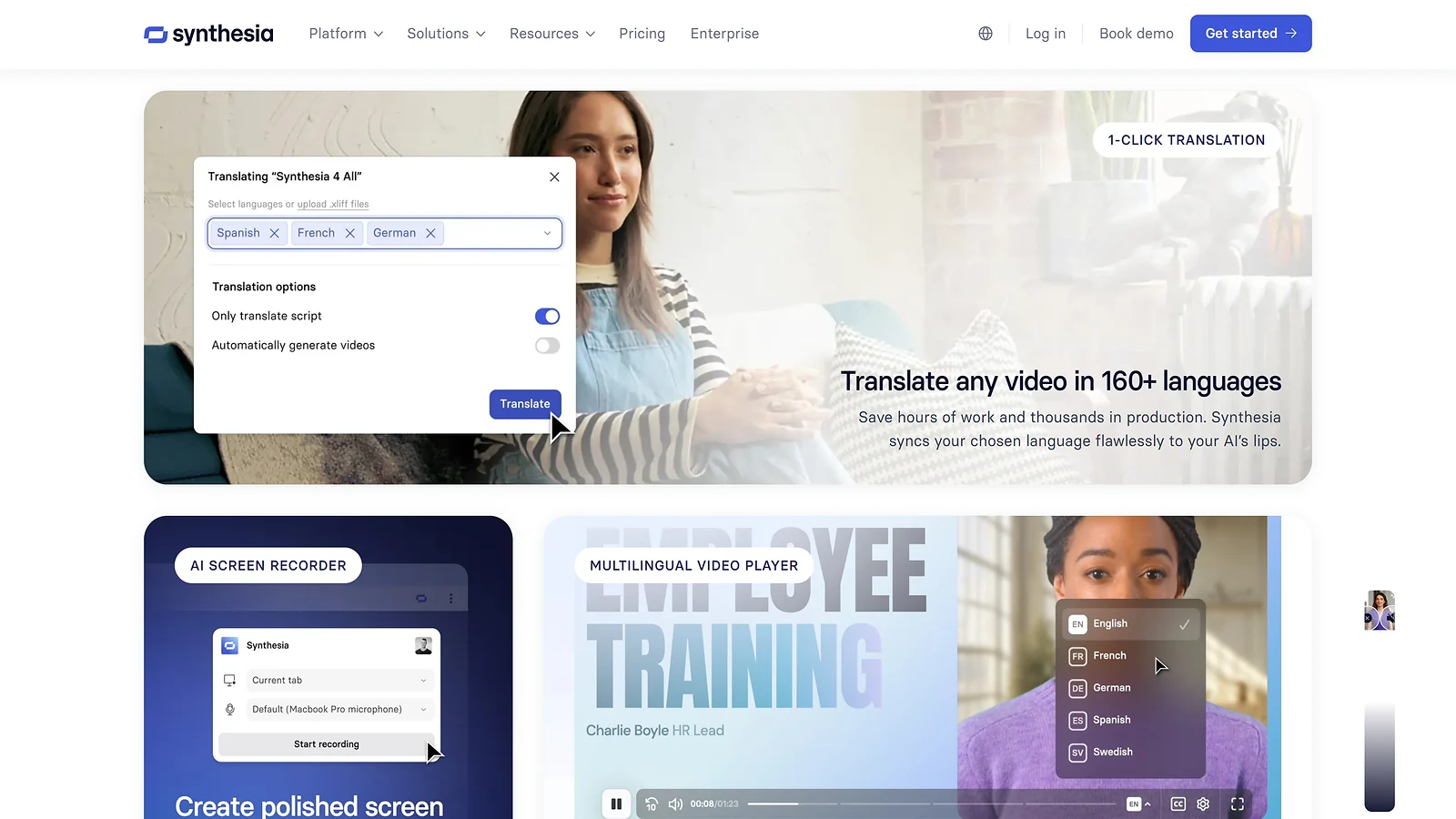
Synthesia is the path for streamers who want a parallel YouTube channel without appearing on camera. Type a script, pick one of 160+ stock AI avatars – or a custom one trained on your own likeness – and Synthesia presents it with realistic lip-sync and natural gestures, in 140+ languages, no camera required.
Used by Fortune 500 companies for training content, increasingly adopted by gaming creators for evergreen YouTube explainers as part of a broader answer to how to grow on Twitch through search-driven discovery.
The software remains a top choice among the best AI avatar video generators because it creates lifelike digital presenters that speak and move naturally without a camera.
Platforms: Web app, no install. Supports 140+ languages, branded backgrounds, and custom avatars (with identity verification).
Time saved: Faceless YouTube production via Synthesia – ~30 min/video vs. 4hrs of camera recording and editing – ~3.5 hours saved per video produced.
Benefits:
- 160+ stock AI avatars with realistic lip-sync – pick one and start generating immediately
- Custom avatar tier records a short video of you and trains an AI version in your likeness
- 140+ languages combined with ElevenLabs builds a full multilingual faceless content workflow
Practical use: Write a 3–5 minute script → pick an avatar → paste the script → render. Realistic output: a 5-minute YouTube video in 15–20 minutes total. Pair with InVideo AI B-roll and ElevenLabs dubbing for a complete faceless workflow – and keep the Valorant gameplay funded through the Valorant Points store for the best in-game value on Riot‘s titles. This parallel strategy dramatically reduces the time needed for how to get to Twitch Affiliate.
| Pros | Cons |
|---|---|
| ✅ Fortune 500-grade avatar realism ✅ 140+ languages without re-recording ✅ Custom avatar creates an AI version of you for volume-production days ✅ Scales to high-volume content production without extra hours | ❌ Stock avatars feel slightly synthetic for personality-driven channels ❌ Starter plan at $30/mo is steep for hobby creators ❌ Custom avatar verification takes 24–48 hours |
Best for: Streamers building a parallel faceless YouTube channel, VTubers exploring avatar-driven content beyond their Live2D model, and multilingual creators producing localised content at scale.
Pricing:
- Starter – $30/mo (120 min/year, stock avatars)
- Creator – $90/mo (360 min/year, custom avatar)
- Enterprise – custom pricing
(Verify within 30 days before publish)
Good fit: Use Synthesia for evergreen YouTube content – top-10 lists, tier rankings, beginner guides – where face presence isn’t the differentiator. Keep your own presence for Twitch live streams and milestone moments; the avatar handles the volume layer.
7. Eklipse [Best Gaming-Specific AI Clipper for FPS Highlights]
★★★★½ (4.5/5) · Funnel role ★★★★ · Setup ★★★★★ · Output ★★★★ · Value ★★★★★ · Integration ★★★★★
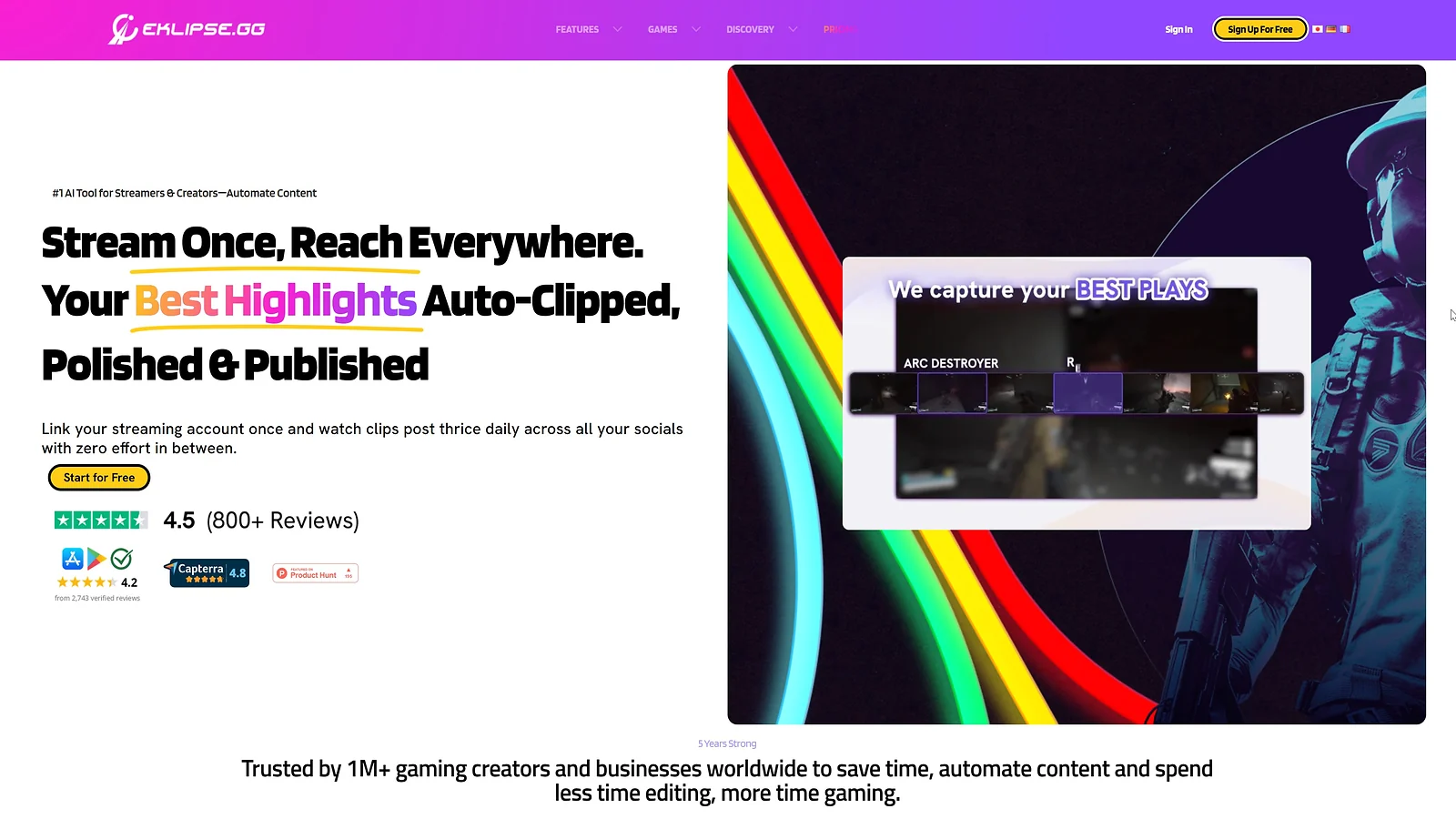
Eklipse is the gaming-specific AI clipper that OpusClip isn’t. Trained on 1,000+ games (Call of Duty, Valorant, Apex Legends, Fortnite, Marvel Rivals), it detects visual gameplay events – kills, headshots, clutches, victory screens – that audio-based tools miss entirely.
For FPS streamers whose growth depends on clip-driven discovery, Eklipse handles the detection layer; pair it with OpusClip for talk content and StreamLadder for polish. The streamer-community consensus pick for gameplay-heavy content. how to grow your Twitch channel The combined pair covers the full clip-discovery surface for streamers running mixed gameplay-and-commentary content – that combination is what the best AI tools for streamers actually look like in a real workflow.
Platforms: Browser-first web app plus mobile (iOS, Android). Connects to Twitch, Kick, YouTube, Facebook Gaming. Direct posting to TikTok, Reels, Shorts.
Time saved: Manual VOD scrubbing for gameplay clips ~2hrs/week → ~15 min with Eklipse – ~1.75 hours saved per week.
Benefits:
- Visual gameplay detection trained on 1,000+ games – kills, clutches, HUD pings, gunfire patterns
- Voice command “Clip it!” marks moments live during streams (Premium tier) without breaking flow
- Direct multi-platform posting with vertical conversion and gaming templates built in
Practical use: Connect your Twitch account in the Eklipse dashboard. After going offline, the AI processes your VOD overnight (free) or in minutes (Premium). Review 10–30 candidate clips with event labels (“3-kill streak,” “clutch 1v3”), trim, apply a gaming template, and publish. The console workflow runs entirely through the mobile app – no streaming PC required.
| Pros | Cons |
|---|---|
| ✅ Best gaming-event detection in the category for FPS/MOBA content ✅ “Clip it!” voice command captures live moments without breaking flow ✅ Console workflow via mobile – no streaming PC required ✅ Free tier genuinely usable: 15 clips/stream, 720p, 14-day storage | ❌ ~80% accuracy – roughly 1 in 5 clips is a false positive ❌ Free tier caps at 720p with watermark ❌ Game library coverage uneven for niche or older titles |
Best for: FPS, MOBA, and battle-royale streamers and console clippers without a dedicated streaming PC.
Pricing:
- Free – 15 clips/stream, 720p, 14-day storage, watermark.
- Premium – $19.99/mo (1080p, voice command, Kick support, unlimited clips)
(Verify within 30 days before publish)
When to use: Use Eklipse alongside OpusClip, not as a replacement. Eklipse finds gameplay highlights OpusClip misses; OpusClip finds talk-content highlights Eklipse misses. The combined pair covers the full clip-discovery surface for streamers running mixed gameplay-and-commentary content – that combination is what the best AI tools for streamers actually look like in a real workflow.
8. StreamLadder – Best Editor for Polished Twitch Clip Output
★★★★½ (4.5/5) · Funnel role ★★★★ · Setup ★★★★ · Output ★★★★★ · Value ★★★★ · Integration ★★★★½
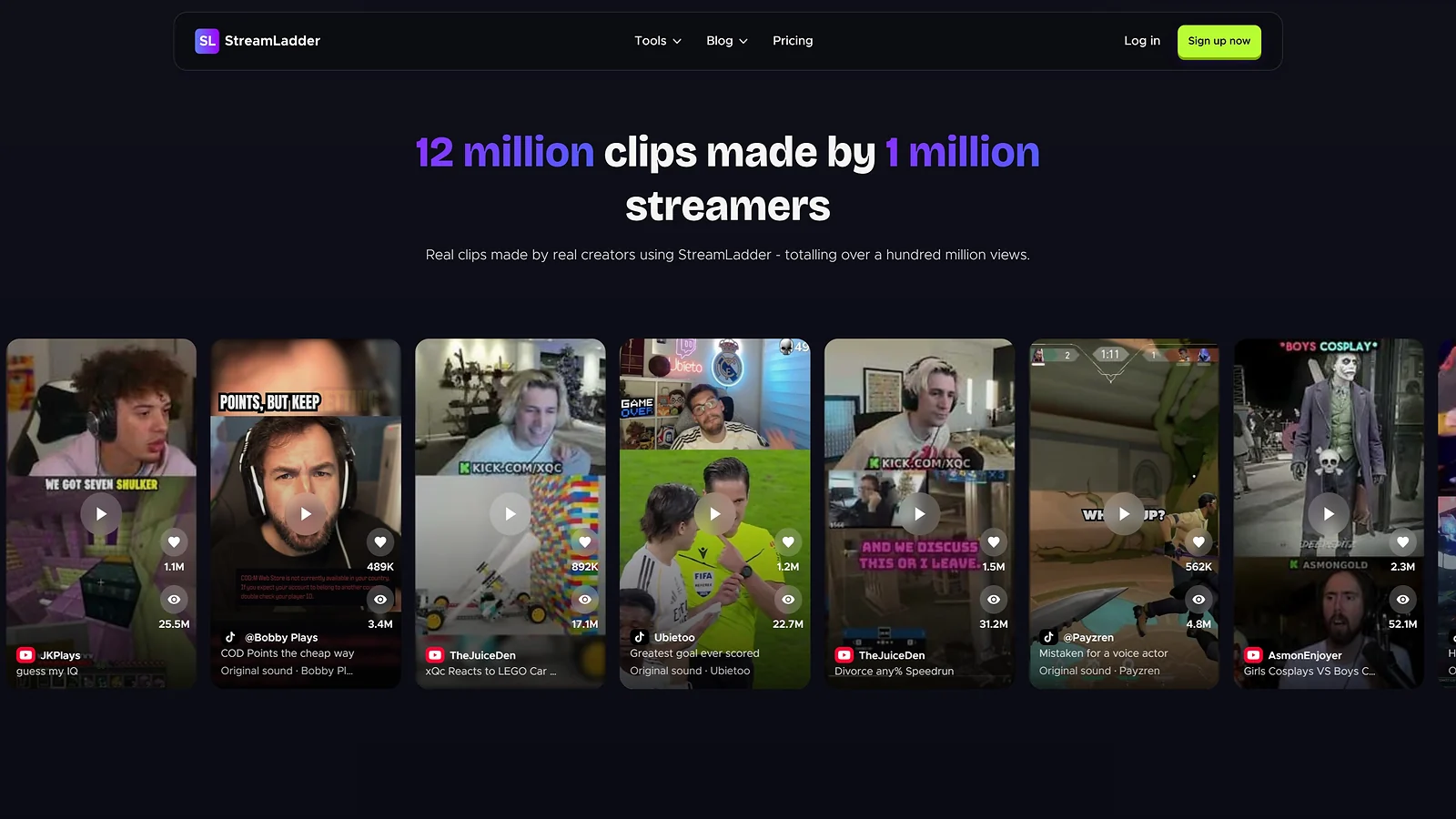
If OpusClip and Eklipse are the detectors, StreamLadder is the editor – the polish tool serious streamers use to turn auto-detected clips into shorts that look creator-made rather than bot-generated.
Dual-cam vertical layouts (gameplay on top, facecam on bottom), chat overlay support pulling Twitch chat reactions directly onto the clip, gaming-aesthetic caption styles, and scheduled multi-platform posting make StreamLadder the standard editor for streamers serious about how to grow your Twitch channel. This is why understanding polish is key to how to grow on Twitch.
Platforms: Browser-first web app, no install. Connects to Twitch clips; accepts MP4 uploads; integrates with Eklipse and Medal.tv. Direct posting to TikTok, Reels, Shorts, X.
Time saved: Manual editing ~6 min/clip × 15 clips/week → ~1.5 min/clip × 15 clips – ~1 hour saved per week.
(Note: StreamLadder is not affiliate-tracked.)
Benefits:
- Dual-cam vertical layout – automatic gameplay-on-top, facecam-on-bottom split native to the streamer short format
- Chat overlay pulls Twitch chat reactions onto clips, adding social context that drives TikTok engagement
- ClipGPT (Gold tier) auto-captions with hooks and gaming-vocabulary recognition
Practical use: Paste a Twitch clip URL or upload an Eklipse-detected clip. StreamLadder formats it vertically with auto-detected facecam crop; apply a gaming template, tweak timing, and publish or schedule across platforms. Total time per short: 3–5 minutes – making it one of the best AI tools for streamers who prioritise clip quality over clip volume.
| Pros | Cons |
|---|---|
| ✅ Best dual-cam vertical layout in the category – automatic, no manual masking ✅ Chat overlay brings Twitch context onto TikTok/Reels ✅ Strong free tier – full manual editor usable without a paid plan ✅ Direct integration with Eklipse and Medal.tv clip libraries | ❌ Detection weaker than Eklipse; it’s an editor first ❌ Gold tier at $27/mo is pricier than most clippers in the category ❌ Scheduled posting locked behind Gold tier |
Best for: Streamers who already use OpusClip or Eklipse for detection and need a stronger editor and facecam-focused creators who need dual-cam layouts.
Pricing:
- Free – full manual editor, single-platform posting, watermark
- Silver – $13/mo (no watermark, more exports)
- Gold – $27/mo (ClipGPT captions, scheduled multi-platform posting, dual-cam, chat overlay)
(Verify within 30 days before publish)
Skip if: Skip StreamLadder if OpusClip‘s native editor covers your output volume – the Pro plan handles most streamers without a separate subscription. StreamLadder‘s edge is dual-cam and chat-overlay support; if your format doesn’t use those, the additional cost isn’t justified.
Also Worth Trying
- Submagic – best AI captioning tool for the polish step after OpusClip or Eklipse detection; 99% transcription accuracy with animated caption templates. Pairs naturally with Descript for talk-content workflows.
- CapCut – best free editor with TikTok-native algorithm optimisation, owned by ByteDance; the zero-budget pick for creators not yet ready to commit to paid subscriptions.
- Sizzle.gg – best multi-signal AI clipper detecting video, audio, and chat simultaneously; cheapest paid tier at $4.99/month; ideal for Just Chatting and variety streamers where chat reaction is the primary discovery signal.
- Klap – speed-focused AI clipper that turns YouTube podcasts into high-volume short-form clips; the fastest path from upload to clips when OpusClip’s processing queue is running slow.
- Vizard – all-in-one repurposing platform with multilingual captioning in 98+ languages; a solid fallback for hybrid creators producing both gaming and non-gaming content with the best AI tools for streamers in mind.
Quick Comparison Table
| Tool | Funnel Layer | Best For | Free Plan? | Price From | Affiliate? | Rating |
|---|---|---|---|---|---|---|
| OpusClip | Discovery (short-form) | Talk-content streamers, VOD repurposing | Free – 60 min/mo | $15/mo | ✓ | ★★★★★ |
| InVideo AI | Discovery (long-form) | Parallel YouTube channel builders | Free – 4 videos/wk | $25/mo | ✓ | ★★★★½ |
| Descript | Retention – podcast/VOD edit | Gaming podcasters, talk streamers | Free – 1hr/mo | $15/mo | ✓ | ★★★★½ |
| Reelmind | Branded promo content | Mid-tier streamers building channel brand | Free – limited credits | ~$19/mo | ✓ | ★★★★ |
| ElevenLabs | Multilingual reach | International streamers, VTubers | Free – 10K chars/mo | $5/mo | ✓ | ★★★★★ |
| Synthesia | Faceless parallel channel | Faceless YouTube creators, VTubers | Trial only | $30/mo | ✓ | ★★★★ |
| Eklipse | Live gameplay highlights | FPS/MOBA streamers | Free – 15 clips/stream | $19.99/mo | – | ★★★★½ |
| StreamLadder | Editor / polish | Dual-cam vertical clip creators | Free – full editor | $13–$27/mo | – | ★★★★½ |
How To Build Your Twitch Growth Tool Stack
The right stack depends on funnel stage, not budget. Pre-Affiliate streamers (0–50 followers) start with OpusClip free plus Eklipse free – zero spend, full discovery layer covered, and the foundation for how to get to Twitch Affiliate without wasting money on tools the channel isn’t ready to fully use yet.
Twitch Affiliates layer in Descript for retention content; mid-tier streamers (500+ avg viewers) add InVideo AI for long-form YouTube and ElevenLabs for international reach. Don’t skip stages; the most reliable way to figure out how to grow on Twitch is to let each stack layer compound on the previous one.
Match Tools to Your Twitch Funnel Stage
- Pre-Affiliate (0–50 followers): OpusClip free + Eklipse free. Zero spend, full short-form discovery layer, and the entire answer to how to get to Twitch Affiliate in under 30 days starts right here.
- Affiliate (50–500 avg viewers): Add Descript free or paid for retention and podcast content. Sub-gifting culture accelerates community loyalty at this stage – a Twitch gift card 50 USD dropped during a raid immediately cements a new-community relationship in a way no algorithm hack can.
- Mid-tier (500–1,500 avg viewers): Add InVideo AI plus ElevenLabs.
- Pre-Partner (1,500+ avg viewers): Full stack including Synthesia for the faceless parallel YouTube channel that earns search traffic around the clock.
Audio-First vs. Visual-First Detection
Two detection types, two different blind spots, and understanding both is a core part of how to grow on Twitch with a clip-driven pipeline:
- Audio-first tools (OpusClip, Vizard) – detect speech patterns; strong for talk content, blind to silent gameplay.
- Visual-first tools (Eklipse, Sizzle.gg) – detect gameplay events; strong for FPS/MOBA, weaker on talk content.
Most growing streamers run both: Eklipse for gameplay clips, OpusClip for commentary clips, then a single editor (Descript or StreamLadder) for the polish layer. Total stack cost: $35–50/month on paid tiers; $0 on free tiers while validating the workflow.
Free Tier vs. Paid Tier Decision
Run free tiers for the first 30 days to validate which tools fit your actual content output. OpusClip free covers ~2 streams per month; Eklipse free covers ~3 streams; Descript free covers a single 1-hour podcast episode.
Upgrade only after hitting the cap and confirming the tool’s ROI with real data. Most streamers waste $30–50/month on paid-tier tools they never fully use – free tiers exist precisely so creators can validate before committing any money.
Multi-Platform Posting vs. Twitch-Only Workflow
A Twitch-only strategy is a dead-end in 2026; the core answer to how to grow on Twitch is a 1-stream-to-N-platforms leverage ratio, not more hours live. Every tool in this stack assumes you’re posting to TikTok, YouTube Shorts, Instagram Reels, and a parallel long-form YouTube channel.
Streamers running Twitch plus three short-form platforms grow 3–5x faster than Twitch-only streamers (per StreamHub and StreamScheme data). If you’re not willing to post to TikTok/Reels/Shorts, even the best AI tools for streamers won’t unlock growth – and neither will any other strategy.
Recommended Twitch Growth Stacks by Channel Stage
There’s no single best tool stack when learning how to grow on Twitch; the right combination depends entirely on channel size and growth goals. Four concrete stacks, mapped by stage, with verified monthly costs:
The Pre-Affiliate Stack ($0/mo)
- OpusClip free (60 min/mo)
- Eklipse free (15 clips/stream)
- CapCut (full free editor)
This covers the short-form discovery layer for streamers under 50 followers. Console streamers on PlayStation can pair this with PSN gift cards from Eneba to keep in-game purchases covered while reinvesting early revenue back into the channel.
The Affiliate Stack (~$35/mo)
- OpusClip Starter ($15)
- Eklipse Premium ($19.99)
This stack removes watermarks, unlocks 1080p output, and adds Eklipse voice command. Covers a serious short-form pipeline for Affiliates working toward Twitch Partner status.
The Pre-Partner Stack (~$95–115/mo)
- OpusClip Pro ($29)
- Descript Creator ($30)
- InVideo AI Plus ($25)
- ElevenLabs Starter ($5)
- Eklipse Premium ($19.99, optional)
This is a full multi-platform funnel: short-form discovery, long-form YouTube, podcast retention, multilingual reach. This one is the stack that operationalises how to grow on Twitch at the serious creator level.
The International Growth Stack (~$140–165/mo)
- Pre-Partner Stack
- Synthesia Starter ($30)
- Reelmind Pro ($19)
Full creator-brand setup with faceless YouTube production and branded content. Verify all pricing within 30 days of publish; AI-tool pricing shifts more frequently than most SaaS categories.
Every stack above compounds on the previous one; don’t skip stages, and don’t over-invest early. The clearest path on how to grow on Twitch is matching your tool spend to your current funnel stage, not your ambition.
Are AI Tools Actually Worth It for Twitch Growth?
For streamers serious about how to grow on Twitch, AI tools save 10–15 hours per week vs. manual editing, which is easily worth $30–100/month when paired with a genuine posting commitment. The break-even is 3+ shorts per week; below that, free tiers handle the volume just fine.
The ROI is concrete; OpusClip Starter ($15/mo) reclaims 3–5 hours/week; Descript saves a gaming podcaster ~5 hours per episode. The time saved is part of the answer to how to grow on Twitch. The best AI tools for streamers pay back fast, but only if you review before publishing, only 30–40% of AI-generated clips are genuinely worth posting. Bulk-publishing everything tanks engagement rate and poisons algorithm reach.
AI handles discovery volume; your personality handles retention. Twitch growth tips 2026 are about removing the production bottleneck so knowing how to grow on Twitch becomes a distribution problem you can actually solve.
Community Verdict: What Players Actually Say
The tools streamers consistently praise for
- OpusClip – virality scoring removes clip-selection guesswork
- InVideo AI – text-to-video finally makes long-form YouTube viable without an editor
- Descript – transcript-based editing turns 6-hour VOD cuts into 45-minute tasks
- ElevenLabs – cloned voices genuinely listenable across full clips, not just snippets
Recurring complaints worth knowing:
- OpusClip misses silent FPS highlights entirely
- InVideo AI quality drops on niche gaming topics
- Reelmind‘s credit model catches heavy users off-guard
- Eklipse’s ~80% accuracy means one in five clips needs manual correction
Red flags that repeatedly surface when figuring out how to grow on Twitch:
- Bulk-posting every AI-generated clip without review tanks algorithm reach
- Subscribing to 5+ tools when 2–3 cover the same funnel surface
- Avatar-only channels with zero live Twitch presence rarely sustain growth
My Final Verdict on How To Grow on Twitch
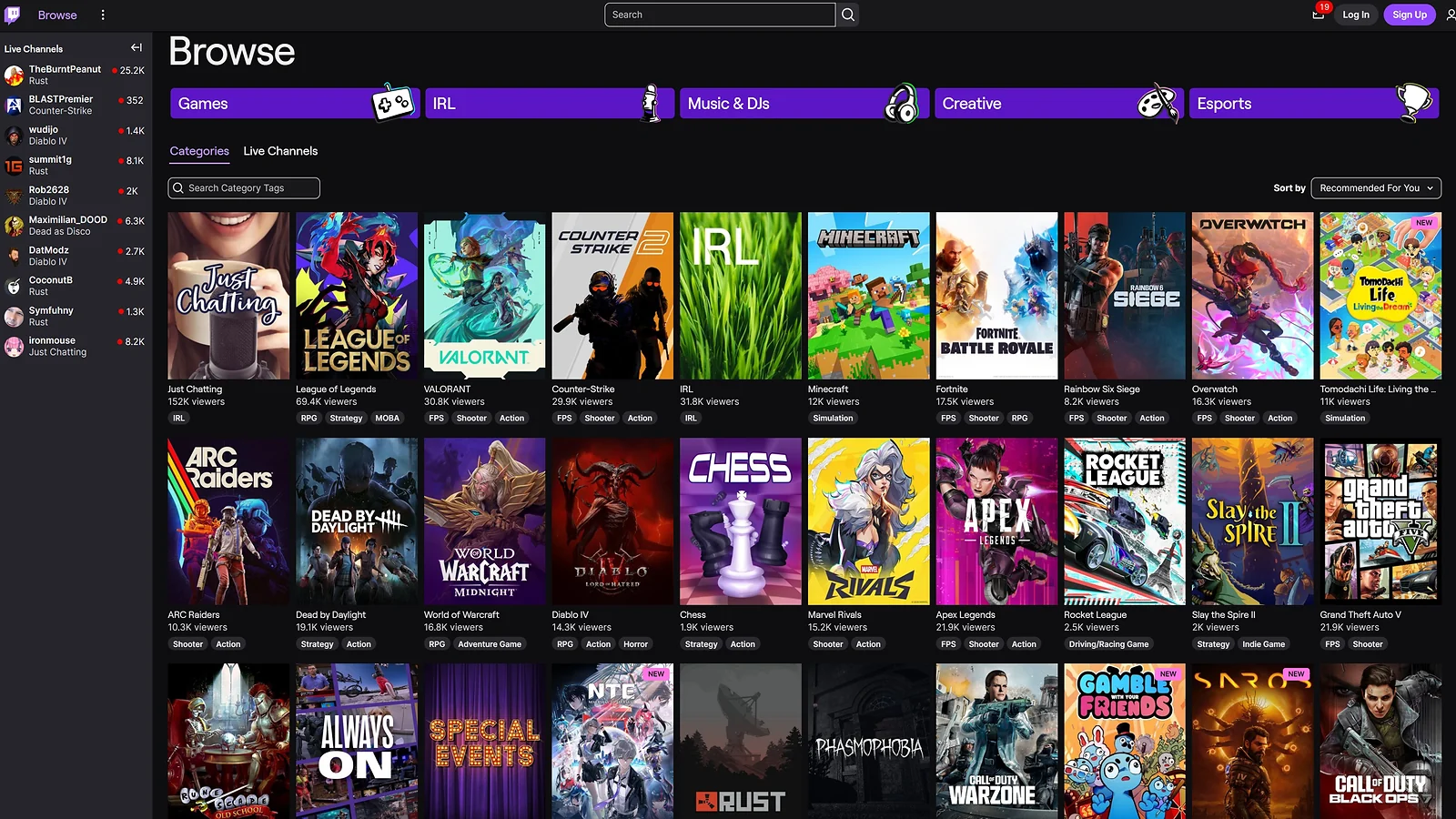
How to grow on Twitch comes down to one shift: stop treating Twitch as a discovery platform and start treating it as the retention hub it actually is. The AI tool stack handles the discovery work that used to require a full production team. We’ve found these Twitch growth tips 2026 to be the most effective for new creators. Every tool above is a concrete, verified answer to how to grow on Twitch. This is the definitive guide on how to get more viewers on Twitch.
The recommended path by stage:
- Pre-Affiliate – OpusClip free + Eklipse free + CapCut free ($0)
- Affiliate – OpusClip Starter + Eklipse Premium (~$35/mo)
- Pre-Partner – add Descript Creator + InVideo AI Plus + ElevenLabs Starter (~$95–115/mo)
- International/Faceless – add Synthesia Starter + Reelmind Pro (~$140–165/mo)
Streamers ready to commit: Try OpusClip first, then layer in sub-gifting through Eneba‘s Twitch gift cards hub the Twitch gift card 25 USD and Twitch gift card 50 USD cover most use cases. Valorant streamers can keep in-game purchases covered through the Valorant Points store. Every tool above is a concrete, verified answer to how to grow on Twitch.
FAQs
Most streamers with a consistent short-form pipeline reach Twitch Affiliate within 4–8 weeks. Sustained growth to 100+ concurrent viewers typically takes 6–18 months, depending on niche selection, schedule consistency, and multi-platform clip output.
Stream on a fixed schedule, post clips to TikTok and YouTube Shorts after every session, and engage in the communities around your niche game. OpusClip’s free tier covers ~2 streams per month, making it practical to build a clip pipeline before spending anything. This pipeline is the critical step for how to get to Twitch Affiliate.
Target categories with 100–2,000 concurrent viewers – enough audience to discover you, few enough streamers to rank near the top. SullyGnome and TwitchStrike surface these sweet spots. Avoid games with 10K+ concurrent viewers until you have an established base.
Frequency beats marathon sessions. Three consistent days per week outperforms seven random days. Twitch Affiliate requires 500 broadcast minutes across 7 unique days in a rolling 30-day window – roughly 72 minutes per session. Content quality and a consistent clip output matter far more than raw streaming hours.
Not exclusively TikTok, but at least one short-form platform – TikTok, YouTube Shorts, or Instagram Reels – is non-negotiable. Twitch‘s native browser is too competitive for new streamers to rely on alone. A working clip pipeline on any short-form platform is the minimum viable strategy for how to grow on Twitch in 2026.