Is Borderlands 3 Cross-Platform? – Everything You Need to Know


Cross‑play has transformed multiplayer gaming, letting friends on different systems dive into the same session. Borderlands 3 arrived in 2019 without this feature, but several updates have expanded how vault hunters can connect.
If you’re asking “Is Borderlands 3 cross-platform?”, the answer is more nuanced than a simple yes or no. This guide covers supported systems, how crossplay works, limitations, and why cross‑save and cross‑progression are still missing.
Jump to:
Is Borderlands 3 Cross-Platform Across Major Systems?
Borderlands 3 now supports cross‑platform play across Xbox One, Xbox Series X/S, PlayStation 4, PlayStation 5, Mac, and PC via Steam and the Epic Games Store. Cross‑platform functionality is powered by Gearbox’s SHiFT matchmaking system.
When you launch the game after the latest update, you’re prompted to enable cross‑play and pick a Crossplay Display Name. Once enabled, you can match with players across all supported platforms without any extra subscription beyond the usual online services (Xbox Game Pass Core/PlayStation Plus if required on your platform).
Although cross‑play arrived for PC and Xbox in 2021, it wasn’t until 2022 that Sony allowed the feature on PlayStation. Since then, cross‑play has been fully integrated, letting PlayStation players team up with friends on Xbox or PC without restrictions. On Mac, the feature works identically – Mac players join the same matchmaking pool as Windows users.
The main exclusion is the Nintendo Switch version, Borderlands 3: Ultimate Edition. This port launched in October 2023 and supports only two‑player local and online co‑op within the Switch ecosystem. Switch owners can’t connect with other platforms, largely due to hardware differences and the port’s standalone online infrastructure. If you’re on Switch, expect online sessions only with other Switch players.
Cross‑Platform Play (Crossplay): How It Works
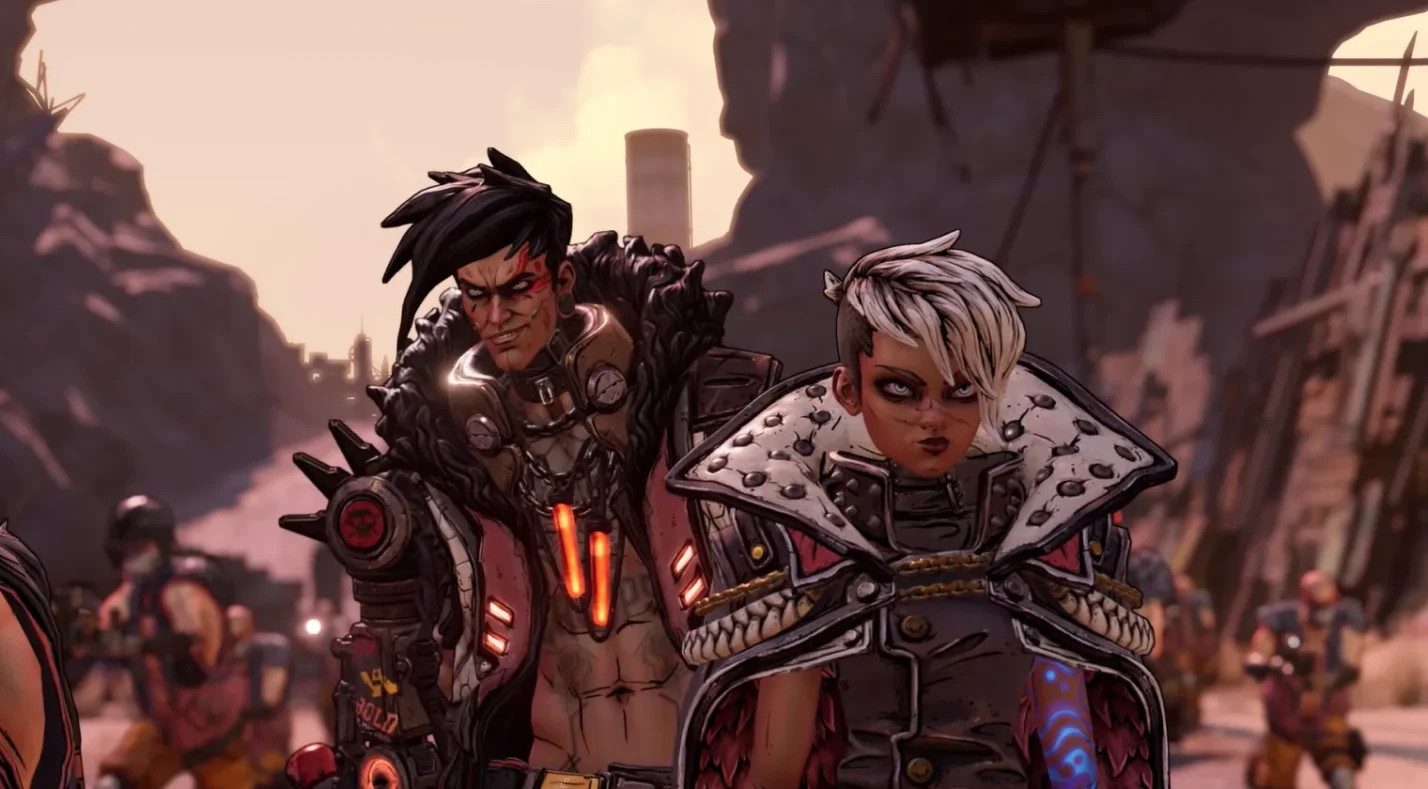
Cross‑play in Borderlands 3 isn’t automatic; you have to opt in. After installing a recent update, the game displays a cross‑play prompt. Choosing Enable generates a Crossplay Display Name, which must be unique (3–16 characters, starting with a letter). You can change this name later via the SHiFT tab in the Social menu or on the SHiFT website.
Once cross‑play is enabled, matchmaking uses SHiFT servers rather than platform‑specific ones. Friends lists, invitations, and session hosting all take place through SHiFT. Inviting friends works through the Social menu – just search for their display name and send an invite. Voice chat still relies on your platform’s native party system or third‑party apps.
If you ever need a break from cross‑play, you can toggle it off. Doing so restricts matchmaking to players on your platform. This is useful if you experience latency differences or prefer matched latency profiles. As a gamer who often plays on PC, I appreciate having that toggle; sometimes I just want to drop into quick sessions without worrying about console input balancing.
Cross‑platform functionality is part of a broader trend. Our cross‑platform games roundup highlights other titles that excel at connecting players across systems. Seeing how seamless cross‑play feels in Borderlands 3 makes it easier to appreciate cross‑platform design in general.
Crossplay Support by Platform
Below is a quick reference for cross‑play support on each platform. Keep in mind that cross‑play only applies to online multiplayer; local co‑op uses split screen and isn’t affected by these settings.
| Platform | Cross‑Play Status |
| Xbox One / Series X/S | Fully supported. Xbox players can connect with friends on PlayStation, PC, and Mac once cross-play is enabled. Cross-play requires linking to a SHiFT account but has no additional fees. |
| PlayStation 4 / PlayStation 5 | Fully supported. PlayStation players can connect with friends on Xbox, PC, and Mac once cross‑play is enabled. A PlayStation Plus subscription is required for online sessions. |
| PC (Steam / Epic Games Store) | Fully supported. Steam and Epic versions share the same player pool. You can also match with Mac and console players. Cross‑play requires linking to a SHiFT account but has no additional fees. |
| Mac | Fully supported. Mac players using the Steam or Epic version can join the same cross‑play sessions as Windows users and consoles. |
| Nintendo Switch | Not supported. The Switch port only supports two‑player local or online co‑op within the Switch ecosystem. There is no cross‑play with other platforms. |
In practice, cross‑play works smoothly on modern systems. My experience on PC has been mostly lag‑free when teaming up with console friends. Xbox and PlayStation players occasionally report frame‑rate differences, but that rarely affects gameplay thanks to Borderlands 3’s generous aim assist and co‑op‑friendly mechanics. On Mac, performance depends on hardware; Apple’s M‑series chips handle the game well, but older Intel Macs may struggle during chaotic firefights.
Platform‑Specific Limitations and Partial Compatibility
While cross‑play is robust, there are still limitations you should know before jumping in:
- No cross‑play on Switch – The Nintendo Switch edition is isolated. If you choose the portable version, you’re limited to playing with other Switch owners. This restriction also means you won’t participate in SHiFT matchmaking, making seasonal events and matchmaking lobbies more sparse.
- Matchmaking boundaries – You can only join friends if all players have installed the latest update. Outdated clients cannot connect, so ensure everyone updates before grouping.
- Performance discrepancies – Differences in frame rate and graphics fidelity across platforms can affect how smooth sessions feel. For example, PlayStation 5 and Xbox Series X can run at up to 120 FPS, while older consoles are capped at lower frame rates. This doesn’t impact your ability to play together, but you may notice visual differences.
- Input differences – Mouse and keyboard users on PC have more precise aiming than those using controllers. Gearbox has tuned aim assist to compensate, but highly competitive players might still feel a difference. As someone who splits time between PC and Xbox, I’ve found the input gap less problematic in cooperative modes than in competitive shooters.
Cross‑Save and Cross‑Progression
Cross‑play makes playing with friends easier, but what about carrying your character and loot between systems? Cross‑save and cross‑progression are two separate features:
- Cross‑save refers to copying your saved data from one platform to another.
- Cross‑progression means your progress, including characters, loot, and achievements, automatically follows you when switching platforms.
As of October 2025, Borderlands 3 does not support cross‑progression. Gearbox has not announced plans to implement a universal progression system. That means if you play on Xbox and decide to buy the game on PC, your characters and loot remain locked to Xbox. You’ll need to start over or manually transfer certain saves where possible.
Cross‑Save Support
Cross‑save is possible only within the same console family and between PC storefronts, but it isn’t seamless. Here’s what you can do:
- PlayStation cross‑save – You can transfer a save from PlayStation 4 to PlayStation 5 using the UPLOAD SAVE and DOWNLOAD SAVE options in the main menu. Alternatively, you can use PlayStation’s system transfer, PlayStation Plus cloud storage, or an external USB drive to move save files. Transfers are one‑way (PS4 → PS5) and overwrite previous uploads.
- Xbox cross‑save – Xbox uses cloud synchronization automatically. When you sign in to the same Xbox profile on Xbox One and Xbox Series X/S, your save data transfers seamlessly. There’s no need for manual uploads or downloads.
- Steam and Epic cross‑save – Save files can be manually moved between Steam and Epic Games Store on PC. You need to copy the contents of your Documents\My Games\Borderlands 3\Saved\SaveGames folder from one platform’s subfolder to the other. The process only updates local files; achievements may not sync across storefronts. Back up your saves before attempting a manual transfer.
Notably, there is no official way to transfer saves between PC and console or between PlayStation and Xbox. Fan‑made methods exist but may risk data loss or violate terms of service. Gearbox has acknowledged the community’s desire for true cross‑save, but there has been no commitment to add it.
Cross‑Progression Support
Currently, there is no cross‑progression in Borderlands 3. Each platform keeps its own progression and achievements. Switching ecosystems means starting fresh. While this can be disappointing if you invest hundreds of hours into one platform, it also helps preserve platform‑specific leaderboards and achievement systems.
In my case, I began the game on Steam and later purchased it on Xbox to play with console friends. Losing my high‑level Moze build was frustrating, but I discovered new character synergies by starting over. If cross‑progression ever arrives, I’ll welcome the convenience, but for now, I pick the platform where my main friend group plays.
Account Linking
To enable cross‑play, you must link your platform account (Xbox Live, PlayStation Network, Steam, or Epic) to a SHiFT account. This free account is required for matchmaking, SHiFT codes, and rewards across Gearbox games. Linking is straightforward: create or log in to your SHiFT account, then authorize the desired platform.
Choosing a unique Crossplay Display Name is mandatory for cross‑play. It must start with a letter, be 3–16 characters, and avoid consecutive underscores, hyphens, or periods. If the name is taken, pick another. Without a valid display name, you won’t be able to opt in to cross‑play.
Developer and Publisher Statements and Future Plans
Gearbox Software and publisher 2K have acknowledged the community’s requests for universal progression. In their July 31, 2025, cross‑play update announcement, they confirmed that cross‑play is now permanent across Xbox, PlayStation, Mac, and PC. The same announcement reminded players to enable cross‑play by opting in and creating a display name.
During a 2024 interview, Gearbox mentioned that they explored cross‑progression but faced technical hurdles due to differences in how each platform handles save data and achievements. They didn’t rule it out for future entries; in fact, Borderlands 4 has been confirmed to launch with cross‑play on day one, but cross‑progression is still being discussed.
Players hoping for cross‑progression in Borderlands 3 should temper expectations. The developers have focused their resources on maintaining cross‑play stability and delivering new events. Meanwhile, community support for cross‑progression continues to grow. If you’re planning to invest heavily in the game today, choose the platform where you’ll play most often and be prepared to remain there.
If you’re looking for other cooperative experiences, our best co‑op games on Xbox guide covers everything from sea‑bound adventures to looter‑shooters. The article highlights how games like Borderlands 3 fit into a larger ecosystem of shared experiences.
Summary: Can You Play Borderlands 3 Across Platforms?
For players who want to team up with friends regardless of system, the answer to “Is Borderlands 3 cross-platform?” is a resounding yes – provided you’re on Xbox, PlayStation, PC, or Mac. Cross‑play works seamlessly through Gearbox’s SHiFT system, letting you connect with friends across these ecosystems. You can opt in or out depending on your preference, and the matchmaking experience is generally smooth. Performance differences exist, but they rarely spoil the fun.
However, cross‑play doesn’t mean cross‑progression. Your saves and characters remain tied to the platform where you play. You can transfer saves within the same console family or between Steam and Epic, but there’s no official way to carry your progress to a different ecosystem. If you switch platforms, expect to start over.
Nintendo Switch owners remain isolated, with no cross‑play or cross‑save support beyond local or online co‑op with other Switch players. That version is perfect for portable sessions but lacks the broader social features of other platforms.
In short, Borderlands 3 lets you shoot and loot with friends across most modern systems, but you need to commit to a platform if you care about character progression. If you want the best cross‑play experience, I recommend the PC or next‑gen console versions. They offer higher frame rates, faster loading times, and full access to cross‑play. When you’re ready to jump in, grab a Borderlands 3 game key on Eneba and join the mayhem.
If Borderlands 3 sparks your love for chaotic loot hunts, check out our list of games like Borderlands. It explores other titles that combine humorous writing with addictive loot cycles.
FAQs
Is Borderlands 3 cross-platform between Xbox and PlayStation?
Yes, Borderlands 3 is cross-platform between Xbox and PlayStation. You can party up with friends across Xbox One, Xbox Series X|S, PlayStation 4, and PlayStation 5 as long as cross‑play is enabled via SHiFT.
How do you enable crossplay in Borderlands 3?
To enable crossplay in Borderlands 3, launch the game after the latest update and choose the Enable Cross‑Play option when prompted. Then set a unique Crossplay Display Name to activate SHiFT matchmaking.
Is Borderlands 3 cross-platform between PC and console?
Yes, Borderlands 3 supports cross-platform play between PC and console. PC players on Steam or Epic can join sessions with friends on Xbox, PlayStation, and Mac once cross‑play is enabled.
Does Borderlands 3 have cross‑save or cross‑progression?
No, Borderlands 3 does not have cross‑save or cross‑progression across different platforms. Progress remains tied to your platform, with limited transfers only within console families or between Steam and Epic.
Is Borderlands 3 cross-platform on Nintendo Switch?
No, Borderlands 3 is not cross-platform on Nintendo Switch. The Switch edition allows two‑player co‑op but can only connect with other Switch users and lacks SHiFT cross‑play support.