


Best Excel Courses in 2026: 6 Picks for Beginners

Eneba Hub contains affiliate links, which means we may earn a small commission if you make a purchase through them—at no extra cost to you. Learn more


Recent update
Explore A Comprehensive Excel Masterclass on Coursera for financial modeling and dashboards. Start with a beginner course if formulas and worksheets are still unfamiliar.
The best Excel courses help build spreadsheet skills for goals ranging from basic formulas to business reporting. A Comprehensive Excel Masterclass suits broader business study, while MS Excel and Spreadsheet Training for Beginners provides a structured start. Excel for Beginners from Great Learning is a free starting point.
This guide compares six Excel courses by content, cost, study time, and certificates. Check if listed hours refer to video runtime or estimated study time before enrolling.
These picks suit students, office workers, and career changers who want a clearer route into spreadsheet work. The courses provide completion certificates, not Microsoft-issued certifications, and the final section explains how to choose among the best Excel courses.
Jump to:
Best Excel Courses at a Glance
The best Excel courses suit different skill levels, so consider the intended learner before comparing study times. This table separates beginner foundations, intermediate practice, broader progression, and the move into business intelligence.
|
Course |
Provider |
Best for |
Billing or Access |
Time |
Certificate |
|---|---|---|---|---|---|
|
A Comprehensive Excel Masterclass |
 Coursera |
Best Overall |
Paid enrollment options |
2 months at 10 hours a week |
Shareable certificate |
|
MS Excel and Spreadsheet Training for Beginners |
Coursera |
Best for Beginners |
Paid enrollment options |
9 hours |
Shareable certificate |
|
Microsoft Excel Course – Intermediate Training |
 Udemy |
Best Budget Pick |
Subscription from $13.00/month |
2.5 hours of video |
Certificate of completion |
|
Excel for Beginners |
 Great Learning |
Best Free Option |
Free beginner track |
6.75 hours |
Free certificate |
|
The Complete Microsoft Excel Course -From Beginner To Expert |
Udemy |
Best for Broad Progression |
Paid enrollment |
10 hours of video |
Certificate of completion |
|
Power BI from Scratch: Dashboards, Data Modeling and Reports |
Coursera |
Best for Power BI |
Paid enrollment options |
4 hours |
Shareable certificate |
The list moves from general Excel training to beginner lessons, then covers budget options and more specialized study. Video hours and estimated completion time describe different workloads, so use them as scheduling guides.
What Is Excel?
Excel is Microsoft‘s spreadsheet software for organizing information, calculating results, and presenting data. People learn it to manage budgets, prepare reports, analyze sales, and make business decisions. A good Excel course explains how to turn spreadsheet data into useful results, alongside the tools needed to do it.
Beginner Excel courses should build confidence with cells, worksheets, formatting, and formulas. Intermediate study can introduce Pivot Tables for data summaries and lookup functions for retrieving matching information. VLOOKUP, HLOOKUP, and INDEX/MATCH appear in the intermediate pick.
More specialized Excel courses connect those skills to a task. Financial modeling uses functions like PV, FV, NPV, PMT, and IRR to examine cash flows and financing. Dashboard work turns data into a report a colleague can explore.
How These Excel Courses Were Chosen
These Excel courses were chosen for their defined learning goals and transparent course details. The best Excel courses for this comparison offer a sensible match between a learner’s starting point and the material.
The following criteria guided the selection:
- Coverage: A distinct purpose, from spreadsheet foundations to business reporting.
- Teaching context: Named instructors or institutions where supplied.
- Ratings: Provider ratings paired with review counts, without cross-platform ranking.
- Cost: Free access, subscription billing, and paid enrollment kept separate.
- Practice: Exercises, homework files, or a useful workbook application.
- Credentials: Completion certificates described separately from exam-based certification.
- Relevance: Content matched to the task and software being taught.
An Excel course earns its place through fit, not its enrollment total alone.
The 6 Best Excel Courses, Compared and Ranked
The best Excel courses here follow a goal-first order: business depth first, then accessible starting points and focused alternatives. Each Excel course serves a different purpose, so a lower-ranked option may suit your current needs better.
1. Best Overall: A Comprehensive Excel Masterclass (Coursera)
A Comprehensive Excel Masterclass earns the overall label through its combination of financial modeling, data preparation, and interactive dashboards. This Excel course suits learners ready to apply spreadsheet skills to more advanced business tasks.
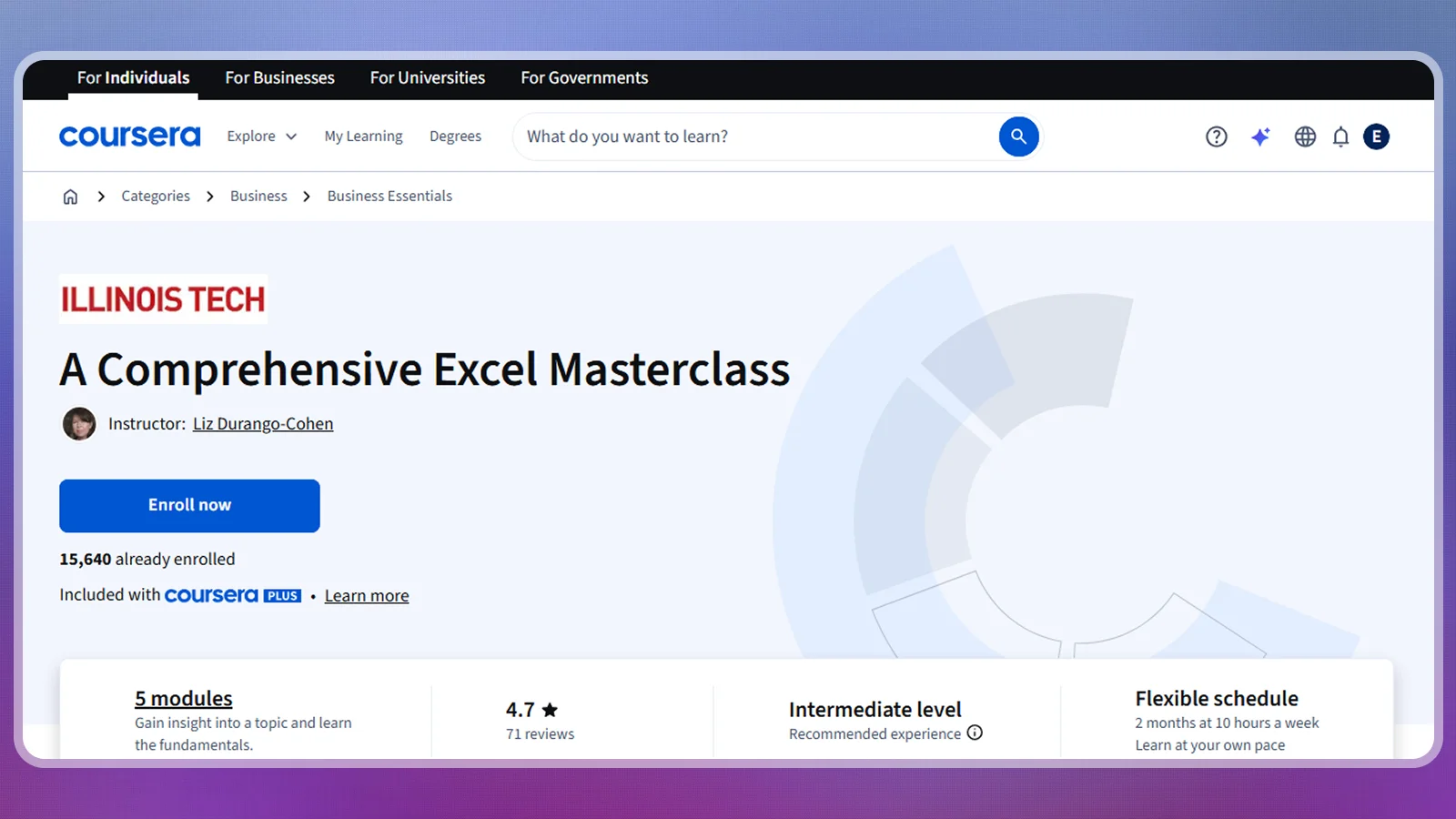
The Illinois Tech course on Coursera covers Pivot Tables, Power Query, and financial functions. Its business examples include loan amortization, the repayment of a loan over time, and investment-project evaluation. Dashboard lessons combine summaries with slicers and timelines for filtering results.
According to Coursera, the Excel course has a 4.7 rating from 71 reviews and an intermediate level. Its shareable completion certificate records course completion. Like the other certificates listed here, it is not a Microsoft-issued certification.
The provider lists these practical details:
| Provider | Coursera |
| Price | Paid enrollment options |
| Difficulty | Intermediate |
| Time | 2 months at 10 hours a week |
| Certificate | Shareable certificate |
| Rating | 4.7 from 71 reviews |
That intermediate label is important. Beginners comparing the best Excel courses should learn basic formulas before moving on to financial models and interactive reports.
The main trade-offs are:
| Pros | Cons |
|---|---|
| ✅ Business applications – financial modeling and project evaluation. ✅ Data preparation – includes Power Query. ✅ Dashboard coverage – Pivot Tables, slicers, and timelines. ✅ Completion credential – shareable certificate. | ❌ Prior skills needed – intermediate-level material. ❌ Substantial workload – a longer study commitment than the short courses. |
For practice alongside this Excel course, rebuild a familiar report with your own data. A game-merch store could compare product sales, then add filters for categories. Explain what each calculation means before decorating the dashboard. That habit makes the course’s breadth useful beyond the lesson files.
2. Best for Beginners: MS Excel and Spreadsheet Training for Beginners (Coursera)
MS Excel and Spreadsheet Training for Beginners is the clearer starting point when spreadsheet work still feels unfamiliar. Its beginner classification makes it a better first Excel course than the intermediate Masterclass.
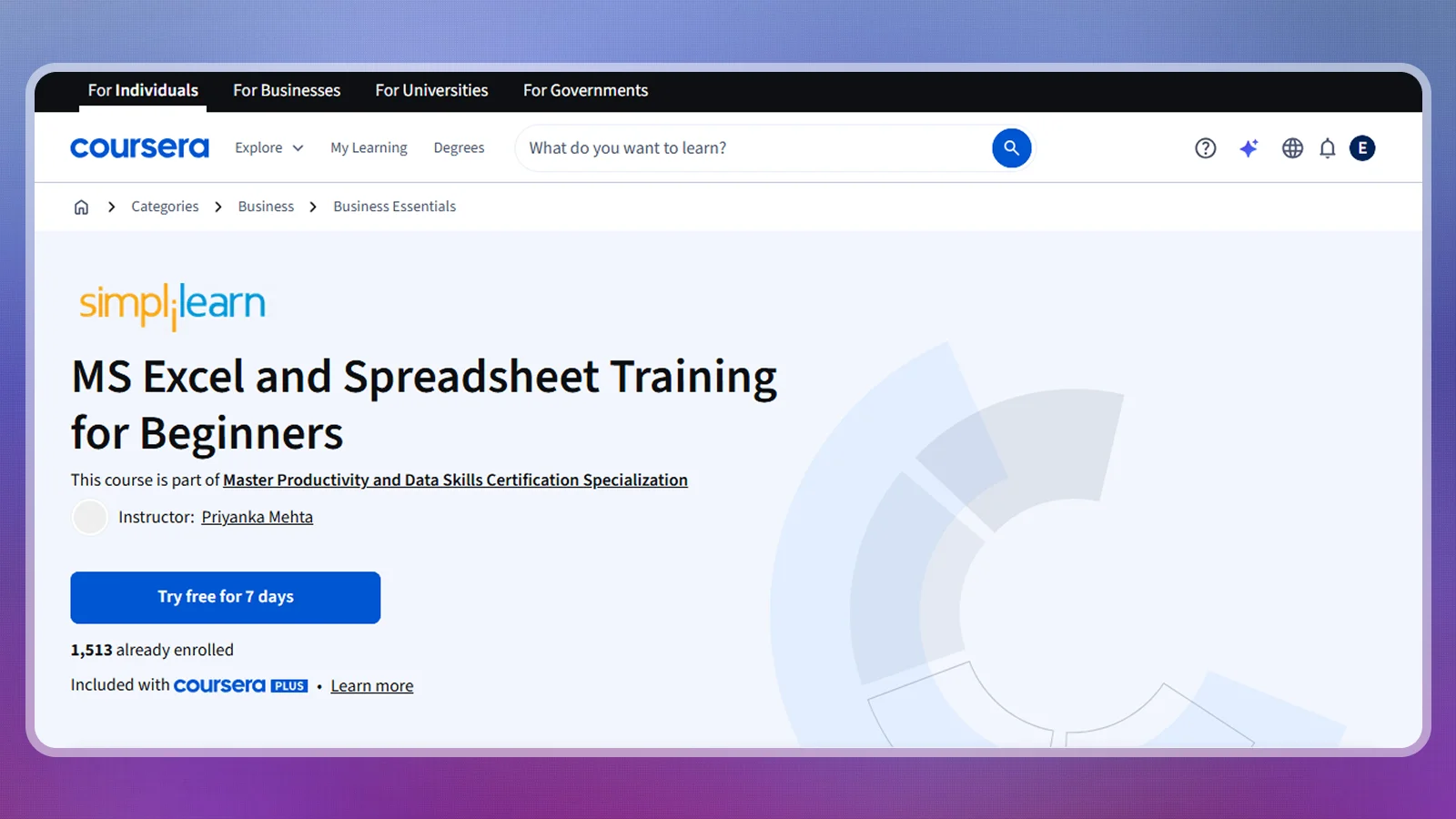
The course introduces spreadsheet work through a beginner-focused format on Coursera. Choose it to build confidence with spreadsheets before moving on to financial modeling or specialized reporting.
Coursera lists 9 hours to complete and a shareable certificate. Use that estimate to plan your study time, with extra room to repeat unfamiliar exercises.
The Excel course’s listed details are:
| Provider | Coursera |
| Price | Paid enrollment options |
| Difficulty | Beginner |
| Time | 9 hours to complete |
| Certificate | Shareable certificate |
| Rating | Not listed by the provider |
For a beginner Excel course, the most useful progress check is practical: open a blank workbook and recreate a task without following the instructor’s clicks. If you get stuck, return to that lesson before moving ahead.
Its strengths and limitations are:
| Pros | Cons |
|---|---|
| ✅ Beginner level – a suitable starting point for new spreadsheet learners. ✅ Manageable scope – a defined introductory course. ✅ Completion credential – shareable certificate. ✅ Clear next step – preparation for more demanding spreadsheet study. | ❌ Introductory scope – experienced users may need deeper material. ❌ Limited rating information – no provider-page rating is listed. |
This is among the best Excel courses for readers who want a starting point without committing immediately to a broad beginner-to-expert title. Keep your practice workbook simple. A personal expense sheet or game-purchase tracker provides familiar data, keeping the focus on learning the software.
3. Best Budget Pick: Microsoft Excel Course – Intermediate Training (Udemy)
Microsoft Excel Course – Intermediate Training earns its budget label for a focused scope and a published subscription starting price. This Excel course is most useful if lookup formulas are the main skill missing from your everyday office work.
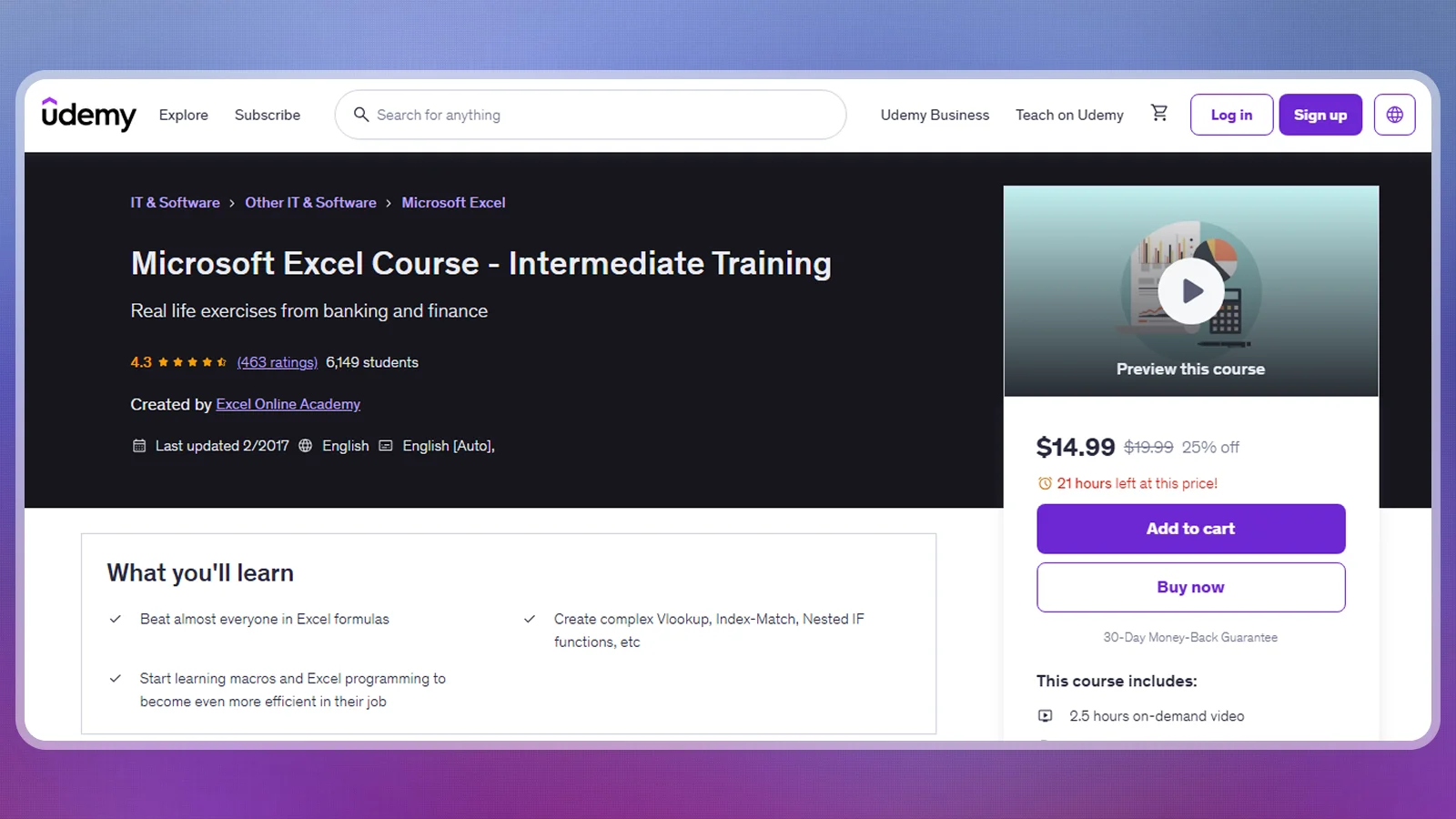
Created by Excel Online Academy on Udemy, the course covers shortcuts, VLOOKUP, HLOOKUP, and INDEX/MATCH. Downloadable homework files let you practice retrieving matching information from different tables.
Udemy lists subscription access from $13.00/month, 2.5 hours of on-demand video, and a 4.3 rating from 463 reviews. The subscription renews, so its starting monthly price should be weighed against how long you intend to keep access.
Here are the Excel course’s details:
| Provider | Udemy |
| Price | Subscription from $13.00/month |
| Difficulty | Intermediate |
| Time | 2.5 hours of on-demand video |
| Certificate | Certificate of completion |
| Rating | 4.3 from 463 reviews |
The short video runtime makes this a focused refresher. Set aside practice time for the homework, because watching a lookup work and writing it correctly in another workbook are separate tasks.
The trade-offs are:
| Pros | Cons |
|---|---|
| ✅ Focused formulas – VLOOKUP, HLOOKUP, and INDEX/MATCH. ✅ Homework files – downloadable exercises. ✅ Short video runtime – concentrated intermediate lessons. ✅ Completion credential – certificate of completion. | ❌ Existing skills needed – intermediate-level training. ❌ Recurring billing – subscription access renews monthly. |
Among the best Excel courses for targeted improvement, this pick has a clear purpose. Match product codes against a stock list, then change the source data to see how the results respond. That exposes mistakes that a copied example can hide.
4. Best Free Option: Excel for Beginners (Great Learning)
Excel for Beginners is the strongest free starting point in this selection because its beginner track includes a free certificate. Use this Excel course to explore structured spreadsheet lessons before paying for a subscription.
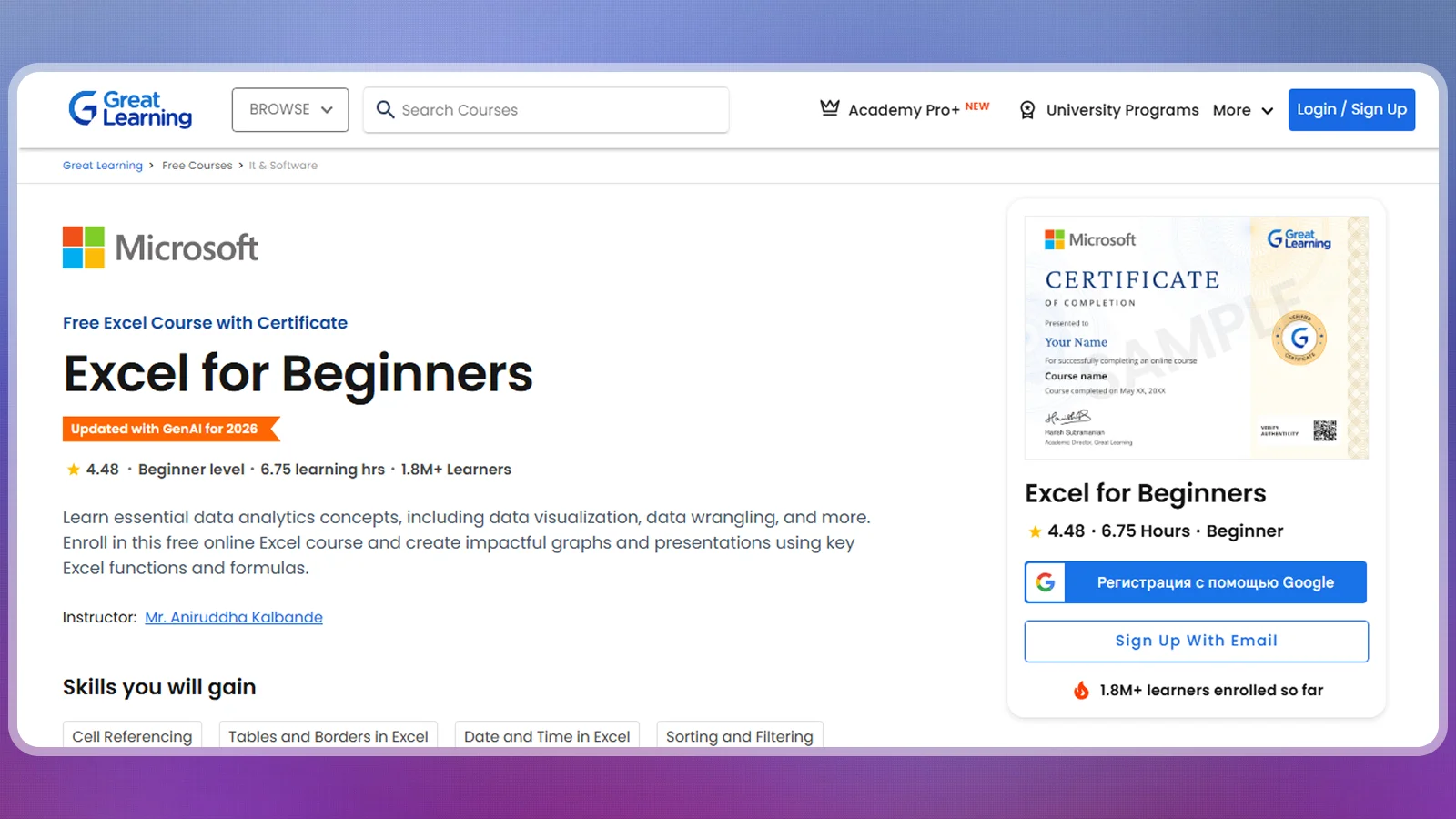
The Great Learning course covers introductory spreadsheet topics, including tables, borders, and date and time functions. It suits learners who want to become comfortable with everyday spreadsheet tasks.
Great Learning lists 6.75 hours and more than 10,000 certificates claimed. Its optional Pro+ subscription costs $29/month for advanced access. Compare the free beginner course separately from its optional paid extension.
The core course details are:
| Provider | Great Learning |
| Price | Free beginner track |
| Difficulty | Beginner |
| Time | 6.75 hours |
| Certificate | Free certificate on completion |
| Rating | Not listed by the provider |
The free track gives you a low-risk way to find out how you learn best. Complete the exercises, then apply the same skills to your own workbook before paying for advanced lessons.
Its main advantages and limits are:
| Pros | Cons |
|---|---|
| ✅ Free study – access to the beginner curriculum. ✅ Free certificate – a completion credential for the beginner track. ✅ Practical foundations – tables, borders, and date and time functions. ✅ Defined workload – a listed course duration. | ❌ Beginner scope – limited depth for experienced users. ❌ Paid extension – advanced access requires Pro+. |
The best Excel courses do not all need to be paid. This option makes sense when the immediate goal is basic confidence. A free Excel course becomes useful when you can apply its lessons without a prompt, so repeat a task with different data before treating it as learned.
5. Best for Broad Progression: The Complete Microsoft Excel Course -From Beginner To Expert (Udemy)
The Complete Microsoft Excel Course -From Beginner To Expert suits learners who prefer a broad course to a narrow refresher. Its all-levels positioning gives it a different role from the short intermediate Excel course.
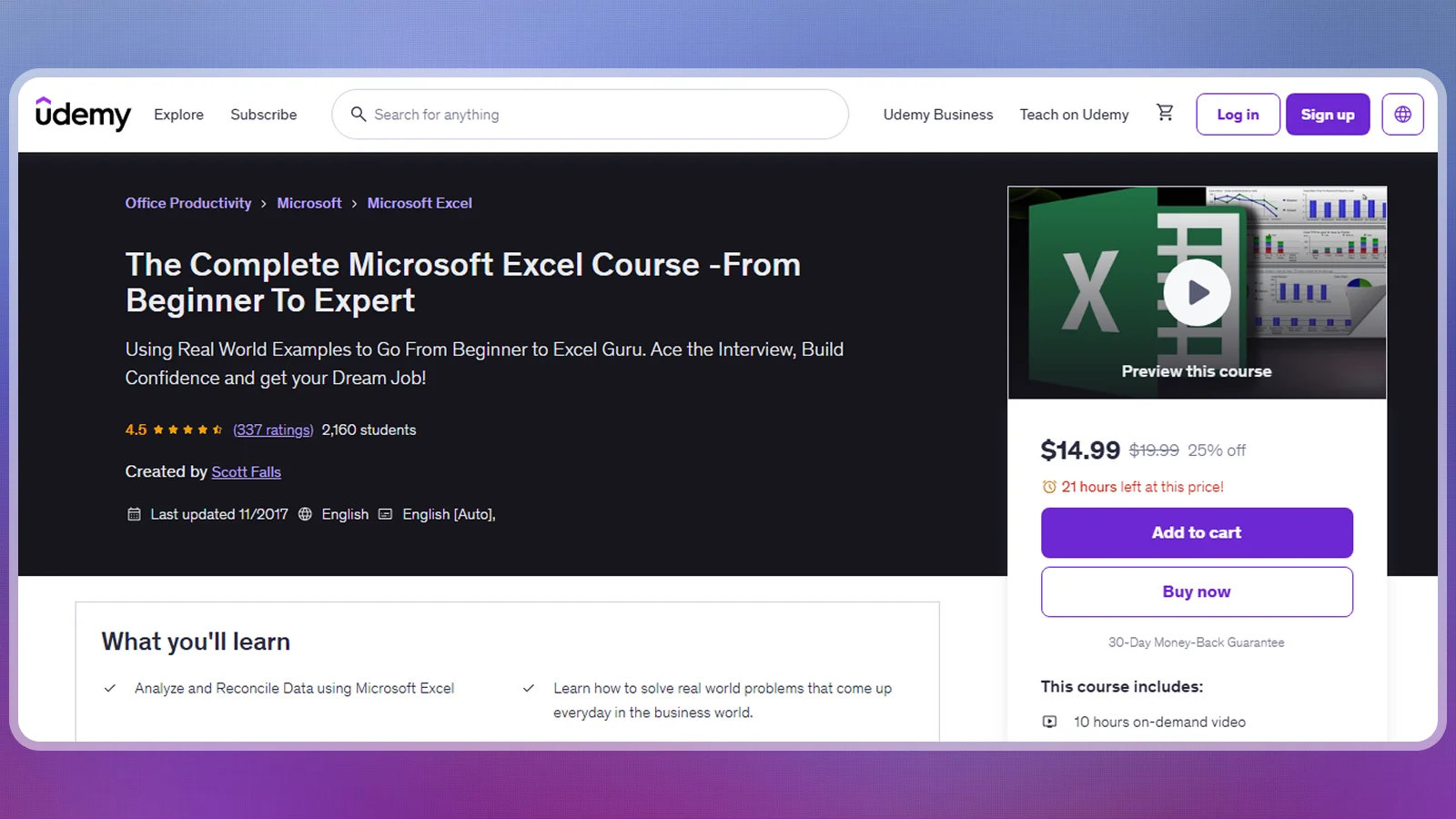
The Udemy course is presented for users across skill levels and uses on-demand video. It suits learners who want a course they can revisit as their spreadsheet skills improve.
Udemy lists 10 hours of video, a completion certificate, and a 4.5 rating from 337 reviews. Use the title as a general description and measure your progress through practical workbook tasks.
Its provider-published facts are:
| Provider | Udemy |
| Price | Not listed by the provider |
| Difficulty | All levels |
| Time | 10 hours of on-demand video |
| Certificate | Certificate of completion |
| Rating | 4.5 from 337 reviews |
This Excel course is a candidate for learners who value breadth. Compare the lesson outline with your actual tasks before enrolling, since an all-levels label can cover a wide range of skills.
The practical trade-offs are:
| Pros | Cons |
|---|---|
| ✅ Broad audience – presented for users of all levels. ✅ On-demand format – video-based study. ✅ Completion credential – certificate of completion. ✅ Learner feedback – published rating with a review count. | ❌ Broader study load – more video than the focused refresher. ❌ Mixed-level audience – some material may overlap with existing skills. |
Broad Excel courses work best with a clear personal target. Choose a workbook you want to improve and keep a record of the changes you can make after each relevant lesson. That creates a stronger measure of progress than reaching the end of the video library.
6. Best for Power BI: Power BI from Scratch: Dashboards, Data Modeling and Reports (Coursera)
Power BI from Scratch: Dashboards, Data Modeling & Reports is the specialty pick for spreadsheet users moving into business intelligence. Consider it after Excel training if you need to turn spreadsheet data into reports you can share.
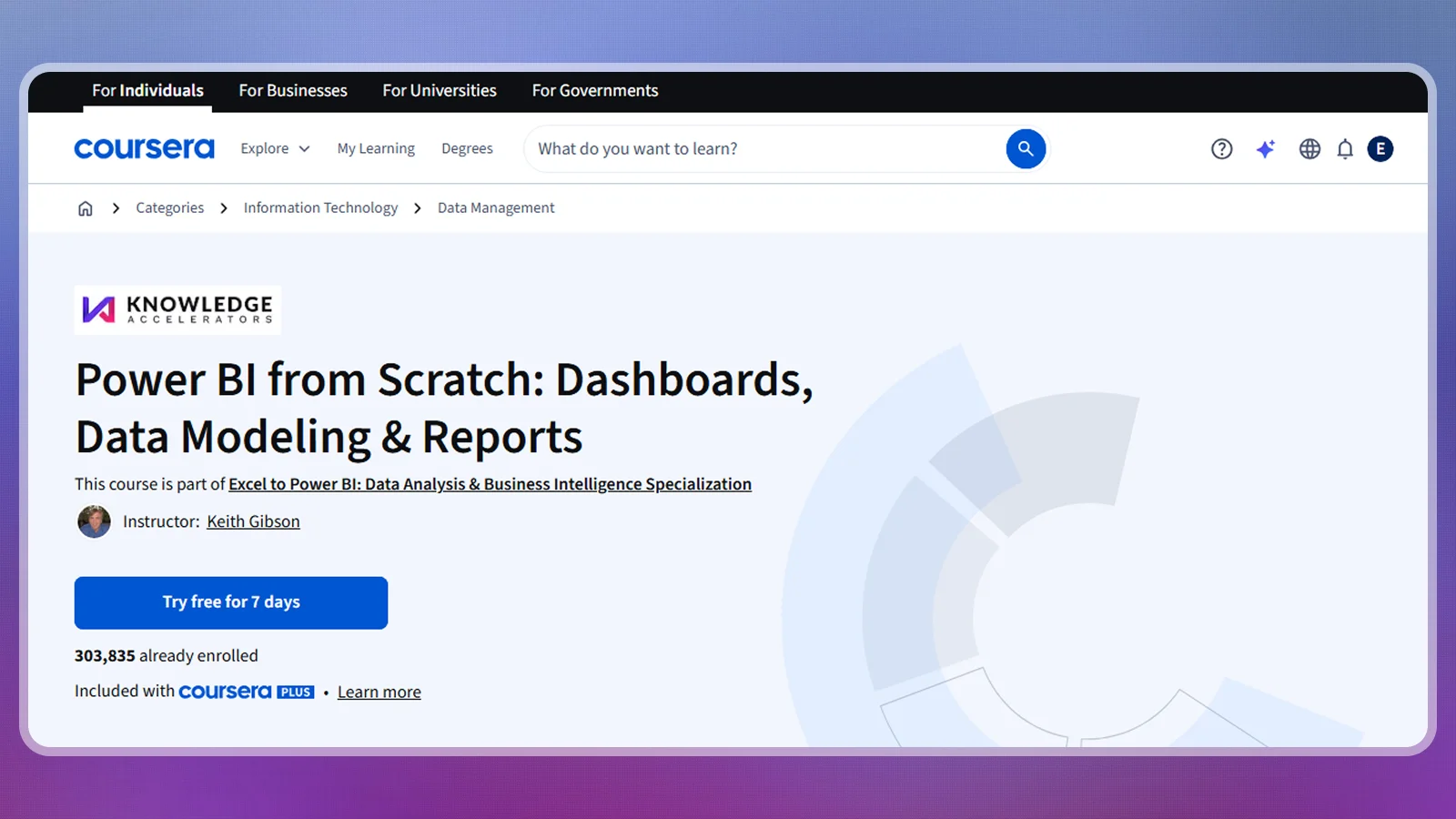
The Coursera course covers importing spreadsheet data into Power BI, designing dashboards, and sharing reports. Data modeling means arranging data and its relationships so reports can use it consistently.
Coursera lists 4 hours to complete, a beginner level, and a 4.5 rating from 1,725 reviews. It also lists a shareable certificate. The beginner label refers to Power BI, so prior spreadsheet knowledge is still helpful.
The course facts are:
| Provider | Coursera |
| Price | Paid enrollment options |
| Difficulty | Beginner |
| Time | 4 hours to complete |
| Certificate | Shareable certificate |
| Rating | 4.5 from 1,725 reviews |
This is an adjacent step in an Excel course learning path. Its value comes from moving into another reporting tool, rather than expanding the range of formulas you can write in a worksheet.
The strengths and limitations are:
| Pros | Cons |
|---|---|
| ✅ Spreadsheet connection – imports data from Excel. ✅ Reporting focus – dashboards and report sharing. ✅ Beginner classification – an introduction to the reporting tool. ✅ Completion credential – shareable certificate. | ❌ Specialist scope – limited focus on deeper spreadsheet skills. ❌ Another tool to learn – adds Power BI to the workflow. |
For practice, use a familiar sales workbook and try to explain the same result through a report. Decide what a reader should learn before adding visuals. This option makes the most sense alongside Excel courses when you have a specific reporting task that calls for another tool.
Free Excel Courses and Resources
Free Excel courses let you test a structured learning approach before paying. Start with a complete beginner track or a small project that matches something you already want to do.
These resources cover different starting points:
- Beginner foundations: Excel for Beginners from Great Learning offers a free core track and certificate.
- Workbook introduction: Getting Started with Microsoft Excel, listed by Coursera, is a free guided project with a 4.6 rating from 14,315 reviews.
- A concrete reporting task: Create a Financial Statement using Microsoft Excel, also listed by Coursera, is free and has a 4.5 rating from 891 reviews.
These free Excel courses and projects suit learners at different levels. Read the difficulty label before starting, because a short project can assume existing spreadsheet knowledge.
Paid Excel courses make more sense when they cover a specific skill gap. The intermediate Udemy pick adds focused lookup homework, while the Masterclass connects financial modeling with dashboards. The best Excel courses justify payment through that added structure and relevant practice, not through a certificate alone.
How To Choose the Right Excel Course
Choose an Excel course around the task you need to perform next. A beginner needs foundations, an office worker may need lookup practice, and a reporting specialist may need a different tool.
Consider these factors before making your choice:
- Current level: Describe a task you can complete without help. Use that as the starting point for comparing Excel courses.
- Budget and billing: Compare free study with subscription plans and one-time purchases.
- Study time: Match the learning format to your routine. Video runtime leaves out the time you spend repeating tasks and solving your own mistakes.
- Certificate purpose: Decide if you need a completion record or an exam-based credential. Ask an employer which credential serves the role before paying for an exam.
- Hands-on practice: Choose an Excel course with exercises based on a workbook you can explain.
- Instructor fit: Read the course outline and teaching information. Preview a lesson when one is available to see if the explanation suits you.
- Purchase terms: Read the cancellation, access, and refund conditions for the exact offer you select. Keep a record of what you purchased.
The best Excel courses are easier to choose once the credential question is settled. For a separate exam route, Microsoft lists the Microsoft Office Specialist: Excel Associate exam at $100 USD, with pricing subject to country or region. It recommends approximately 150 hours of instruction and hands-on experience.
Check that your study materials match the software version and exam objectives, then plan your preparation before booking. An Excel course can supply part of your learning, while the exam assesses the resulting skills. A precise learning goal is a better buying filter than the longest syllabus.
Are Excel Courses Worth It?
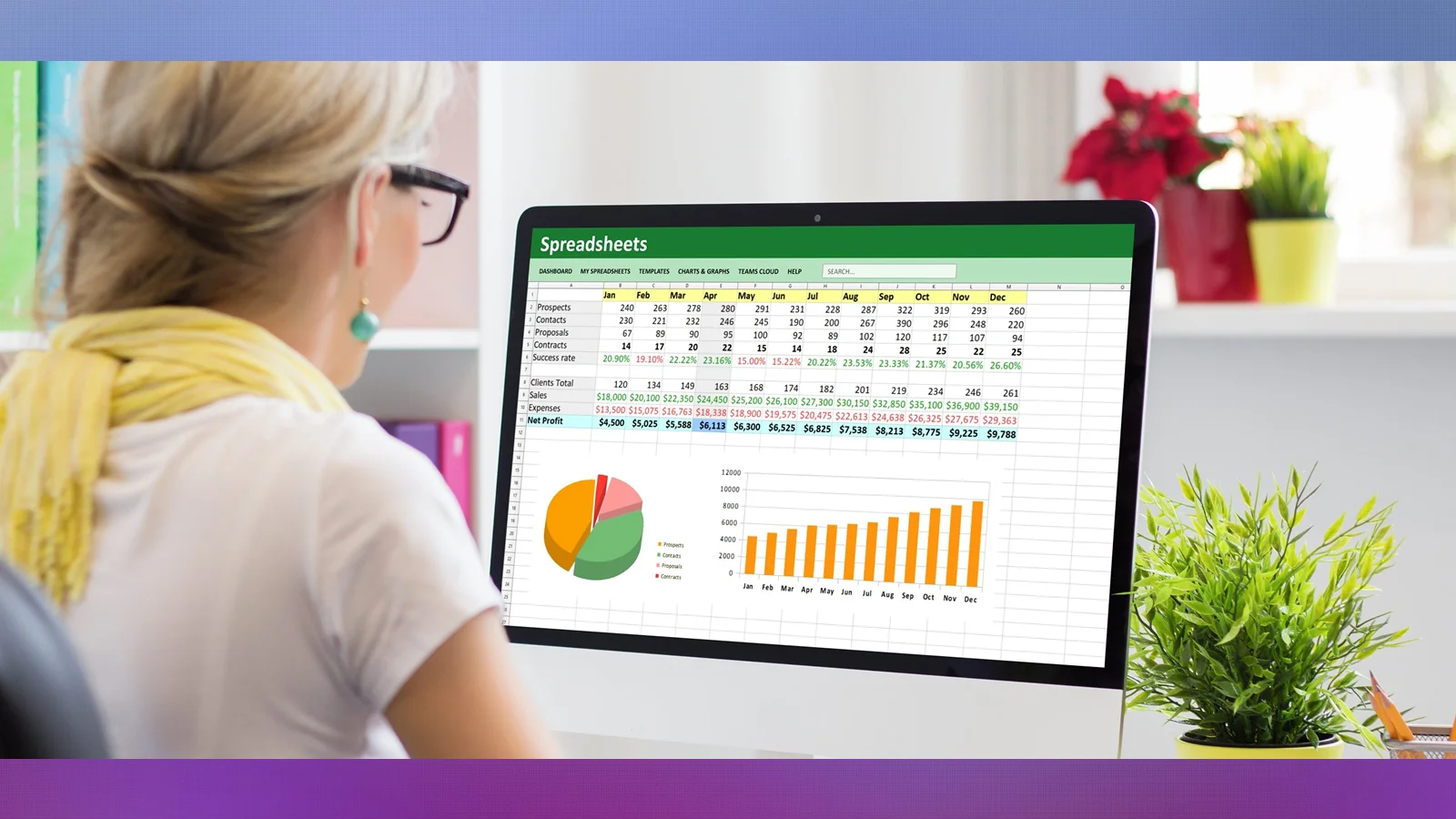
Yes, Excel courses are worth it when you need a clear sequence and relevant practice. They reduce the effort of deciding what to learn next, particularly when your current approach consists of searching for help with each new task.
Their value depends on the skills you need to develop. A free beginner Excel course can be sufficient for basic familiarity. Focused intermediate lessons make more sense when a specific formula blocks your work, while a broader business course suits someone ready to connect calculations with reporting.
A certificate can record completion, but useful workbook skills still require practice. Rebuild a task with different data, inspect the results, and explain the formulas in plain language. Work experience also involves unclear requests and imperfect source data that a lesson may simplify.
The best Excel courses provide a structure you can use to guide that practice. Paying for a longer course is worthwhile only when its additional material serves a goal you intend to pursue.
Final Verdict
A Comprehensive Excel Masterclass is the best fit for existing spreadsheet users who want business modeling and dashboards in the same course. New learners should begin with MS Excel and Spreadsheet Training for Beginners, or choose Great Learning‘s Excel for Beginners to start free.
The focused intermediate Udemy course suits a budget-conscious learner with a lookup-formula gap. Someone already comfortable with spreadsheets and moving into reporting should consider the Power BI specialty instead. The best Excel courses meet the next skill need you can name, so choose a starting point you can use immediately and finish with practical workbook confidence.
FAQs
MS Excel and Spreadsheet Training for Beginners and Great Learning‘s Excel for Beginners are the beginner picks. For later study, Coursera lists the intermediate Masterclass at 2 months at 10 hours a week.
Yes, Excel courses are worth it when their structure and exercises address a skill you need. Start free for basic familiarity, then pay for deeper material when you can name the task it will help you complete.
Yes, Great Learning offers a free beginner track, and Coursera lists free guided projects. Choose a resource that matches your level, then repeat its tasks with your own data.
Your starting skills, study routine, and target tasks determine the time needed. Course completion estimates describe the lessons, while confident workbook use also requires practice with unfamiliar data.
Yes, several do. The beginner Coursera pick offers a shareable certificate, Great Learning offers a free completion certificate, and the listed Udemy courses offer completion certificates. Exam-based certification is separate.
Yes, Microsoft Office Specialist: Excel Associate is an exam-based credential. Microsoft lists its validity as 60 months. It can complement skills learned through the best Excel courses.