



How To Get Minecraft Legends Cheap in 2026

Eneba Hub contains affiliate links, which means we may earn a small commission if you make a purchase through them—at no extra cost to you. Learn more


Minecraft Legends takes the familiar Overworld into an action strategy campaign about stopping a piglin invasion. You ride into battle as a hero who rallies creatures, gathers resources through helpers, and builds defenses for threatened villages. Finding Minecraft Legends cheap starts with knowing that this is a separate adventure, not a copy of the original sandbox game.
The invaders arrive from the Nether and spread their strongholds across a world of forests and open plains. Your job is to bring the Overworld’s inhabitants together, then lead them against the forces that threaten their homes. Even familiar enemies can become allies when the danger is shared.
To help you get Minecraft Legends cheap, this guide covers the campaign’s appeal and the practical checks to make before buying a key for your account. Match the storefront and region first, then review the checkout offer before paying. Enter the HUB15 discount code manually at checkout to get Minecraft Legends cheap on an eligible order.
Jump to:
Minecraft Legends Overview
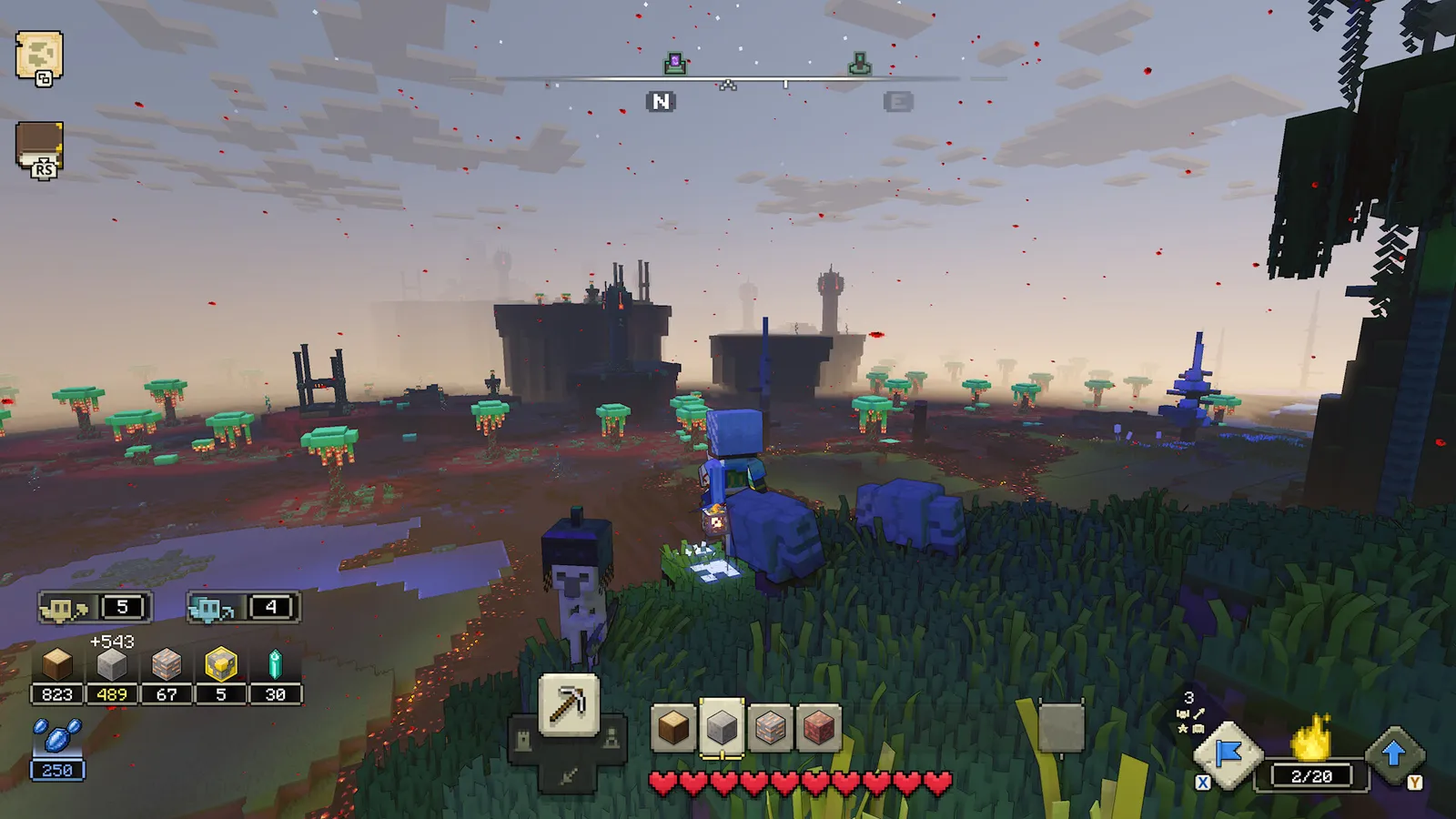
Minecraft Legends presents its conflict as a legend from the Minecraft universe, with the Overworld facing an invasion rather than waiting for you to start a personal building project. Three hosts, Foresight, Action and Knowledge, recruit your hero to defend its inhabitants. Their guidance introduces a world where the villages need protection and the piglins have ambitions beyond a single raid. You explore on horseback and respond to threats across the map instead of watching battles from a distant command screen.
Your character is a customizable hero rather than a fixed protagonist with a familiar name. The army around you supplies much of the game’s personality: golems help with early assaults, while creatures like skeletons and creepers can join your cause. Those alliances turn the usual relationship between the player and hostile mobs into a shared fight against an outside enemy. If you are buying Minecraft Legends cheap for its setting, that reversal is a useful clue to the adventure’s tone.
The campaign links exploration to preparations for the next attack, so gathering materials serves a purpose beyond filling your inventory. Allay helpers collect resources and construct the structures you place, while your hero chooses where the work should happen. Walls and towers support village defenses, and spawners supply units for a push into enemy territory. The terrain also affects your approach, since a direct route to a stronghold may leave troops exposed before they reach their target.
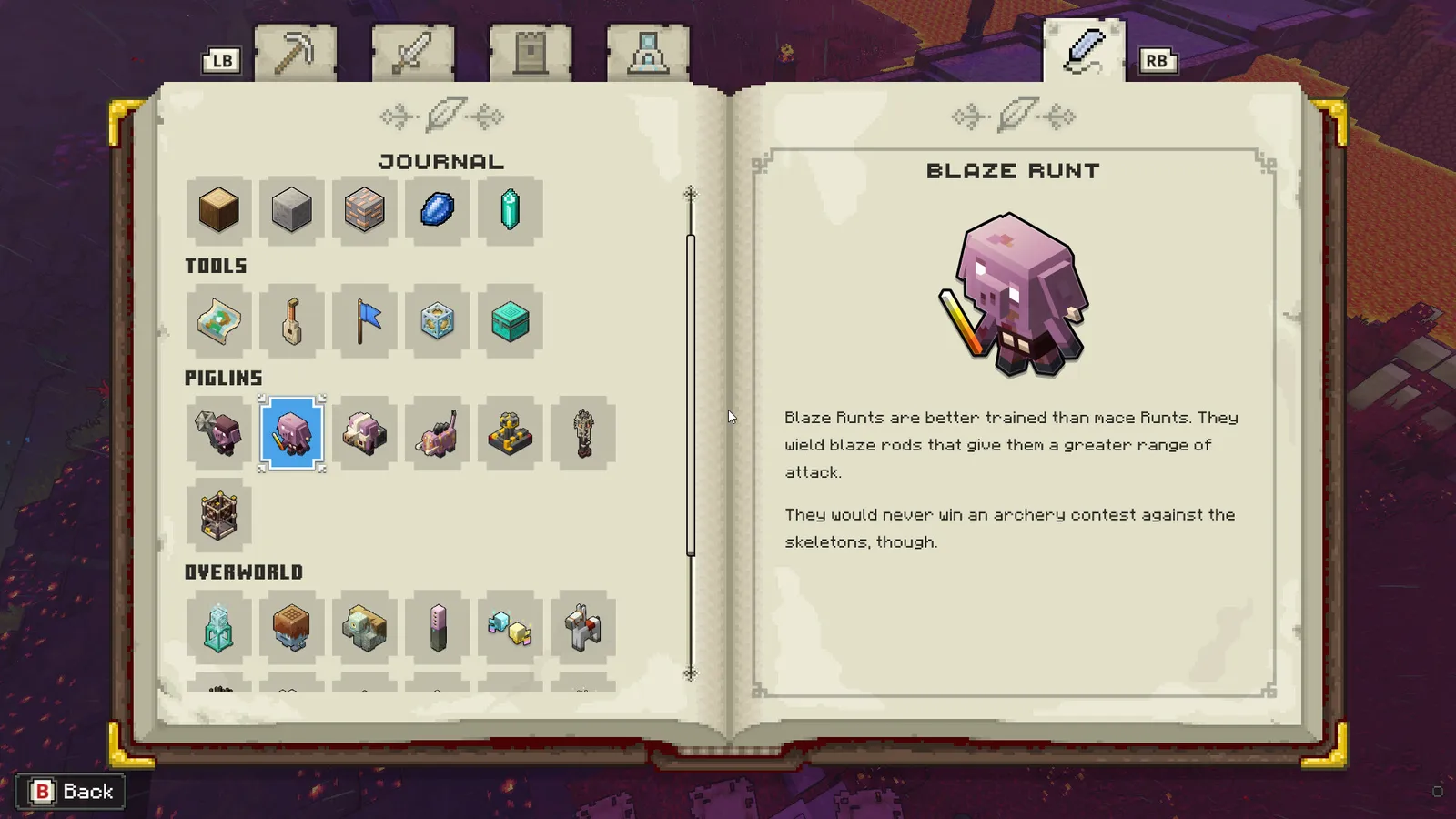
Battles ask you to balance your hero’s immediate actions with the orders you give your followers. You can strike nearby piglins yourself, but the wider objective depends on directing units toward defenses and key structures. Cooperative campaign play lets friends share the effort, while competitive multiplayer turns those building and command systems against another team. Treat a Minecraft Legends discount as a reason to consider this particular strategy spin-off, not as evidence that it contains the original game’s survival or creative modes.
| Game Info | Details |
|---|---|
| Genre | Action strategy |
| Release date | 2023-04-18 |
| Platforms | PC, PlayStation 4, PlayStation 5, Xbox One, Xbox Series X/S, Nintendo Switch |
| Metacritic Rating | 71/100 (Xbox Series X/S) |
| Franchise (if applicable) | Minecraft |
| Developer | Mojang Studios, Blackbird Interactive |
| Publisher | Xbox Game Studios |
| Protagonist | Customizable player hero |
Get Minecraft Legends Cheap Through Snakzy
Snakzy is a rewards app where you can play eligible mobile games and earn rewards toward available gift cards. Before choosing an offer, check the current in-app reward catalog for a card compatible with your intended storefront and account region. You are not playing Minecraft Legends inside Snakzy, and the catalog determines if this route can support your purchase.
To get Minecraft Legends cheap through rewards, begin with the eligibility rules for your account and the terms of the mobile game offer. Read the required activities before starting, then check how credited rewards appear in the app. Availability and earning requirements vary, so select an offer you actually want to complete rather than relying on a promised payout.
A Steam gift card applies to Steam; it does not automatically fund Eneba checkout or a Windows Store purchase. For the Windows Store key linked here, verify a genuinely compatible reward before redeeming anything. If the app has no suitable option, do not assume you can use its rewards to buy this listing.
Getting Minecraft Legends cheap this way means reducing out-of-pocket spending when the reward fits your purchase. It is not an automatic discount or a guaranteed free game, and redemption timing depends on the current terms.
Earn rewards with Snakzy and redeem an available gift card toward your game purchase.

Minecraft Legends Best Features
Command From the Battlefield
Lead your army while riding alongside it, with your own position affecting how you gather followers and point them toward enemy structures. This ground-level perspective gives you a practical role during an assault: you can fight nearby piglins, move around obstacles, and redirect troops when the first approach stops working.
Familiar Mobs as Allies
Recruit creatures that would normally threaten you in Minecraft, then use their different roles to support an attack rather than treating every unit as interchangeable. Golems form part of your force, while ranged skeletons and explosive creepers give you other tools for tackling strongholds and breaking through their defenses.
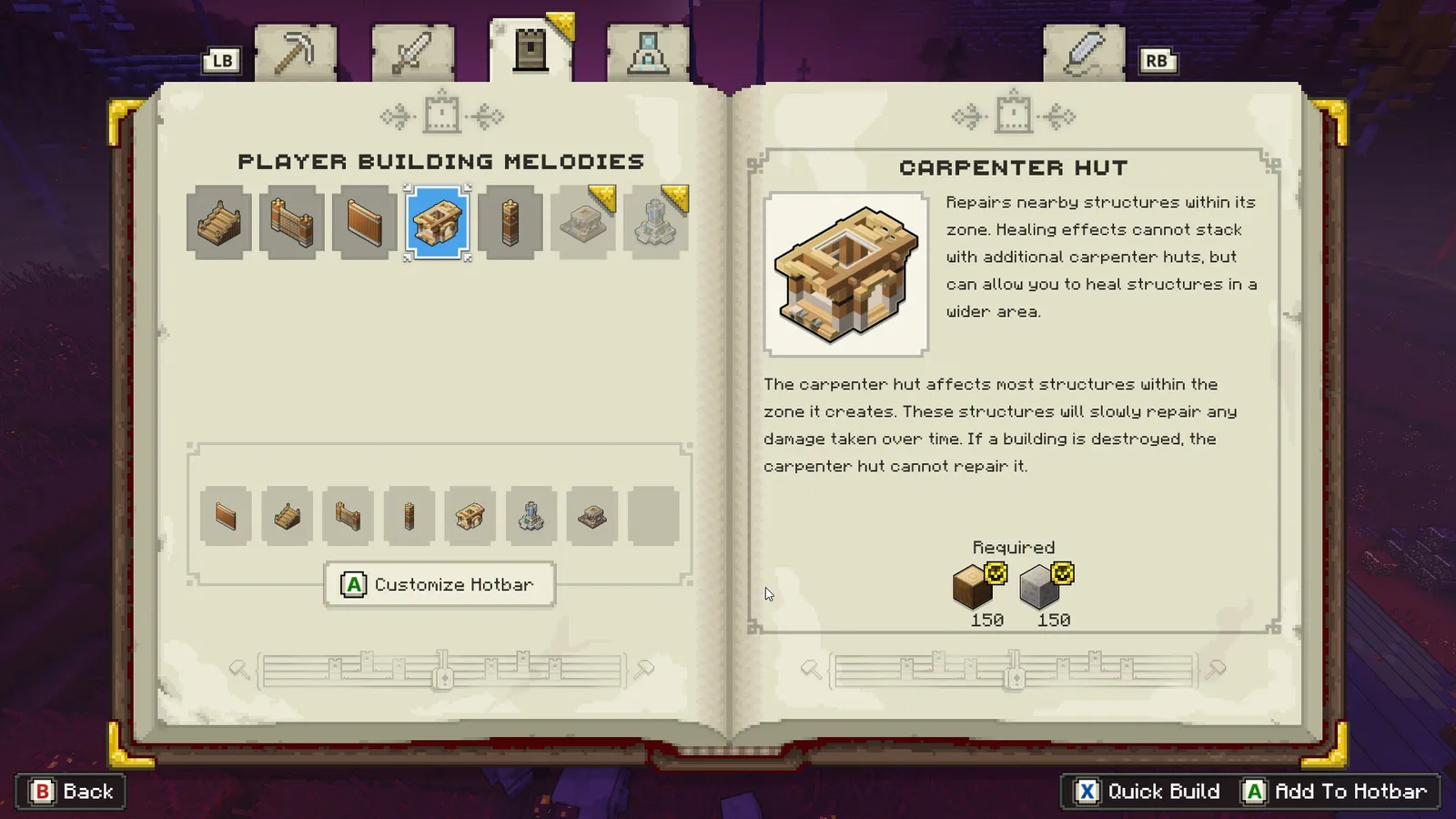
Village Defenses and Allay Helpers
Place walls and defensive towers around villages, and let allay helpers handle construction while you prepare your next move across the Overworld. Your resource choices connect defense to offense, since the materials spent protecting a settlement are also part of the broader effort to build an army and attack piglin bases.
Cooperative Campaign and Team Battles
Share the campaign with friends or enter competitive team battles where protecting your settlement competes with the need to attack an opponent. If multiplayer is your reason to get Minecraft Legends cheap, check the account and online-play requirements for the platform you intend to use before inviting your group.
Cheaper Minecraft Legends Key Price
Buy the Minecraft Legends key at a cheaper price, with the full action strategy adventure available through the matching listing. Get into its Overworld battles without breaking your wallet by entering the HUB15 discount code manually and checking acceptance before paying.
Minecraft Legends Platforms, Performance and Ratings
Minecraft Legends is available on PC, PlayStation 4, PlayStation 5, Xbox One, Xbox Series X/S and Nintendo Switch. The product linked here is a Windows Store key, so do not treat it as a Steam or PlayStation purchase. Getting Minecraft Legends cheap only helps if the activation platform and regional restrictions fit your account.
On PC, compare your hardware with the requirements below and check the listing’s current compatibility details. Results depend on your processor and graphics hardware as well as settings; the requirements are not a promise of a particular frame rate. Windows 10S is not supported in the published PC requirements.
Player reception is mixed, so look at comments about army controls and the strategy loop alongside your own interest in the Minecraft setting. The critic rating is unconfirmed here, and player reviews do not establish how the game will perform on your machine. Judge technical suitability separately from its appeal.
System Requirements for Minecraft Legends
Minimal system requirements:
- CPU: Core i5 2.8GHz or equivalent
- RAM: 8 GB
- VIDEO CARD: NVIDIA GeForce GTX 780 or AMD Radeon 285 or Intel HD 520 or equivalent DX12 GPU
- DEDICATED VIDEO RAM: 3072 MB
- OS: Windows 10 (May 2020 Update or higher) or Windows 11 (64-bit)
- SHADER MODEL VERSION: N/A
- FREE DISK SPACE: 24 GB
Recommended system requirements:
- CPU: Core i5 3.4GHz or equivalent
- RAM: 8 GB
- VIDEO CARD: NVIDIA GTX 1060 or AMD Radeon 580
- DEDICATED VIDEO RAM: 3072 MB
- OS: Windows 10 (May 2020 Update or higher) or Windows 11 (64-bit)
- SHADER MODEL VERSION: N/A
- FREE DISK SPACE: 24 GB
How To Get Minecraft Legends Cheaper at Eneba
To get Minecraft Legends cheap at Eneba, start by browsing the available listings and opening the product page linked below, then compare its details with the account where you want to play. This supplied listing is for a Windows Store key, so check the stated platform, activation region and edition rather than assuming that every PC key belongs to the same launcher. Read the product description and restrictions in full, confirm that you are buying the game rather than an add-on, and add the matching offer to your cart before proceeding to checkout.
At checkout, find the promo or discount code field, enter HUB15 manually, and select Apply before you choose to complete payment. Check that checkout accepts the entry and displays the discount in the updated order details; an eligible offer must actually show acceptance rather than simply leave your text in the field. If HUB15 is rejected or the order does not qualify, review the conditions and decide if you still want to buy, without assuming that opening the product link changes eligibility.
Review the final order details, including any fees and the selected payment method, before confirming the transaction so your Minecraft Legends discount is part of the purchase you approve. Once payment is processed, follow the order’s delivery instructions to locate your key and keep the confirmation available for later reference. Redeem it through the Windows Store or Microsoft redemption process specified by the listing, sign into the intended account, and follow the instructions to add the game to your library.
Before installation, check that the account showing your purchase is the one you plan to use on your PC. Your route to Minecraft Legends cheap should end with a compatible key and a checkout offer you have actually verified. Use the link below to open the product listing, then enter HUB15 manually at checkout, select Apply, and verify acceptance before paying.