



How To Get Squad Cheap in 2026

Eneba Hub contains affiliate links, which means we may earn a small commission if you make a purchase through them—at no extra cost to you. Learn more


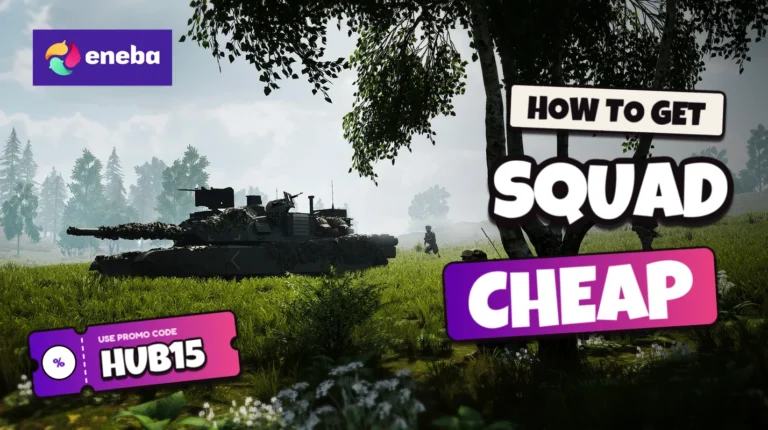
Squad puts you in a military unit where a useful radio call can do more than an ambitious solo charge. Its large multiplayer battles connect infantry fighting with armored vehicles and supply runs. Getting Squad cheap makes sense if you want a tactical shooter built around cooperation rather than a lone hero’s campaign.
You join a faction, take a role and help your team capture or defend objectives across sprawling battlefields. The action comes from players coordinating an attack, rescuing a wounded teammate or keeping a forward position supplied, not from a scripted protagonist’s story.
Before choosing a Squad discount, check that the key matches your Steam account and activation region, then compare your PC against the requirements below. This guide covers the game’s appeal and the checkout checks worth making before you commit. To get Squad cheap, manually enter the HUB15 discount code at checkout, select Apply and verify acceptance to make an eligible purchase cheaper.
Jump to:
Squad Overview
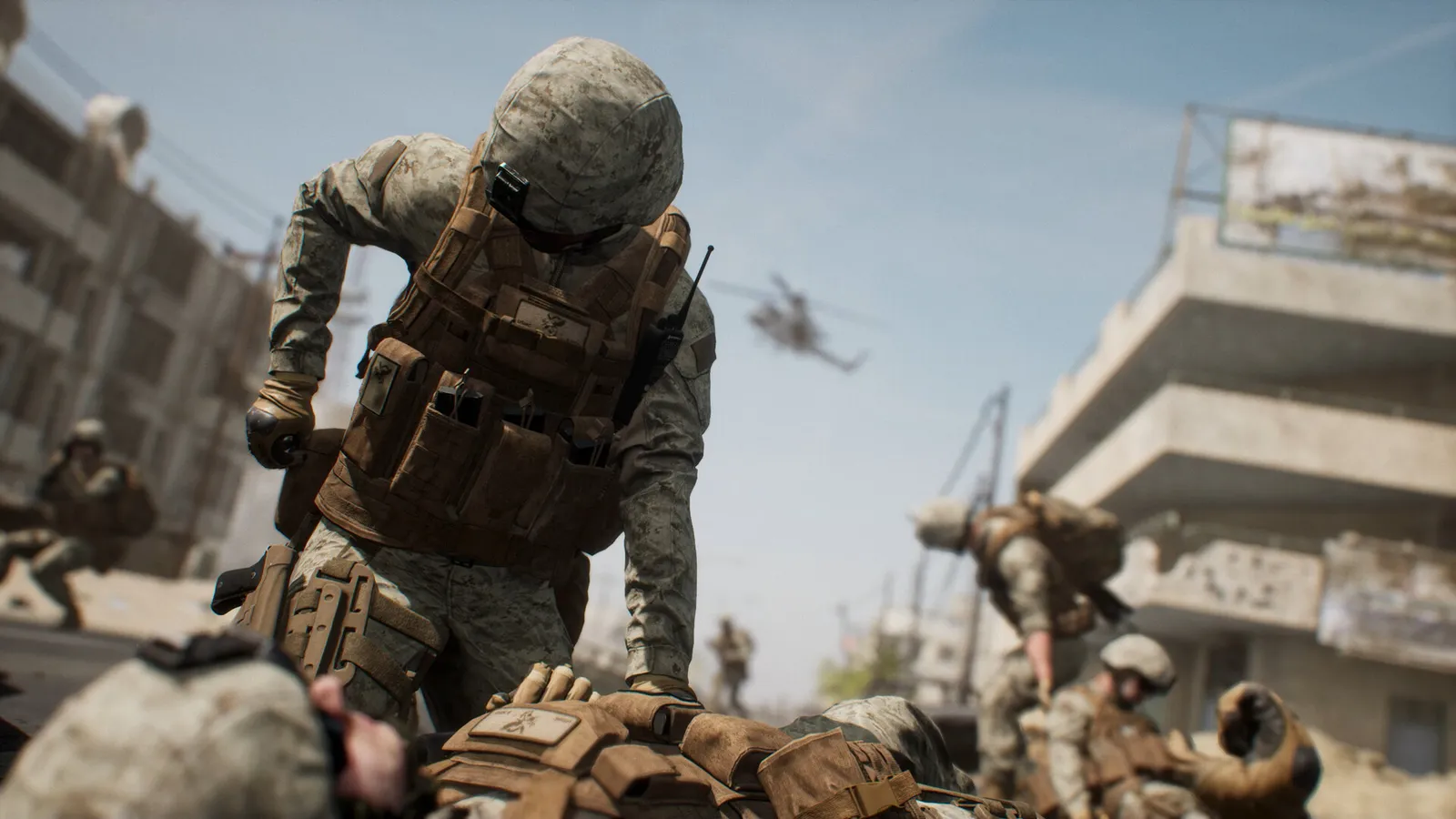
Squad is a tactical first-person shooter from Offworld, set around modern military engagements between conventional armies and irregular forces. Its central multiplayer battles can involve teams of fifty, with smaller squads coordinating their part of a wider operation. There is no fixed main character to follow through a campaign; you play a soldier whose responsibilities depend on the kit you select and the orders your squad receives.
The maps give those responsibilities room to develop, with open approaches and built-up areas that demand different tactics. A road that helps your transport reach an objective can also expose it to an ambush, while a defended compound may need support before infantry can advance. If you are buying Squad cheap for large battles, the distances and preparation between firefights are part of the attraction rather than downtime to skip.
Your role changes how you contribute to the same fight, and a rifleman does not solve every problem that a medic or anti-tank specialist can address. Squad leaders communicate across units and organize movement, while individual soldiers report contacts and support nearby teammates. Logistics crews bring ammunition and construction supplies to forward positions, so a successful push depends on work happening well behind the leading rifle. The resulting match has several connected jobs rather than a single route everyone follows.
Combat also asks you to think about suppression and positioning instead of treating every distant target as an easy shot. Local voice chat lets nearby soldiers share immediate warnings, while squad radio carries instructions across greater distances. These systems suit players who enjoy listening and responding to a group, though they ask more patience than a quick solo session. Finding Squad cheap lowers the entry cost, but the bigger buying decision is how much you enjoy this cooperative pace and the responsibility of holding a role for your team.
| Game Info | Details |
|---|---|
| Genre | Tactical first-person shooter |
| Release date | 2020-09-23 |
| Platforms | PC |
| Metacritic Rating | N/A |
| Developer | Offworld |
| Publisher | Offworld |
| Protagonist | Player-controlled soldiers; no named protagonist |
Get Squad Cheap Through Snakzy
Snakzy is a rewards app where you can play eligible mobile games and earn rewards toward available gift cards. Before planning a purchase, check its current in-app reward catalog for an option compatible with your game storefront and account region. You are not playing Squad inside Snakzy, and the app is not a source of Squad keys by default.
To explore getting Squad cheap through rewards, read the eligibility rules and earning requirements for each mobile game offer first. Choose an activity you actually want to play, follow the stated conditions and check the rewards recorded in your account. Availability and redemption requirements vary, so do not budget around a guaranteed earning rate or completion date.
If a compatible Steam gift card is available, confirm its region and redemption terms before selecting it. Steam credit applies to Steam purchases, not automatically to Eneba checkout. Another storefront is only useful if the catalog currently offers a reward you can use there for this game.
Rewards can reduce out-of-pocket spending when you get Squad cheap, but they are not an automatic discount code or a guaranteed free copy. If no compatible reward is available, Snakzy does not provide a direct route to this purchase. Check the current offers before investing your time.
Earn rewards with Snakzy and redeem an available gift card toward your game purchase.

Squad Best Features
Combined-Arms Battles
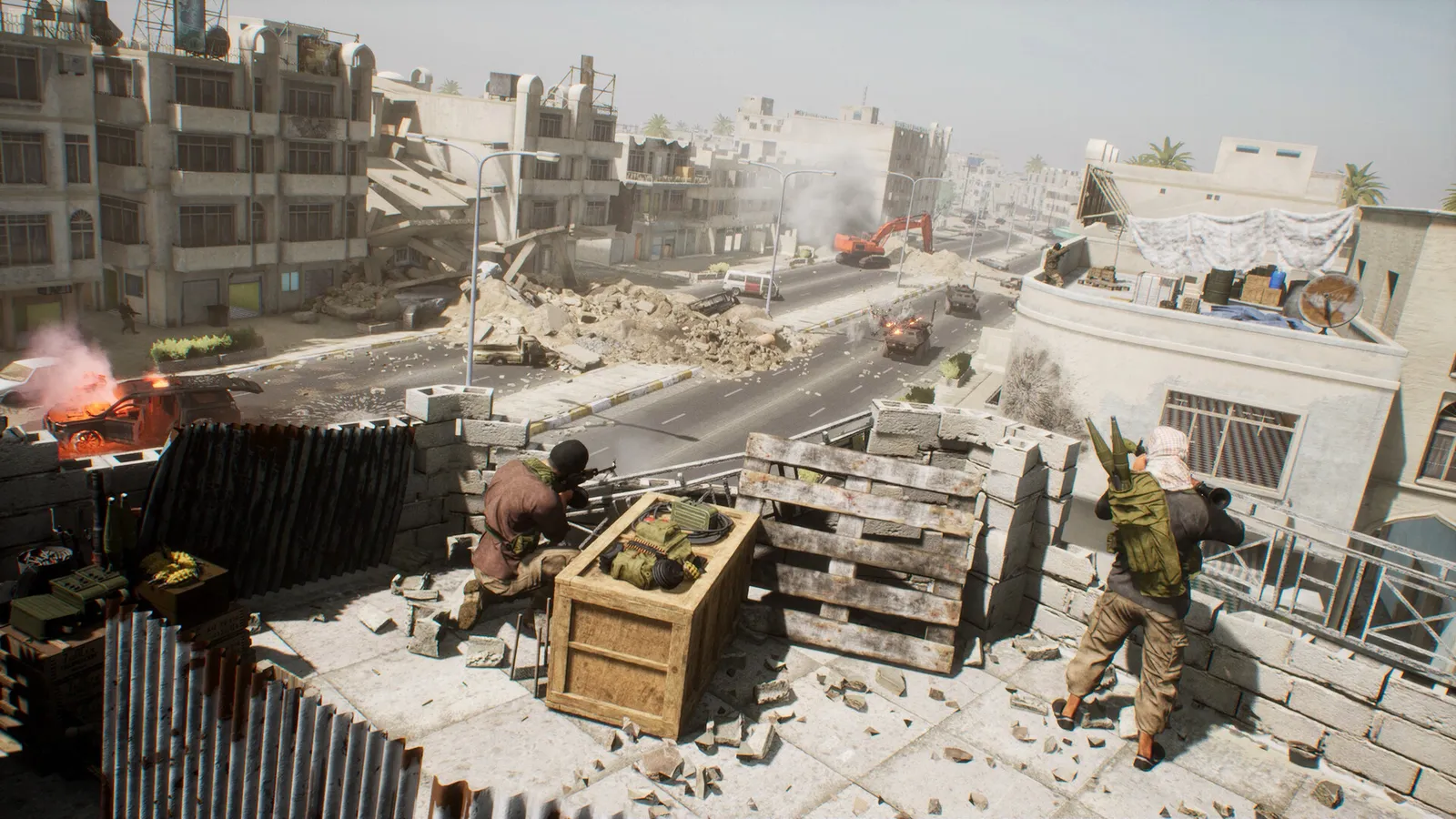
Infantry and armored crews operate on the same battlefield, so your squad’s approach changes when friendly transport arrives or an enemy vehicle controls the road. Large teams create room for supporting jobs alongside direct combat, and a coordinated advance involves more than sending everyone toward the nearest capture point.
Separate Voice Channels
Local chat handles nearby warnings, squad radio keeps your unit connected and leadership channels let squad leaders coordinate the broader plan. Learning which channel to use helps your reports reach the right people without burying teammates in information they cannot act on during a firefight.
Forward Bases and Supply Runs
Construction supplies let your team establish forward positions and add defenses, while ammunition deliveries help those positions stay useful. A logistics run can change the direction of an attack, so players who prefer planning and support have practical ways to contribute beyond their personal kill count.
Suppression and Infantry Tactics
Incoming fire and weapon handling encourage you to use cover and coordinate movement instead of sprinting alone into every engagement. Buying Squad cheap gives you access to a shooter where holding an angle and helping a teammate move can serve the objective better than chasing an isolated duel.
Cheaper Squad Key Price
Buy the Squad key at a cheaper price for access to its tactical military battles and teamwork-focused play. Get into this tactical shooter without breaking your wallet with the HUB15 discount code, then confirm that checkout accepts your Squad discount before paying.
Squad Platforms, Performance and Ratings
Squad is available on Windows PC, and the linked product is a Steam key rather than a console copy. If you want Squad cheap for your existing setup, check the listing’s activation restrictions against your account before purchasing. A region label still deserves a read even when the product name looks familiar.
On PC, compare your hardware with the requirements below and leave room for the required installation. Results depend on your components and graphics settings, so the requirements are a starting point rather than a promise of a particular frame rate. A microphone is also useful for the communication at the center of the game.
Squad has no aggregate Metacritic score on PC, although individual critics awarded it 85/100 and 75/100. Reviews praised its realistic military combat, strategic depth, and emphasis on teamwork, while noting its steep learning curve. The game also holds a 7.6/10 user score on Metacritic, reflecting generally favorable player reception. Its communication-focused gameplay makes it a strong choice for players who enjoy tactical multiplayer shooters.
System Requirements for Squad
Minimal system requirements:
- CPU: Intel Core i5-8400, AMD Ryzen 3600
- RAM: 8 GB
- VIDEO CARD: Nvidia GTX 1060 6 GB, AMD Radeon RX 580 with at least 6 GB of VRAM
- DEDICATED VIDEO RAM: 6144 MB
- OS: Windows 10 (x64)
- SHADER MODEL VERSION: N/A
- FREE DISK SPACE: 65 GB
Recommended system requirements:
- CPU: Intel Core i5-12400, AMD Ryzen 5600
- RAM: 16 GB
- VIDEO CARD: Nvidia GeForce RTX 3060, AMD Radeon RX 6600 XT
- DEDICATED VIDEO RAM: 8192 MB
- OS: Windows 11 (64-bit)
- SHADER MODEL VERSION: N/A
- FREE DISK SPACE: 65 GB
How To Get Squad Cheaper at Eneba
To get Squad cheap at Eneba, browse the available listings or open the product page below and read the activation details before adding anything to your cart. Check the platform, region and edition against the account you actually use, and confirm that the listing is for the game rather than an add-on. The supplied link opens a Steam-key listing, but you should still read its current restrictions and included content instead of assuming that every similarly named product works the same way.
Once you have selected a compatible listing, add it to your cart and proceed to checkout, where you should review the product details again before payment. Find the promo or discount code field, manually enter HUB15 and select Apply, then wait for checkout to show if it accepts the entry. Check that the discount appears in the order summary and review the final payable total, including any fees shown, before you authorize payment; if HUB15 is rejected, do not assume that the offer qualifies or that opening the link has activated it.
After confirming acceptance and checking the order details, choose your preferred payment method and complete the purchase through the checkout prompts. Retrieve your key through the delivery instructions associated with your order, then sign in to the correct Steam account and use its product activation option to redeem it. Keep the order confirmation and activation instructions available until the game appears in your library, and consult the relevant support instructions if redemption reports a region or product mismatch.
Comparing routes to get Squad cheap is most useful when you compare compatible products and the final checkout details rather than an isolated promotional message. Read the listing’s delivery and refund terms before purchase, and leave time to download the game before arranging a session with friends. Use the link below to open the product listing, then enter HUB15 manually at checkout, select Apply and verify acceptance before paying.