Safety Tips for Buying Digital Game Keys: Complete Guide 2026



Before you buy a digital game online, it helps to know the safety tips for buying digital game keys. Although third-party game key sites can be significantly cheaper than official storefronts, not all of them are equally safe. Knowing how these sellers operate can help you spot potential risks.
Fraudulent keys are one of the most serious examples. Some keys may have been purchased with stolen payment information and later flagged by the publisher or platform. If the key is revoked after you activate it, you can lose access to the game even though you legitimately paid for it.
In this guide, we’ll help you understand the risks and safety tips for buying digital game keys so you can make better buying decisions. We’ll explain what digital game keys are and how they work, along with the scams you should watch out for. You’ll also get a practical checklist for verifying a seller before buying and a list of safe places to buy game keys.

Jump to:
What Are Game Keys?
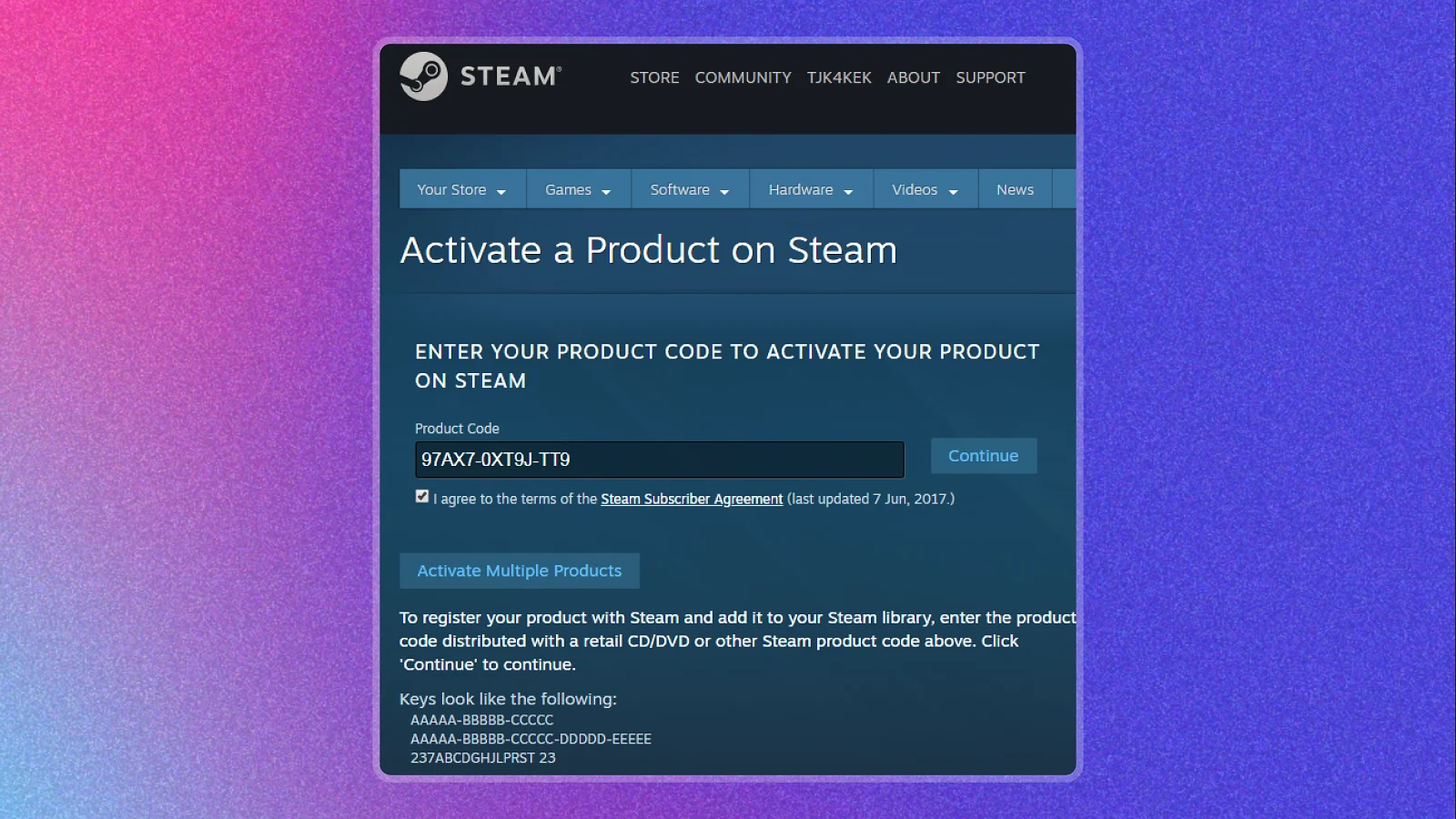
So, what are game keys and how do they work? Game keys are unique alphanumeric codes that unlock a game on a digital platform. They are also called CD keys or activation codes and can be redeemed on platforms like Steam, GOG, and PSN.
A game key is usually intended for a specific platform, so a Steam key cannot normally be redeemed on another platform like the Epic Games Store. Some keys are also limited to specific countries or regions. Checking the platform and region before buying is important because these restrictions can prevent you from activating a key.
Why Some Game Keys Are Risky
Game keys sold through third-party marketplaces can come from questionable sources. In some cases, sellers may obtain keys using stolen credit card details. When the cardholder reports the fraud and the payment is reversed, the publisher can identify affected keys and revoke them. Steam confirms that publishers can revoke keys found to have been obtained through fraudulent means.
A documented case involving G2A shows that this risk is more than theoretical. In 2019, after criticism from game developers, G2A offered to pay developers 10 times their losses from chargebacks tied to illegitimate keys.
Factorio developer Wube Software accepted the offer. Wube provided G2A with a list of 321 keys it believed had been sold illegally, and an investigation found that 198 of those keys had been sold through G2A, leading to a $39,600 payment to Wube.
The buyer can lose access to a game when a key is revoked, even after successful activation. Steam states that a revoked key is removed from the account, while the account itself is not restricted for that reason alone. But keep in mind that Steam can also restrict accounts for payment fraud or chargebacks, so fraudulent activity connected to your account can still create a separate risk.
Common Game Key Scams To Watch For
Game key scams can take several forms, but safety tips for buying digital game keys can help you identify the basic problem. You may not be able to independently verify where the key came from or how the seller obtained it. The risks range from revoked codes and activation problems to fake stores and malicious downloads.
Gray-Market Resold or Stolen Keys
Some third-party sellers offer keys without a direct relationship with the game publisher. In some cases, a key may have been obtained through stolen payment information or another unauthorized source.
If the publisher later finds that a key was obtained through fraud, it can revoke the code after it has been sold and activated. The G2A and Factorio case discussed above shows how illegitimate keys can enter a marketplace and create losses for developers and buyers.
Region-Locked or Wrong-Platform Keys
A game key is generally intended for a specific platform, and some keys are also restricted to certain countries or regions. If the key doesn’t match your region or platform, you may be unable to activate it after paying for it. Steam displays applicable region restrictions on its store pages, but some sellers are not as transparent.
Region restrictions for CD keys vary by publisher, so always check the key’s platform and supported countries before completing your purchase, especially when the price is much lower than usual.
Phishing “Key Shop” Sites
A fake key shop can look like a real game retailer while having little or no verifiable seller history. You pay for a key and receive nothing, or you receive a code that has already been used. Some fake storefronts are also designed to collect your payment details or account credentials.
Phishing scams can use convincing websites and messages to trick people into giving up sensitive information. Check the site’s history, contact details, refund policy, and payment options before entering any personal or payment information.
Fake Key Generators or “Free Key” Tools
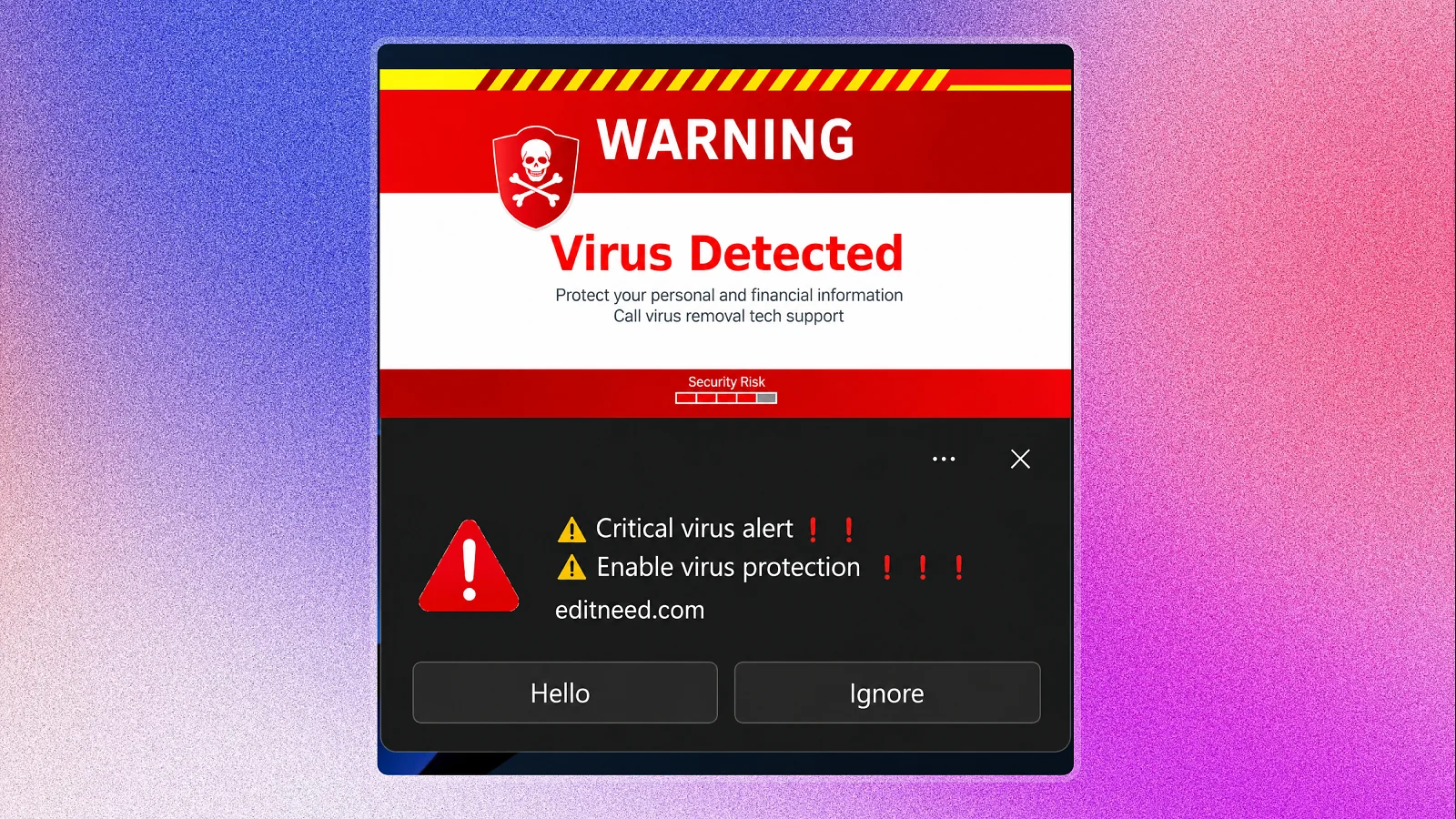
A downloadable tool that claims to generate free game keys should be treated as a major warning sign. Legitimate activation keys are issued by publishers, developers, or platforms and distributed through authorized sellers, so a random program cannot create a valid publisher-issued key.
Fake downloads can also expose you to malware. There are scams intended to trick users into running commands or downloads that install malicious software and steal account information.
Duplicate or Already-Redeemed Keys
A key can also fail because someone else has already used it. An unverified seller could provide the same code to multiple buyers, or a key may have been sold after it was already redeemed.
Steam identifies invalid and duplicate keys as registration problems and directs buyers of retail or digital keys to the retailer for assistance. Steam-issued keys can require support from the relevant developer or publisher. If a key doesn’t work, keep your receipt and order details so you can request a replacement or refund from the seller.
Red Flags Before You Buy
Before comparing the best game key sites, follow these safety tips for buying digital game keys, and take a few seconds to check the listing and seller. These warning signs don’t prove a seller is fraudulent on their own, but several appearing together should make you reconsider the purchase.
- Price is far below market prices – A huge price gap can be a sign that the key came from an unauthorized or questionable source. A low price alone doesn’t prove a key is fraudulent, but an unusually cheap listing deserves extra scrutiny.
- Seller has no visible track record – Look for ratings, completed sales, and buyer reviews. If you can’t find legit information about the seller, you have less evidence that previous buyers received valid keys.
- Listing doesn’t show the region or platform – A key will only work in certain countries or specific platforms. Region restrictions for third-party CD keys vary by publisher, so check these important details before checkout.
- Seller pushes unusual payment methods – Be cautious if you’re asked to pay by cryptocurrency, wire transfer, or another method with limited protection. Use payment methods that may offer dispute or chargeback protection, like credit cards, and check the marketplace’s payment and refund policies before buying.
These checks only take a few minutes, but they can help you avoid a purchase that leaves you with an invalid, restricted, or revoked key. You should also be cautious of listings that promise more than game access, especially offers claiming you can make money playing games by buying a particular key or product.
How To Verify a Game Key Site or Listing Is Safe
These safety tips for buying digital game keys can help you check a seller before paying and reduce the risk of receiving a bad or restricted key.
- Check the seller’s rating and sales history. Look for recent reviews, completed sales, and their overall track record.
- Confirm the region and platform. Check the key’s region, platform, and activation type, then make sure they match your account.
- Choose sellers with buyer protection. Official stores are the safest choice. If you use a marketplace, look for seller verification and a clear refund or dispute process.
- Compare prices. Be cautious when one listing costs far less than every other seller offering the same key.
- Avoid key generators. Never download tools promising free game keys. Paid activation codes can’t be legitimately generated for free.
- Keep your purchase records. Save the receipt, order confirmation, and key details in case you need to dispute the transaction.
- Report bad keys quickly. If the code fails, use the marketplace’s claims process right away. Keep screenshots of error messages and redemption attempts as evidence.
Taking these steps before you buy can help you compare the best game key sites, spot risky listings, and choose a seller with stronger buyer protections.
Safest Places To Buy Game Keys
There are different places to buy game keys online, and comparing the best game key sites means looking at options that range from extremely safe official storefronts to suspicious websites filled with red flags. Let’s take a look at the safest options, based on factors like seller verification, key transparency, buyer protection, and overall purchase risk.
Official Platform Storefronts
Buying directly from Steam, Epic Games Store, GOG, PlayStation Store, Microsoft Store, or Nintendo eShop gives you the best level of protection. You’re purchasing from the platform itself, so there’s no third-party seller to verify, and there’s also less uncertainty about where the license came from.
Region restrictions are clearer on official stores, and the platform’s own refund policy applies to the purchase. For instance, games you buy for yourself on Steam usually aren’t region-locked. Meanwhile, the Epic Games Store has its own specific refund policy for qualifying purchases.
Verified Marketplaces
A verified marketplace can be one of the best game key sites if you want a lower price than official stores. But look for platforms that verify sellers and monitor marketplace activity. They should also clearly show the key’s region, platform, activation rules, and seller information before checkout.
For example, Eneba is a legit marketplace that requires sellers to complete verification before listing products and constantly monitors marketplace activity. Its listings show clear region tags like Global, Europe, North America, Latin America, and Asia, along with the exact activation platform. You also get customer support and a refund process for eligible non-working codes. Product key refunds are available within 14 days if the code has not been displayed or if the code itself is invalid or previously used.
For an even smoother experience, the Eneba browser extension serves as a foolproof guardrail that makes key activation completely seamless.

Eneba Browser Extension – Quick Key Activation
Hassle-free Refunds | Easy & Safe Activation for 100K+ Keys & Deals
By automating key redemption directly on your gaming platform – such as Steam – it eliminates manual copy-pasting and prevents costly input errors. More importantly, because the extension redeems the key automatically without displaying it on your screen, your code remains technically “unexposed.” This makes claiming an instant refund or replacement effortless if you ever run into an invalid or region-locked key, saving you from lengthy support tickets and manual proof gathering.
What To Do If Your Key Doesn’t Work or Gets Revoked
A failed activation doesn’t always mean the key is fraudulent, so these safety tips for buying digital game keys can help you identify the problem and decide what to do next. It could be a region restriction, platform mismatch, duplicate code, or another activation issue. Follow these steps before spending more money.
- Contact the seller or marketplace support. Provide screenshots of the error, the exact error message, your order details, and your account’s region. This gives customer support the information needed to review the problem.
- File a buyer-protection claim. If the marketplace has a dispute or refund process, submit your claim within its stated window. Avoid repeatedly trying the same code, especially if the marketplace asks for proof of the failed activation.
- Check the platform’s support guidance if the key was revoked. If Steam or another official platform identifies the key as fraudulently obtained and removes it, follow the platform’s support instructions and contact the seller or marketplace for a refund where appropriate.
- Don’t buy another key from the same source. A bad key is a reason to stop and review the seller’s history. If the seller can’t provide a valid replacement or refund, buying another code from the same source can create the same problem again.
Keep your order records and screenshots until the issue is resolved. They serve as evidence during a refund, dispute, or support request.
The Bottom Line
Following the safety tips for buying digital game keys mentioned in this guide can help you avoid the most common problems. You should always check the seller’s history, confirm the key matches your region and platform, and look for clear buyer protection before paying.
Game key problems can result from issues like an unverified or questionable seller, region restrictions, duplicate codes, invalid codes, or later-revoked keys. Taking a few minutes to review important details can help you avoid these problems.
A cheap game key is not automatically a risky one. With proper research, you can find deals from verified marketplaces and third-party sellers while reducing unnecessary risks. The same approach can also help when comparing reward game apps and other ways to save money.
FAQs
The best safety tips for buying digital game keys include checking the seller’s history, confirming the region and platform, and choosing sellers with buyer protection. Avoid unusually cheap listings and key generators, and keep your purchase records.
Game keys are unique codes used to activate or redeem digital games on platforms like Steam, Epic Games Store, GOG, PlayStation, Xbox, or Nintendo. They are generally intended for a specific platform and may have region restrictions.
The best game key sites are official storefronts and verified marketplaces with clear seller information, region and platform details, and buyer protection. Official stores are the safest option, while verified marketplaces can offer lower prices.
A game key can get revoked after redemption if the publisher discovers it was obtained fraudulently. For example, a key bought with stolen payment information may be flagged after the transaction is reversed.
If a game key doesn’t work, save screenshots of the error and contact the seller or marketplace support. If buyer protection is available, file a claim within its stated window and keep your purchase records.