How To Get Minecraft: Java & Bedrock Edition Cheap in 2026

Eneba Hub contains affiliate links, which means we may earn a small commission if you make a purchase through them—at no extra cost to you. Learn more


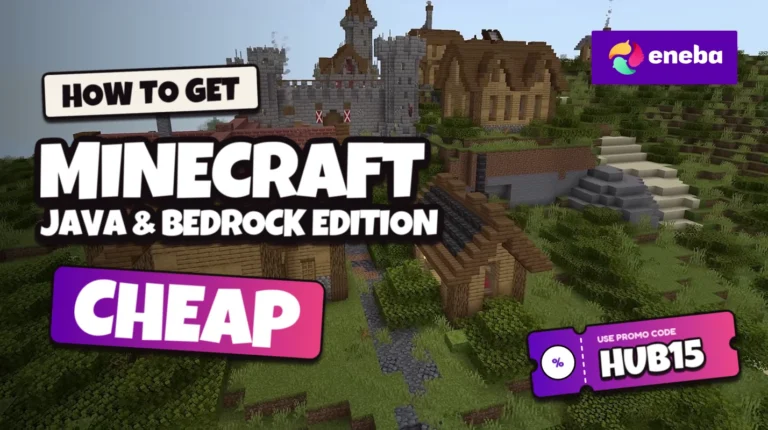
Minecraft: Java & Bedrock Edition puts two versions of the block-building sandbox in one PC purchase. You start with an open world and your own plans, not a fixed mission list, then gather materials, build shelter and decide how far to explore before night brings hostile mobs.
Buying Minecraft: Java & Bedrock Edition cheap gives you room to choose the edition that suits your friends and preferred setup. Java supports its own multiplayer servers and community mods, while Bedrock connects with supported Bedrock platforms through cross-play; those communities do not share a single multiplayer system.
Check the key’s activation instructions and region before buying, since this bundle is not a console license or a Steam purchase. This guide covers the game’s premise, practical compatibility checks and the checkout steps for a Minecraft: Java & Bedrock Edition discount. Use the HUB15 discount code to make the game cheaper and get Minecraft: Java & Bedrock Edition cheap without changing what you play.
Jump to:
Minecraft: Java & Bedrock Edition Overview
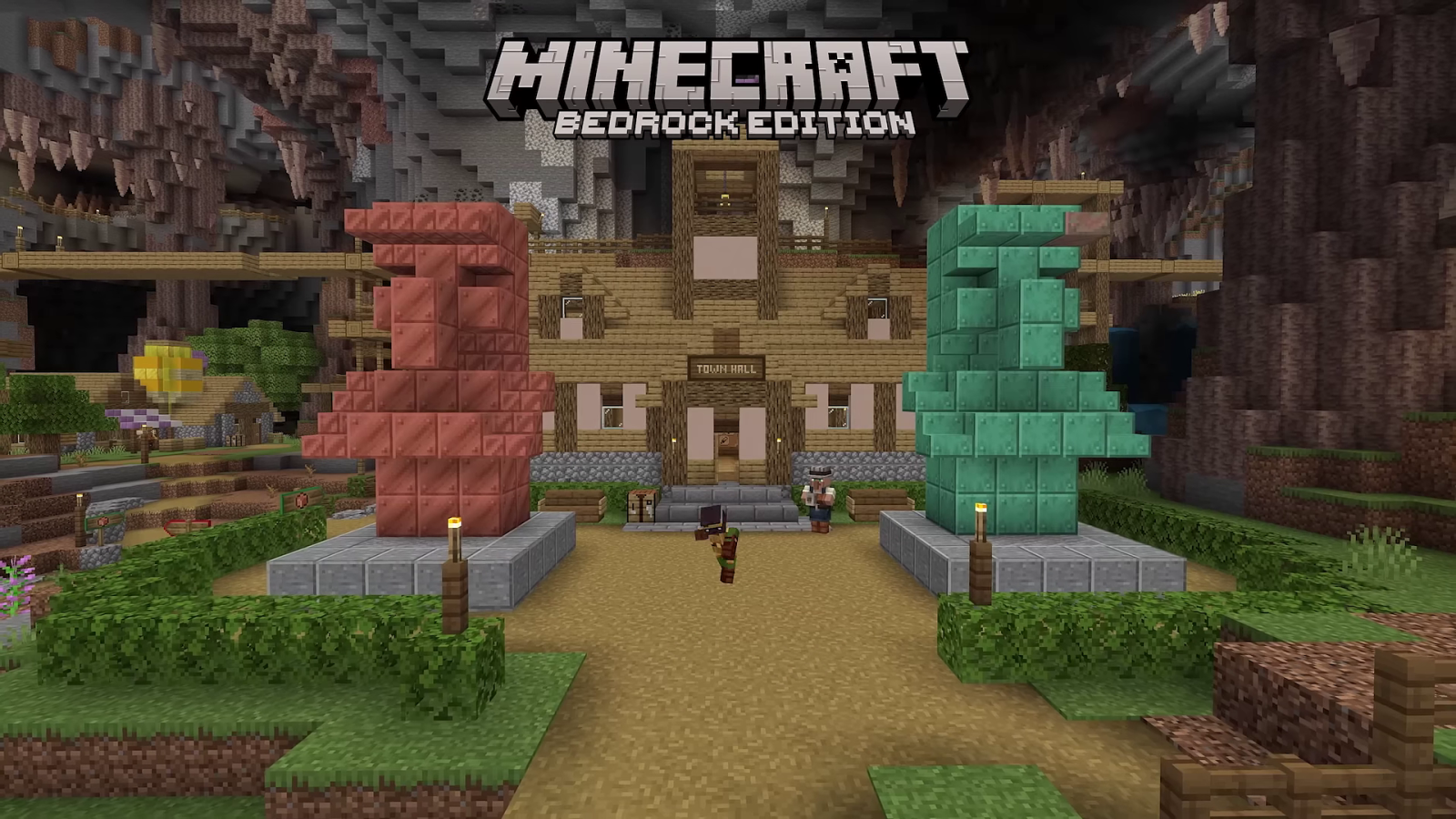
Minecraft begins with a simple problem: you have empty hands in a world made of blocks, and almost everything around you can become building material. Trees provide wood for tools, stone helps you improve equipment, and the landscape offers space for a first home or an ambitious settlement. Survival mode adds hunger and health to those decisions, so a trip into a cave needs preparation rather than just a good sense of direction. Your first shelter can grow into a base with farms and storage as you learn which resources your next project needs.
The setting changes as you travel through different biomes, cross oceans and descend below the surface. Villagers trade goods, animals can support farms, and enemies like skeletons or creepers turn careless exploration into a recovery mission. Steve and Alex are familiar default player characters, but you can choose a skin and make the adventure your own. There is no mandatory personal backstory for your character, so the memorable moments usually come from what happens in your world.
Longer survival goals take you beyond a safe starting area into other dimensions, including the Nether and the End. You can pursue the Ender Dragon, work on redstone machinery or concentrate on a settlement with friends instead of rushing toward a final objective. Creative mode removes survival pressures and gives you access to building blocks for experiments without gathering every resource first. If construction is your main reason to get Minecraft: Java & Bedrock Edition cheap, that mode lets you focus on the design itself.
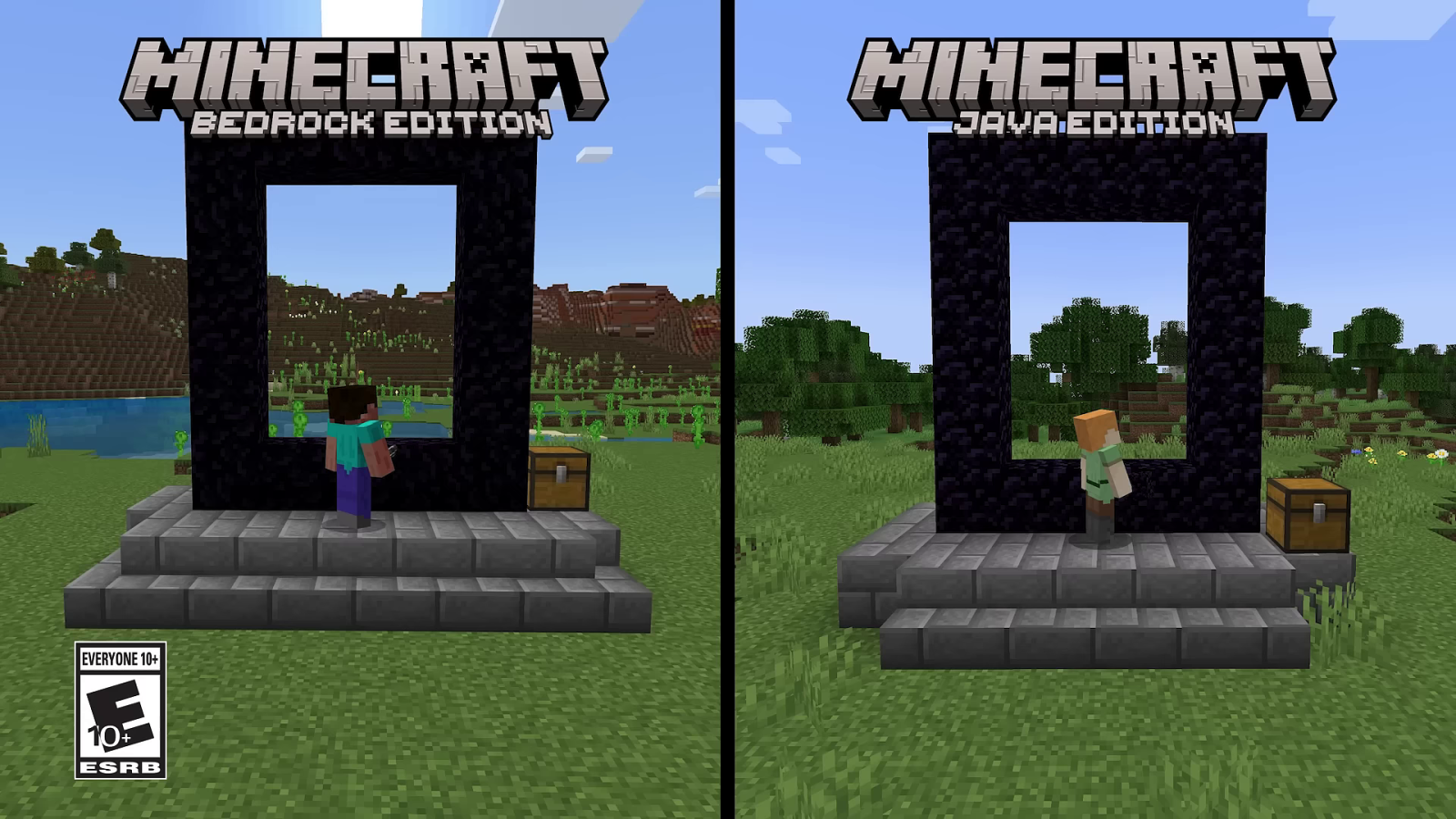
Both editions share the basic sandbox premise, but their communities and customization options differ. Java mods and servers are separate from Bedrock’s add-ons and multiplayer ecosystem, so check which version your group uses before buying. Finding Minecraft: Java & Bedrock Edition cheap helps with the purchase, but choosing the right edition for a shared world prevents a compatibility problem later.
| Game Info | Details |
|---|---|
| Genre | Sandbox, survival |
| Release date | 2022-06-07 |
| Platforms | PC (Windows), macOS (Java Edition only), Linux (Java Edition only) |
| Metacritic Rating | N/A |
| Franchise (if applicable) | Minecraft |
| Developer | Mojang Studios |
| Publisher | Xbox Game Studios |
| Protagonist | Customizable player character; Steve and Alex among the default skins |
Get Minecraft: Java & Bedrock Edition Cheap Through Snakzy
Snakzy is a rewards app where you can play eligible mobile games and earn rewards toward an available gift card. Before recommending this route to get Minecraft: Java & Bedrock Edition cheap, check the current in-app reward catalog for an option compatible with your intended storefront and account region. You are not playing Minecraft inside Snakzy, and installing the app does not grant a copy of this bundle.
Read each offer’s eligibility rules and earning requirements before starting a mobile game. Check which activities qualify, how progress is tracked and what redemption conditions apply to your account. Availability can change, so do not plan your purchase around an assumed bonus or a guaranteed earning timeline.
A Steam gift card funds Steam purchases, not Eneba checkout, and this Minecraft bundle is not a Steam release. Only choose another storefront reward if it is currently available and can actually fund the product you want. If the catalog has no compatible option, Snakzy is not a direct purchase route for this game.
Compatible rewards may help you get Minecraft: Java & Bedrock Edition cheap by reducing out-of-pocket spending. They are not an automatic discount, and earning enough for a purchase is not guaranteed. Check the current offer and gift-card terms before committing your time.
Earn rewards with Snakzy and redeem an available gift card toward your game purchase.

Minecraft: Java & Bedrock Edition Best Features
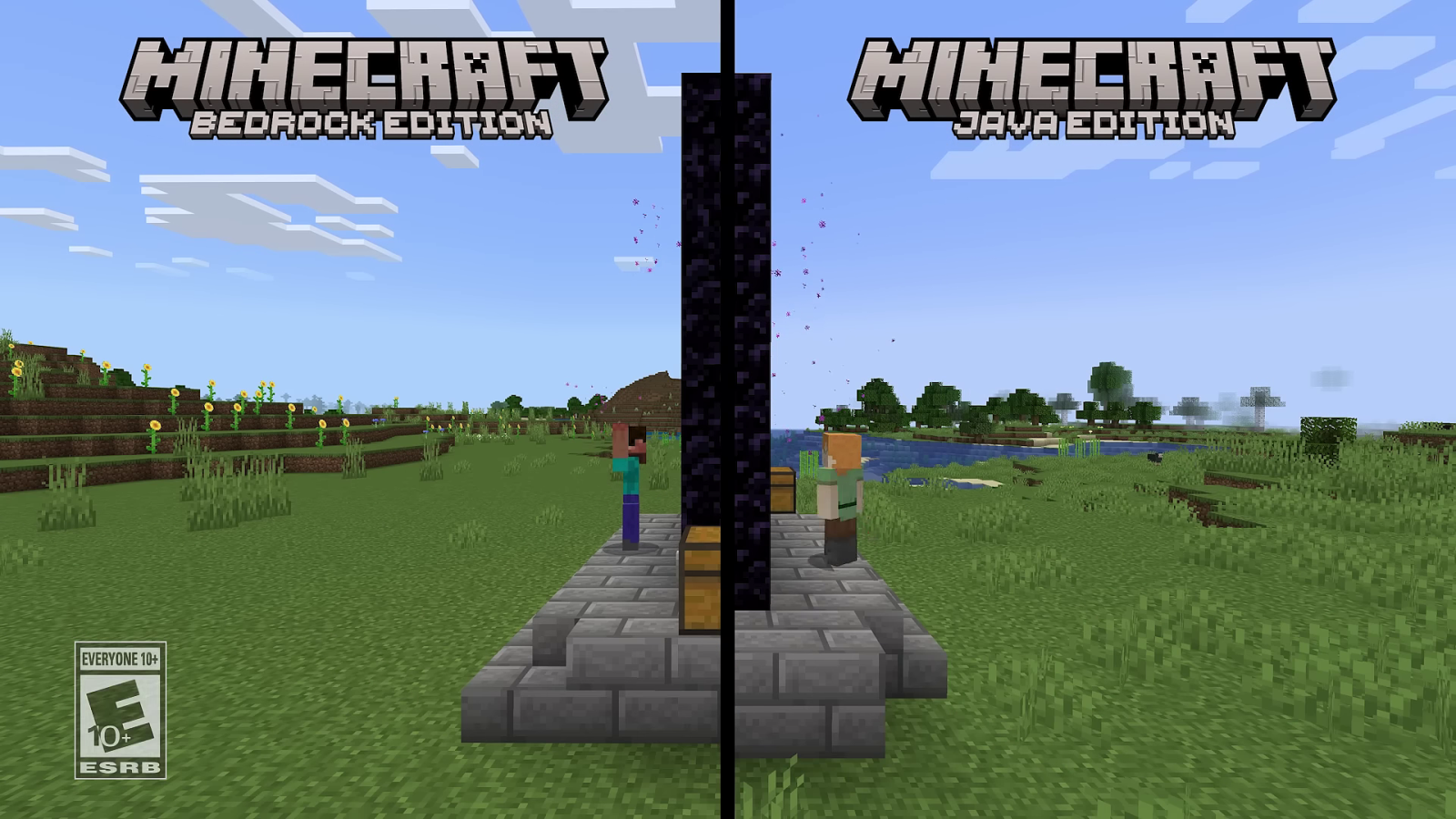
Building Without a Fixed Blueprint
Build a practical survival base or switch to Creative mode and experiment with a castle, railway or entire town using freely available blocks, with no resource gathering required. The same world-building tools support small personal projects and larger collaborative builds, so you can choose a goal that fits the time you have to play.
Survival With a Reason to Explore
Mining connects directly to progression because better materials help you improve tools and equipment before tackling deeper caves or dangerous dimensions. You can spend a session preparing supplies at home, then set out with a clear objective and the risk of losing carried items if you die along the way.
Redstone Machines and Java Mods
Redstone components let you build working circuits, doors and automated farms inside your world rather than treating every structure as decoration. Java’s modding community adds further possibilities, but check a mod’s supported game version and installation requirements before assuming it will work with your chosen setup or a friend’s server.
Two Editions for Different Play Groups
Java and Bedrock give you different multiplayer communities, and Bedrock cross-play can connect you with friends on supported console and mobile versions. Buying Minecraft: Java & Bedrock Edition cheap keeps those PC choices available, though server access and optional paid content depend on the service or world you choose.
Cheaper Minecraft: Java & Bedrock Edition Key Price
Buy the Minecraft: Java & Bedrock Edition key at a cheaper price for access to both PC editions in this sandbox bundle. Get Minecraft: Java & Bedrock Edition cheap and start building without breaking your wallet with the HUB15 discount code, then check the listing’s activation conditions before you commit to the purchase.
Minecraft: Java & Bedrock Edition Platforms, Performance and Ratings
This bundle covers Minecraft on PC: Java Edition runs on supported Windows, macOS and Linux systems, while Bedrock Edition for PC runs on Windows. Bedrock also exists on supported consoles and mobile devices, but those releases need their own licenses. Getting Minecraft: Java & Bedrock Edition cheap does not unlock a console copy, and Java players cannot join ordinary Bedrock multiplayer sessions directly.
Performance depends on your edition, hardware and settings, including render distance. Large worlds, mods or resource packs can change the workload, so check the current requirements for the edition you intend to use. The lists below leave unverified values as N/A rather than mixing requirements from different editions into a misleading bundle specification.
A critic rating for this exact bundle is unconfirmed here. Treat that gap separately from technical performance: a review of an individual edition cannot establish how your selected configuration will run or replace checking compatibility before purchase.
System Requirements for Minecraft: Java & Bedrock Edition
Minimal system requirements:
- CPU: N/A
- RAM: N/A
- VIDEO CARD: N/A
- DEDICATED VIDEO RAM: N/A
- OS: N/A
- SHADER MODEL VERSION: N/A
- FREE DISK SPACE: N/A
Recommended system requirements:
- CPU: N/A
- RAM: N/A
- VIDEO CARD: N/A
- DEDICATED VIDEO RAM: N/A
- OS: N/A
- SHADER MODEL VERSION: N/A
- FREE DISK SPACE: N/A
How To Get Minecraft: Java & Bedrock Edition Cheaper at Eneba
Start by browsing Eneba for the exact Minecraft: Java & Bedrock Edition listing, then read its product details before adding anything to your cart. To get Minecraft: Java & Bedrock Edition cheap with the HUB15 discount code, first match the PC bundle, activation method and region to the account you intend to use. This is an official-website key rather than a Steam key, so check the listed redemption instructions and do not assume a console storefront will accept it.
Once the edition and region fit your needs, add the listing to your cart and proceed to checkout, where you can review the product name alongside any charges shown for the order. Find the promotional-code field, enter HUB15 exactly and apply it before choosing to pay; the updated checkout screen should show if the discount was accepted. If it is rejected or the order details do not match the listing, stop and read the displayed terms instead of completing the purchase on the assumption that a reduction will appear later.
Review the final total and payment conditions, choose an available payment method, and complete the transaction only after you are satisfied with the account and product checks. After payment is processed, retrieve the key through the order information provided by Eneba and keep your confirmation available in case you need to revisit the instructions. Follow the product’s official redemption steps with the correct Microsoft account, then use the Minecraft launcher to access the editions covered by your redeemed purchase rather than trying the key in an unrelated store.
A Minecraft: Java & Bedrock Edition discount is useful only when the resulting license matches your setup, so make a final check of the listing restrictions before paying and save the order details afterward. Or use the link below and enter HUB15 manually at checkout.