

Step 1: Download Snakzy
Snakzy lets you earn real rewards by simply playing your favorite mobile games. Accumulate points, redeem them for cash or Steam credits, and get premium games at zero cost.


Earn coins on Snakzy by playing mobile games and convert them into a Steam gift card to grab Gang Beasts on MacOS at no cost.
Snakzy lets you earn real rewards by simply playing your favorite mobile games. Accumulate points, redeem them for cash or Steam credits, and get premium games at zero cost.

The more you play, the more you earn! Complete exciting milestones and daily missions to rack up coins even faster.

Trade your coins for top gift cards or transfer them to your Eneba wallet. Use them to grab games, subscriptions, and more at eneba.com
 Steam Gift CardSteam Gift CardSteam Gift CardSteam Gift CardSteam Gift CardSteam Gift CardSteam Gift CardSteam Gift CardSteam Gift CardSteam Gift Card
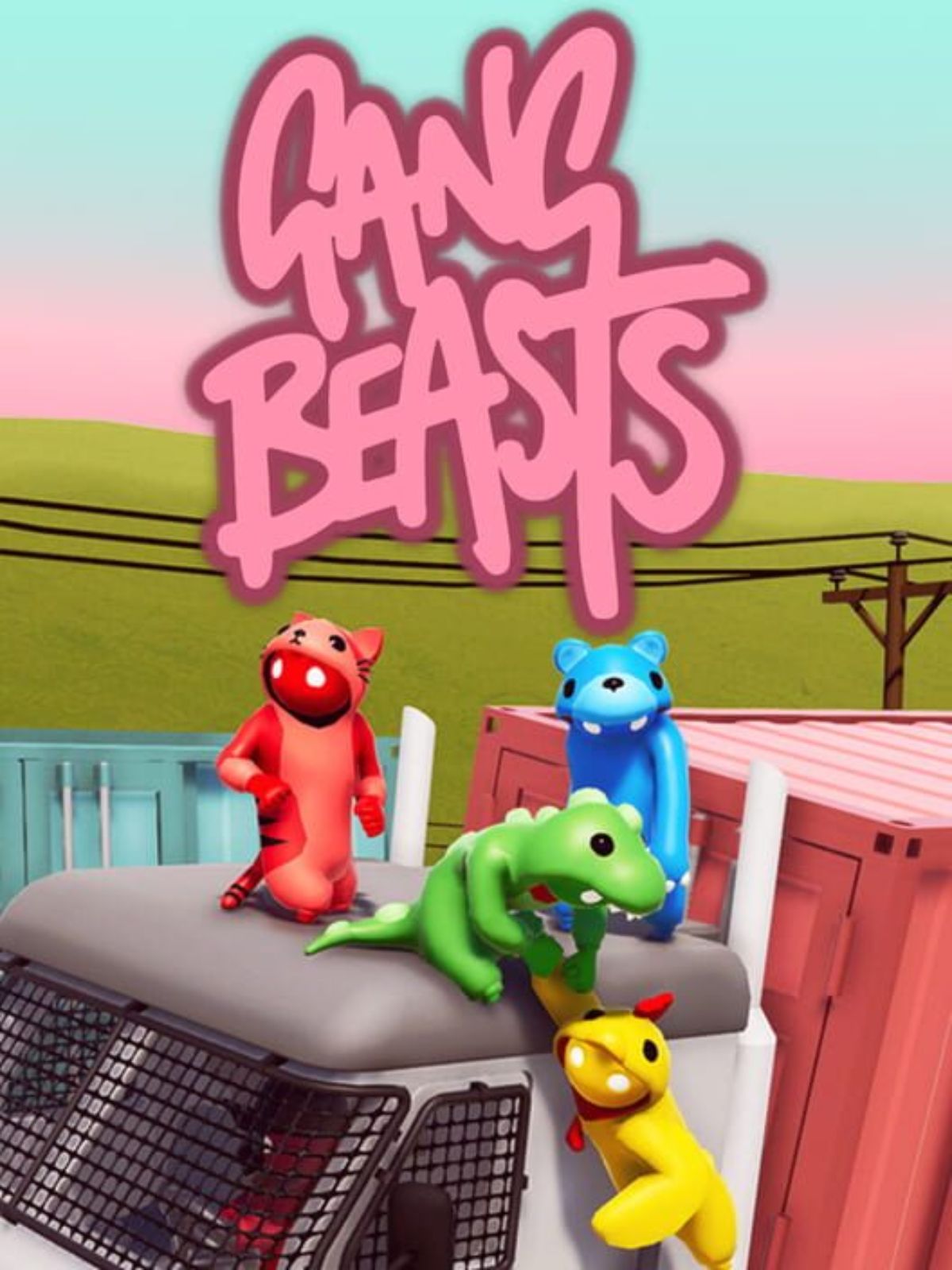
Few party games have the staying power of Gang Beasts. Developed by Boneloaf and published by Double Fine, this multiplayer brawler features gelatinous, ragdoll characters who flop, punch, and barely hold on for their lives across increasingly ridiculous environments, from meat grinders to rooftops to moving vehicles. On MacOS, it is an absolute hit for local and online multiplayer sessions, and it has become a staple of couch gaming nights since its full release. The comedy writes itself every single round.
Gang Beasts holds its value well and rarely drops below its standard price. While occasional Steam sales bring some relief, finding the game for free through legitimate channels is not something that happens very often, and turning to unofficial download sites is never worth the risk to your Mac.
Party games like Gang Beasts tend to stay relevant for years, which means developers have little incentive to give them away for free. Flash giveaways are rare, and third-party key sites almost never deliver working codes for in-demand titles. Downloading from anything other than Steam exposes your Mac to real security risks.
Here is how to earn your way to Gang Beasts using Snakzy:
Snakzy is a mobile play-to-earn platform that turns your gaming time into tangible rewards. The cycle is simple:
Gang Beasts is one of the most purely joyful multiplayer games on MacOS, and Snakzy gives you a straight shot at getting it without paying anything out of pocket. Download Snakzy now, earn your Steam gift card, and bring the brawl to your next game night for free.
 — Tracy Hill
Earning with Snakzy is simple!
Here's the full flow:
The minimum amount required to redeem rewards in Snakzy depends on your country and your VIP status.
In the Shop, the users can then redeem rewards starting from $5, depending on the rewards available in their account and if the user is a VIP or not.
Please note:
You can check your rewards in two places:
If something looks off (a task you finished isn't showing up, or a reward seems missing), the Wallet's history view is the fastest place to spot it.
Eneba and its partners use cookies and similar technologies to collect and analyze information about users of this website. We use this information to enhance content, advertising, and other services on the site. Your personal data may also be used for ads personalization.
By clicking 'Accept all', you consent to the use of these technologies by Eneba and its partners. You can adjust your consent by clicking 'Customize'.
For more information on how Google uses your data, see Google Business Safety & Privacy.
