
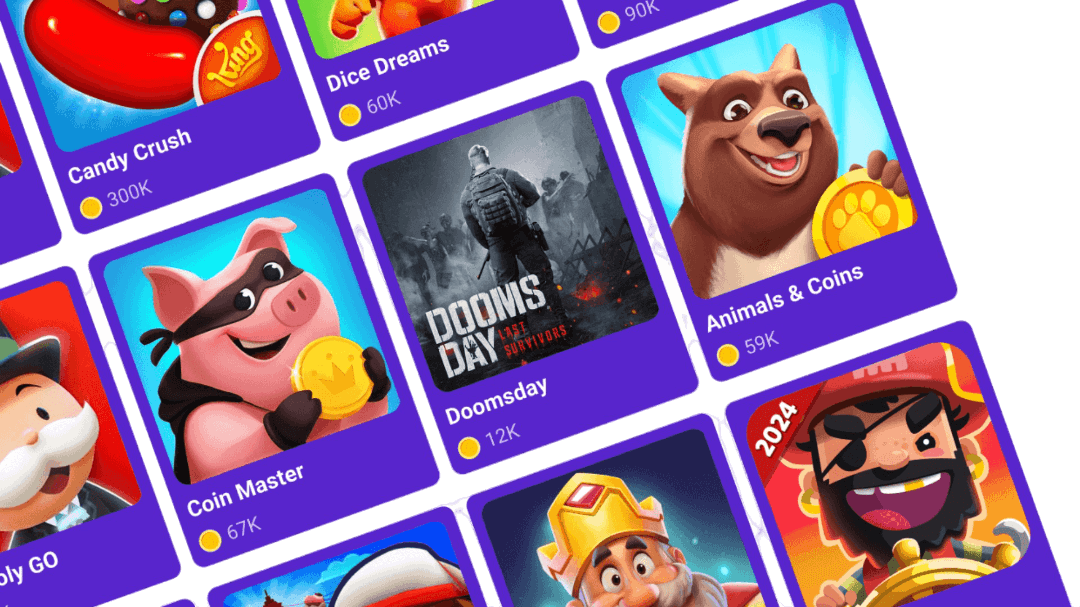
1 žingsnis: atsisiųsk Snakzy
Snakzy leidžia užsidirbti tikrų apdovanojimų tiesiog žaidžiant mėgstamus mobiliuosius žaidimus. Kaupk taškus, iškeisk juos į grynuosius pinigus arba Steam kreditus ir gauk aukščiausios kokybės žaidimus nemokamai.


Earn Steam gift cards on MacOS through Snakzy's mobile play-to-earn app and use them to pick up Total War: Shogun 2 from Steam with zero security risk.
Snakzy leidžia užsidirbti tikrų apdovanojimų tiesiog žaidžiant mėgstamus mobiliuosius žaidimus. Kaupk taškus, iškeisk juos į grynuosius pinigus arba Steam kreditus ir gauk aukščiausios kokybės žaidimus nemokamai.
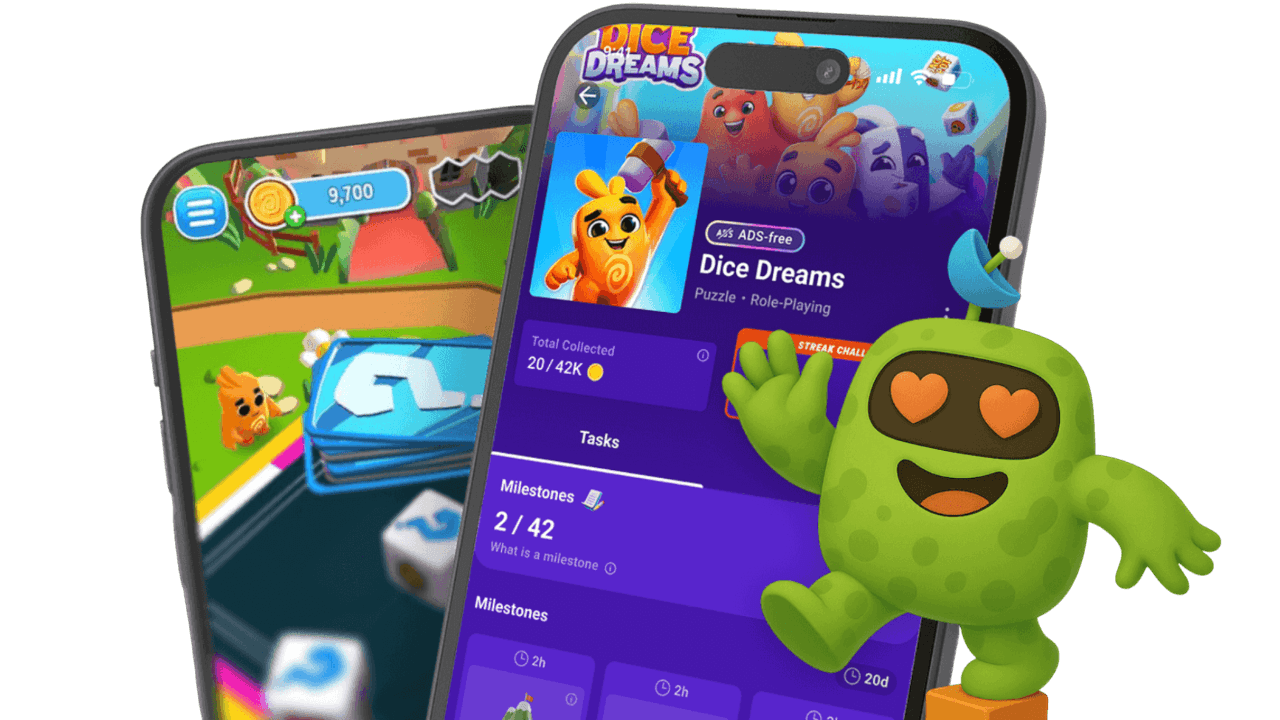
Kuo daugiau žaidi, tuo daugiau uždirbi! Įveik įdomius etapus ir kasdienes misijas, kad dar greičiau sukauptum monetų.
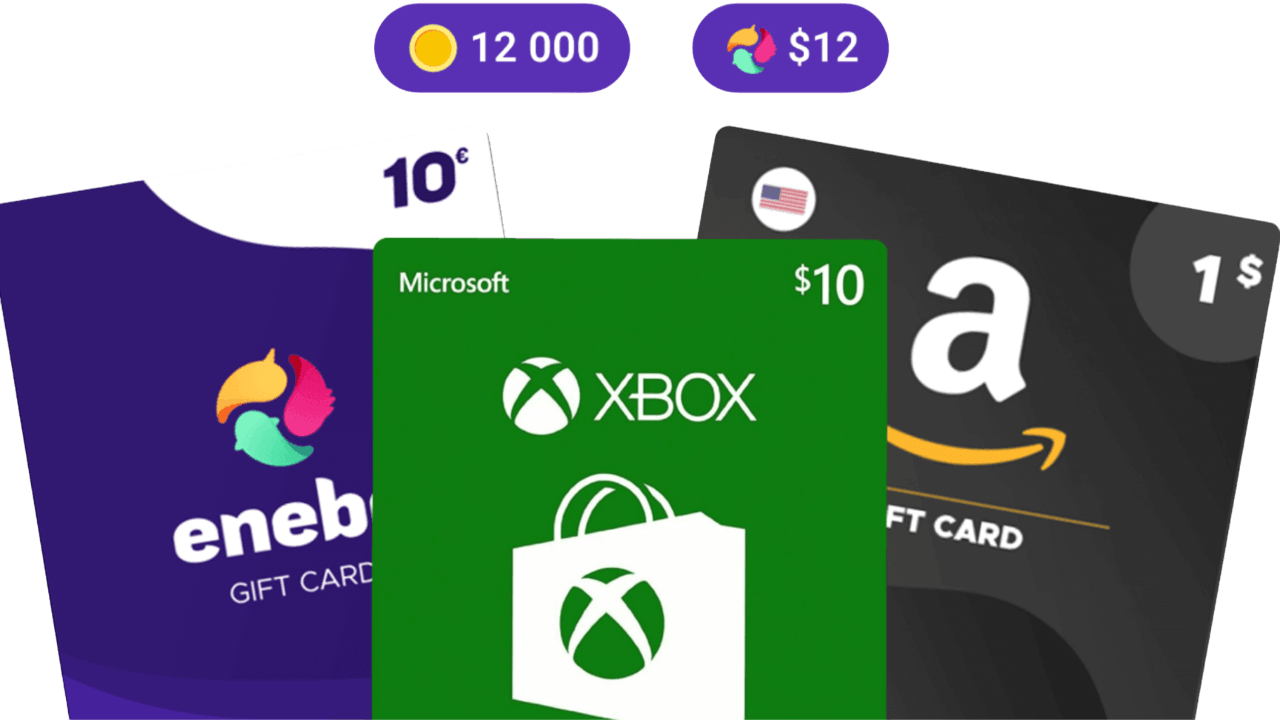
Iškeisk savo monetas į geriausias dovanų korteles arba perkelk jas į savo Eneba piniginę. Naudok jas žaidimams, prenumeratoms ir dar daugiau svetainėje eneba.com.
 Steam Gift CardSteam Gift CardSteam Gift CardSteam Gift CardSteam Gift CardSteam Gift CardSteam Gift CardSteam Gift CardSteam Gift CardSteam Gift Card
Total War: Shogun 2 by Creative Assembly remains one of the highest-rated entries in the entire Total War franchise, combining gorgeous feudal Japanese aesthetics with the series' signature blend of turn-based empire management and real-time tactical battles. Released in 2011 with full MacOS support via Feral Interactive's acclaimed port, Shogun 2 is considered by many strategy enthusiasts as the gold standard of the genre, particularly for its tight campaign map and beautifully choreographed battle AI.
Mac players searching for Total War Shogun 2 free on MacOS face a specific challenge: the game's MacOS port was developed by Feral Interactive, and unofficial builds almost never include the Mac-specific optimizations that make the game run well on Apple hardware. Pirated versions of Shogun 2 are frequently unstable on modern MacOS versions, and multiplayer, which Shogun 2 does extremely well, requires a valid Steam license.
The reliable way to enjoy Total War Shogun 2 free on MacOS is through Snakzy, a mobile play-to-earn platform that rewards your gaming time with real coins convertible to Steam gift cards. Use that card to buy Shogun 2 on Steam. Follow these steps:
Every step in this process goes through legitimate, trusted channels. You are downloading from the official source, which means automatic updates, full mod support, cloud saves, and achievements are all included, with zero security risk to your MacOS system.
Snakzy was built on a simple but powerful idea: the hours you invest in mobile games should have real value. Rather than sinking time into free-to-play titles with no return, Snakzy converts your gameplay into coins you can redeem for genuine gaming content. Here is what the platform delivers:
Getting Total War: Shogun 2 on MacOS for free on MacOS is no longer a pipe dream. Snakzy gives you a legitimate, secure, and genuinely rewarding path to the games you want. Stop searching for sketchy workarounds and start earning. Download Snakzy today, hit those milestones, and use your coins to grab Total War Shogun 2 MacOS the right way.
 — Tracy Hill
Earning with Snakzy is simple!
Here's the full flow:
The minimum amount required to redeem rewards in Snakzy depends on your country and your VIP status.
VIP benefit: VIP users get access to a wider selection of Shop rewards, including options below $10.
You can check your rewards in two places:
If something looks off (a task you finished isn't showing up, or a reward seems missing), the Wallet's history view is the fastest place to spot it.
Eneba ir jos partneriai naudoja slapukus ir panašias technologijas informacijai apie šios svetainės naudotojus rinkti ir analizuoti. Šią informaciją naudojame, kad pagerintume svetainės turinį, reklamą ir kitas paslaugas. Tavo asmeniniai duomenys taip pat gali būti naudojami skelbimams personalizuoti.
Spustelėjus "Sutinku su viskuo", tu sutinki, kad Eneba ir jos partneriai naudotų šias technologijas. Savo sutikimą gali koreguoti spustelėjus "Pritaikyti".
Daugiau informacijos apie tai, kaip Google naudoja tavo duomenis, rasi Google verslo sauga ir privatumas.
