
Step 1: Download Snakzy
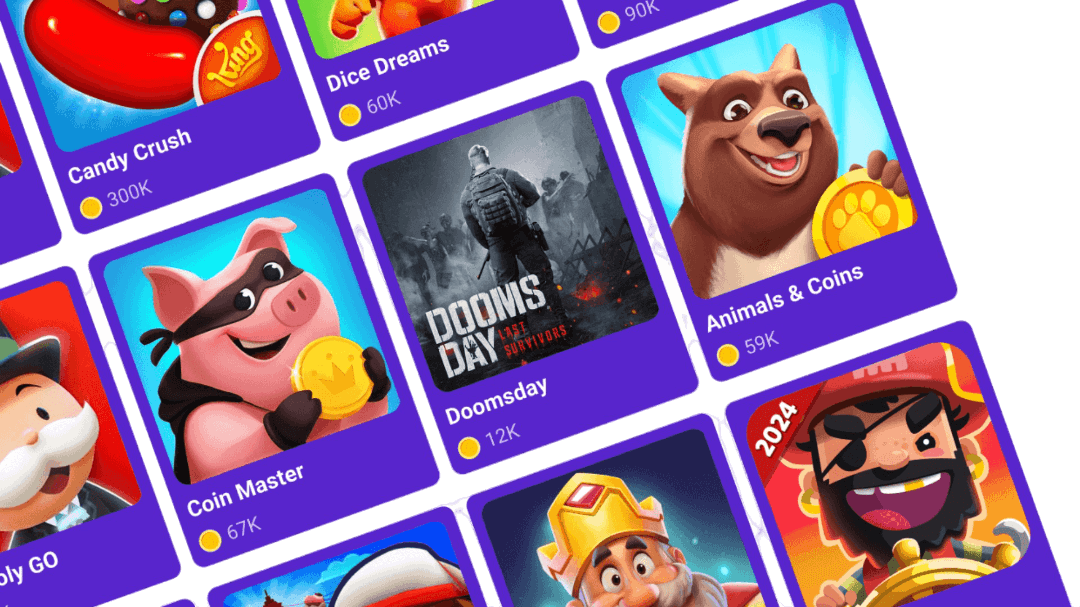
Snakzy lets you earn real rewards by simply playing your favorite mobile games. Accumulate points, redeem them for cash or Steam credits, and get premium games at zero cost.


Master the roguelike genre with Dead Cells, now available to play for free on your mobile device.
Snakzy lets you earn real rewards by simply playing your favorite mobile games. Accumulate points, redeem them for cash or Steam credits, and get premium games at zero cost.

The more you play, the more you earn! Complete exciting milestones and daily missions to rack up coins even faster.

Trade your coins for top gift cards or transfer them to your Eneba wallet. Use them to grab games, subscriptions, and more at eneba.com
Enter the world of Dead Cells, a game that masterfully blends the best elements of roguelike and Metroidvania genres. Known for its challenging combat, fast-paced action, and procedurally generated levels, each run is a unique and thrilling experience. You take on the role of a failed alchemical experiment, a mysterious entity that possesses a headless corpse. With a vast arsenal of weapons, spells, and special abilities at your disposal, you'll fight your way through a cursed kingdom, dying and coming back to life stronger with each attempt.
The official mobile port of Dead Cells is a premium title that requires a purchase, which leads many to search for a free APK online. This is where the risks begin. The internet is flooded with unofficial, modded, or cracked versions of the game on various untrustworthy websites. While they promise the full experience for free, they often come with hidden costs: spyware, viruses, or a broken game that crashes constantly. You risk compromising your device's security and privacy, and end up with nothing but frustration and a potential repair bill.
What if there was a way to get Dead Cells for free without any of the risk? That's exactly what Snakzy offers. Snakzy is a play-to-earn mobile app that turns your passion for gaming into real-world rewards. By playing a selection of fun mobile games, you can accumulate coins that you can later use to get the games you really want.
Here's how the Snakzy system works:
You can get your hands on this fantastic game without any risk to your device. Here's how you can get it for free through Snakzy:
This method is not only secure and reliable but also completely legitimate. You get the real game, with all the latest updates and full functionality, while avoiding the dangers of third-party APK sites. Your device and personal data remain safe and sound.
Stop risking your security with unsafe downloads and start earning your way to the games you love. Snakzy is the smart way to play, earn, and redeem rewards.
Download the app today and begin your journey to getting Dead Cells and other premium titles for free, all by playing games you enjoy.
 — Tracy Hill
Earning with Snakzy is simple!
Here's the full flow:
The minimum amount required to redeem rewards in Snakzy depends on your country and your VIP status.
VIP benefit: VIP users get access to a wider selection of Shop rewards, including options below $10.
You can check your rewards in two places:
If something looks off (a task you finished isn't showing up, or a reward seems missing), the Wallet's history view is the fastest place to spot it.
Eneba and its partners use cookies and similar technologies to collect and analyze information about users of this website. We use this information to enhance content, advertising, and other services on the site. Your personal data may also be used for ads personalization.
By clicking 'Accept all', you consent to the use of these technologies by Eneba and its partners. You can adjust your consent by clicking 'Customize'.
For more information on how Google uses your data, see Google Business Safety & Privacy.