

1. lépés: Töltsd le a Snakzyt
A Snakzy segítségével valós jutalmakat szerezhetsz egyszerűen a kedvenc mobiljátékaid Játszásával. Gyűjts pontokat, váltsd be őket készpénzre vagy Steam-egyenlegre, és szerezz be prémium játékokat ingyen.


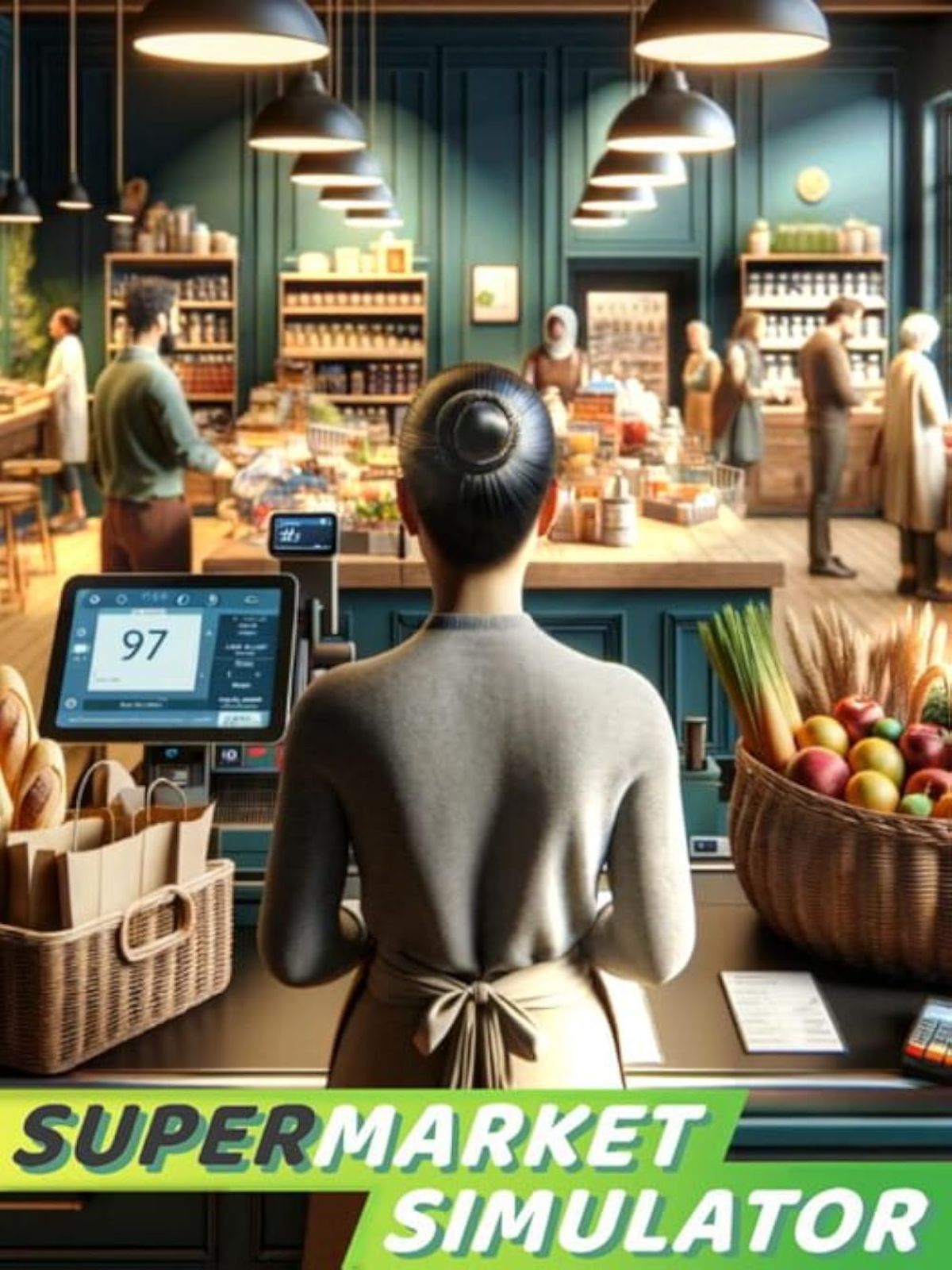
Run your own supermarket empire without the startup costs. Discover how to play Supermarket Simulator for free on macOS.
A Snakzy segítségével valós jutalmakat szerezhetsz egyszerűen a kedvenc mobiljátékaid Játszásával. Gyűjts pontokat, váltsd be őket készpénzre vagy Steam-egyenlegre, és szerezz be prémium játékokat ingyen.

The more you play, the more you earn! Complete exciting milestones and daily missions to rack up coins even faster.

Cseréld be az érméidet ajándékkártyákra, vagy utald át őket az Eneba-pénztárcádba. Használd őket játékok, előfizetések és egyebek megvásárlására az eneba.com oldalon.
 Steam Gift CardSteam Gift CardSteam Gift CardSteam Gift CardSteam Gift CardSteam Gift CardSteam Gift CardSteam Gift CardSteam Gift CardSteam Gift Card
Run your own supermarket empire right from your Mac. Supermarket Simulator is a business simulation game where players build and manage their own grocery store from the ground up. Supermarket Simulator gained massive popularity through viral content on YouTube and Twitch, where creators showcased its surprisingly detailed retail management mechanics. Players handle everything from stocking shelves and setting prices to expanding floor space and managing customer satisfaction. Its addictive gameplay loop and satisfying progression system have made it one of the top-selling simulation titles on Steam.
The game's viral success has kept demand and pricing steady. Mac users trying to find a free version often encounter download sites that require credit card information for so-called free trials, putting their financial data at risk. The truth is, most sites promising free MacOS games are either outright scams or riddled with harmful software. Even if a download appears to work, you could be exposing your Mac to threats that compromise your personal information, passwords, and financial data. The safest way to enjoy paid games on your Mac is always through official storefronts like Steam, where every download is verified and secure.
There is a smarter, completely legitimate way to get Supermarket Simulator on your Mac without spending your own money. Instead of hunting for risky downloads, you can earn rewards through Snakzy and convert them into a Steam gift card that you use to purchase the game directly from Steam. Here is exactly how it works:
This approach means you never have to visit shady websites or disable your Mac's security features. Every step of the process keeps you safe, and you end up with a genuine, fully functional copy of Supermarket Simulator that receives all future updates and patches.
Snakzy is a play-to-earn mobile app that turns your spare gaming time into real-world rewards. Instead of mindlessly scrolling or playing games that offer nothing in return, Snakzy lets you earn while you play. Here is what makes it worth your time:
The beauty of Snakzy is that you are already spending time playing games on your phone. Snakzy simply makes sure that time counts toward something tangible, whether that is a new MacOS game, a subscription, or digital content you have been wanting.
Getting Supermarket Simulator for free does not have to mean compromising your Mac's security or settling for a broken, pirated copy. With Snakzy, you earn legitimate rewards by doing something you already enjoy, playing mobile games, and then use those rewards to buy Supermarket Simulator from Steam. It is the smartest, safest way to expand your MacOS game library without opening your wallet. Download Snakzy today and start turning your gaming time into real rewards.
 — Tracy Hill
Earning with Snakzy is simple!
Here's the full flow:
The minimum amount required to redeem rewards in Snakzy depends on your country and your VIP status.
In the Shop, the users can then redeem rewards starting from $5, depending on the rewards available in their account and if the user is a VIP or not.
Please note:
You can check your rewards in two places:
If something looks off (a task you finished isn't showing up, or a reward seems missing), the Wallet's history view is the fastest place to spot it.
Az Eneba és partnerei sütiket és hasonló technológiákat használnak a weboldal felhasználóiról szóló információk gyűjtésére és elemzésére. Ezeket az információkat a tartalom, a hirdetések és az oldal egyéb szolgáltatásainak javítására használjuk fel. Az Ön személyes adatait a hirdetések személyre szabásához is felhasználhatjuk.
Az "Mindent elfogadok" gombra kattintva Ön hozzájárul ahhoz, hogy az Eneba és partnerei ezeket a technológiákat használják. Hozzájárulását a 'Testreszabás' gombra kattintva módosíthatja.
További információkat arról, hogy a Google hogyan használja fel az Ön adatait, a Google Business Safety & Privacy oldalon talál.
